Edge Light LED Notification
QuarkBytes
4.0 ★
3K ratings
500,000+
downloads
Free
+ in-app
In this LED notification app, you can customize edge lighting patterns and display critical alerts. Includes various animation effects, color options, and night mode for power saving.
AppRecs review analysis
AppRecs rating 3.8. Trustworthiness 81 out of 100. Review manipulation risk 24 out of 100. Based on a review sample analyzed.
★★★☆☆
3.8
AppRecs Rating
Ratings breakdown
5 star
57%
4 star
14%
3 star
10%
2 star
5%
1 star
14%
What to know
✓
Low review manipulation risk
24% review manipulation risk
✓
Credible reviews
81% trustworthiness score from analyzed reviews
✓
Good user ratings
71% positive sampled reviews
About Edge Light LED Notification
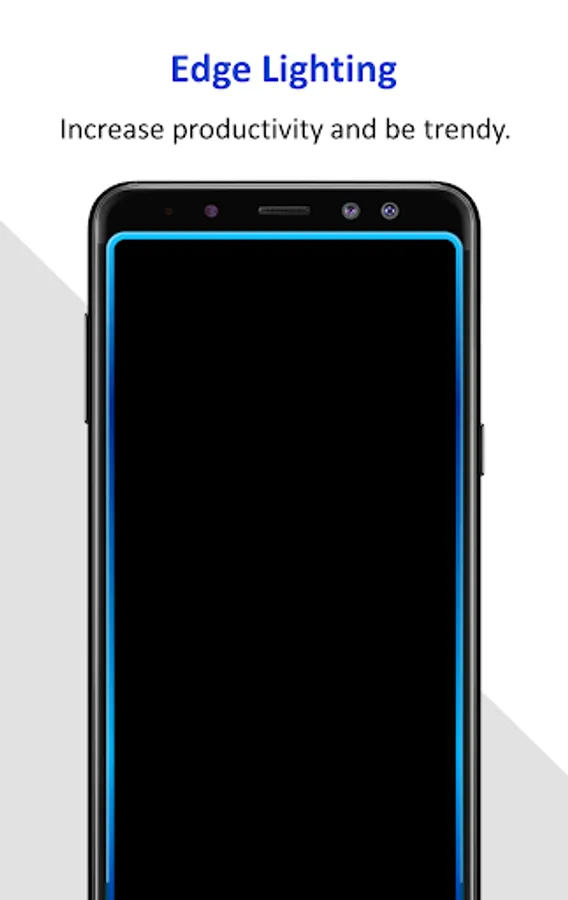
Always On Edge lighting LED notifications will enable you see all the critical notifications at a glance. You wont miss any important calls, messages, whatsapp, gmail or facebook notifications. Edge lighting & LED notification is not only a great visual way to be notified about various events, but it also helps to be productive.
What makes the Always On Edge lighting LED notifications feature so unique:
1. Stand out of the crowd - Beautiful design patterns like pulse, is only available in this app. Customize as per your like.
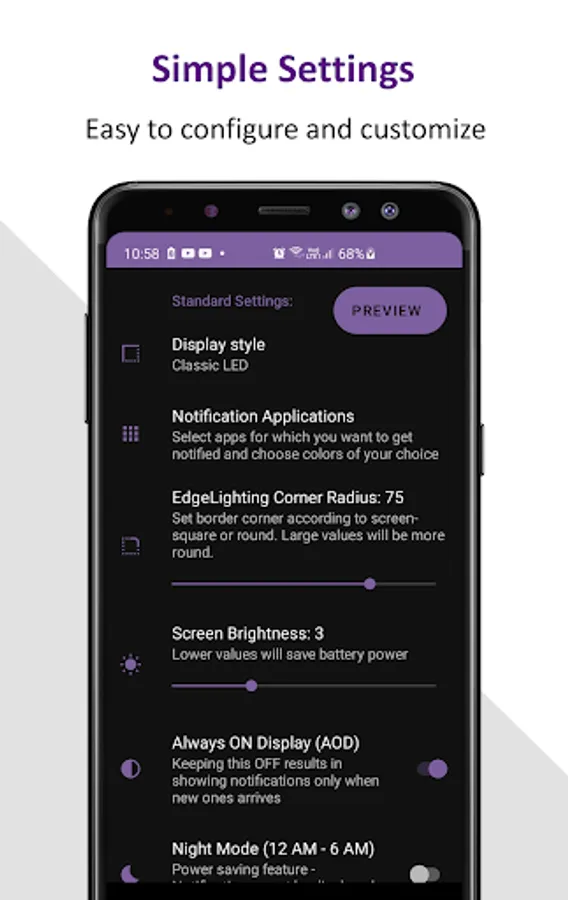
2. Simple Settings - Out of the box, ready to use. No need to be confused with tons of configurations.
3. No ADs - No annoying popup ads or insecure link clicks.
4. Privacy - App will never send any private notification data outside the phone. Everything stays within your phone.
5. Battery consumption - Minimal battery consumption and doesn't drain your battery.
Application Features:
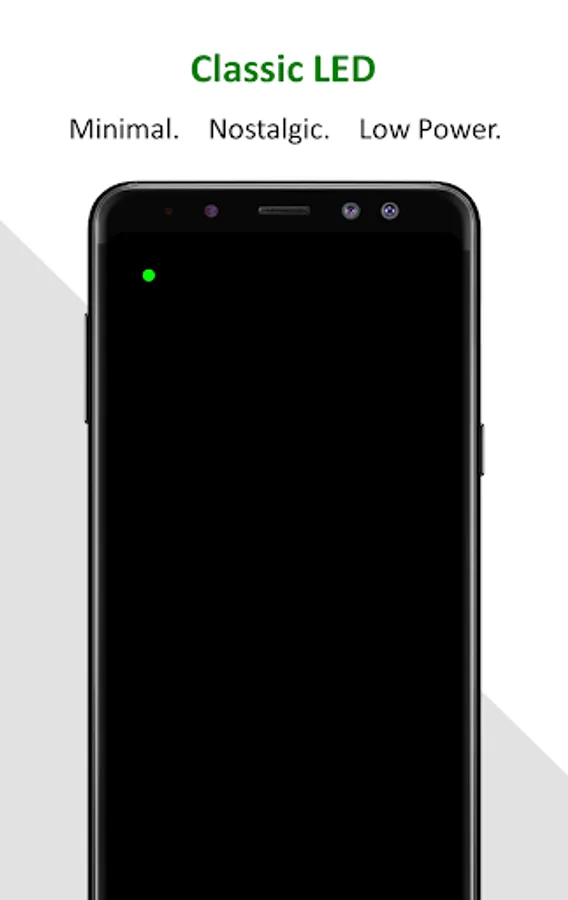
1. Always On Screen with notification light / LED
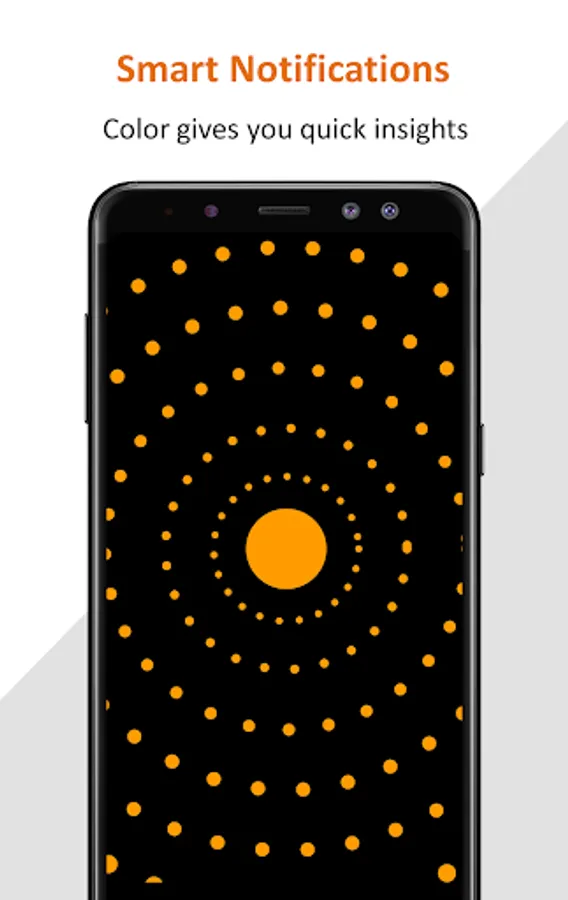
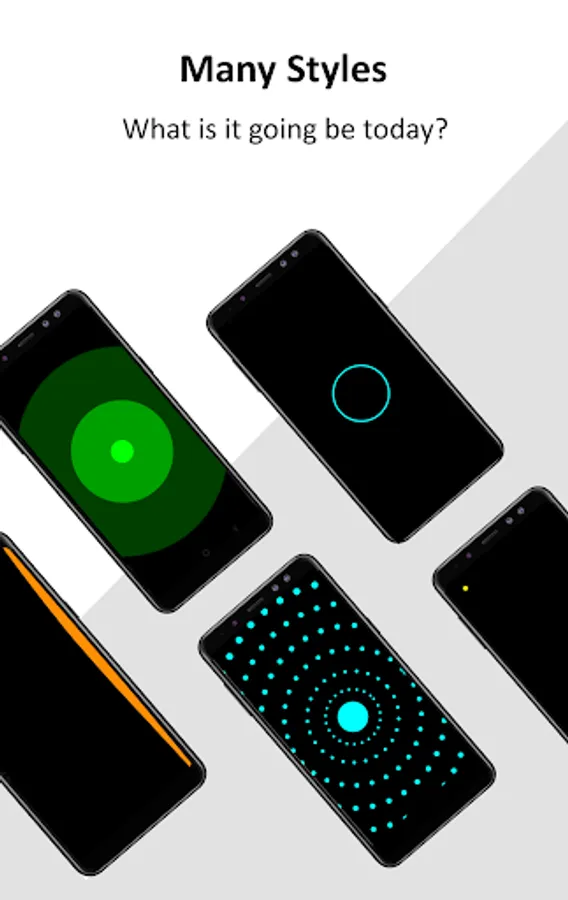
2. Customization - Tons of customization options, fonts, clock styles and much more! Choose edge notifications from various smooth animated light effects - Edge lighting, LED notification light, pulse, pulse design, waves and more.
3. Position notifications to left, right or both edges.
4. Speed of animation - fast/slow.
5. Color pattern - solid/gradient.
6. Animation can go on infinite or till specific repeat count for battery saving.
7. Adjust screen brightness as per your requirement.
8. Night mode will switch off the notifications at night and thus will save power.
9. DND mode to avoid getting notifications.
10. Double tap to wake screen on notification.
11. Burn-in protection
App will enable lighting edge notifications for all the phones. No need for Always On Display (AOD) feature to be enabled in case you have a Samsung mobile. In addition to lighting edge, you will also be able to customize more designs as per your choice, like dotted pulse design, pulsating circle, waves, stars and more.
Notification lights and LED are very elegant way to let use know about new notifications. Lighting will be bright during initial phase and gradually dim based on selected app brightness to save battery.
What makes the Always On Edge lighting LED notifications feature so unique:
1. Stand out of the crowd - Beautiful design patterns like pulse, is only available in this app. Customize as per your like.
2. Simple Settings - Out of the box, ready to use. No need to be confused with tons of configurations.
3. No ADs - No annoying popup ads or insecure link clicks.
4. Privacy - App will never send any private notification data outside the phone. Everything stays within your phone.
5. Battery consumption - Minimal battery consumption and doesn't drain your battery.
Application Features:
1. Always On Screen with notification light / LED
2. Customization - Tons of customization options, fonts, clock styles and much more! Choose edge notifications from various smooth animated light effects - Edge lighting, LED notification light, pulse, pulse design, waves and more.
3. Position notifications to left, right or both edges.
4. Speed of animation - fast/slow.
5. Color pattern - solid/gradient.
6. Animation can go on infinite or till specific repeat count for battery saving.
7. Adjust screen brightness as per your requirement.
8. Night mode will switch off the notifications at night and thus will save power.
9. DND mode to avoid getting notifications.
10. Double tap to wake screen on notification.
11. Burn-in protection
App will enable lighting edge notifications for all the phones. No need for Always On Display (AOD) feature to be enabled in case you have a Samsung mobile. In addition to lighting edge, you will also be able to customize more designs as per your choice, like dotted pulse design, pulsating circle, waves, stars and more.
Notification lights and LED are very elegant way to let use know about new notifications. Lighting will be bright during initial phase and gradually dim based on selected app brightness to save battery.
Edge Light LED Notification Screenshots
Tap to Rate:
Reviews for Edge Light LED Notification
Kieran F
2/8/2026
Does exactly what I wanted it to(being able to choose colors for apps). Zero regret paying a dollar for the premium version.
marty M
2/2/2026
i DO NOT need notifications that Edge is running! waste of everything!