App Lock - Fingerprint Lock
QuickTools - Handy Utility Suite
100,000+
downloads
Free
AppRecs review analysis
AppRecs rating 3.3. Trustworthiness 84 out of 100. Review manipulation risk 27 out of 100. Based on a review sample analyzed.
★★★☆☆
3.3
AppRecs Rating
Ratings breakdown
5 star
50%
4 star
17%
3 star
0%
2 star
0%
1 star
33%
What to know
✓
Low review manipulation risk
27% review manipulation risk
✓
Credible reviews
84% trustworthiness score from analyzed reviews
✓
Good user ratings
67% positive sampled reviews
About App Lock - Fingerprint Lock
Worried about someone checking your phone, reading your chats, or opening your private apps? App Lock is the ultimate privacy solution to secure your apps and sensitive data.
🚀 What You Can Do with App Lock
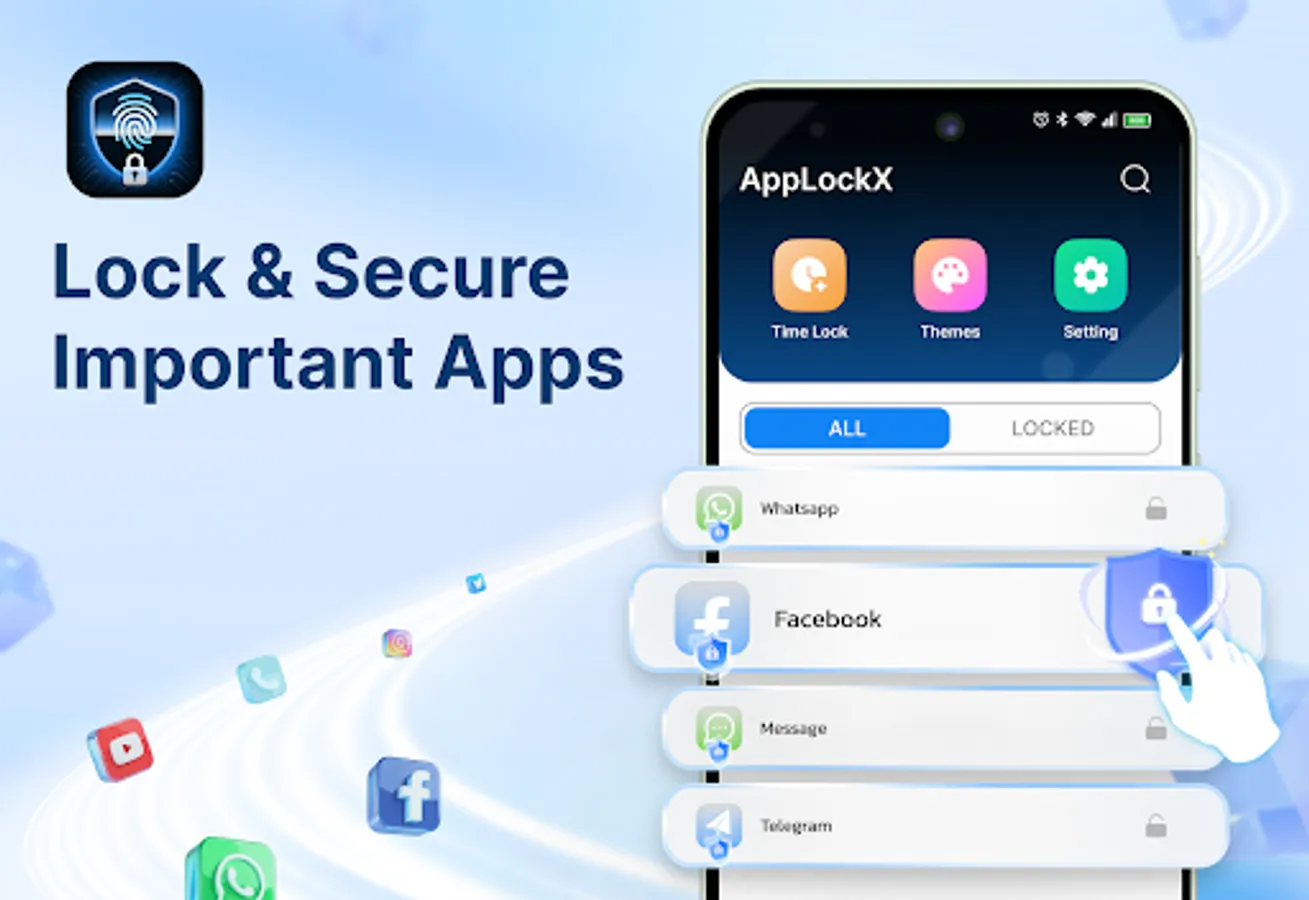
🔐 Lock All Apps Easily – From Facebook, Messenger, Instagram, Twitter, Snapchat and others, protect any app with a password, PIN, pattern, or fingerprint (App Lock only controls access to apps; it does not read or collect content).
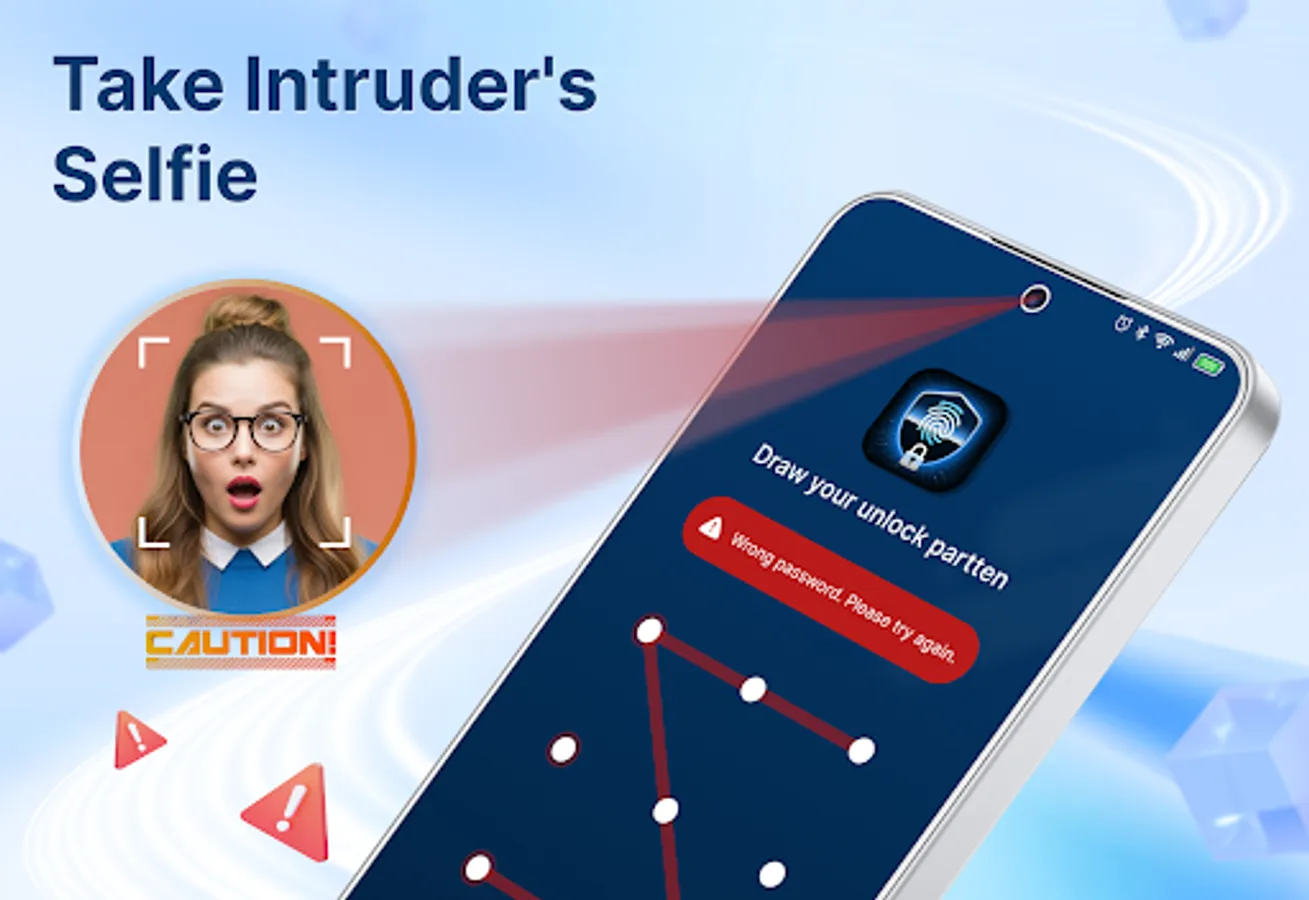
📸 Intruder Selfies – Capture a selfie when someone enters the wrong password after you enable this feature and grant Camera permission. Photos are saved locally, never uploaded, and no audio is recorded.
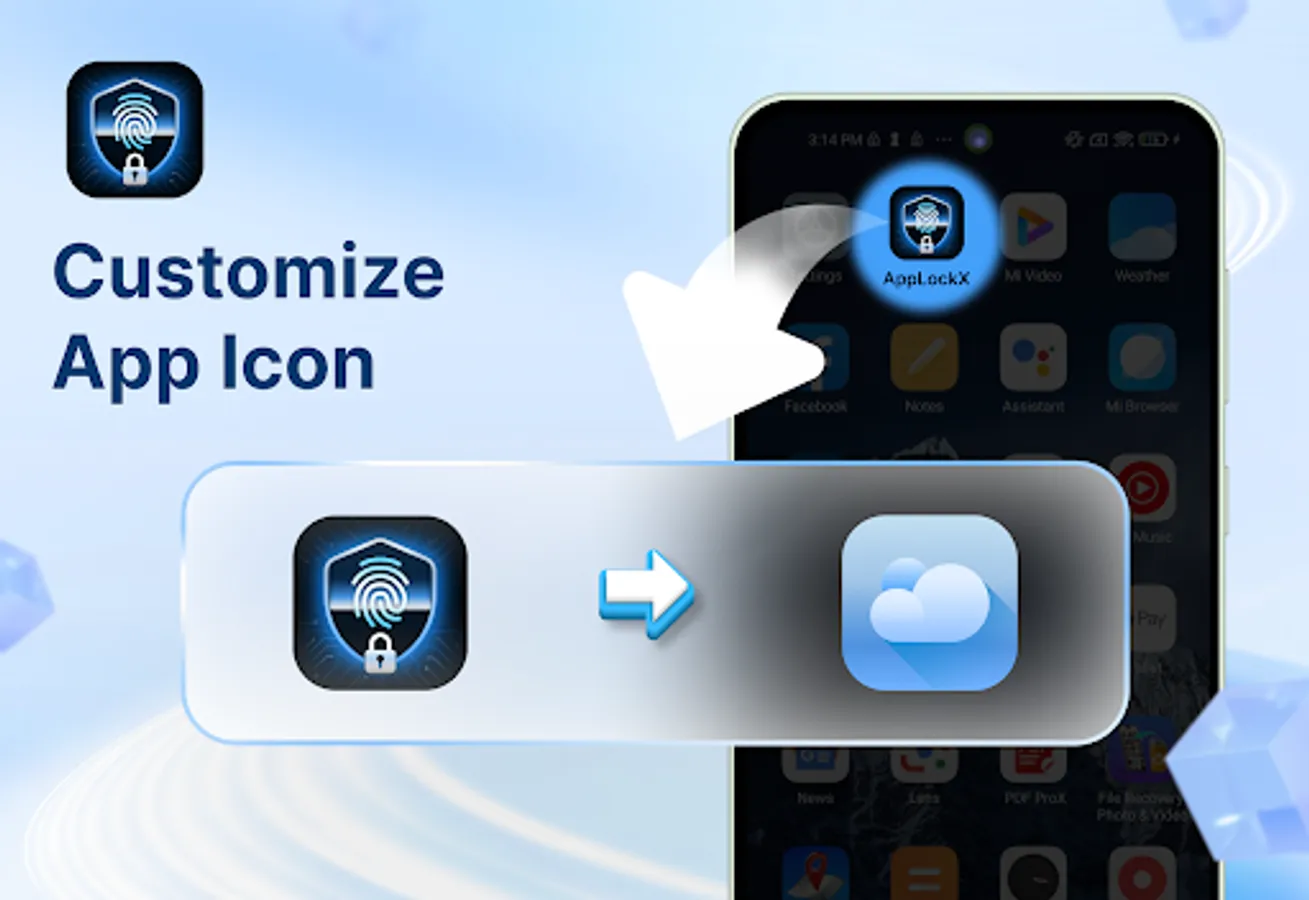
🎭 Icon Customization – Personalize App Lock’s icon style to make it look more discreet on your device without disguising the app’s identity.
💡 Reasons to Use App Lock
✔ Prevent friends or relatives from accessing your personal chats.
✔ Avoid kids accidentally deleting files or making in-app purchases.
✔ Keep banking, finance, and shopping apps protected at all times.
✔ Maintain total control over who can access your apps and when.
✨ More Features:
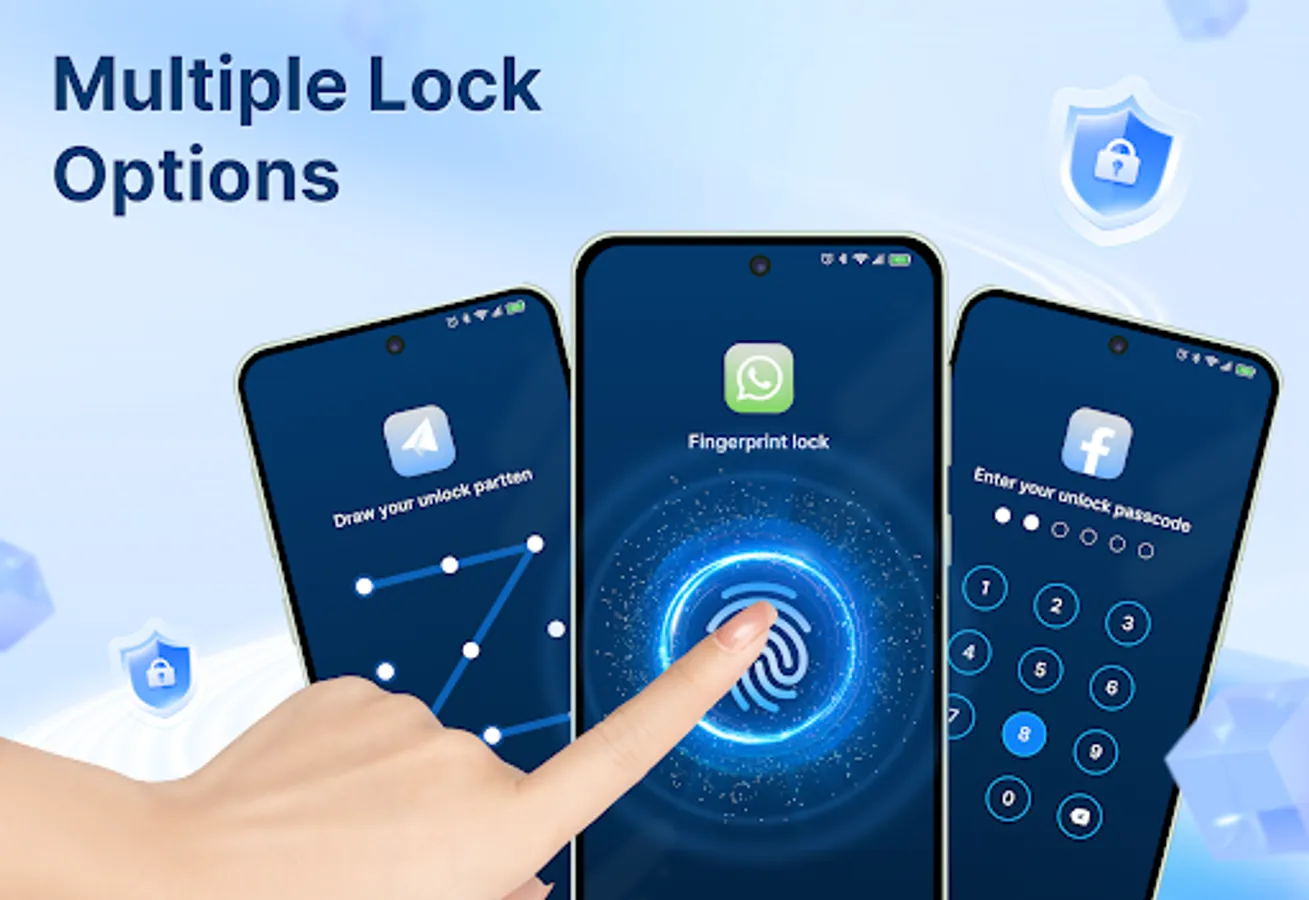
🔢 Multiple Lock Methods – Use PIN, pattern, or fingerprint for flexible protection.
🎨 Stylish Themes – Customize your lock screen look
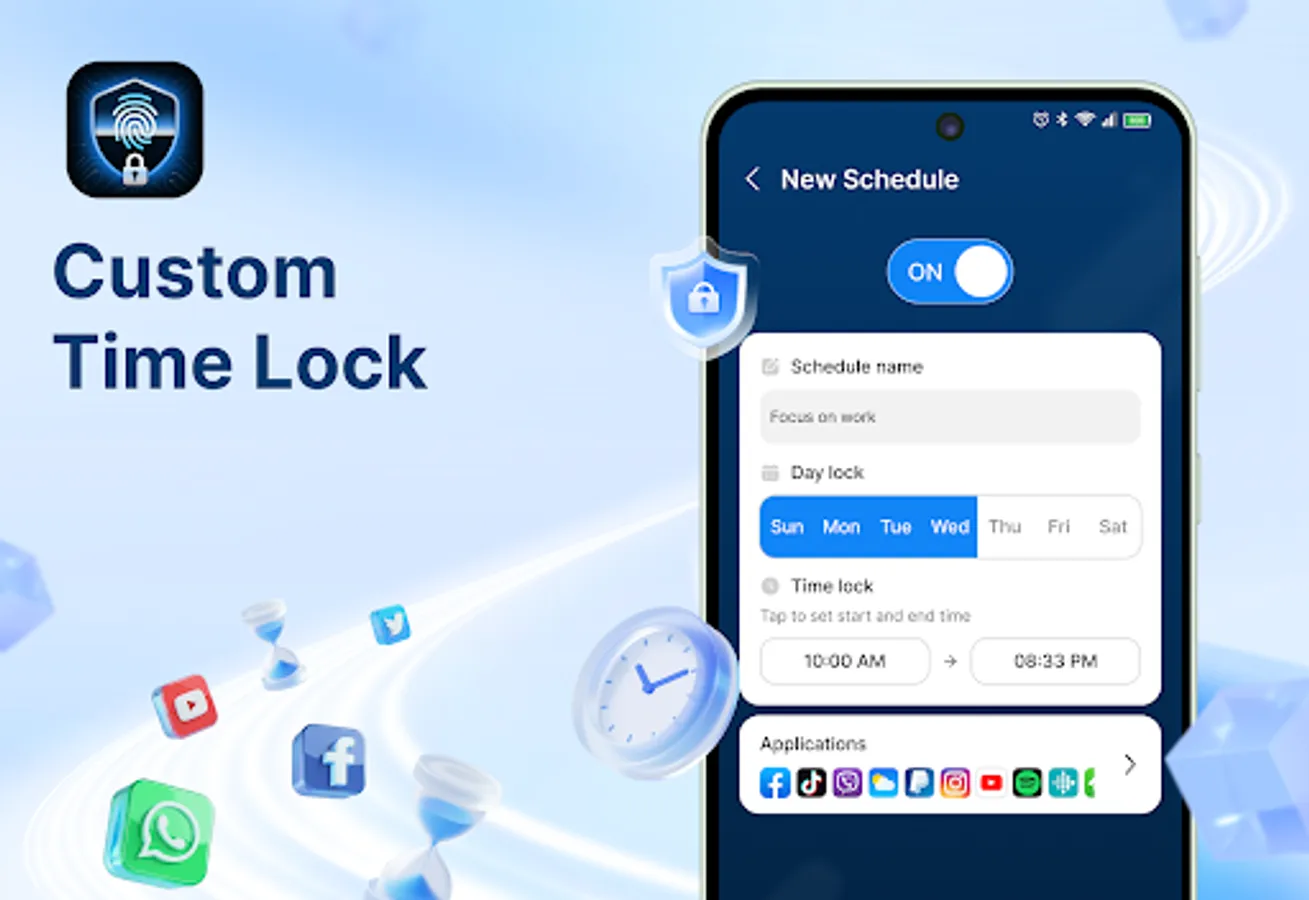
🕓 Customize the re-lock time – Define when to automatically re-lock apps after use.
🧠 Random Keyboard – Every time a user opens a locked app to enter a password, the positions of the keyboard from 0 to 9 will be shuffled out to prevent others from peeking and guessing the password.
🔎 Lock New Apps – Detect the installation of new apps and lock them in a tap (optional Usage Access permission required).
👁️ Hide Pattern Draw Path – Your pattern is invisible to others. No one can see your unlock trace.
🔑 Safe & Reliable
App Lock never uploads your personal data. All processing happens on your device, and all lock settings are stored locally. We do not collect or share personal information.
⚙️ Permissions Information
● Camera (optional): for Intruder Selfies, only after you enable the feature and grant permission.
● Biometric (Fingerprint only): to unlock your protected apps using your fingerprint sensor.
● Usage Access (optional): to enable “Lock New Apps” detection.
🚀 What You Can Do with App Lock
🔐 Lock All Apps Easily – From Facebook, Messenger, Instagram, Twitter, Snapchat and others, protect any app with a password, PIN, pattern, or fingerprint (App Lock only controls access to apps; it does not read or collect content).
📸 Intruder Selfies – Capture a selfie when someone enters the wrong password after you enable this feature and grant Camera permission. Photos are saved locally, never uploaded, and no audio is recorded.
🎭 Icon Customization – Personalize App Lock’s icon style to make it look more discreet on your device without disguising the app’s identity.
💡 Reasons to Use App Lock
✔ Prevent friends or relatives from accessing your personal chats.
✔ Avoid kids accidentally deleting files or making in-app purchases.
✔ Keep banking, finance, and shopping apps protected at all times.
✔ Maintain total control over who can access your apps and when.
✨ More Features:
🔢 Multiple Lock Methods – Use PIN, pattern, or fingerprint for flexible protection.
🎨 Stylish Themes – Customize your lock screen look
🕓 Customize the re-lock time – Define when to automatically re-lock apps after use.
🧠 Random Keyboard – Every time a user opens a locked app to enter a password, the positions of the keyboard from 0 to 9 will be shuffled out to prevent others from peeking and guessing the password.
🔎 Lock New Apps – Detect the installation of new apps and lock them in a tap (optional Usage Access permission required).
👁️ Hide Pattern Draw Path – Your pattern is invisible to others. No one can see your unlock trace.
🔑 Safe & Reliable
App Lock never uploads your personal data. All processing happens on your device, and all lock settings are stored locally. We do not collect or share personal information.
⚙️ Permissions Information
● Camera (optional): for Intruder Selfies, only after you enable the feature and grant permission.
● Biometric (Fingerprint only): to unlock your protected apps using your fingerprint sensor.
● Usage Access (optional): to enable “Lock New Apps” detection.