
Kids App Qustodio
Qustodio LLC
2.0 ★
55K ratings
1,000,000+
downloads
Free
AppRecs review analysis
AppRecs rating 1.9. Trustworthiness 77 out of 100. Review manipulation risk 19 out of 100. Based on a review sample analyzed.
★☆☆☆☆
1.9
AppRecs Rating
Ratings breakdown
5 star
23%
4 star
3%
3 star
2%
2 star
3%
1 star
70%
What to know
✓
Low review manipulation risk
19% review manipulation risk
⚠
Mixed user feedback
Average 2.0★ rating suggests room for improvement
⚠
High negative review ratio
73% of sampled ratings are 1–2 stars
About Kids App Qustodio
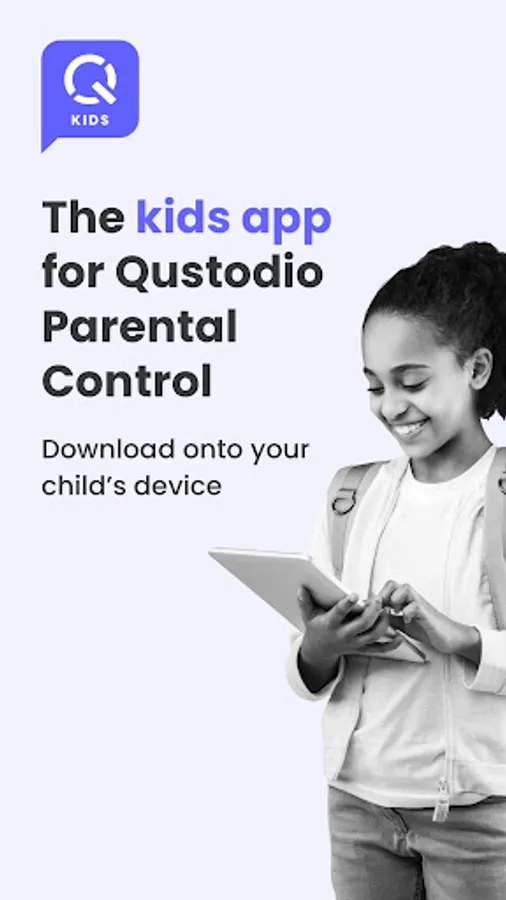
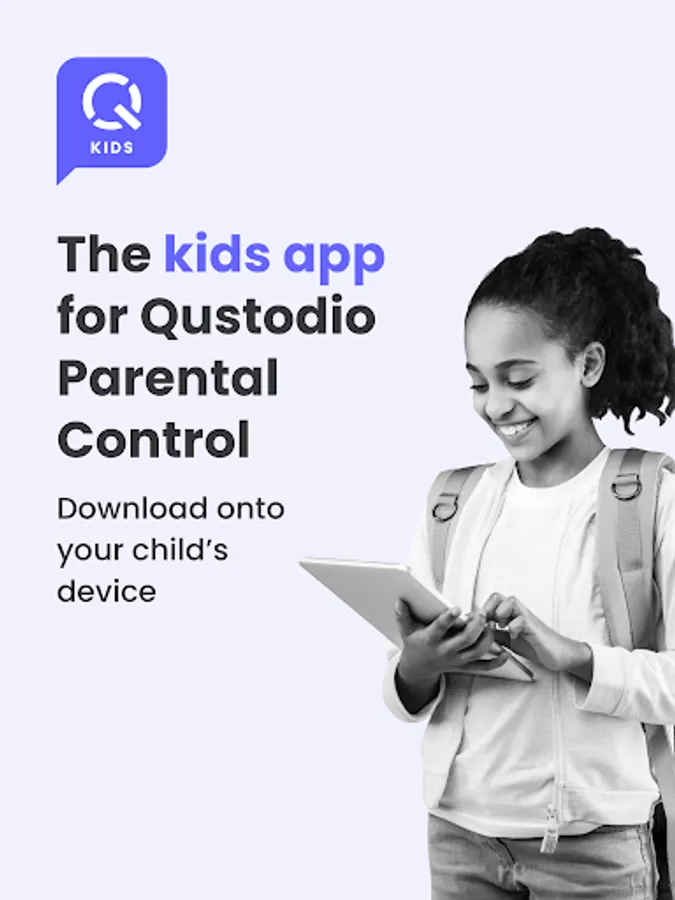
Kids App Qustodio is the companion app to Qustodio Parental Control App. Please only download this app onto a device being used by a child or teen. Do not install on parent devices.
Create a free account to get started:
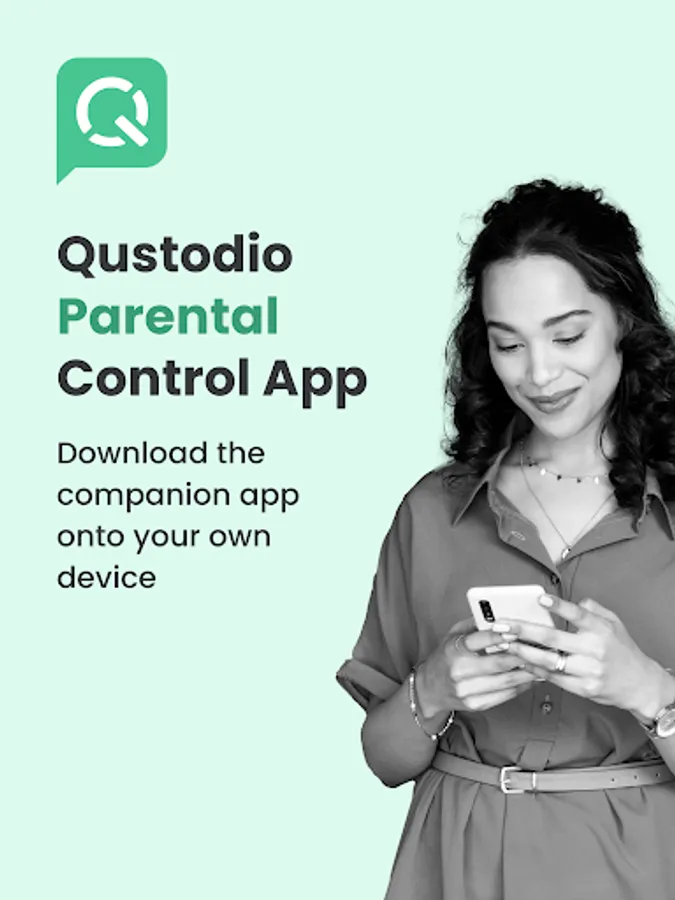
1. Download Qustodio Parental Control App onto your own device
2. Download Kids App Qustodio (this app) onto each child/teen’s device you want to protect.
The two apps work in tandem to give parents all the tools they need to protect kids online.
Parents, with Qustodio’s parental controls you can:
Create a safe space for your kids to explore and play online
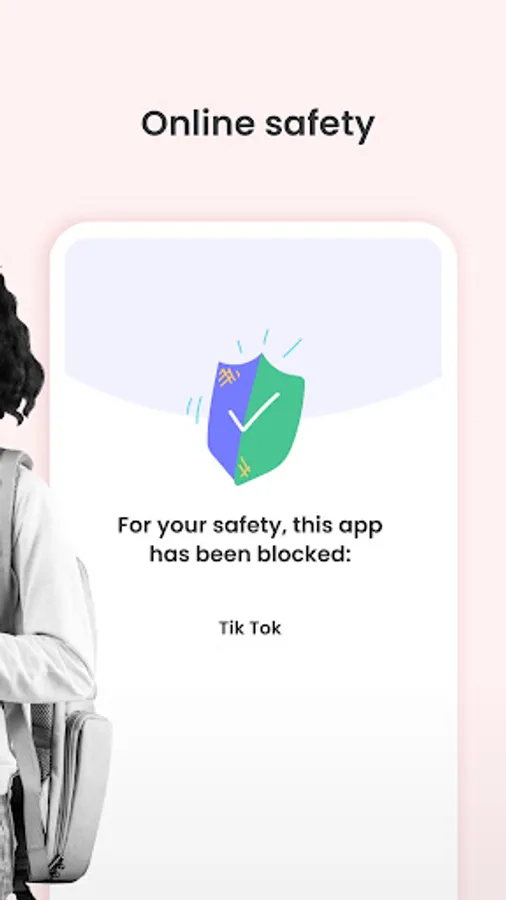
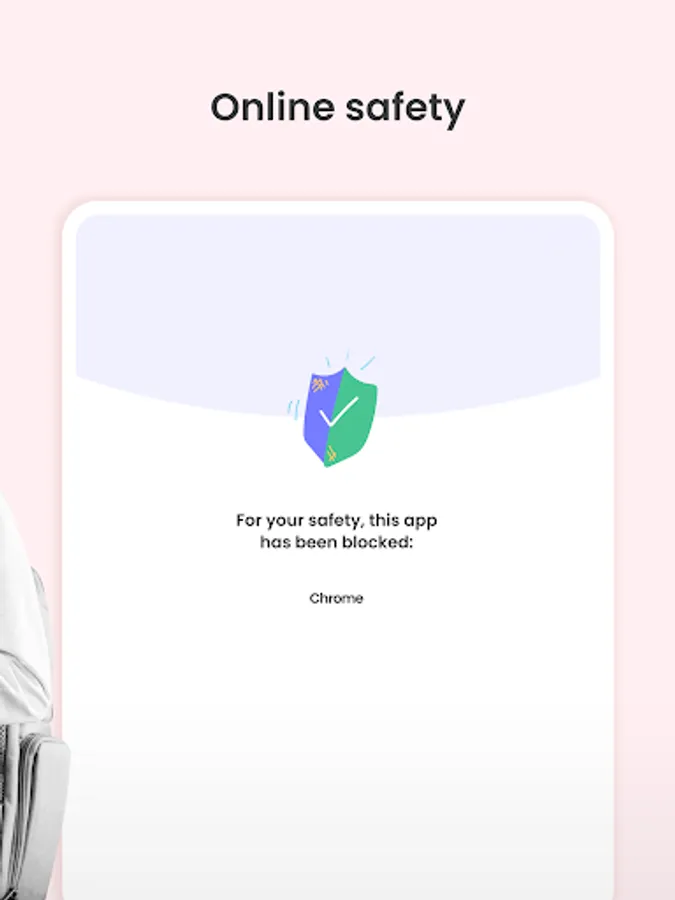
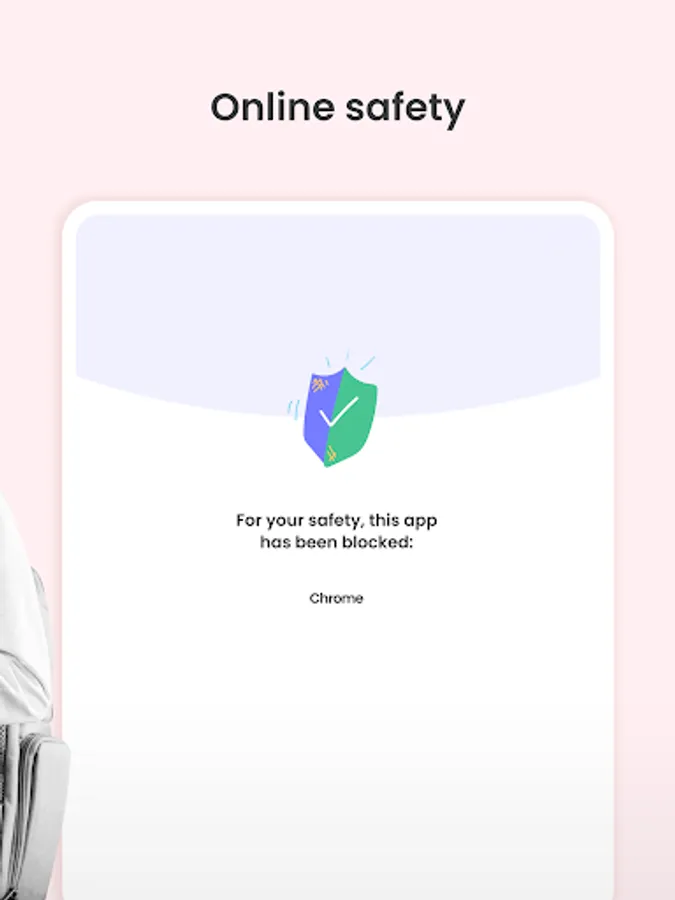
• Block apps and inappropriate content
• Prevent exposure to gambling, mature content, violence and other threats
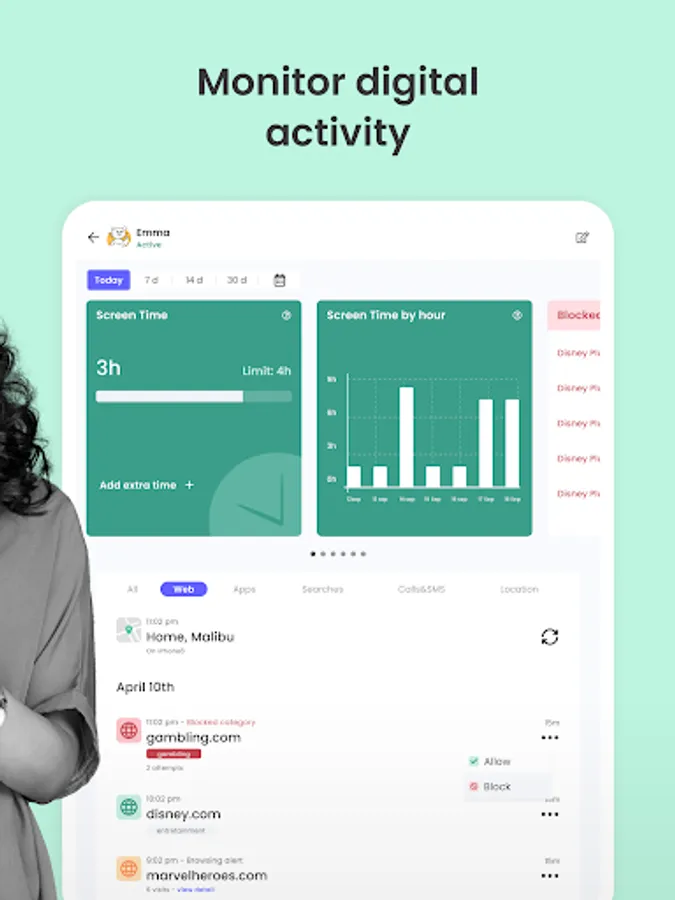
Stay involved in your children’s digital lives
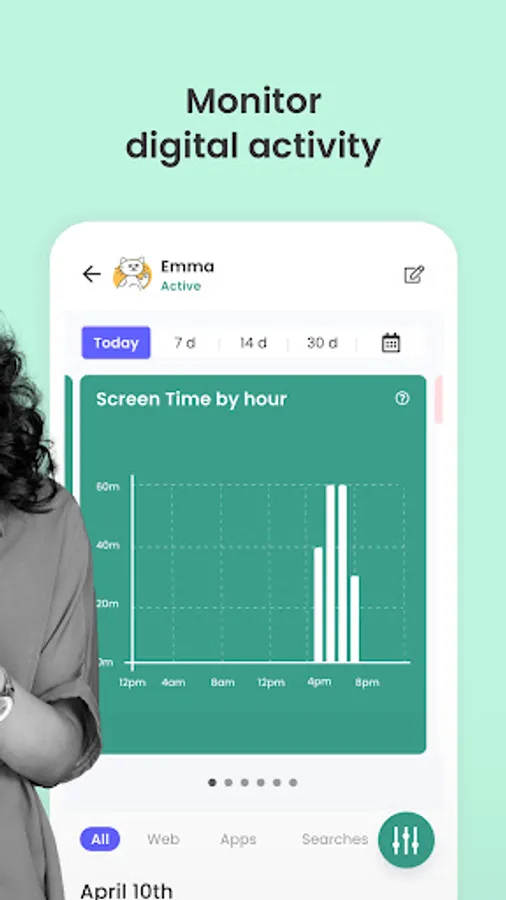
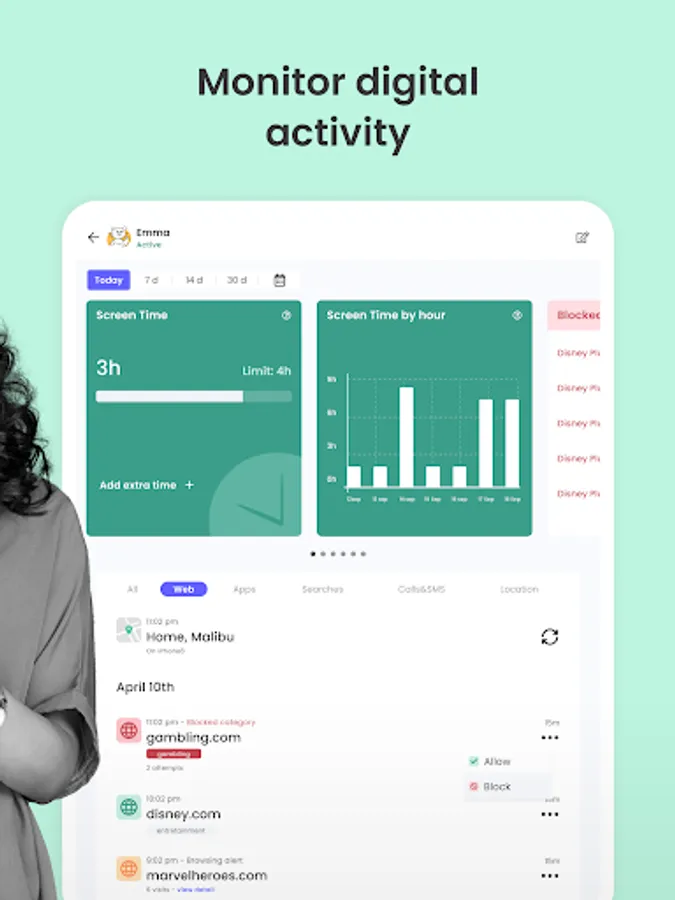
• View activity timelines and browsing history, YouTube views, screen time and more
• Receive real-time alerts
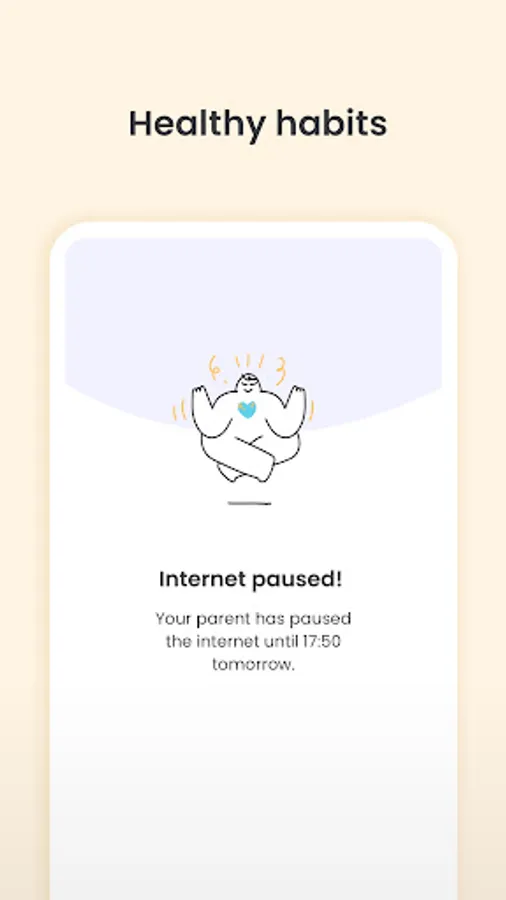
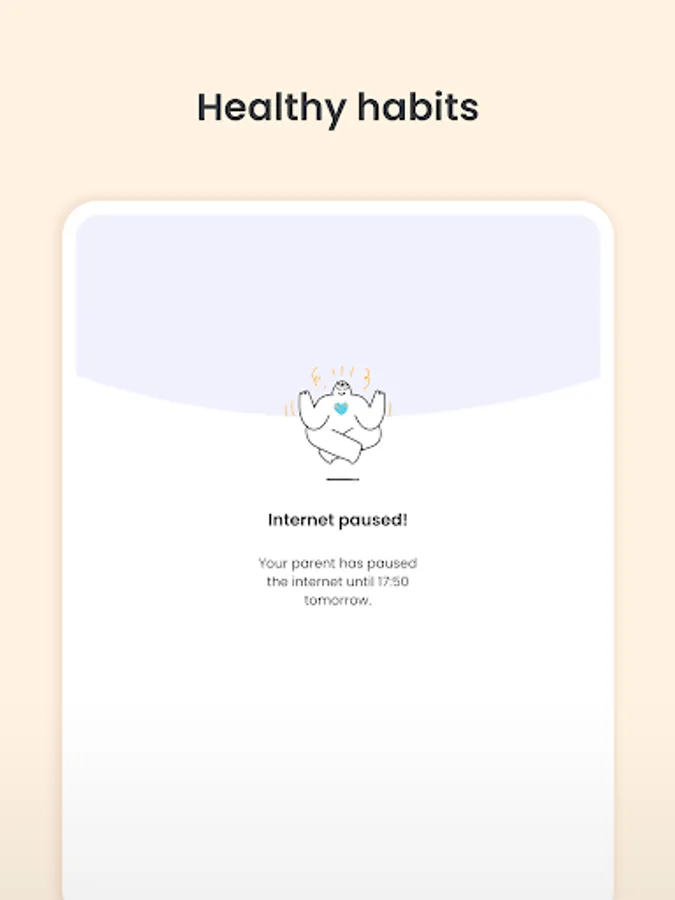
Promote healthy habits for the whole family
• Help avoid screen addiction
• Ensure better sleep routines
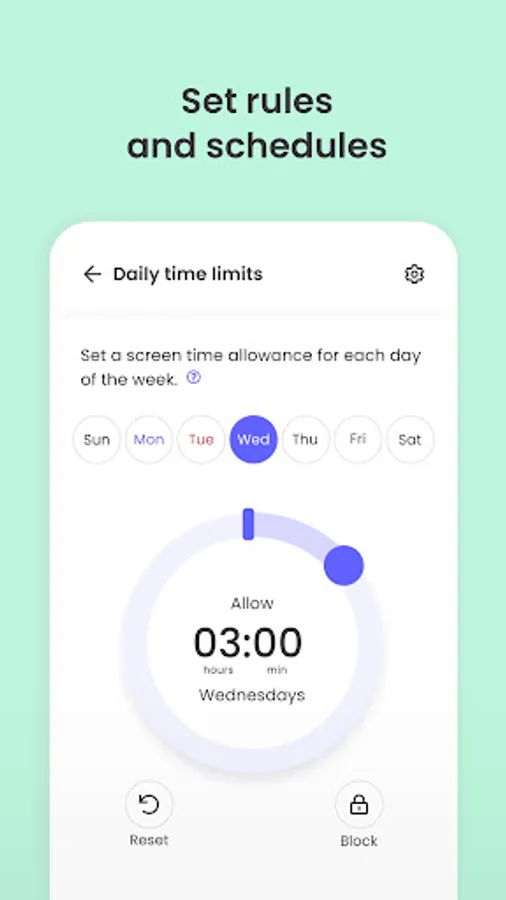
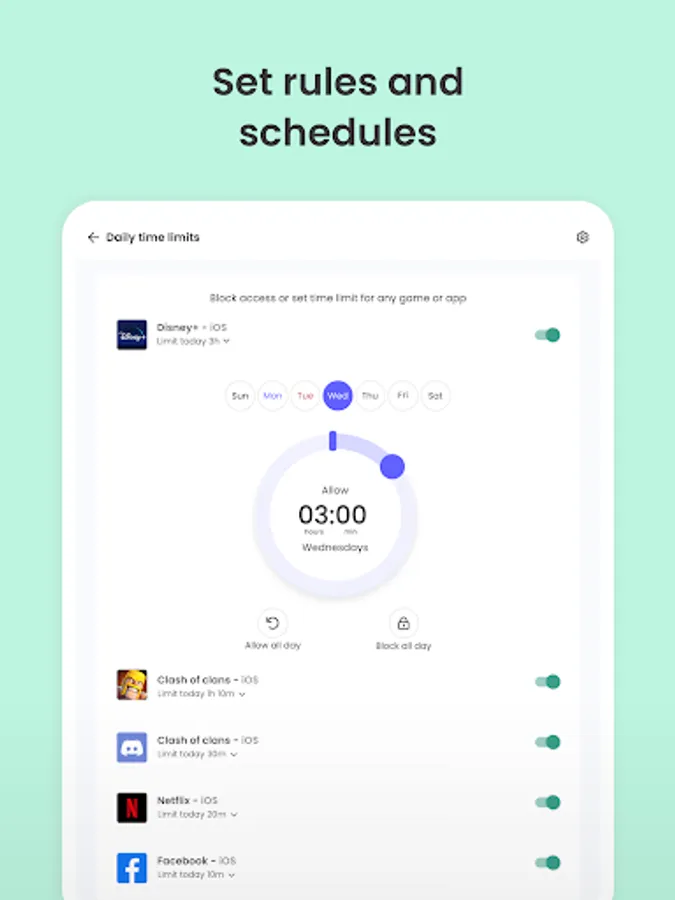
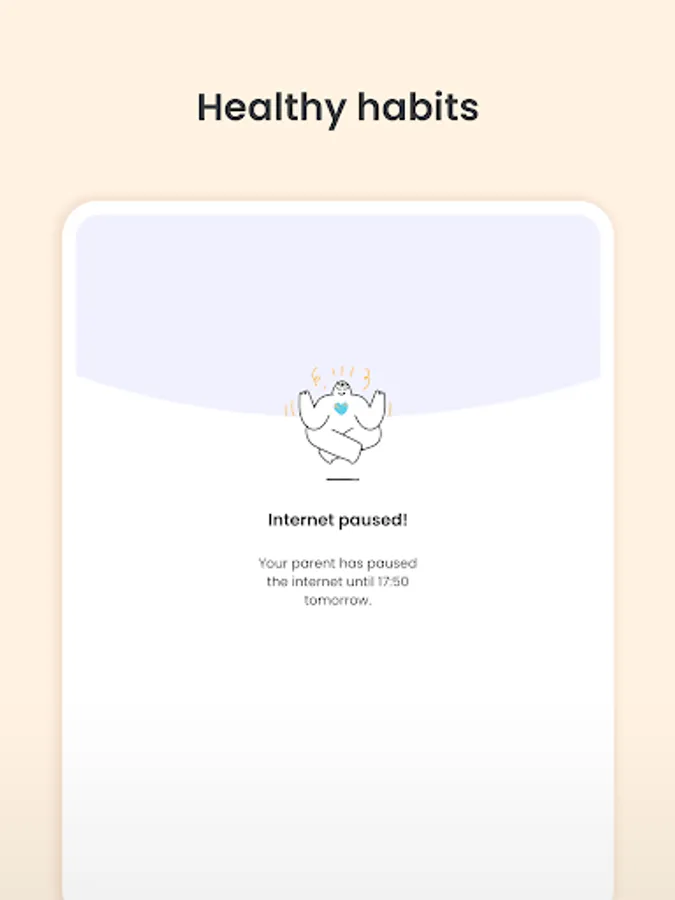
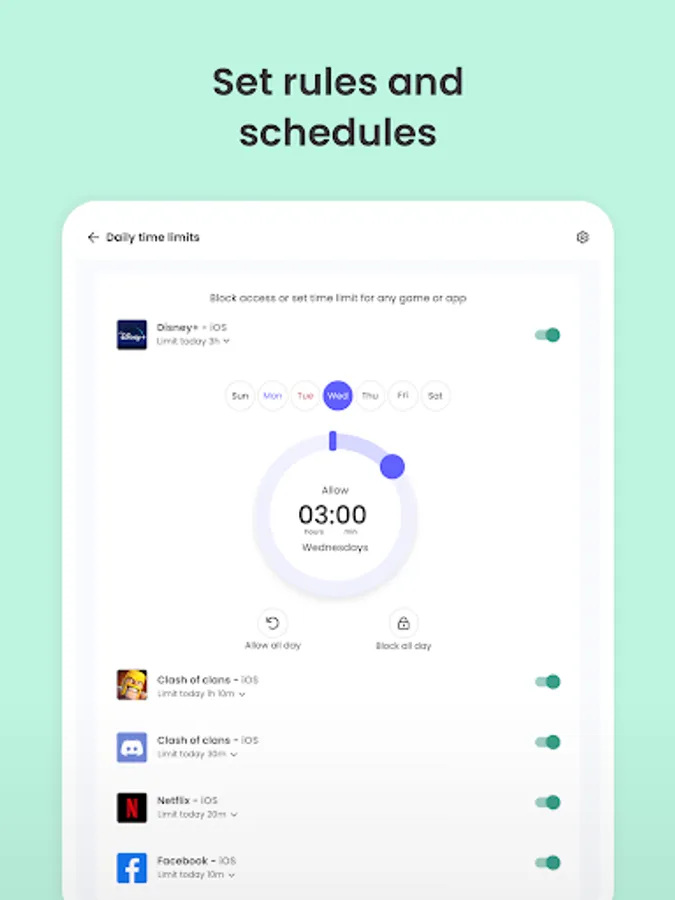
• Preserve family time with consistent time limits and screen-free time.
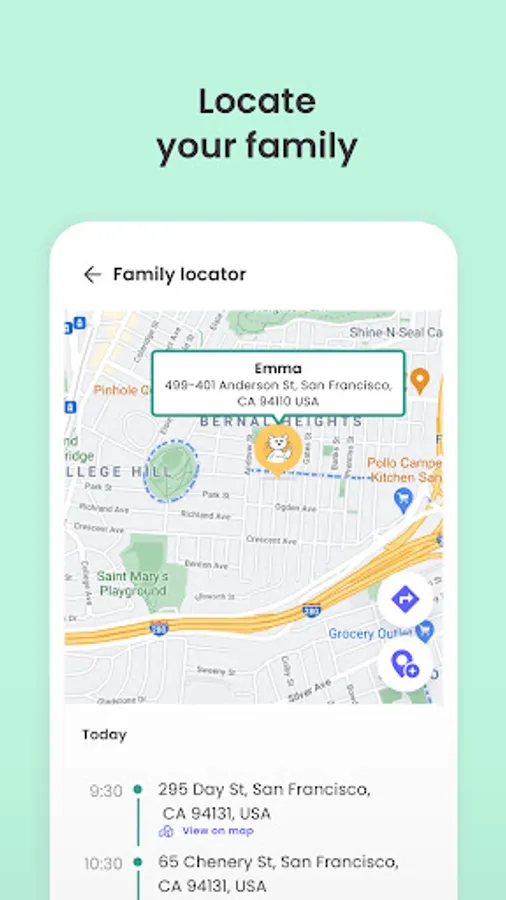
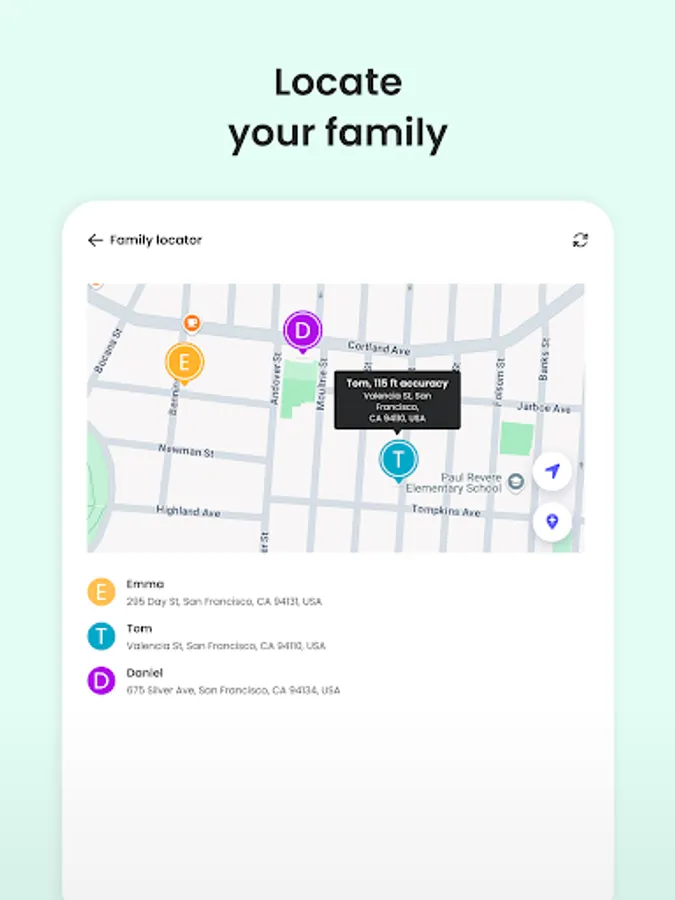
Know where your kids are at any time
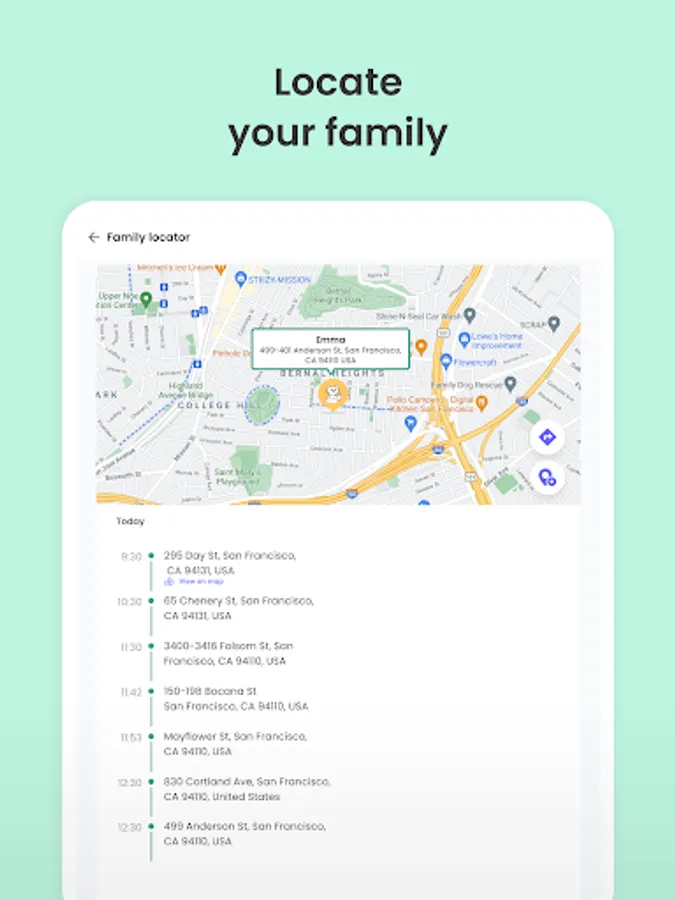
• Locate your kids on a map. Know where they are and where they have been.
• Get notification when kids arrive or leave the house
Protect your children from predators and cyberbullies
• Detect suspicious contacts
• Read sent and received texts
• Block numbers
To personalize filters, set time limits and monitor activity, use the parent’s app: Qustodio Parental Control App.
Kids App Qustodio for Android is password protected and cannot be uninstalled from a child’s device without parental permission.
Our FAQ:
• Does Qustodio Parental Control family screen time blocker app support Android 8 (Oreo): Yes.
• Does Qustodio family screen time blocker app work on other platforms besides Android? Qustodio can protect Windows, Mac, iOS, Kindle and Android.
• What languages do you support? Qustodio is available in English, Spanish, French, Italian, Portuguese, German, Japanese and Chinese.
For support. Contact us here: https://www.qustodio.com/help and support@qustodio.com
Notes:
This app uses the Device Administrator permission. This will prevent a user from uninstalling Kids App Qustodio without your knowledge.
This app uses Accessibility services. to build an excellent device experience that helps users with behavioral disabilities set appropriate levels of access and monitoring of screen time, web content and apps, in order to limit their risks and enjoy life normally.
This app uses the VPN service to filter inappropriate web content.
Troubleshooting notes:
Huawei devices owners: Battery-saving mode needs to be disabled for Qustodio.
Create a free account to get started:
1. Download Qustodio Parental Control App onto your own device
2. Download Kids App Qustodio (this app) onto each child/teen’s device you want to protect.
The two apps work in tandem to give parents all the tools they need to protect kids online.
Parents, with Qustodio’s parental controls you can:
Create a safe space for your kids to explore and play online
• Block apps and inappropriate content
• Prevent exposure to gambling, mature content, violence and other threats
Stay involved in your children’s digital lives
• View activity timelines and browsing history, YouTube views, screen time and more
• Receive real-time alerts
Promote healthy habits for the whole family
• Help avoid screen addiction
• Ensure better sleep routines
• Preserve family time with consistent time limits and screen-free time.
Know where your kids are at any time
• Locate your kids on a map. Know where they are and where they have been.
• Get notification when kids arrive or leave the house
Protect your children from predators and cyberbullies
• Detect suspicious contacts
• Read sent and received texts
• Block numbers
To personalize filters, set time limits and monitor activity, use the parent’s app: Qustodio Parental Control App.
Kids App Qustodio for Android is password protected and cannot be uninstalled from a child’s device without parental permission.
Our FAQ:
• Does Qustodio Parental Control family screen time blocker app support Android 8 (Oreo): Yes.
• Does Qustodio family screen time blocker app work on other platforms besides Android? Qustodio can protect Windows, Mac, iOS, Kindle and Android.
• What languages do you support? Qustodio is available in English, Spanish, French, Italian, Portuguese, German, Japanese and Chinese.
For support. Contact us here: https://www.qustodio.com/help and support@qustodio.com
Notes:
This app uses the Device Administrator permission. This will prevent a user from uninstalling Kids App Qustodio without your knowledge.
This app uses Accessibility services. to build an excellent device experience that helps users with behavioral disabilities set appropriate levels of access and monitoring of screen time, web content and apps, in order to limit their risks and enjoy life normally.
This app uses the VPN service to filter inappropriate web content.
Troubleshooting notes:
Huawei devices owners: Battery-saving mode needs to be disabled for Qustodio.
Kids App Qustodio Screenshots

Tap to Rate:
Reviews for Kids App Qustodio
Troy Pasch
12/30/2025
I don't like this app and it won't let me delete it
Jill Dennis
12/29/2025
I'm a user of this and I think it invaded the privacy of the effected child too much made them loose trust