Simple & Minimal - RE07
AstraTime
4.4 ★
store rating
10,000+
downloads
Free
AppRecs review analysis
AppRecs rating 3.9. Trustworthiness 64 out of 100. Review manipulation risk 31 out of 100. Based on a review sample analyzed.
★★★☆☆
3.9
AppRecs Rating
Ratings breakdown
5 star
65%
4 star
22%
3 star
6%
2 star
5%
1 star
3%
What to know
✓
High user satisfaction
87% of sampled ratings are 4+ stars (4.4★ average)
✓
Authentic reviews
Natural distribution, no red flags
About Simple & Minimal - RE07
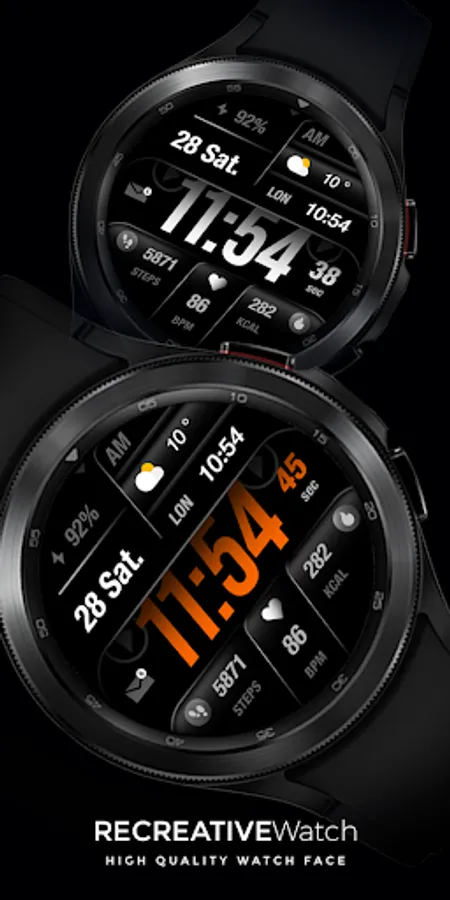
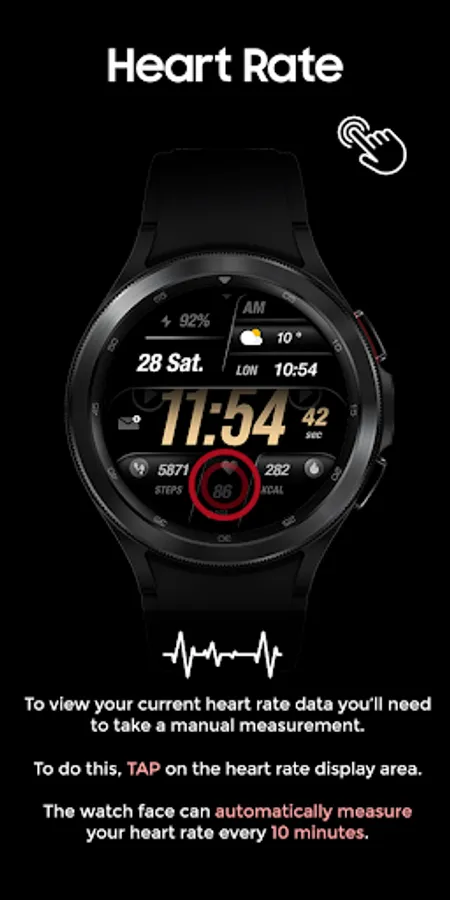
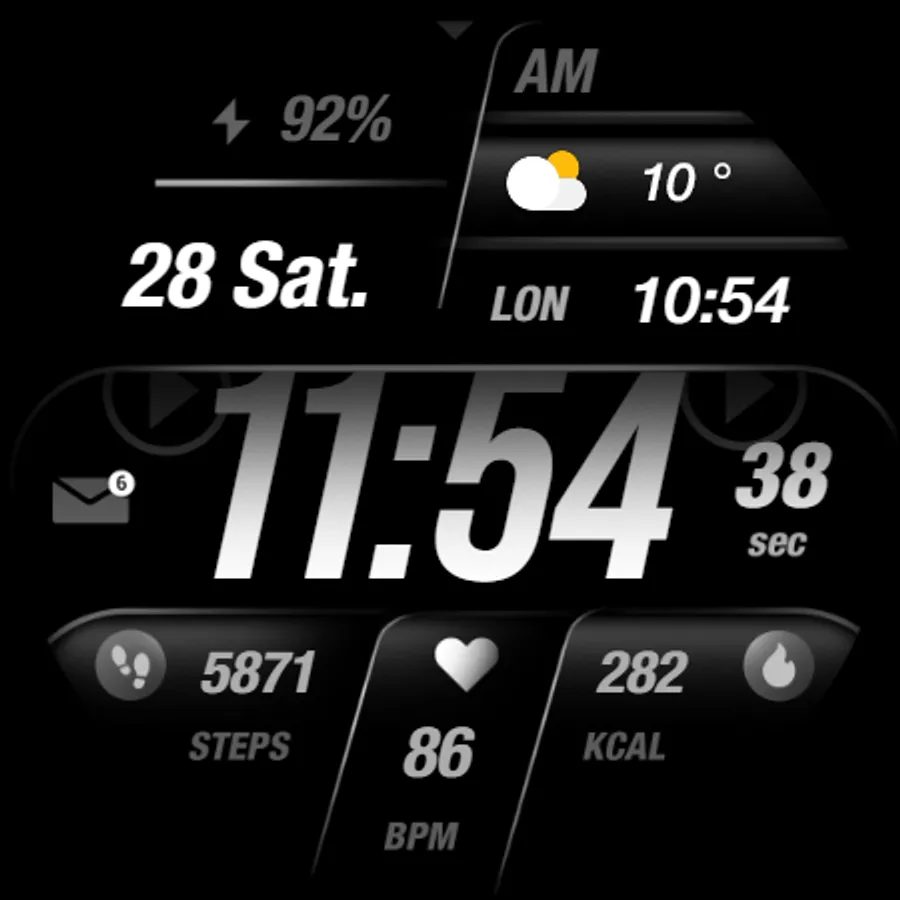
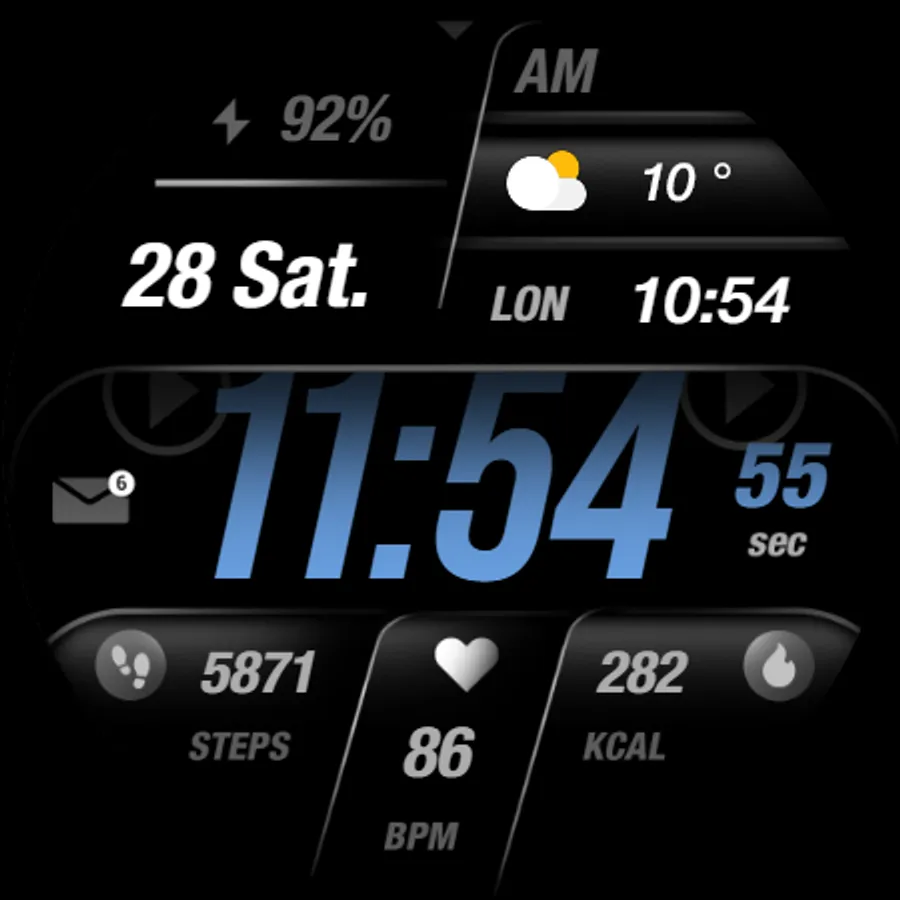
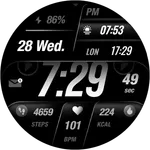
The Recreative Watch is a minimal timepiece that offers customization options and a casual yet stylish appearance.
Powered by Watch Face Format
⚙️ Phone App Features
The phone app is simply a tool to facilitate installation and locating the watch face on your Wear OS watch. Only the mobile app contains ads.
⚙️ Watch Face Features
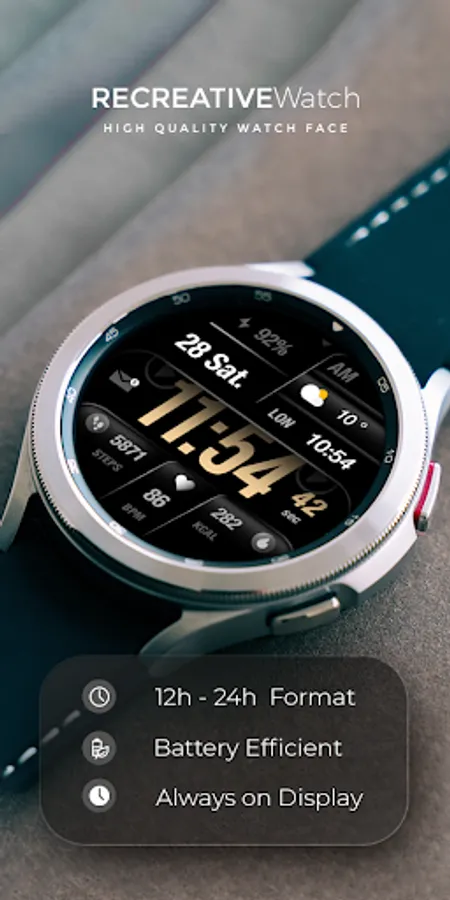
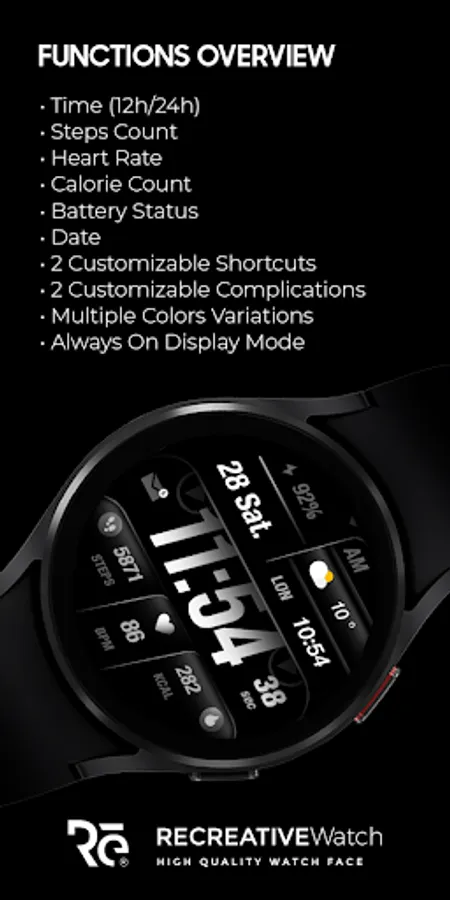
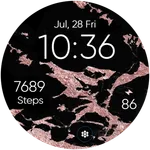
- 12/24hr Digital Time
- Date
- Battery
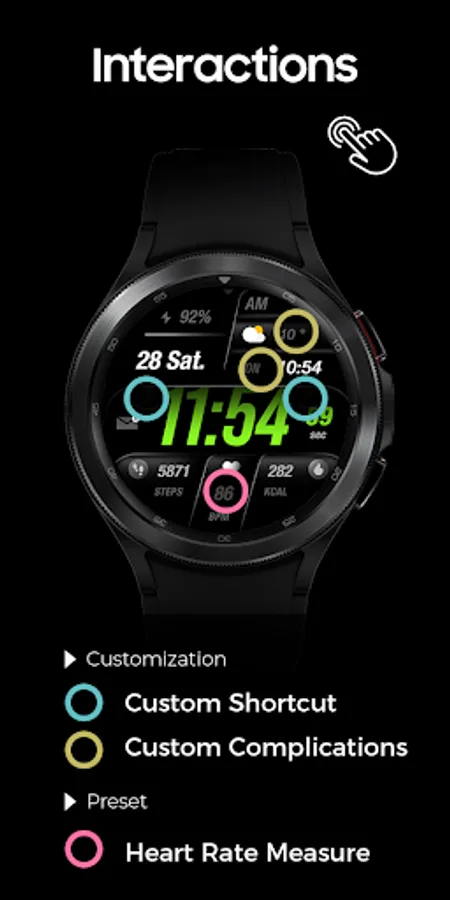
- Heart rate
- Steps Count
- Calorie Count
- 2 customizable shortcuts
- 2 customizable complications
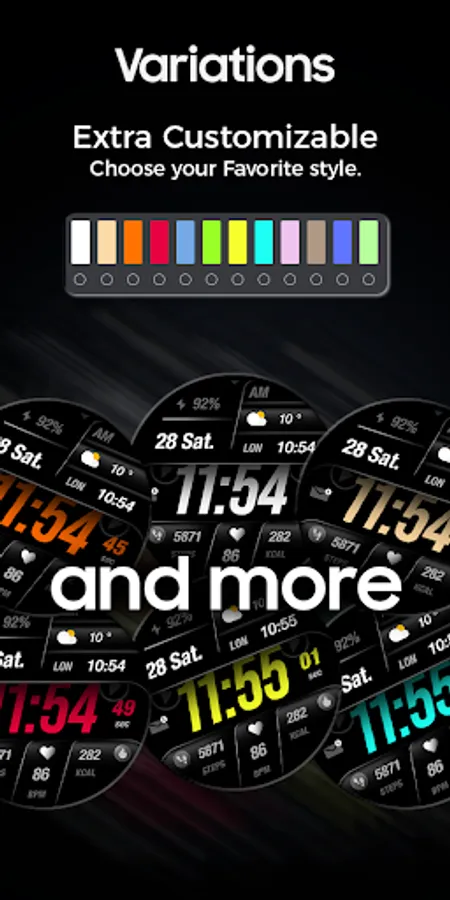
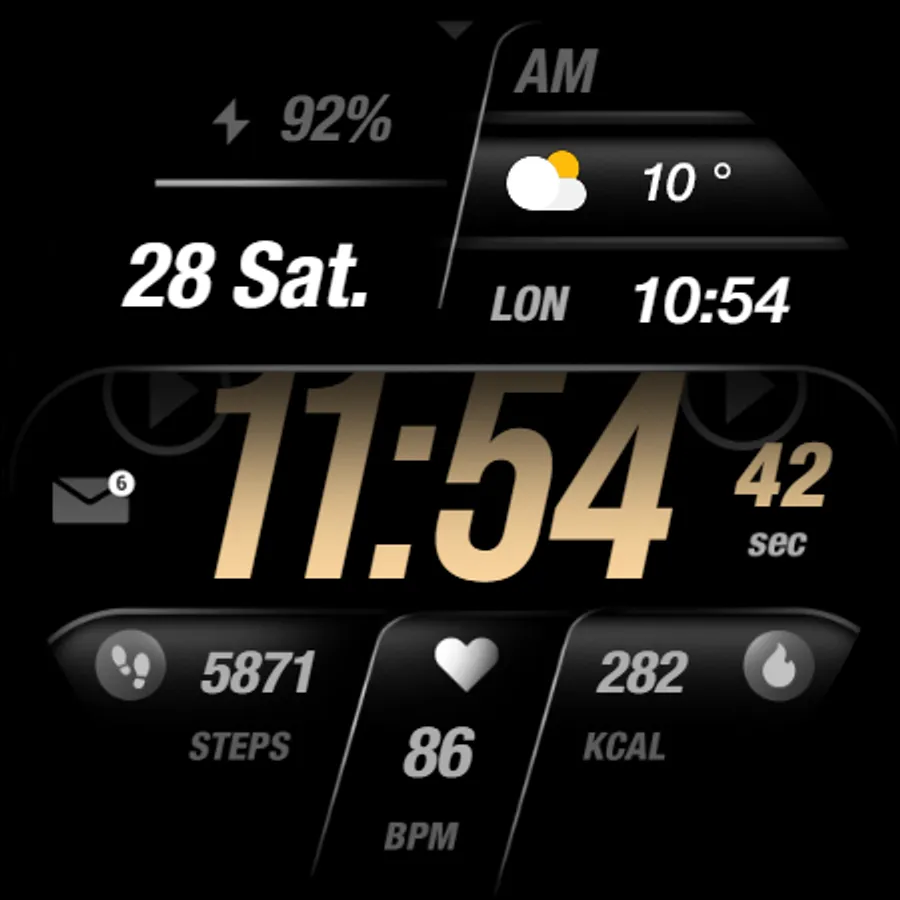
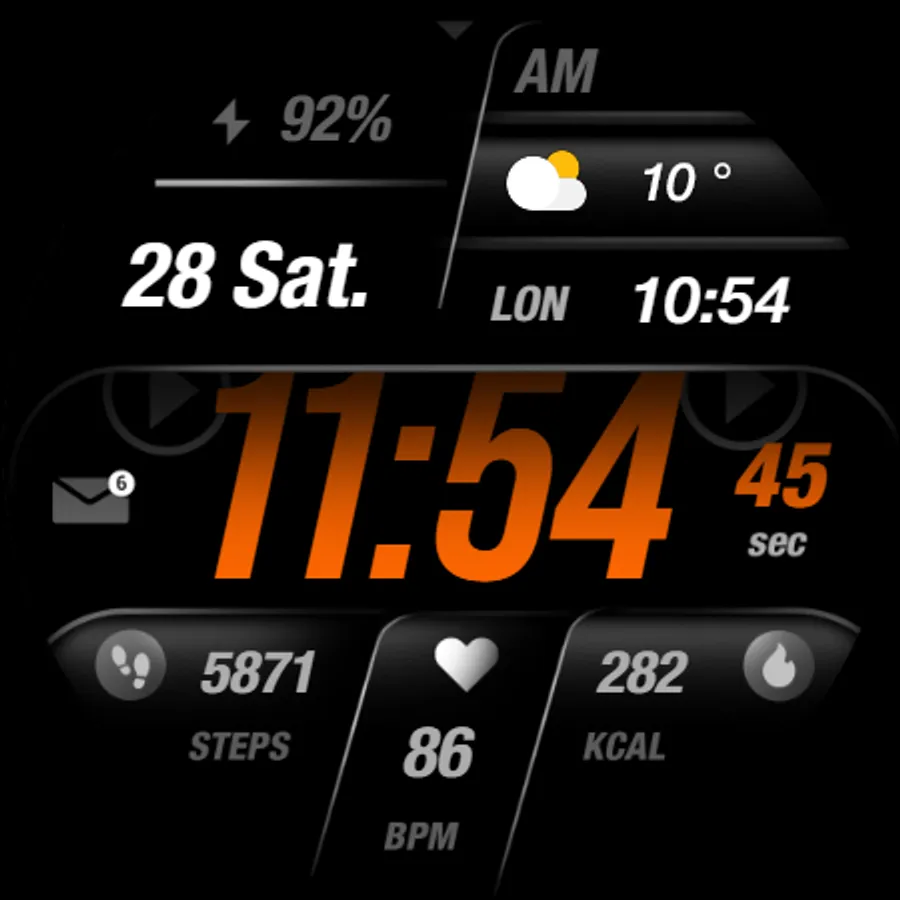
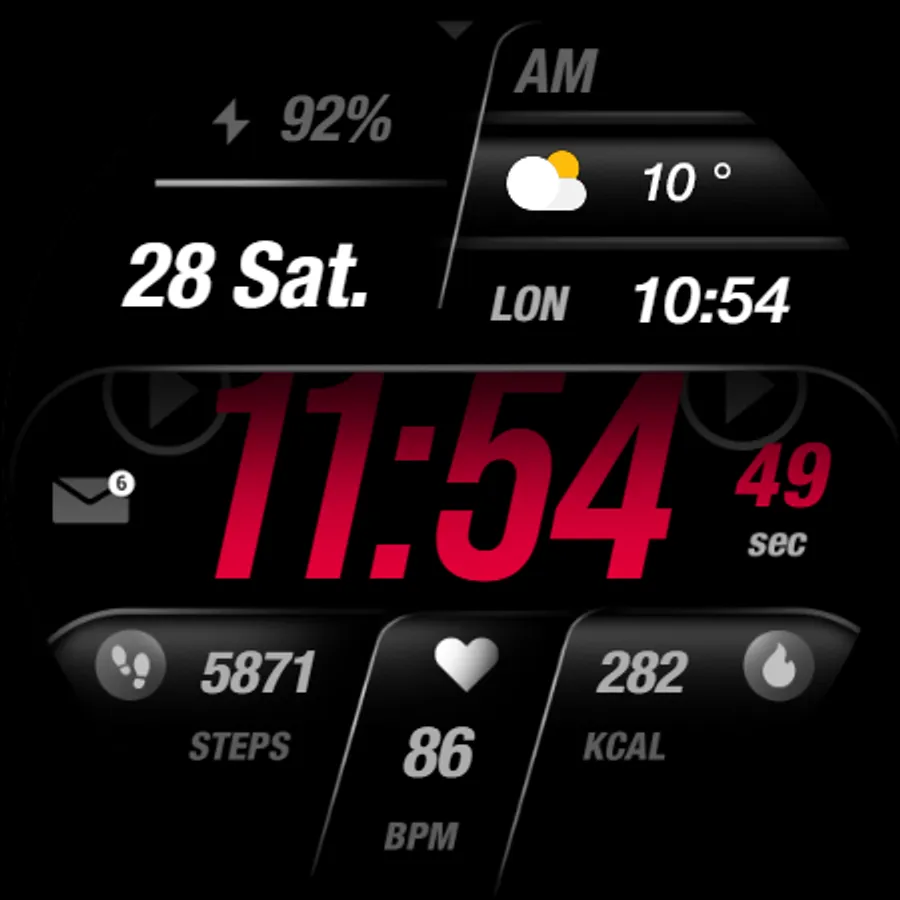
- Multiple Color Variations
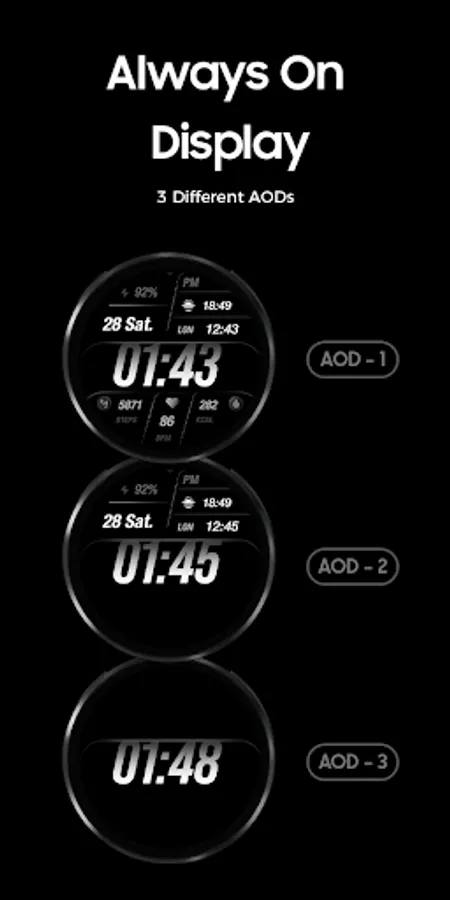
- Always ON Display supported with changeable colors and changeable modes.
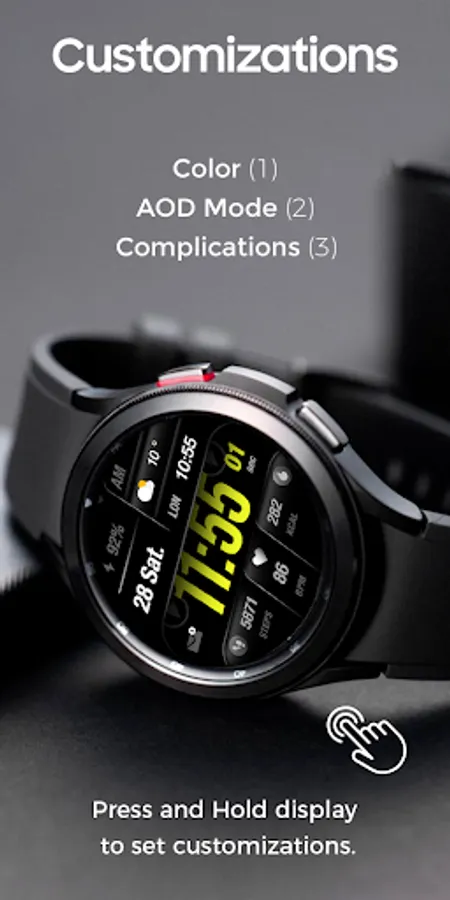
🎨 Customization
1 - Touch and hold display
2 - Tap on Customize option
🎨 Complications
Touch and hold display to open customization mode. You can customize the field with any data you want.
🔋 Battery
For better battery performance of the watch, we recommend disabling the "Always On Display" mode.
✅ Compatible devices include API level 33+ Google Pixel, Galaxy Watch 4, 5, 6, and other Wear OS models.
Installation and troubleshooting
Follow this link: https://www.recreative-watch.com/help/#installation-methodes
Watch faces don't automatically apply on your watch screen after the installation. That's why you must set it on your watch's screen.
💌 Write to support@recreative-watch.com for assistance.
Powered by Watch Face Format
⚙️ Phone App Features
The phone app is simply a tool to facilitate installation and locating the watch face on your Wear OS watch. Only the mobile app contains ads.
⚙️ Watch Face Features
- 12/24hr Digital Time
- Date
- Battery
- Heart rate
- Steps Count
- Calorie Count
- 2 customizable shortcuts
- 2 customizable complications
- Multiple Color Variations
- Always ON Display supported with changeable colors and changeable modes.
🎨 Customization
1 - Touch and hold display
2 - Tap on Customize option
🎨 Complications
Touch and hold display to open customization mode. You can customize the field with any data you want.
🔋 Battery
For better battery performance of the watch, we recommend disabling the "Always On Display" mode.
✅ Compatible devices include API level 33+ Google Pixel, Galaxy Watch 4, 5, 6, and other Wear OS models.
Installation and troubleshooting
Follow this link: https://www.recreative-watch.com/help/#installation-methodes
Watch faces don't automatically apply on your watch screen after the installation. That's why you must set it on your watch's screen.
💌 Write to support@recreative-watch.com for assistance.