Network Scanner & Tools
Project: Red Box
4.5 ★
store rating
10,000+
downloads
Free
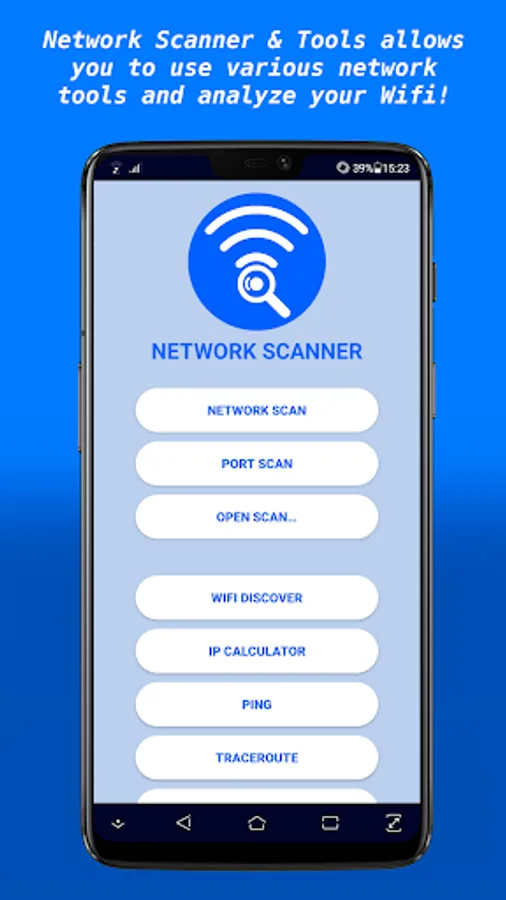
In this network scanner app, you can perform device and port scans, detect connected devices, and run various network diagnostics. Includes Wifi discovery, ping, traceroute, IP calculator, NSLookup, Whois, MAC address lookup, and intruder detection features.
AppRecs review analysis
AppRecs rating 4.5. Trustworthiness 0 out of 100. Review manipulation risk 0 out of 100. Based on a review sample analyzed.
★★★★☆
4.5
AppRecs Rating
Ratings breakdown
5 star
82%
4 star
0%
3 star
9%
2 star
0%
1 star
9%
What to know
✓
High user satisfaction
82% of sampled ratings are 4+ stars (4.5★ average)
✓
Authentic reviews
No red flags detected
About Network Scanner & Tools
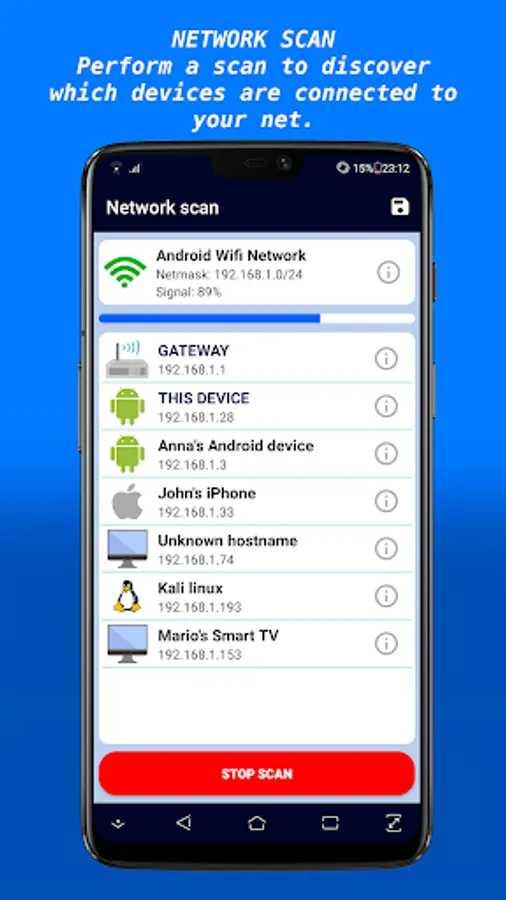
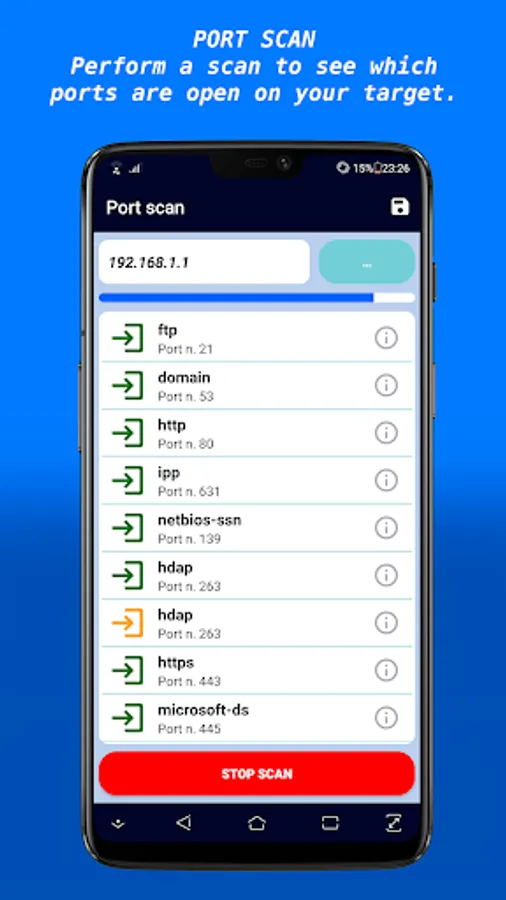
Network Scanner & Tools is an application that allows users to perform several types of scan. Network scan gives information about which devices are connected to your home Wifi. Port scan is executed on a single device and tells you which ports are open. Port scan can also be performed for remote hosts.
This application offers other important tools:
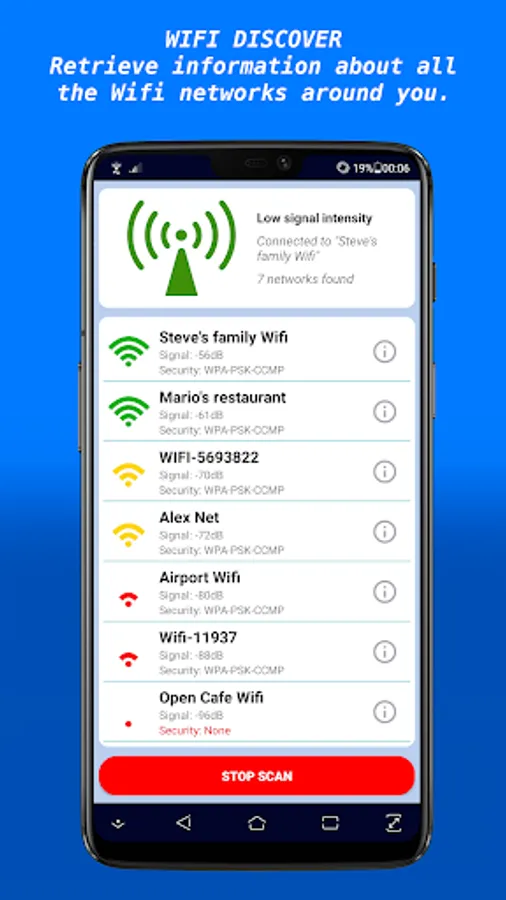
- Wifi Discover: perform a scan searching for the wifi networks closed to your devices, and return important information like security protocols, frequency and physical addresses.
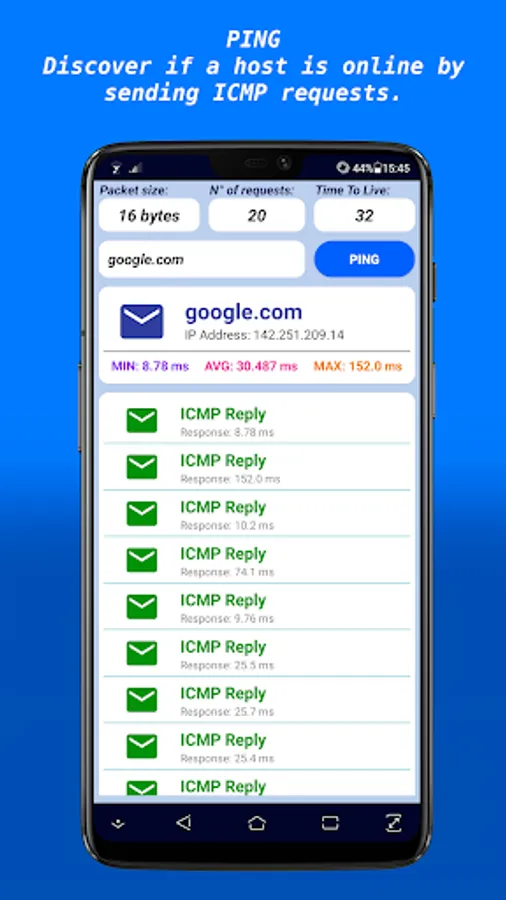
- Ping: send an ICMP packet to a target host and check if it's active and able to response.
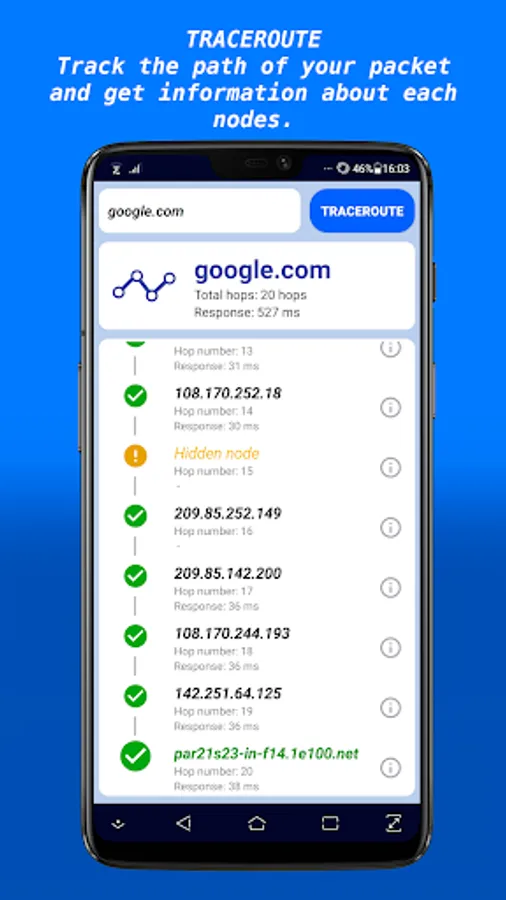
- Traceroute: track the route of a packet you send to a target. You can also retrieve information about every node of the route like location, ISP and IP address.
- IP calculator: calculate subnets, network addresses, broadcast addresses and netmasks of a given address.
- NSLookup: give Name Server lookup information about a given domain. In particular it returns info about record A, AAAA, NS, MX, SOA and TXT.
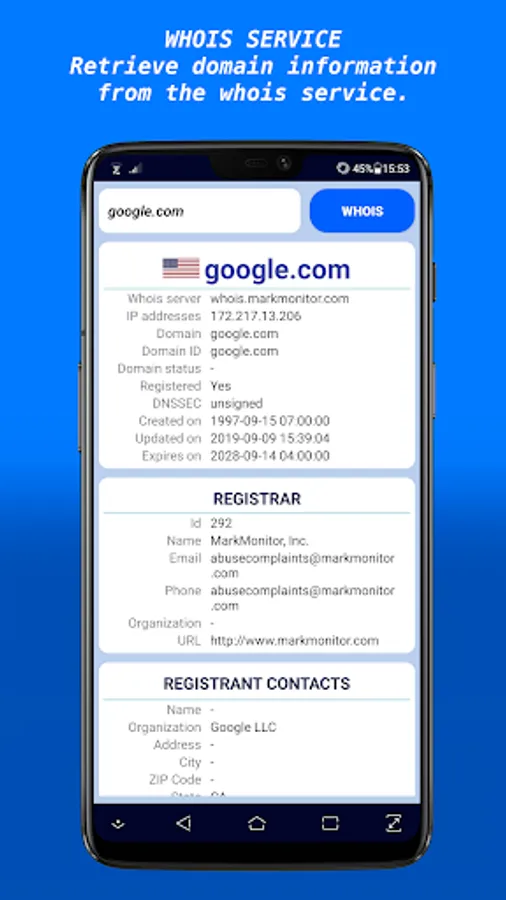
- Whois: give you information about a given domain, through the connection to Whois servers.
- MAC address lookup: return the vendor of a specific hardware address.
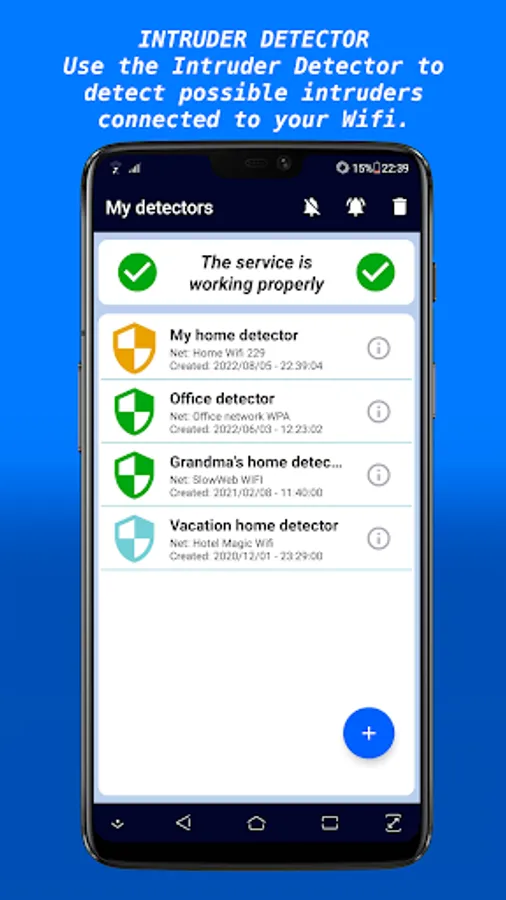
Intruder Detector is a fundamental function of Network Scanner & Tools. It allows you to know who are connected to your Wifi network without your permission. It will execute a simple network scan and decide which devices are legitimate. You will be notified when Intruder Detector find one or more possible intruders, then you can choose if these unknown devices are authorized or not.
Unfortunately from Android 10 it's no longer possible to access the ARP table on the phone, so the MAC addresses cannot be retrieved.
This application offers other important tools:
- Wifi Discover: perform a scan searching for the wifi networks closed to your devices, and return important information like security protocols, frequency and physical addresses.
- Ping: send an ICMP packet to a target host and check if it's active and able to response.
- Traceroute: track the route of a packet you send to a target. You can also retrieve information about every node of the route like location, ISP and IP address.
- IP calculator: calculate subnets, network addresses, broadcast addresses and netmasks of a given address.
- NSLookup: give Name Server lookup information about a given domain. In particular it returns info about record A, AAAA, NS, MX, SOA and TXT.
- Whois: give you information about a given domain, through the connection to Whois servers.
- MAC address lookup: return the vendor of a specific hardware address.
Intruder Detector is a fundamental function of Network Scanner & Tools. It allows you to know who are connected to your Wifi network without your permission. It will execute a simple network scan and decide which devices are legitimate. You will be notified when Intruder Detector find one or more possible intruders, then you can choose if these unknown devices are authorized or not.
Unfortunately from Android 10 it's no longer possible to access the ARP table on the phone, so the MAC addresses cannot be retrieved.