
Hide USB Debugging Mode [Xpose
ausp927
3.6 ★
88 ratings
10,000+
downloads
Free
In this module, you can hide the USB debugging status on your device. Includes Xposed framework compatibility and customization options.
AppRecs review analysis
AppRecs rating 3.6. Trustworthiness 78 out of 100. Review manipulation risk 33 out of 100. Based on a review sample analyzed.
★★★☆☆
3.6
AppRecs Rating
Ratings breakdown
5 star
46%
4 star
22%
3 star
5%
2 star
5%
1 star
22%
What to know
✓
Credible reviews
78% trustworthiness score from analyzed reviews
✓
Good user ratings
68% positive sampled reviews
✓
Authentic reviews
Natural distribution, no red flags
About Hide USB Debugging Mode [Xpose
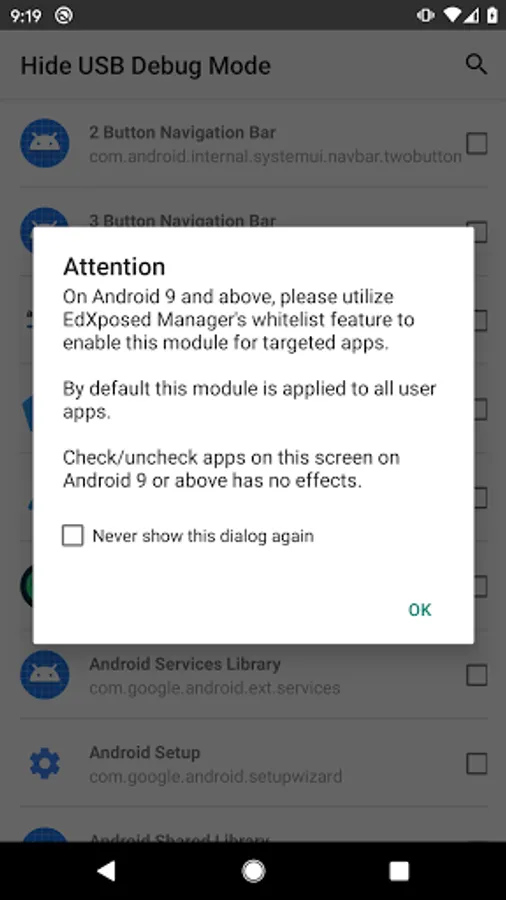
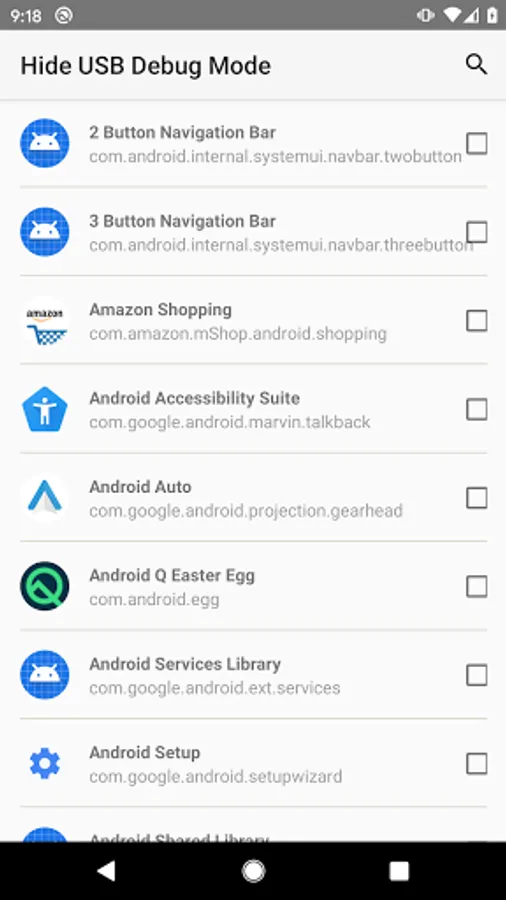
An Xposed module that is used to hide usb debugging status. Useful for apps such as SepctrumTV which refuses to run when usb debugging is on.
Please be aware of that the magic is done via Xposed framework. It will do nothing if you don't have a working Xposed environment.
Please be aware of that the magic is done via Xposed framework. It will do nothing if you don't have a working Xposed environment.




![Heap Dump Analyzer [root] icon](https://apprecs.org/gp/img/icons/webp/150/com.redlee90.heapdumpanalyzer/aSUxUeEz0kTkipplSj4Sz3TtQaGY-w6dbHv35OMDllI-icon)