
RePOS: Restaurant POS System
Turkuaz Grup Teknoloji Enerji Ticaret Ltd. Şti.
4.7 ★
1K ratings
100,000+
downloads
Free
+ in-app
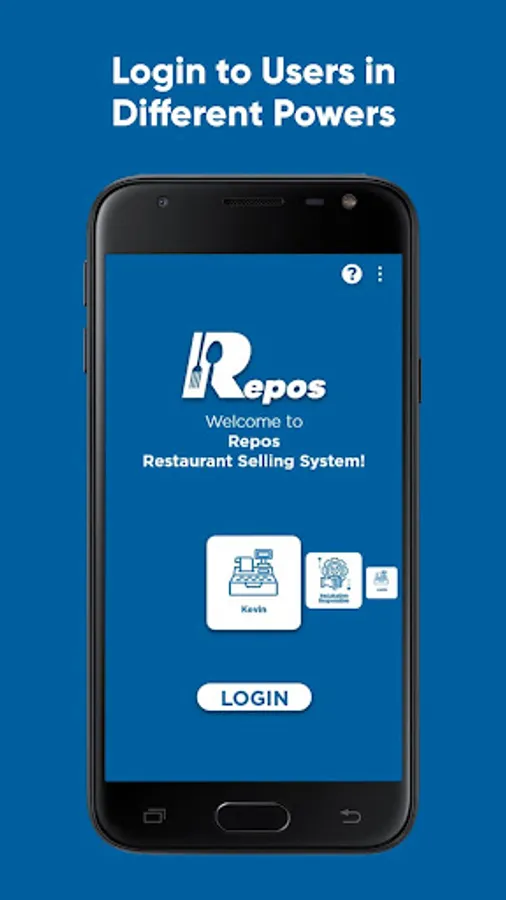
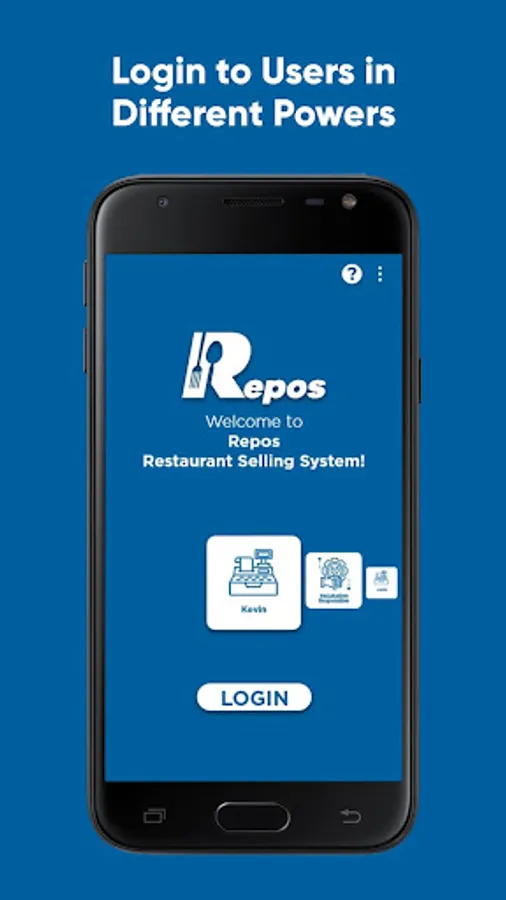
In this restaurant POS system, users can manage sales, orders, and inventory efficiently. Includes online ordering, table management, and integrated payment options.
AppRecs review analysis
AppRecs rating 4.4. Trustworthiness 75 out of 100. Review manipulation risk 30 out of 100. Based on a review sample analyzed.
★★★★☆
4.4
AppRecs Rating
Ratings breakdown
5 star
81%
4 star
14%
3 star
0%
2 star
0%
1 star
5%
What to know
✓
Credible reviews
75% trustworthiness score from analyzed reviews
✓
High user satisfaction
81% of sampled ratings are 5 stars
⚠
Pricing complaints
Many low ratings mention paywalls or pricing
About RePOS: Restaurant POS System
Repos is an easy-to-use and fast system for sale, marketplace, receipt, and stock management.
Which businesses are RePOS for?
• Restaurant,
• Cafe,
• Coffeehouse,
• All establishments serving food or beverage.
What needs does RePOS meet?
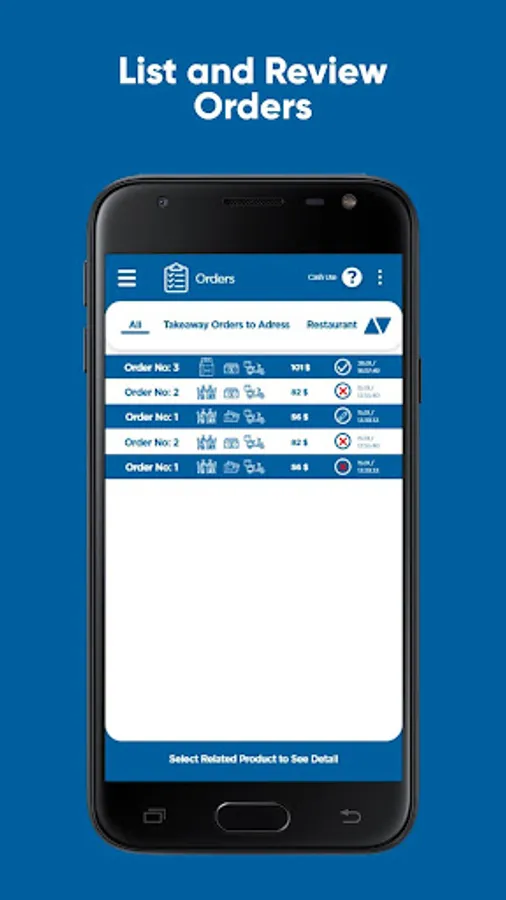
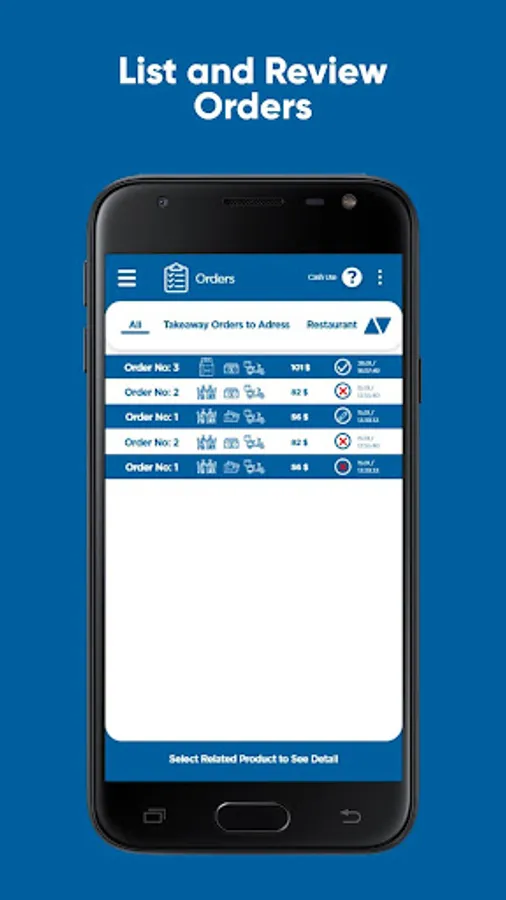
• Allows You Manage Your Credit Orders
• Sell your product online,
• Allows you to manage courier orders,
• Manage your sales and payments, prevents losses and mistakes,
• Easily manage your entire business with integrated Waiter and kitchen applications: https://play.google.com/store/apps/details?id=com.reposwaiter&hl=en&gl=US
https://play.google.com/store/apps/details?id=com.reposkitchen&hl=en&gl=US
• Allow your customers to access your menu without touch, via QR code,
• Orders are delivered to the kitchen accurately and without any delay,
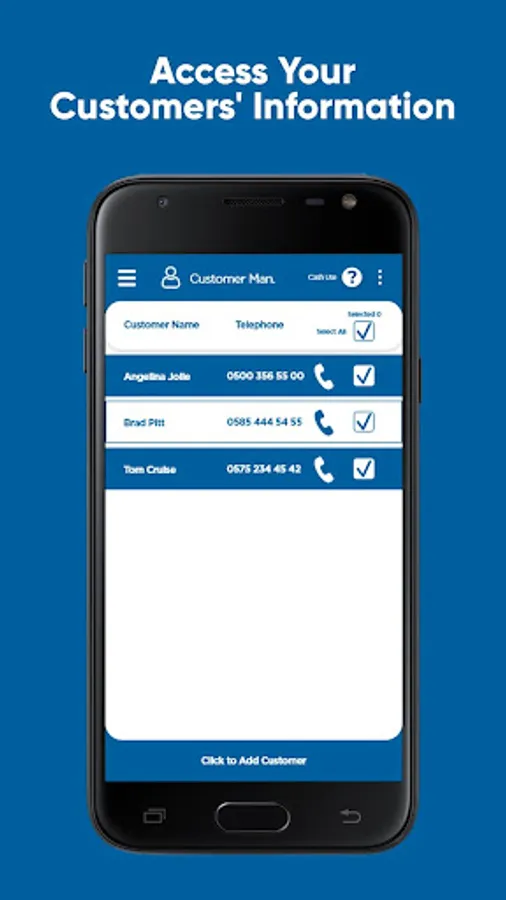
• Remember your customers and share information with them,
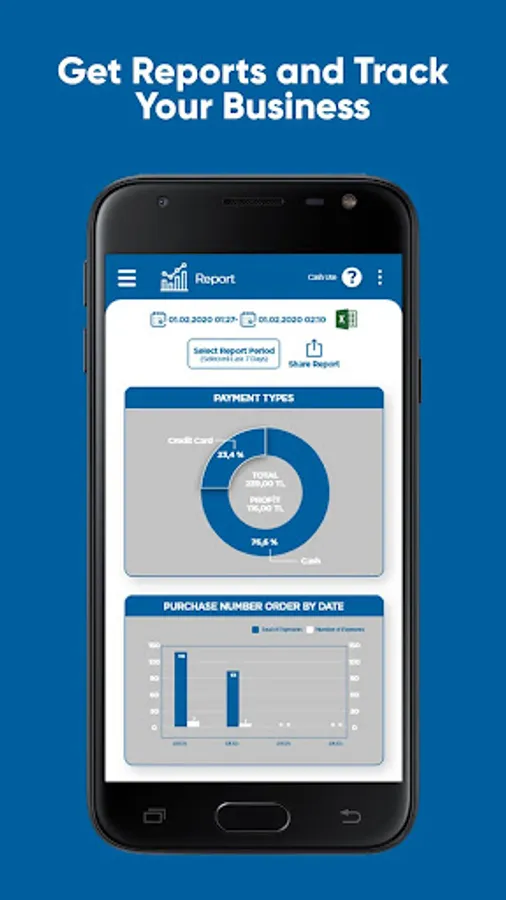
• Produce reports to monitor your business,
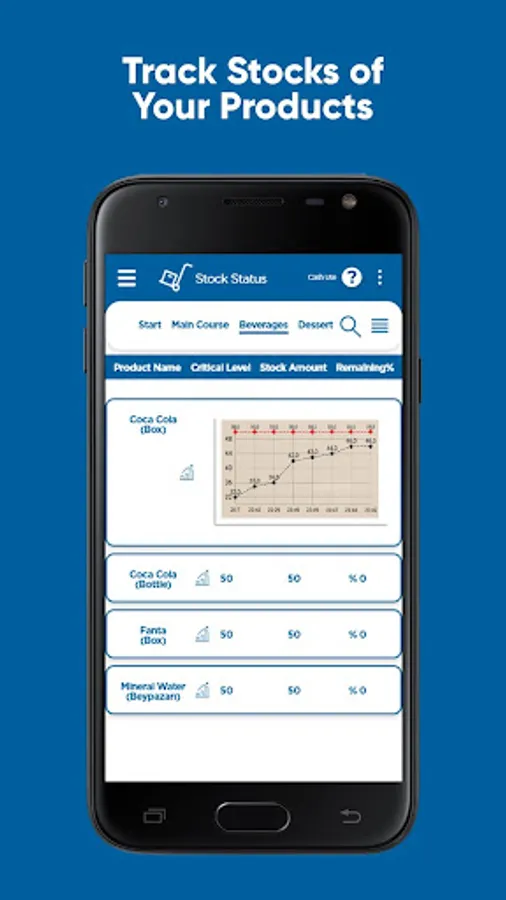
• Manage stocks and notify for stocks getting low,
• Record and monitor your expenses,
• Manage your tables,
• No need for an internet connection
KEY FEATURES
Online Order:
• Customers/Cashier can order online from anywhere
• Customers can access the online menu and give online orders for their table by QR code
Order:
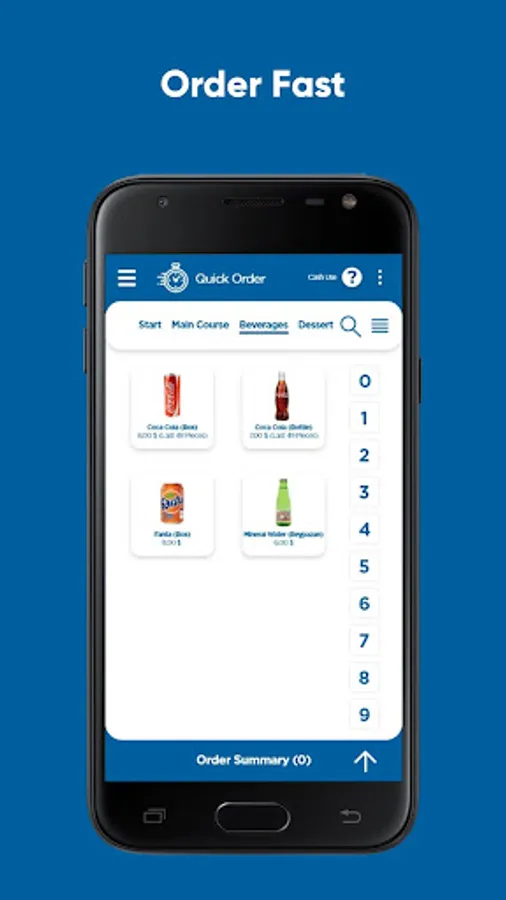
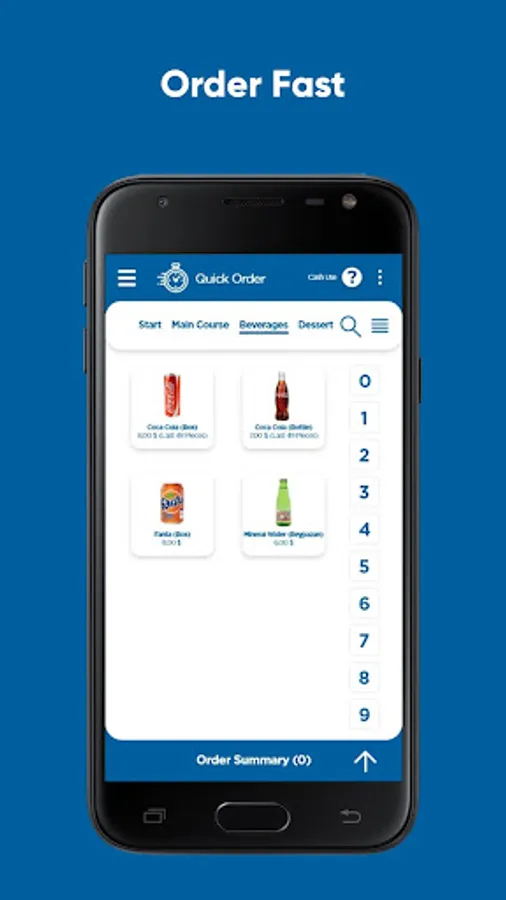
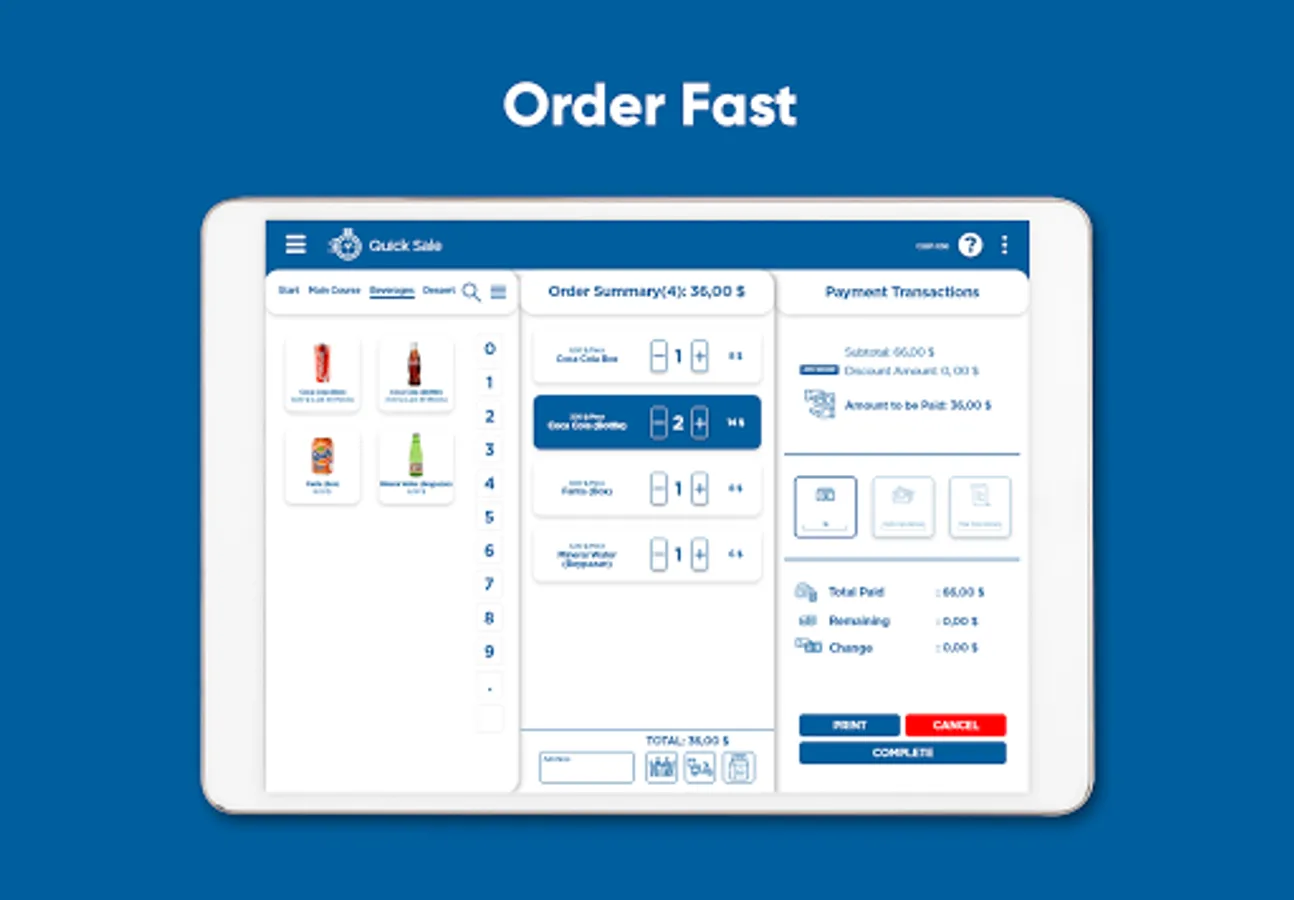
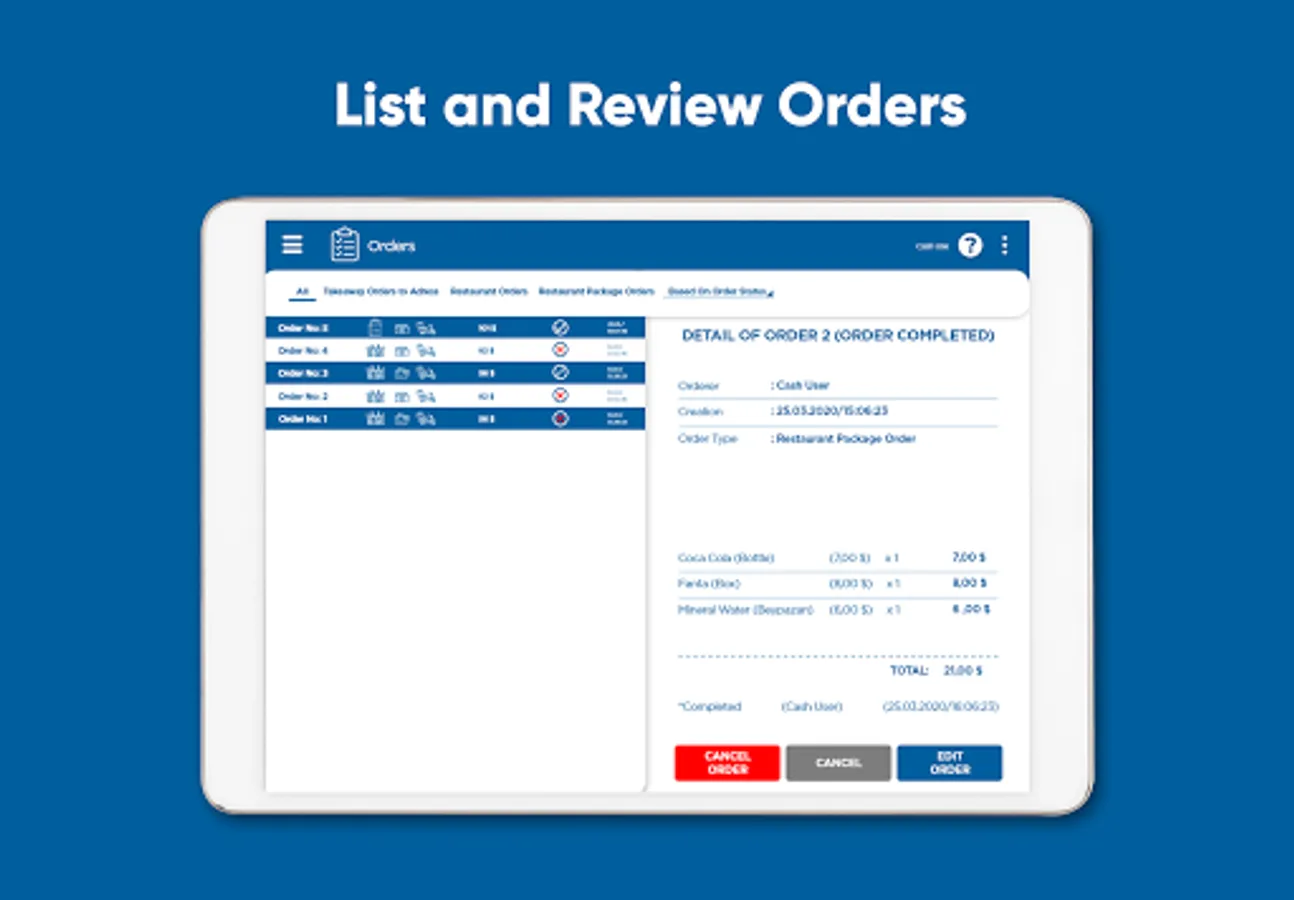
• Quickly access products from a grouped menu
• Select products in the menu by scanning a barcode
• Add a discount or note
• Mark an item as offered or lost
• Table / Package / Courier order selection
• Add Customer / Courier information
• Retrieve saved Customer information
• Receive the caller id from the incoming phone call
• Send a SMS/Whatsapp/Email receipt to a registered customer
Table Management:
• Create a QR code for a contactless table menu
• Get online orders for a table from the customer with a QR code
• Book tables and get notifications for upcoming reservations
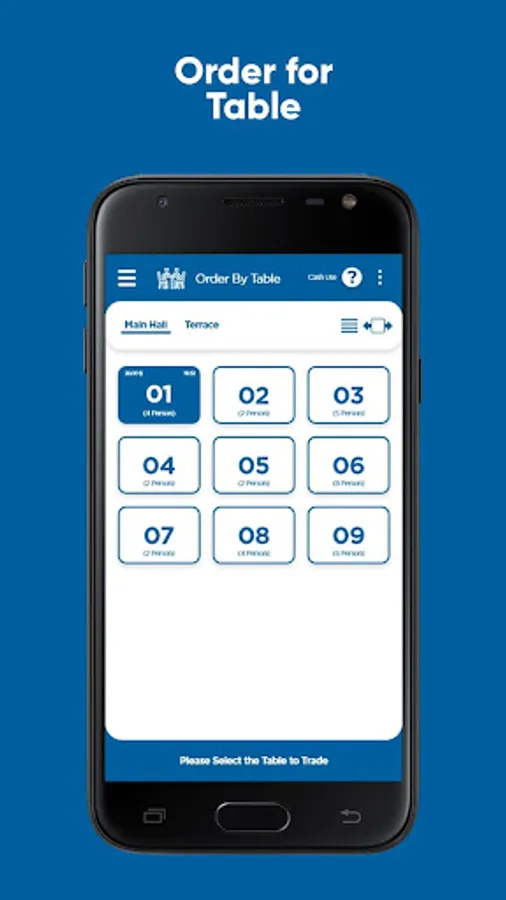
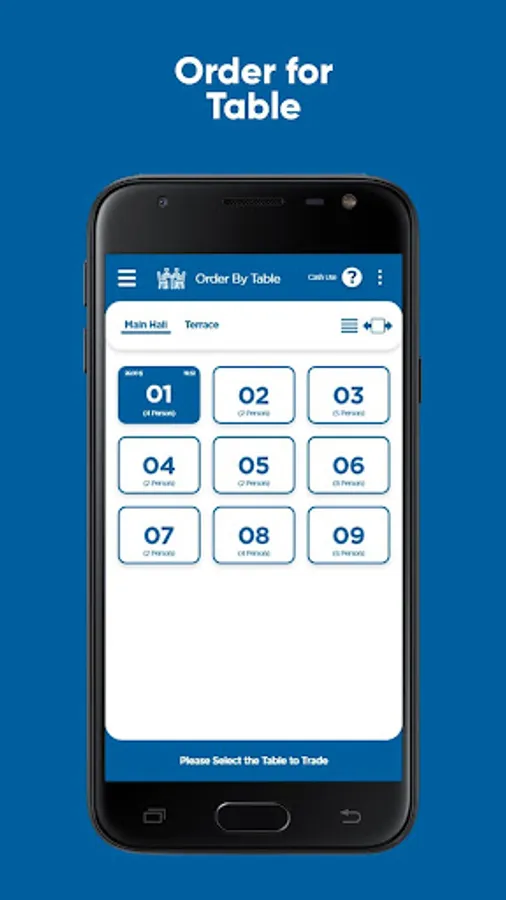
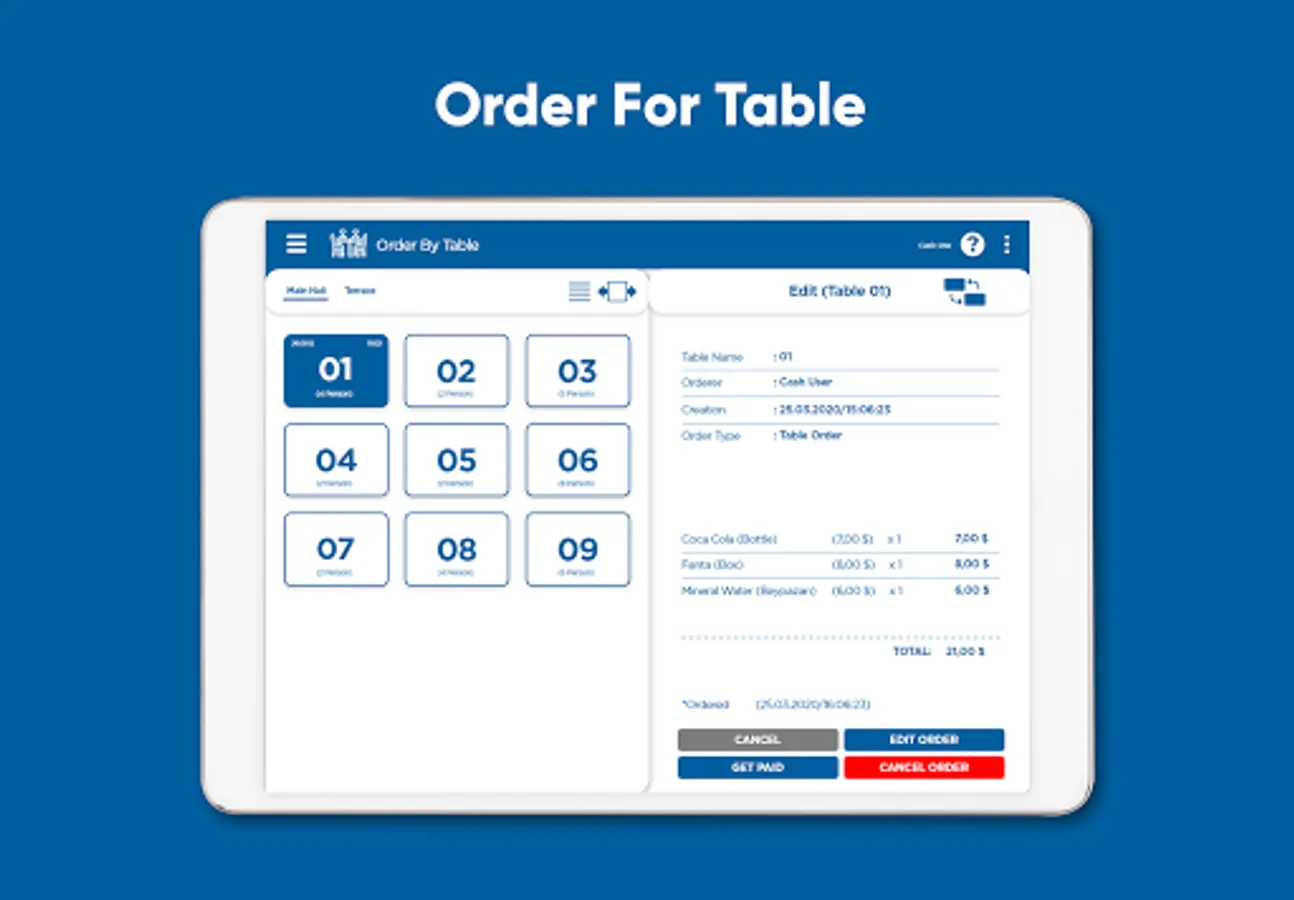
• Show the status of tables
• Take partially payment
• Enter the number of visitors for the table
• Table changing/joining/separating
Payment:
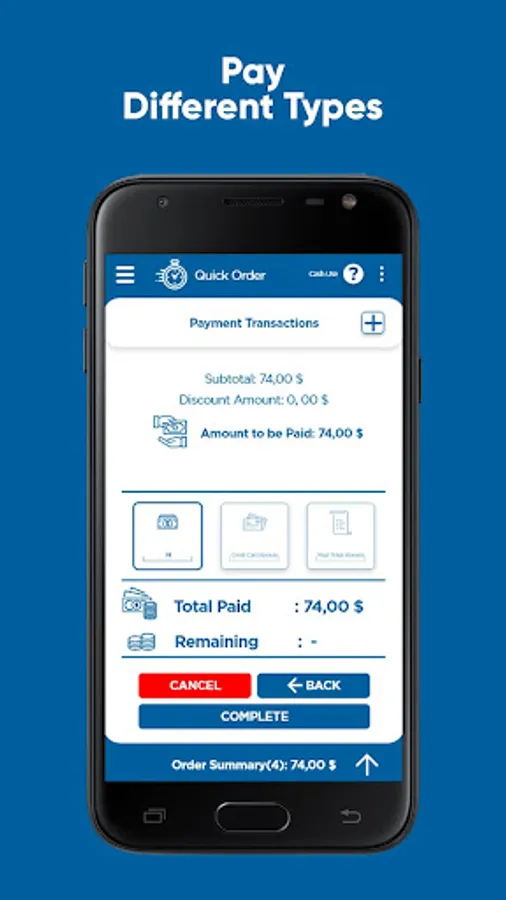
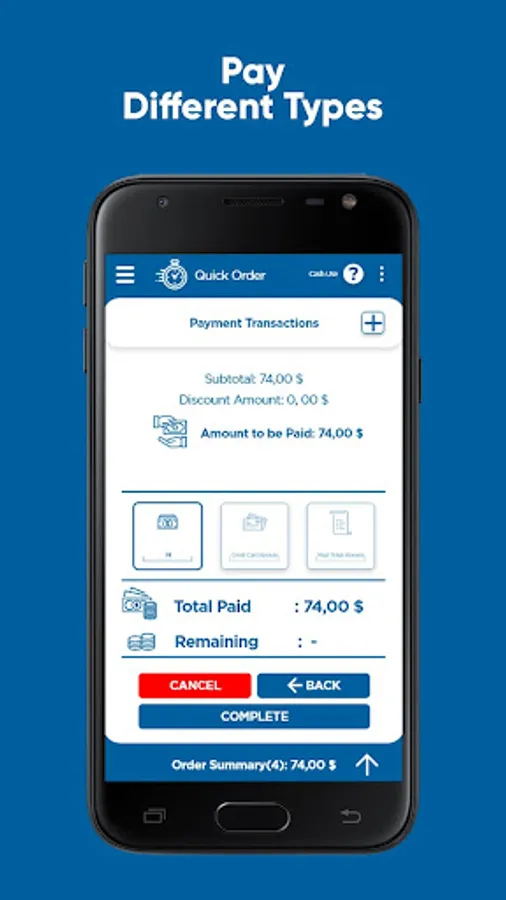
• Identify Cash / credit card / meal voucher / etc. payment types
• Display change / missing amount
• Share payment information (whatsapp, email, etc.)
Peripheral Support:
• Kitchen and Cashier Register printer support
• Ethernet / Bluetooth printer support
• Automatic receipt printing and cutting
• Cashier drawer support
• Barcode scanning support by USB barcode scanner or the internal camera
• Caller id support via your smartphone
• SMS sending support via your smartphone
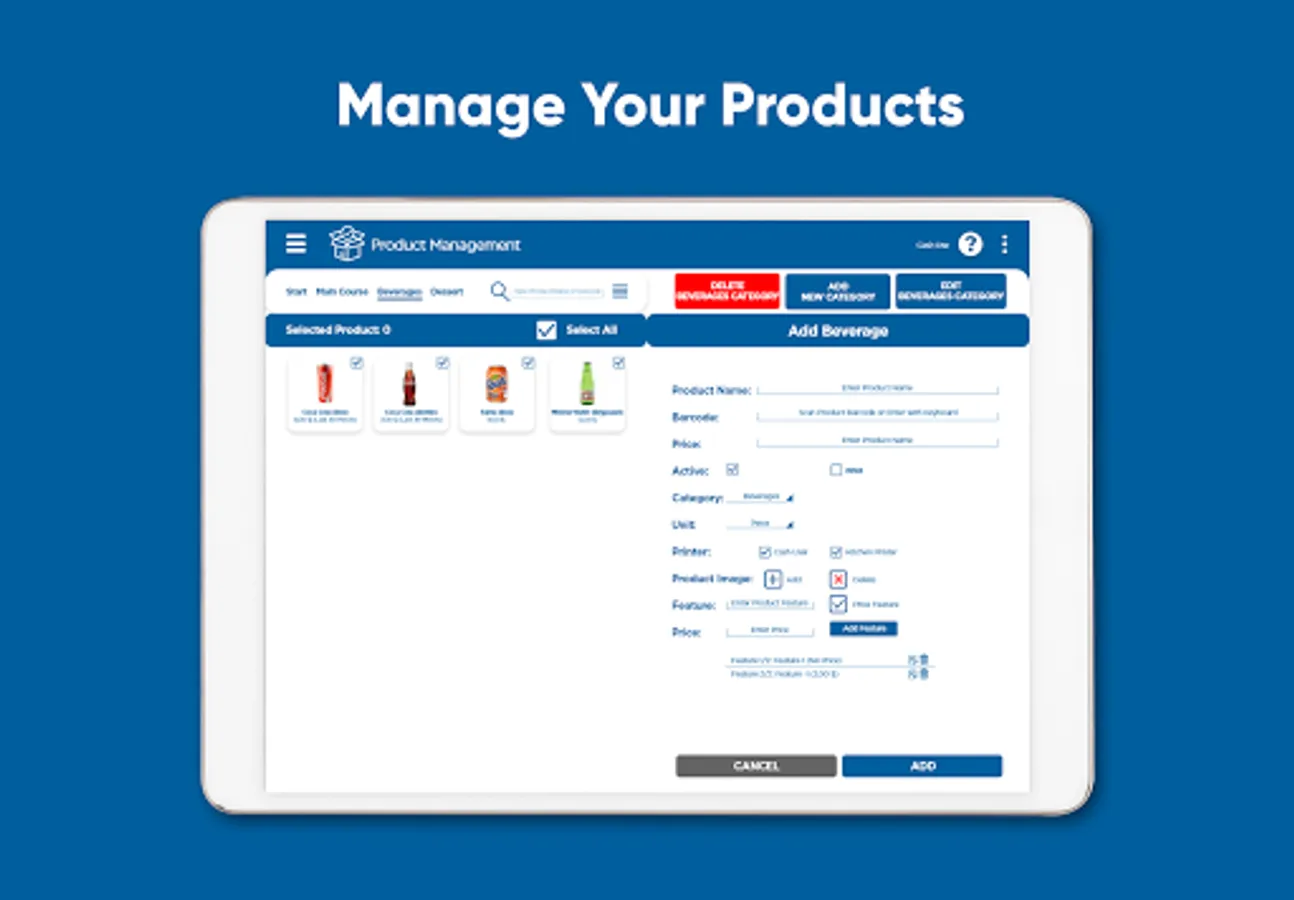
Menu:
• Add / delete / change categories or products
• Add priced / unpriced features to products
• Add barcode information by a barcode reader
• Assign products to different kitchen
• Disable the product
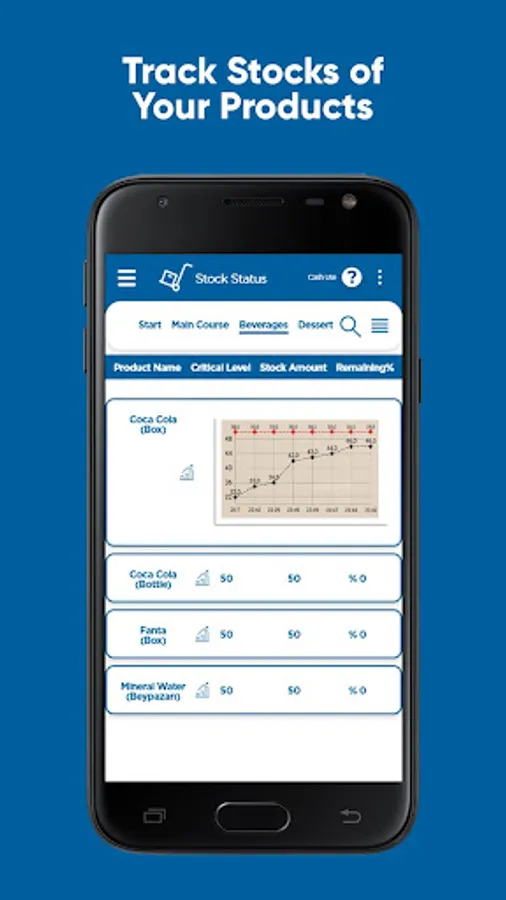
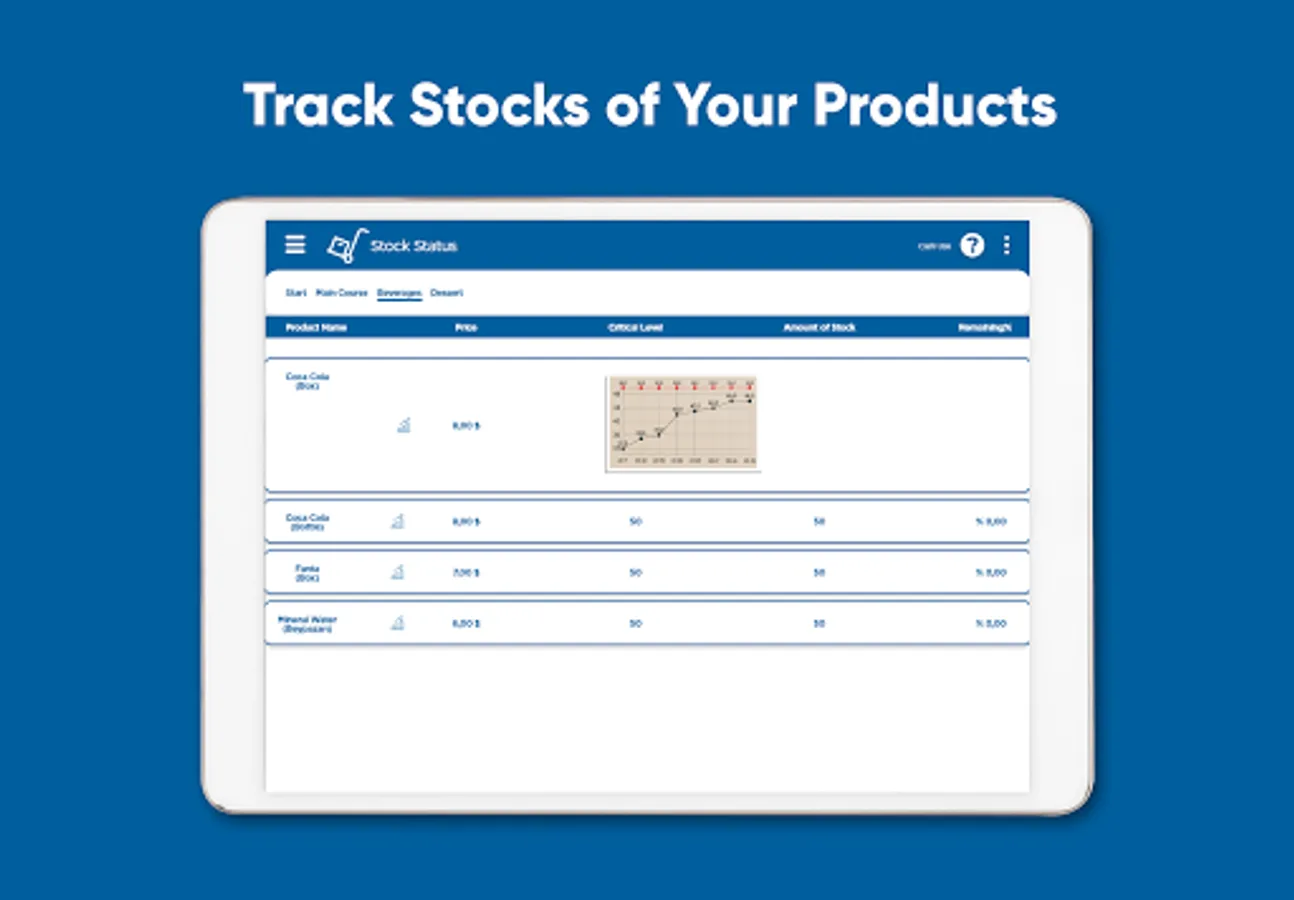
Inventory Management:
• Enable / disable stock management for products
• Define critical stock level and purchase price
• Increase / decrease stock
• Generate a report of stock status
• Warning for products under the critical level
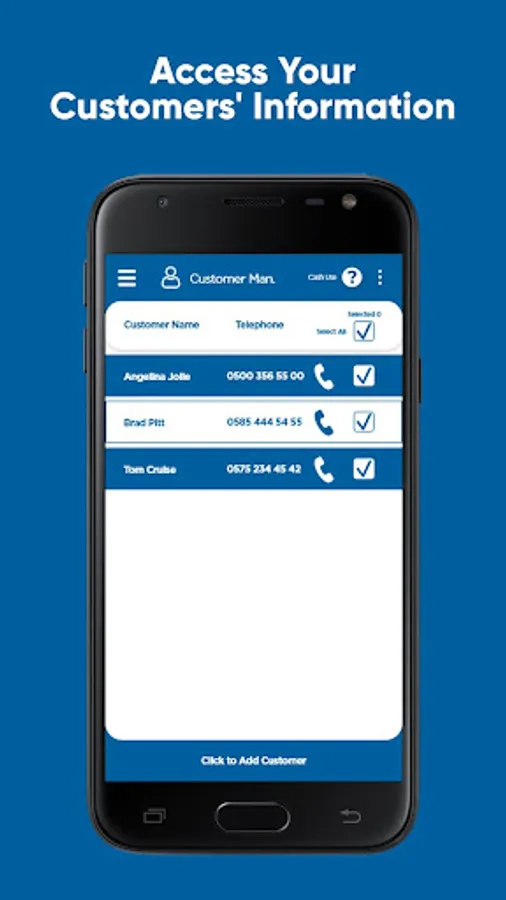
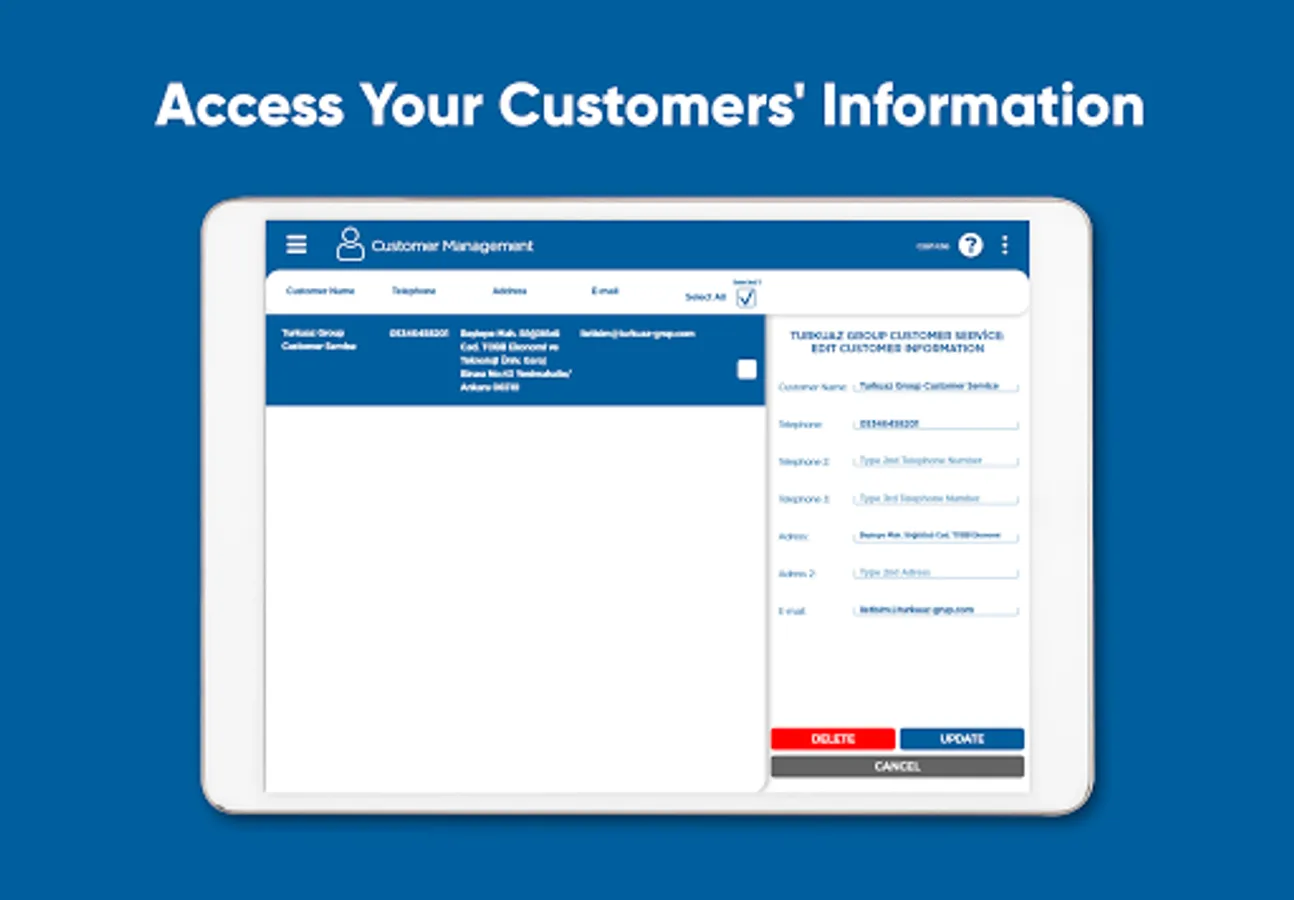
Customer Management:
• Automatically save customer’s information
• Send SMS to the customer
• Find the customer from the calling number
Expenditure:
• Record business expenses
• List and group expenses
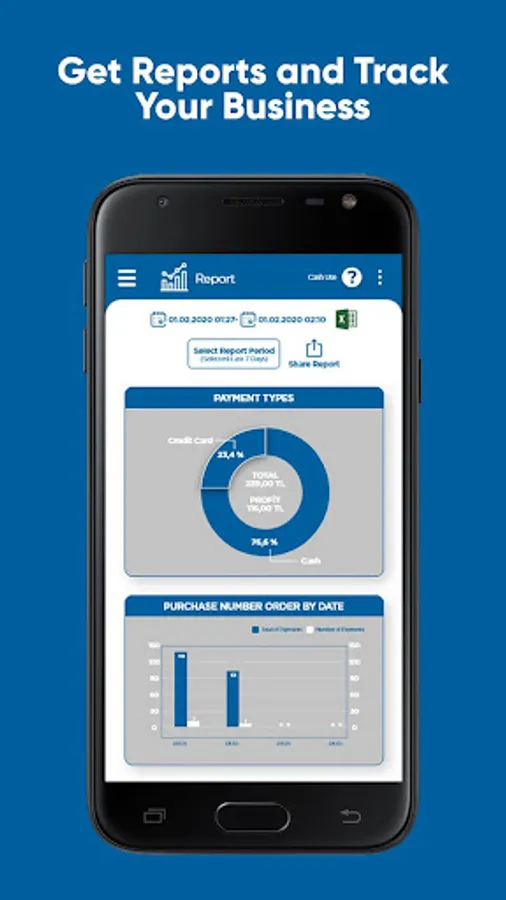
Reporting:
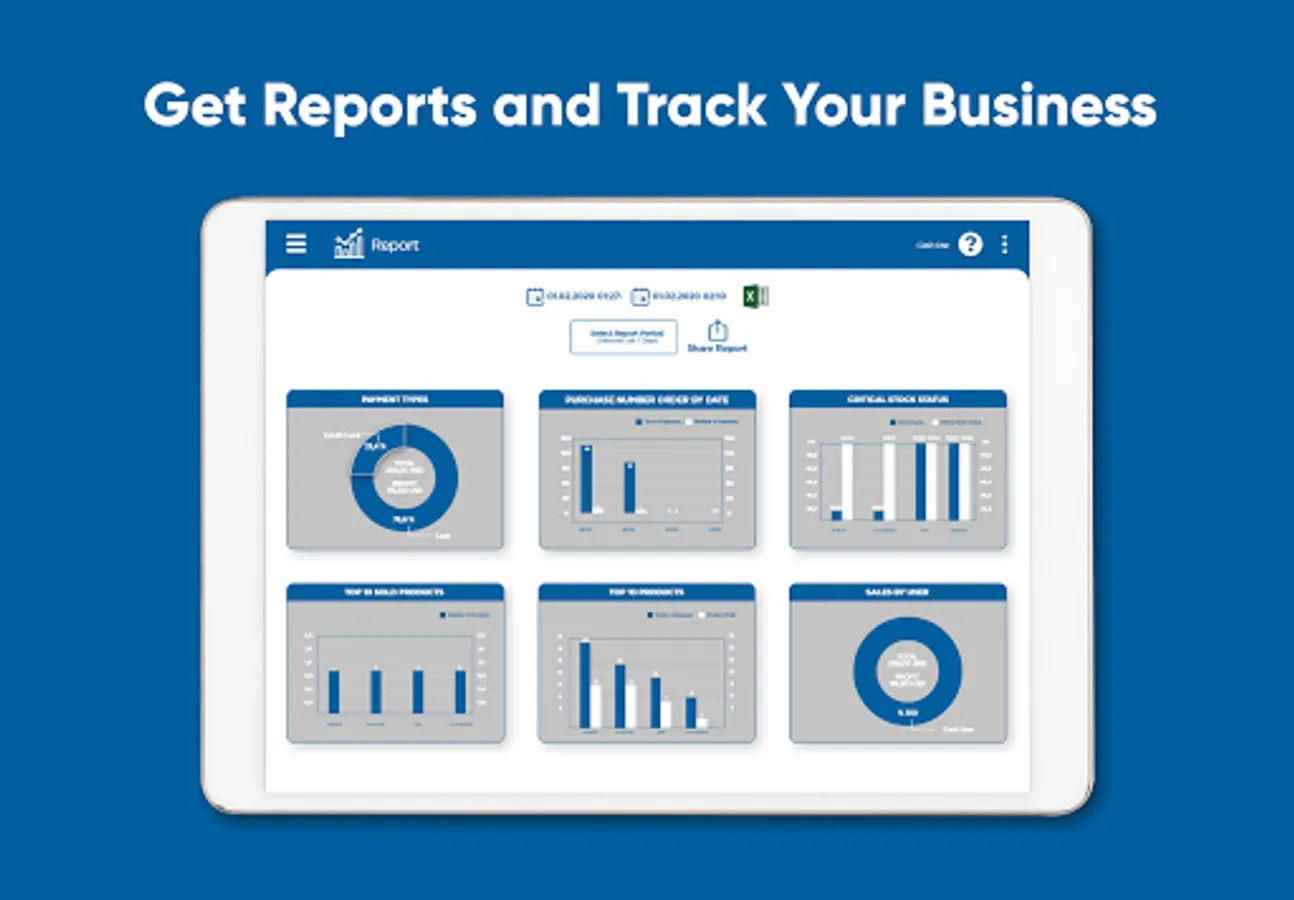
• Instant access to the current status
• Report according to Profit, Employee, etc.
• Define the reporting period
• Graphically visualise report information
• Export any report in the defined range to Excel
To contact us:
WhatsApp: https://wa.me/905514922337
Email: iletisim@turkuaz-grup.com
Web: http://repos.turkuaz-grup.com?lang=en
Which businesses are RePOS for?
• Restaurant,
• Cafe,
• Coffeehouse,
• All establishments serving food or beverage.
What needs does RePOS meet?
• Allows You Manage Your Credit Orders
• Sell your product online,
• Allows you to manage courier orders,
• Manage your sales and payments, prevents losses and mistakes,
• Easily manage your entire business with integrated Waiter and kitchen applications: https://play.google.com/store/apps/details?id=com.reposwaiter&hl=en&gl=US
https://play.google.com/store/apps/details?id=com.reposkitchen&hl=en&gl=US
• Allow your customers to access your menu without touch, via QR code,
• Orders are delivered to the kitchen accurately and without any delay,
• Remember your customers and share information with them,
• Produce reports to monitor your business,
• Manage stocks and notify for stocks getting low,
• Record and monitor your expenses,
• Manage your tables,
• No need for an internet connection
KEY FEATURES
Online Order:
• Customers/Cashier can order online from anywhere
• Customers can access the online menu and give online orders for their table by QR code
Order:
• Quickly access products from a grouped menu
• Select products in the menu by scanning a barcode
• Add a discount or note
• Mark an item as offered or lost
• Table / Package / Courier order selection
• Add Customer / Courier information
• Retrieve saved Customer information
• Receive the caller id from the incoming phone call
• Send a SMS/Whatsapp/Email receipt to a registered customer
Table Management:
• Create a QR code for a contactless table menu
• Get online orders for a table from the customer with a QR code
• Book tables and get notifications for upcoming reservations
• Show the status of tables
• Take partially payment
• Enter the number of visitors for the table
• Table changing/joining/separating
Payment:
• Identify Cash / credit card / meal voucher / etc. payment types
• Display change / missing amount
• Share payment information (whatsapp, email, etc.)
Peripheral Support:
• Kitchen and Cashier Register printer support
• Ethernet / Bluetooth printer support
• Automatic receipt printing and cutting
• Cashier drawer support
• Barcode scanning support by USB barcode scanner or the internal camera
• Caller id support via your smartphone
• SMS sending support via your smartphone
Menu:
• Add / delete / change categories or products
• Add priced / unpriced features to products
• Add barcode information by a barcode reader
• Assign products to different kitchen
• Disable the product
Inventory Management:
• Enable / disable stock management for products
• Define critical stock level and purchase price
• Increase / decrease stock
• Generate a report of stock status
• Warning for products under the critical level
Customer Management:
• Automatically save customer’s information
• Send SMS to the customer
• Find the customer from the calling number
Expenditure:
• Record business expenses
• List and group expenses
Reporting:
• Instant access to the current status
• Report according to Profit, Employee, etc.
• Define the reporting period
• Graphically visualise report information
• Export any report in the defined range to Excel
To contact us:
WhatsApp: https://wa.me/905514922337
Email: iletisim@turkuaz-grup.com
Web: http://repos.turkuaz-grup.com?lang=en
RePOS: Restaurant POS System Screenshots
Tap to Rate:
Reviews for RePOS: Restaurant POS System
John Chege
3/1/2026
the fantastic app
s negi
3/1/2026
nice experience... simple and best... loved the app