Colors Icon Pack
Free
(in-app purchases)
rated 4.5 stars
50,000+
downloads
About Colors Icon Pack
Website:✨✨✨
https://ronalddwk.com
Please feel free to contact me if you have any questions.😊😊😊
ronalddwk@gmail.com
info@ronalddwk.com
Check out Colors Icon Pack 💢Paid💢 version here: NO ADS etc...
https://play.google.com/store/apps/details?id=com.ronald.colors.iconpack.paid
Features:
--------------
• Icon Masking
• Tutorial in app
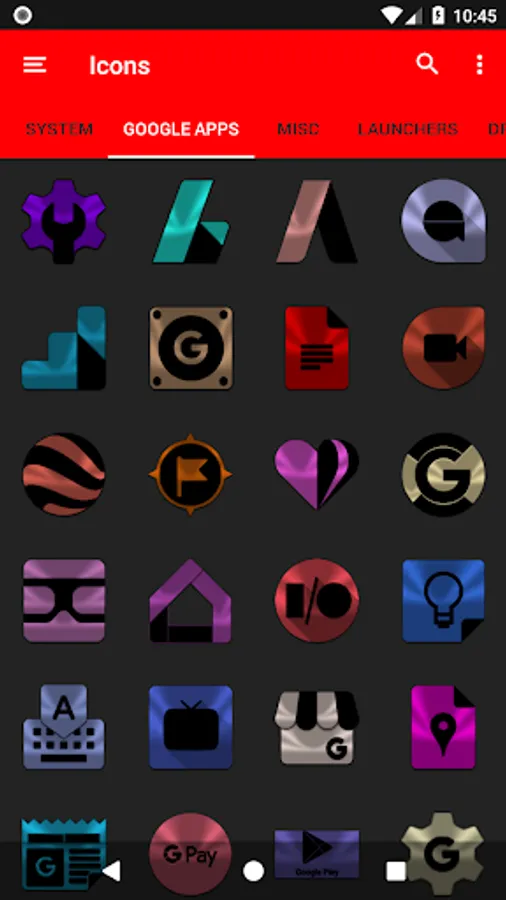
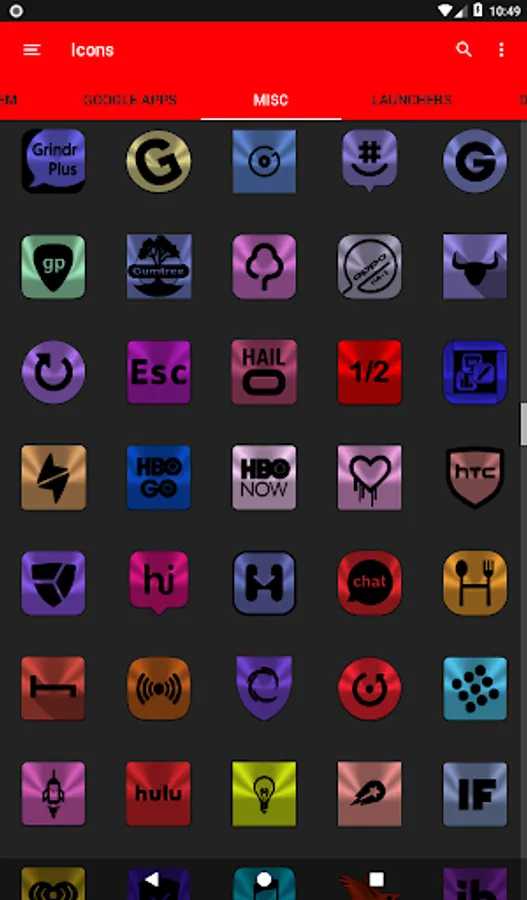
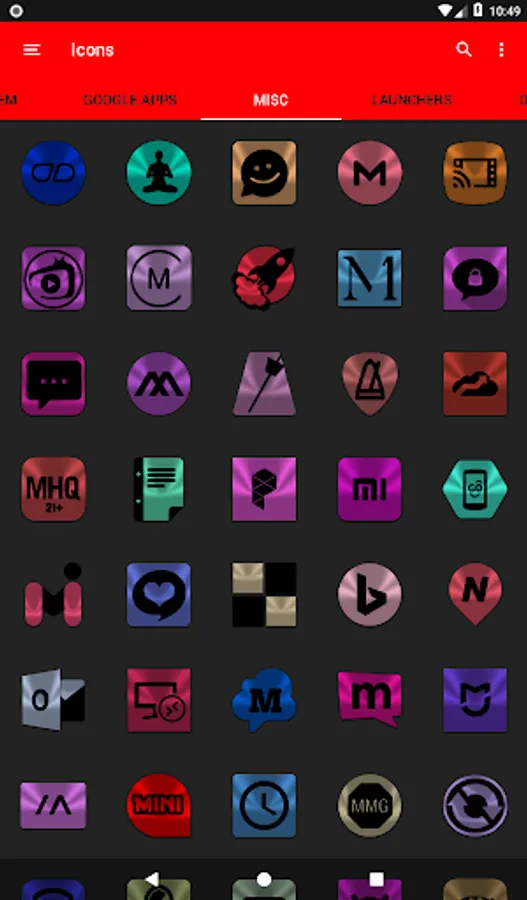
• 9200+ HD Icons
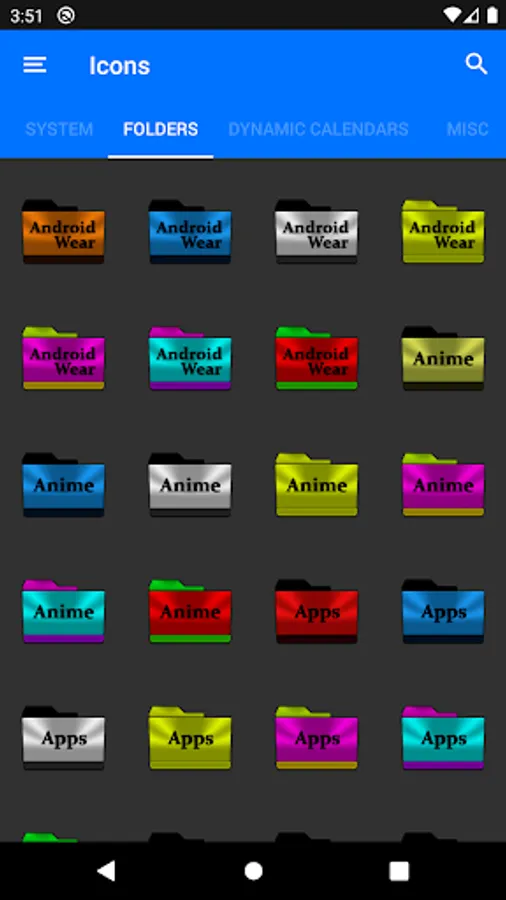
• 378 Folder Icons
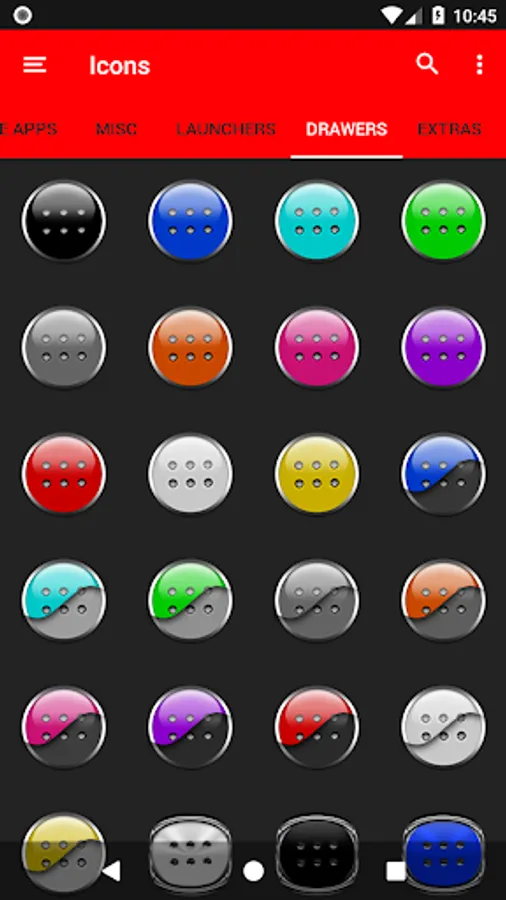
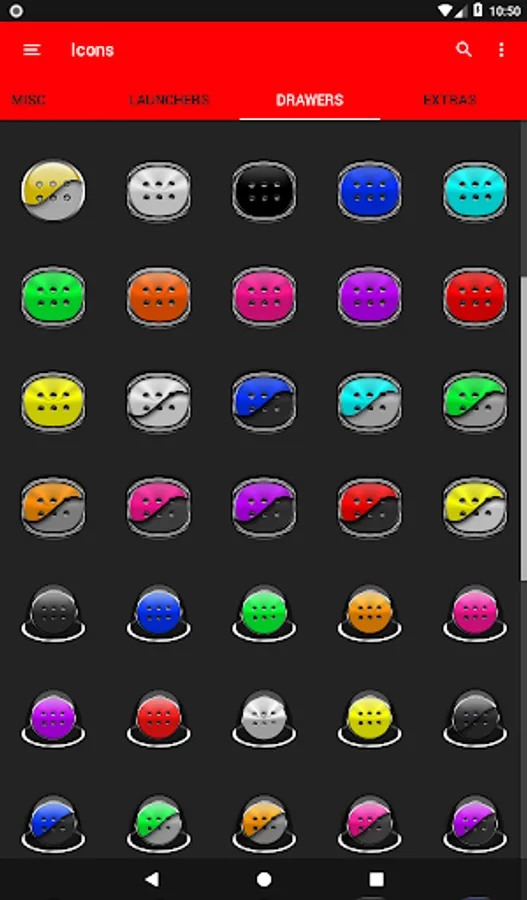
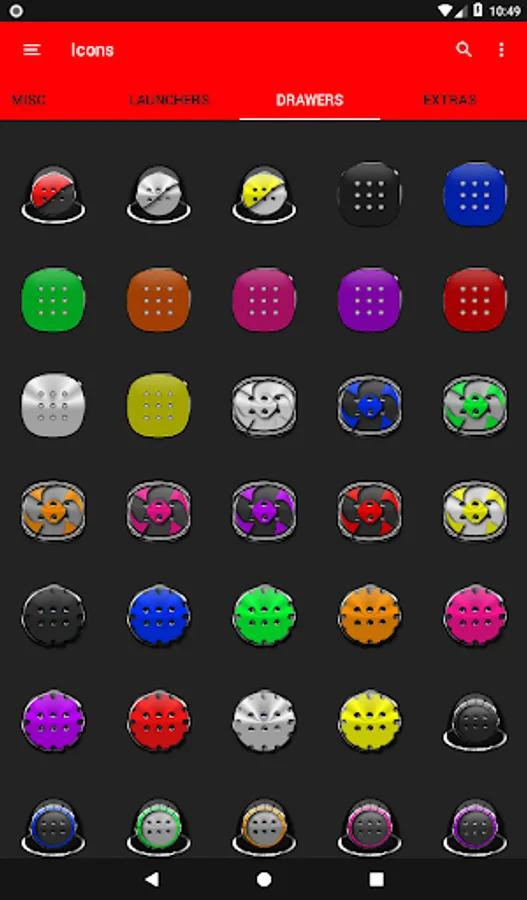
• 157 App Drawers
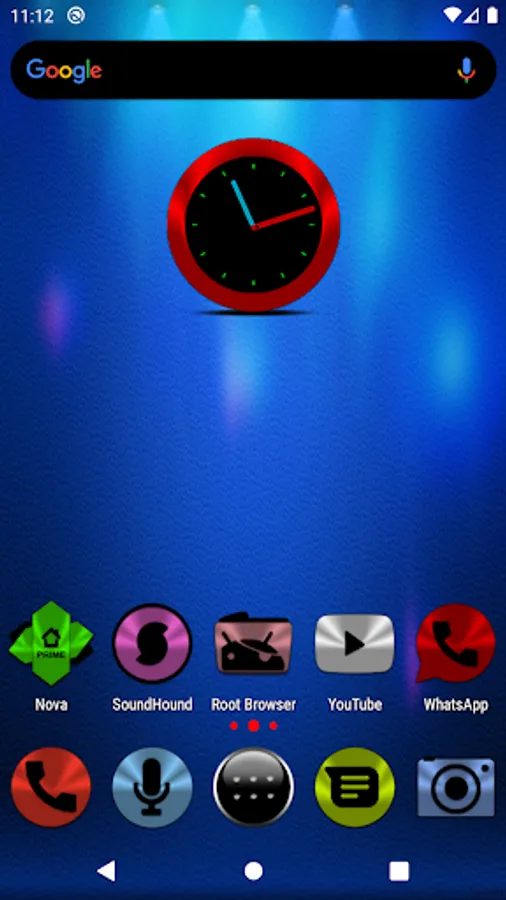
• Analog Clock (Widget)
• 448 Dynamic Calendars
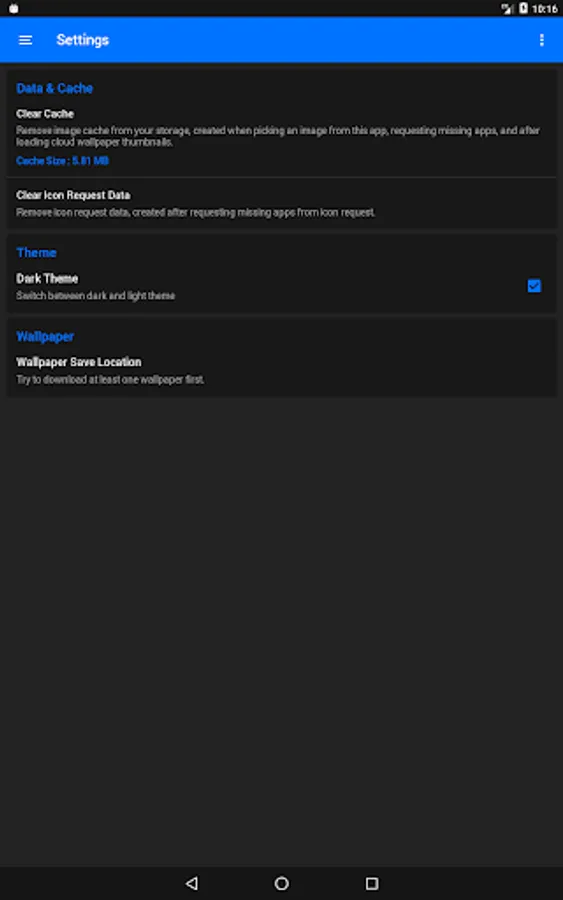
• Wallpaper save location
• App Light and Dark theme
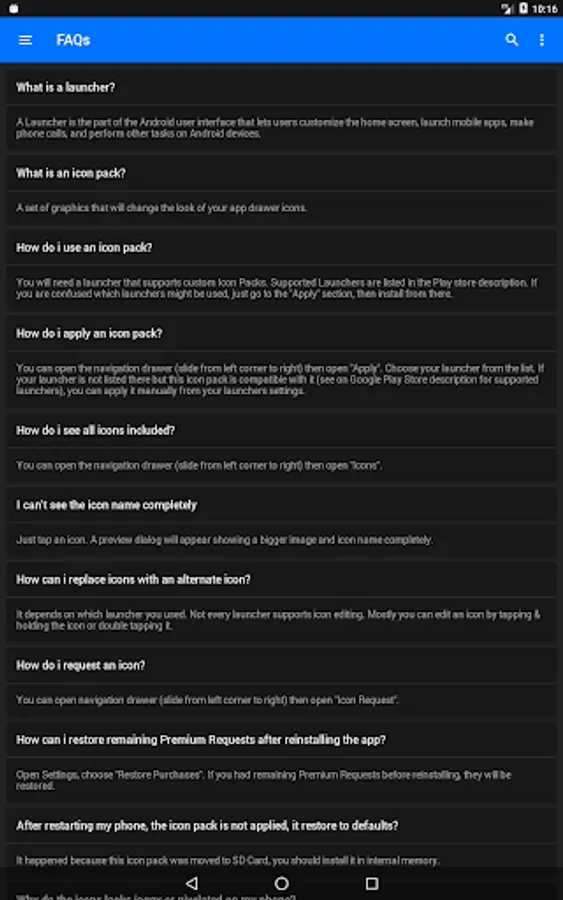
• FAQs with search function
• Option To Bookmark Icons
• Option To Search Wallpapers
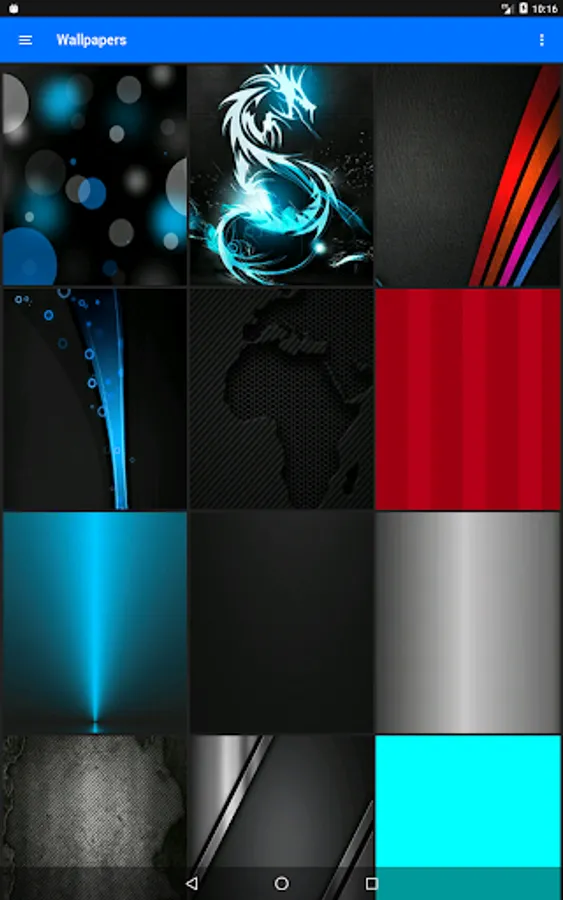
• 350 HD cloud based wallpapers
• Icon previews with search function
• Localization: Supports 19 languages
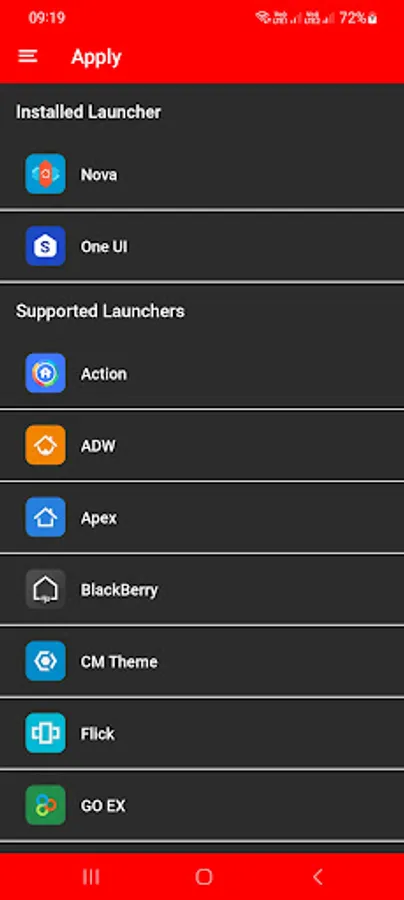
• Quick apply for your default launcher
• Regular & Premium Icon Request Options
• Firebase Cloud Messaging (Update Notifications)
• EXTRAS-2000+ System, WhatsApp etc... Icons to choose from
• Supports 42 launchers, there might be more supported launchers which I haven't tested yet.
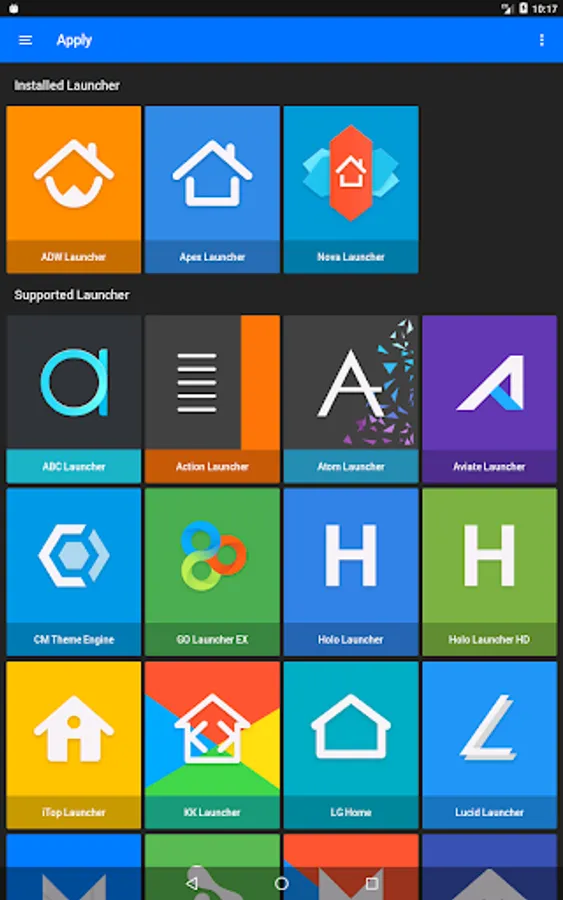
👍Compatible with the following Launchers:👍
Action, ADW, Apex, Blackberry, CM Theme Engine, Flick, GO, Holo, Holo HD, Hyperion, Kiss, Lawnchair, Lg Home, Lucid, Microsoft, Neo, Niagara, Nougat, Nova, One UI, Pixel, Poco, Posidon, Smart , Solo, Square & ZenUI.
Fully Compatible but not Included in Apply Section: 👍Apply via your Launcher👍
ABC, Arrow, ASAP, Apolo, Atom, Aviate, Cobo, Computer Launcher Win 10 Gold, Evie, GO-EX, Launch by Quixey Launcher, Line, M, Mesh, Mini, Next, Novel, Open, Peek, V, Windows Launcher X Prime, Z & Zero.
N.B: I have tested on the above launchers, there might be more supported launchers which hasn't been tested yet.
STOCK PHONE LAUNCHERS 🤷♂️DO NOT SUPPORT custom Icon Packs🤷♂️ , you can try 👌Awesome Icons👌 or 👌Unicon-Icon Themer👌 to change icons manually on your stock launcher.
N.B: Some Launchers require to change some icons Individually
How To Change Icons Individually
-----------------------------------------------------
1.Tap and Hold down on the icon then release it, then a small pop-up will appear.
2.It will allow you to change the icon and the name.
3.Select the icon, this will show your icon packs, select Colors IP and choose your favourite icon, Built-in Search Feature within the App.
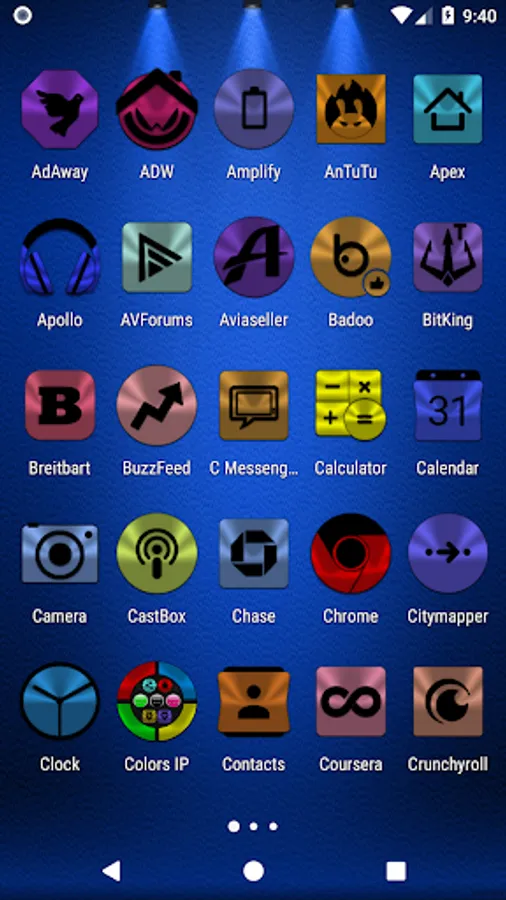
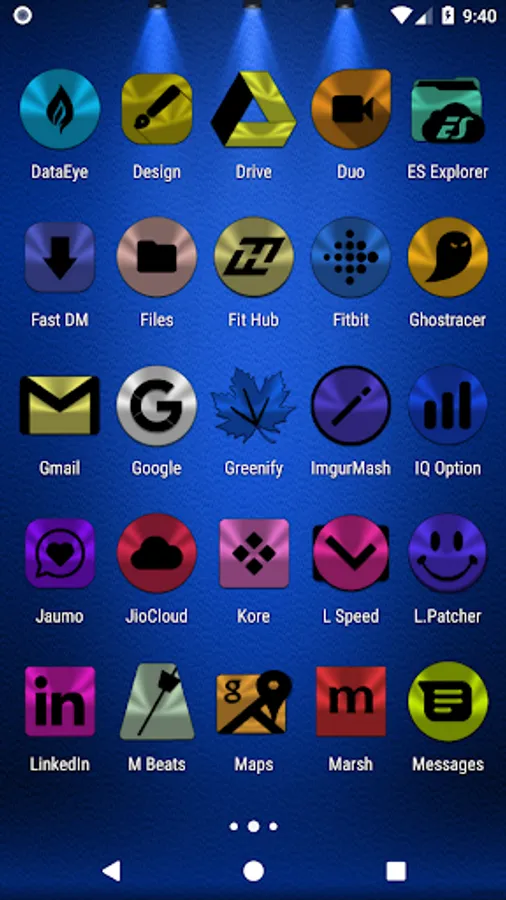
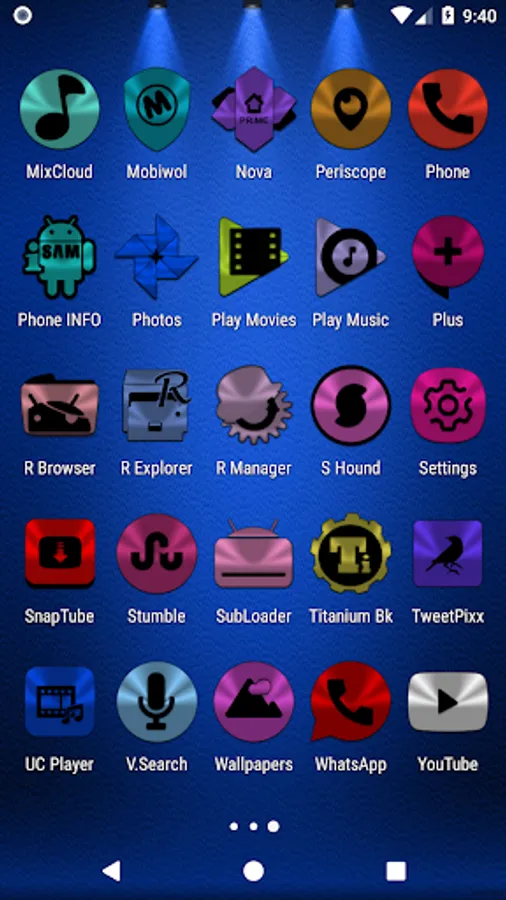
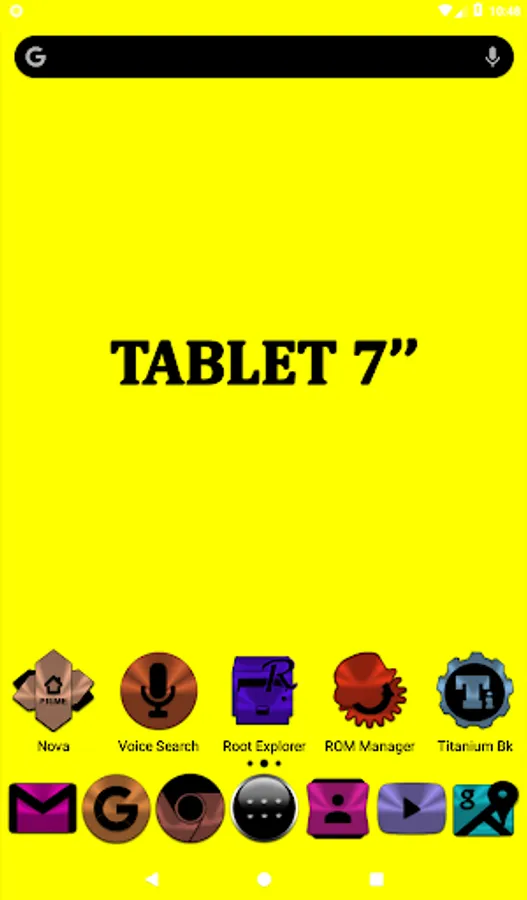
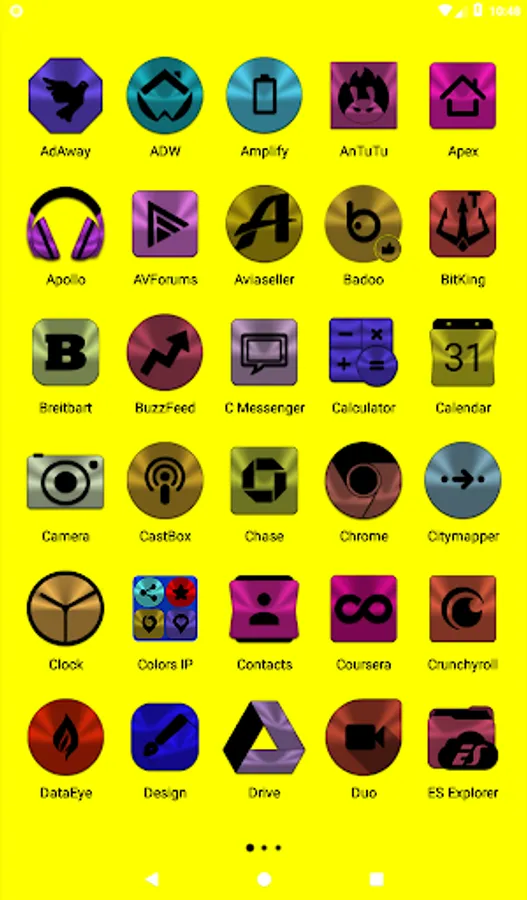
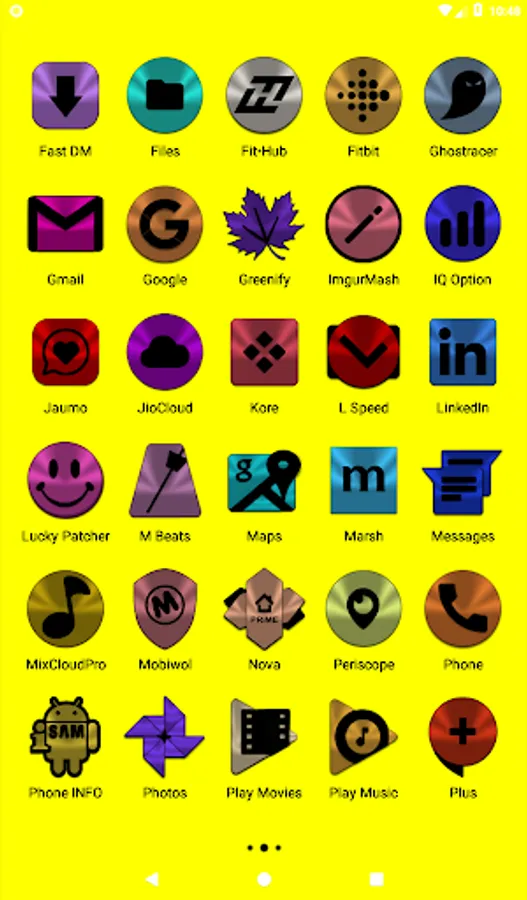
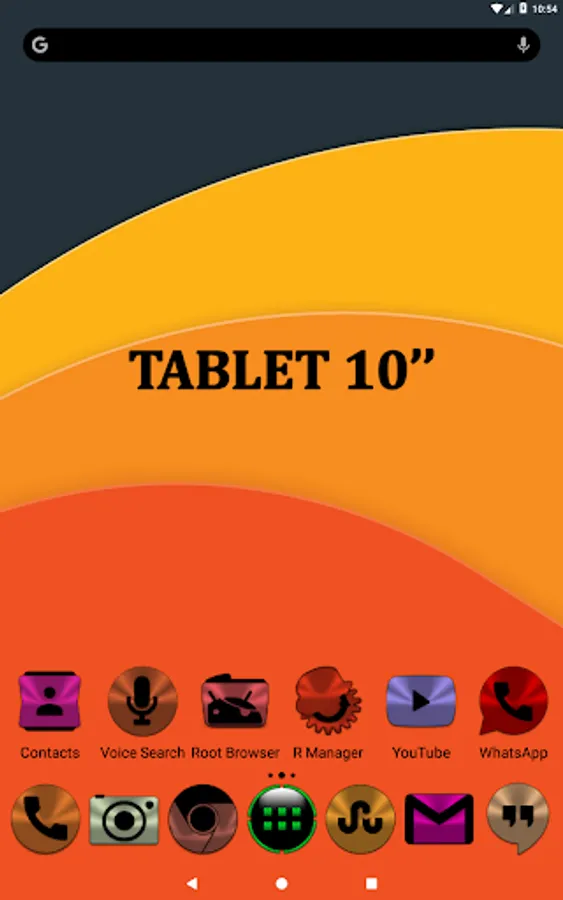
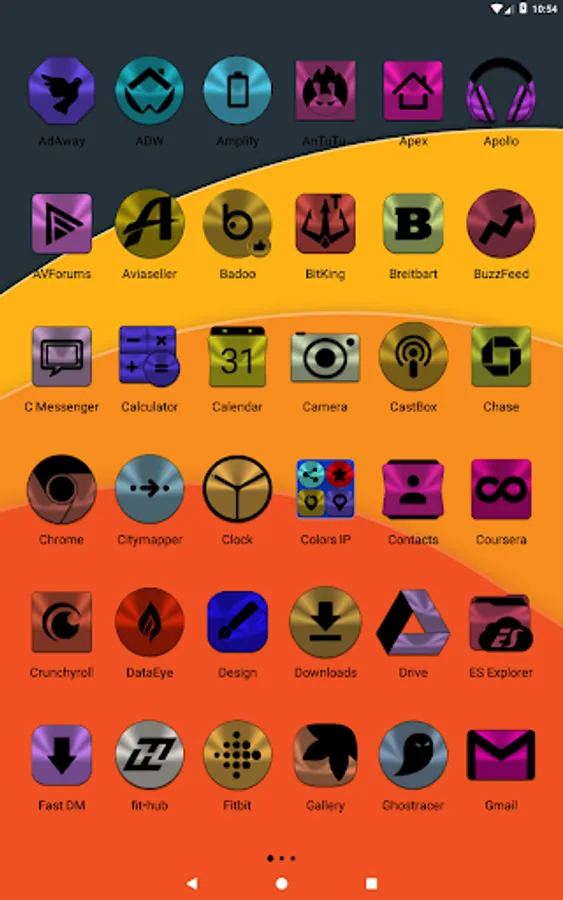
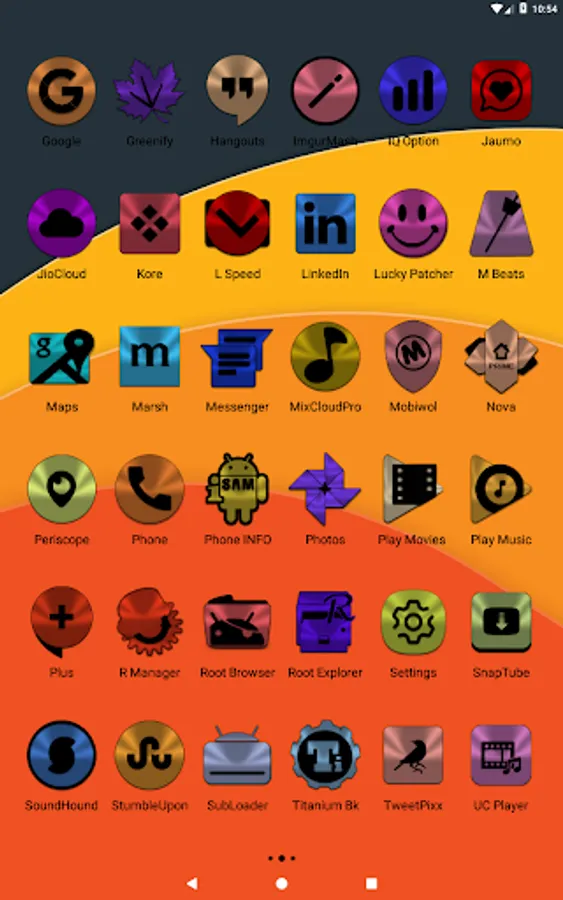
• Launcher used in screenshots: Nova Launcher
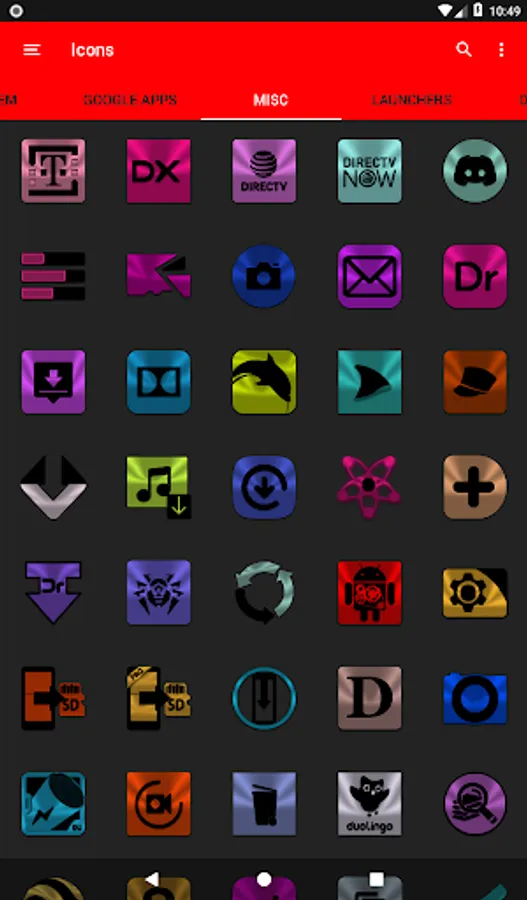
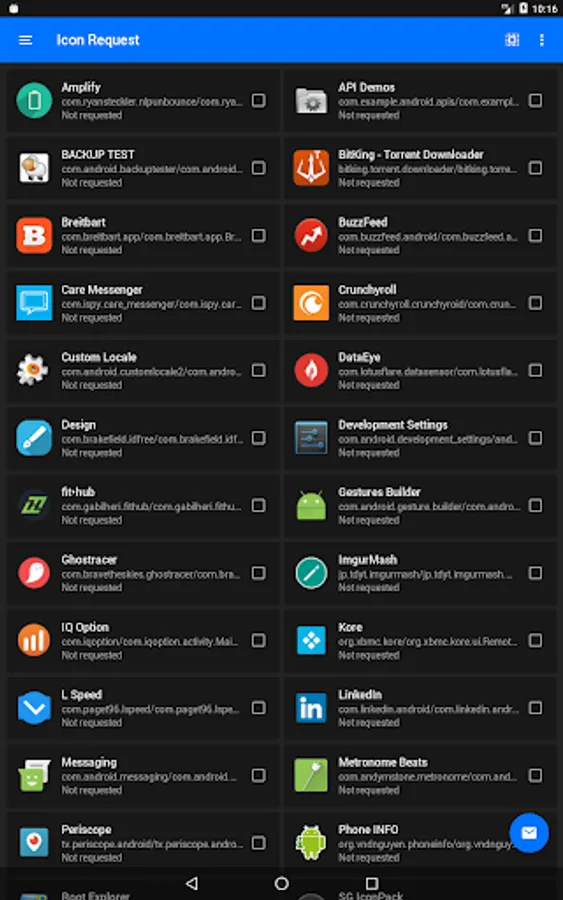
Colors Icon Pack Screenshots
Reviews for Colors Icon Pack
william may
8/5/2023
This Is Definitely One Of The Best icons Apps In the Market. Love So Many Colorful Icons That Will Make Your Phone Look So Amazing. Keep You The Great Work. It Took Me A Minute To Figure Out How To Transfer The Icons Over, But I Was Determined To Get these Icons Applied To My Galaxy S23 Ultra. Now I Am In Beast Mode. Thanks Bro.
sunil sankuru
4/16/2023
One of the best icon pack in the play store, Very good Dev ❣️
Completely Anonymous
1/2/2023
I am not shy about leaving a negative - sometimes scathing - review, usually reserved for Google or some other deceptively advertised app, but on the other hand having tried at least 20-25 or so icon packs, I can say these hit it out of the ballpark... and they are free! Thanks for such Generosity ! Addendum - this guy is some kind of creative genius, I mix 6 of his icon packs.... WOW
Dayna
5/23/2022
I use Awesome Icons to change my icons...Colors are my fav icons! Great job...these icons are the best! Thank you for your time and effort and offering use of them at no cost. Update: I installed a compatible launcher (Nova) and paid for the full features...love that I can save favs in their own folder; the search function is a handy timesaver! I requested an icon...was ready for me to use in less than a week. I highly recommend these icons! His icon packs really are the best!
Manuel J
1/17/2022
Love your icons,......keep up the great work!
Tap to Rate: