Roku Smart TV Remote Control
HyperSoft AI - Apps Lab
4.3 ★
91 ratings
100,000+
downloads
Free
+ in-app
AppRecs review analysis
AppRecs rating 3.9. Trustworthiness 77 out of 100. Review manipulation risk 39 out of 100. Based on a review sample analyzed.
★★★☆☆
3.9
AppRecs Rating
Ratings breakdown
5 star
75%
4 star
0%
3 star
17%
2 star
0%
1 star
8%
What to know
✓
Credible reviews
77% trustworthiness score from analyzed reviews
✓
High user satisfaction
75% of sampled ratings are 4+ stars (4.3★ average)
✓
Authentic reviews
Natural distribution, no red flags
About Roku Smart TV Remote Control
Roku Smart TV Remote Control is your ultimate companion to control your Roku devices with ease. Turn your phone into a powerful Smart TV Remote to navigate channels, adjust volume, play, pause, and search your favorite shows instantly. With smart features like voice control, quick navigation, and seamless connectivity, this Roku TV Remote Control app makes streaming faster and smarter. Say goodbye to lost remotes and enjoy full control of your Roku TV Stick and streaming devices all from your smartphone.
Roku Smart TV Remote App support all the mainstream TV brands, including Roku TV and Roku Sticks, LG, Vizio, Samsung, Fire TV and Firestick, TCL, and more. Just connect this Roku Smart TV Remote Control to your Roku TV on the same Wi-Fi. You can also turn your mobile phone into a TV remote, allowing you to control your Roku TV with ease. This enables you to turn your TV on or off, adjust the volume, find shows, and select channels, all just like a normal TV remote. Additionally, you can use your mobile phone to access more features. Make your TV watching easy with this simple universal TV remote control app.
🔑 Key Features of Roku Smart TV Remote Control App
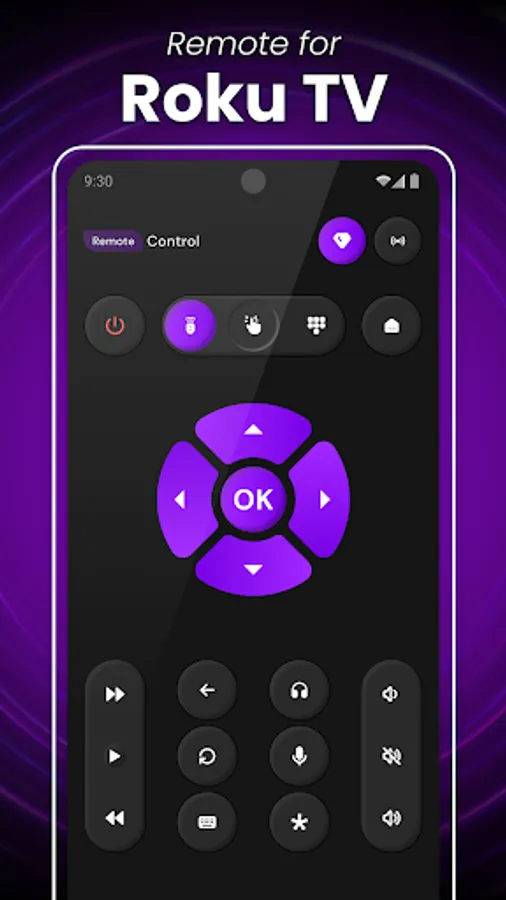
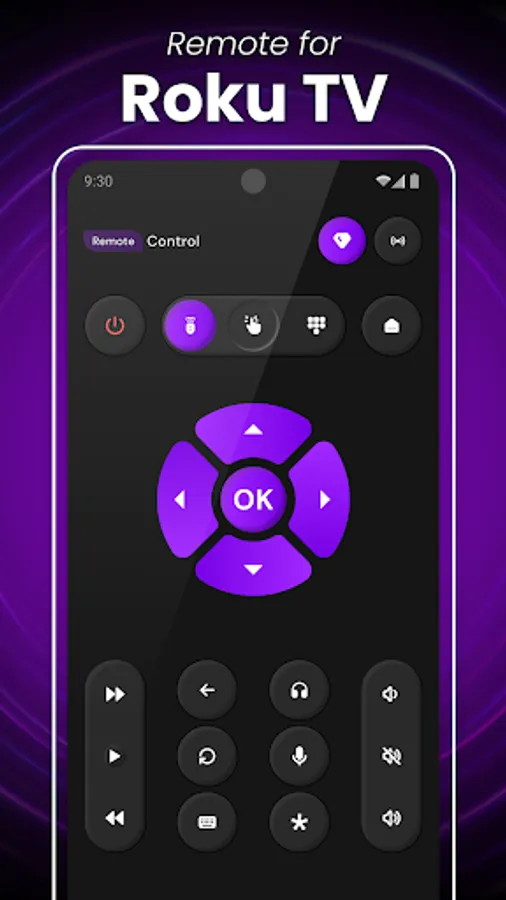
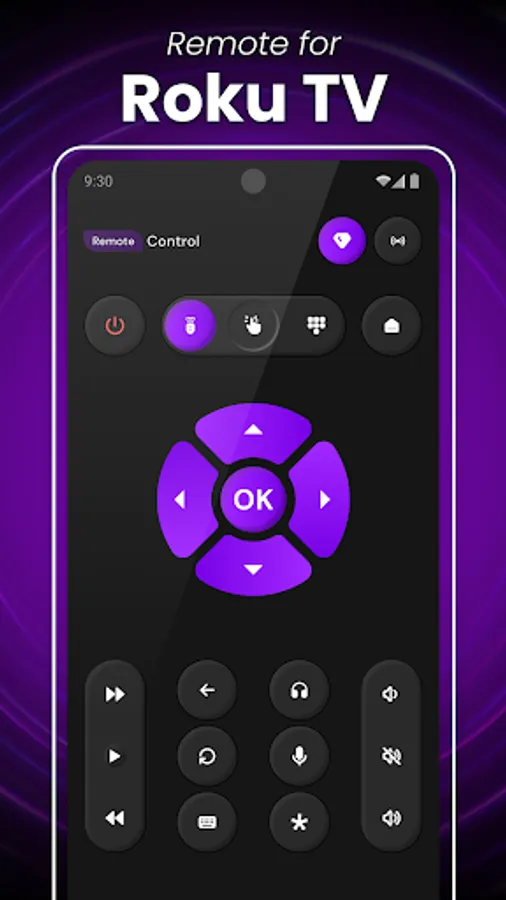
▸Smartphone as Roku TV Remote – Control your Roku TV, Stick, or Streaming Box directly from your phone.
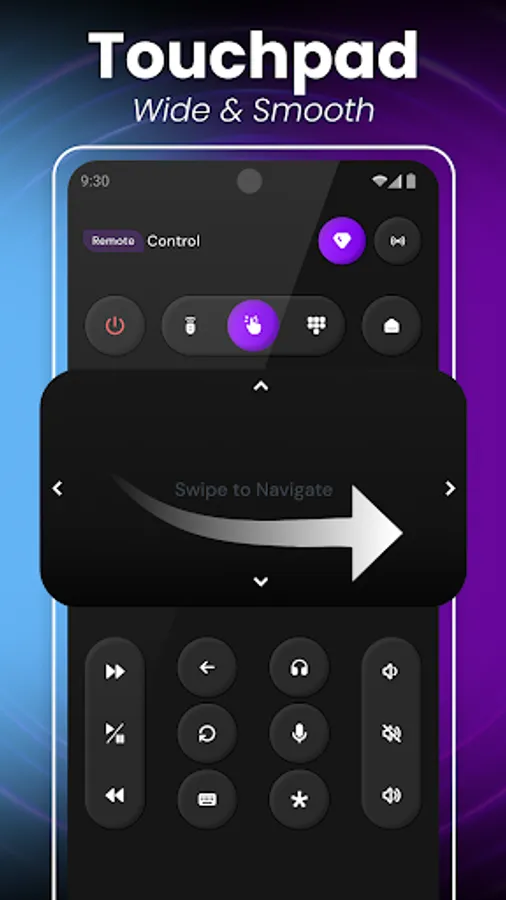
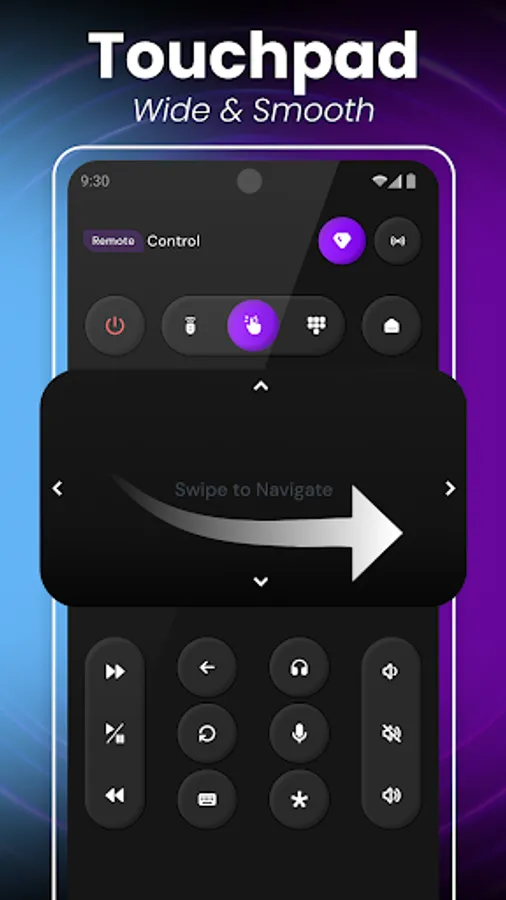
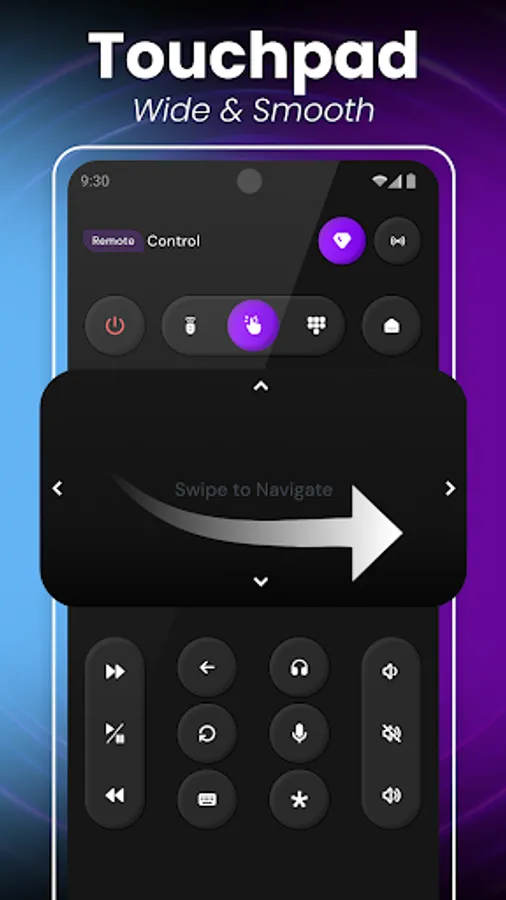
▸Easy Navigation – Navigate channels, apps, and menus with a simple touch or swipe.
▸Volume & Playback Control – Adjust volume, mute, play, pause, rewind, or fast forward effortlessly.
▸Voice Search & Commands – Use voice control to find your favorite movies, shows, or apps instantly.
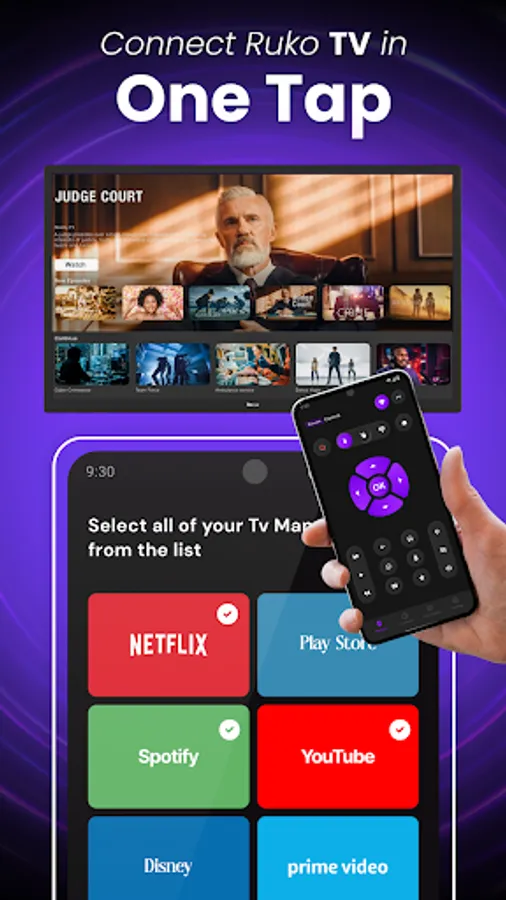
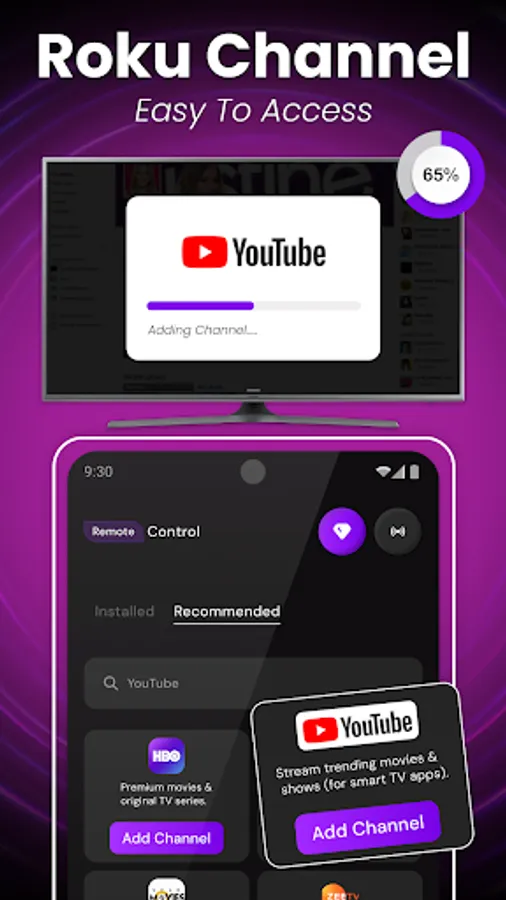
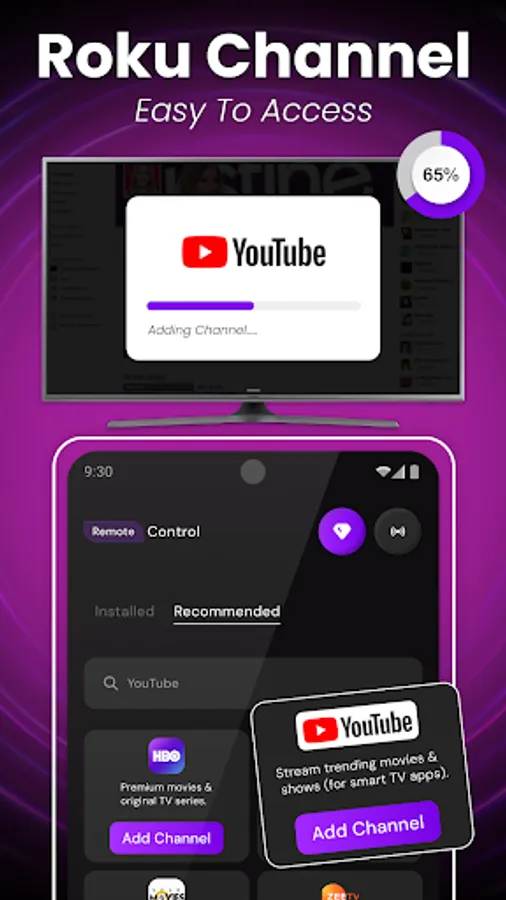
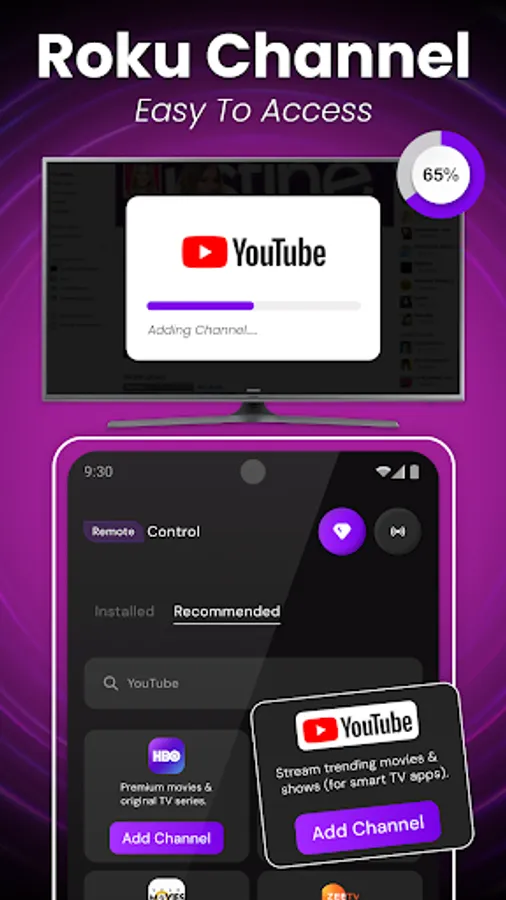
▸Channel Shortcuts – Quickly access popular Roku channels with one tap.
▸Keyboard Input – Type and search faster using your phone’s keyboard.
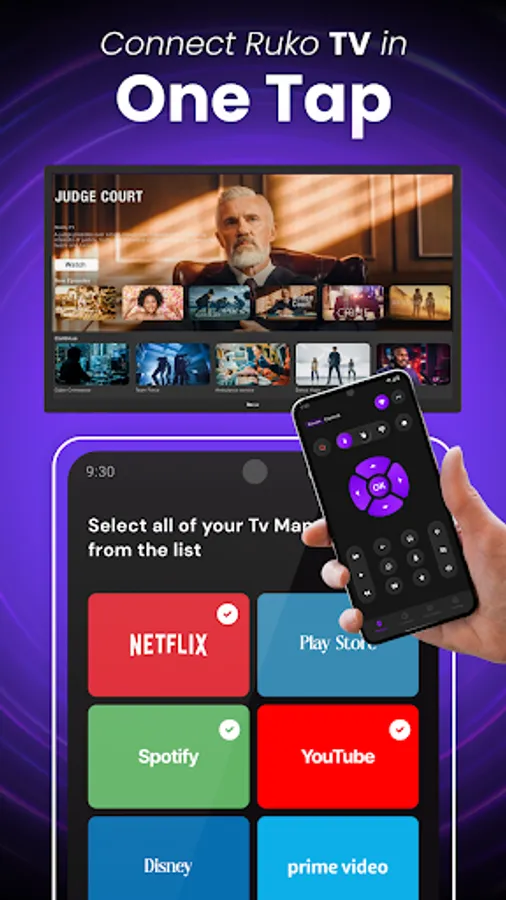
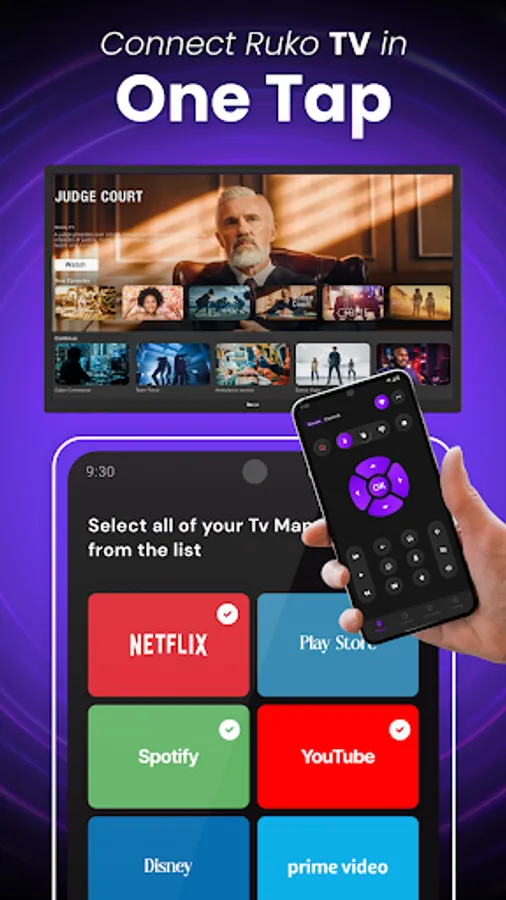
▸Quick Connectivity – Auto-detects available Roku devices on the same Wi-Fi network.
▸Power & Settings Control – Turn TV on/off and manage basic Roku settings remotely.
▸No More Lost Remotes – Always have a backup Roku remote in your pocket.
▸User-Friendly Interface – Clean, fast, and easy-to-use design for smooth control.
How to use the Roku Smart TV Remote Control ??
📶 Check Wi-Fi Connection
Make sure your smartphone and Roku TV are connected to the same Wi-Fi network. The app will not detect the Roku device if they are on a different network.
📲 Open the Roku Remote App
Launch the Roku Smart TV Remote Control app on your phone.
🔍 Auto Scan for Devices
The Roku Smart TV Remote Control App will automatically search and display nearby Roku devices connected to your Wi-Fi.
✅ Select Your Roku Device
From the detected list, tap on your Roku TV or Roku Streaming Stick to connect.
🎮 Start Using the Remote
Once connected, you can use your phone to navigate menus, change channels, adjust volume, launch apps, and control playback.
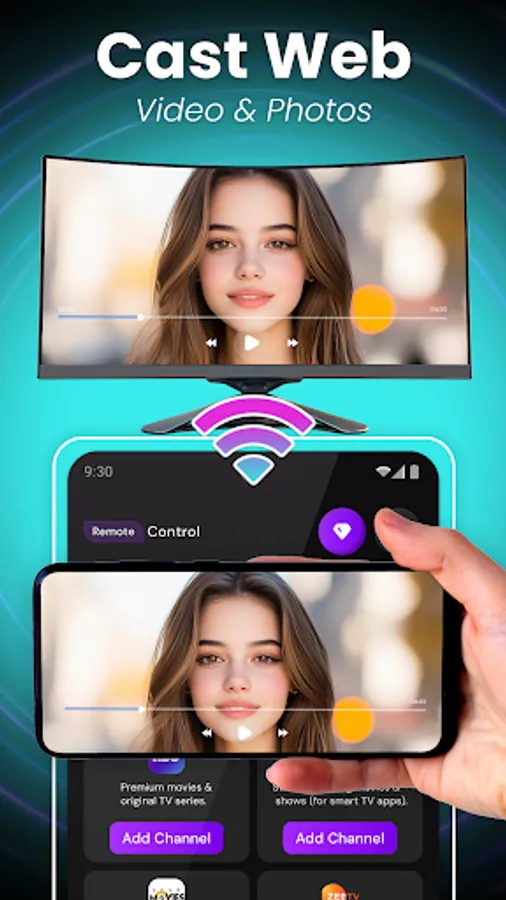
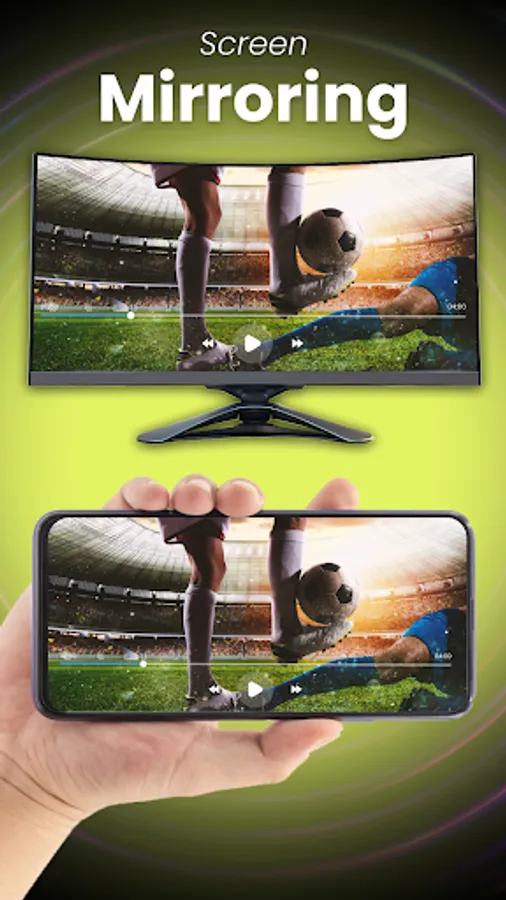
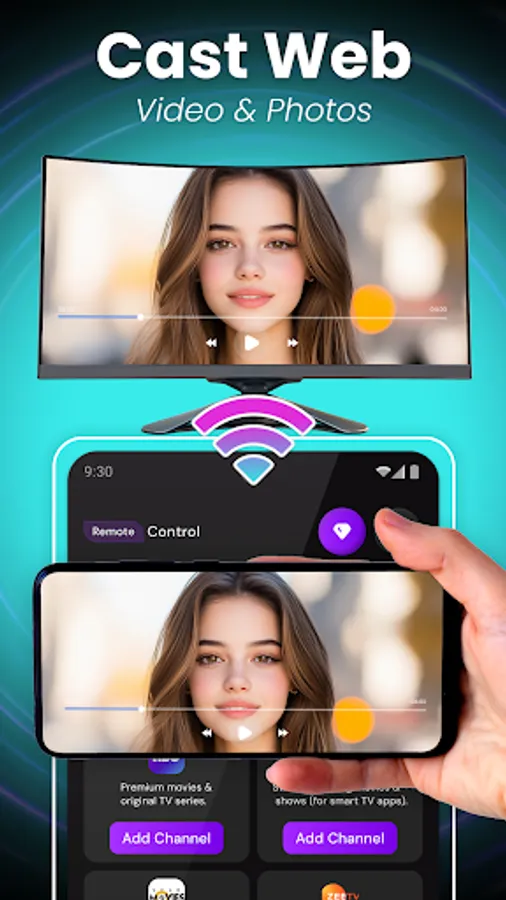
Roku Smart TV Remote is a mobile TV remote control app that is specially designed for Roku TVs and streaming devices. Roku TV remote control application allows you to use your mobile device as a remote control to turn on/off the TV, control volume, browse and stream content, and launch channels, which provide all the same functionality as your physical Smart TV remote.
Roku Smart TV Remote control app works with common Roku TV models. Whether you've misplaced your physical TV stick remote or just prefer the convenience of using your phone, the TV remote replacement app is the perfect solution for controlling your Roku TV.
The Roku universal TV remote control stops typical remote problems like losing it or dead batteries, turning your phone into a simple, all-in-one universal TV remote control.
Note:
- The Roku Smart TV Remote Control app must be on the same Wi-Fi network as your smart Roku TV.
- If you experience connection issues with the TV device, try reinstalling the Roku TV Remote Control and restarting your TV to fix common problems.
Roku Smart TV Remote App support all the mainstream TV brands, including Roku TV and Roku Sticks, LG, Vizio, Samsung, Fire TV and Firestick, TCL, and more. Just connect this Roku Smart TV Remote Control to your Roku TV on the same Wi-Fi. You can also turn your mobile phone into a TV remote, allowing you to control your Roku TV with ease. This enables you to turn your TV on or off, adjust the volume, find shows, and select channels, all just like a normal TV remote. Additionally, you can use your mobile phone to access more features. Make your TV watching easy with this simple universal TV remote control app.
🔑 Key Features of Roku Smart TV Remote Control App
▸Smartphone as Roku TV Remote – Control your Roku TV, Stick, or Streaming Box directly from your phone.
▸Easy Navigation – Navigate channels, apps, and menus with a simple touch or swipe.
▸Volume & Playback Control – Adjust volume, mute, play, pause, rewind, or fast forward effortlessly.
▸Voice Search & Commands – Use voice control to find your favorite movies, shows, or apps instantly.
▸Channel Shortcuts – Quickly access popular Roku channels with one tap.
▸Keyboard Input – Type and search faster using your phone’s keyboard.
▸Quick Connectivity – Auto-detects available Roku devices on the same Wi-Fi network.
▸Power & Settings Control – Turn TV on/off and manage basic Roku settings remotely.
▸No More Lost Remotes – Always have a backup Roku remote in your pocket.
▸User-Friendly Interface – Clean, fast, and easy-to-use design for smooth control.
How to use the Roku Smart TV Remote Control ??
📶 Check Wi-Fi Connection
Make sure your smartphone and Roku TV are connected to the same Wi-Fi network. The app will not detect the Roku device if they are on a different network.
📲 Open the Roku Remote App
Launch the Roku Smart TV Remote Control app on your phone.
🔍 Auto Scan for Devices
The Roku Smart TV Remote Control App will automatically search and display nearby Roku devices connected to your Wi-Fi.
✅ Select Your Roku Device
From the detected list, tap on your Roku TV or Roku Streaming Stick to connect.
🎮 Start Using the Remote
Once connected, you can use your phone to navigate menus, change channels, adjust volume, launch apps, and control playback.
Roku Smart TV Remote is a mobile TV remote control app that is specially designed for Roku TVs and streaming devices. Roku TV remote control application allows you to use your mobile device as a remote control to turn on/off the TV, control volume, browse and stream content, and launch channels, which provide all the same functionality as your physical Smart TV remote.
Roku Smart TV Remote control app works with common Roku TV models. Whether you've misplaced your physical TV stick remote or just prefer the convenience of using your phone, the TV remote replacement app is the perfect solution for controlling your Roku TV.
The Roku universal TV remote control stops typical remote problems like losing it or dead batteries, turning your phone into a simple, all-in-one universal TV remote control.
Note:
- The Roku Smart TV Remote Control app must be on the same Wi-Fi network as your smart Roku TV.
- If you experience connection issues with the TV device, try reinstalling the Roku TV Remote Control and restarting your TV to fix common problems.
Roku Smart TV Remote Control Screenshots
Tap to Rate:
Reviews for Roku Smart TV Remote Control
Denny Stephens
2/22/2026
great app after 50 being horrible!
Vincent MOKILI
2/16/2026
goof