In this app, you can save links for later reading using notifications and manage them with color-coded status indicators. Includes link saving, history management, and integration with Pocket and Pushbullet.
AppRecs review analysis
AppRecs rating 4.8. Trustworthiness 53 out of 100. Review manipulation risk 27 out of 100. Based on a review sample analyzed.
★★★★☆
4.8
AppRecs Rating
Ratings breakdown
5 star
83%
4 star
17%
3 star
0%
2 star
0%
1 star
0%
What to know
✓
High user satisfaction
83% of sampled ratings are 5 stars
✓
Authentic reviews
Natural distribution, no red flags
About Link Stack
Open one link you want to read, close the browser, find the link you want to read and open a new link.
Its iterative work. Is not it annoying?
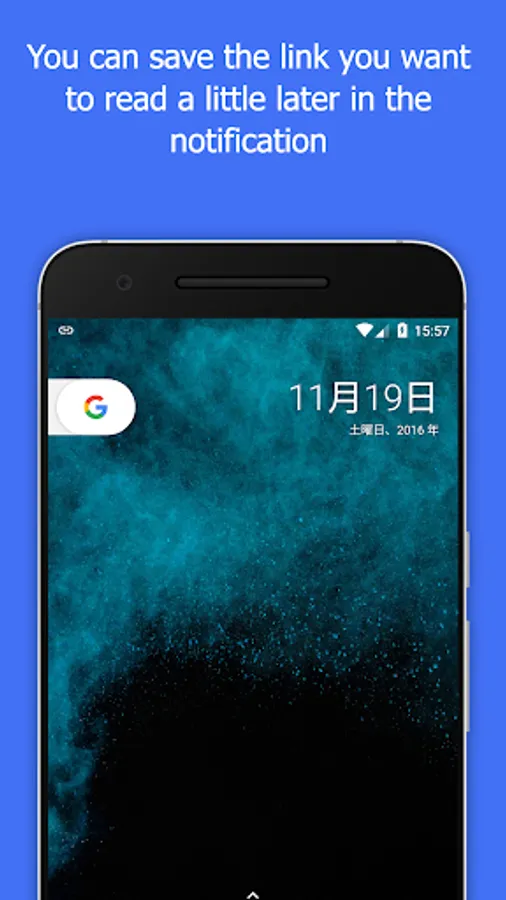
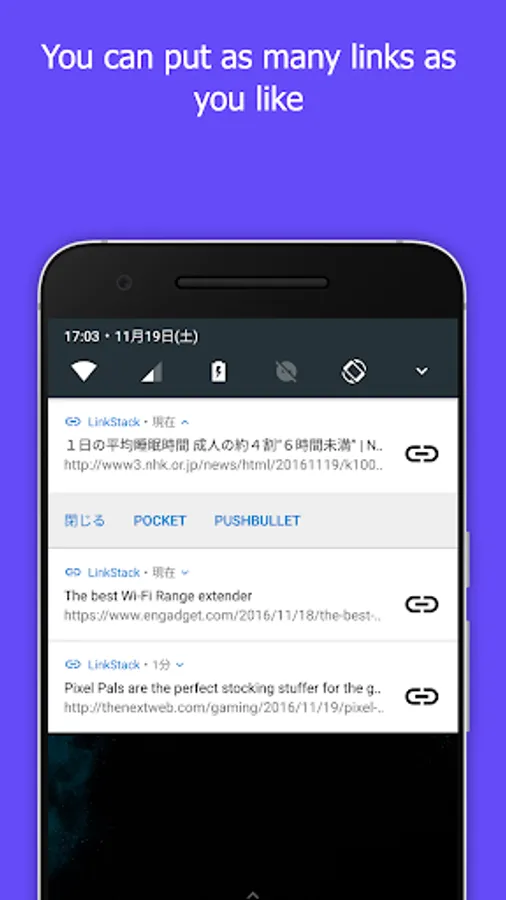
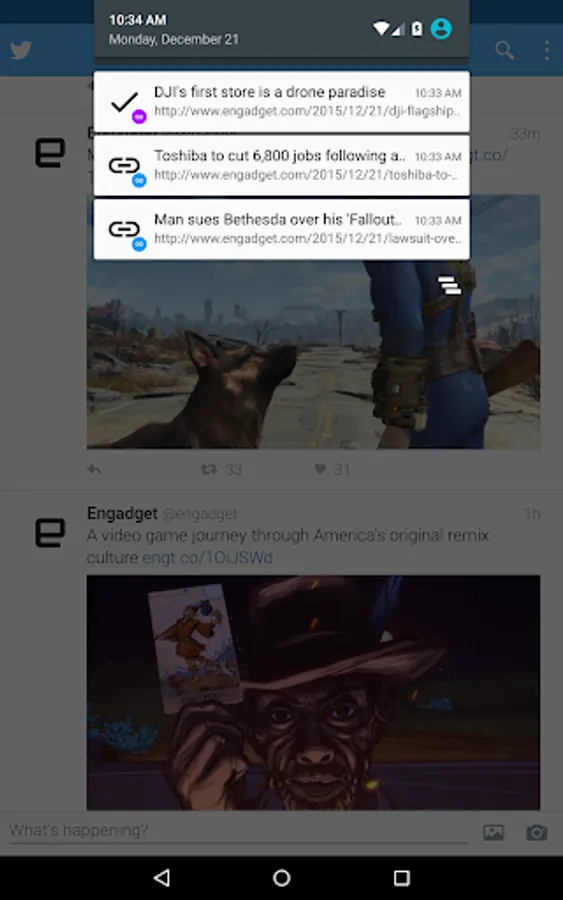
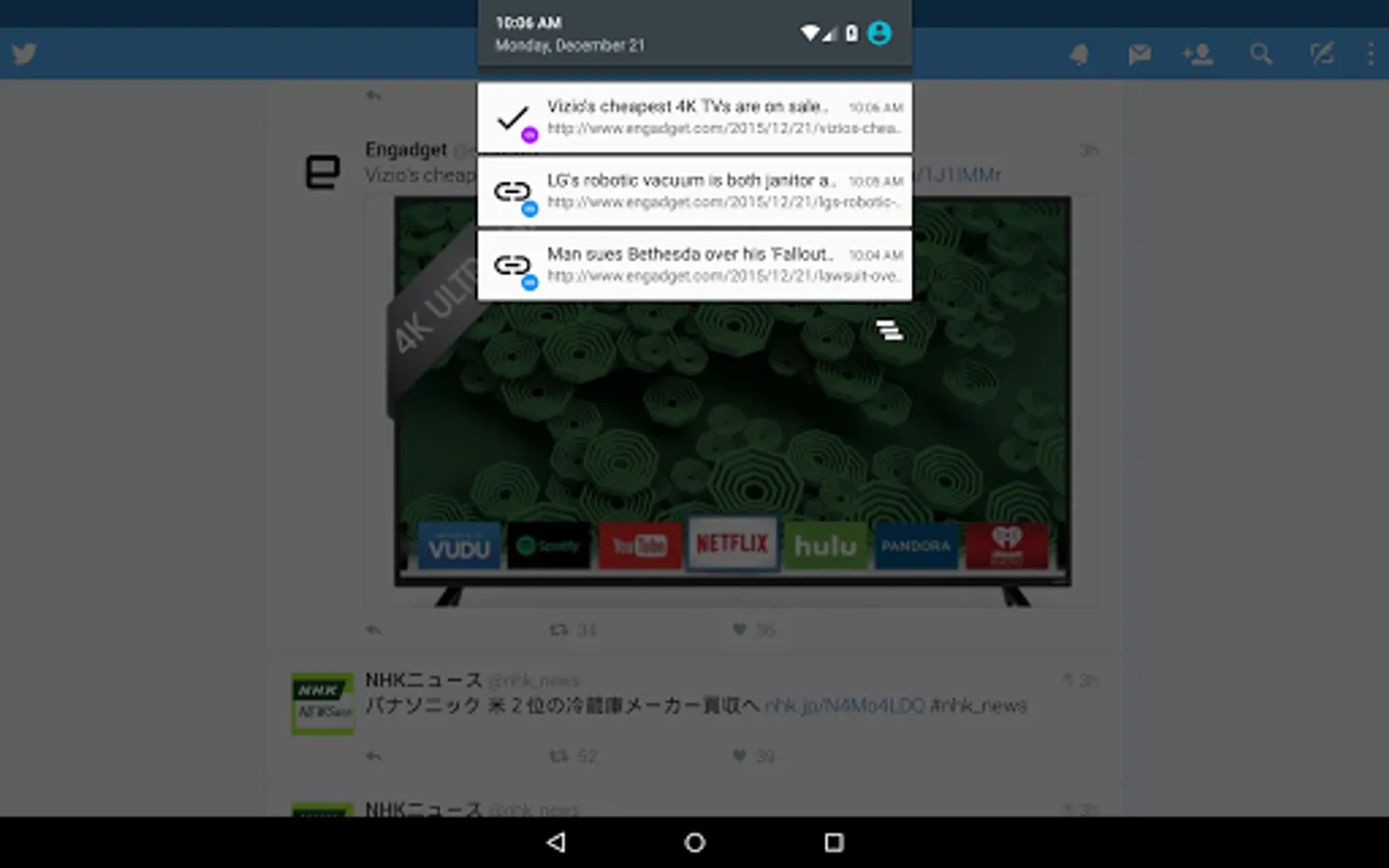
If Link Stack, you can save the link in the notification bar.
From the notification, you can open the link at your own timing and read it.
Because link does not preload and so on, traffic volume is not bulky!
No matter how much you open it is safe.
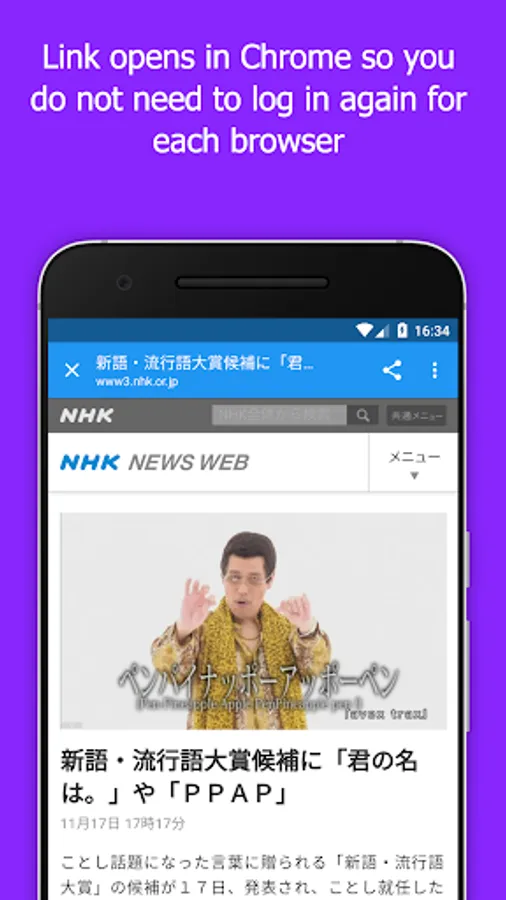
It does not use its own WebView, it seamlessly works with Chrome.
We do not have to worry about logging in again or information leakage.
It has become possible to recognize unread read at a glance by making the link color two colors.
The unread link is blue. The read link is purple.
Since unread links do not disappear in batch deletion, unread notes will not disappear even if the notification is cleaned up. You can erase it with "close", so please be relieved.
Once the link opened from the notification is read, it becomes purple, the already read link will be deleted with batch delete, so it will not remain.
If Pocket and Pushbullet are included, you can work together!
I thought about reading a bit later, but you can send something that can not be read to Pocket, or use Pushbullet to move it to a PC or another device for reading.
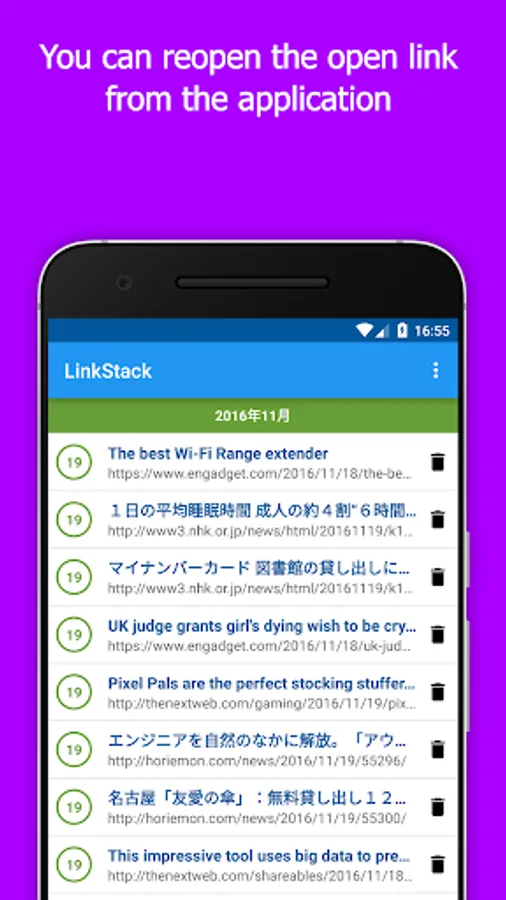
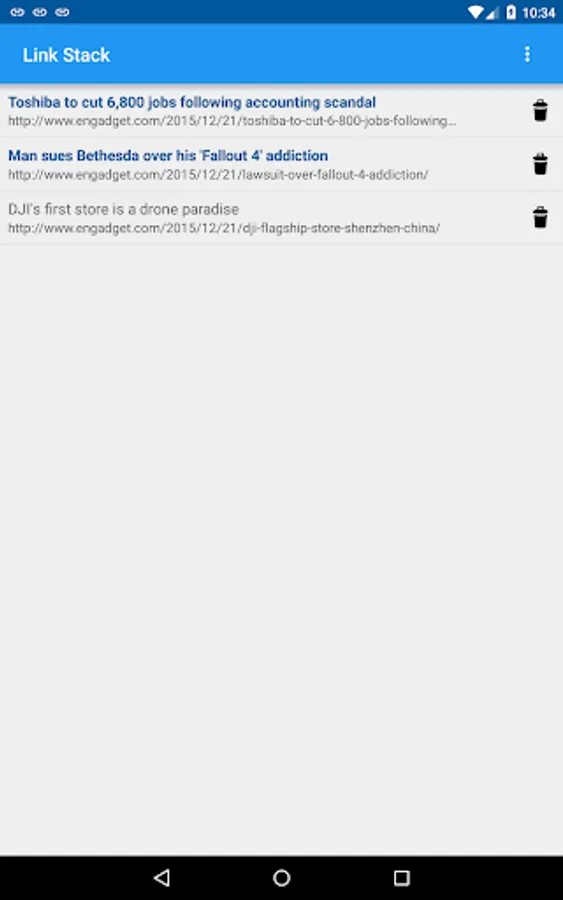
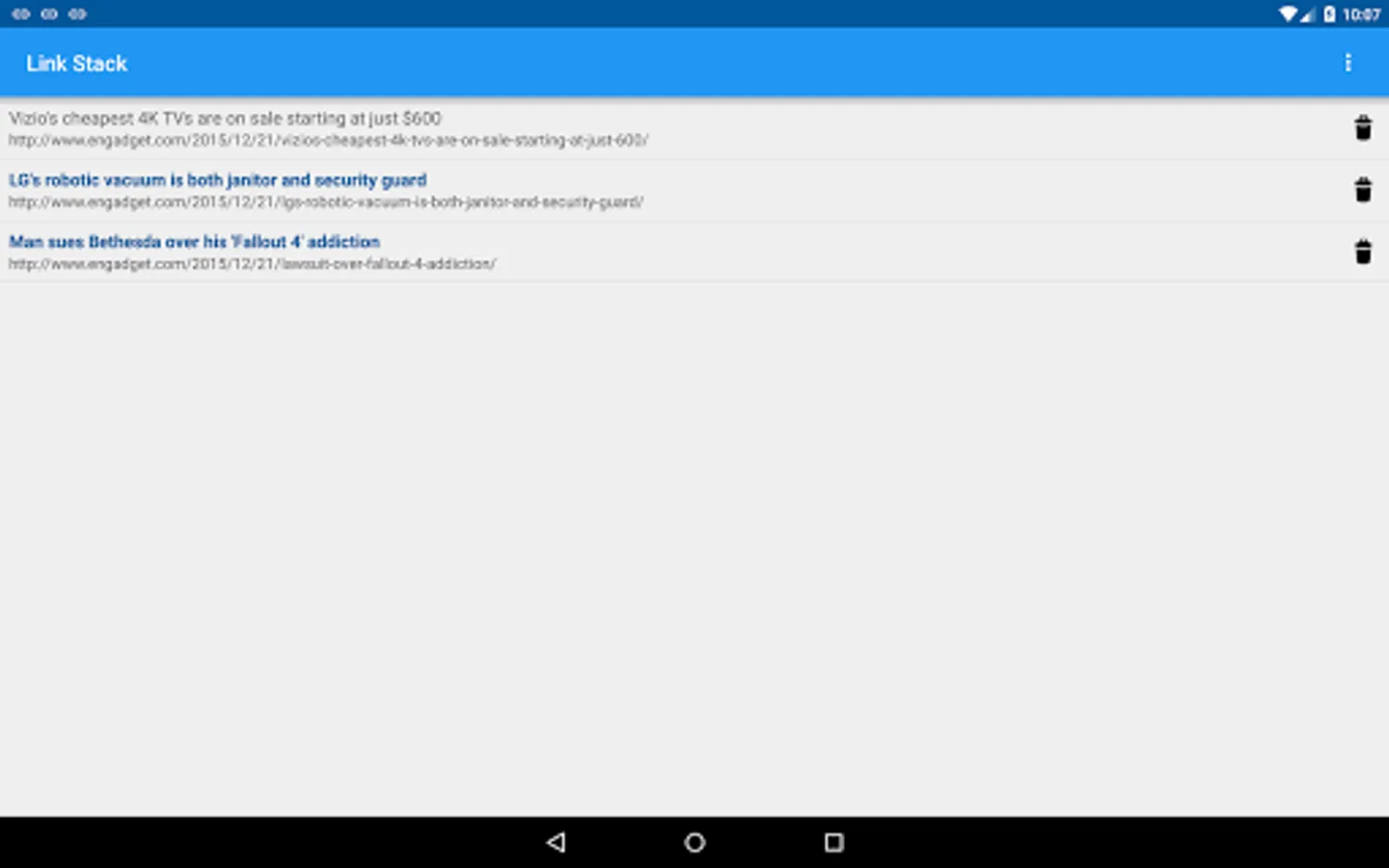
When you launch the application directly, the list of links you want to read later will be displayed in the list.
I manage history, so I can read it again later!
Of course you can delete. Let's erase what you do not want to see.
※ Chrome version 45 or higher is mandatory.
Its iterative work. Is not it annoying?
If Link Stack, you can save the link in the notification bar.
Communication saving!
From the notification, you can open the link at your own timing and read it.
Because link does not preload and so on, traffic volume is not bulky!
No matter how much you open it is safe.
Chrome level security!
It does not use its own WebView, it seamlessly works with Chrome.
We do not have to worry about logging in again or information leakage.
Read management that you can understand at a glance!
It has become possible to recognize unread read at a glance by making the link color two colors.
The unread link is blue. The read link is purple.
Since unread links do not disappear in batch deletion, unread notes will not disappear even if the notification is cleaned up. You can erase it with "close", so please be relieved.
Once the link opened from the notification is read, it becomes purple, the already read link will be deleted with batch delete, so it will not remain.
Pocket & Pushbullet Collaboration!
If Pocket and Pushbullet are included, you can work together!
I thought about reading a bit later, but you can send something that can not be read to Pocket, or use Pushbullet to move it to a PC or another device for reading.
I want to read it again. history management!
When you launch the application directly, the list of links you want to read later will be displayed in the list.
I manage history, so I can read it again later!
Of course you can delete. Let's erase what you do not want to see.
Please enjoy comfortable browsing with Link Stack.
※ Chrome version 45 or higher is mandatory.
Link Stack Screenshots
Tap to Rate:
Reviews for Link Stack
Puja Das
5/30/2020
P.das
A Google user
1/19/2019
roar babgla article does not read offline