
Storage Saver
Samsung R&D Institute India Noida
4.4 ★
51K ratings
500,000,000+
downloads
Free
AppRecs review analysis
AppRecs rating 4.5. Trustworthiness 75 out of 100. Review manipulation risk 37 out of 100. Based on a review sample analyzed.
★★★★☆
4.5
AppRecs Rating
Ratings breakdown
5 star
76%
4 star
9%
3 star
2%
2 star
0%
1 star
13%
What to know
✓
Credible reviews
75% trustworthiness score from analyzed reviews
✓
High user satisfaction
85% of sampled ratings are 4+ stars (4.3★ average)
About Storage Saver
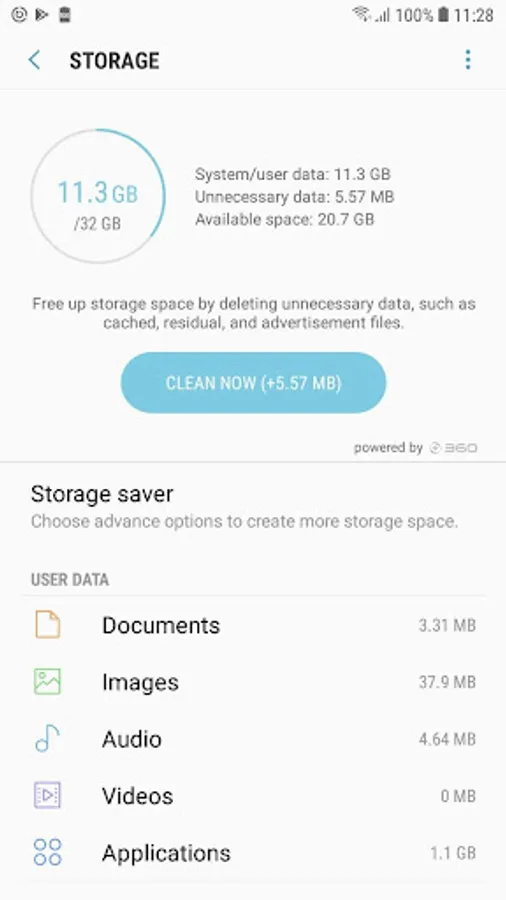
1.S Clean:
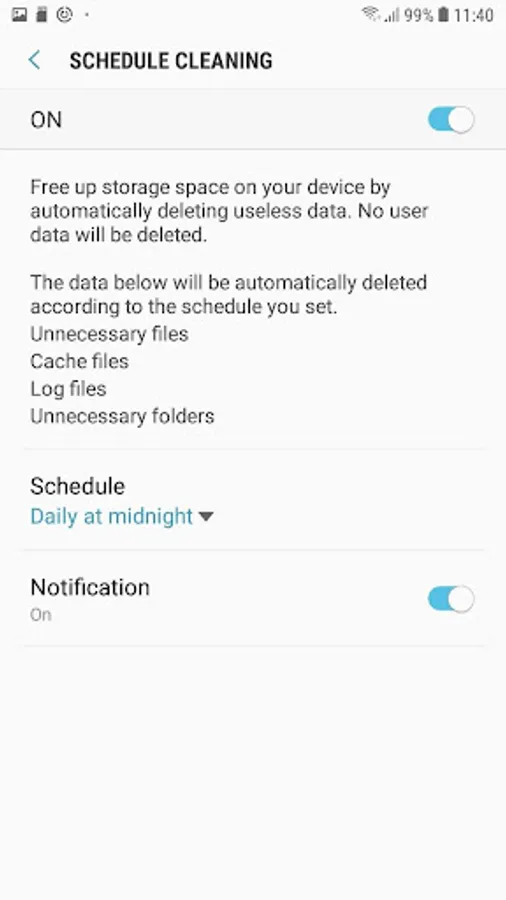
Create available space on your phone by automatically periodic deleting useless data. No user data will be deleted.
Identifying background processes/Services responsible for CPU hogging& excess memory usage
The data below will be automatically deleted according to the schedule you set.
Unnecessary files
Cache files
Log files
Unnecessary folders
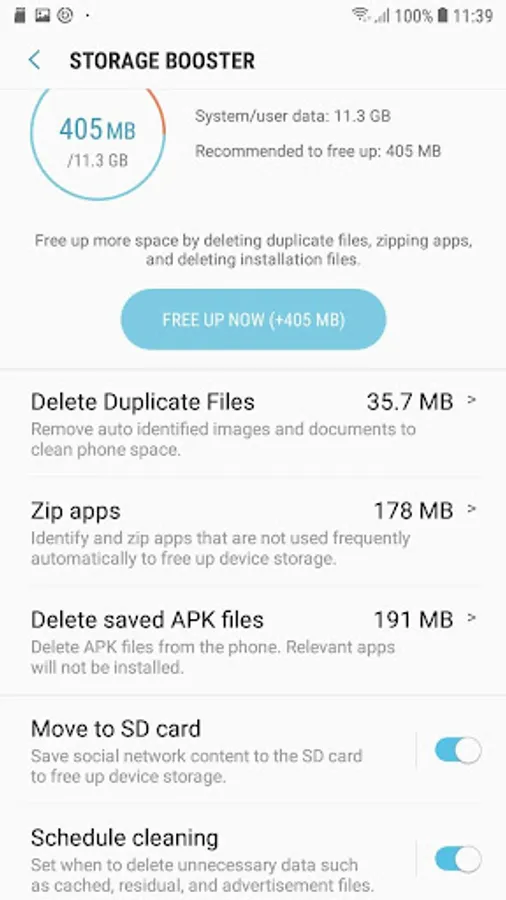
2. Duplicate Remover:
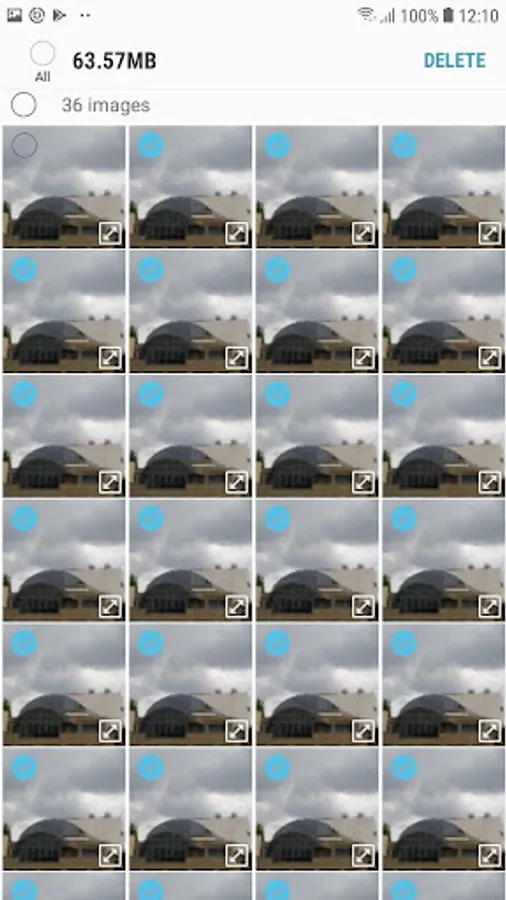
Auto recognize & prompt removal of unnecessary duplicate content. Current days duplicate images are not included for removal to avoid unnecessary scanning of files every time picture is clicked or saved.
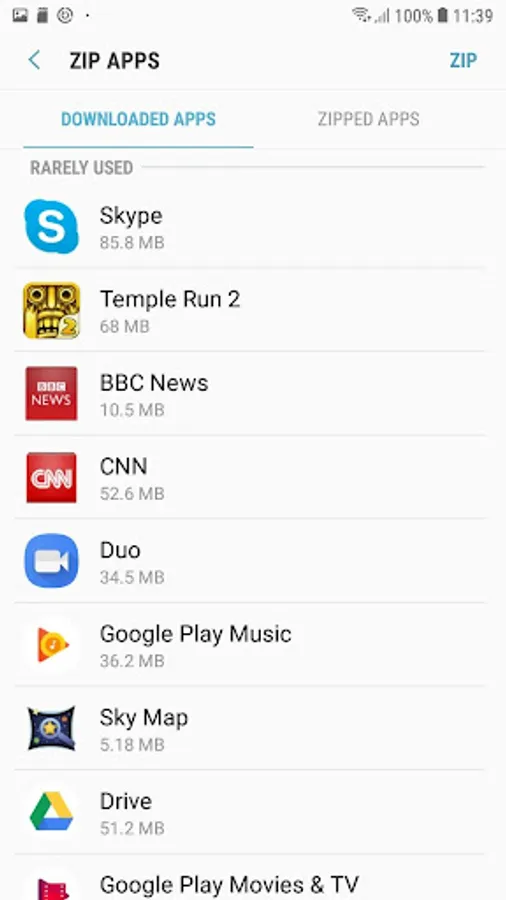
3. S Zip
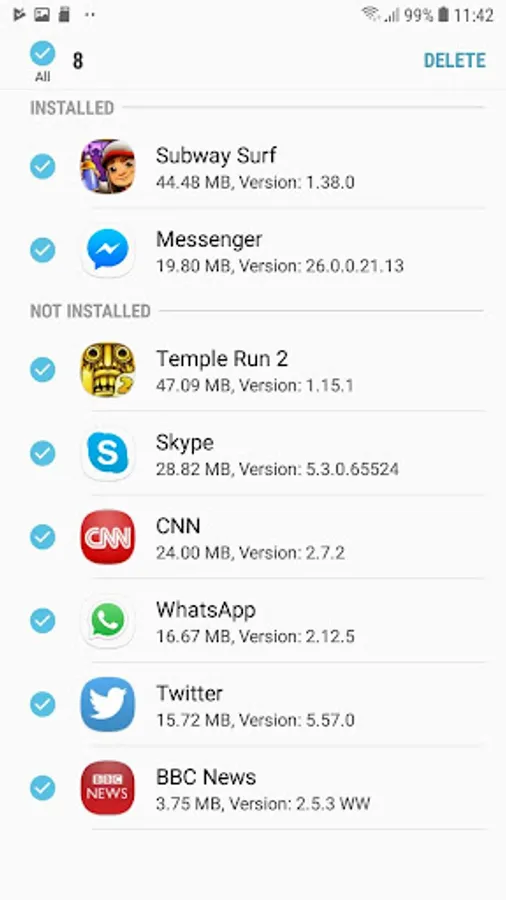
Zip apps to optimize storage. Background Services for Unused Apps. User will not receive any notification from zipped apps. zipped apps can be restored with user data by unzipping from zipped folder or zipped apps list.
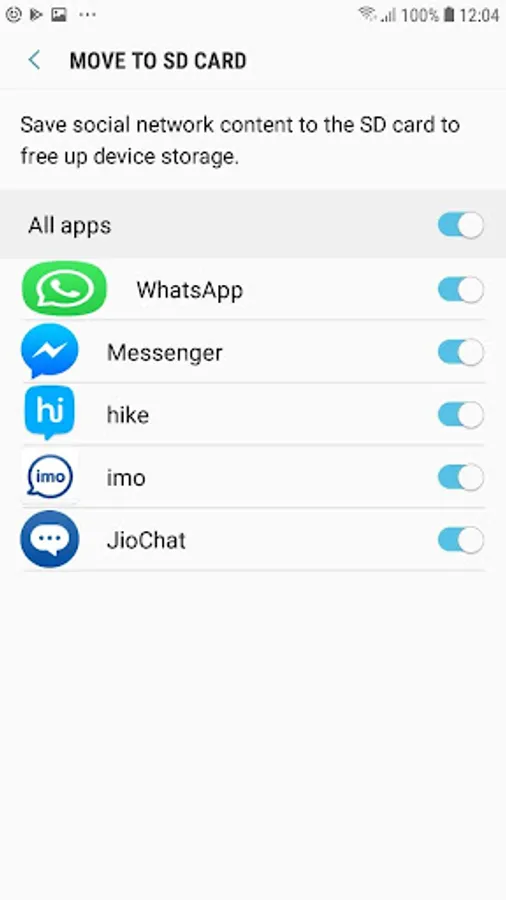
4. Move to SD card
Redirects the social messenger application's media content from device Internal Storage to External SD card for coming out of device storage scarcity without hampering user experience.
Create available space on your phone by automatically periodic deleting useless data. No user data will be deleted.
Identifying background processes/Services responsible for CPU hogging& excess memory usage
The data below will be automatically deleted according to the schedule you set.
Unnecessary files
Cache files
Log files
Unnecessary folders
2. Duplicate Remover:
Auto recognize & prompt removal of unnecessary duplicate content. Current days duplicate images are not included for removal to avoid unnecessary scanning of files every time picture is clicked or saved.
3. S Zip
Zip apps to optimize storage. Background Services for Unused Apps. User will not receive any notification from zipped apps. zipped apps can be restored with user data by unzipping from zipped folder or zipped apps list.
4. Move to SD card
Redirects the social messenger application's media content from device Internal Storage to External SD card for coming out of device storage scarcity without hampering user experience.
Storage Saver Screenshots

Tap to Rate:
Reviews for Storage Saver
Sonia Bakshi
12/29/2025
keep working
thembinkosie brian
12/28/2025
very help me