
AirMirror: Remote control
SAND STUDIO
4.5 ★
31K ratings
5,000,000+
downloads
Free
+ in-app
In this remote control app, you can control another Android device, view its screen, and access the camera remotely. Includes remote control, screen sharing, voice calls, and messaging features.
AppRecs review analysis
AppRecs rating 4.6. Trustworthiness 73 out of 100. Review manipulation risk 39 out of 100. Based on a review sample analyzed.
★★★★☆
4.6
AppRecs Rating
Ratings breakdown
5 star
76%
4 star
15%
3 star
3%
2 star
1%
1 star
6%
What to know
✓
Credible reviews
73% trustworthiness score from analyzed reviews
✓
High user satisfaction
76% of sampled ratings are 5 stars
✓
Authentic reviews
Natural distribution, no red flags
About AirMirror: Remote control
One-way Audio is available in Screen Mirroring and Remote Camera. One-way Audio allows you to hear all the surrounding sounds from your remote device.
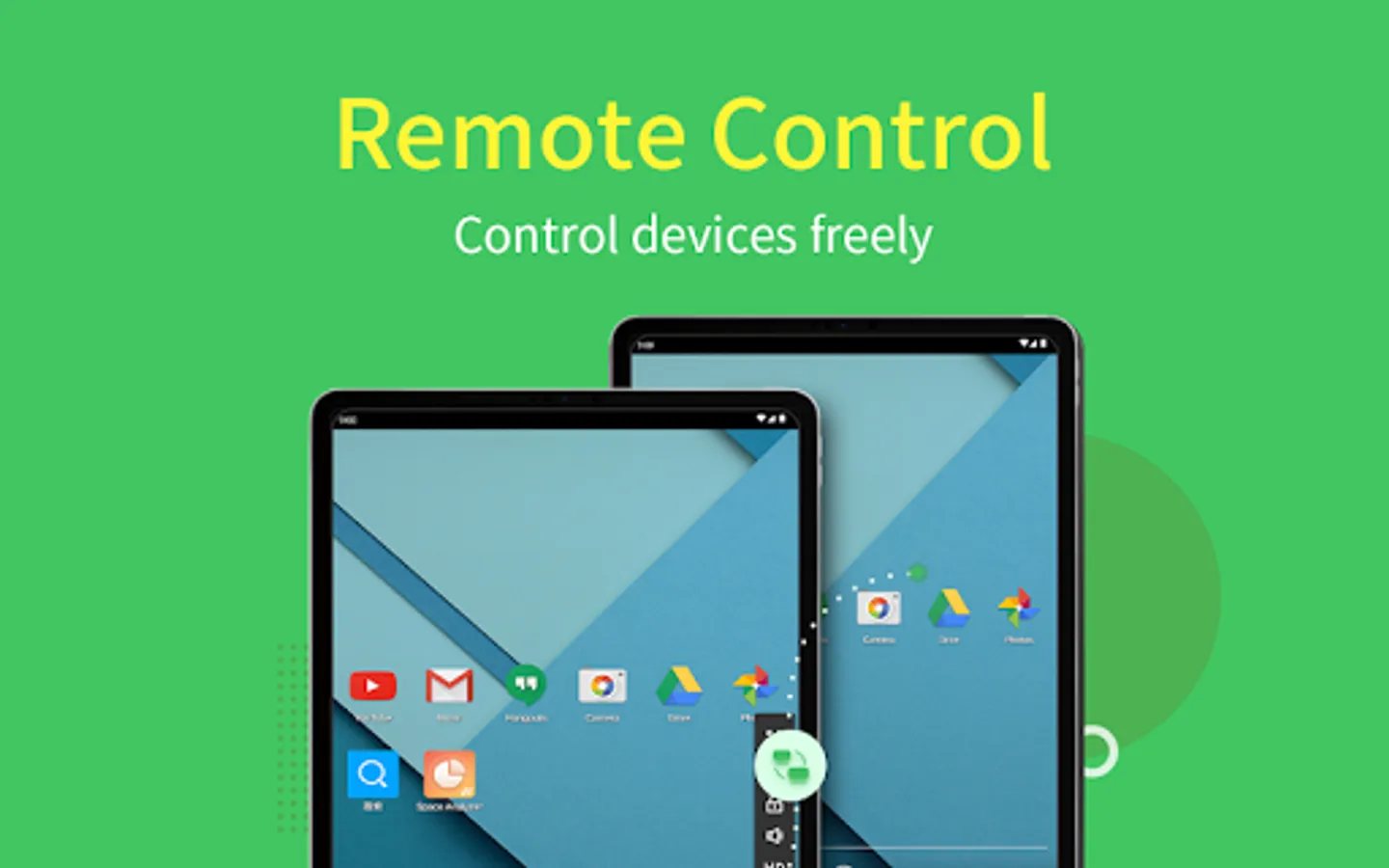
Remote Control
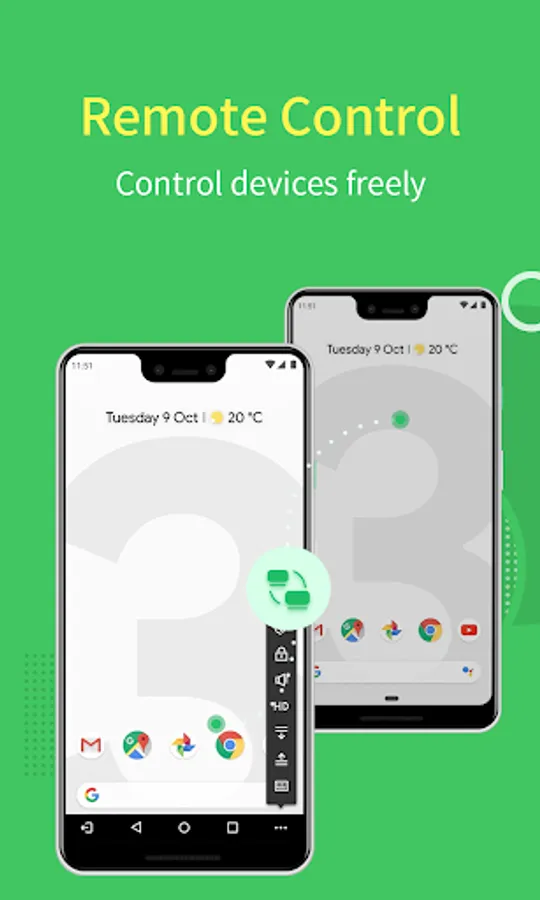
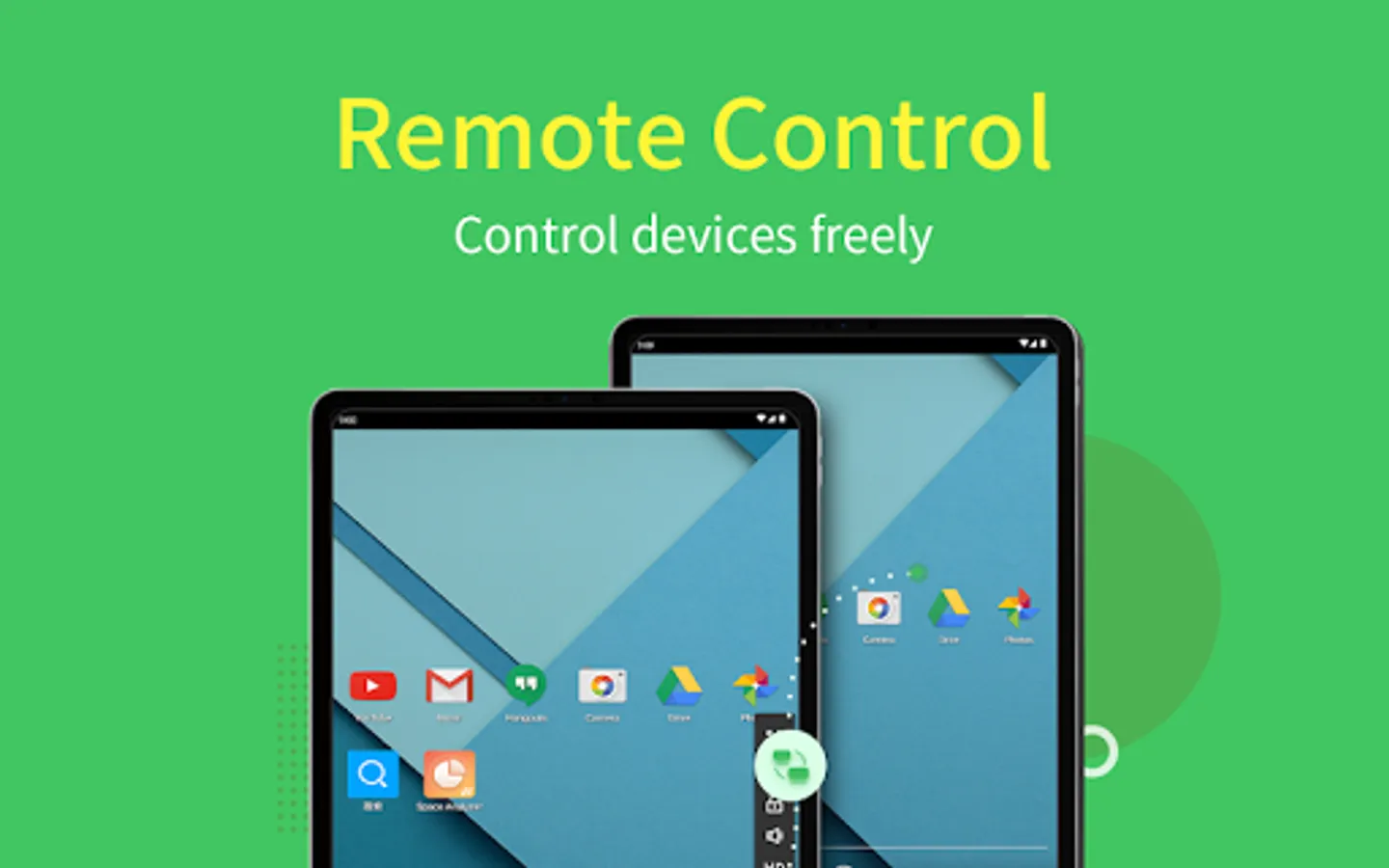
AirMirror fulfills the goal to control one Android phone with another phone.
*This feature needs AirDroid installed on the other end, and log in with the same email account.
You can apply AirMirror with the following features:
Remote Control
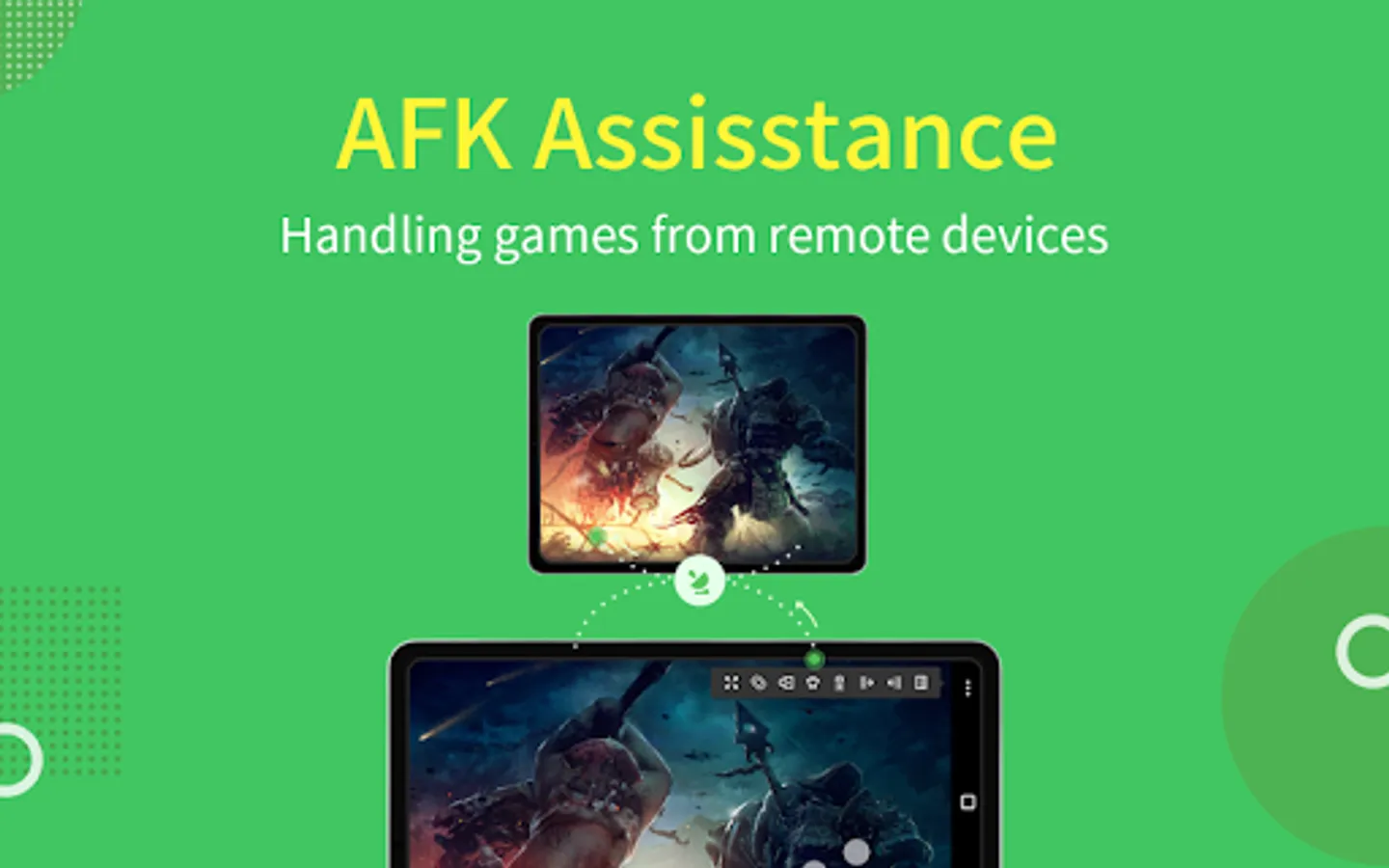
Directly control another phone/tablet, do whatever you like, no matter where this device is.
*If the controlled device is not rooted, it is required to process Non-Root setting through AirDroid PC beforehand.
Remote Camera
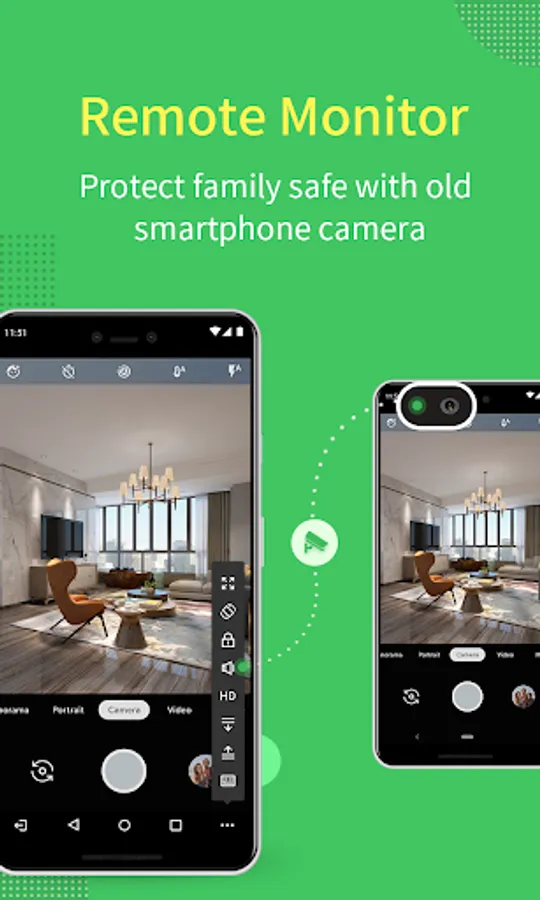
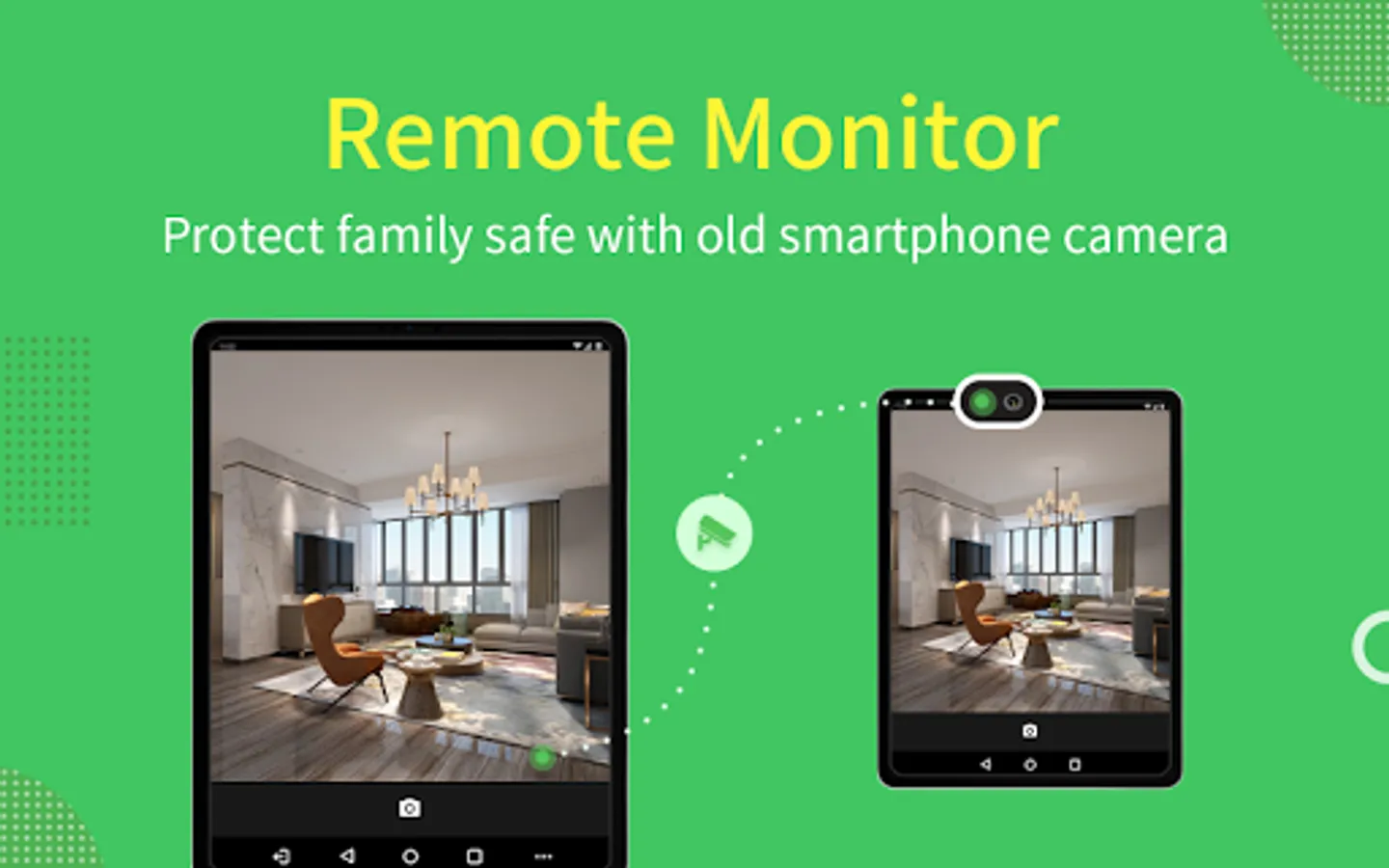
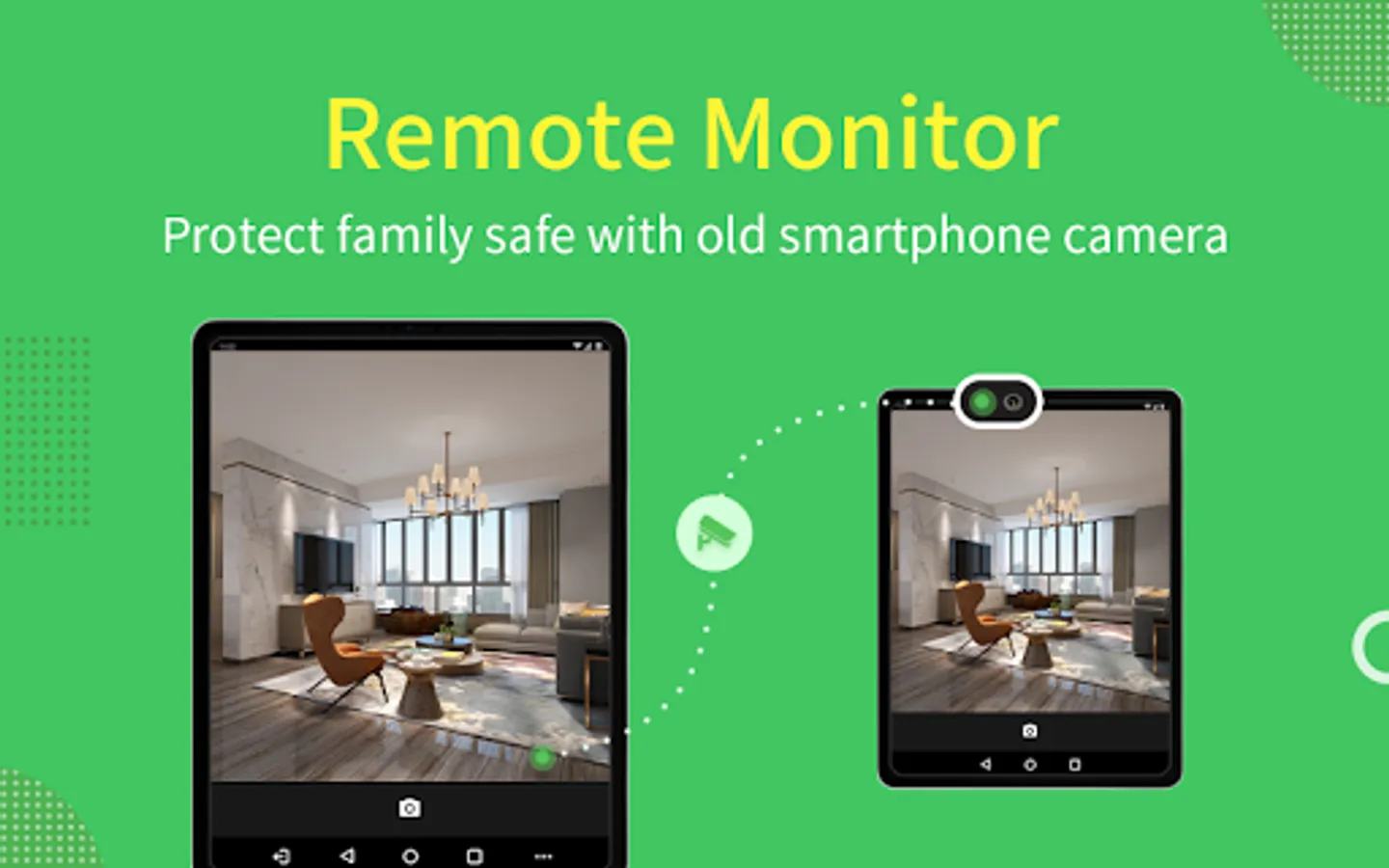
Access another phone's view from either front camera or rear camera. You can put this phone as a family security camera, guarding your family's safety.
Screen Mirroring
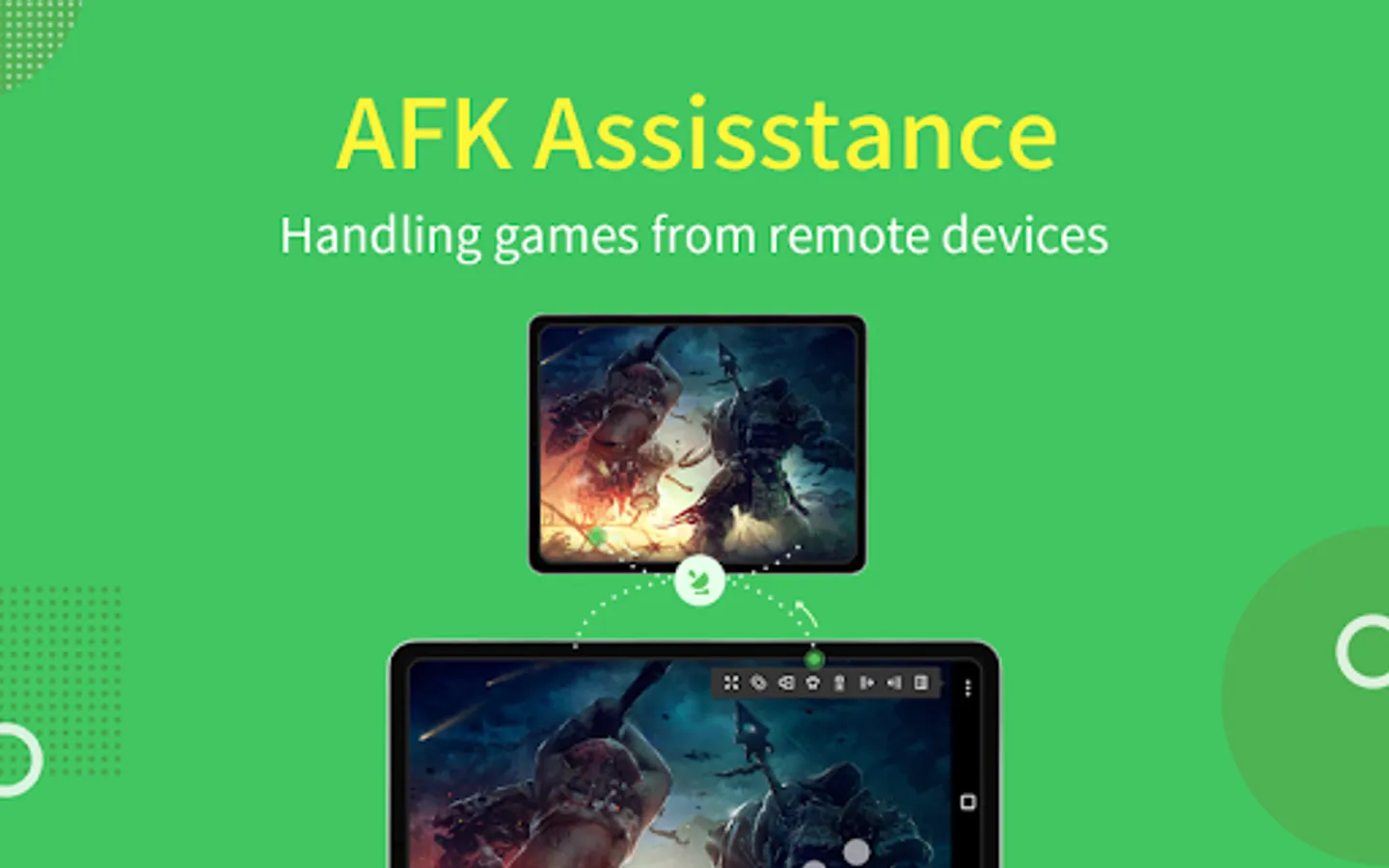
Check your device's screen anytime in real-time.
*If you want to control Android devices through PC, you can use AirDroid PC client.
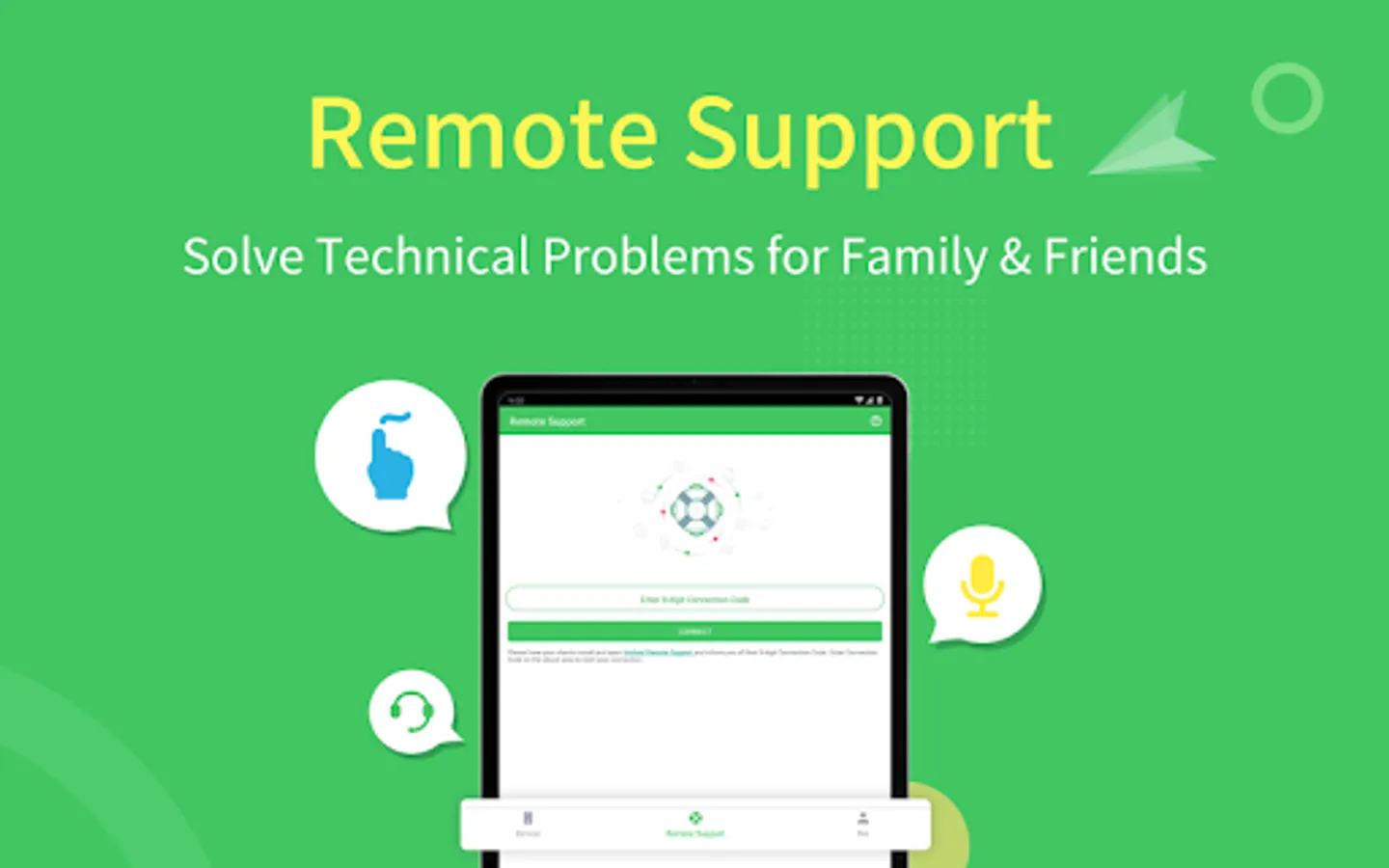
Remote Support
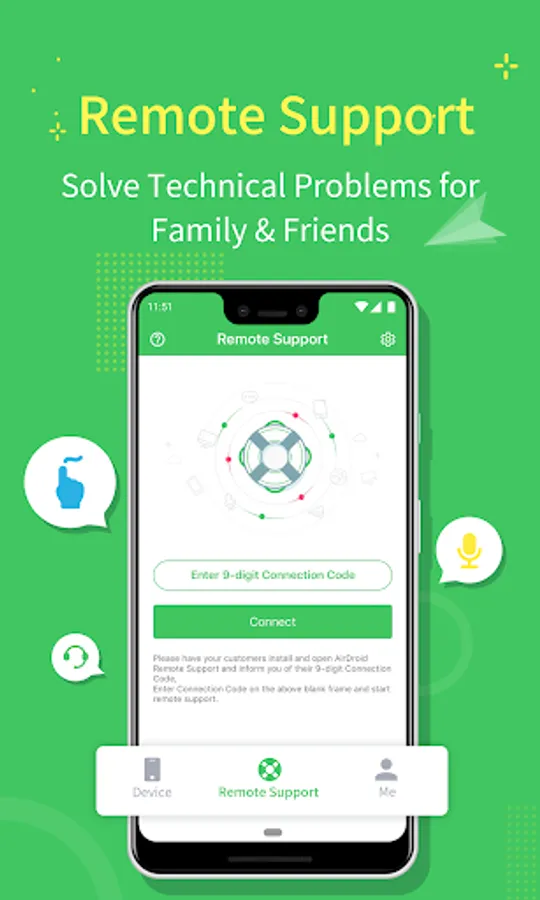
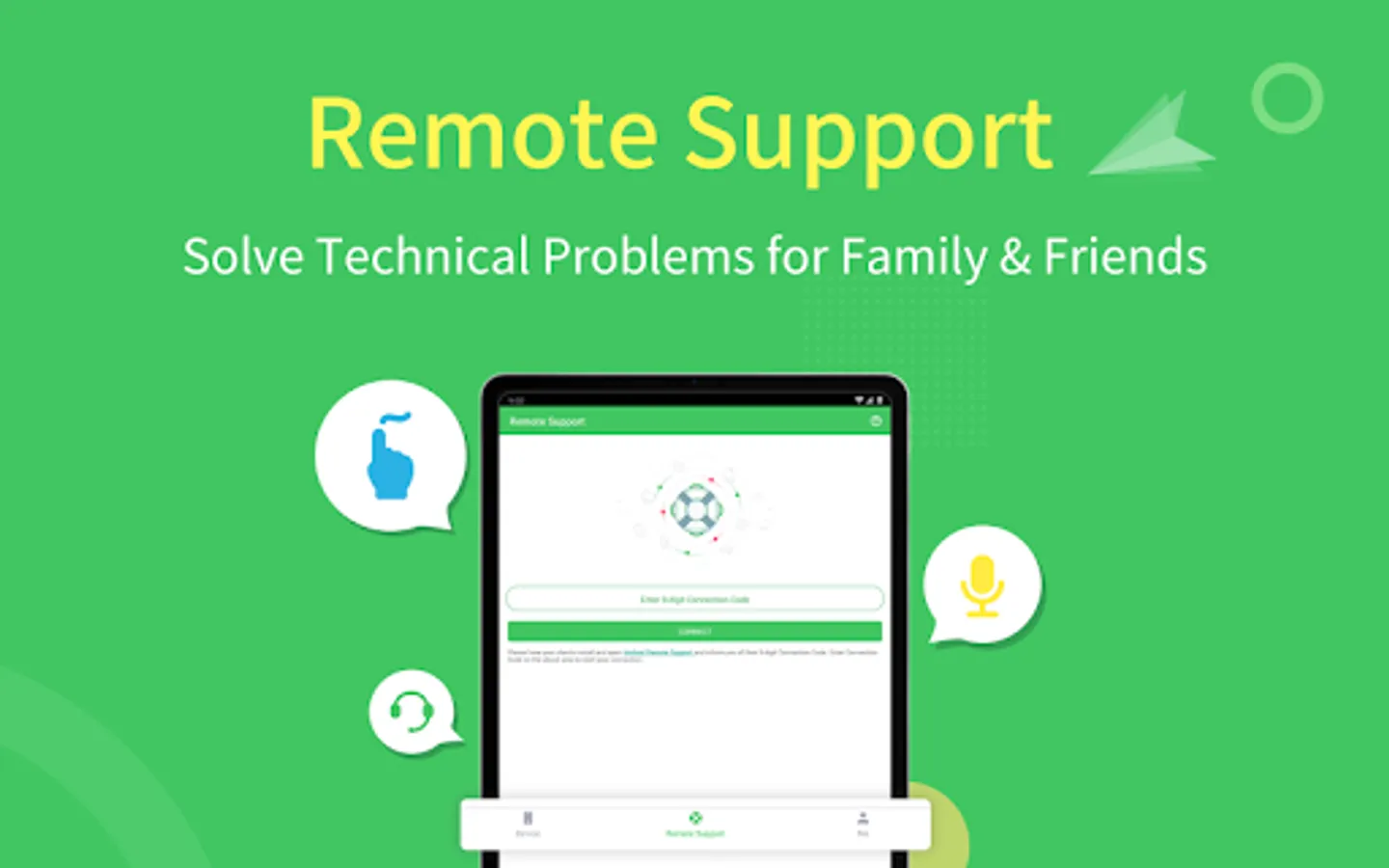
You can easily assist your friend or family to solve mobile device issues through Remote Support.
*This function needs AirDroid Remote Support installed on the other end.
Overview:
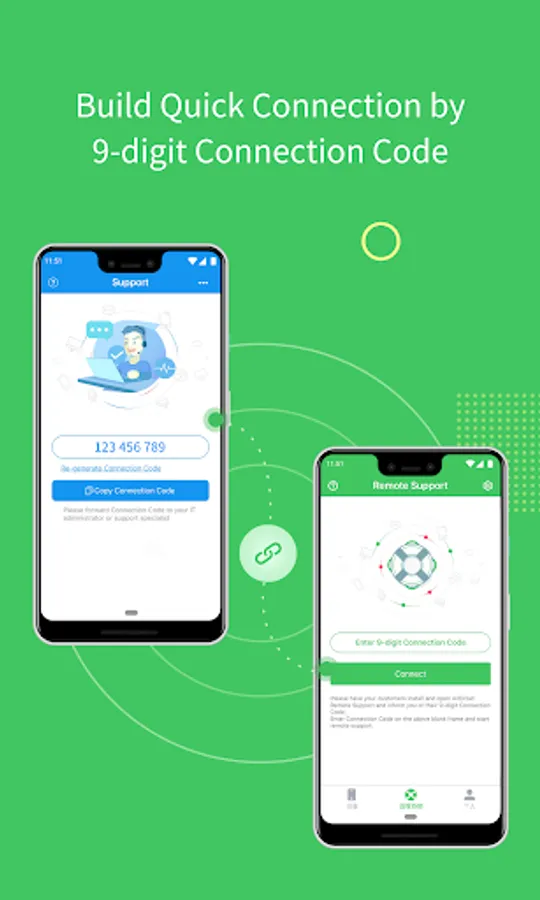
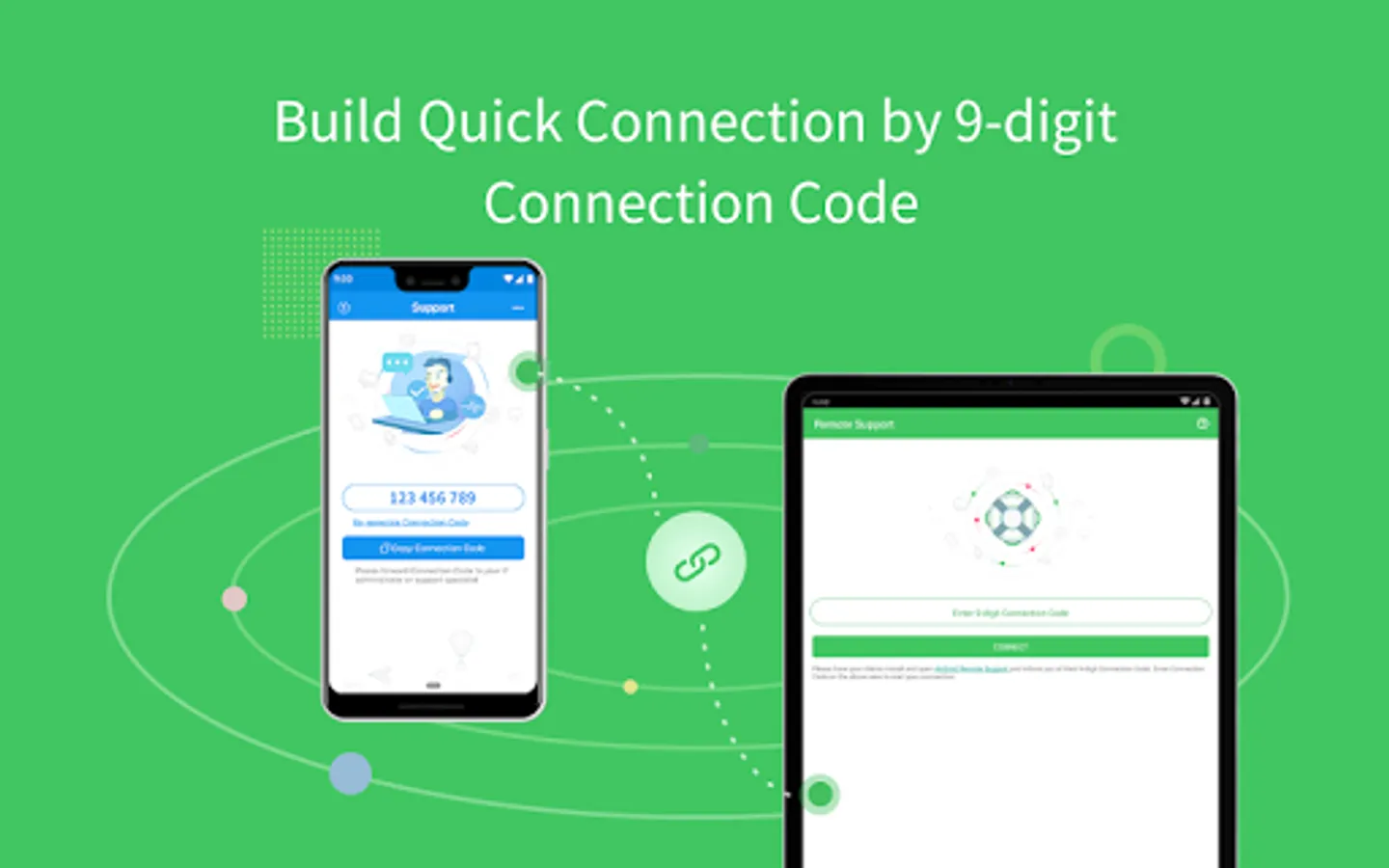
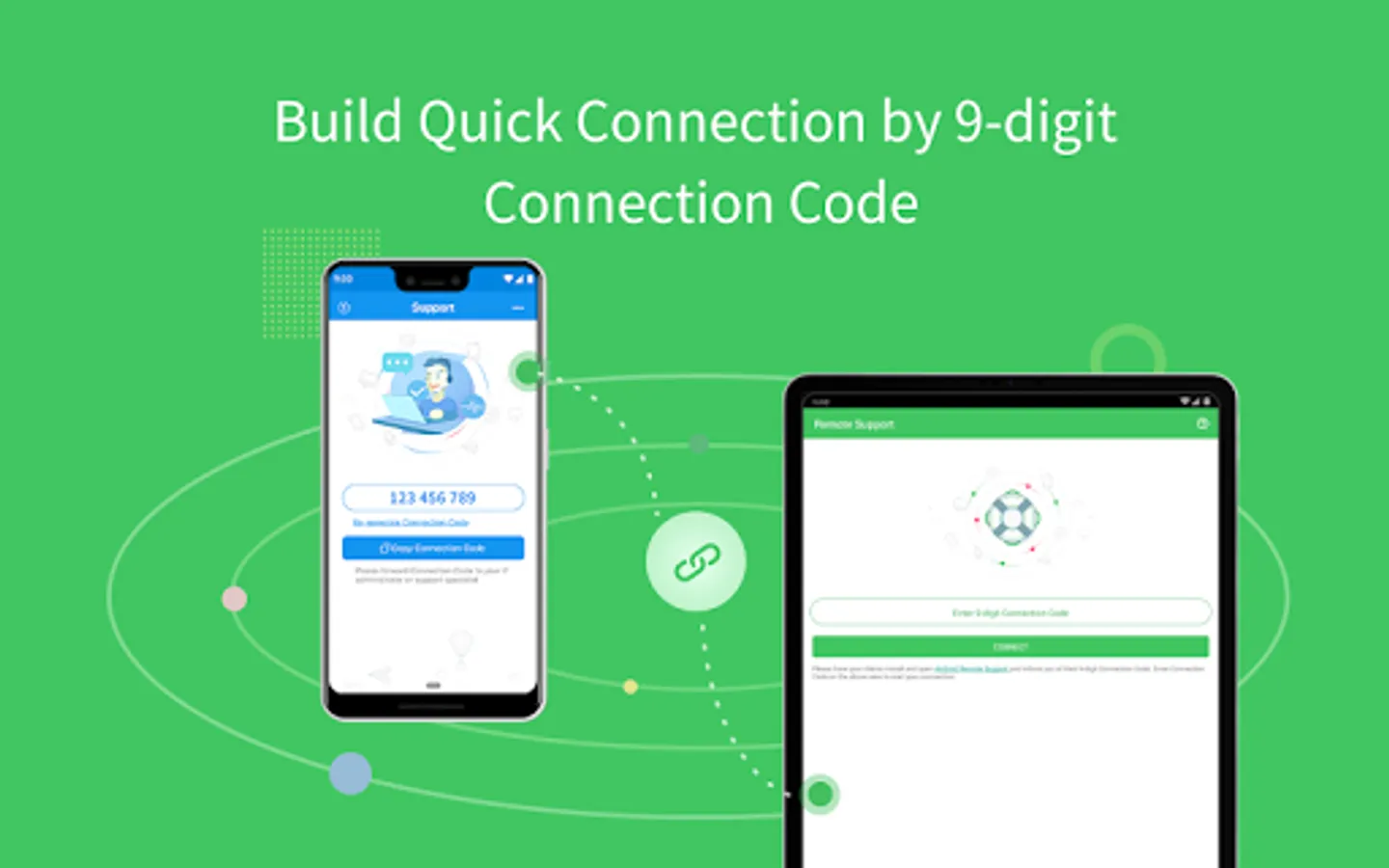
Quick Connection by 9-digit Connection Code
No account is required, your friend or family can connect to you simply by their 9-digit Connection Code.
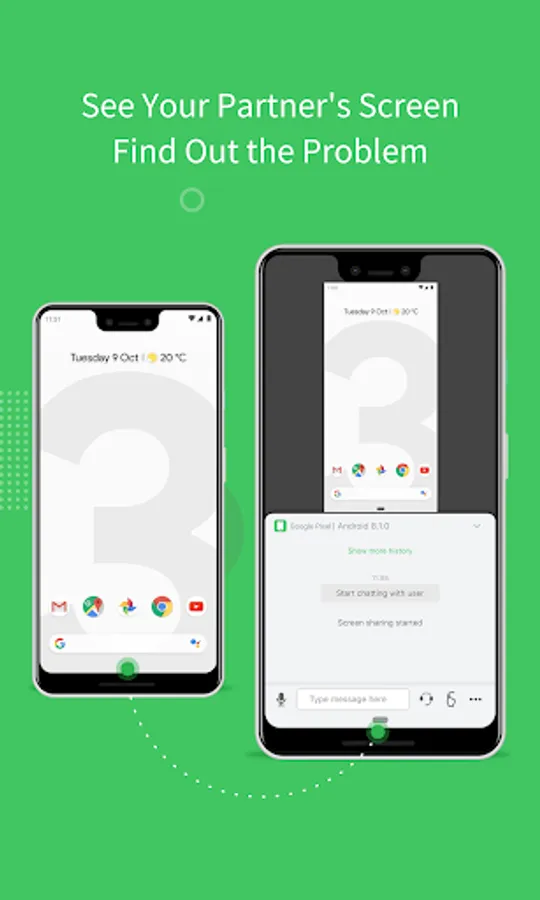
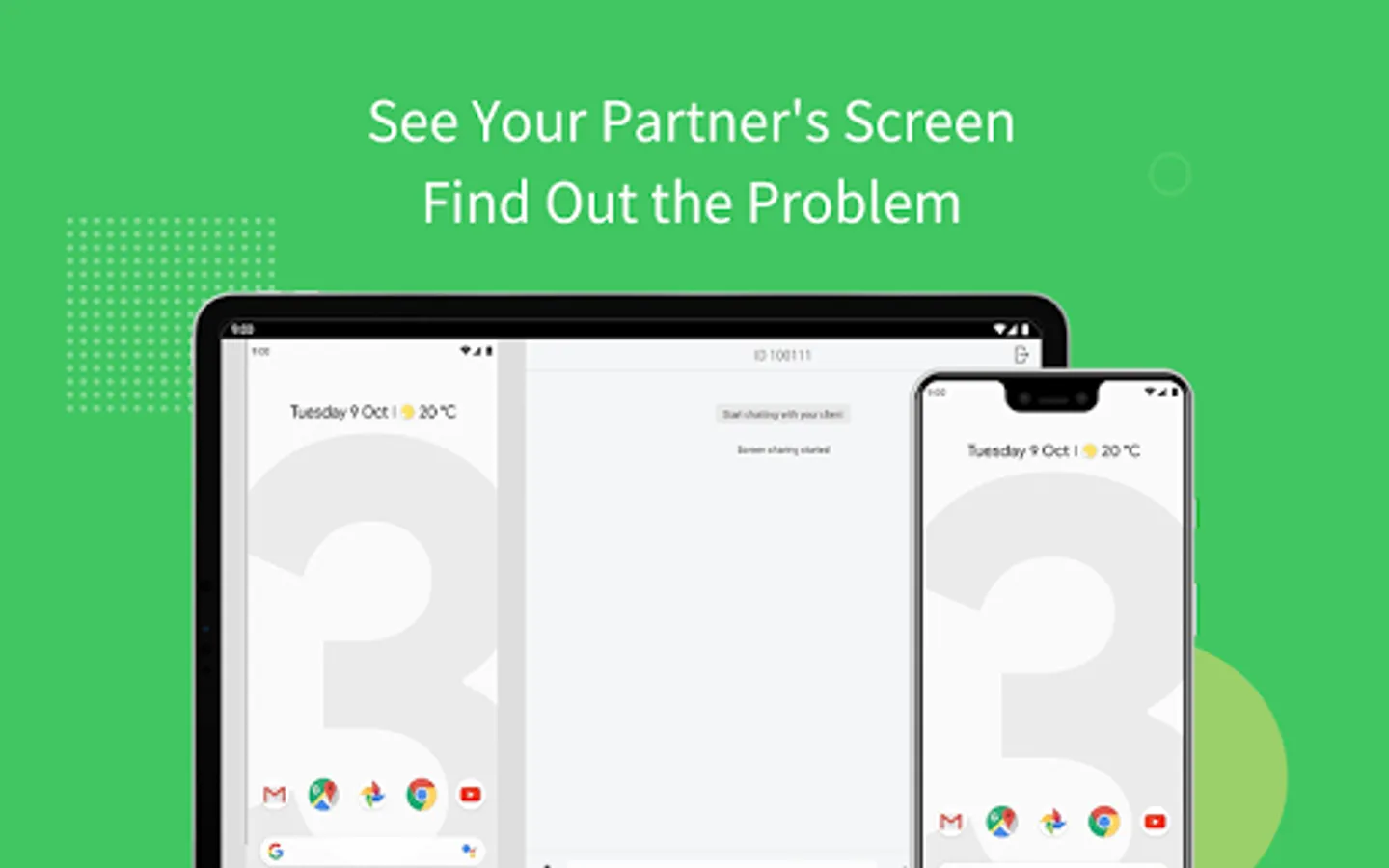
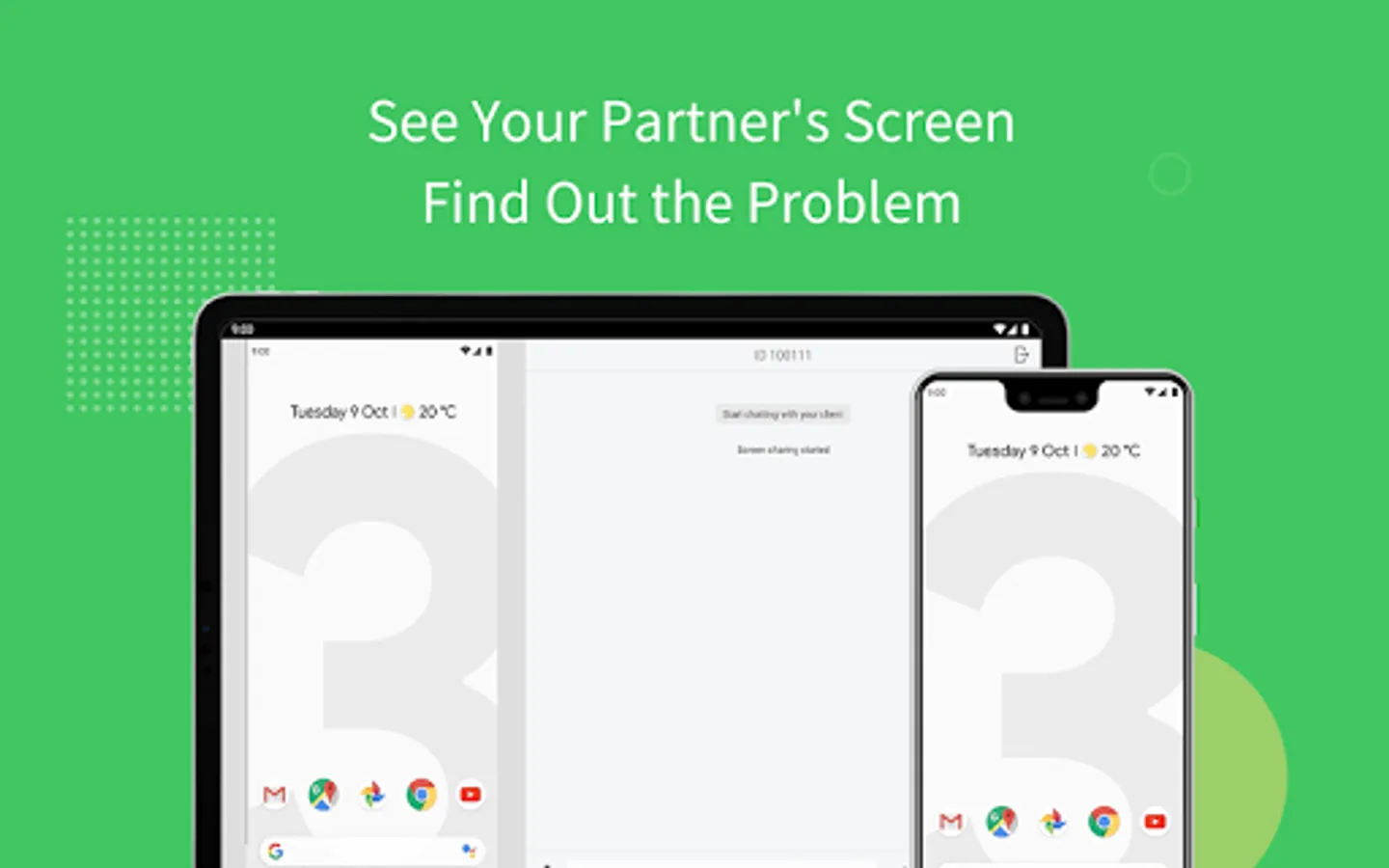
Screen Sharing
Send the screen sharing request with one tap, and you can see the device screen in real-time.
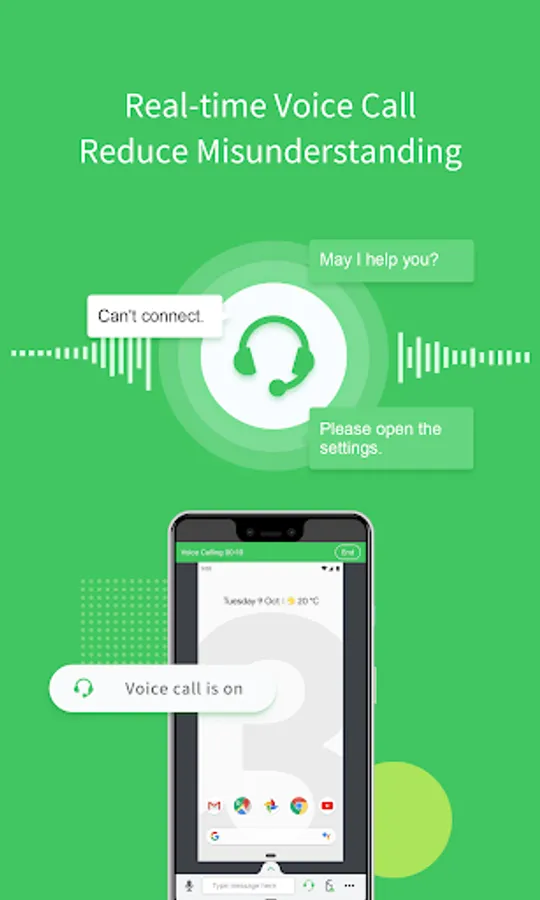
Voice Call
AirMirror provides clear voice communication, you can simply call and talk, saving time for texting.
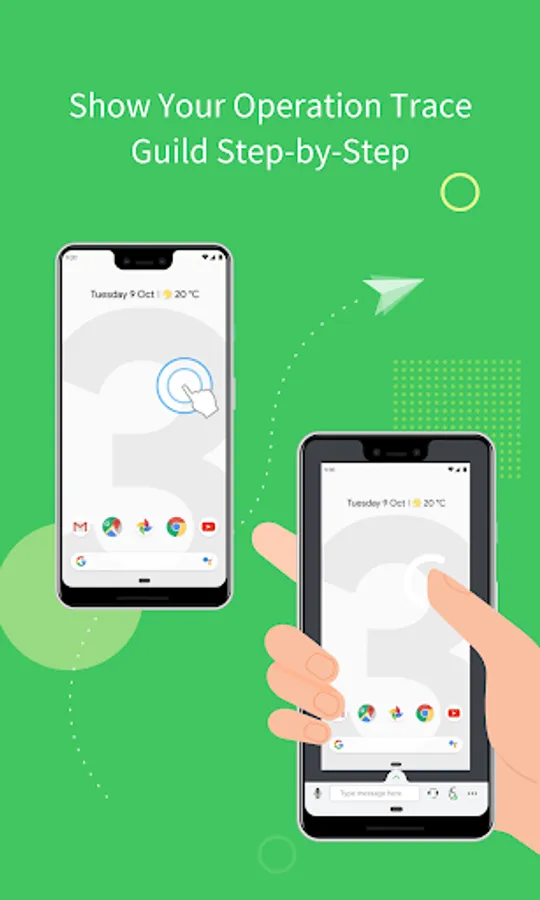
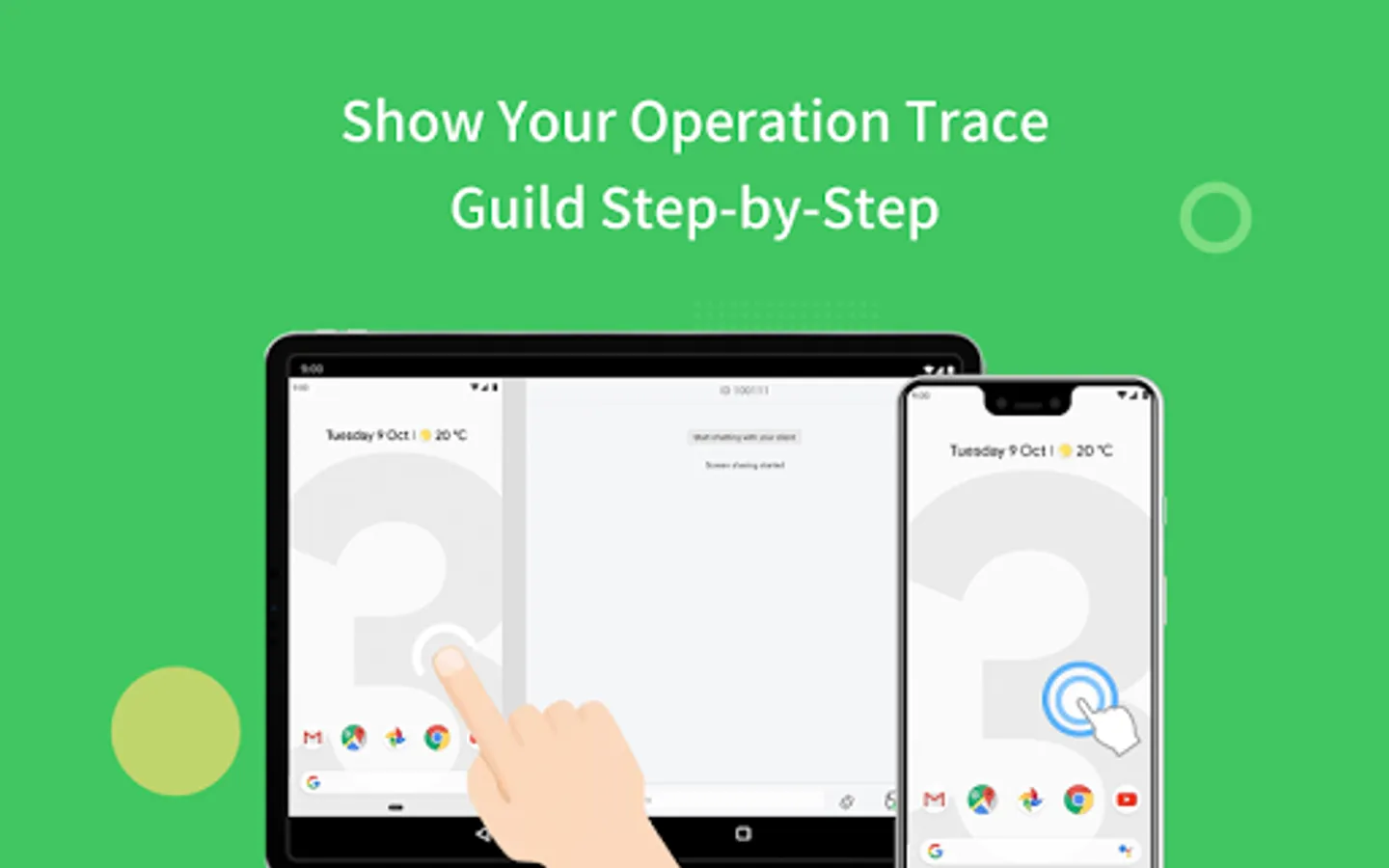
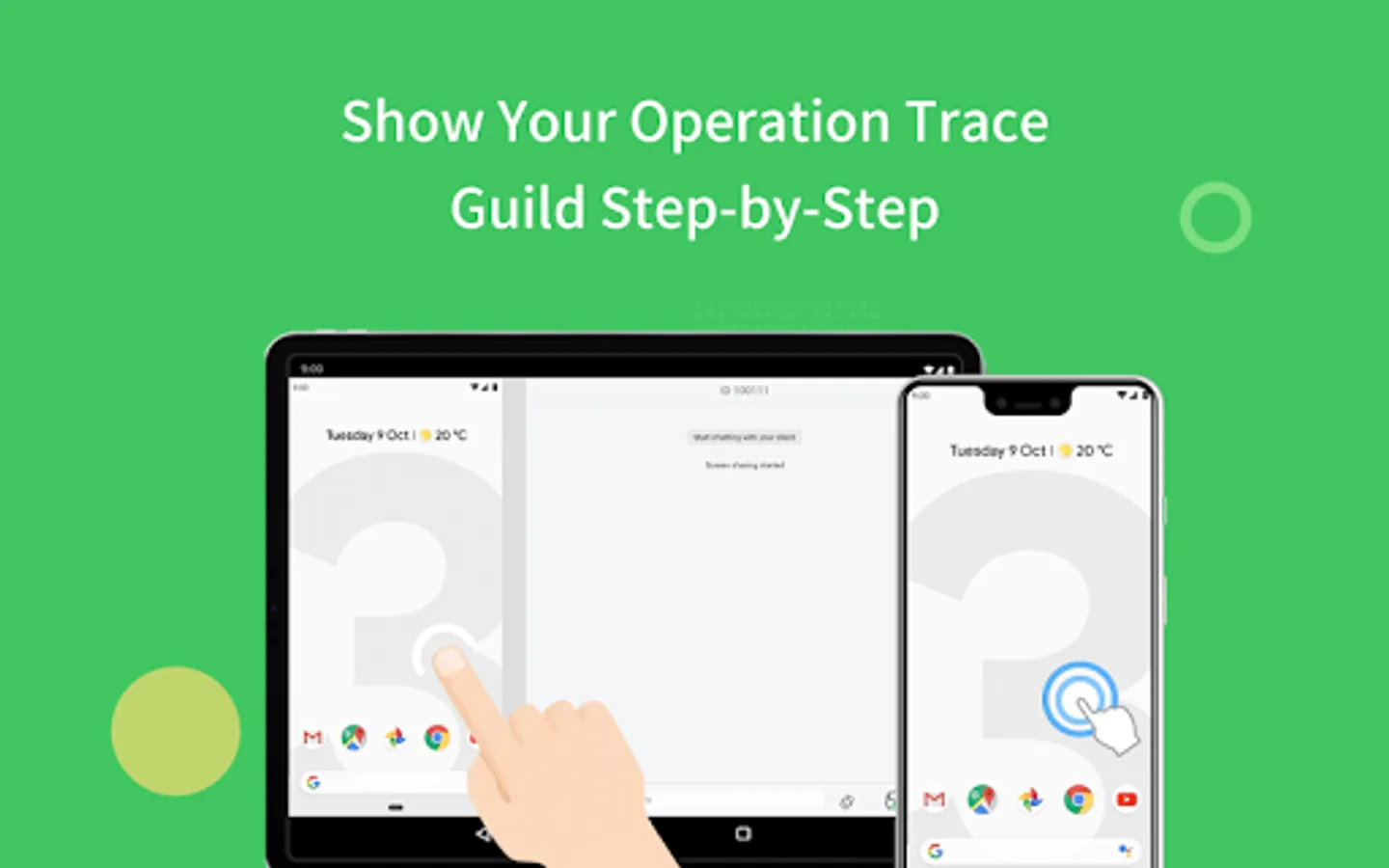
Tutorial Gesture
Swipe or tap on the shared screen, the Tutorial Gesture will show on your friend or familyˇs device. Follow to easily solve the problem.
Voice Message and Text
If you are under a surrounding not suitable for making a call, you can still communicate through sending texts, pictures and voice messages.
AirMirror facilitates your life. If there is any problem during your experience in AirMirror, feel free to give us feedback anytime.
Thank you very much for your support of AirMirror!
Remote Control
AirMirror fulfills the goal to control one Android phone with another phone.
*This feature needs AirDroid installed on the other end, and log in with the same email account.
You can apply AirMirror with the following features:
Remote Control
Directly control another phone/tablet, do whatever you like, no matter where this device is.
*If the controlled device is not rooted, it is required to process Non-Root setting through AirDroid PC beforehand.
Remote Camera
Access another phone's view from either front camera or rear camera. You can put this phone as a family security camera, guarding your family's safety.
Screen Mirroring
Check your device's screen anytime in real-time.
*If you want to control Android devices through PC, you can use AirDroid PC client.
Remote Support
You can easily assist your friend or family to solve mobile device issues through Remote Support.
*This function needs AirDroid Remote Support installed on the other end.
Overview:
Quick Connection by 9-digit Connection Code
No account is required, your friend or family can connect to you simply by their 9-digit Connection Code.
Screen Sharing
Send the screen sharing request with one tap, and you can see the device screen in real-time.
Voice Call
AirMirror provides clear voice communication, you can simply call and talk, saving time for texting.
Tutorial Gesture
Swipe or tap on the shared screen, the Tutorial Gesture will show on your friend or familyˇs device. Follow to easily solve the problem.
Voice Message and Text
If you are under a surrounding not suitable for making a call, you can still communicate through sending texts, pictures and voice messages.
AirMirror facilitates your life. If there is any problem during your experience in AirMirror, feel free to give us feedback anytime.
Thank you very much for your support of AirMirror!
AirMirror: Remote control Screenshots


Tap to Rate:
Reviews for AirMirror: Remote control
rohan
12/30/2025
nice
Austin Wettherby
12/29/2025
much better than a few years ago