
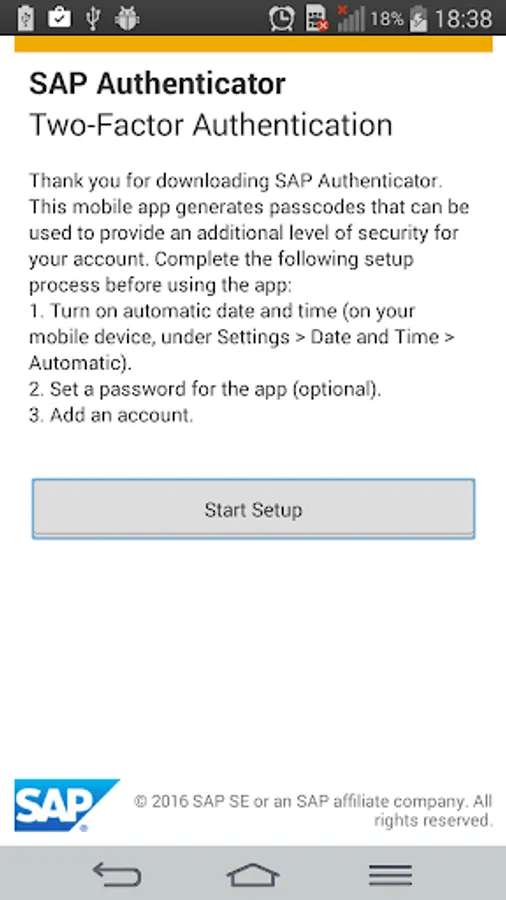
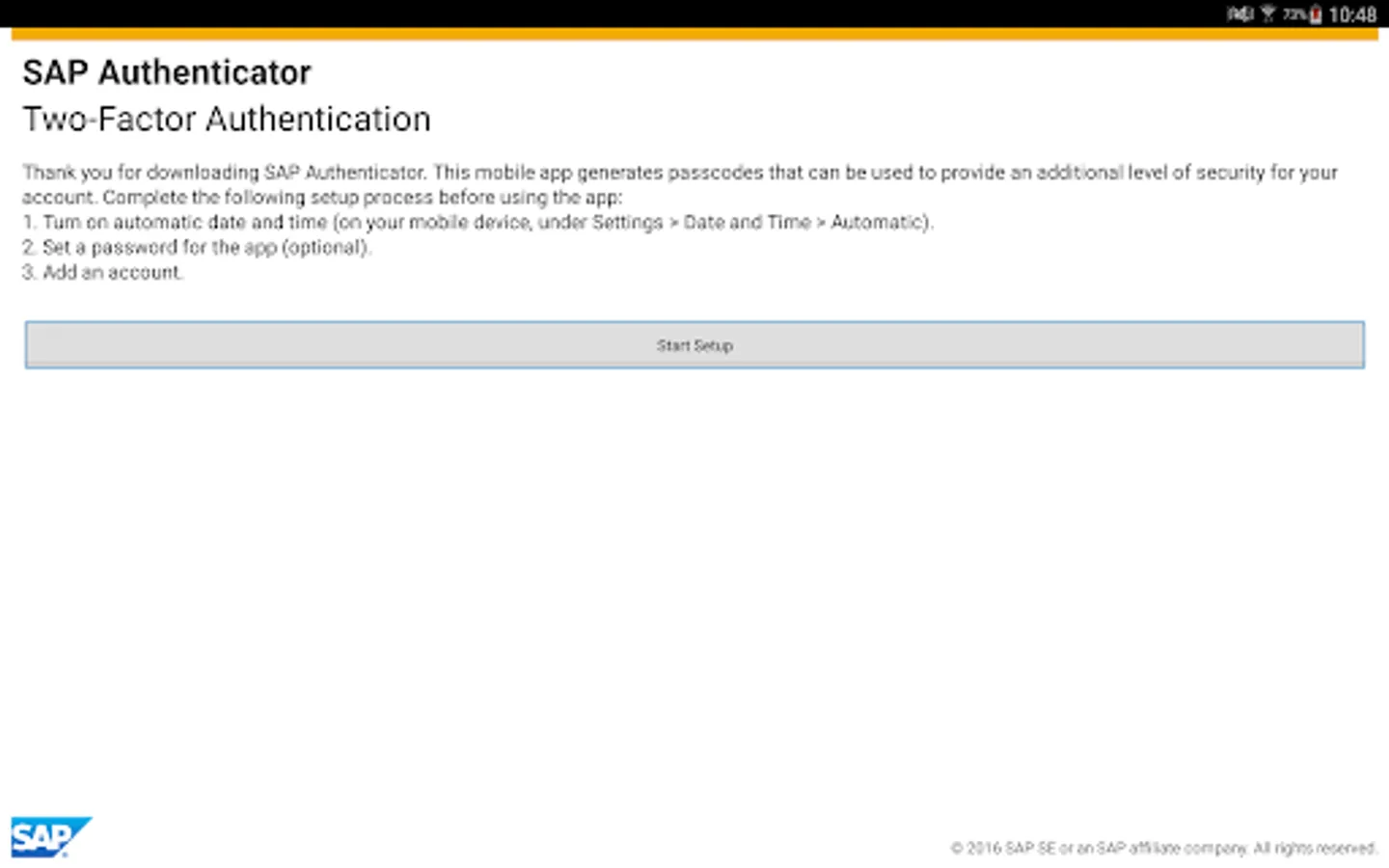
With this authentication app, you can generate one-time passwords for secure login and use them as a second factor or alternative password. Includes multiple account support and app protection with a password.
AppRecs review analysis
AppRecs rating 2.7. Trustworthiness 81 out of 100. Review manipulation risk 20 out of 100. Based on a review sample analyzed.
★★☆☆☆
2.7
AppRecs Rating
Ratings breakdown
5 star
35%
4 star
9%
3 star
4%
2 star
0%
1 star
52%
What to know
✓
Low review manipulation risk
20% review manipulation risk
⚠
Mixed user feedback
Average 2.8★ rating suggests room for improvement
⚠
High negative review ratio
52% of sampled ratings are 1–2 stars
About SAP Authenticator
With the SAP Authenticator mobile app for Android, you can protect your sensitive systems beyond your regular authentication mechanisms. This app is geared towards systems protected by the SAP Single Sign-On application and provides enhanced security by generating one-time passwords that can be used as a second factor or alternative password for login.
Key features of SAP Authenticator for Android
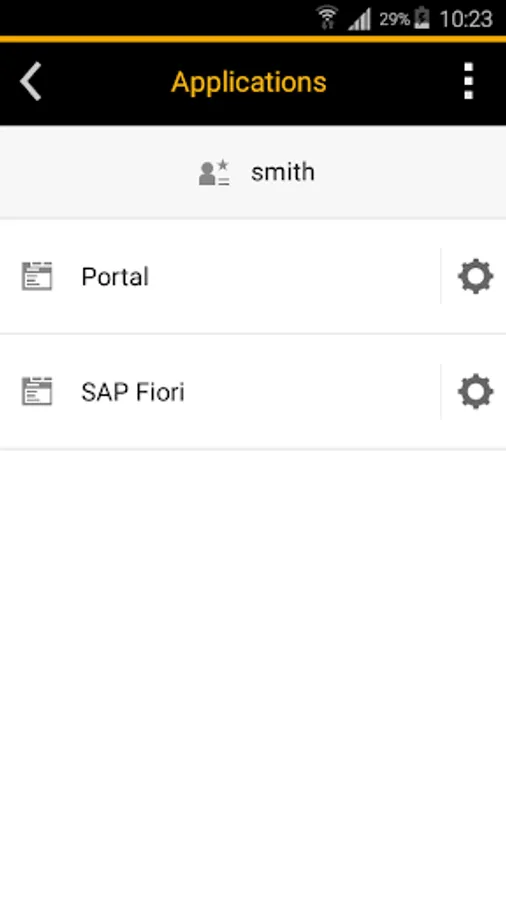
• Generate time-based, one-time passwords (TOTP) based on RFC 6238
• Use the generated passcode as an alternative password if you need to log in without revealing your regular credentials or in addition to your regular credentials (as second factor)
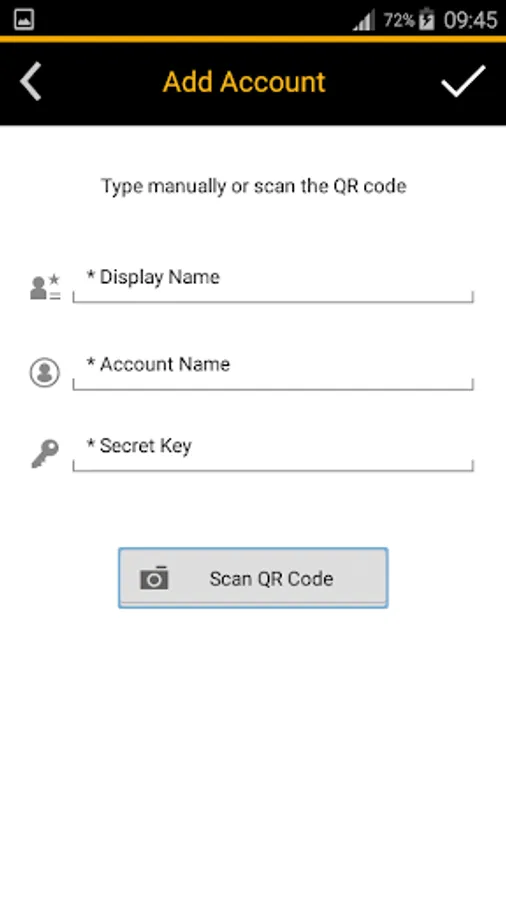
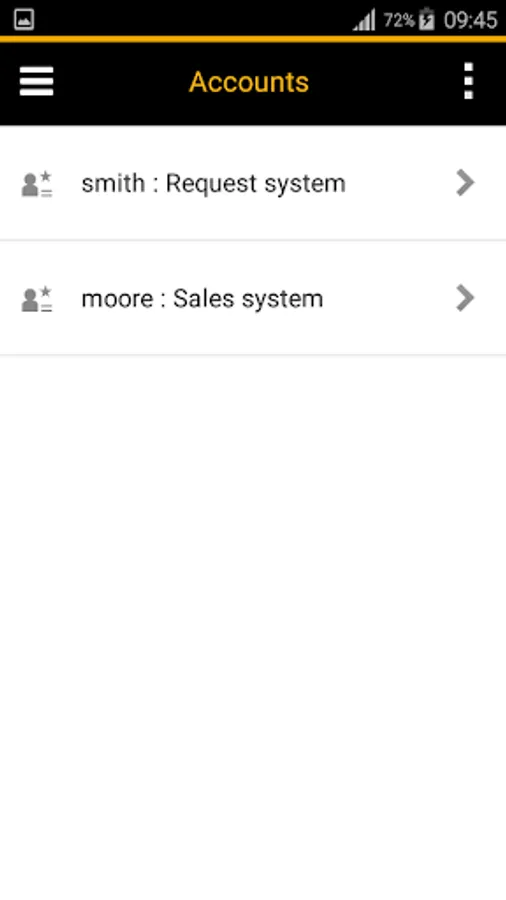
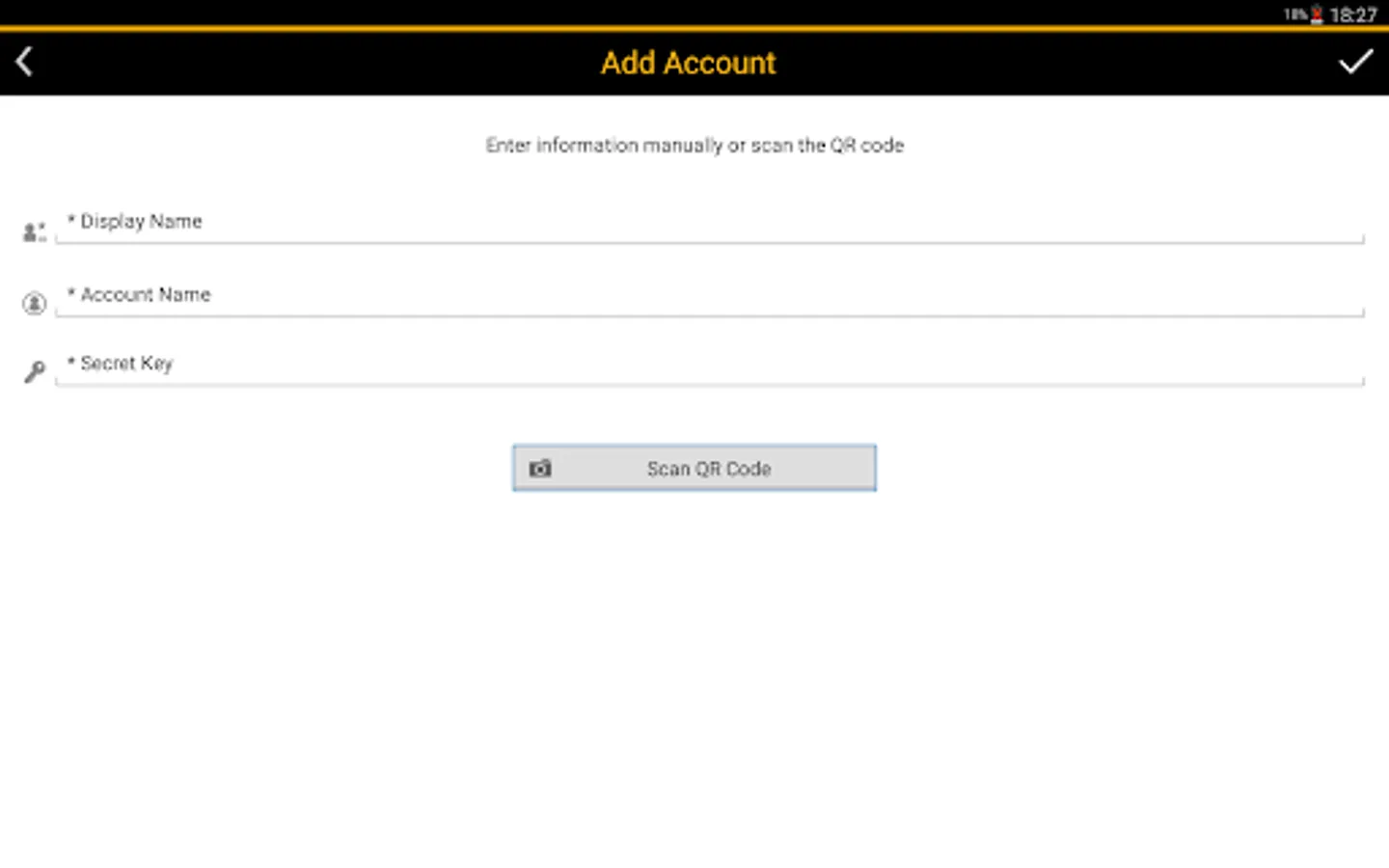
• Extend the app’s functions to multiple accounts
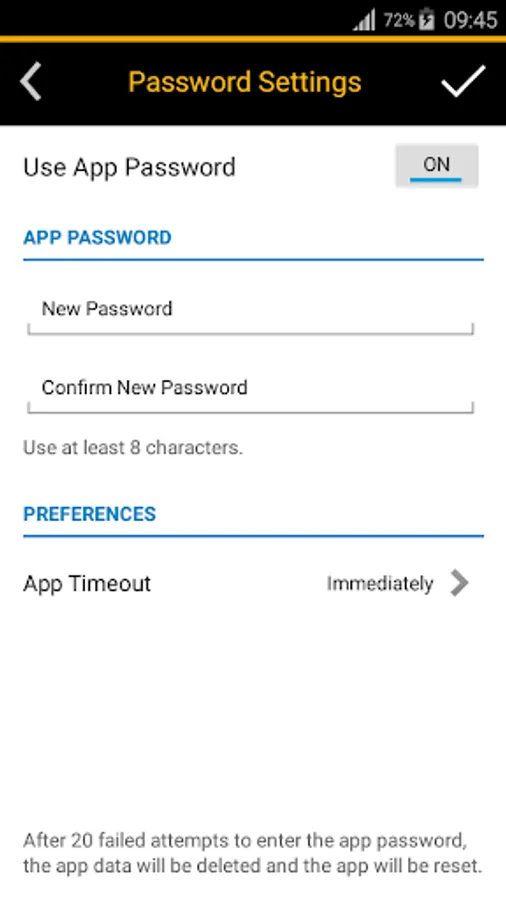
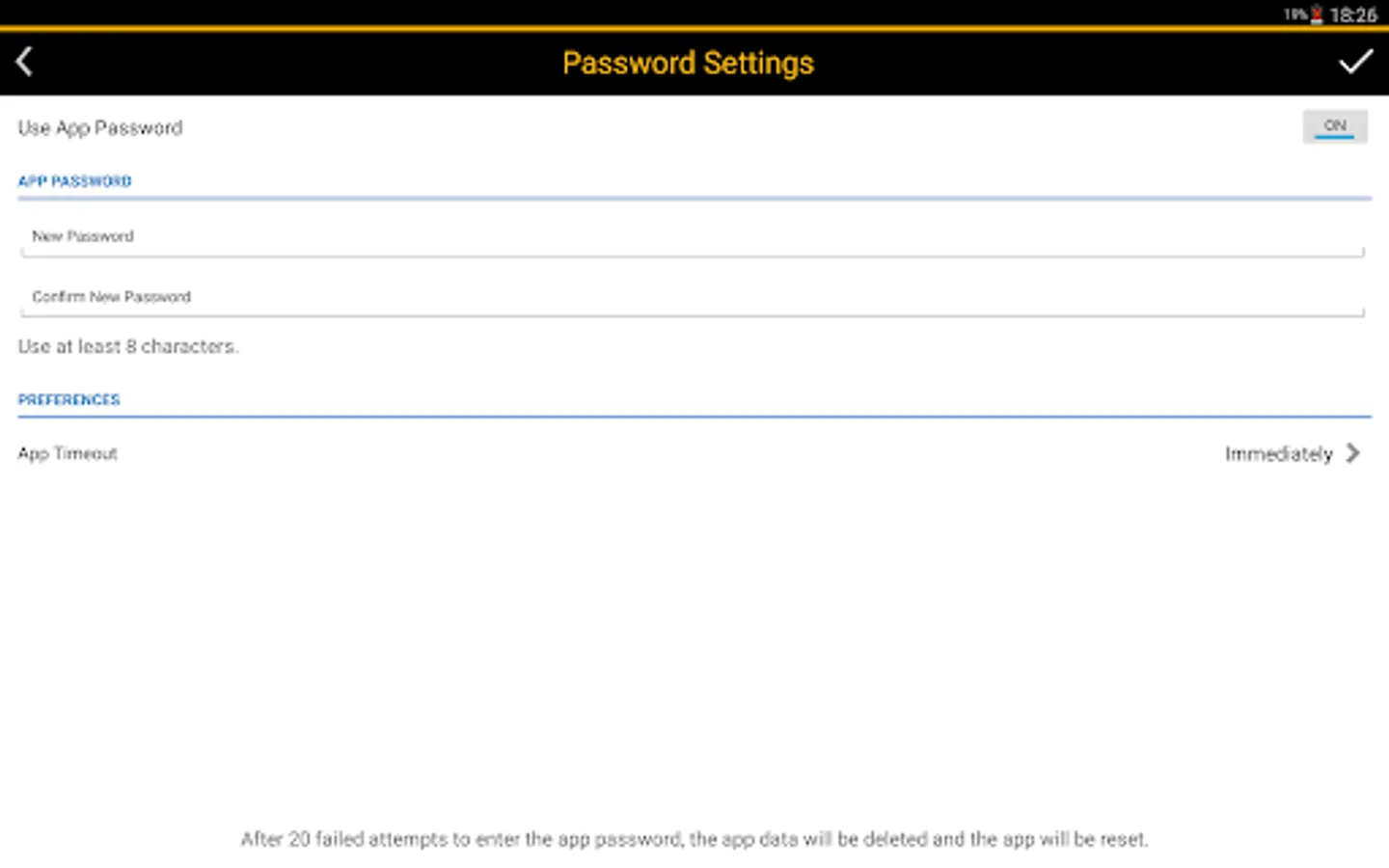
• Protect the app with a password
Key features of SAP Authenticator for Android
• Generate time-based, one-time passwords (TOTP) based on RFC 6238
• Use the generated passcode as an alternative password if you need to log in without revealing your regular credentials or in addition to your regular credentials (as second factor)
• Extend the app’s functions to multiple accounts
• Protect the app with a password
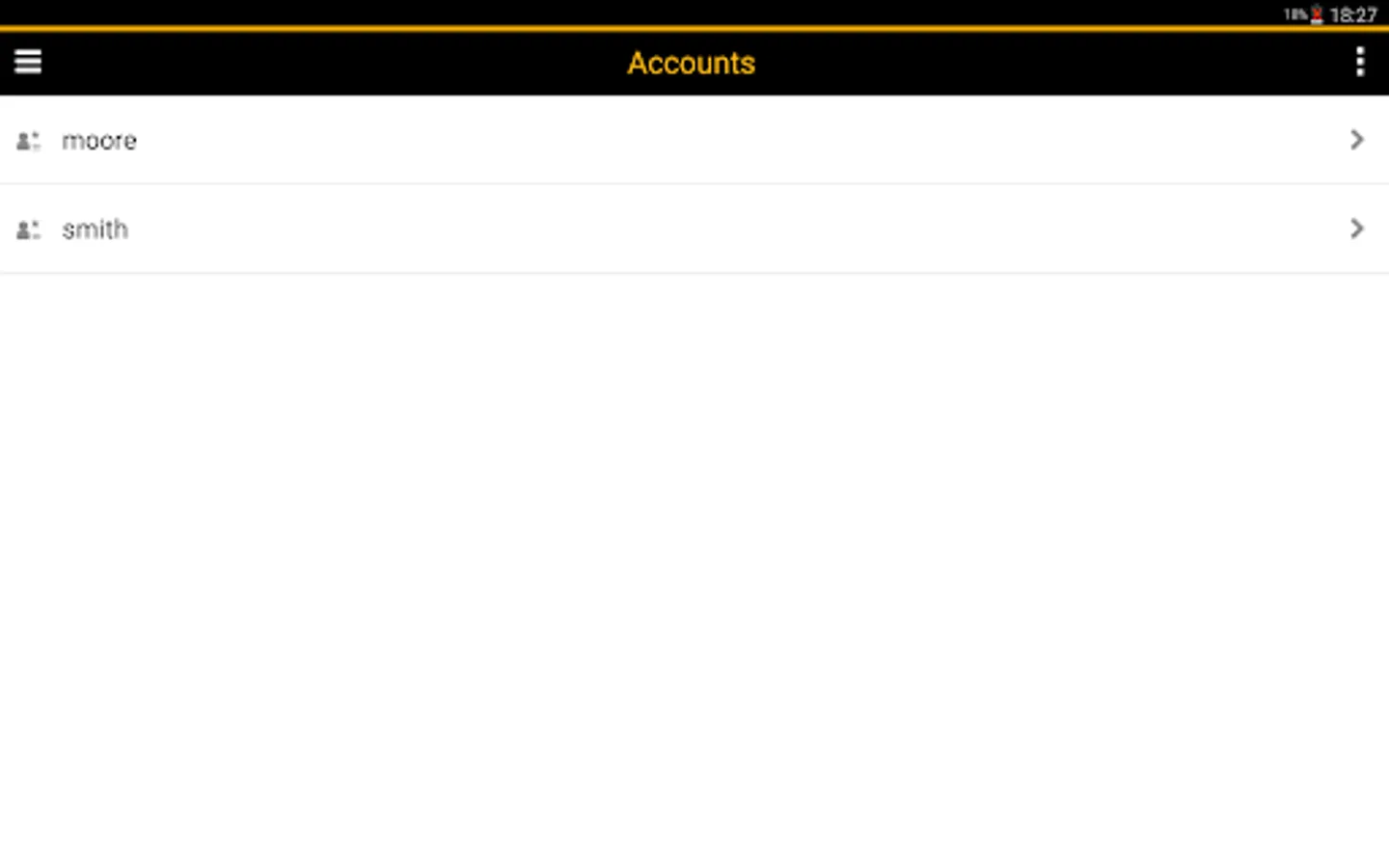
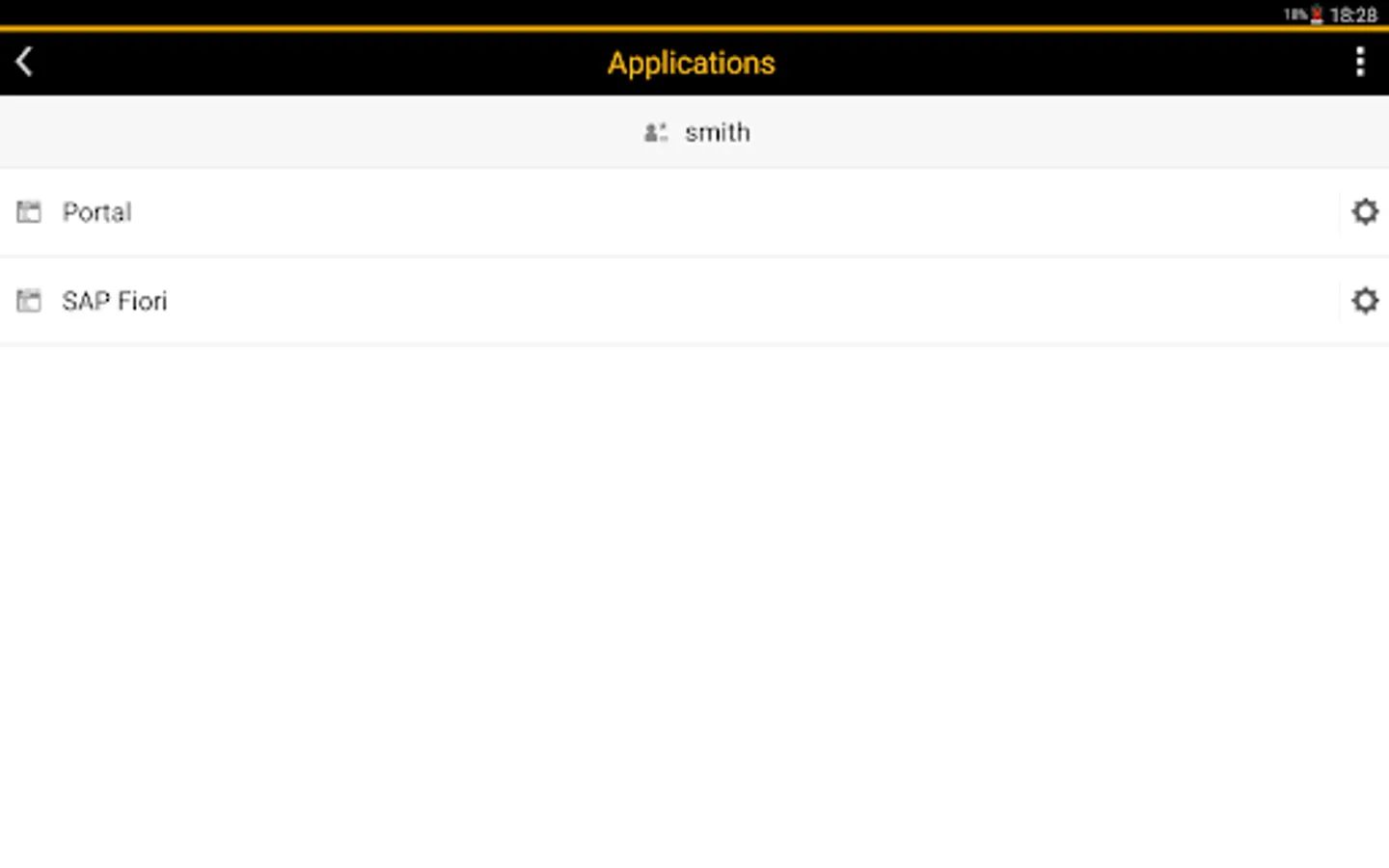
SAP Authenticator Screenshots
Tap to Rate:
Reviews for SAP Authenticator
Bharath kumar
11/20/2025
very bad with the Android and after I update the new password on the first screen there is no option to go next step
Gary Tan
11/11/2025
The UI is so archaic that I cannot even find the next button or a button to continue with the setup. How does anyone use this app when they cannot even move past the first page after installation?