SAP Fieldglass Time Entry
SAP SE
2.2 ★
963 ratings
100,000+
downloads
Free
With this time tracking app, you can submit and manage your timesheets from your Android device. Includes features for recording daily hours and responding to rejection notices.
AppRecs review analysis
AppRecs rating 2.1. Trustworthiness 79 out of 100. Review manipulation risk 21 out of 100. Based on a review sample analyzed.
★★☆☆☆
2.1
AppRecs Rating
Ratings breakdown
5 star
25%
4 star
3%
3 star
5%
2 star
4%
1 star
63%
What to know
✓
Low review manipulation risk
21% review manipulation risk
⚠
Mixed user feedback
Average 2.2★ rating suggests room for improvement
⚠
High negative review ratio
67% of sampled ratings are 1–2 stars
About SAP Fieldglass Time Entry
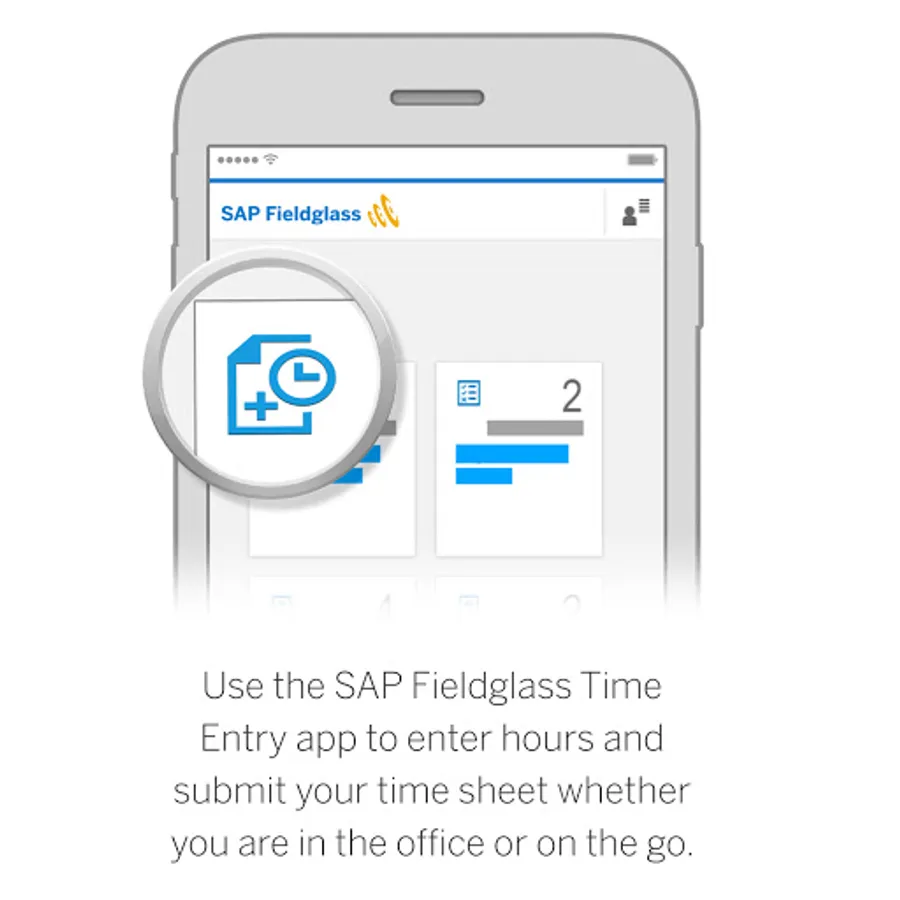
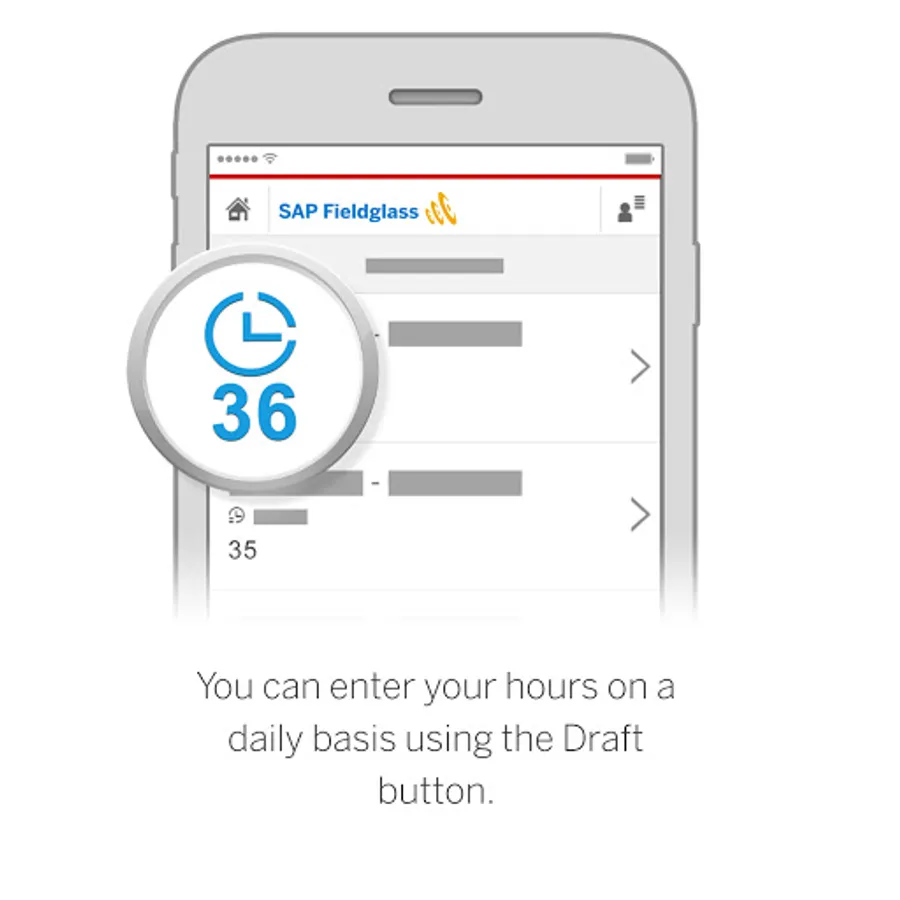
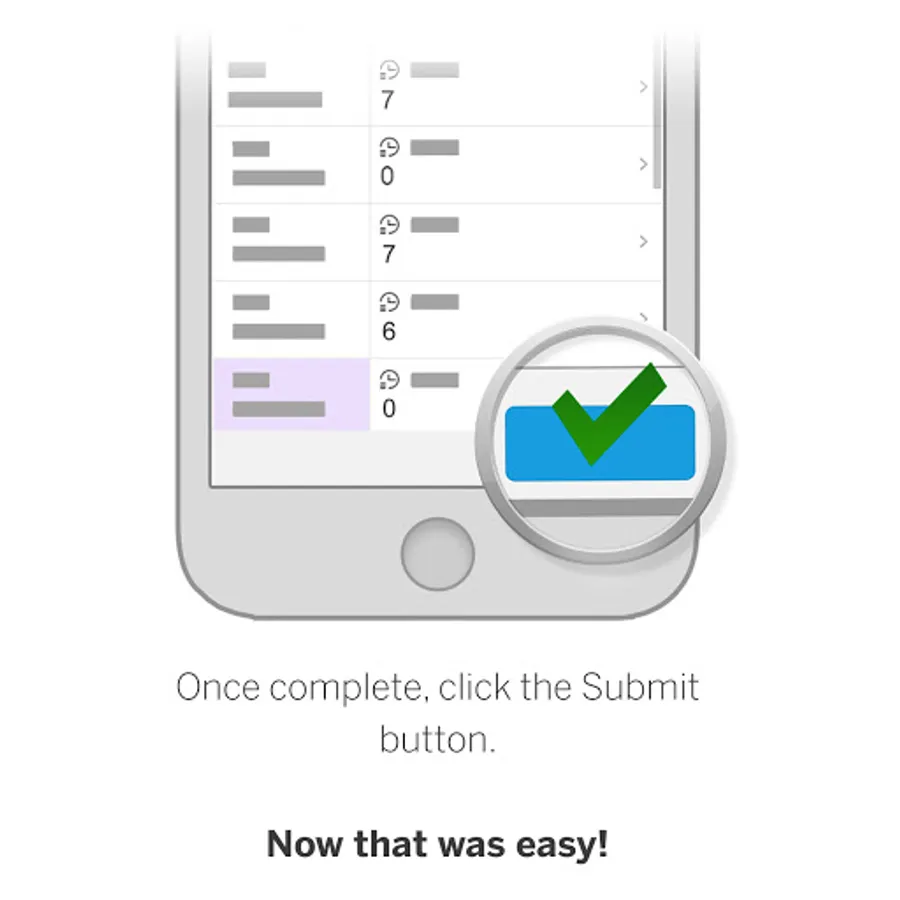
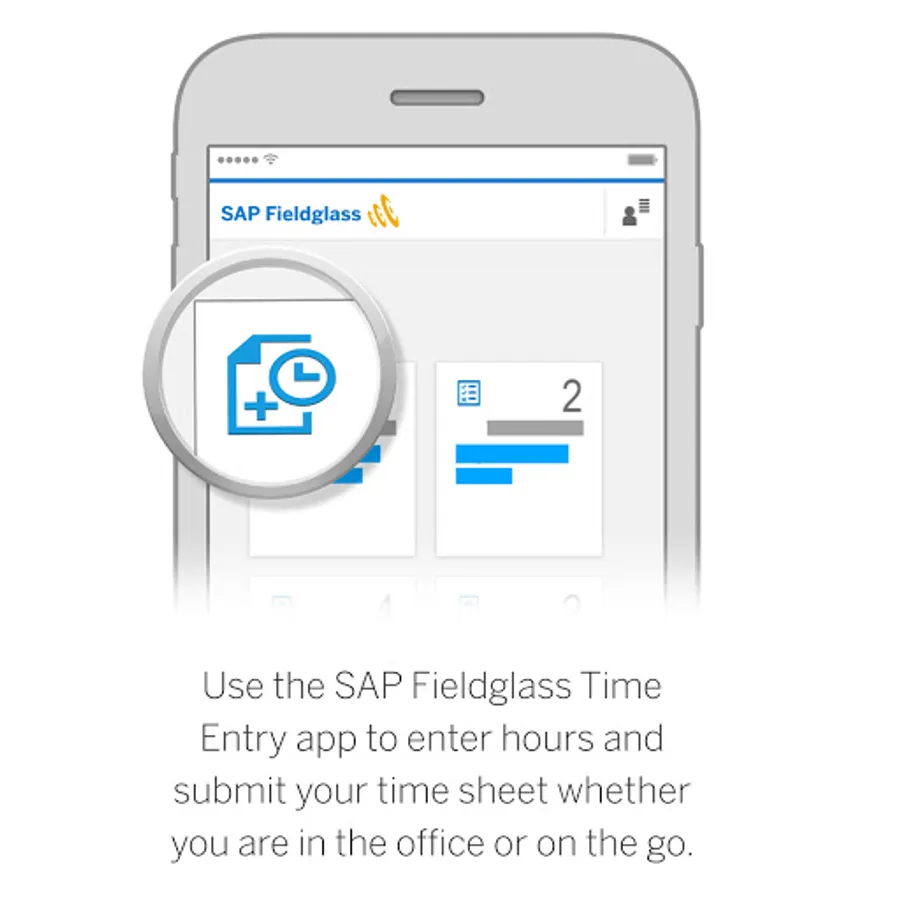
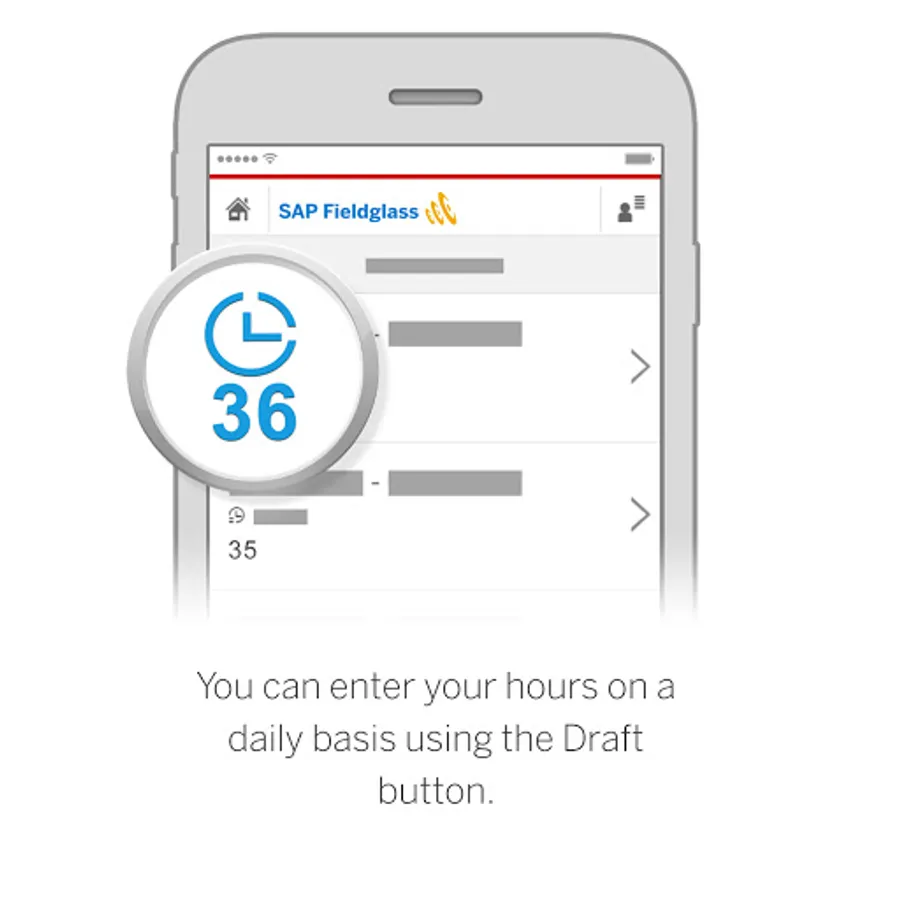
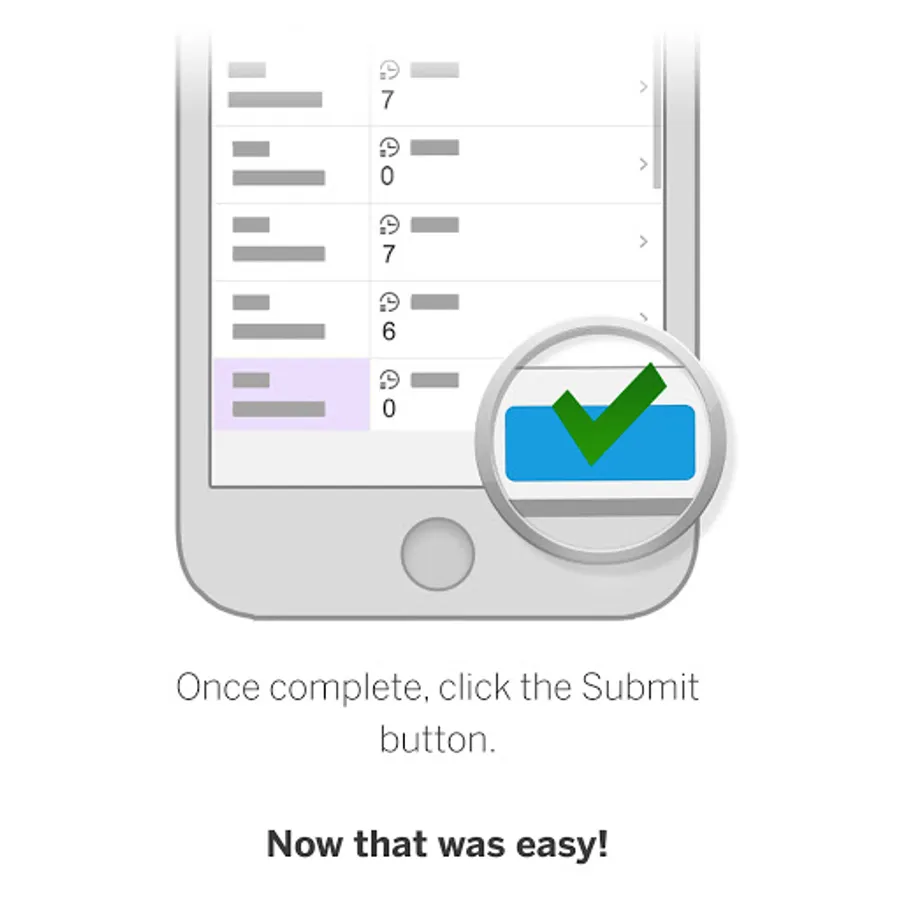
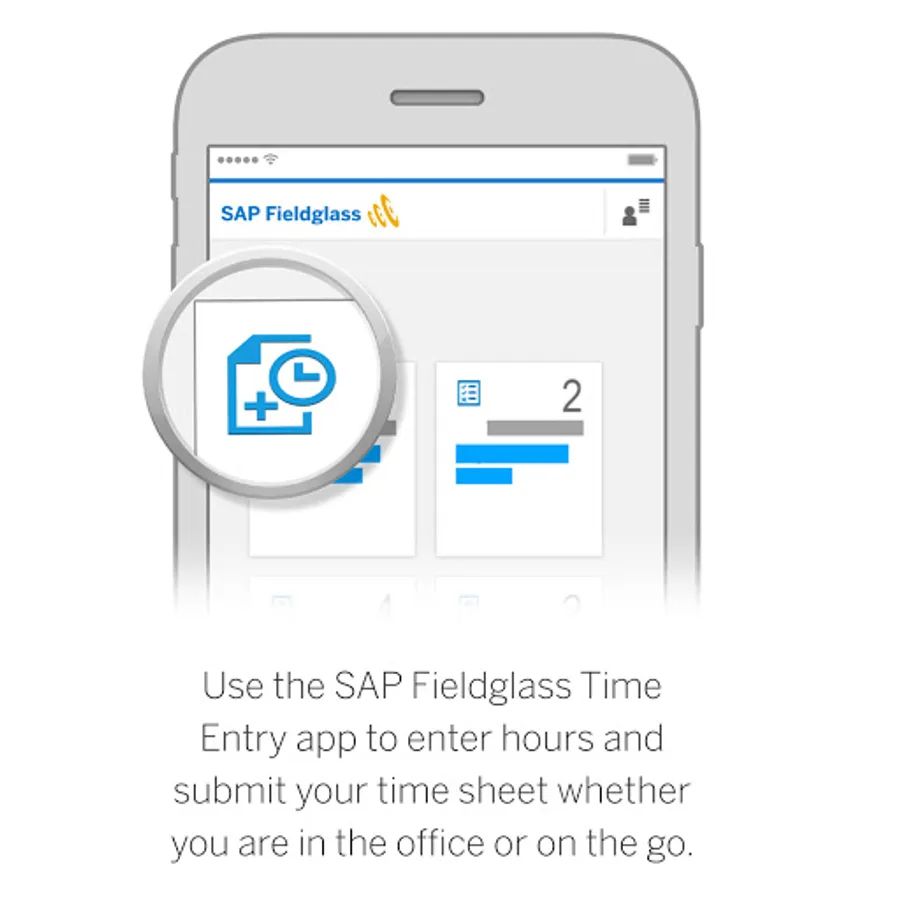
With the SAP Fieldglass Time Entry mobile app for Android phones and tablets, workers can submit their timesheets anywhere and anytime. This app connects to the core SAP Fieldglass application and allows workers to manage their timesheets right from their Android device.
Key features of the SAP Fieldglass Time Entry mobile app for Android
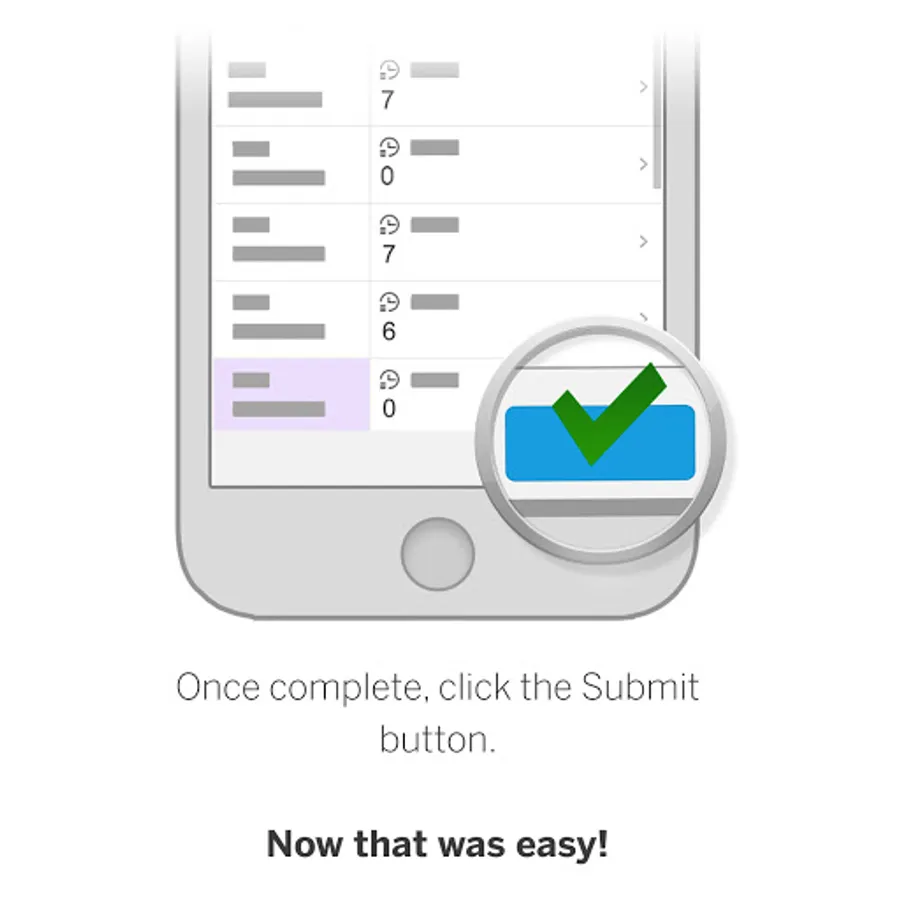
• Track hours using a convenient app instead of having to log into the standard desktop application
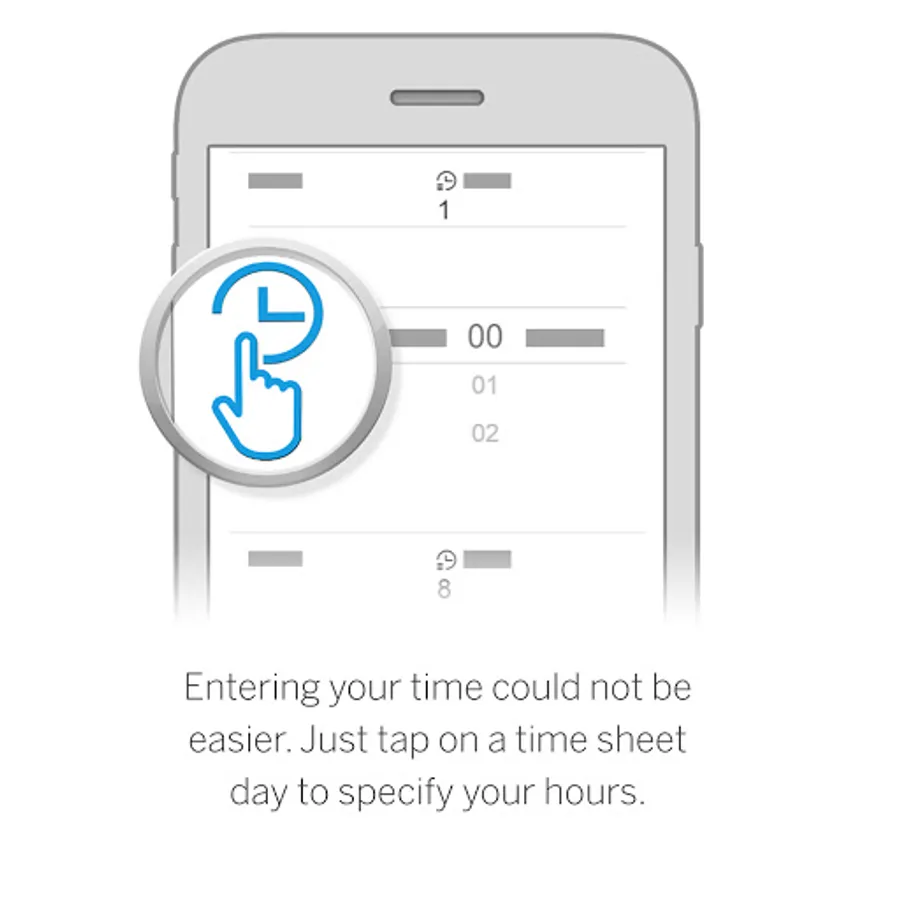
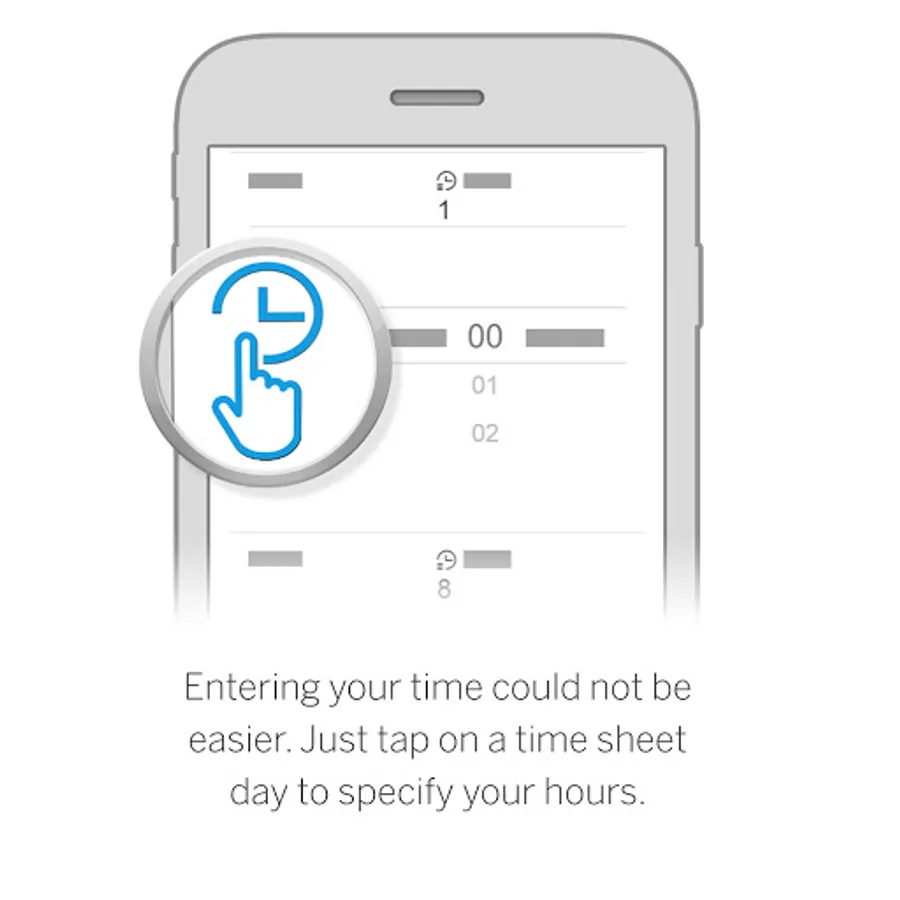
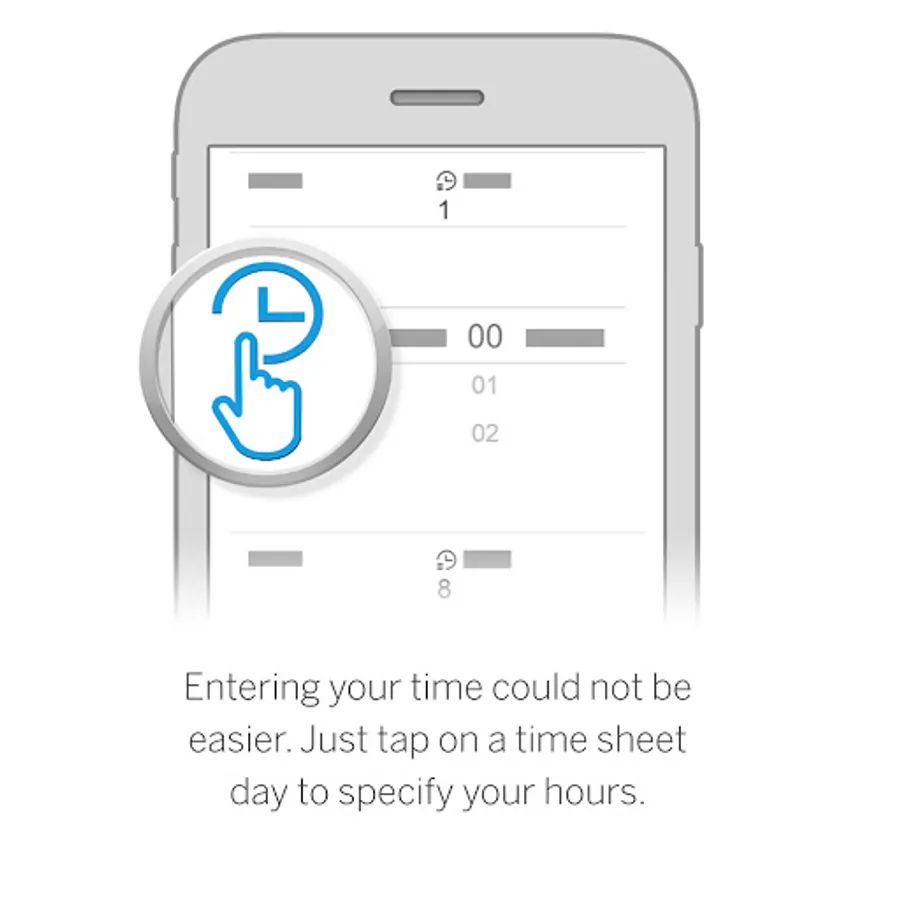
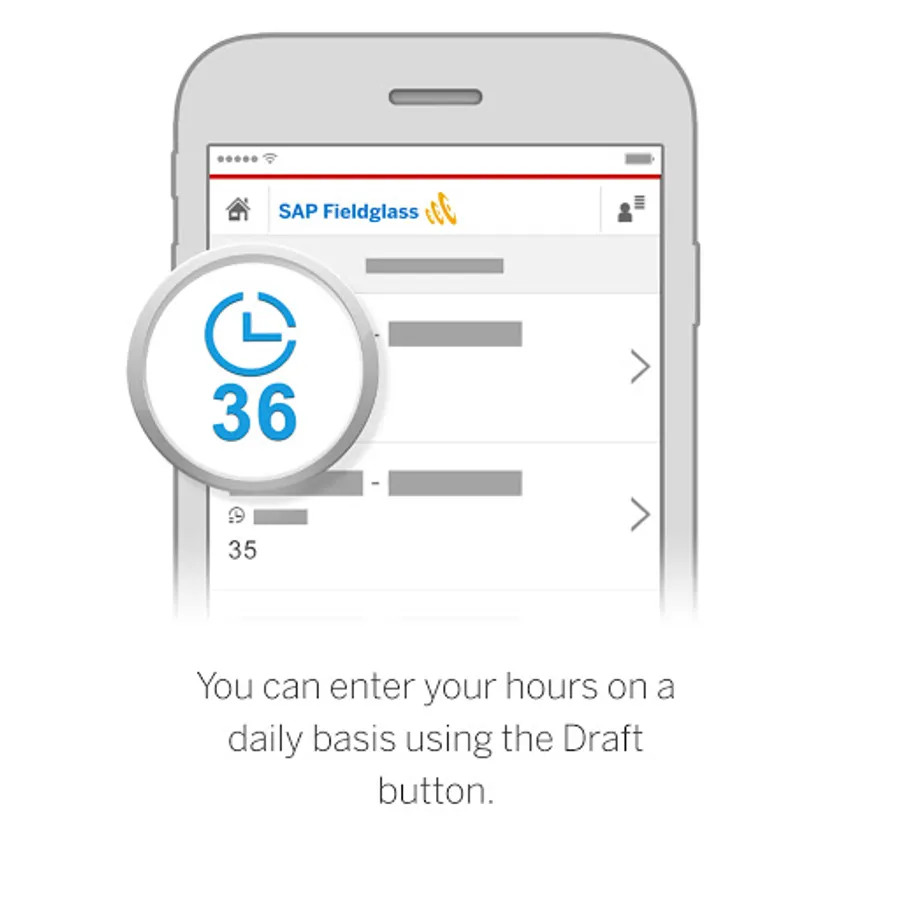
• Record hours worked on a daily basis for improved accuracy
• Respond to timesheet rejection notices immediately to keep invoicing cycles on schedule
• Manage your timesheets while out of the office
Note: To use the SAP Fieldglass Time Entry mobile app, you must already be a registered worker in the SAP Fieldglass system and be able to log in using a username and password. Single sign on (SSO) authentication is not yet supported.
Key features of the SAP Fieldglass Time Entry mobile app for Android
• Track hours using a convenient app instead of having to log into the standard desktop application
• Record hours worked on a daily basis for improved accuracy
• Respond to timesheet rejection notices immediately to keep invoicing cycles on schedule
• Manage your timesheets while out of the office
Note: To use the SAP Fieldglass Time Entry mobile app, you must already be a registered worker in the SAP Fieldglass system and be able to log in using a username and password. Single sign on (SSO) authentication is not yet supported.
SAP Fieldglass Time Entry Screenshots
Tap to Rate:
Reviews for SAP Fieldglass Time Entry
owen ngwenya
12/18/2025
friendly to operate and accessible too
Matt Layton
12/17/2025
terrible app, resetting constantly and not allowing me to log in