Endoscope Camera Connector
FastSoft
3.7 ★
7K ratings
100,000+
downloads
Free
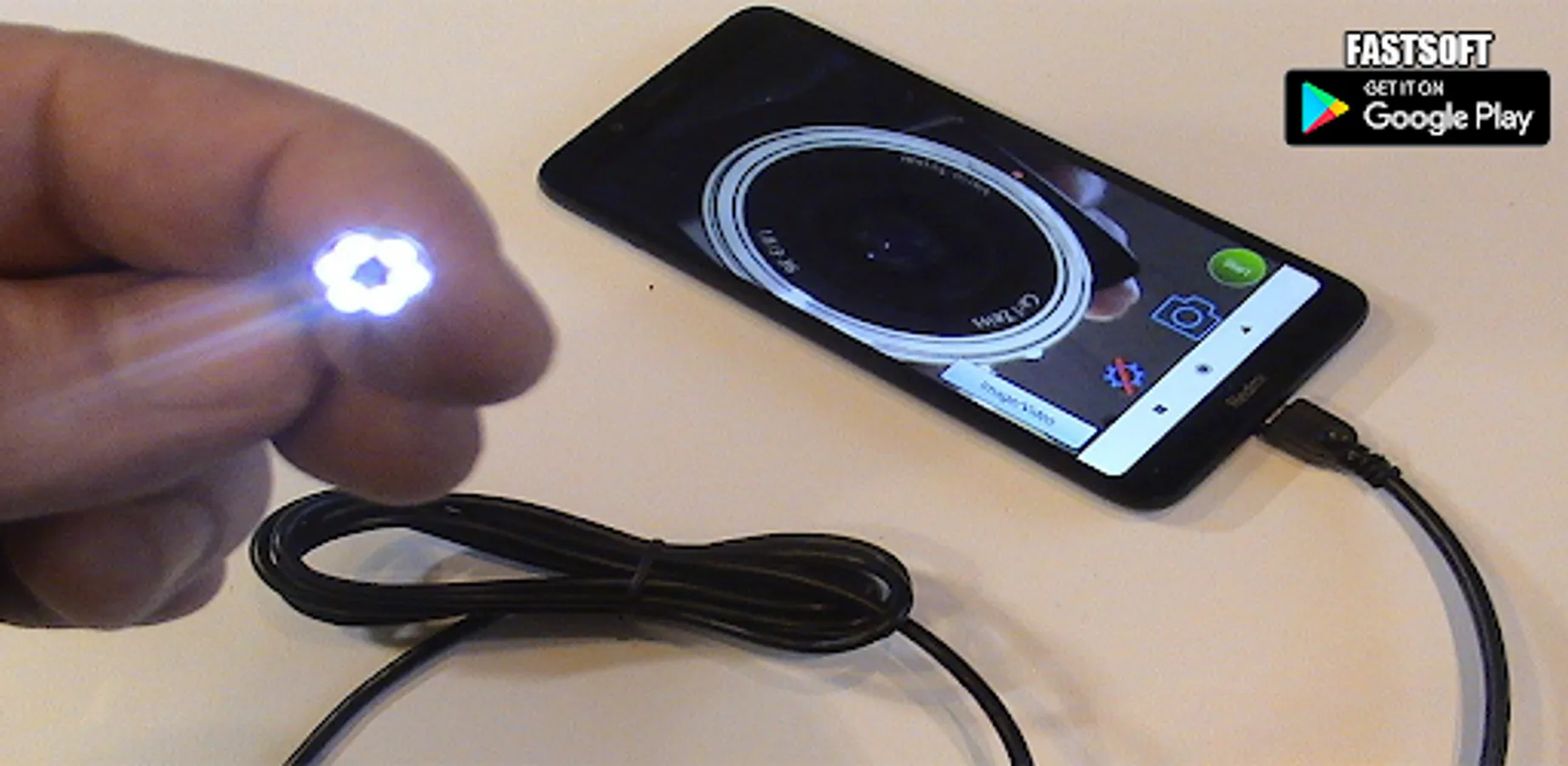
With this app, you can connect your phone to an endoscope or external camera to view live video feeds, capture photos, and record recordings. Includes support for USB OTG, video recording with audio, and media management.
AppRecs review analysis
AppRecs rating 1.0. Trustworthiness 20 out of 100. Review manipulation risk 80 out of 100. Based on a review sample analyzed.
★☆☆☆☆
1.0
AppRecs Rating
Ratings breakdown
5 star
64%
4 star
1%
3 star
2%
2 star
2%
1 star
31%
What to know
⚠
Ad complaints
Many low ratings mention excessive ads
⚠
Questionable review trustworthiness
20% trustworthiness - reviews show concerning patterns
⚠
High review manipulation risk
High risk of manipulated reviews (80%)
About Endoscope Camera Connector
Endoscope Camera Connector an app connect your phone with endoscope cam or any device like a USB camera or Borescope camera depstech, sewer inspection camera there is many devices that use external cam like inspection camera sewer.
* How does it work Endoscope Camera Connector?
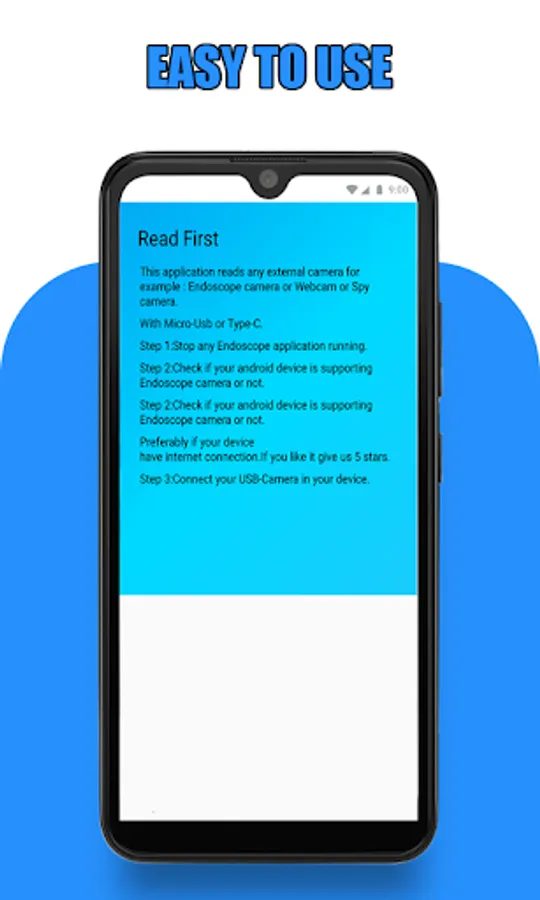
the endoscope camera connector app for android works like an otg view. open your external Borescope by USB otg or type-c and read it the endoscope app need to use micro just to record video with sounds and need to use the gallery to write and read it pictures and videos
check that before using this endoscope app:
1- if your device supports USB otg technology after open the app, choose in the setting
USB otg checker to check if your device support otg or not
2- if Your USB camera is UVC-compatible
* How to use this Endoscope camera :
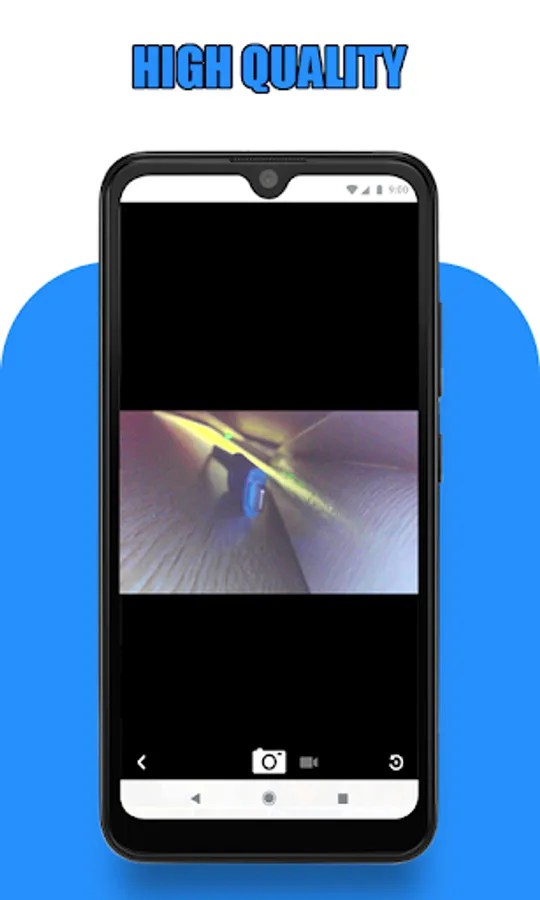
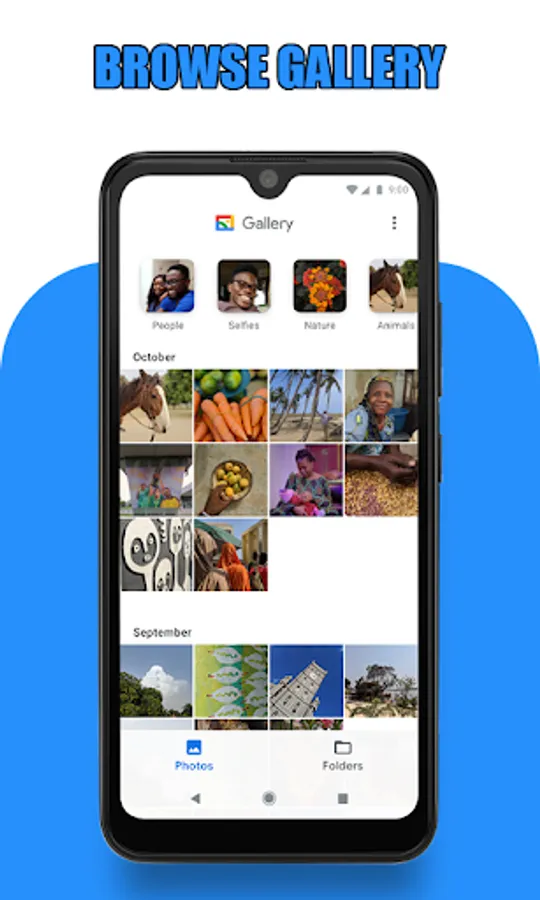
open the app and enter the USB of your endoscope camera in your phone click on the camera icon click on ok now you can see the endoscope camera is working. take photo and record video if you want to see his pictures and videos click on the gallery now you can see all your pictures Slide your finger to the left you can see now all videos click on anyone and choose your player click on always and watch your video. now how to delete pic and video on the endoscope app camera inside the gallery click long click on picture or video you can see the deletion icon that's all
In what you can use the endoscope camera device:
the Borescope or endoscope has many things to do like in blocked drains you can see what inside You will not need camera drain unblocker or plumbing cam repair anymore. it works like a sewer camera Borescope or you can use it with any external camera like a webcam.
* How does it work Endoscope Camera Connector?
the endoscope camera connector app for android works like an otg view. open your external Borescope by USB otg or type-c and read it the endoscope app need to use micro just to record video with sounds and need to use the gallery to write and read it pictures and videos
check that before using this endoscope app:
1- if your device supports USB otg technology after open the app, choose in the setting
USB otg checker to check if your device support otg or not
2- if Your USB camera is UVC-compatible
* How to use this Endoscope camera :
open the app and enter the USB of your endoscope camera in your phone click on the camera icon click on ok now you can see the endoscope camera is working. take photo and record video if you want to see his pictures and videos click on the gallery now you can see all your pictures Slide your finger to the left you can see now all videos click on anyone and choose your player click on always and watch your video. now how to delete pic and video on the endoscope app camera inside the gallery click long click on picture or video you can see the deletion icon that's all
In what you can use the endoscope camera device:
the Borescope or endoscope has many things to do like in blocked drains you can see what inside You will not need camera drain unblocker or plumbing cam repair anymore. it works like a sewer camera Borescope or you can use it with any external camera like a webcam.
Endoscope Camera Connector Screenshots
Tap to Rate:
Reviews for Endoscope Camera Connector
Hector J villegas Gonzalez
12/30/2025
not working
Denis Charette
12/13/2025
endoscope is not blue tooth device. cant conect, your app dont work..