Color Scheme Builder
AppDevCoders Chile
3.9 ★
197 ratings
10,000+
downloads
Free
+ in-app
In this color scheme builder app, you can create and manage color palettes using various selection modes and detailed color information. Includes multiple palette options, image-based color extraction, and sharing features.
AppRecs review analysis
AppRecs rating 3.9. Trustworthiness 0 out of 100. Review manipulation risk 0 out of 100. Based on a review sample analyzed.
★★★☆☆
3.9
AppRecs Rating
Ratings breakdown
5 star
56%
4 star
14%
3 star
8%
2 star
12%
1 star
10%
What to know
✓
Good user ratings
70% positive sampled reviews
✓
Authentic reviews
Natural distribution, no red flags
About Color Scheme Builder
Color Scheme Builder is a powerful tool for developers & designers. Several color selection modes in a single tool. Start creating your own library of themes for your projects!
Why settle for less when you can have it all?
General Features:
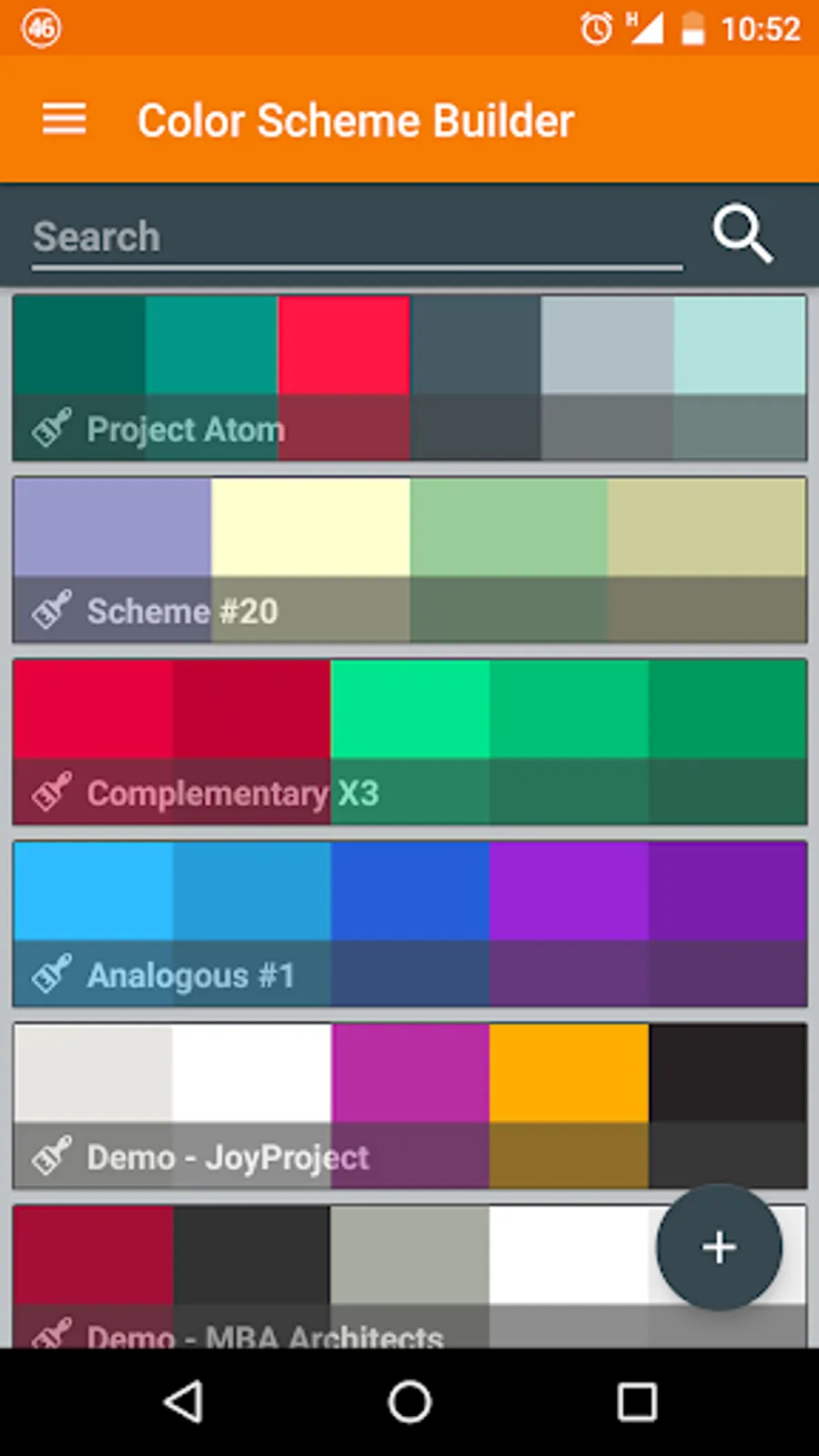
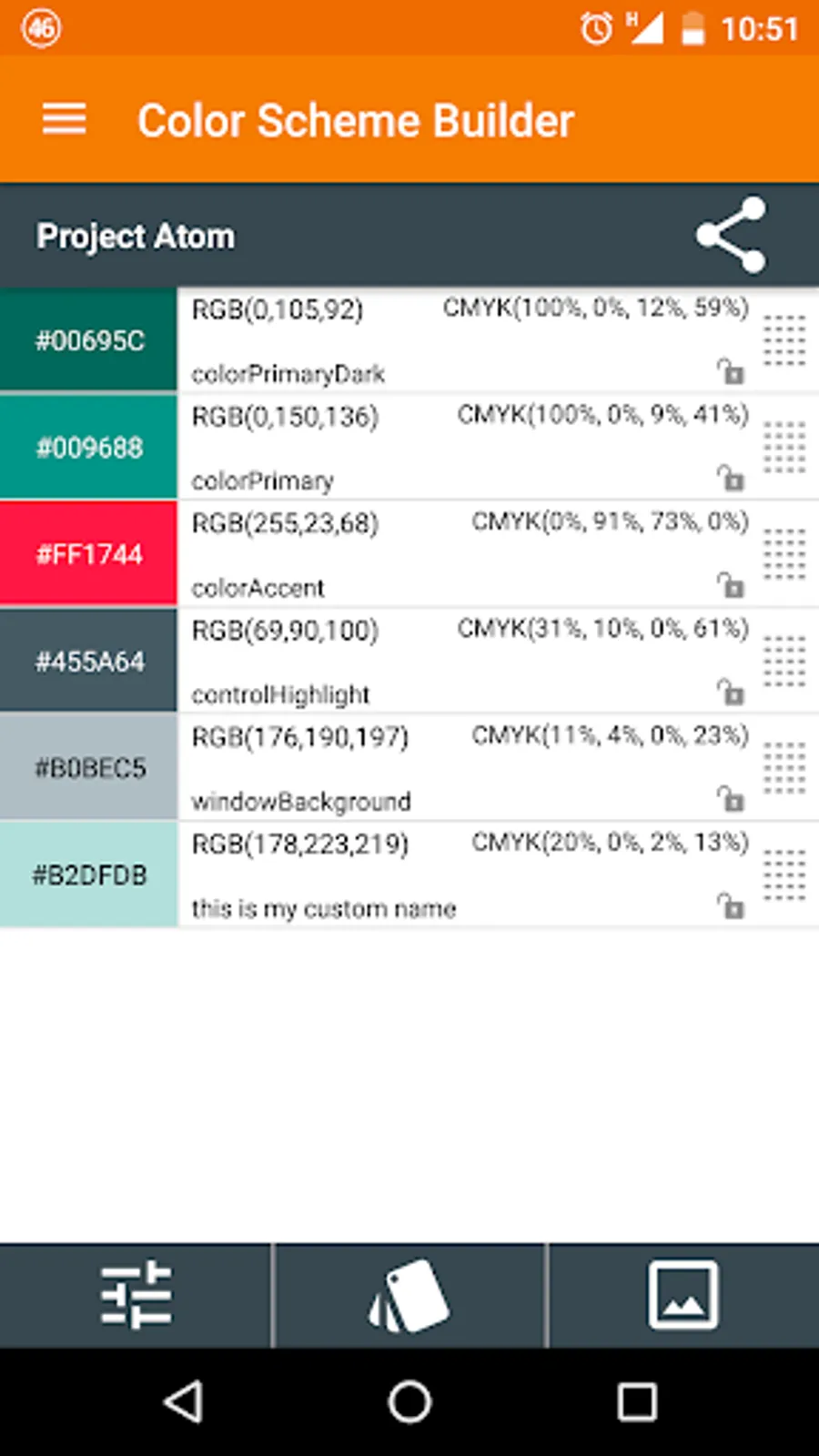
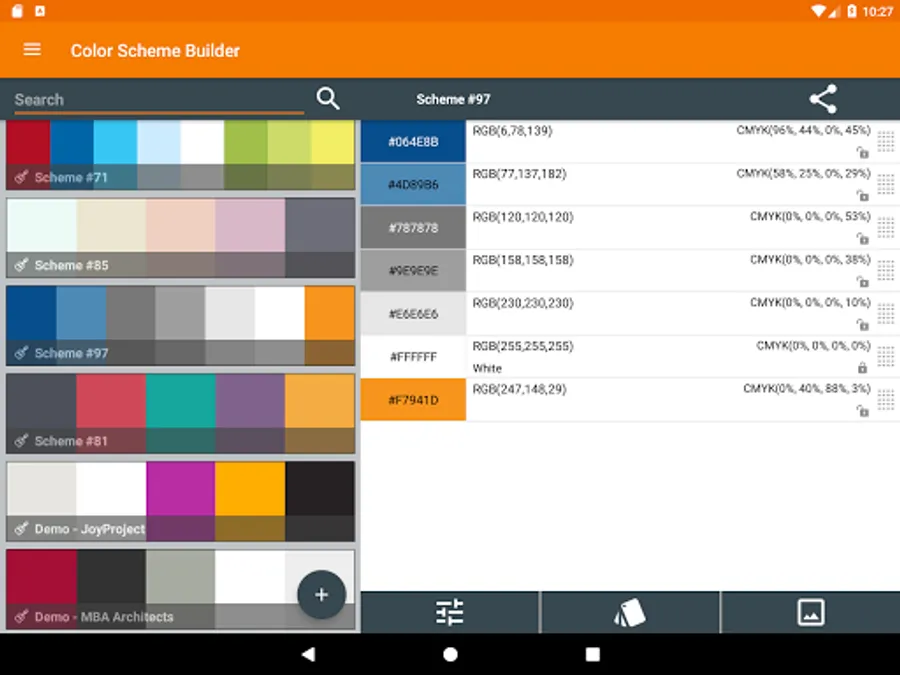
• Fully manage your schemes. Add descriptions, Rename colors.
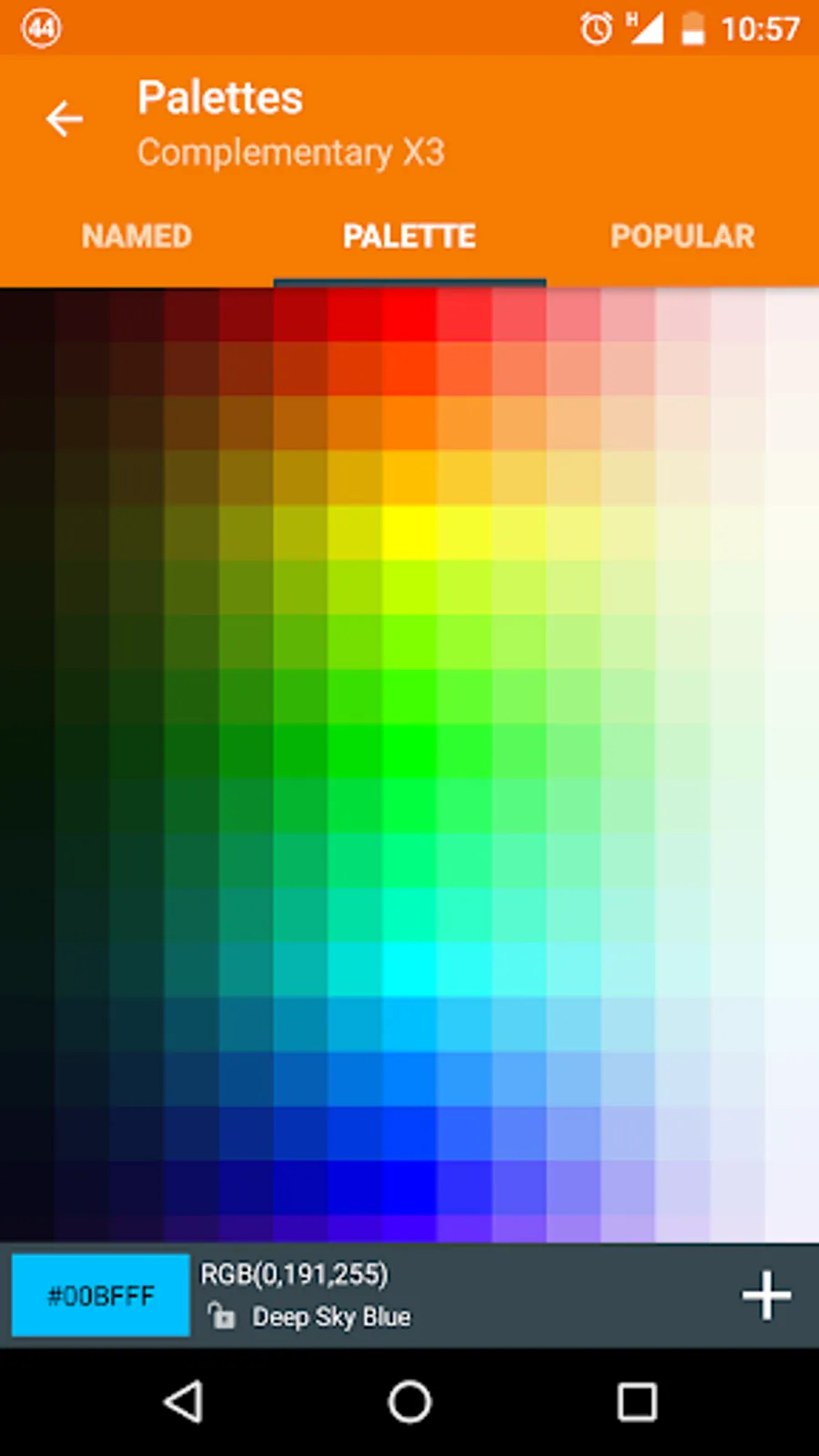
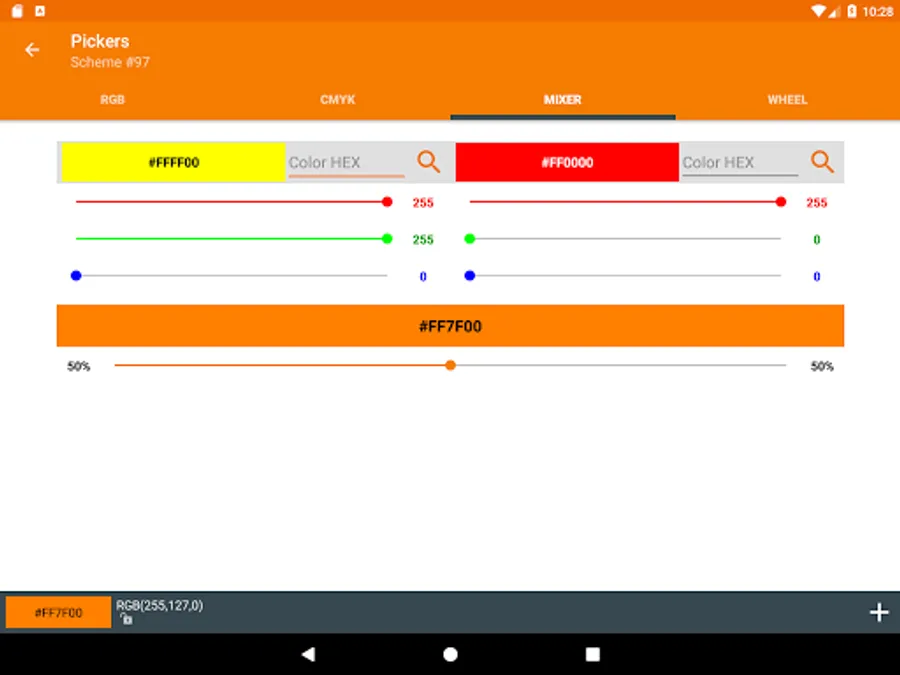
• Classic RGB color selector, Mixer and Wheel (Shades, Tones, Primaries, Pastels, Lights, Pure, Darks, Browns and Grayscale).
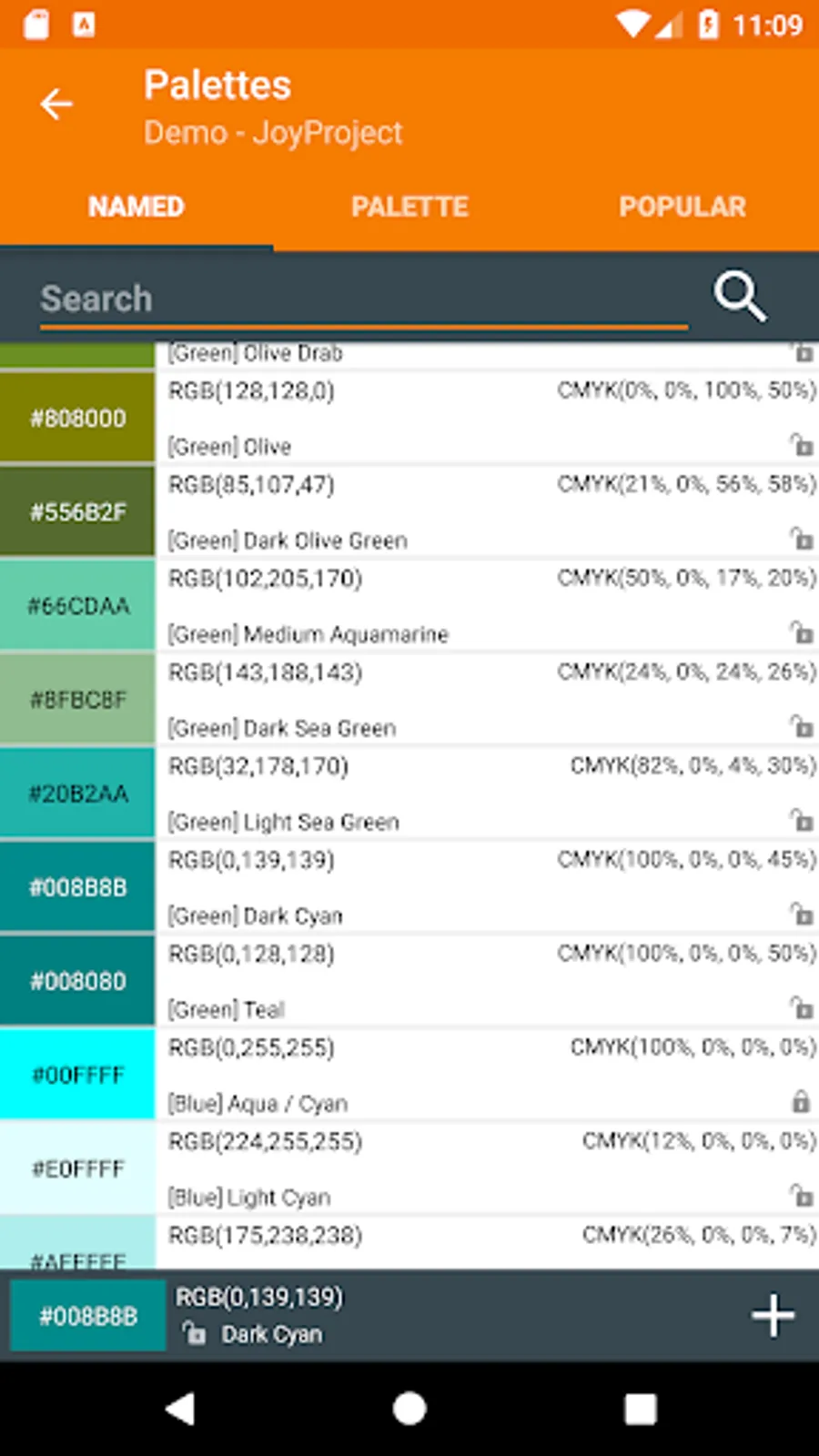
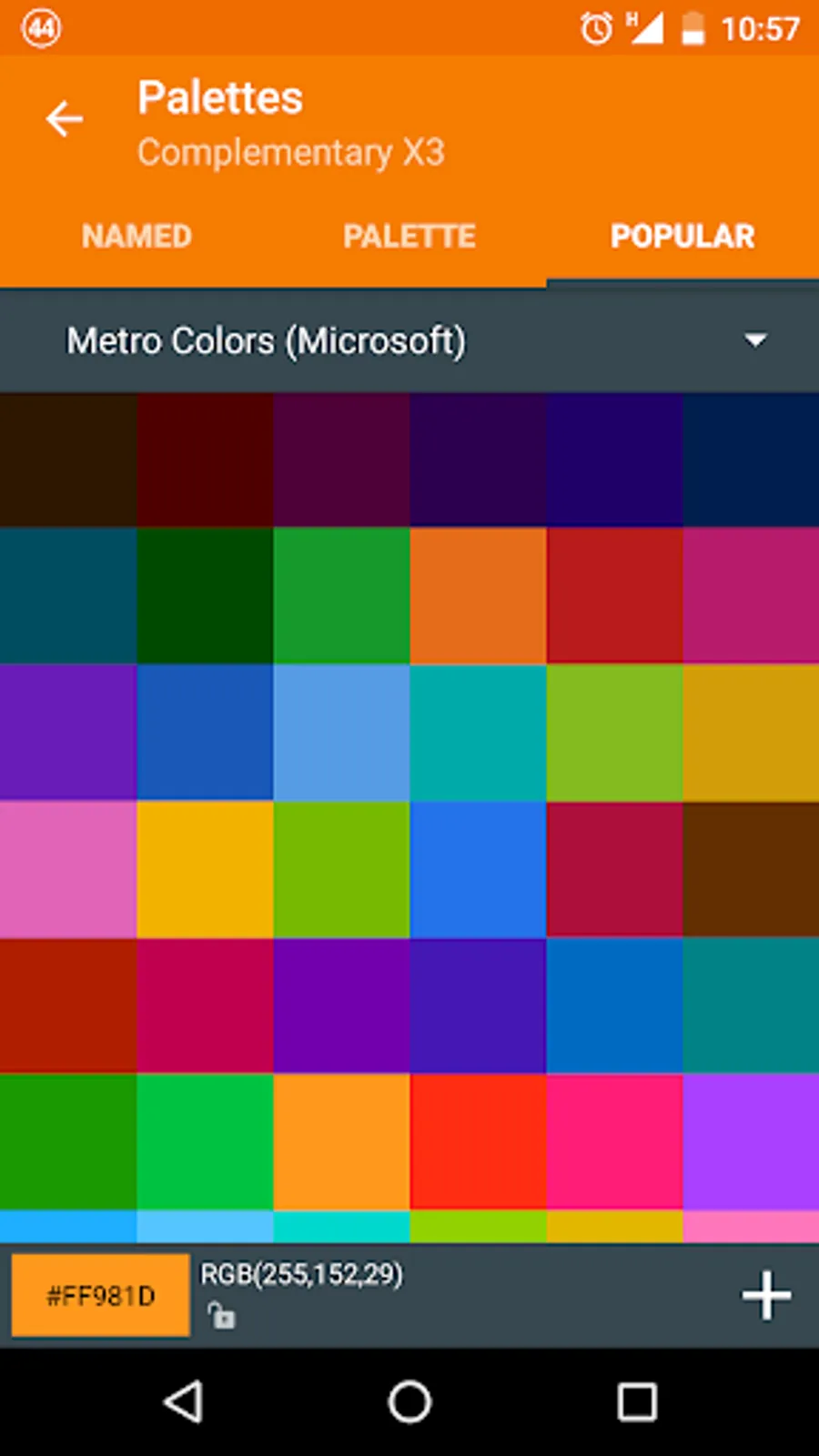
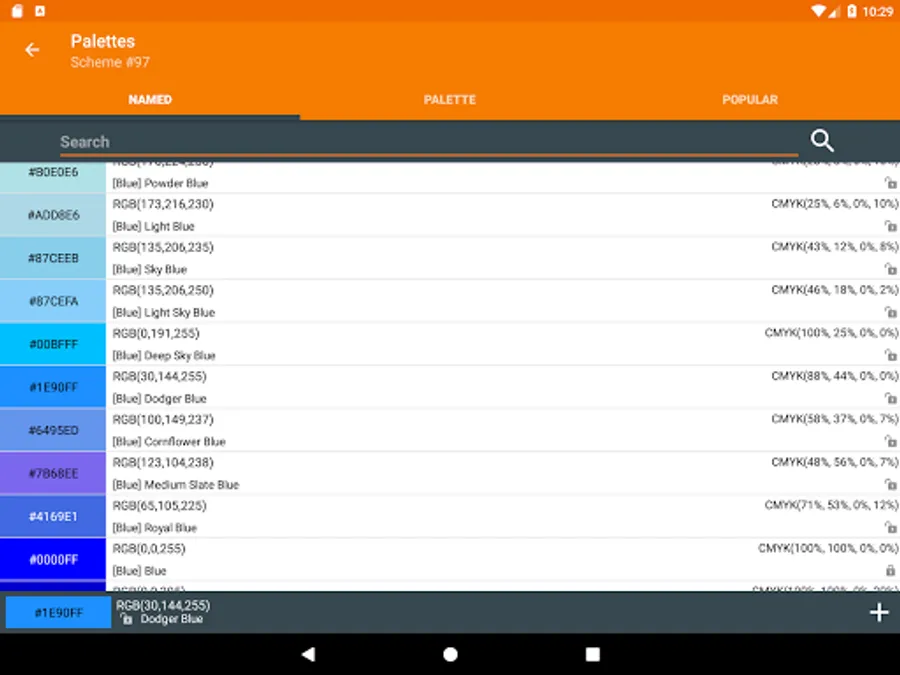
• Color Palettes: Named colors (with search), Standard and several Popular palettes (Favorites, Web-Safe colors, Pastel, Metro WP8, Material Design, iOS, etc).
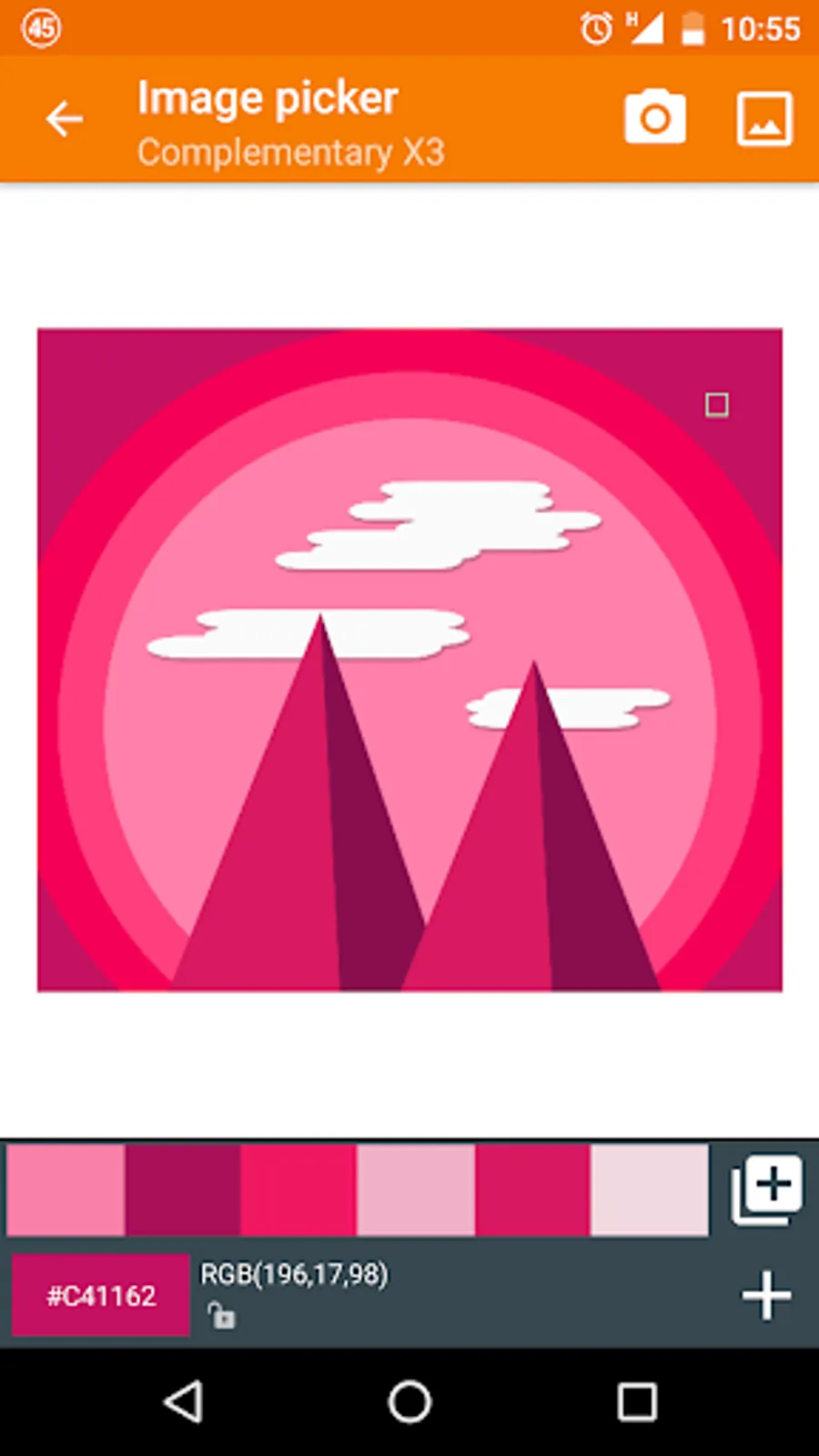
• Pick colors from any Image on your Gallery or directly using your Camera. Retrieve them automatically.
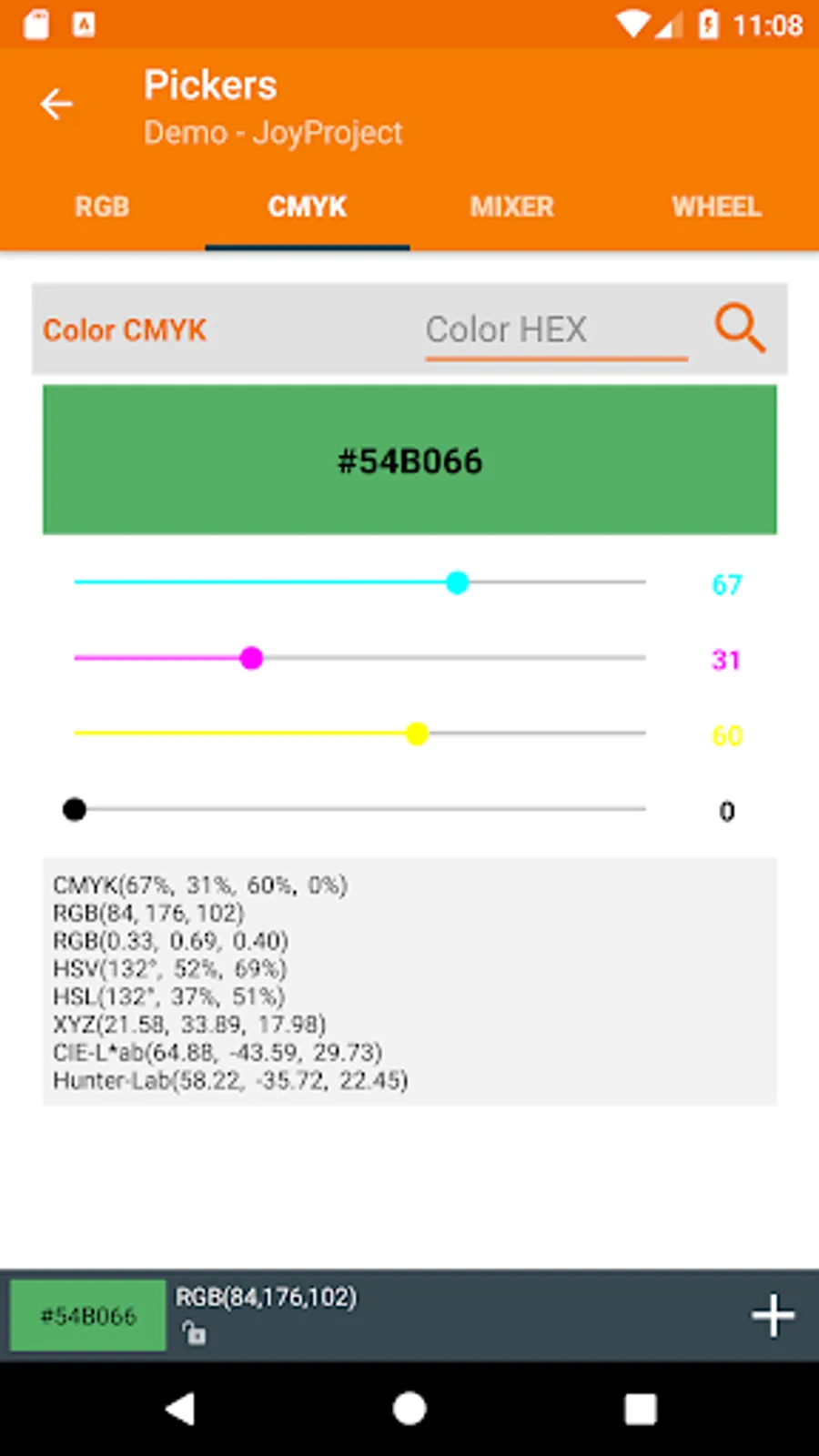
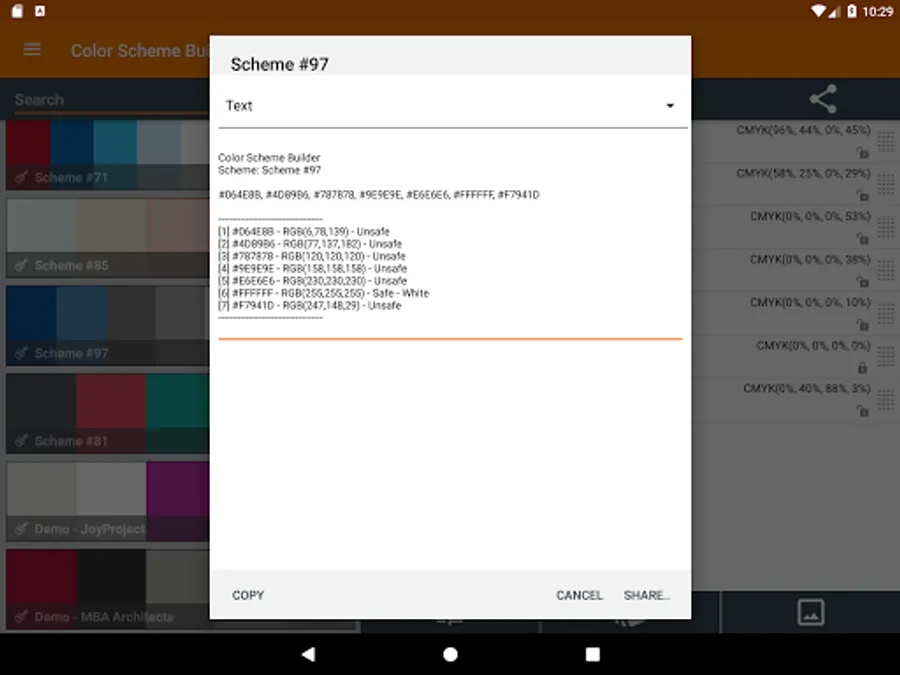
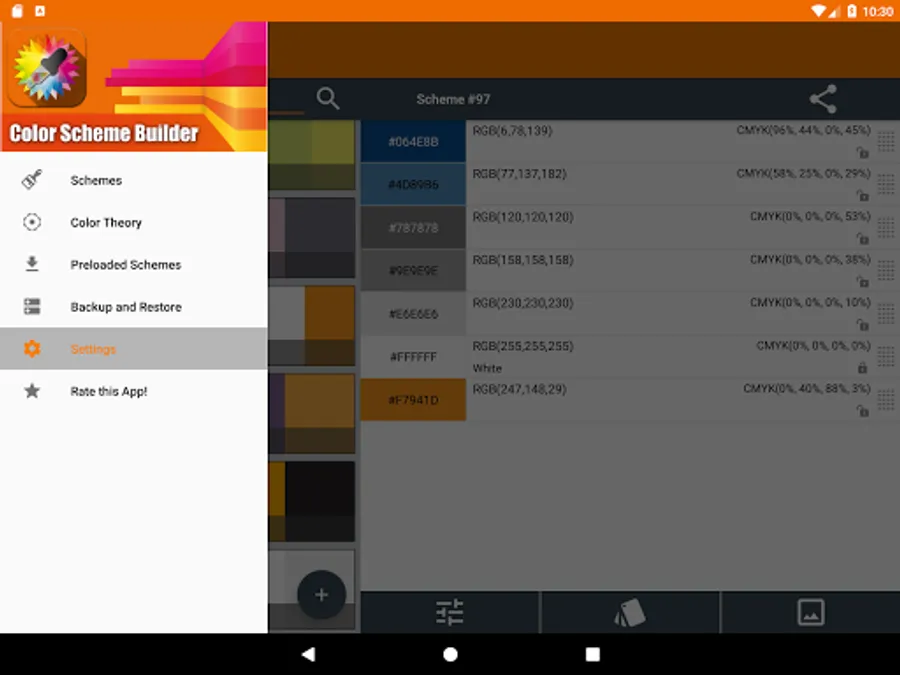
• Every color shows detailed info. Ex: HEX/RGB, CMYK, HSV, HSL, XYZ, CIE-L*ab, Hunter-Lab, Name, Web-Safe Status, and more.
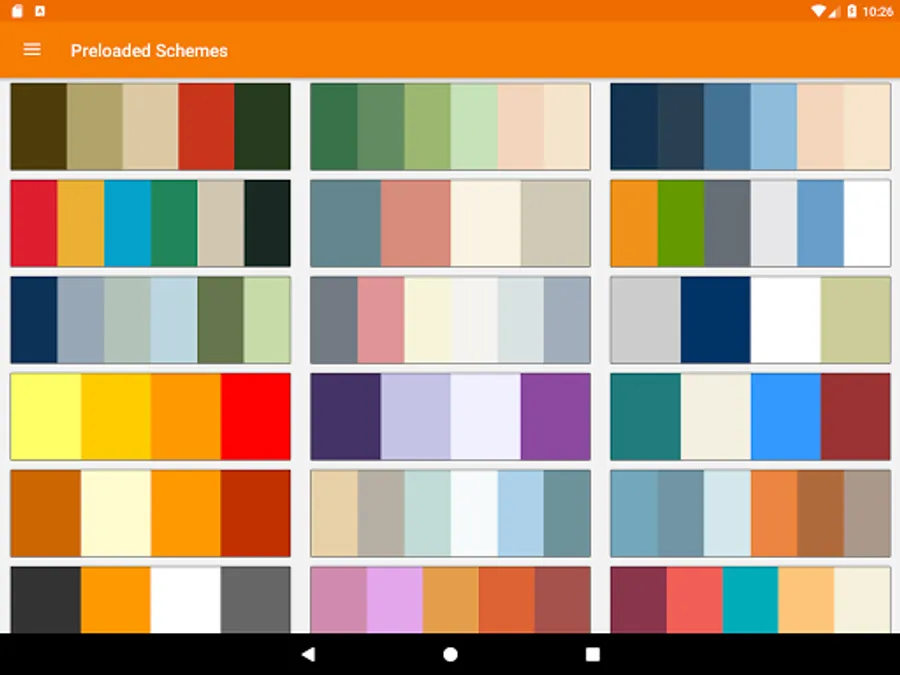
• Many preloaded schemes.
• Share your Color Schemes as TEXT, HTML or Android color resource format.
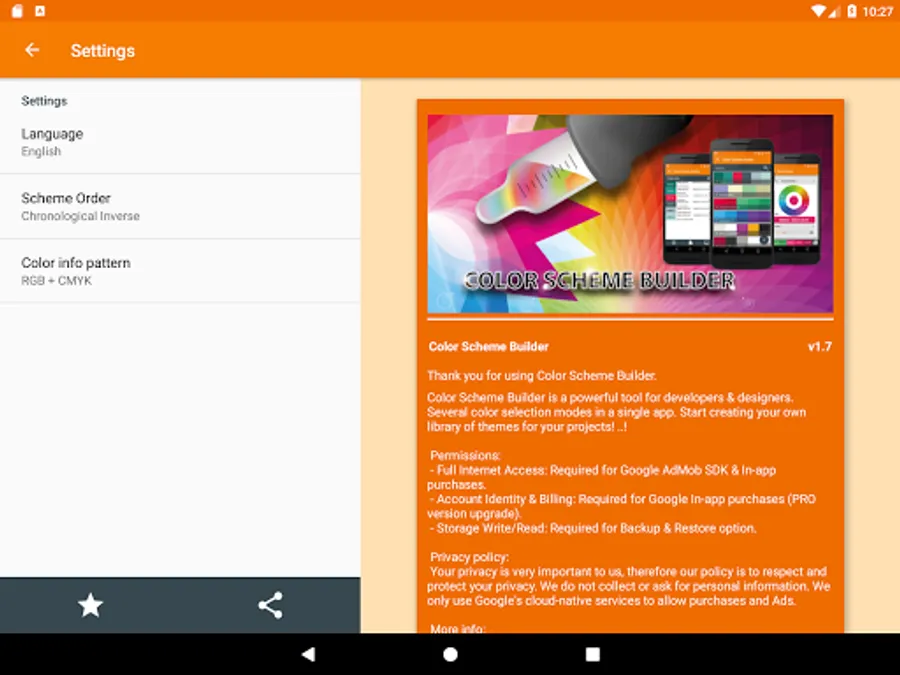
• Support several UI languages (English, Spanish, Italian, French, Polish and Russian).
• It’s optimized for tablets.
PRO version Features (Available via In-App Purchases):
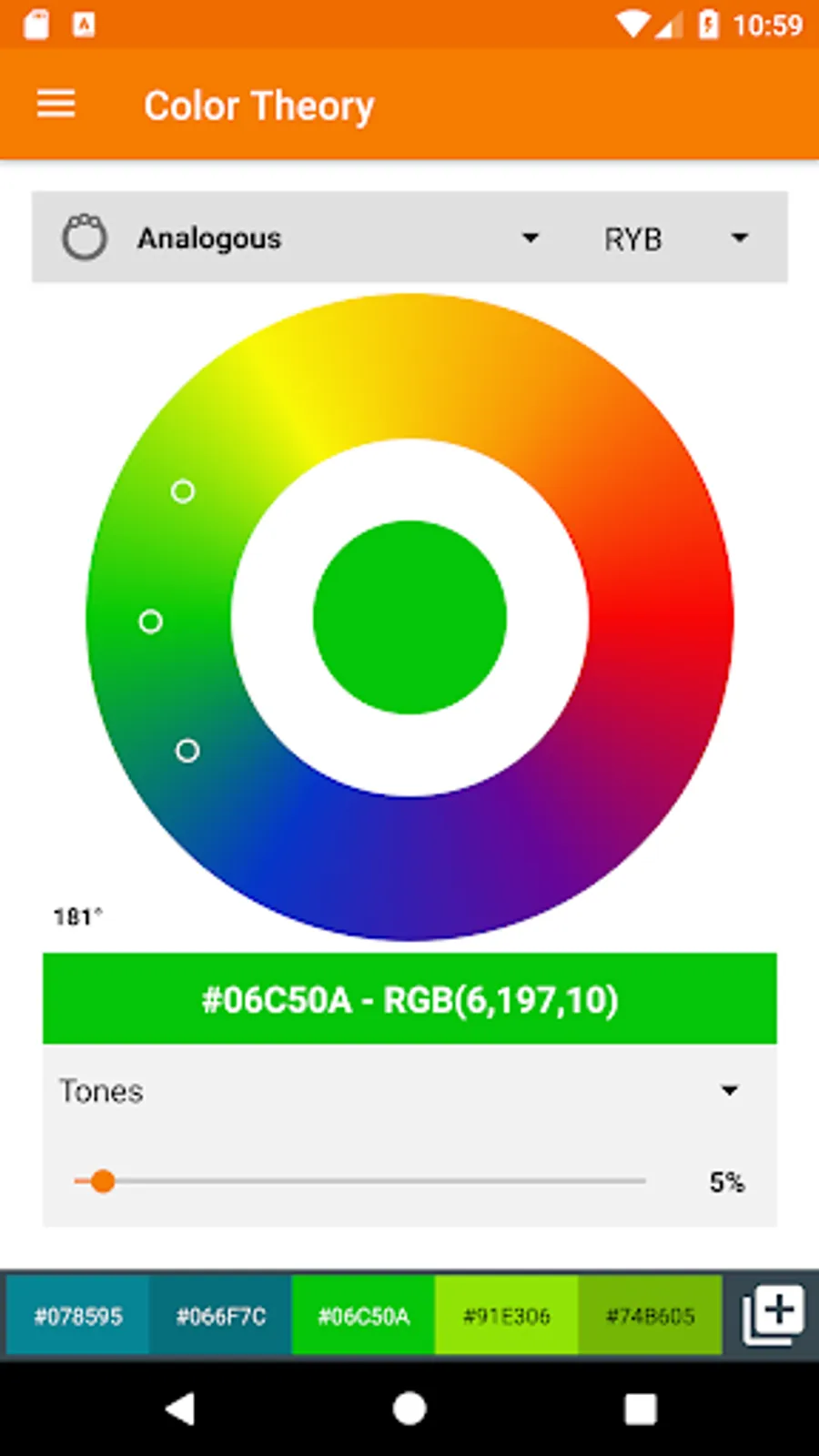
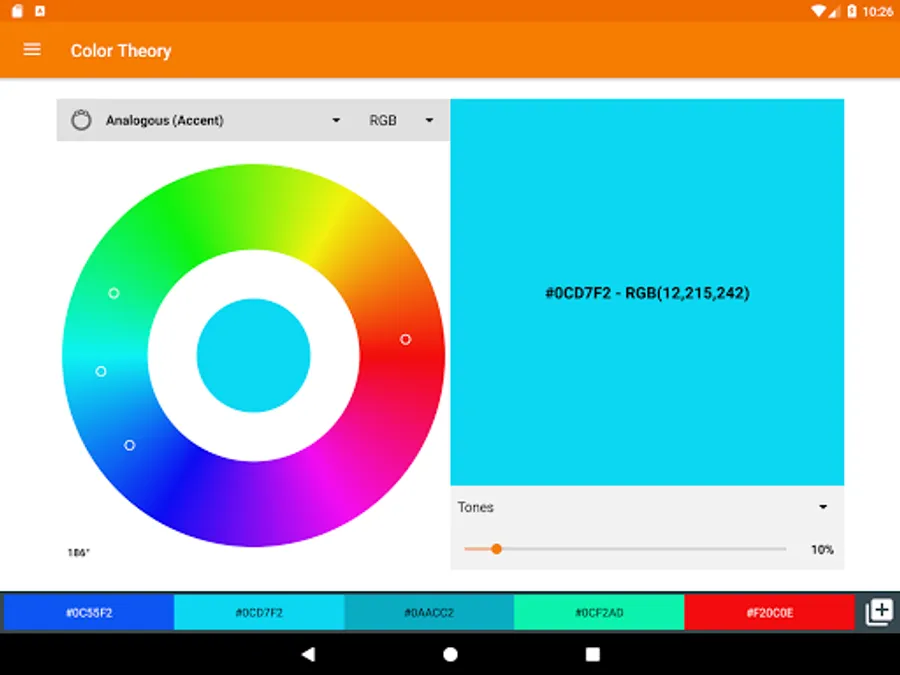
• Color Theory Wheels (mono, analogous, complementary, triadic and tetrad combinations)
• AD-FREE.
Please don’t forget to Rate/Review our App. Help us to improve!
You can easily contribute to make this App even better! Just send us any request, bug report, idea or language issue to app.dev.coders@gmail.com
Do you want to help us to translate Color Scheme Builder to your language? It’s easy, just find us on http://ackuna.com/translate-/color-scheme-builder and contribute.
Permissions:
• Internet access: AdMob and In-App purchases need this permission.
• Read from external storage: Required to pick images from your gallery for color selection.
• Camera and Write to External storage: Required to save photos after using the camera for color selection.
Why settle for less when you can have it all?
General Features:
• Fully manage your schemes. Add descriptions, Rename colors.
• Classic RGB color selector, Mixer and Wheel (Shades, Tones, Primaries, Pastels, Lights, Pure, Darks, Browns and Grayscale).
• Color Palettes: Named colors (with search), Standard and several Popular palettes (Favorites, Web-Safe colors, Pastel, Metro WP8, Material Design, iOS, etc).
• Pick colors from any Image on your Gallery or directly using your Camera. Retrieve them automatically.
• Every color shows detailed info. Ex: HEX/RGB, CMYK, HSV, HSL, XYZ, CIE-L*ab, Hunter-Lab, Name, Web-Safe Status, and more.
• Many preloaded schemes.
• Share your Color Schemes as TEXT, HTML or Android color resource format.
• Support several UI languages (English, Spanish, Italian, French, Polish and Russian).
• It’s optimized for tablets.
PRO version Features (Available via In-App Purchases):
• Color Theory Wheels (mono, analogous, complementary, triadic and tetrad combinations)
• AD-FREE.
Please don’t forget to Rate/Review our App. Help us to improve!
You can easily contribute to make this App even better! Just send us any request, bug report, idea or language issue to app.dev.coders@gmail.com
Do you want to help us to translate Color Scheme Builder to your language? It’s easy, just find us on http://ackuna.com/translate-/color-scheme-builder and contribute.
Permissions:
• Internet access: AdMob and In-App purchases need this permission.
• Read from external storage: Required to pick images from your gallery for color selection.
• Camera and Write to External storage: Required to save photos after using the camera for color selection.
Color Scheme Builder Screenshots
Tap to Rate: