Screen Mirroring in smart view
Universal Electric Appliances Remote Control
4.5 ★
61K ratings
5,000,000+
downloads
Free
+ in-app
AppRecs review analysis
AppRecs rating 4.2. Trustworthiness 75 out of 100. Review manipulation risk 36 out of 100. Based on a review sample analyzed.
★★★★☆
4.2
AppRecs Rating
Ratings breakdown
5 star
79%
4 star
9%
3 star
3%
2 star
1%
1 star
7%
What to know
✓
Credible reviews
75% trustworthiness score from analyzed reviews
✓
High user satisfaction
79% of sampled ratings are 5 stars
⚠
Ad complaints
Many low ratings mention excessive ads
About Screen Mirroring in smart view
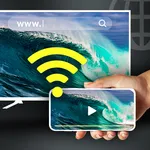
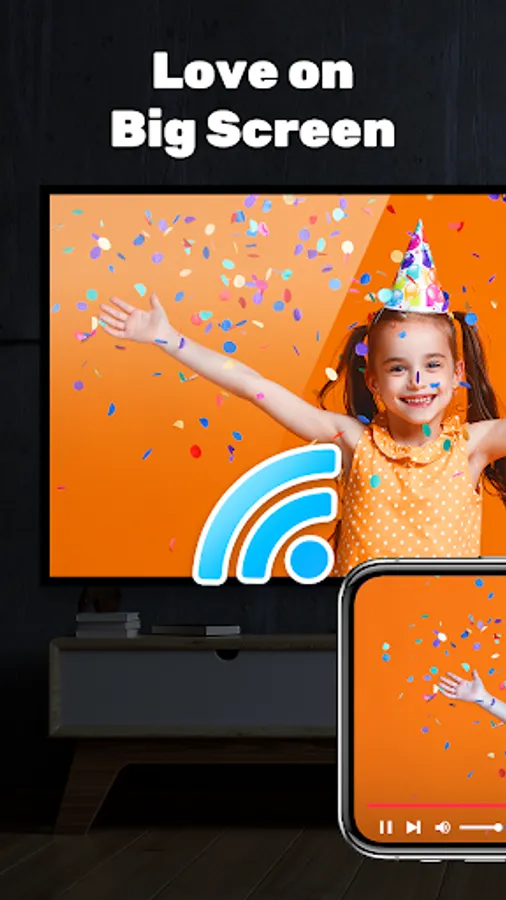
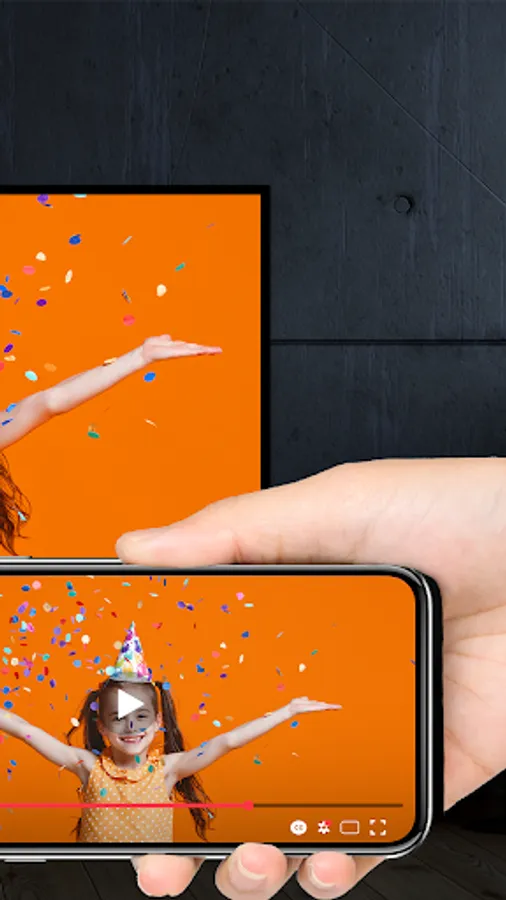
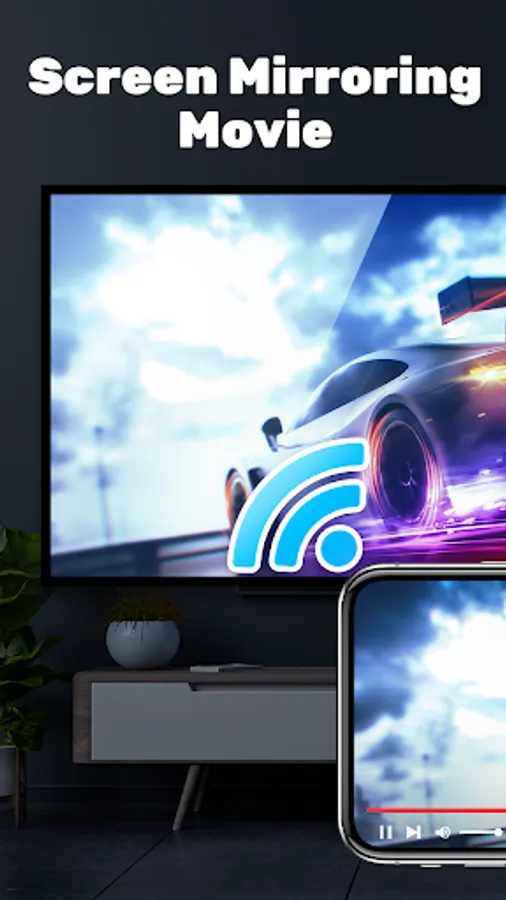
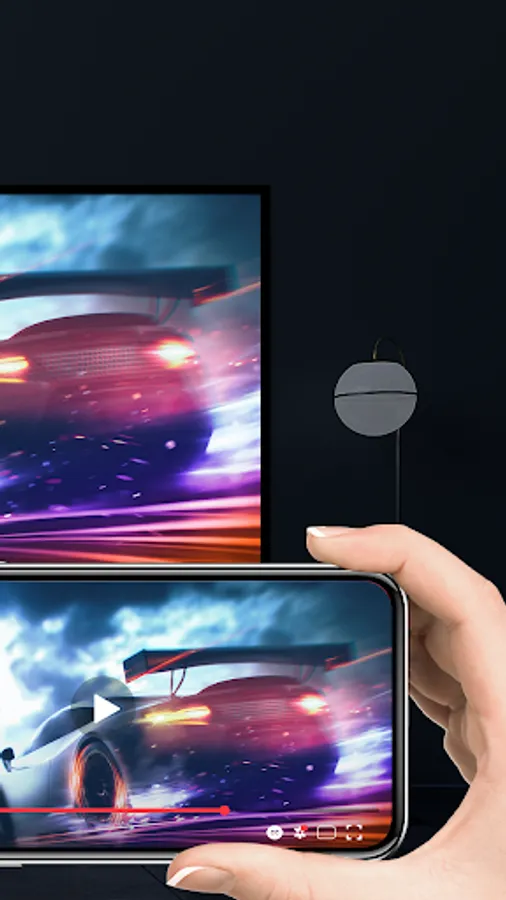
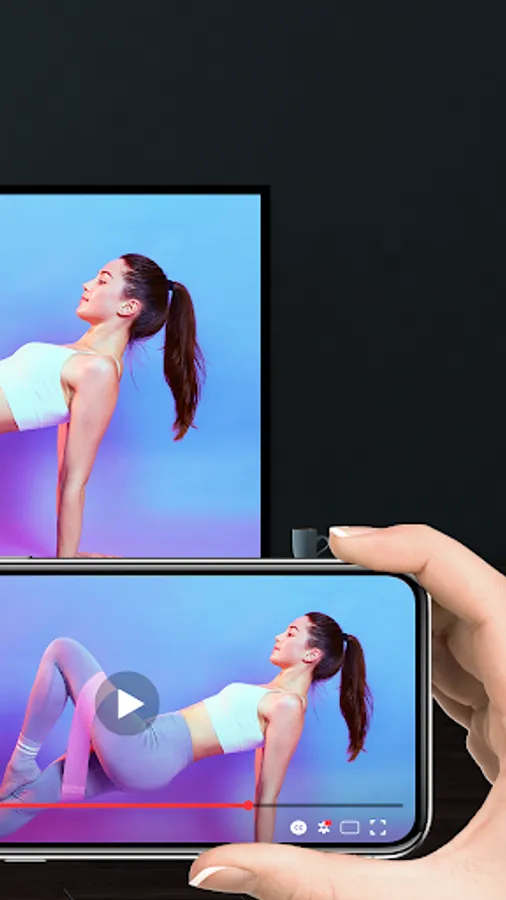
📺Free Screen Mirroring App📺 - the best tools to screen share from your phone to all connect TV in smart view. Easy to enjoy the bigger screen with Screen Mirroring App, miracast for android to TV. Support multiple TV brands stably in real-time.💯
🌈Key Feature:🌈
📌Free Screen Mirroring - Stably & Fast connection, set up & control easily
📌Bigger Screen Share in smart view app - Achieve screencast via wireless display
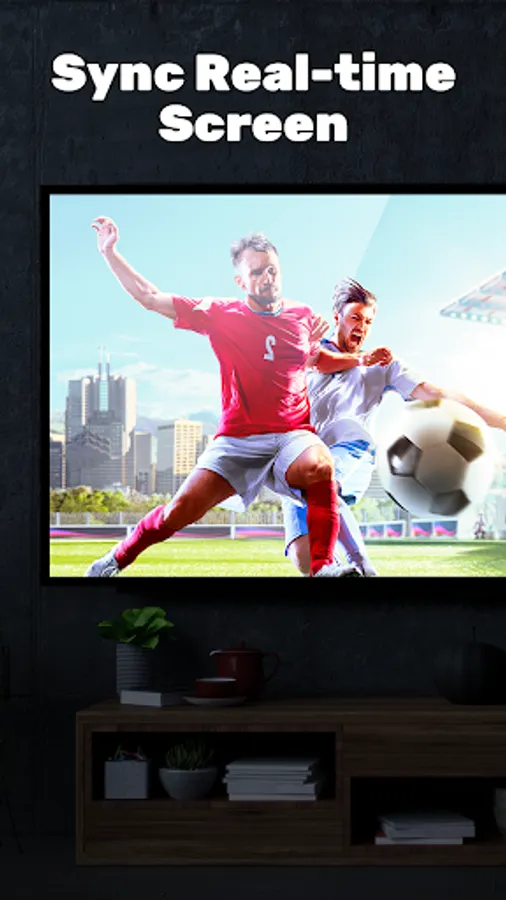
📌Screen Share in real-time - Screen mirroring on smart TVs/DLNA & Airplay devices/Google Chromecast etc.
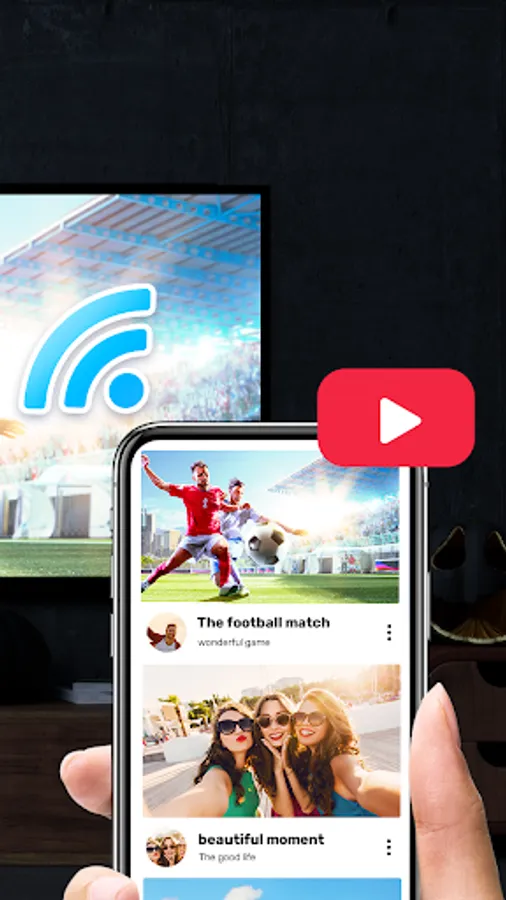
📌HD Screen Mirroring - Anycast screen sharing Youtube video, Gaming, Twitch, Facebook, Ustream
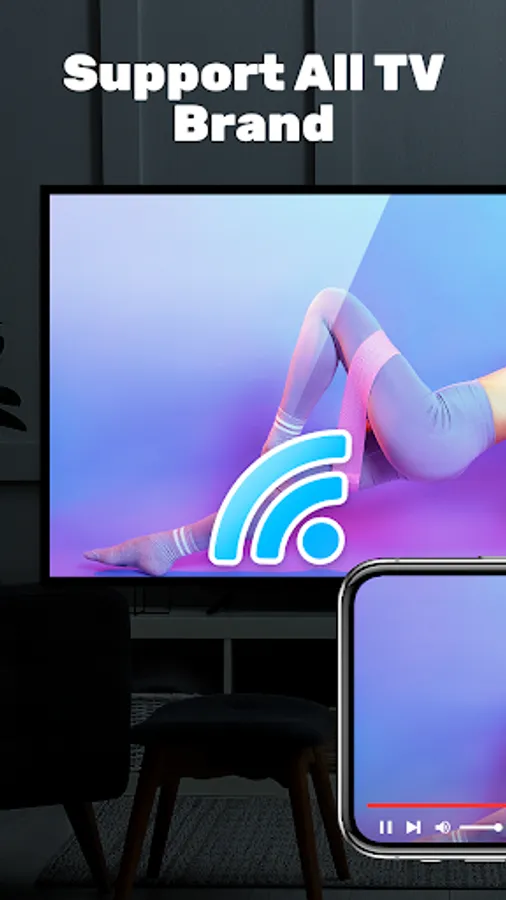
📌Multiple Devices Supported - Screen mirroring Samsung, LG, Panasonic, TCL, Phillips, Sony, Sharp, and many others
📌Mirrorlink - Cast local videos & pictures & music, support all media in LG, Panasonic, Phillips, Sony, Samsung smart view
📌Anyview cast - Slideshow files on the meeting
Easily Set-up & How to Use:
🔹Make sure your TV and phone/tablet are connected to the same Wi-Fi network;
🔹Turn on "Miracast Display" function on the TV & "Wireless Display" option on the phone;
🔹Click "Select TV" button and choose your TV;
🔹Screen mirroring mobile screen cast to TV!
💢Have you ever bothered by the small screen size of your phone? It's time to improving your viewing experience, start from this screen mirroring. With elegant & clean user interface, to control your screen in a different easy way.
👀Don't hesitate, come and download now! Aim to be the one and only screen mirroring app in your smart phone, screen share freely in smart view. Free & Good to use, join us now!✨
Disclaimer:
This Screen Mirroring for All TV App - Cast Screen to Android TV is NOT affiliated with or endorsed by any brand of these businesses, it is an unofficial product.
Screen Share App requires your smartphone/tablet and your TV are connected to the same WIFI network. Please remember that Screen Mirroring using wifi. You should know that Wi-Fi CERTIFIED Miracast addresses this issue by allowing users to easily stream content wirelessly between devices.
Smart Share App supported Smart TVs with DLNA built-in. You need to enable TV's Miracast Display & phone's Wireless Display.
🌈Key Feature:🌈
📌Free Screen Mirroring - Stably & Fast connection, set up & control easily
📌Bigger Screen Share in smart view app - Achieve screencast via wireless display
📌Screen Share in real-time - Screen mirroring on smart TVs/DLNA & Airplay devices/Google Chromecast etc.
📌HD Screen Mirroring - Anycast screen sharing Youtube video, Gaming, Twitch, Facebook, Ustream
📌Multiple Devices Supported - Screen mirroring Samsung, LG, Panasonic, TCL, Phillips, Sony, Sharp, and many others
📌Mirrorlink - Cast local videos & pictures & music, support all media in LG, Panasonic, Phillips, Sony, Samsung smart view
📌Anyview cast - Slideshow files on the meeting
Easily Set-up & How to Use:
🔹Make sure your TV and phone/tablet are connected to the same Wi-Fi network;
🔹Turn on "Miracast Display" function on the TV & "Wireless Display" option on the phone;
🔹Click "Select TV" button and choose your TV;
🔹Screen mirroring mobile screen cast to TV!
💢Have you ever bothered by the small screen size of your phone? It's time to improving your viewing experience, start from this screen mirroring. With elegant & clean user interface, to control your screen in a different easy way.
👀Don't hesitate, come and download now! Aim to be the one and only screen mirroring app in your smart phone, screen share freely in smart view. Free & Good to use, join us now!✨
Disclaimer:
This Screen Mirroring for All TV App - Cast Screen to Android TV is NOT affiliated with or endorsed by any brand of these businesses, it is an unofficial product.
Screen Share App requires your smartphone/tablet and your TV are connected to the same WIFI network. Please remember that Screen Mirroring using wifi. You should know that Wi-Fi CERTIFIED Miracast addresses this issue by allowing users to easily stream content wirelessly between devices.
Smart Share App supported Smart TVs with DLNA built-in. You need to enable TV's Miracast Display & phone's Wireless Display.
Screen Mirroring in smart view Screenshots
Tap to Rate:
Reviews for Screen Mirroring in smart view
Todd Perry
11/28/2025
one add After another
Dan Carter
10/12/2025
awesome