
Screen Time - Parental Control
Parental Control App by Screen Time Labs
3.1 ★
49K ratings
1,000,000+
downloads
Free
+ in-app
AppRecs review analysis
AppRecs rating 2.8. Trustworthiness 88 out of 100. Review manipulation risk 18 out of 100. Based on a review sample analyzed.
★★☆☆☆
2.8
AppRecs Rating
Ratings breakdown
5 star
41%
4 star
8%
3 star
7%
2 star
7%
1 star
38%
What to know
✓
Low review manipulation risk
18% review manipulation risk
⚠
Pricing complaints
Many low ratings mention paywalls or pricing
⚠
High negative review ratio
44% of sampled ratings are 1–2 stars
About Screen Time - Parental Control
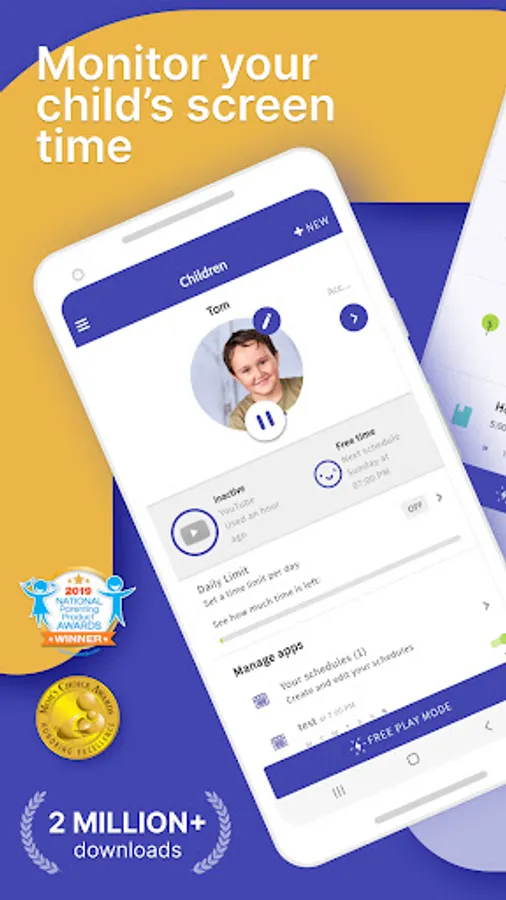
Kids who have a smartphone spend an average of 7.5 hours on their devices per day. Screen Time was developed to help parents get their children to put the phones down and engage in outdoor activities, family chats at the dinner table, concentrate on their homework, and get a good night’s sleep.
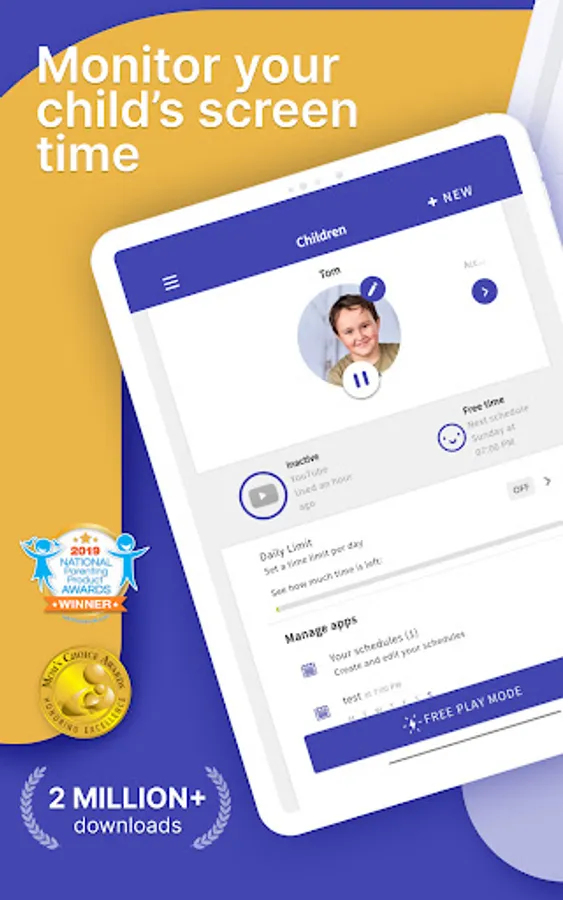
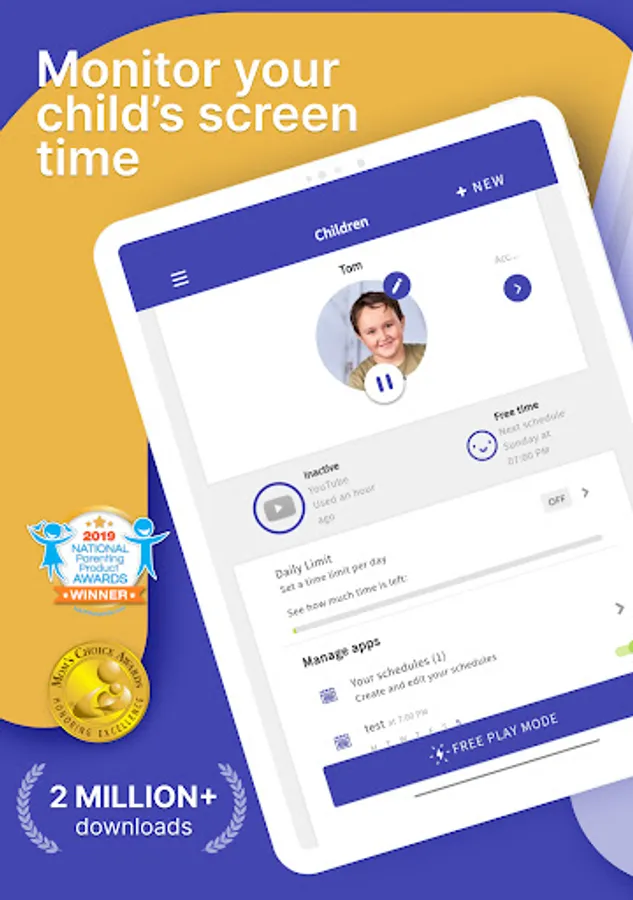
Screen Time provides parents with information about their children's’ smartphone and tablet usage. With our screen time tracker, you are able to:
▪ Monitor your kids’ screen time
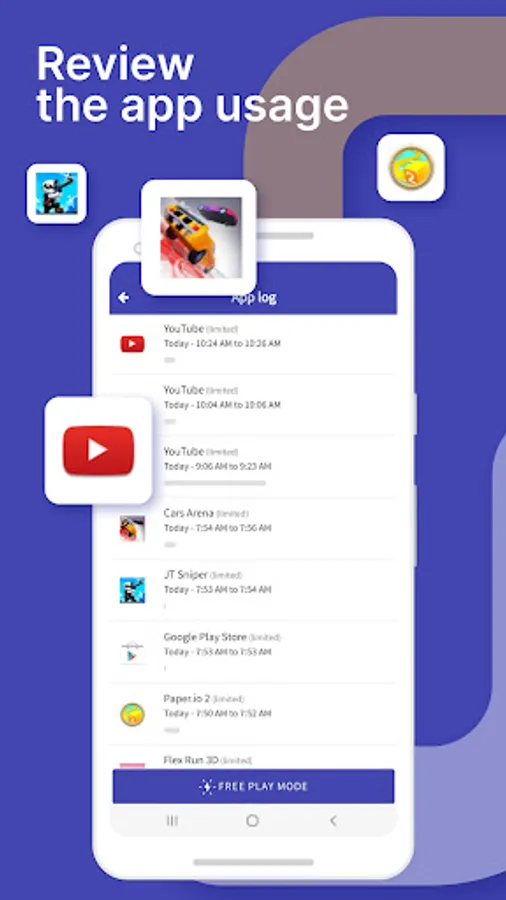
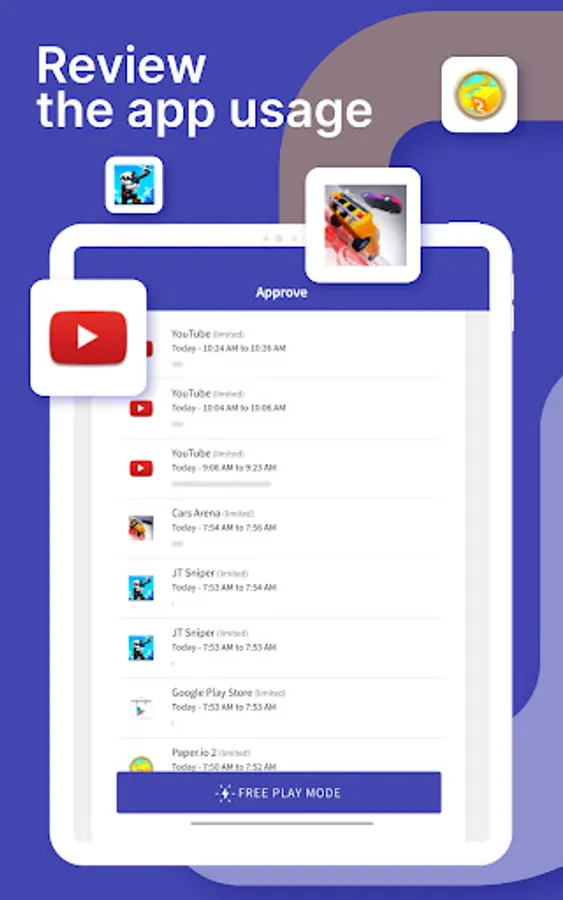
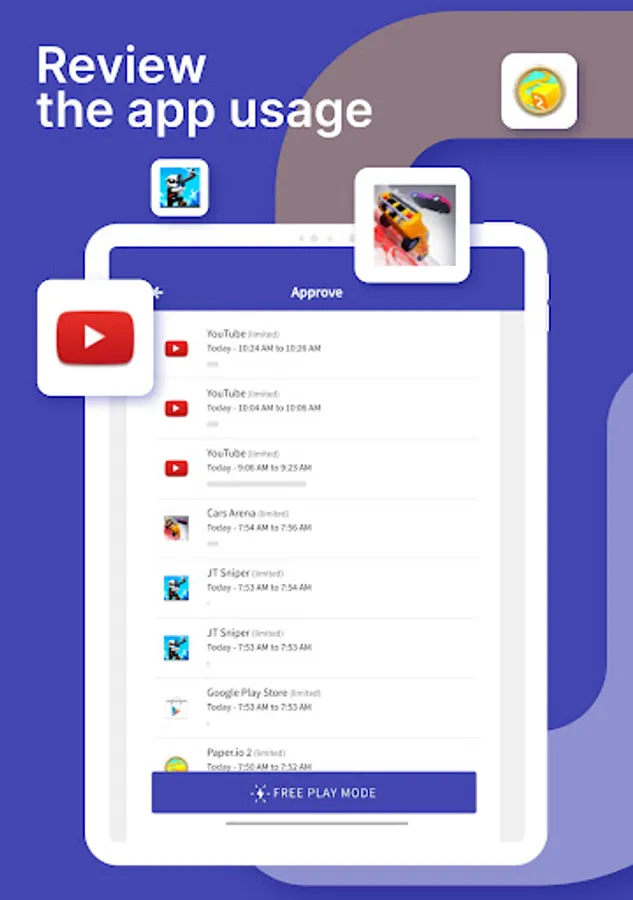
▪ See which apps are being used and for how long
▪ See what websites they have visited
▪ Monitor which social media platforms are used and for how long
▪ See which YouTube videos they have watched
▪ Receive a notification when your kids try to install a new app
▪ Receive a daily summary of your kids app and web usage
If you decide you need to proactively manage your children's’ screen time on their Android or Amazon devices, the Premium version of our app gives parents greater control over their kids’ devices. With Premium, you can:
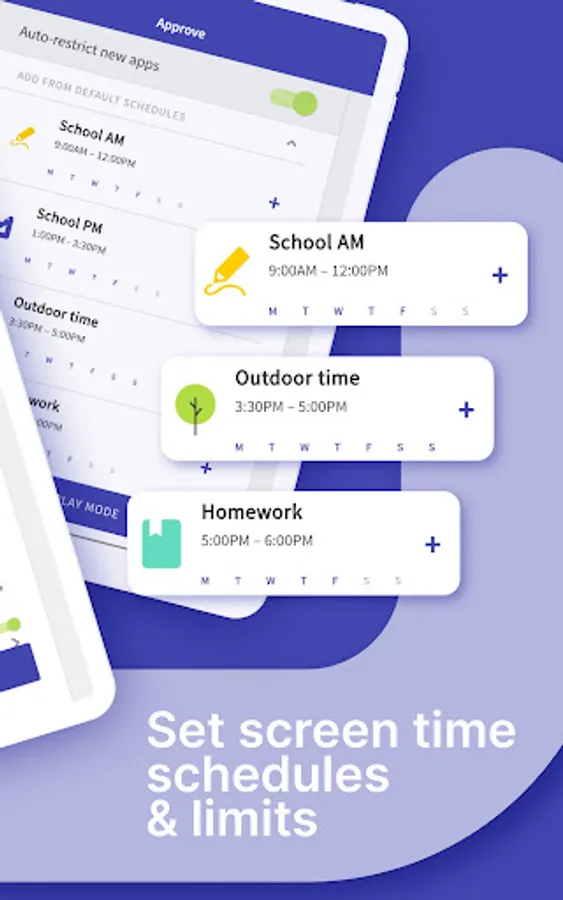
▪ Set a specific daily time limit for your kids’ screen time
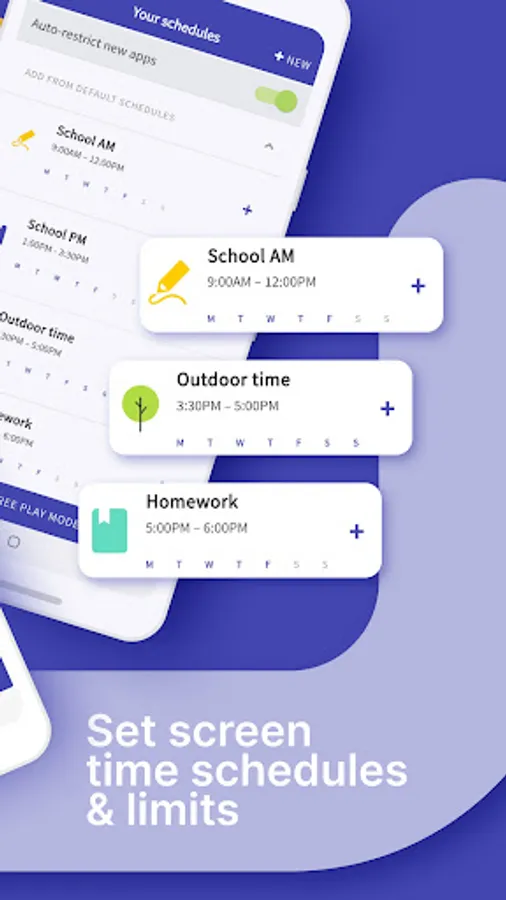
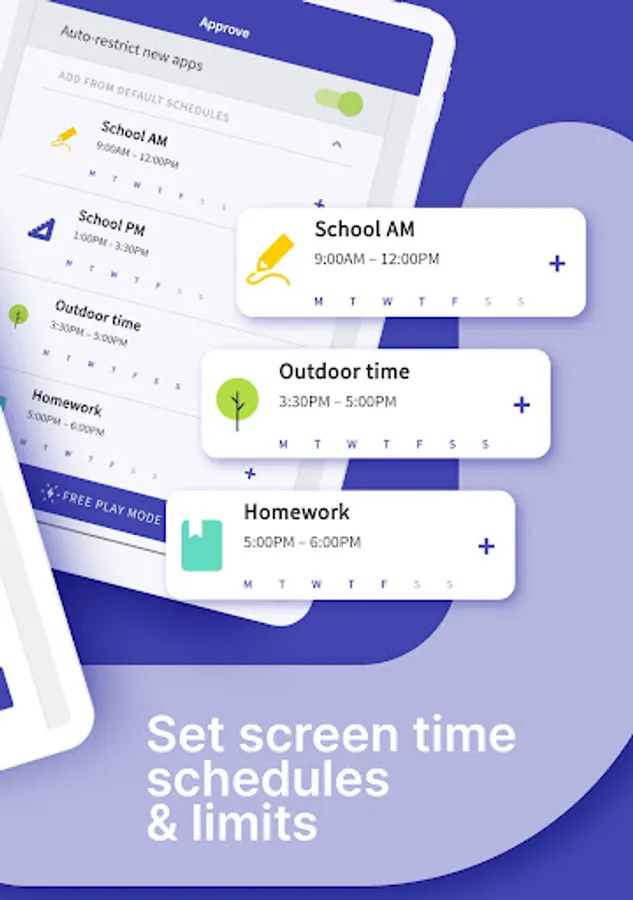
▪ Set schedules of when they can and can’t use their device
▪ Instantly pause your kids’ devices at the push of a button
▪ Block app activity during bedtime
▪ Block certain apps from being accessed at all
▪ View your children’s web history and search history
▪ Block websites from being accessed
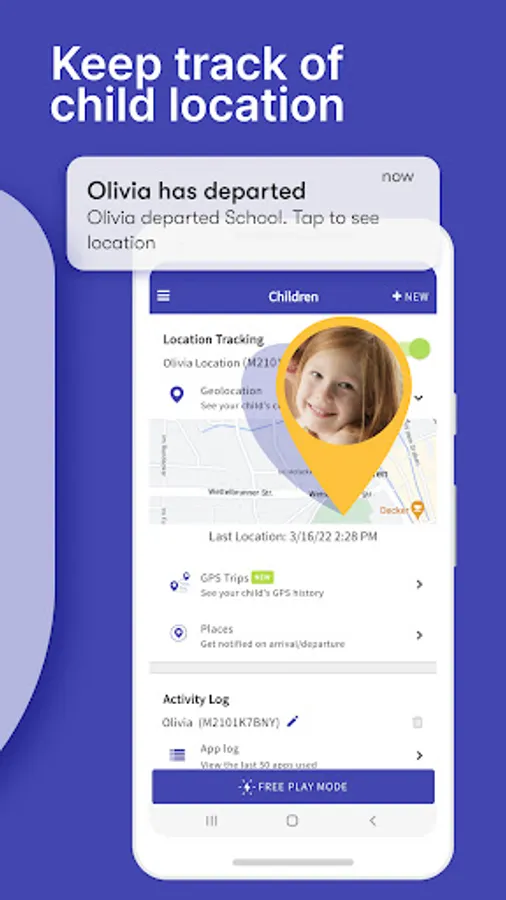
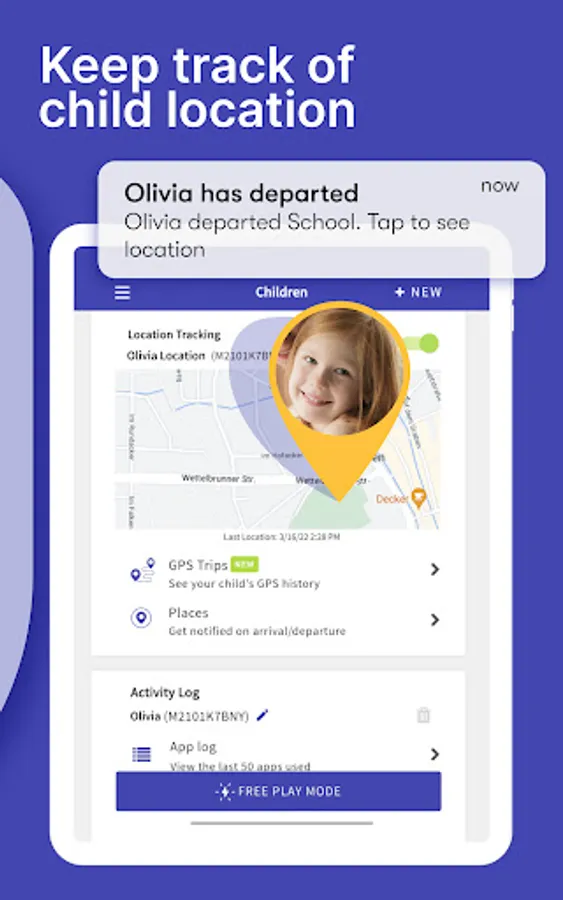
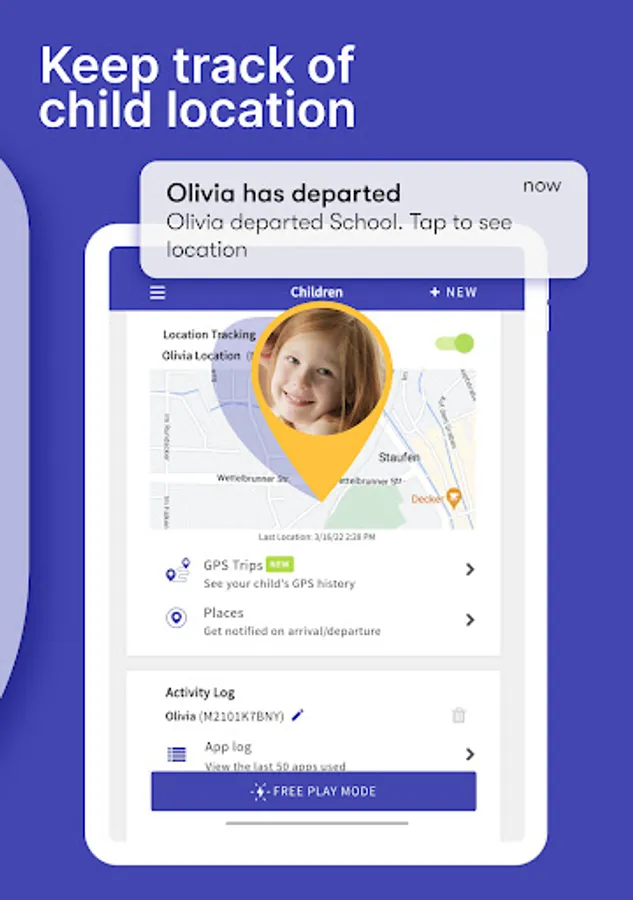
▪ See exactly where your children are with GPS phone location tracking
▪ Get an alert when your child arrives or leaves a specific location
▪ Receive a daily email summary of your kids app and web usage
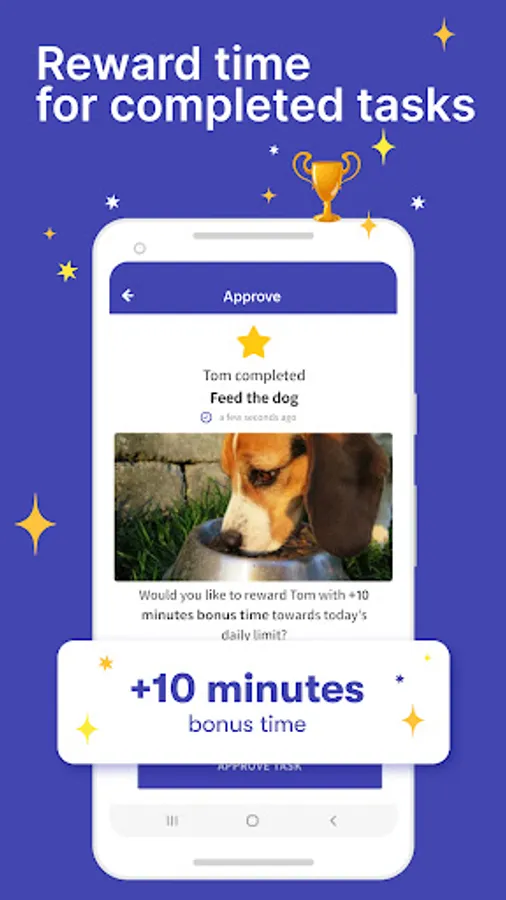
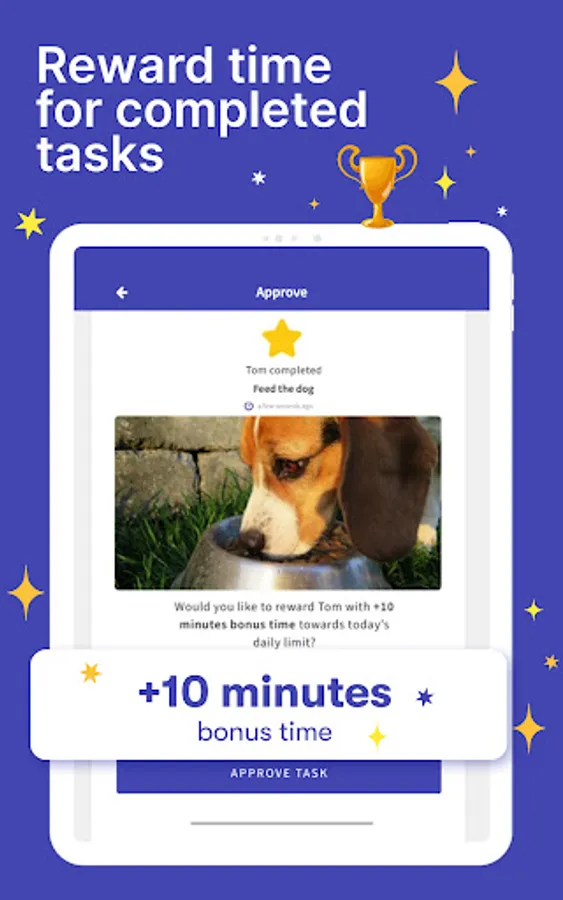
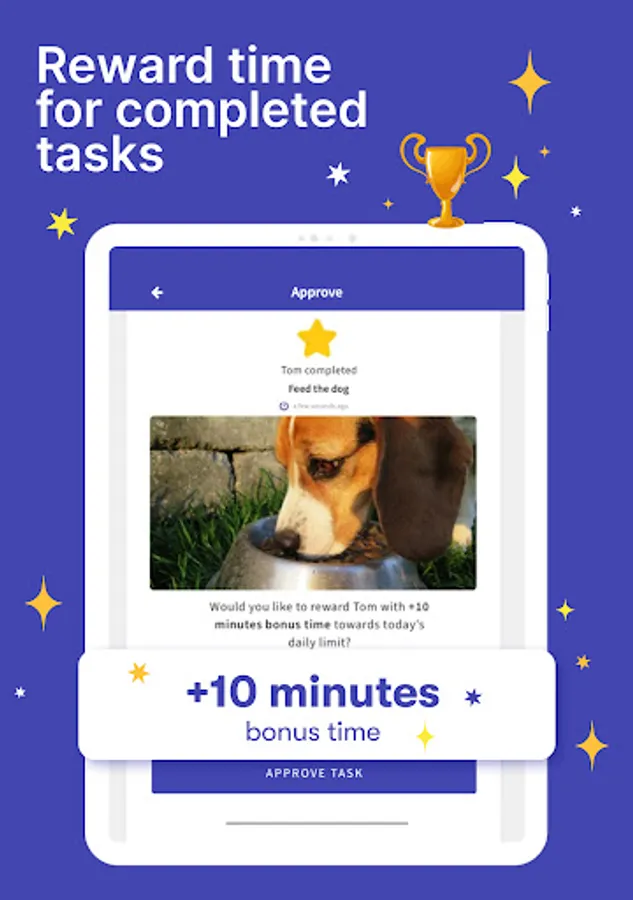
▪ Set tasks and chores for your kids to complete, allowing them to earn additional screen time when they’re done
▪ Use Free Play mode to temporarily override settings, like during long trips
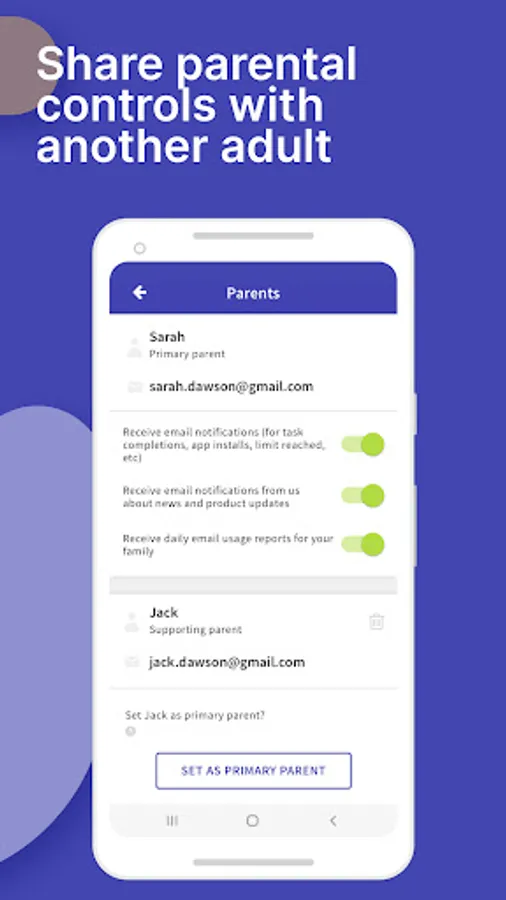
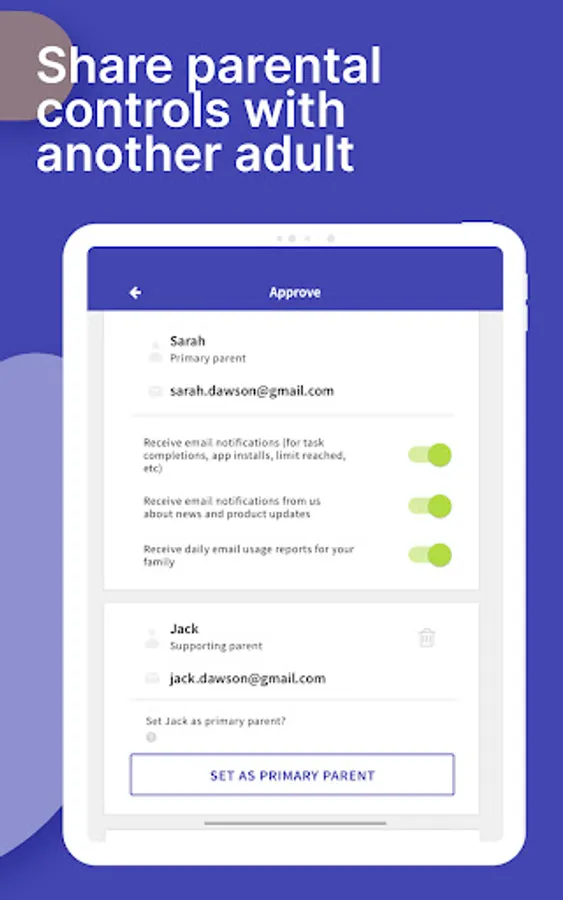
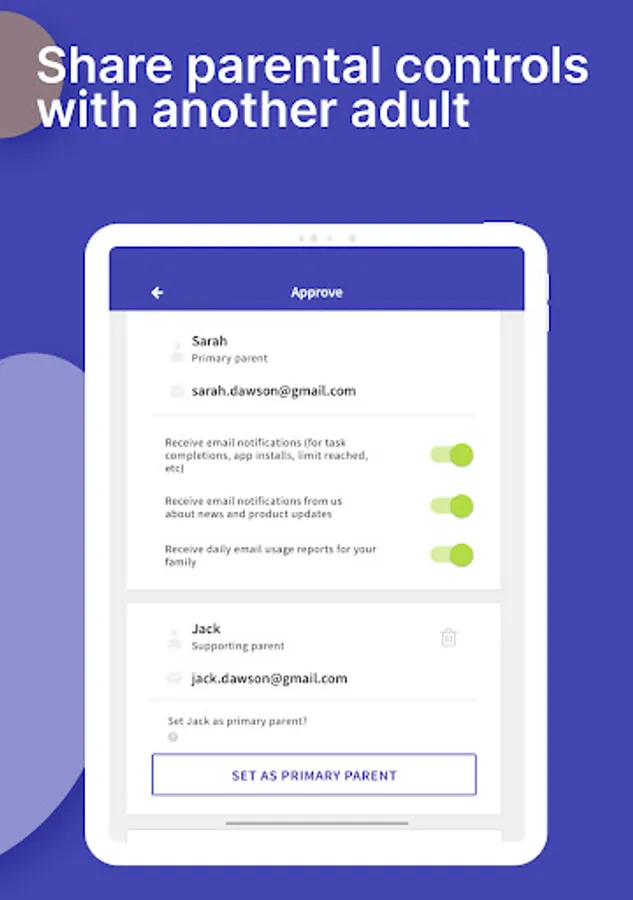
▪ Share app management with other adults in your kids’ lives
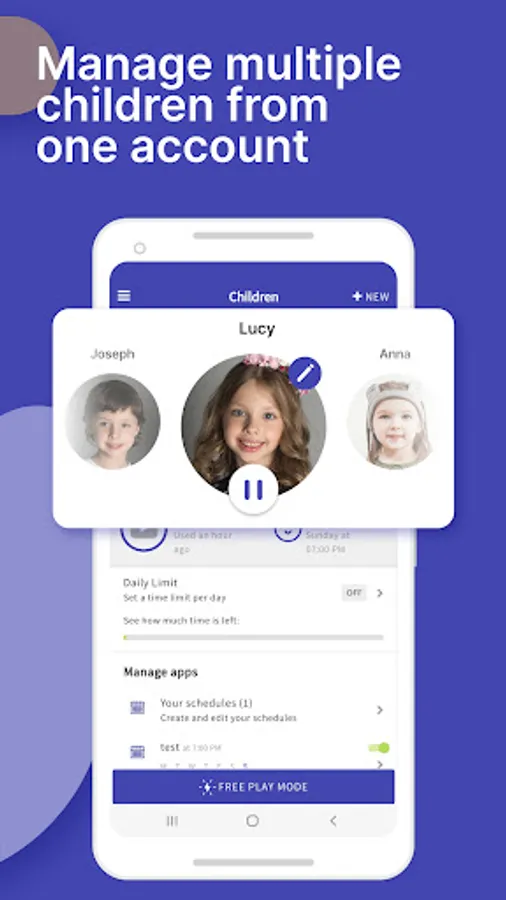
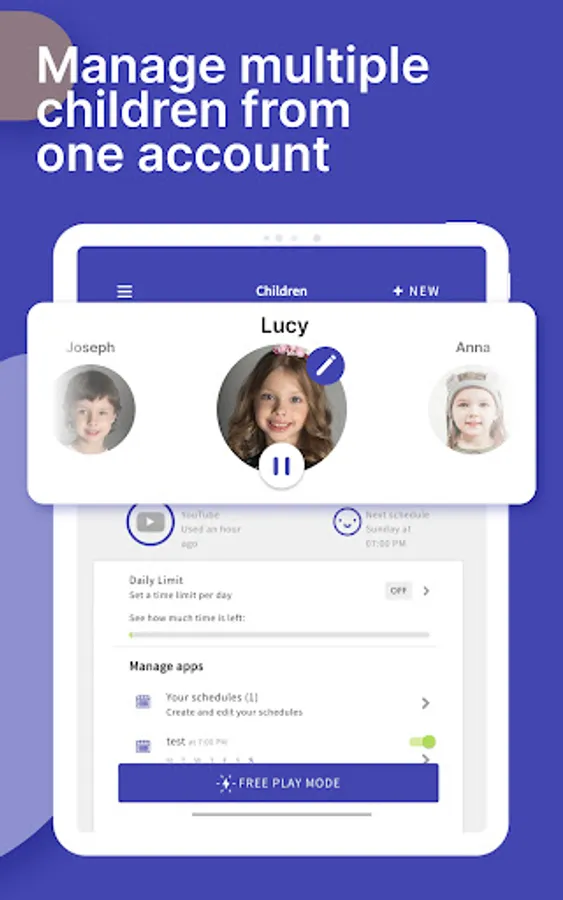
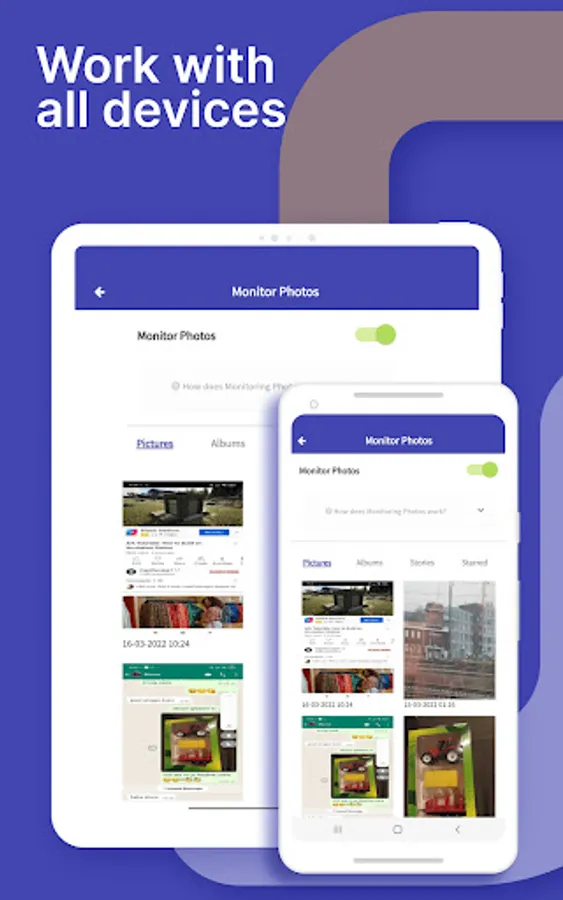
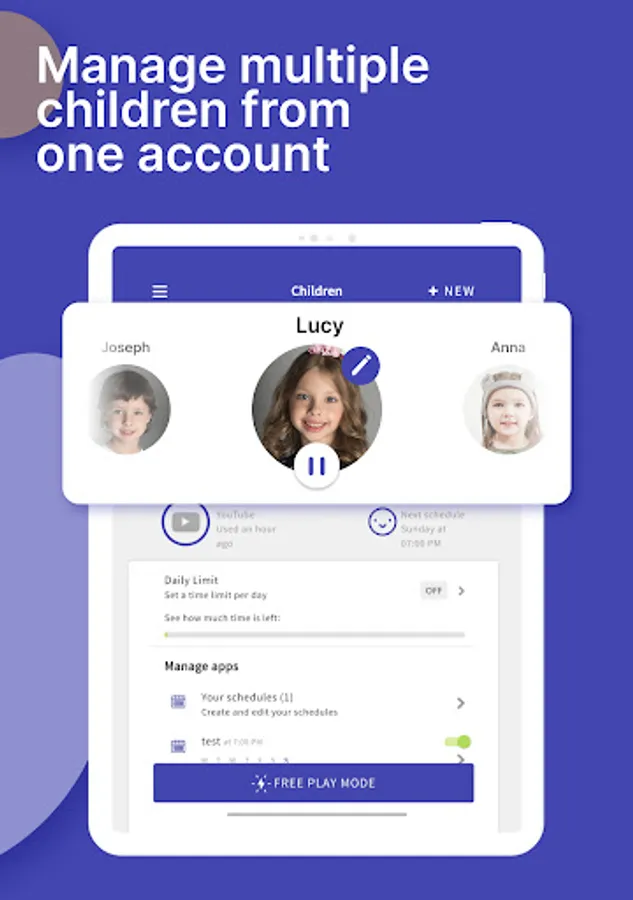
▪ Have up to 5 devices per account, so you can track multiple kids and devices
All new users will get a 7 day free trial of the Premium version of Screen Time. No credit card information is needed for this free trial, and you will not be automatically charged unless you decide to sign up for a membership.
See our Premium pricing here https://screentimelabs.com/pricing
Feedback
If you have any problems please take a look at our help pages, or contact us via the contact page of our website.
Screen Time Parental Control App Help: https://screentimelabs.com/help
Screen Time Parental Control App Contact: https://screentimelabs.com/contact
Ready to take control of your kid’s screen time? Download our child lock and location tracker app now.
Screen Time - Parental Control Screenshots
Tap to Rate:
Reviews for Screen Time - Parental Control
Kim Kenley
12/22/2025
We have used screen time for our last 3 teenager. had it for several years. That 5th star was missed because of connections issues with apple years ago. Also their support is not in the USA so they answer when I'm sleeping. However they always answer. This app allows limits on certain apps ans options to earn more time. Even has a pause button for the whole phone. I have recommend this to many other parents. Great app for parents.
Stephanie Larios-Olivares
12/8/2025
easy to use but no matter what, the "phone" app will not lock even when it shows its blocked. update: still running into the same problem everyday. and now it allows her to click and notifications and view the app. seems like this doesnt work at all now