WeLove stickers (WASticker)
SiA - Smileys, Stickers, animated GIF & Emoji apps
4.5 ★
37K ratings
5,000,000+
downloads
Free
+ in-app
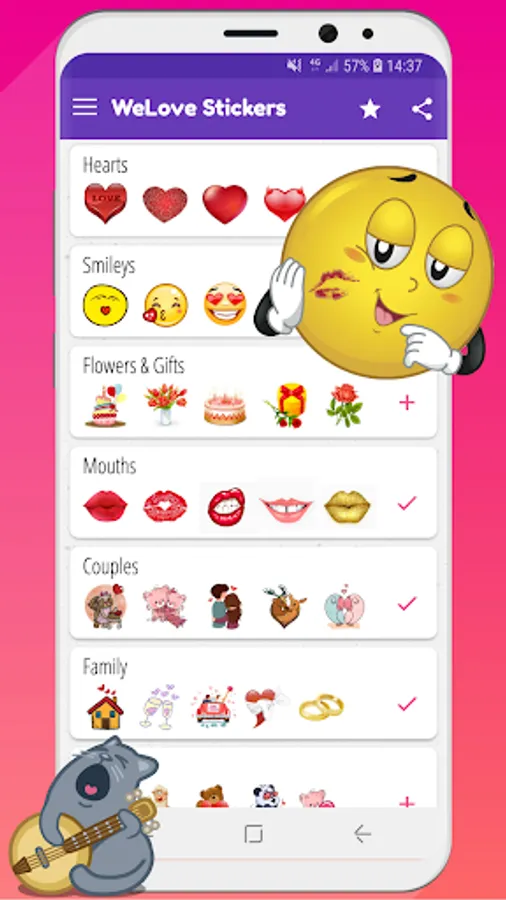
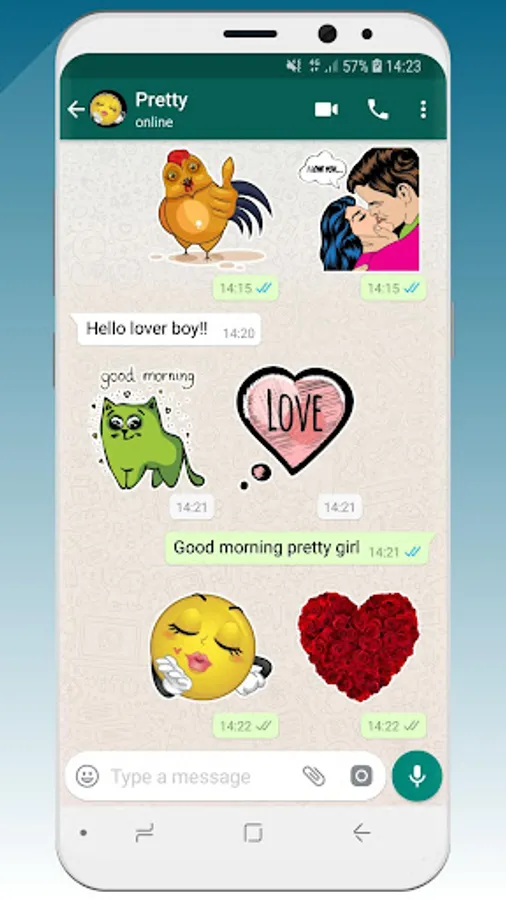
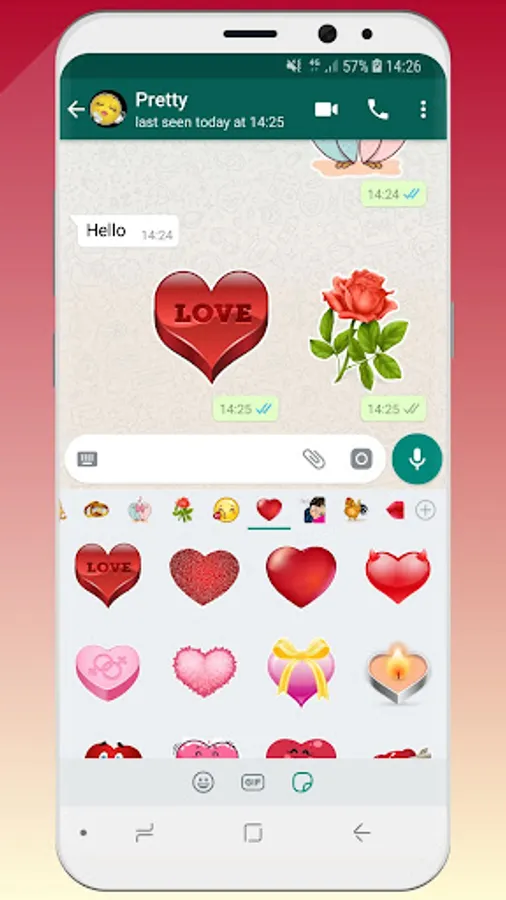
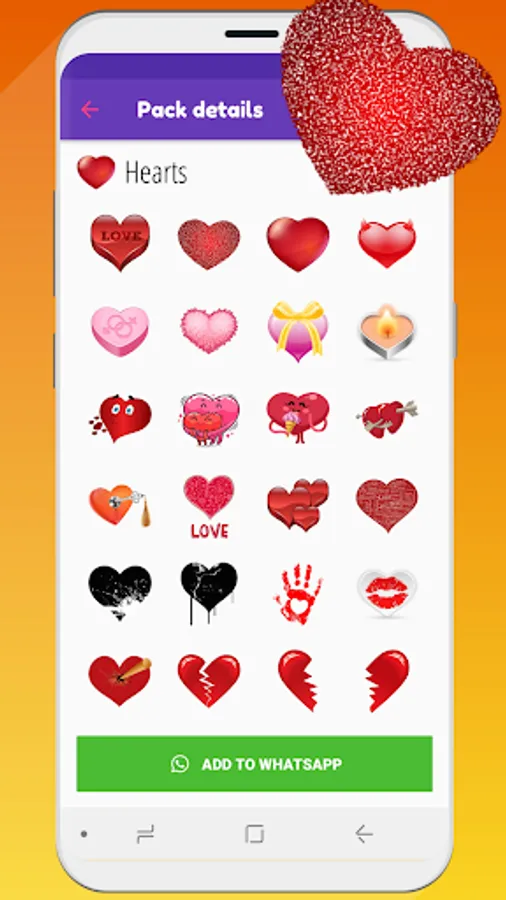
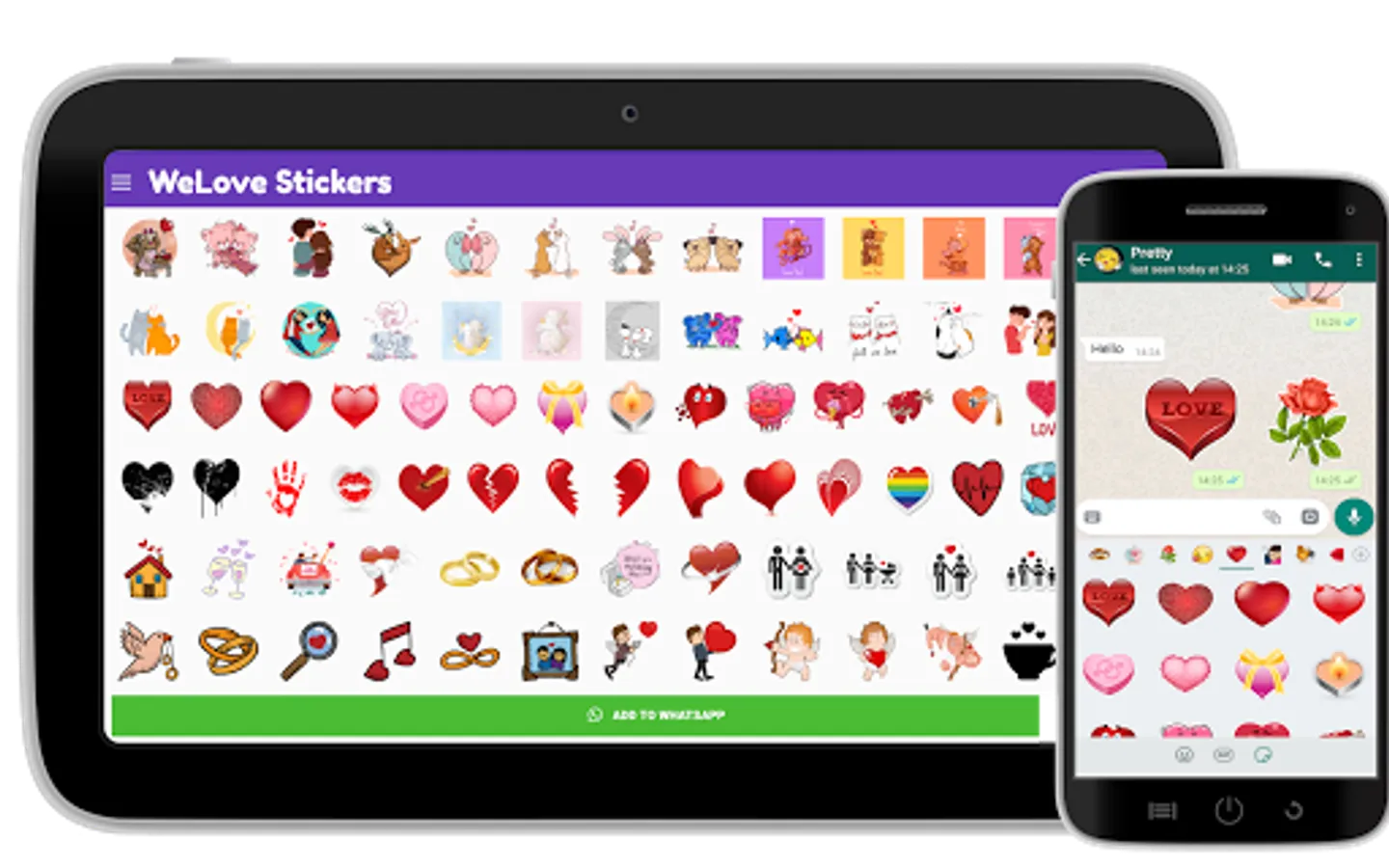
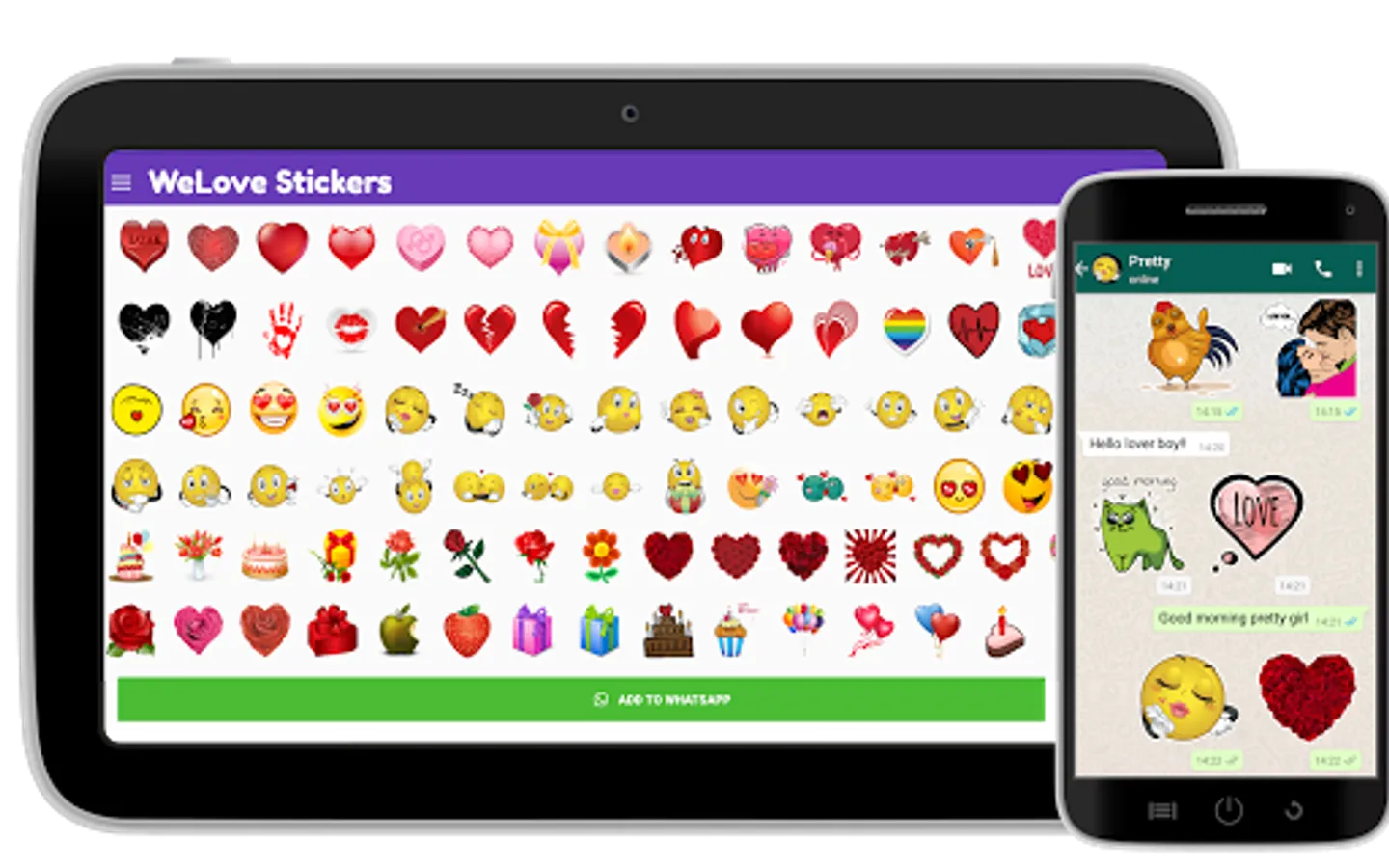
In this sticker app, users can add, organize, and share love-themed stickers on WhatsApp. Includes categories such as hearts, smileys, couples, flowers, animals, family, and love talks.
AppRecs review analysis
AppRecs rating 4.5. Trustworthiness 69 out of 100. Review manipulation risk 35 out of 100. Based on a review sample analyzed.
★★★★☆
4.5
AppRecs Rating
Ratings breakdown
5 star
74%
4 star
15%
3 star
5%
2 star
1%
1 star
5%
What to know
✓
High user satisfaction
74% of sampled ratings are 5 stars
✓
Authentic reviews
Natural distribution, no red flags
About WeLove stickers (WASticker)
💚 WeLove presents native stickers for chatting in WhatsApp (WASticker).
We selected the best of our love stickers. They are all absolutely free and in high resolution (HD).
Enjoy right now this romantic sticker app !
Our stickers celebrate all the types of love; passionate love, casual love, romantic love, funny love, maternal love, family love ....
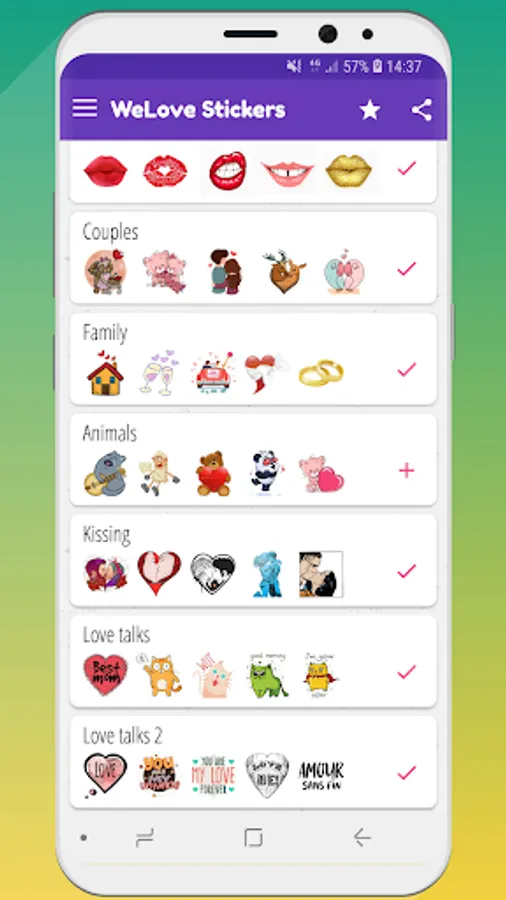
So, 💚 WeLove contains 300 love stickers in 10 categories:
1-❤ Hearts
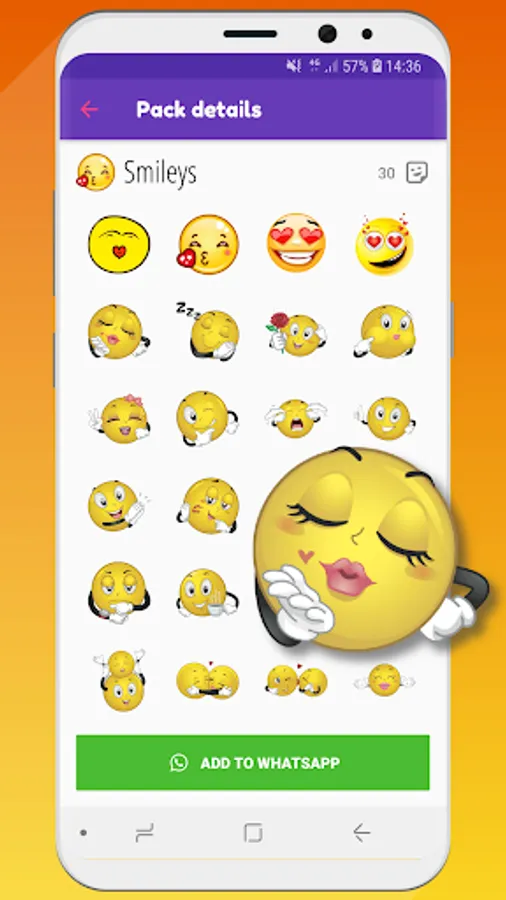
2-😘 Smileys emoji
3-💋 Mouth
4-👫 Cute couples
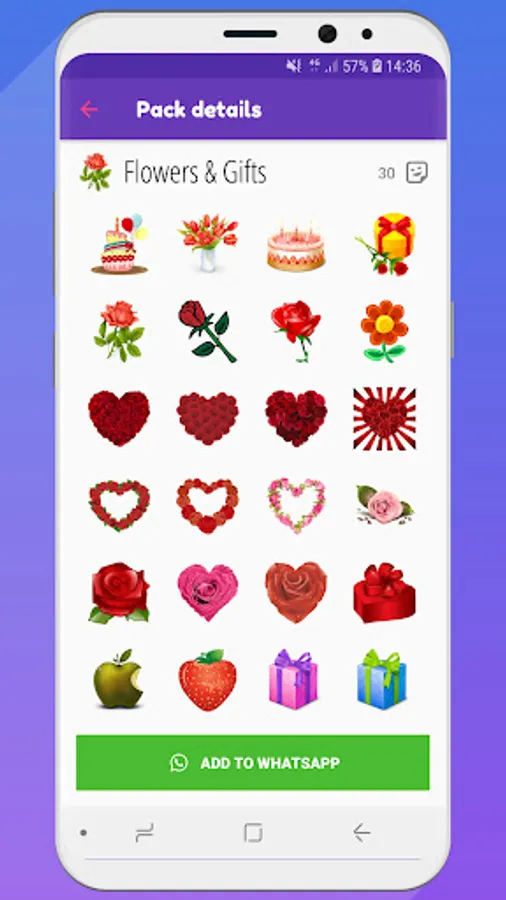
5-🌹 Flowers & Gifts for all Happy Birthdays, Valentine's Day, Mother's Day,…
6-🐻 Cute animals
7-🏠 Family & wedding
8-💏 Kissing couples
9-💬 Love talks 1
10-💬 Love talks 2
All our love stickers have a great sticker style, fitting nicely on all custom WhatsApp backgrounds.
We’ll update regularly and add new categories soon
How it works?
Add stickers to WhatsApp (WASticker)
★ Open the category you want to add. Tap on “Add to WhatsApp”.
★ Open WhatsApp, tap the smiley icon 😀
★ Tap the stickers icon 🗒 at the bottom.
★ You new sticker category will appear in the list with a small green dot indicating that it is new.
---> Now, you can enjoy and send your new stickers to your WhatsApp friends 👏
Add to / remove from favorites in WhatsApp (WASticker)
★ You can add a sticker to your favorites by long pressing on a sticker
★ You can remove a sticker from your favorites by opening the favorites category and long pressing on the sticker
Share stickers with your WhatsApp friends
- Your friends do not need the app to see your stickers, but we will be happy if you share our app with our friends! 😉
- Your friends can open the app by long pressing on a sticker on their WhatsApp
- You can share the app link in the app via the “Share” menu
Remove stickers from WhatsApp (WASticker)
- Open WhatsApp, tap the smiley 😀icon close to the keyboard, then tap the ✚ icon at the end of the sticker categories tab.
- Tap “My Stickers” tab and remove categories you don’t want anymore. Don’t worry you can add it again later.
My stickers disappeared from WhatsApp (WASticker)
It can be caused by your phone manufacturer that tries to optimize your battery.
To avoid that you can try this solution, go in your device Settings / Battery / 💚 WeLove Stickers and select "Don't optimise" (or equivalent as it depends on the device/manufacturer)
💌 Contact us
📧 contact@shareitagain.co
🌍 http://www.shareitagain.co
🏃🏃 Follow us
https://www.facebook.com/EmojiShareItAgain
https://www.instagram.com/whatsmiley/
♡☮ App made with love & fun ☮♡
We selected the best of our love stickers. They are all absolutely free and in high resolution (HD).
Enjoy right now this romantic sticker app !
Our stickers celebrate all the types of love; passionate love, casual love, romantic love, funny love, maternal love, family love ....
So, 💚 WeLove contains 300 love stickers in 10 categories:
1-❤ Hearts
2-😘 Smileys emoji
3-💋 Mouth
4-👫 Cute couples
5-🌹 Flowers & Gifts for all Happy Birthdays, Valentine's Day, Mother's Day,…
6-🐻 Cute animals
7-🏠 Family & wedding
8-💏 Kissing couples
9-💬 Love talks 1
10-💬 Love talks 2
All our love stickers have a great sticker style, fitting nicely on all custom WhatsApp backgrounds.
We’ll update regularly and add new categories soon
How it works?
Add stickers to WhatsApp (WASticker)
★ Open the category you want to add. Tap on “Add to WhatsApp”.
★ Open WhatsApp, tap the smiley icon 😀
★ Tap the stickers icon 🗒 at the bottom.
★ You new sticker category will appear in the list with a small green dot indicating that it is new.
---> Now, you can enjoy and send your new stickers to your WhatsApp friends 👏
Add to / remove from favorites in WhatsApp (WASticker)
★ You can add a sticker to your favorites by long pressing on a sticker
★ You can remove a sticker from your favorites by opening the favorites category and long pressing on the sticker
Share stickers with your WhatsApp friends
- Your friends do not need the app to see your stickers, but we will be happy if you share our app with our friends! 😉
- Your friends can open the app by long pressing on a sticker on their WhatsApp
- You can share the app link in the app via the “Share” menu
Remove stickers from WhatsApp (WASticker)
- Open WhatsApp, tap the smiley 😀icon close to the keyboard, then tap the ✚ icon at the end of the sticker categories tab.
- Tap “My Stickers” tab and remove categories you don’t want anymore. Don’t worry you can add it again later.
My stickers disappeared from WhatsApp (WASticker)
It can be caused by your phone manufacturer that tries to optimize your battery.
To avoid that you can try this solution, go in your device Settings / Battery / 💚 WeLove Stickers and select "Don't optimise" (or equivalent as it depends on the device/manufacturer)
💌 Contact us
📧 contact@shareitagain.co
🌍 http://www.shareitagain.co
🏃🏃 Follow us
https://www.facebook.com/EmojiShareItAgain
https://www.instagram.com/whatsmiley/
♡☮ App made with love & fun ☮♡
WeLove stickers (WASticker) Screenshots
Tap to Rate:
Reviews for WeLove stickers (WASticker)
Musli Huddin Musli
10/28/2024
ok
manish gondaliyaky
10/15/2024
LOVE