
In this customer display app, users can share the shopping cart, process payments, and personalize receipts. Includes real-time cart view, flexible tipping, and payment guidance features.
AppRecs review analysis
AppRecs rating 2.6. Trustworthiness 87 out of 100. Review manipulation risk 20 out of 100. Based on a review sample analyzed.
★★☆☆☆
2.6
AppRecs Rating
Ratings breakdown
5 star
37%
4 star
6%
3 star
6%
2 star
6%
1 star
46%
What to know
⚠
Pricing complaints
Many low ratings mention paywalls or pricing
⚠
Mixed user feedback
Average 2.8★ rating suggests room for improvement
⚠
High negative review ratio
51% of sampled ratings are 1–2 stars
About Customer View
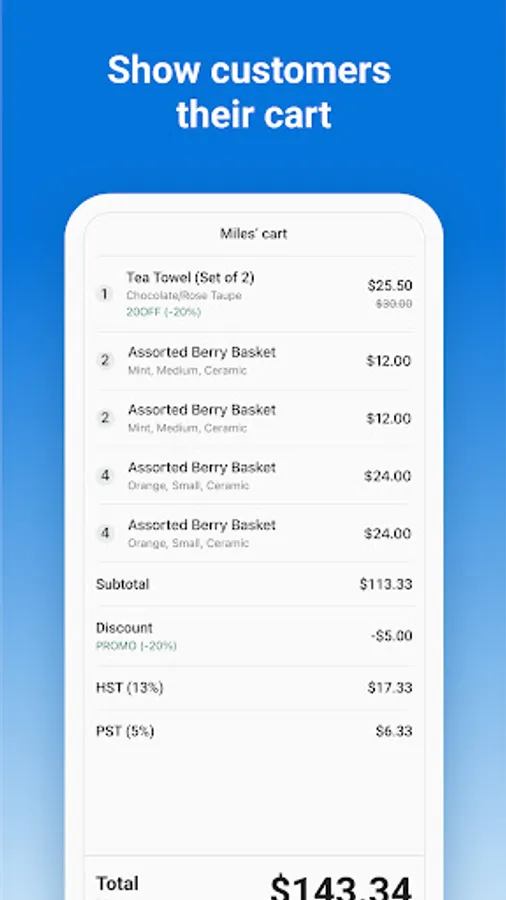
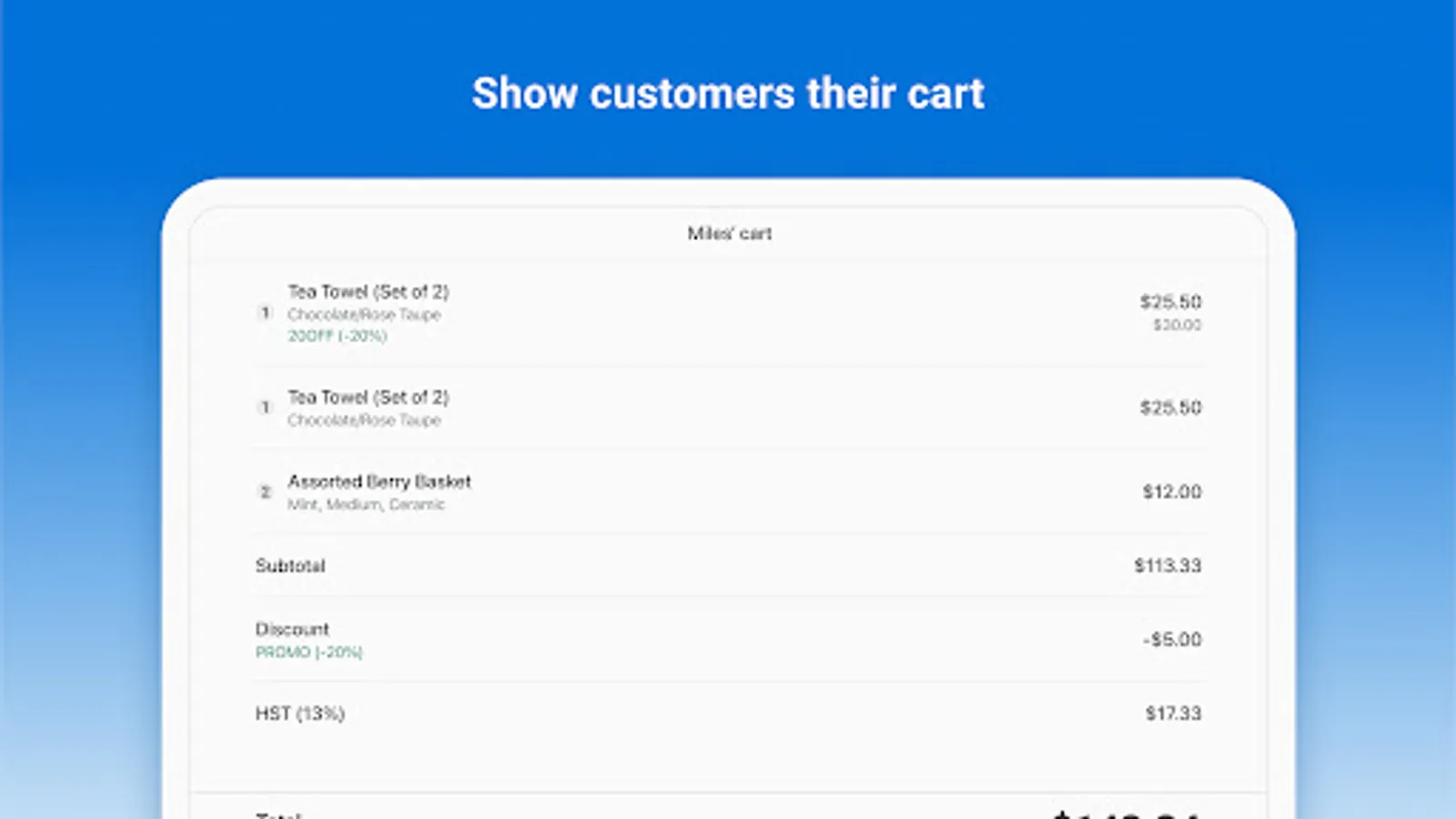
- Show customers their cart -
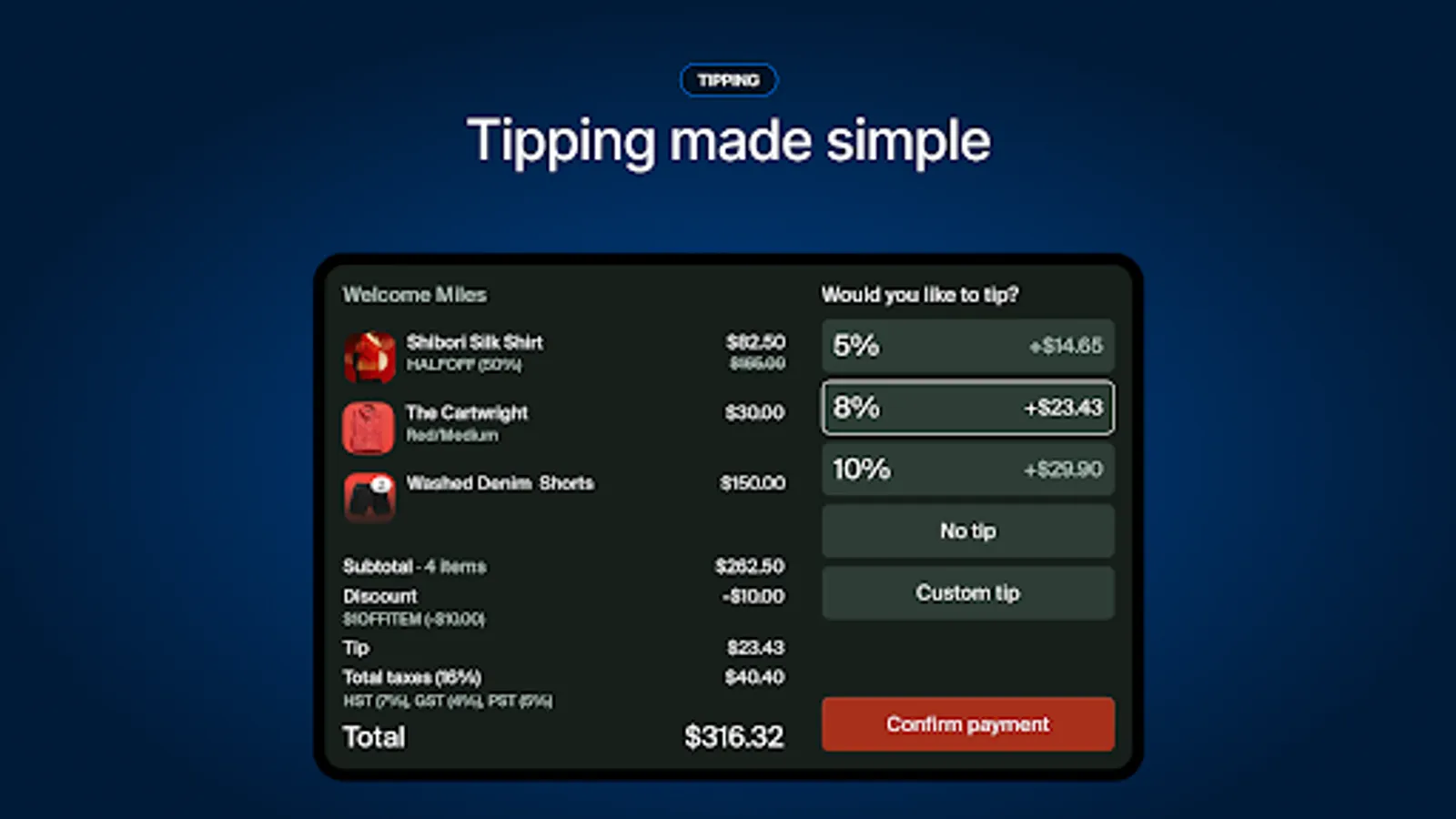
Show your customers what has been rung up in real time, allowing you and your customers to stay on the same page throughout the entire checkout experience.
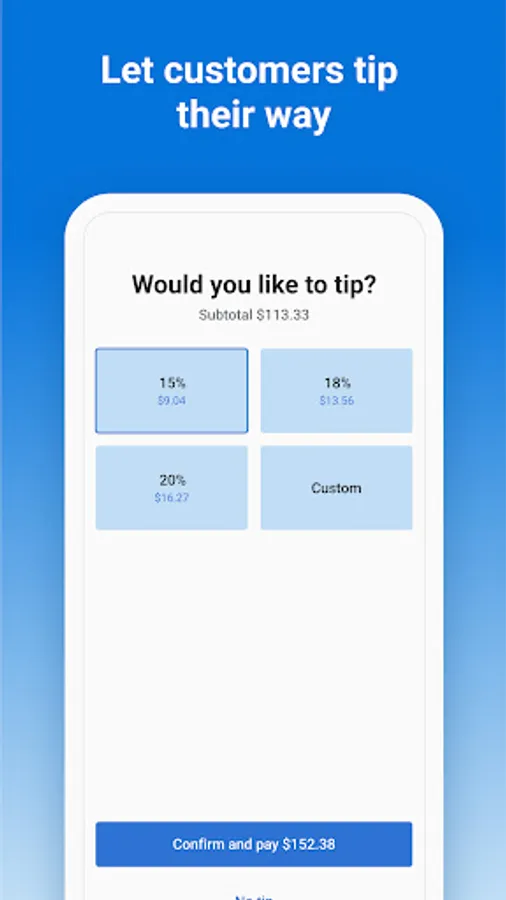
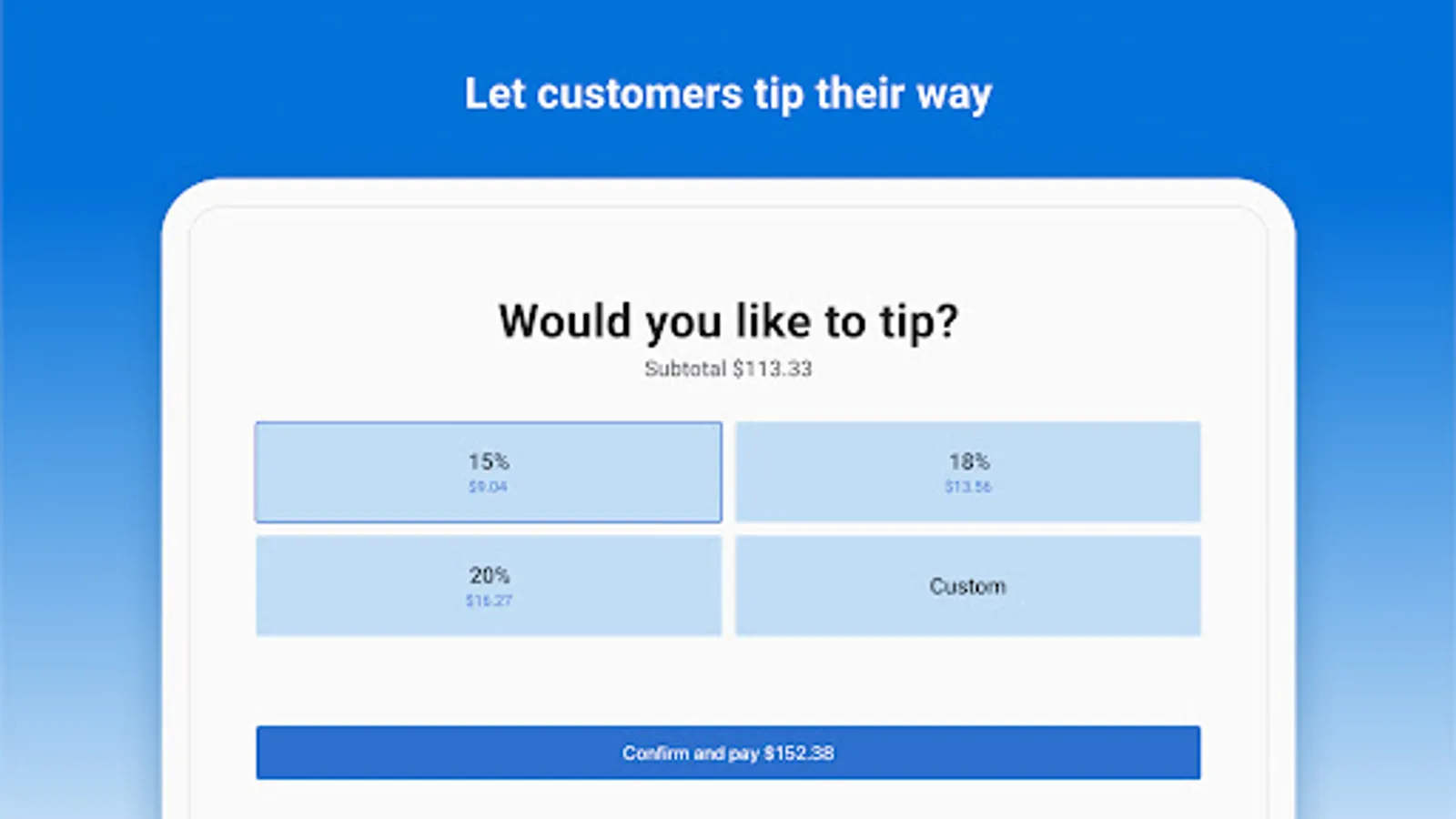
- Let customers tip their way -
Revamped tipping experience allows more flexible tipping options, and provides transparency into tip amounts and final total before proceeding to payments
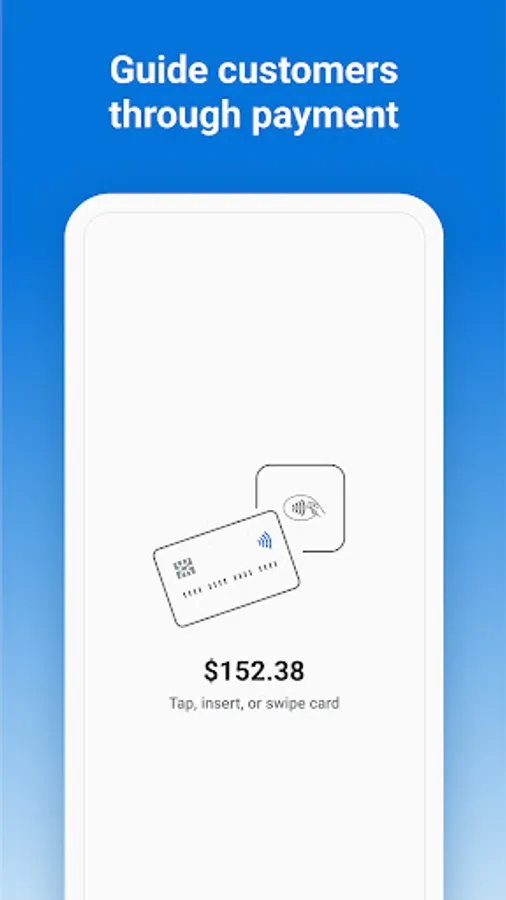
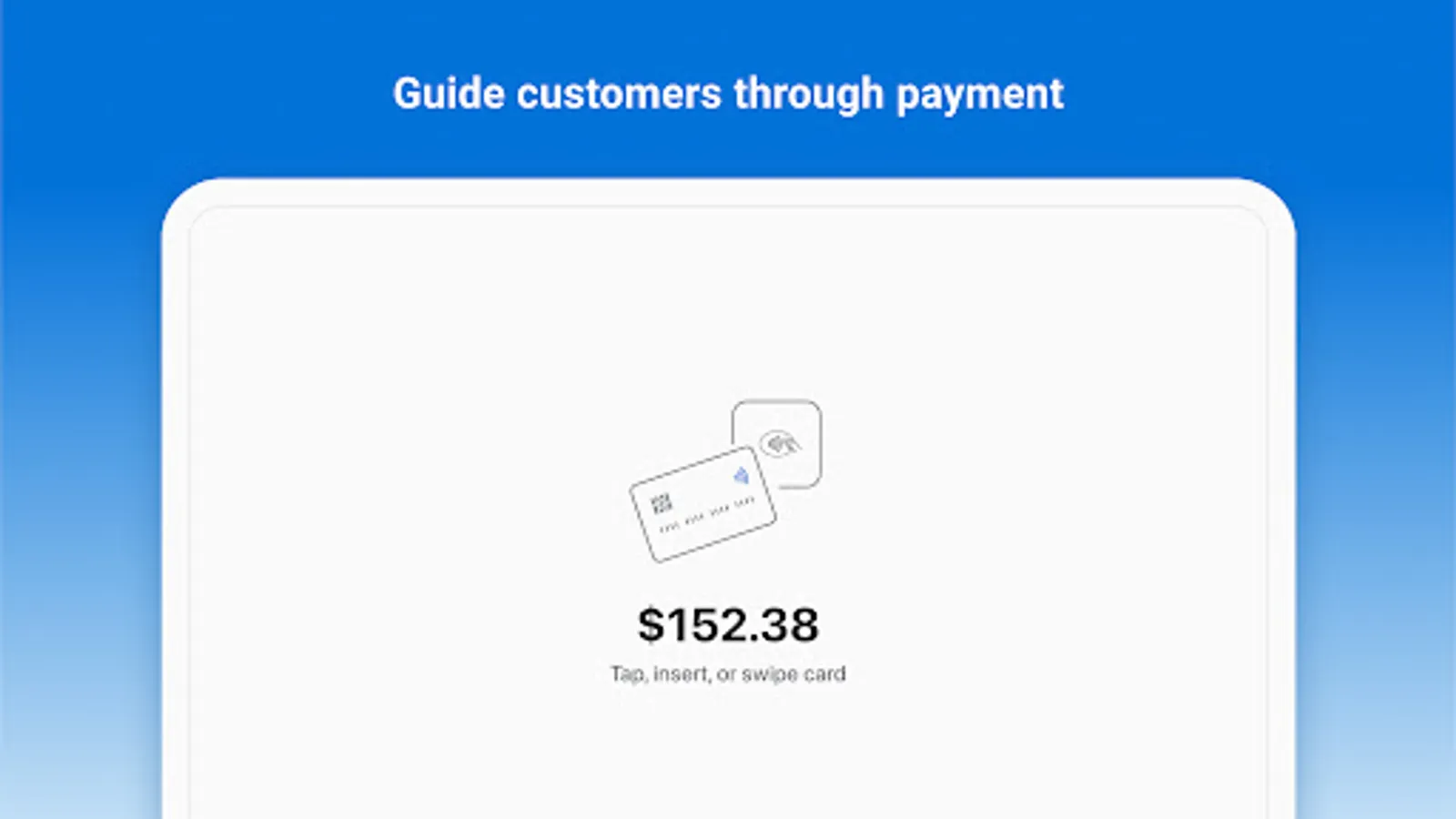
- Guide customers through payments -
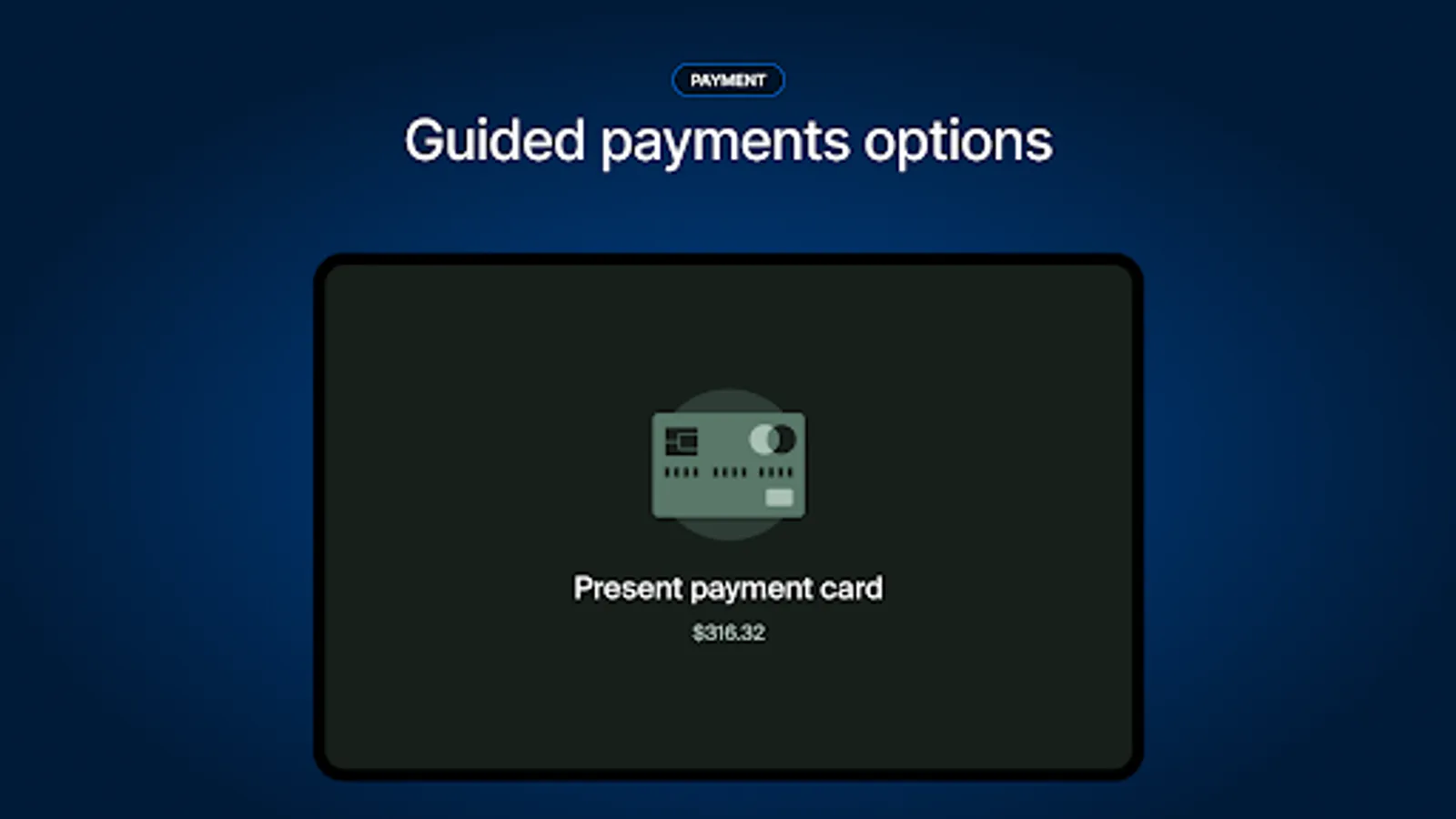
Concise messaging and illustrations helps customers understand how they should make payments
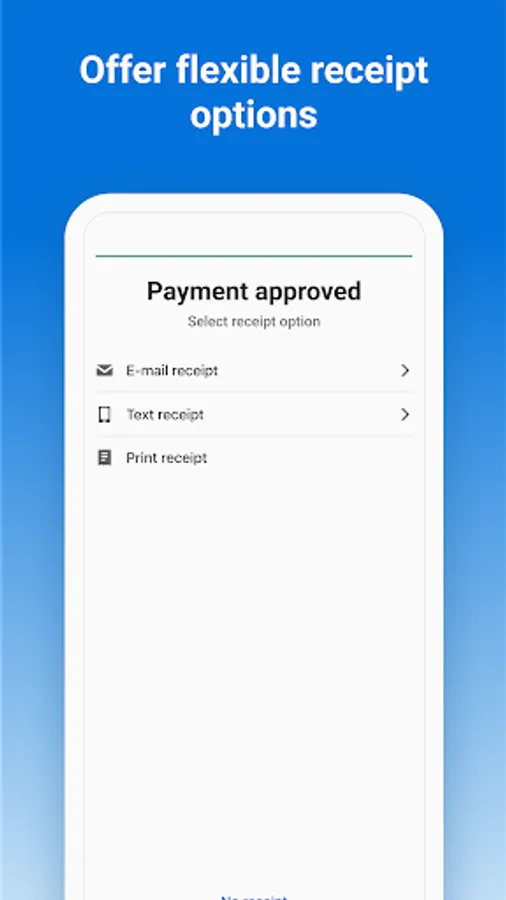
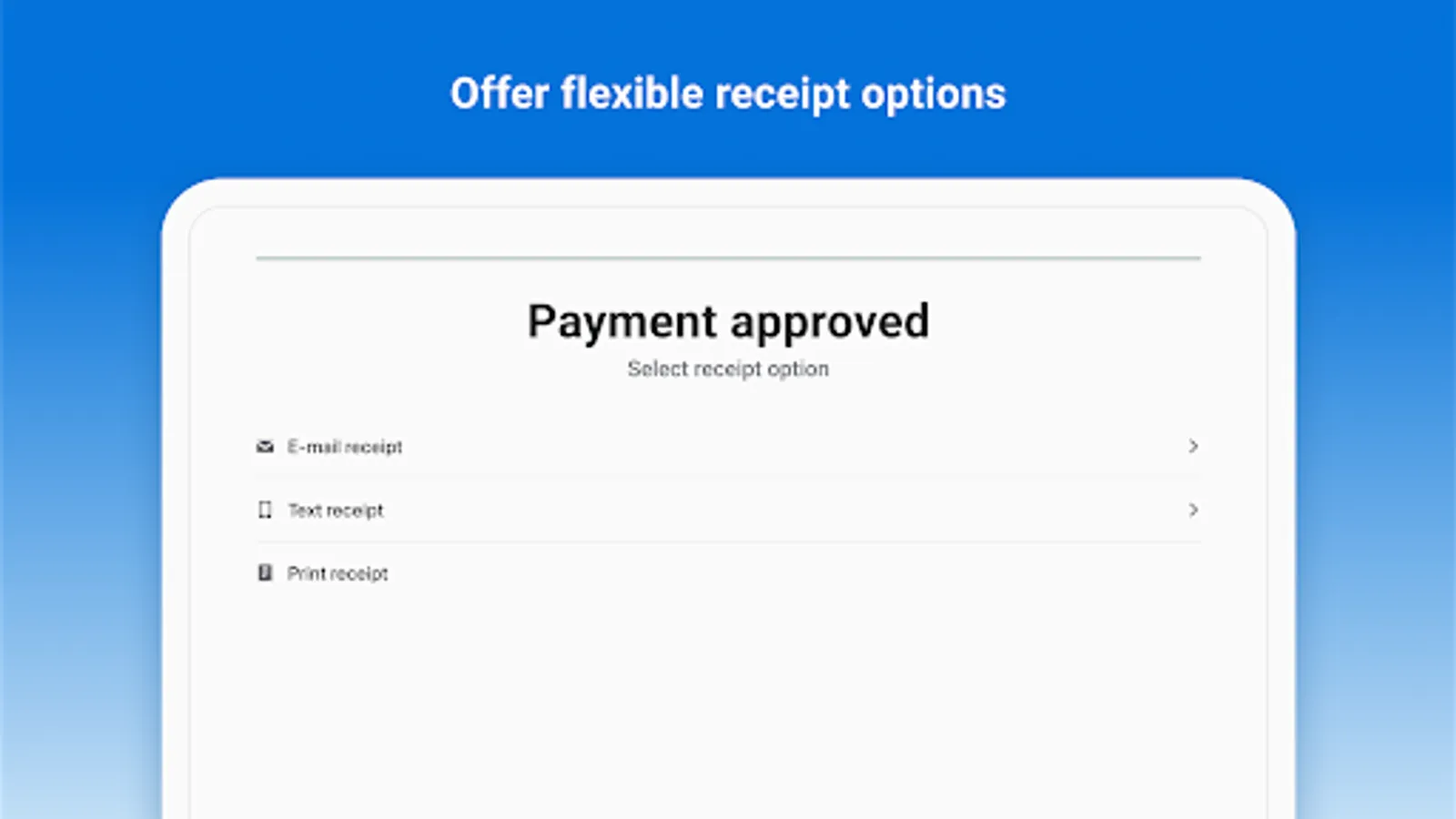
- Offer flexible receipt options -
Allow customers to select their own receipt options, and reduce emails/SMS errors by giving customers control.
- Be locally compliant -
Allow customers to view and verify their cart and total before paying for their purchase – a local requirement in certain regions (e.g. California, US)
LANGUAGES
Customer View app will match the language to your POS, available in Chinese (Simplified), Chinese (Traditional), Czech, Danish, Dutch, English, Finnish, French, German, Hindi, Italian, Japanese, Korean, Malay, Norwegian Bokma, Portuguese (Brazil), Portuguese (Portugal), Spanish, Swedish, Thai, and Turkish
HOW TO CONNECT
Customer View works on any Android device running Android 5.0 or above. Once installed, you can easily connect to your iPad, iPhone or Android device that is running Shopify POS. Search "Shopify POS" in the Play Store or App Store to start selling today!
QUESTIONS/FEEDBACK?
You can contact us at Shopify Support (https://support.shopify.com/), or visit the Shopify Help Center (https://help.shopify.com/manual/sell-in-person).
Customer View Screenshots
Tap to Rate:
Reviews for Customer View
Arcane Table Kitchen
10/8/2025
This app provides a readout to the customer of what they are purchasing, then gives them an option to have their receipt sent to them. These features are essentially useless in most business cases. Desired features that would bring this product to useful for us: Portal or simple URL to load for promotions, data, etc. Use as a POS terminal. Any real interactivity for the customer at all. It's a frustrating waste of potential.
Adam S adam
9/3/2025
as a digital creator my bio is there this dashboard i juse try to salay no comple no explain just believe 💕👍🤲🤞 outsite boy #dymond ♡₦€£¥$