DrawPad
Siddhyaan
1,000+
downloads
Free
About DrawPad
Draw anything you Like through the application DrawPad
Trailer - https://www.youtube.com/watch?v=Yda9GNE-6CI
Features:
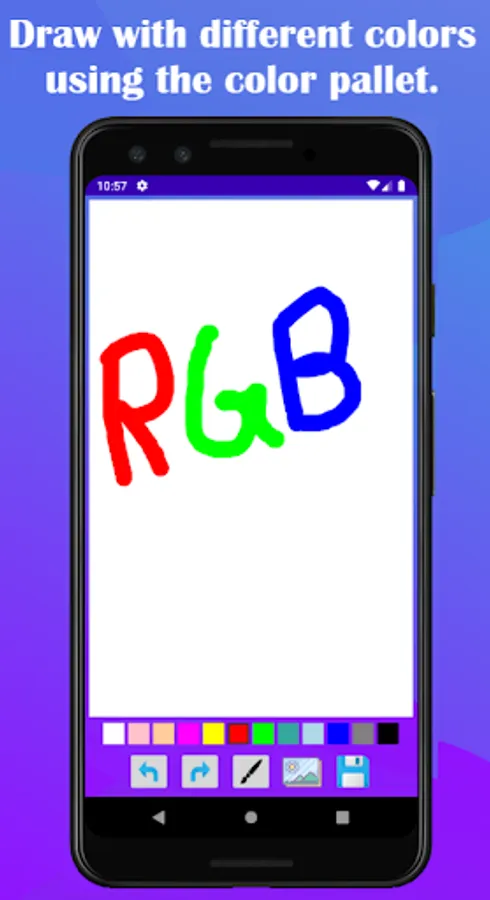
1) You can draw with different colors using the color pallet
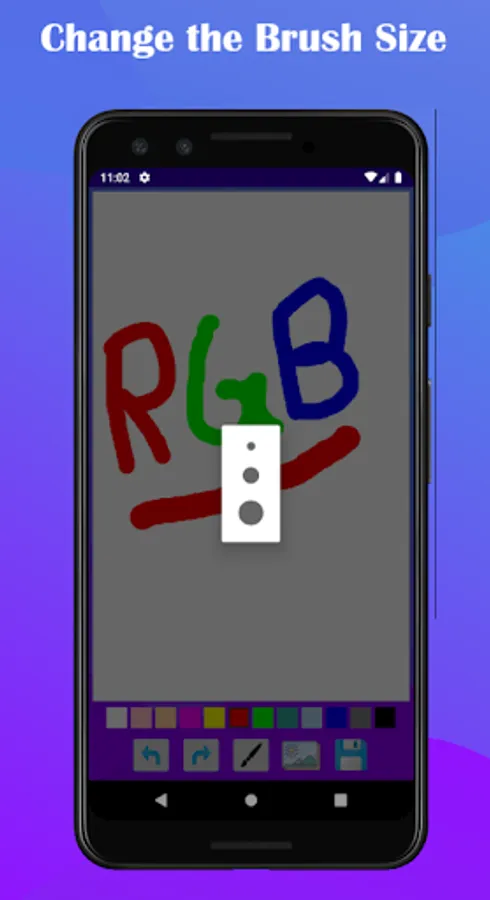
2) You can change the Brush Size
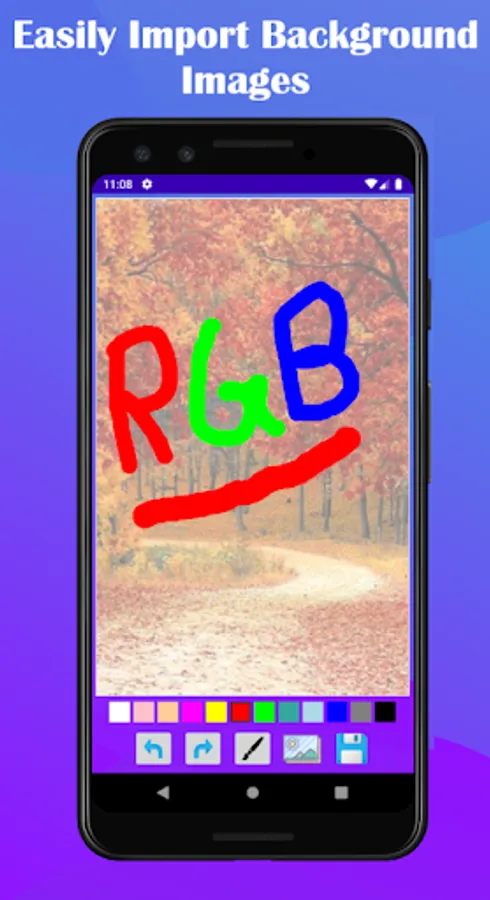
3) You can Import Background Images from you Gallery
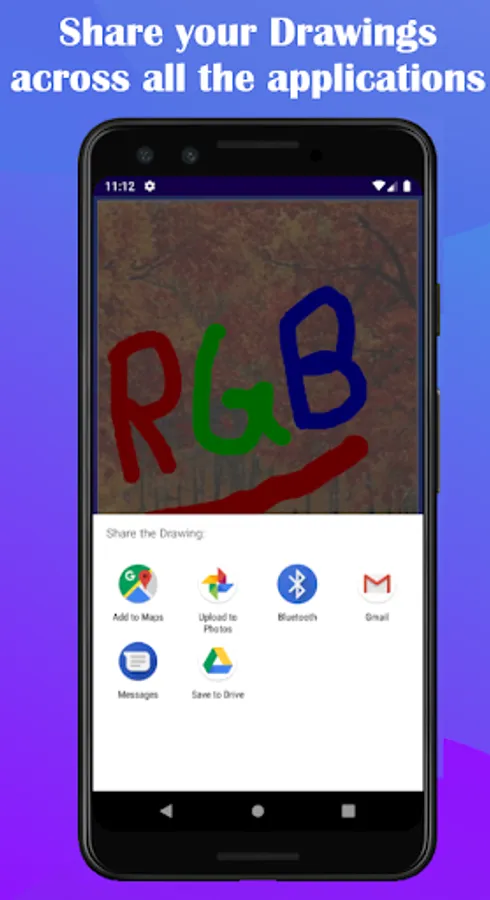
4) You can share your hand-made Drawings across all the Applications
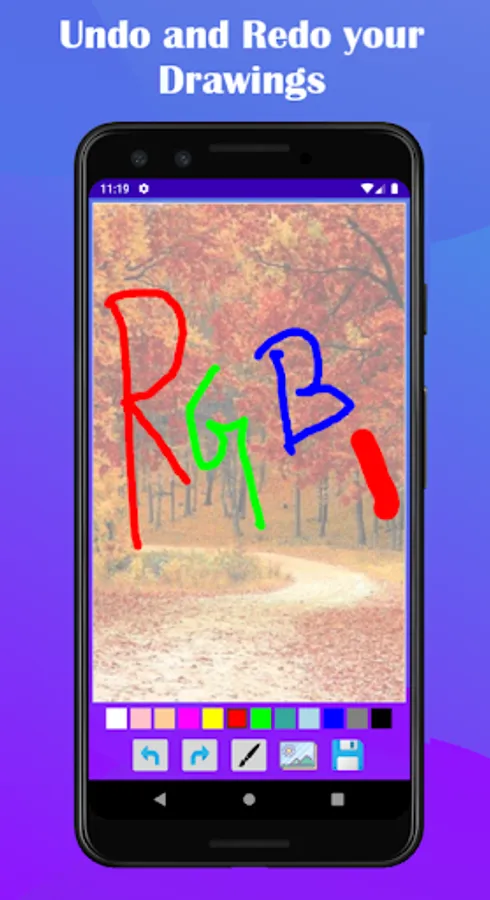
5) You can Undo and Redo your Drawings
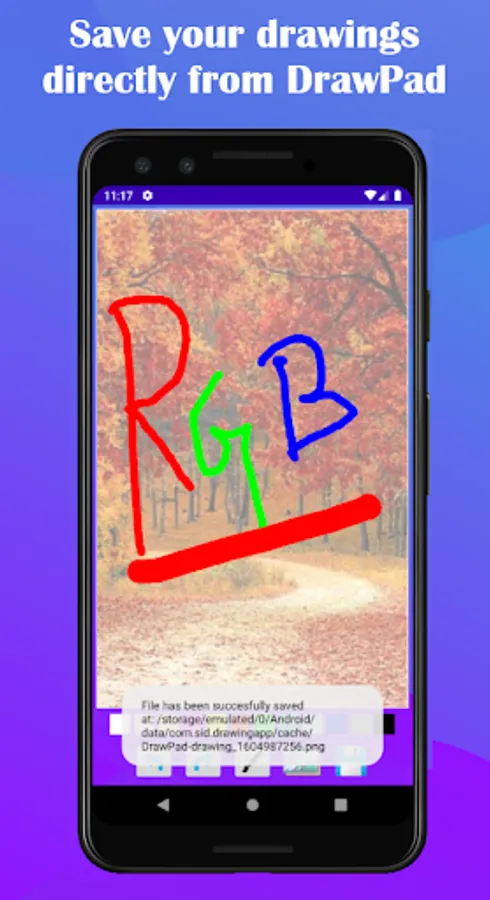
6) Export you Drawings directly from DrawPad
Guides:
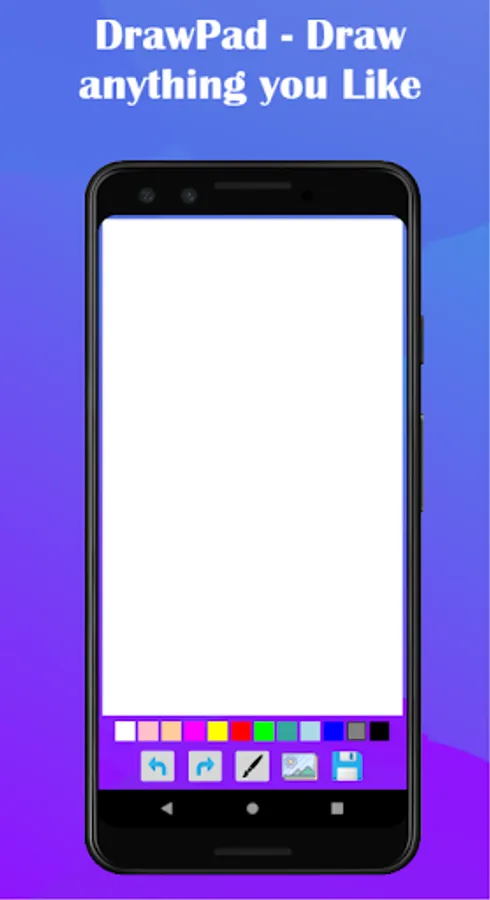
1) You can Draw in the White Space(Drawing Area) above the color pallet.
2) To choose different colors click on a color in the color pallet below the White Space(Drawing Area)
3) To change the Brush Size, click on the brush icon below the color pallet
4) To Import a background image from the gallery, click on gallery icon below the color pallet and the gallery will open, choose your background images from there.
5) Share and Save your Drawings by clicking the save icon below the color pallet, beside the gallery icon
6) To undo a step click on the undo icon(Left Arrow) below the color pallet
7) To redo a step click on the redo icon(Right Arrow) below the color pallet between the undo and the brush size chooser button
--------------------------------------------------------------------------------------------------------------------------
Thanks
Trailer - https://www.youtube.com/watch?v=Yda9GNE-6CI
Features:
1) You can draw with different colors using the color pallet
2) You can change the Brush Size
3) You can Import Background Images from you Gallery
4) You can share your hand-made Drawings across all the Applications
5) You can Undo and Redo your Drawings
6) Export you Drawings directly from DrawPad
Guides:
1) You can Draw in the White Space(Drawing Area) above the color pallet.
2) To choose different colors click on a color in the color pallet below the White Space(Drawing Area)
3) To change the Brush Size, click on the brush icon below the color pallet
4) To Import a background image from the gallery, click on gallery icon below the color pallet and the gallery will open, choose your background images from there.
5) Share and Save your Drawings by clicking the save icon below the color pallet, beside the gallery icon
6) To undo a step click on the undo icon(Left Arrow) below the color pallet
7) To redo a step click on the redo icon(Right Arrow) below the color pallet between the undo and the brush size chooser button
--------------------------------------------------------------------------------------------------------------------------
Thanks