
EX File Explorer, File Manager
SJH infotech
3.9 ★
110 ratings
10,000+
downloads
Free
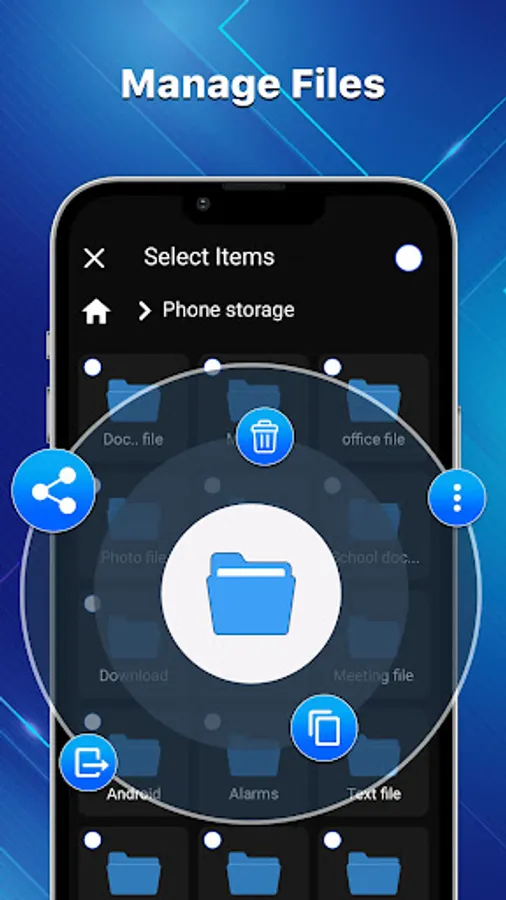
In this file manager app, you can create, view, move, and delete files and folders. Includes file previews, sorting, filtering, and category organization.
AppRecs review analysis
AppRecs rating 3.9. Trustworthiness 72 out of 100. Review manipulation risk 37 out of 100. Based on a review sample analyzed.
★★★☆☆
3.9
AppRecs Rating
Ratings breakdown
5 star
63%
4 star
12%
3 star
0%
2 star
0%
1 star
25%
What to know
✓
Credible reviews
72% trustworthiness score from analyzed reviews
✓
Good user ratings
75% positive sampled reviews
✓
Authentic reviews
No red flags detected
About EX File Explorer, File Manager
File Explorer provides an interface for users to create, view, copy, move, rename, and delete files and folders, as well as search for files, compress and decompress files, and change file characteristics. Users can use a FX file explorer or file manager app to handle files and folders on their mobile phone or other storage devices.
EX file explorer is a simple file manager app. FX File Explorer normally displays files and folders in a hierarchical tree-like format, allowing users to swiftly and efficiently move across the file system and retrieve files and folders.
CX File Explorer supports a variety of file and folder management categories. File previews, file sorting and filtering, and integration are also included.
Here are some examples of frequent categories in CX file explorer:
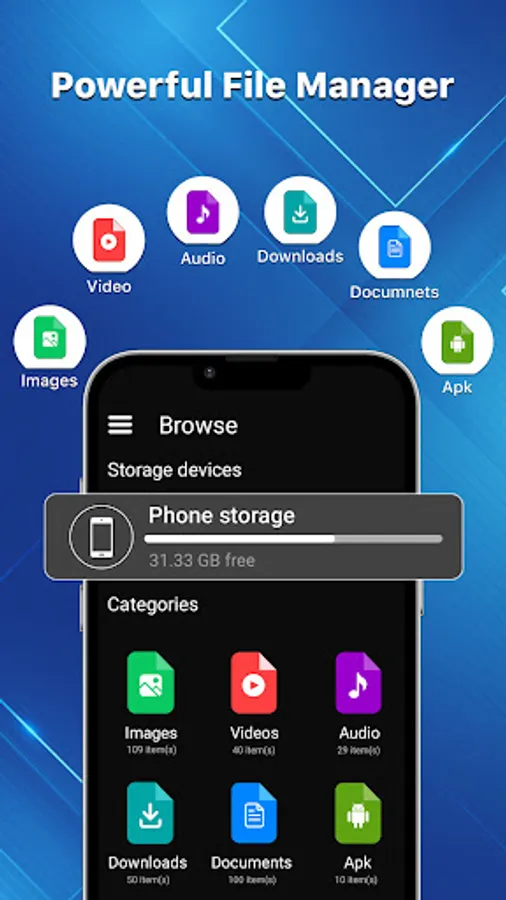
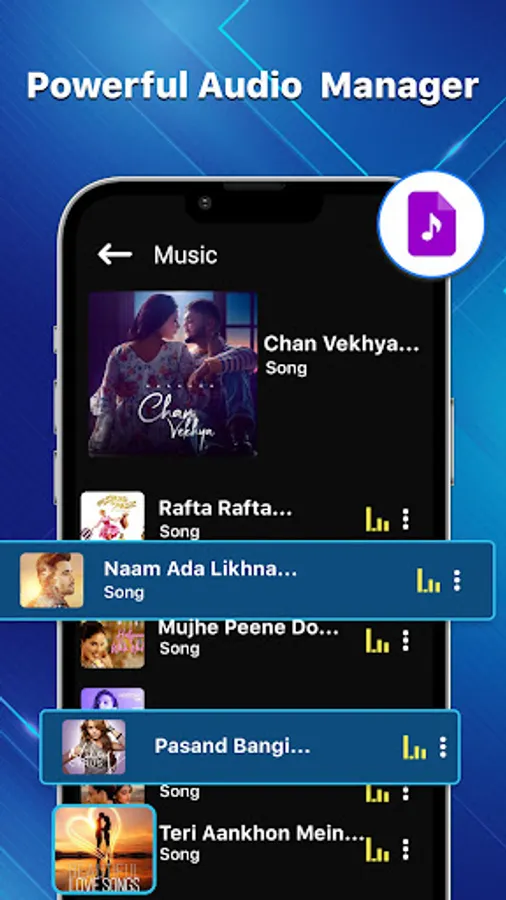
➤ Audio: This category contains all of the audios on a device.
➤ Downloads: Files obtained from the internet, such as software installers, photos, music, and movies, are included in this category.
➤ Videos: This category contains all of the videos on a device.
➤ Images: This category contains all of the images on a device.
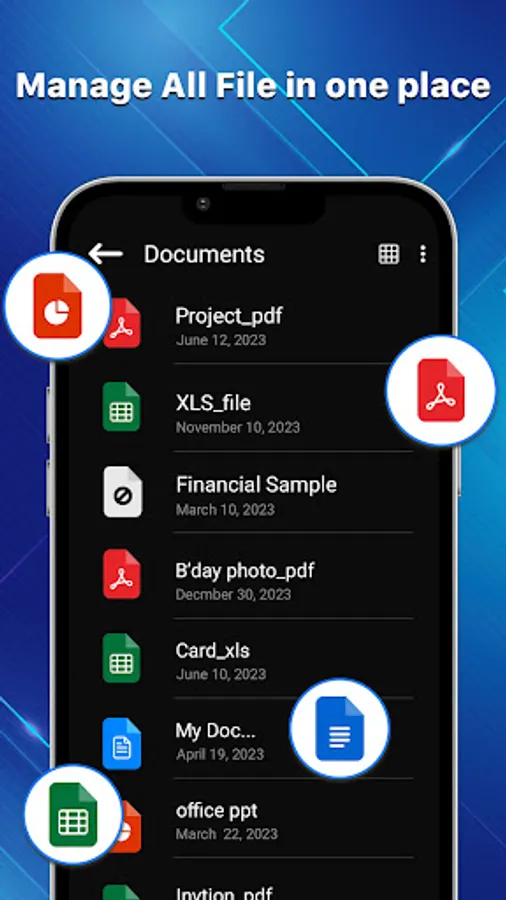
➤ Documents: Files in this category often contain text documents, spreadsheets, presentations, and PDFs.
➤ APK: Installed applications and their associated files, such as configuration files, data files, and cache files, are included in this category.
The EX File Explorer program often displays these categories in a hierarchical tree-like structure or a graphical depiction of the file system, allowing users to swiftly and conveniently navigate across the file system and retrieve files and folders. Categories of file commander can assist users in more efficiently organizing their files and folders, making it easier to find and manage their files.
Here are some more details about SD card file manager's features and capabilities:
1. Recent Media: The Recent Media area contains recently opened videos and photos.
2. File Deletion: This SD Card File Manager app for Android can assist users in freeing up storage space by finding and deleting unwanted files and cache data.
3. File previews: The File CX manager offers file previews, allowing users to view files without having to open them in their corresponding application.
4. File compression and decompression: It is a simple file manager that provides tools for compressing and decompressing files in popular archive formats including ZIP, RAR, and 7-Zip.
5. Filtering and sorting: FX file explorer's users can organize files and folders using numerous criteria such as name, size, date, and type in the file explorer. Users can also filter files based on specified criteria such as file type or date.
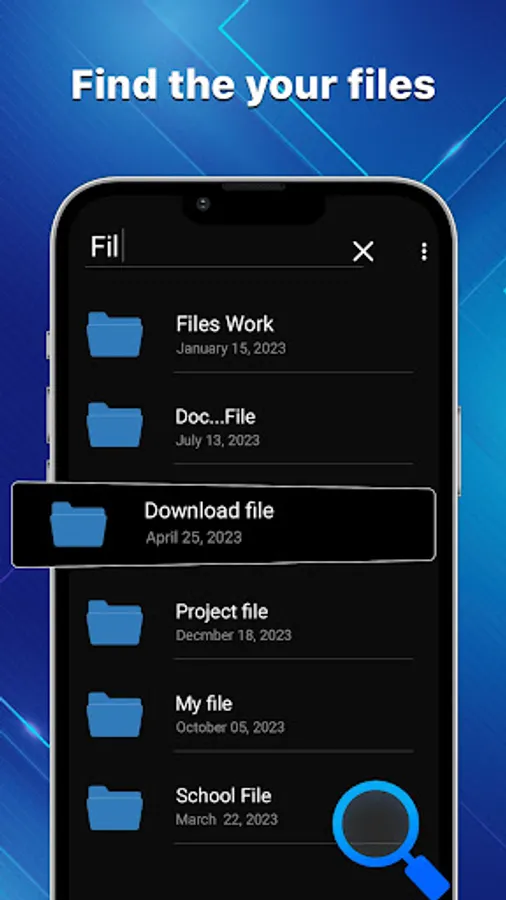
6. Search: File commander includes a search option that allows users to look for files by name, size, type, and other criteria.
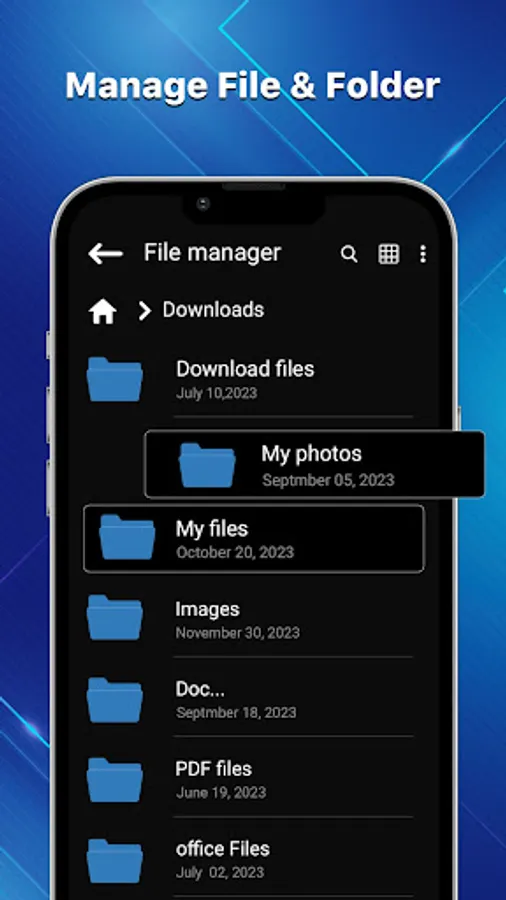
7. File operations: A file manager allows users to conduct file operations such as copying, moving, renaming, deleting, and creating files and folders.
8. Navigating the File System: The EX File Manager program allows users to traverse the file system using either a hierarchical tree-like structure or a graphical depiction of the file system.
9. User-friendly Interface: It has a simple and easy-to-use interface.
All in all, file manager is a flexible and effective app that enables users to quickly manage their files folders by providing a range of features & functionality that make file manager faster and effective.
EX file explorer is a simple file manager app. FX File Explorer normally displays files and folders in a hierarchical tree-like format, allowing users to swiftly and efficiently move across the file system and retrieve files and folders.
CX File Explorer supports a variety of file and folder management categories. File previews, file sorting and filtering, and integration are also included.
Here are some examples of frequent categories in CX file explorer:
➤ Audio: This category contains all of the audios on a device.
➤ Downloads: Files obtained from the internet, such as software installers, photos, music, and movies, are included in this category.
➤ Videos: This category contains all of the videos on a device.
➤ Images: This category contains all of the images on a device.
➤ Documents: Files in this category often contain text documents, spreadsheets, presentations, and PDFs.
➤ APK: Installed applications and their associated files, such as configuration files, data files, and cache files, are included in this category.
The EX File Explorer program often displays these categories in a hierarchical tree-like structure or a graphical depiction of the file system, allowing users to swiftly and conveniently navigate across the file system and retrieve files and folders. Categories of file commander can assist users in more efficiently organizing their files and folders, making it easier to find and manage their files.
Here are some more details about SD card file manager's features and capabilities:
1. Recent Media: The Recent Media area contains recently opened videos and photos.
2. File Deletion: This SD Card File Manager app for Android can assist users in freeing up storage space by finding and deleting unwanted files and cache data.
3. File previews: The File CX manager offers file previews, allowing users to view files without having to open them in their corresponding application.
4. File compression and decompression: It is a simple file manager that provides tools for compressing and decompressing files in popular archive formats including ZIP, RAR, and 7-Zip.
5. Filtering and sorting: FX file explorer's users can organize files and folders using numerous criteria such as name, size, date, and type in the file explorer. Users can also filter files based on specified criteria such as file type or date.
6. Search: File commander includes a search option that allows users to look for files by name, size, type, and other criteria.
7. File operations: A file manager allows users to conduct file operations such as copying, moving, renaming, deleting, and creating files and folders.
8. Navigating the File System: The EX File Manager program allows users to traverse the file system using either a hierarchical tree-like structure or a graphical depiction of the file system.
9. User-friendly Interface: It has a simple and easy-to-use interface.
All in all, file manager is a flexible and effective app that enables users to quickly manage their files folders by providing a range of features & functionality that make file manager faster and effective.
EX File Explorer, File Manager Screenshots

Tap to Rate:
Reviews for EX File Explorer, File Manager
Tarun Sharma
8/25/2025
is it fully indian app. the. i give you 5 star . working well
Sohail Azam
8/11/2025
great work