AppRecs review analysis
AppRecs rating . Trustworthiness 61 out of 100. Review manipulation risk 35 out of 100. Based on a review sample analyzed.
★
AppRecs Rating
Ratings breakdown
5 star
67%
4 star
33%
3 star
0%
2 star
0%
1 star
0%
What to know
✓
High user satisfaction
67% of sampled ratings are 5 stars
About Add Text on Photo - Text Art
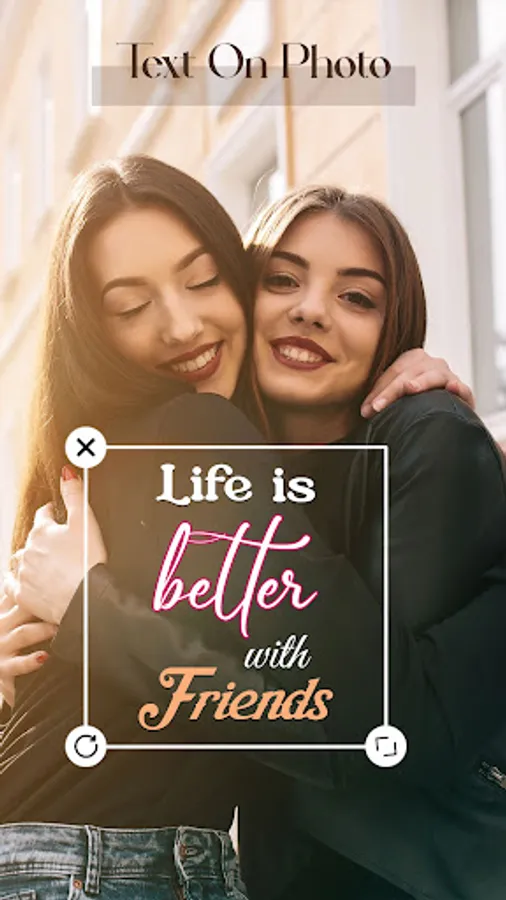
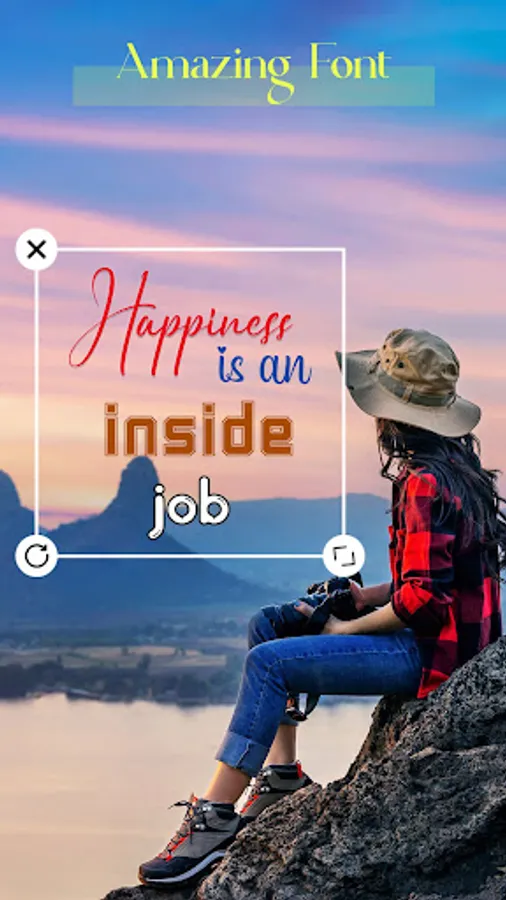
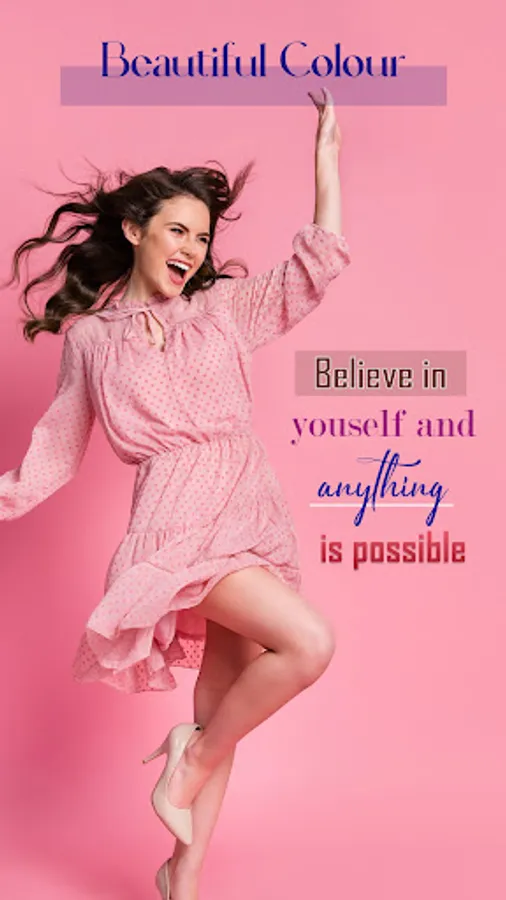
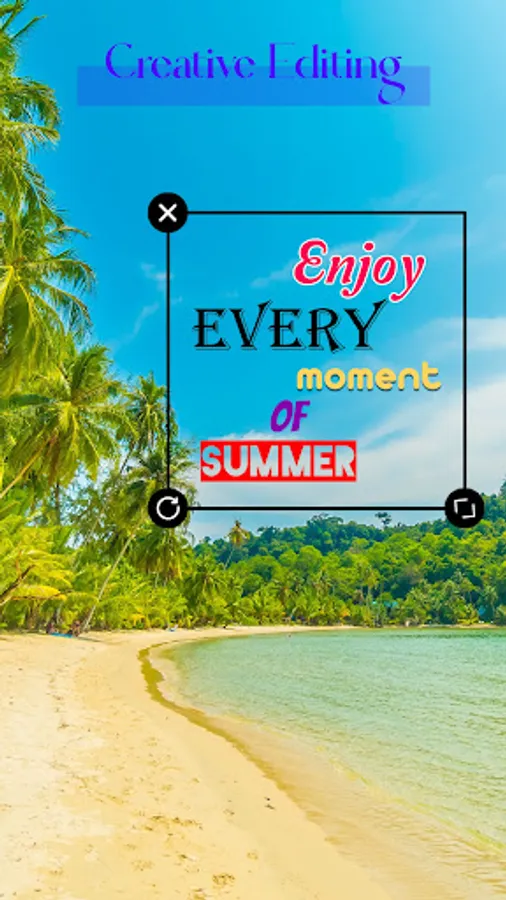
Text on photo app provides, such as text, quotes, fonts or other written content, you can easily add to your selected images. With the help of text on photo app, you can create beautiful text art in addition to using it as a text on photo editor and quote maker. You can also select a different text style on your selected photo and create an amazing photo. Add Text to Image or Edit text in image app gives different types of customization like stickers, quotes, background, layouts, so you can do customization on your images.
In Text on Photo, you can only just select your text, change layouts, add backgrounds, stickers and quotes and if you delete your selected image here, you can also select another image after customization click on save. Add Text to Photo app has a user-friendly interface so anyone can use and create amazing pictures. Add Text to Picture app allows to user to write anything using pen, pencil, and you can erase it if you don't want.
Features:
- Select various collections of background
- Various font collection available
- Choose your favourite photo from the gallery
- Add text to picture provides different background layouts
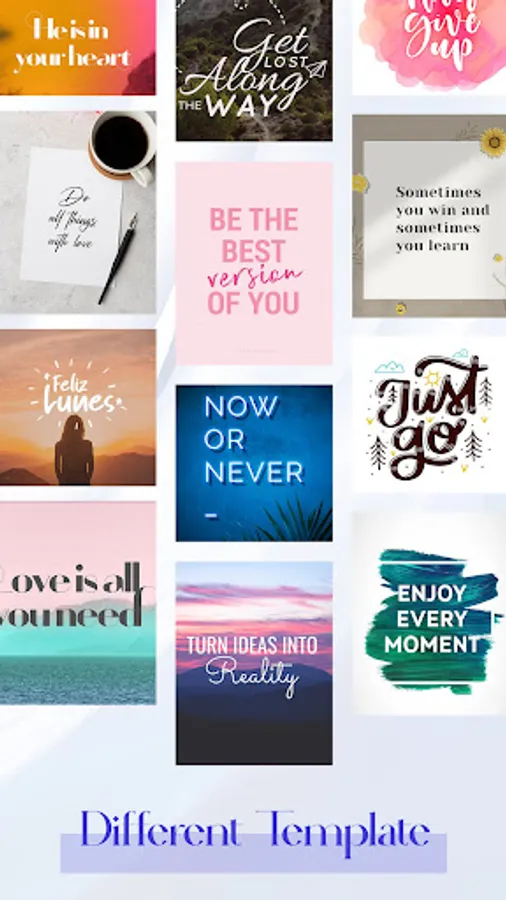
- Write text on image offers various templates
- Gradient effects are there
- Save in PNG, JPG, GIF formats
- Crop your selected image
- Adjust the brightness level
- Contrast adjustment
- Make an image with text and add amazing stickers
- Select your favourite quotes
- Add text, art and shadowing
- Adjusting letter and line spacing
- Rotate your image
- Different text style is available
- Create photo with text with the help of insert text on image app
- Save and Share your downloaded images
- Save your designs
You can easily insert text on photo and add different quotes, so you can create images with text and quotes. Add words to a picture app works as a photo text editor.
To add text over image if you select text style, you can modify your text. Write text over image app offers different categories like Calligraphy, Blurred, Brush, Curly, Decorative, Dotted, Fancy, Groovy, Tattoo, Valentine, Outline etc.
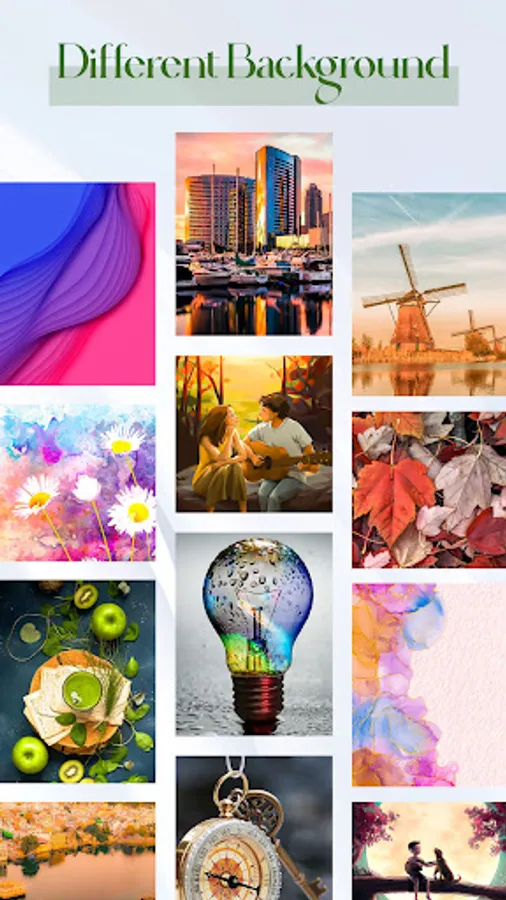
Insert Text on Picture app contains various backgrounds like Paint, Nature, Abstract, Motivation, Emotion, City, Food, Music, Texture, Mattecolor, etc.
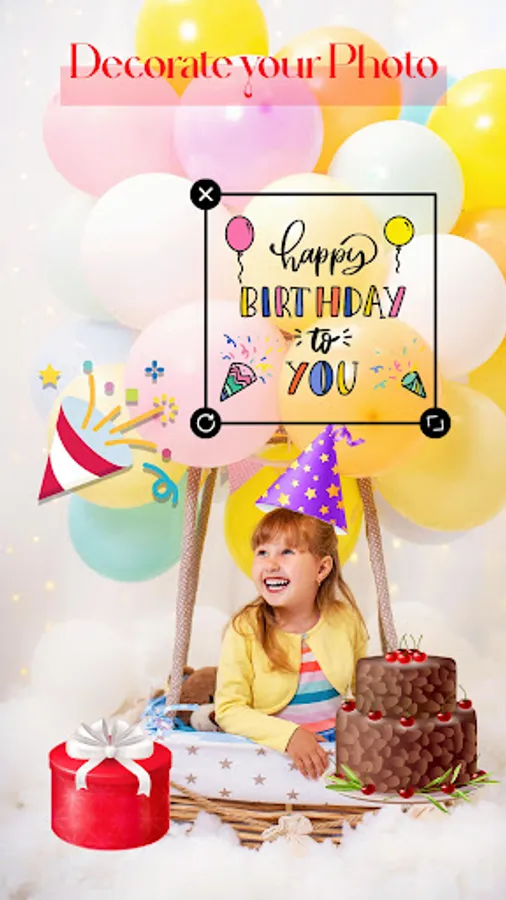
Edit Text on picture app offers different stickers like Love, Decoration, Birthday, Cartoons, Ornament, Shapes, art, Emoji, Butterfly, etc. So you can create a picture or pic with text with text and stickers.
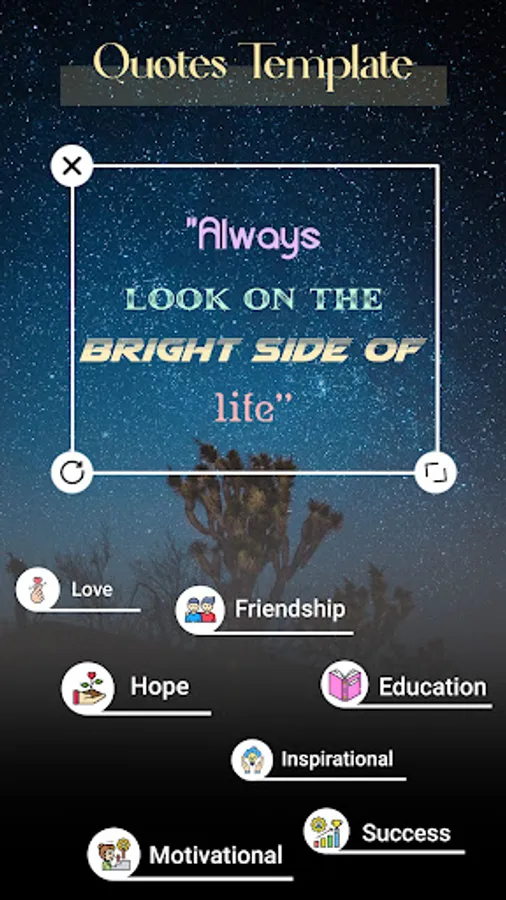
In Text on Photo app quotes are organised in categories like Inspirational, Friendship, Love, Success, Education, Hope, Motivation, etc.
How it works :
- First select, your quotes categories like love, Friendship, Success, etc.
- After that select your favourite quotes.
- Add photos, stickers, text if you want.
- Save your picture and design.
So, download Add text on photo app and enjoys its amazing features.
In Text on Photo, you can only just select your text, change layouts, add backgrounds, stickers and quotes and if you delete your selected image here, you can also select another image after customization click on save. Add Text to Photo app has a user-friendly interface so anyone can use and create amazing pictures. Add Text to Picture app allows to user to write anything using pen, pencil, and you can erase it if you don't want.
Features:
- Select various collections of background
- Various font collection available
- Choose your favourite photo from the gallery
- Add text to picture provides different background layouts
- Write text on image offers various templates
- Gradient effects are there
- Save in PNG, JPG, GIF formats
- Crop your selected image
- Adjust the brightness level
- Contrast adjustment
- Make an image with text and add amazing stickers
- Select your favourite quotes
- Add text, art and shadowing
- Adjusting letter and line spacing
- Rotate your image
- Different text style is available
- Create photo with text with the help of insert text on image app
- Save and Share your downloaded images
- Save your designs
You can easily insert text on photo and add different quotes, so you can create images with text and quotes. Add words to a picture app works as a photo text editor.
To add text over image if you select text style, you can modify your text. Write text over image app offers different categories like Calligraphy, Blurred, Brush, Curly, Decorative, Dotted, Fancy, Groovy, Tattoo, Valentine, Outline etc.
Insert Text on Picture app contains various backgrounds like Paint, Nature, Abstract, Motivation, Emotion, City, Food, Music, Texture, Mattecolor, etc.
Edit Text on picture app offers different stickers like Love, Decoration, Birthday, Cartoons, Ornament, Shapes, art, Emoji, Butterfly, etc. So you can create a picture or pic with text with text and stickers.
In Text on Photo app quotes are organised in categories like Inspirational, Friendship, Love, Success, Education, Hope, Motivation, etc.
How it works :
- First select, your quotes categories like love, Friendship, Success, etc.
- After that select your favourite quotes.
- Add photos, stickers, text if you want.
- Save your picture and design.
So, download Add text on photo app and enjoys its amazing features.
Add Text on Photo - Text Art Screenshots
Tap to Rate:
Reviews for Add Text on Photo - Text Art
Carol De Verteuil
6/23/2025
great👍
Prabhat Panda
10/28/2024
Good app, but back ground colour mild.