AppRecs review analysis
AppRecs rating . Trustworthiness 78 out of 100. Review manipulation risk 17 out of 100. Based on a review sample analyzed.
★
AppRecs Rating
Ratings breakdown
5 star
0%
4 star
0%
3 star
50%
2 star
0%
1 star
50%
What to know
✓
Low review manipulation risk
17% review manipulation risk
✓
Credible reviews
78% trustworthiness score from analyzed reviews
⚠
Mixed user feedback
Average 2.0★ rating suggests room for improvement
About Text to Speech: Book Reader
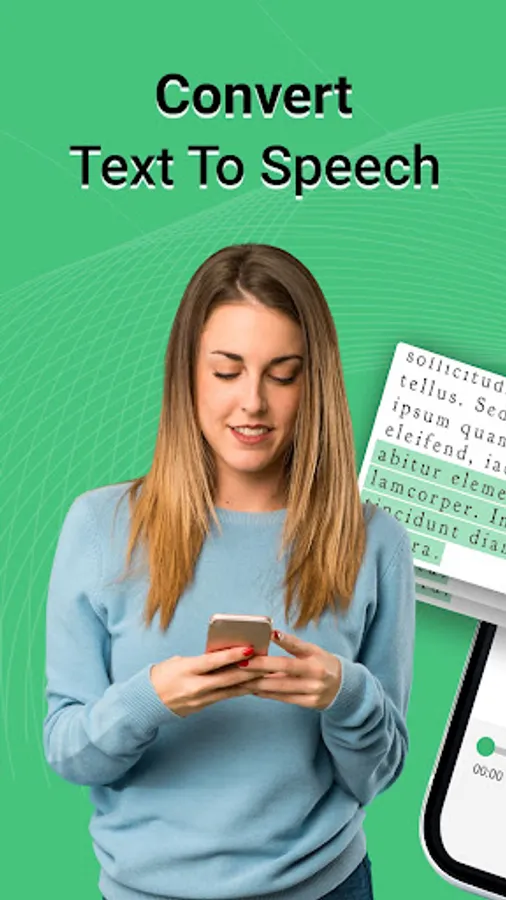
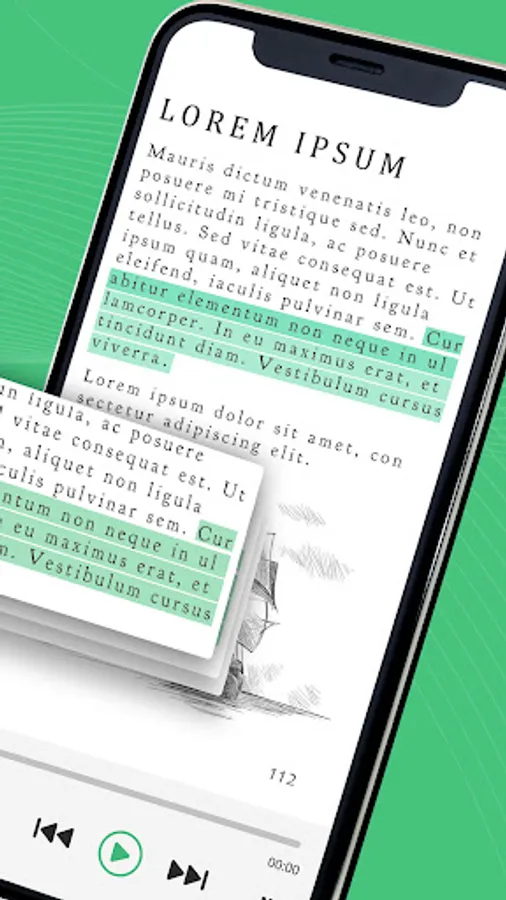
Text Reader - Text to Voice Generator app can freely convert any text to speech in any language in the world. Simply type in the text and the app will read it aloud to you like a book. You can also convert text from the Image into speech; just click the image and the app will scan it and convert it to voice.
Transform any text file/PDF file’s content into speech. This Text To Speech free or T2S app facilitates the conversion of text and PDF documents into voice. Convert Text into Woman’s Voice or Man��s Voice using this Any Text Book Reader app.
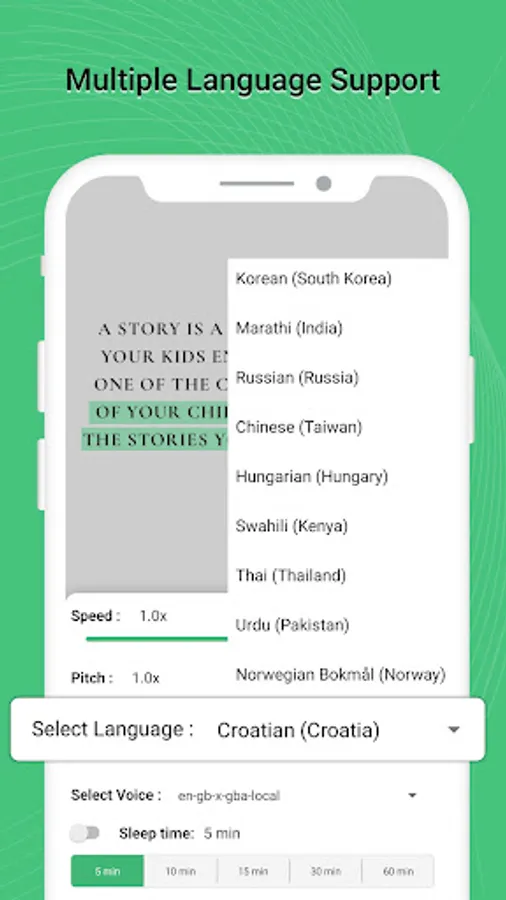
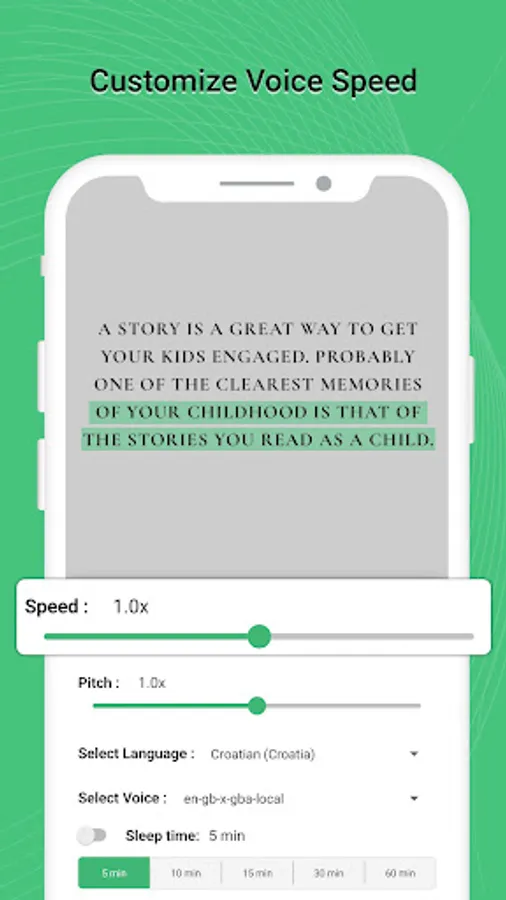
Adjust audio Language, Pitch, Speed, Sleep Time and Volume according to your use. The Text to speech TTS feature will make the voice sound more like a natural reader. This TTS Voice Generator app is best for Voiceover Artist.
Key Features:-
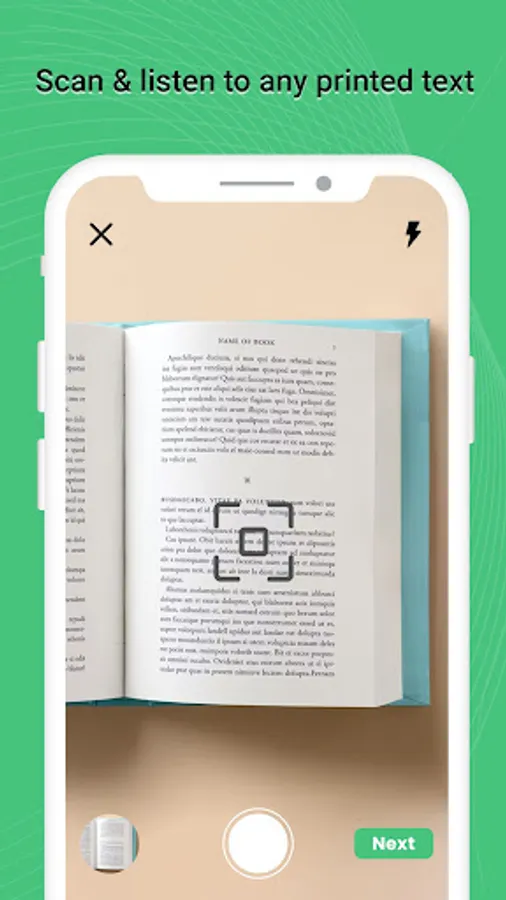
- open camera, click pic and convert text from the image into voice
- Upload document and it will scan it & convert it to speech
- Upload image and convert text from the image into speech
- Paste the text and voice with high quality pitch will generate
- Adjust Voice Language, Voice Pitch
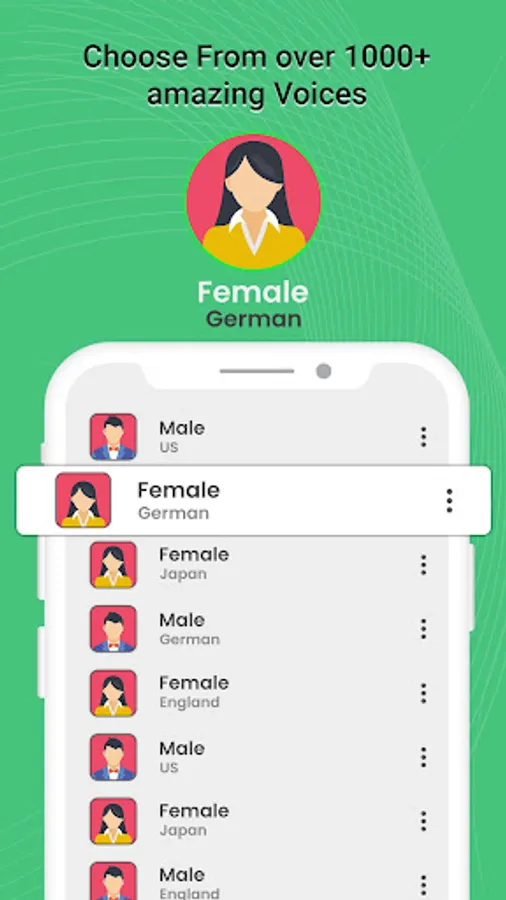
- Convert Text to Male Voice
- Convert Text to Female Voice
- Generate unlimited Voice or Speech
- Excellent sound and voice quality
- No internet connection required
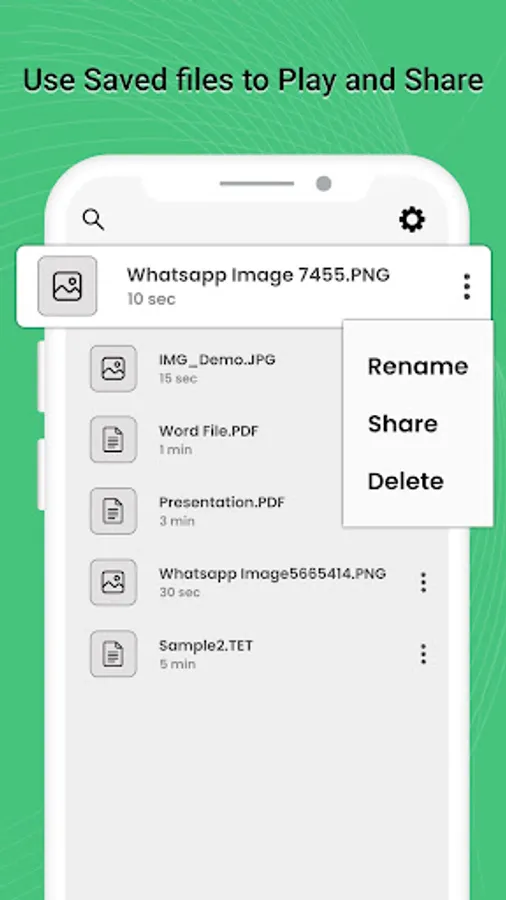
- Save text in app and use it later
- Best TTS app for voice over artist
- Set sleep time to stop on point
Convert text to speech in any language:-
Convert text to speech in English (United Kingdom), English (United States), English (India), Hindi, Gujarati, Tamil, Telugu, Malayalam, Chinese, Spanish, French, German, Turkish, Urdu, Punjabi, Kannada, Bengali, Arabic, Polish, Russian, Swedish, Korean and Japanese language.
Simply click the image to access the written notes during study time, and the book reader will scan and convert the text to audio. The Speechify - Voice Reader Speech Central app does not have speech to text or Voice to text functionality.
Listen to text instead of reading it using this AlReader or Moon+ Reader. Use this Audio text reader for Ideal text to speech to listen to anything (PDF, textbook, +) by uploading any document file.
Download the free Text to Voice Generator app and use it to convert any speechnotes into speech.
Transform any text file/PDF file’s content into speech. This Text To Speech free or T2S app facilitates the conversion of text and PDF documents into voice. Convert Text into Woman’s Voice or Man��s Voice using this Any Text Book Reader app.
Adjust audio Language, Pitch, Speed, Sleep Time and Volume according to your use. The Text to speech TTS feature will make the voice sound more like a natural reader. This TTS Voice Generator app is best for Voiceover Artist.
Key Features:-
- open camera, click pic and convert text from the image into voice
- Upload document and it will scan it & convert it to speech
- Upload image and convert text from the image into speech
- Paste the text and voice with high quality pitch will generate
- Adjust Voice Language, Voice Pitch
- Convert Text to Male Voice
- Convert Text to Female Voice
- Generate unlimited Voice or Speech
- Excellent sound and voice quality
- No internet connection required
- Save text in app and use it later
- Best TTS app for voice over artist
- Set sleep time to stop on point
Convert text to speech in any language:-
Convert text to speech in English (United Kingdom), English (United States), English (India), Hindi, Gujarati, Tamil, Telugu, Malayalam, Chinese, Spanish, French, German, Turkish, Urdu, Punjabi, Kannada, Bengali, Arabic, Polish, Russian, Swedish, Korean and Japanese language.
Simply click the image to access the written notes during study time, and the book reader will scan and convert the text to audio. The Speechify - Voice Reader Speech Central app does not have speech to text or Voice to text functionality.
Listen to text instead of reading it using this AlReader or Moon+ Reader. Use this Audio text reader for Ideal text to speech to listen to anything (PDF, textbook, +) by uploading any document file.
Download the free Text to Voice Generator app and use it to convert any speechnotes into speech.
Text to Speech: Book Reader Screenshots
Tap to Rate:
Reviews for Text to Speech: Book Reader
Meso Anto
8/3/2025
need to be able to edit the writing readily
Pehime 3lepiona
6/29/2024
The text limit is so ridiculous that there is no point having it read. I am trying to have an entire story read, not 3 sentences.