Document Scanner - PDF Maker
Smart Apps Pro
3.6 ★
412 ratings
50,000+
downloads
Free
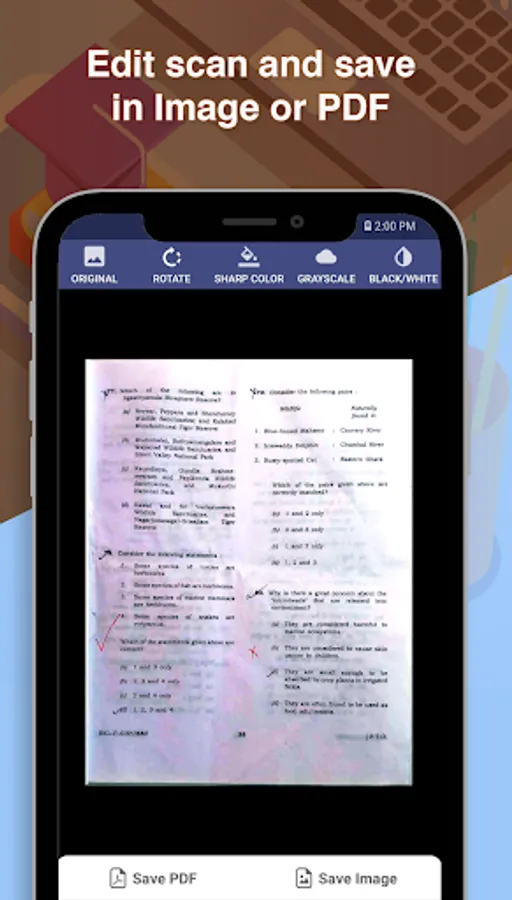
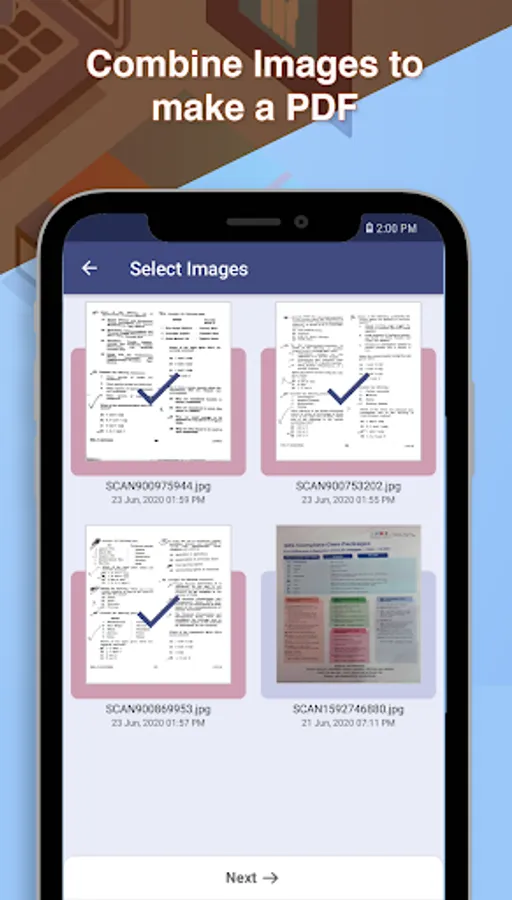
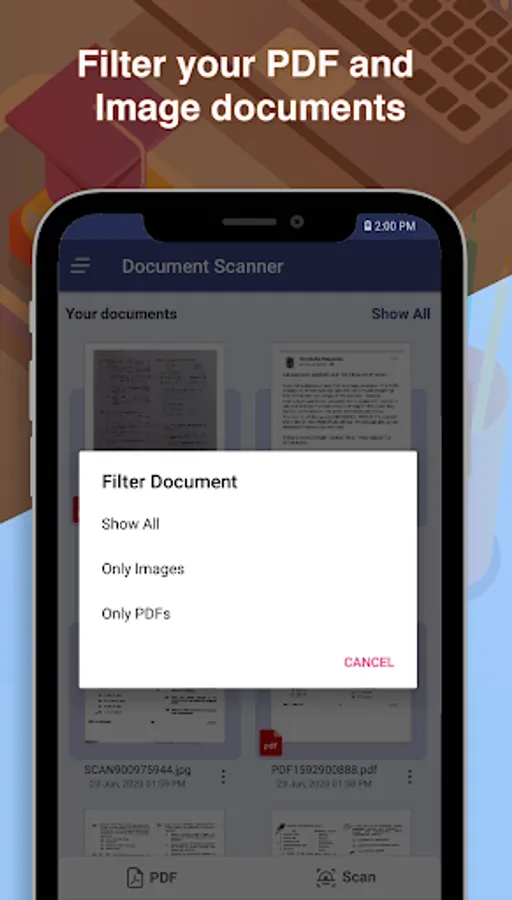
In this document scanner app, you can capture images from your camera or gallery, correct edges, and convert images into PDFs. Includes image editing options, folder organization, and sharing features.
AppRecs review analysis
AppRecs rating 3.7. Trustworthiness 67 out of 100. Review manipulation risk 39 out of 100. Based on a review sample analyzed.
★★★☆☆
3.7
AppRecs Rating
Ratings breakdown
5 star
41%
4 star
23%
3 star
12%
2 star
6%
1 star
18%
What to know
✓
Good user ratings
65% positive sampled reviews
✓
Authentic reviews
Natural distribution, no red flags
About Document Scanner - PDF Maker
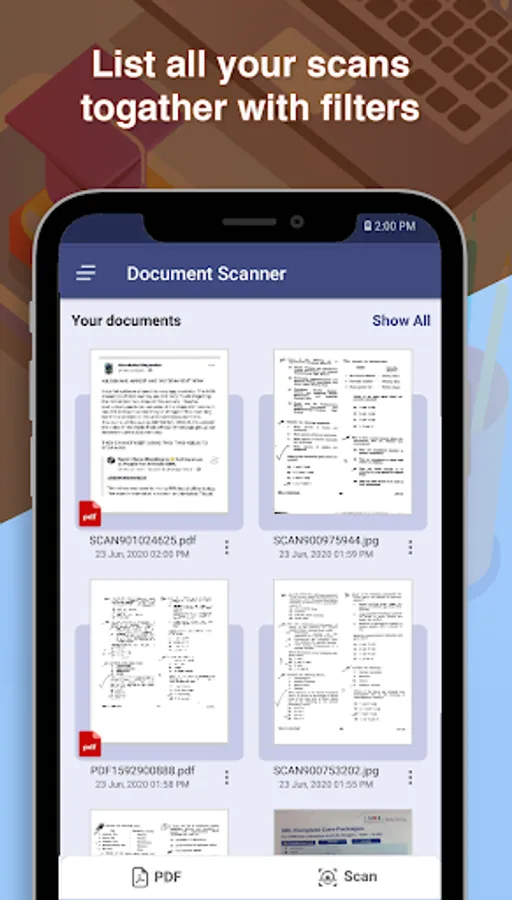
Using Document Scanner you can scan any type of document like photos, receipts, reports, bills, etc. The scan file can be converted in different scan modes that is Sharpen, Greyscale, and Black & White.
Document Scanner allows you to rotate the image after scanning the document.
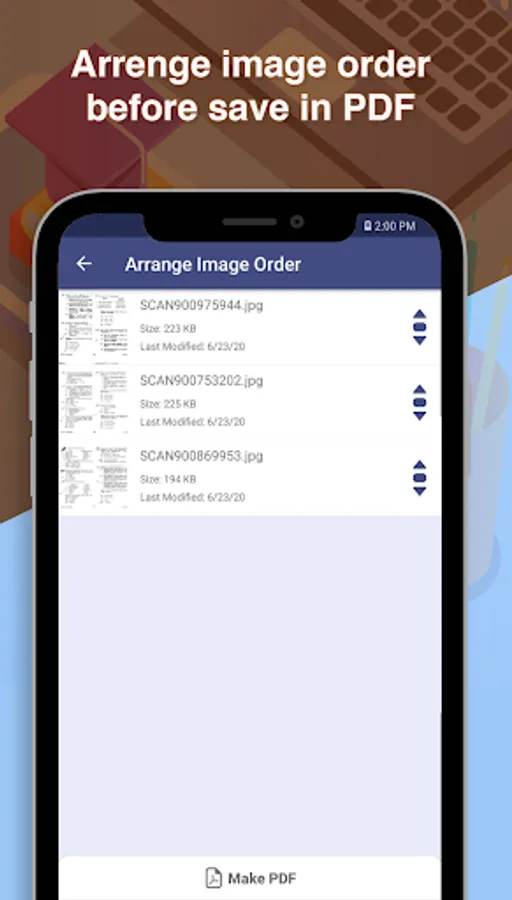
Document Scanner allows you to make PDF files form your scanned images. It also has rearrange image option to re-order images as your needs.
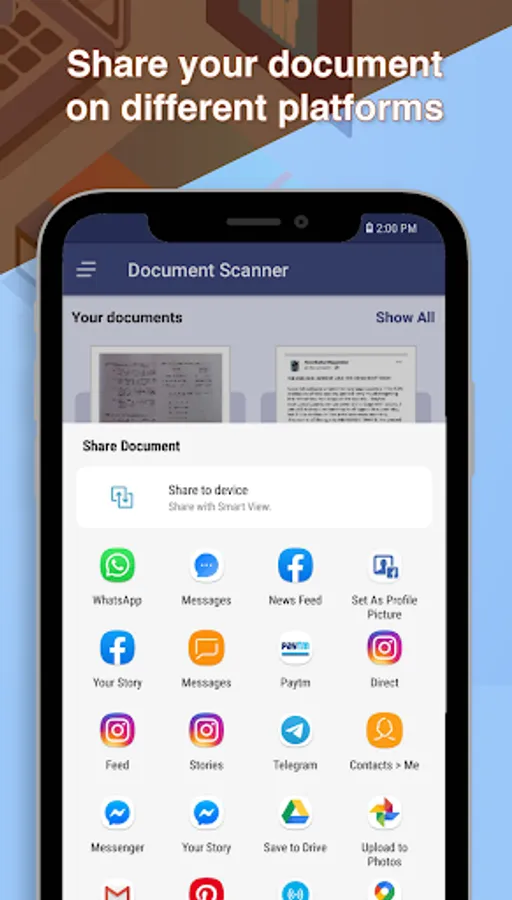
You can share your scanned document by this app on other platforms like-
- Google Drive etc
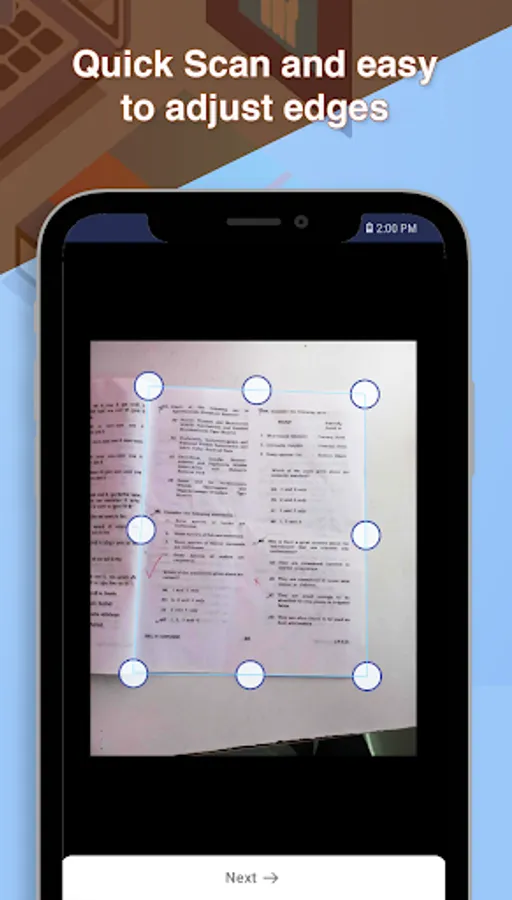
The Document Scanner app has the feature to capture images from any angle of the document and it scans and corrects the document image edges. So it is best for any situation of scanning.
The Document Scanner app provides an optimized file so that it can easily transfer on any platform using the internet.
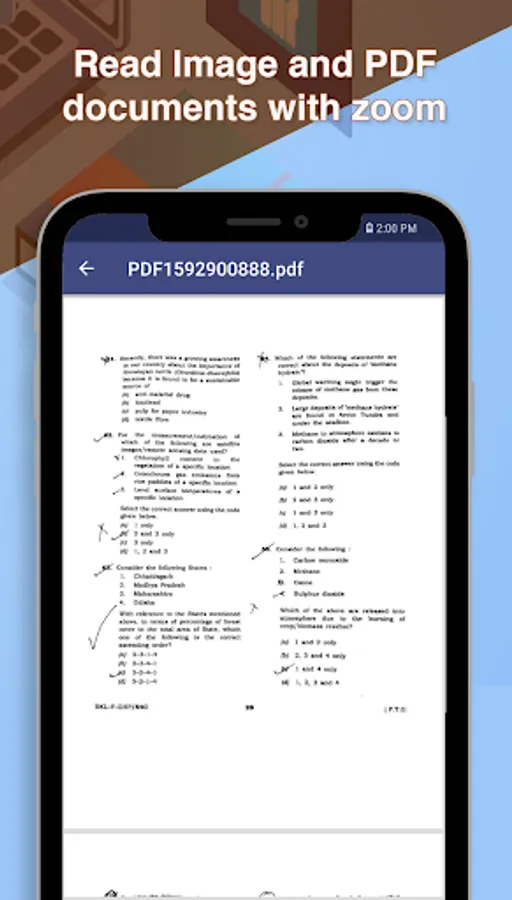
The Document Scanner app has a rich image viewer with zoom feature. So you can view any document at any size.
Other features:
-- Arrange documents in folders
-- Rename documents and folders
-- Download file in the Downloads folder
-- High-Quality Scan
-- Image rotation option on Scanner
-- PDF file create by scanned documents and Existing PDF
-- Rearrange images before creating PDF
-- Share PDF file
Document Scanner - PDF Maker Screenshots
Tap to Rate:
Reviews for Document Scanner - PDF Maker
pc olojo
1/17/2024
Excellent
Carey Clanton
9/1/2023
It's good but I wish there was a premium version with no ads for like 5-10$. Some of these ads are real devious and all are annoying. Edit 8/31/23: It seems now scanned documents cannot be retrieved. They are right there in the app but not in the folder. There is an option to move each one (at a time) to the scanner root folder but nothing happens when I tried it. Three files do not even show up anywhere on the device when doing a search. Very odd behavior. Sharing is only way to retrieve.