AppRecs review analysis
AppRecs rating . Trustworthiness 31 out of 100. Review manipulation risk 36 out of 100. Based on a review sample analyzed.
★
AppRecs Rating
Ratings breakdown
5 star
100%
4 star
0%
3 star
0%
2 star
0%
1 star
0%
What to know
⚠
Questionable review trustworthiness
31% trustworthiness - reviews show concerning patterns
⚠
Unusually uniform ratings
100% of sampled ratings are 5 stars with very little variation
About QR Code Scanner
QR Code Scanner is a very useful tool to scan QR code and view result. QR Code Scanner have advance auto QR parsing capabilities and provides an appropriate action against QR Code.
Main Features of QR Code Scanner App:
- One touch QR code scan
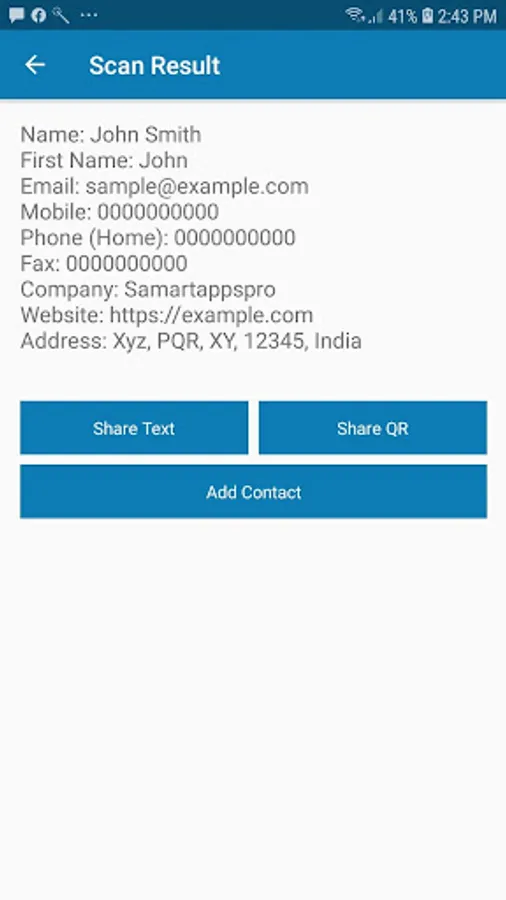
- Call/SMS/Open Geo Location, Map, Add Contact etc actions available based on QR code
- Flash Light for low light scanning
- Regenerate QR code of scanned QR code
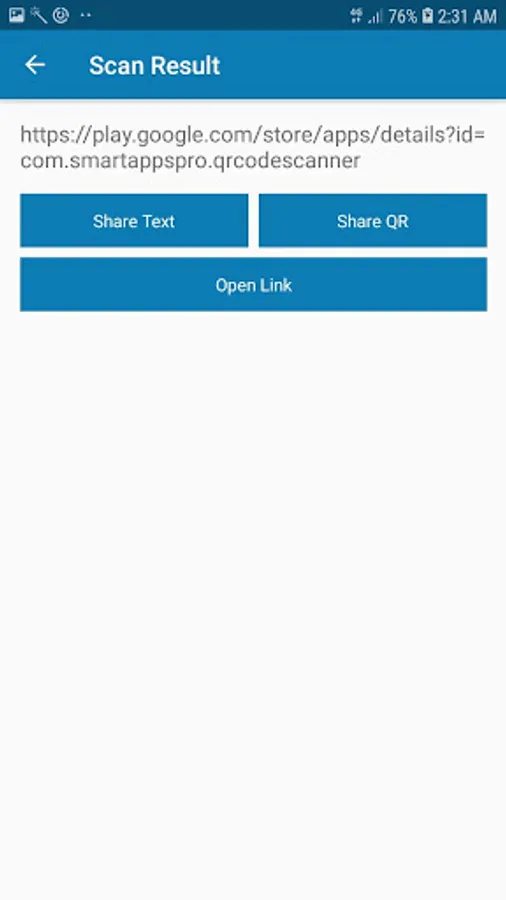
- Share result in text format
- Share QR code image
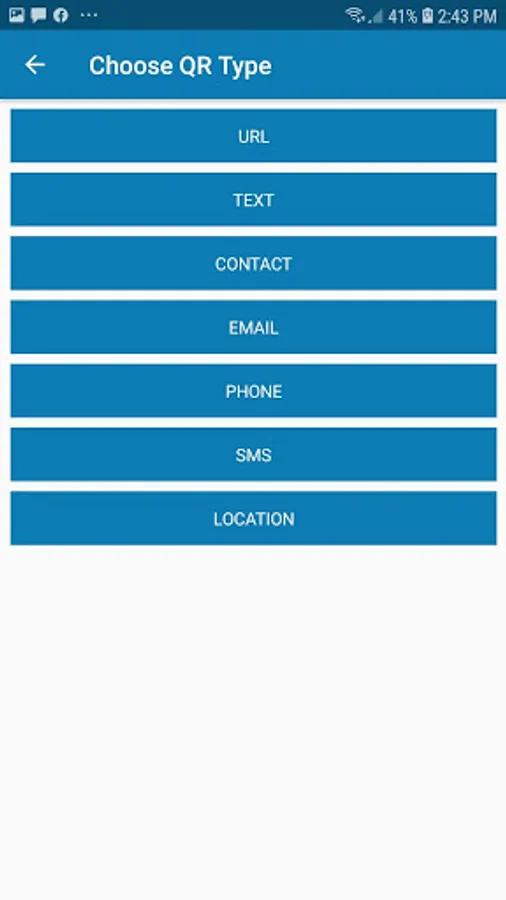
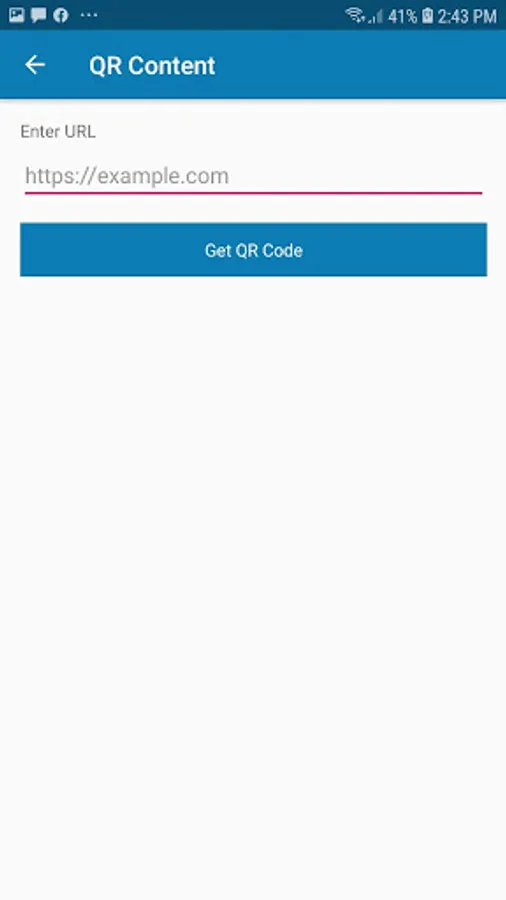
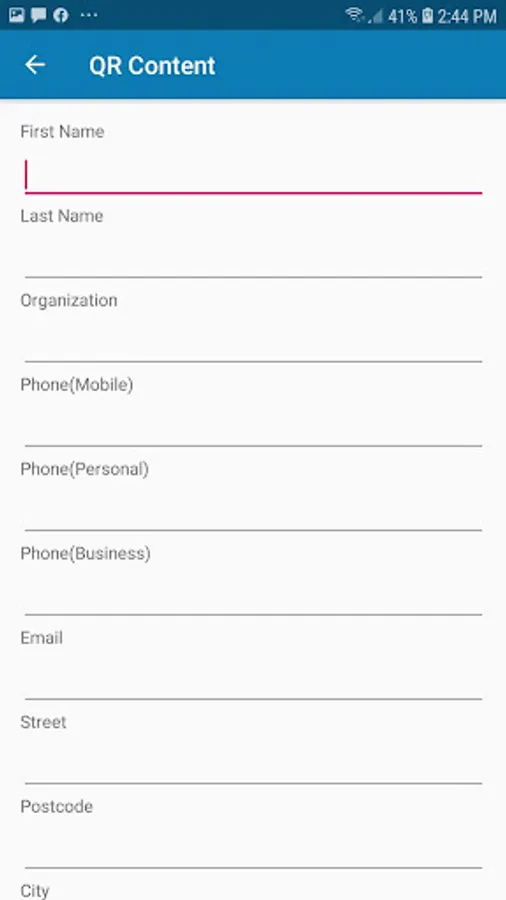
- Create QR code for URL, TEXT, CONTACT, EMAIL, PHONE, SMS, LOCATION etc
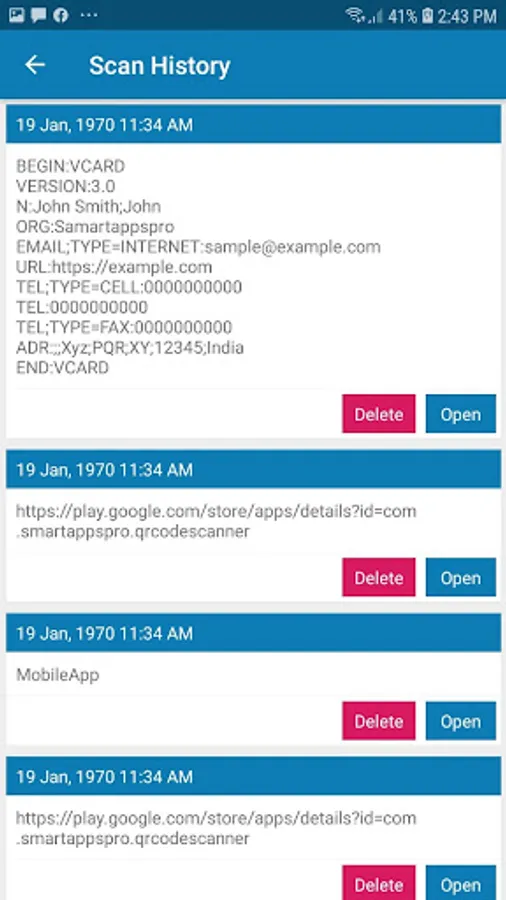
- View history of all scanned QR code
Procedure to scan QR code:
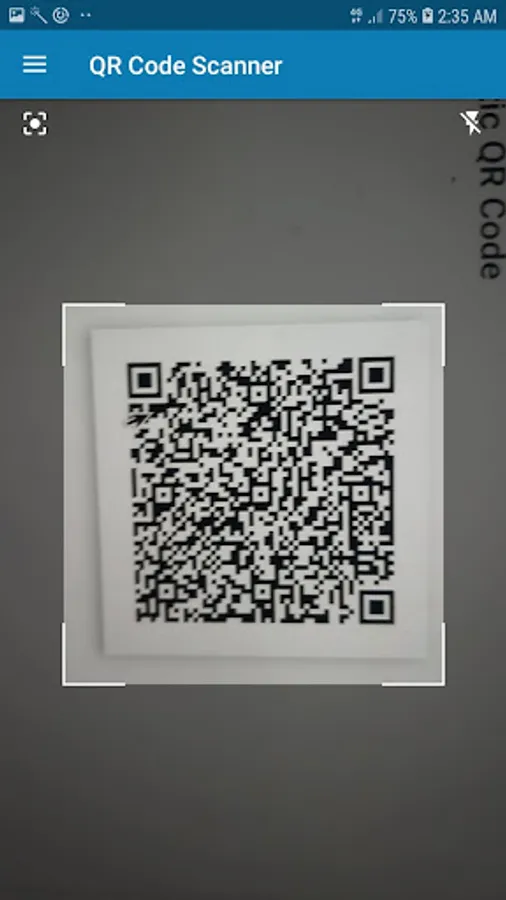
Open QR Code Scanner app, you will see the square share guideline for QR code. Move camera to put QR code inside square shape guideline. QR Code Scanner will automatically scan QR code and will show result of QR code.
Main Features of QR Code Scanner App:
- One touch QR code scan
- Call/SMS/Open Geo Location, Map, Add Contact etc actions available based on QR code
- Flash Light for low light scanning
- Regenerate QR code of scanned QR code
- Share result in text format
- Share QR code image
- Create QR code for URL, TEXT, CONTACT, EMAIL, PHONE, SMS, LOCATION etc
- View history of all scanned QR code
Procedure to scan QR code:
Open QR Code Scanner app, you will see the square share guideline for QR code. Move camera to put QR code inside square shape guideline. QR Code Scanner will automatically scan QR code and will show result of QR code.
QR Code Scanner Screenshots

Tap to Rate:
Reviews for QR Code Scanner
A Google user
1/19/2020
Easy to get QR informations
A Google user
1/14/2020
Good app for qr code scanning.