Maps Explorer: old maps
MDevs.
3.4 ★
store rating
100,000+
downloads
Free
+ in-app
With this mapping app, you can overlay old maps on modern maps, adjust transparency, and switch between map fragments. Includes tools for measuring distances, analyzing relief, and importing or exporting map data.
AppRecs review analysis
AppRecs rating 3.7. Trustworthiness 82 out of 100. Review manipulation risk 17 out of 100. Based on a review sample analyzed.
★★★☆☆
3.7
AppRecs Rating
Ratings breakdown
5 star
54%
4 star
4%
3 star
4%
2 star
0%
1 star
38%
What to know
✓
Low review manipulation risk
17% review manipulation risk
✓
Credible reviews
82% trustworthiness score from analyzed reviews
⚠
High negative review ratio
38% of sampled ratings are 1–2 stars
About Maps Explorer: old maps
It often happens that you have old historical maps, but when comparing them with a modern map, difficulties arise. Settlements grow or disappear altogether, roads change and it becomes difficult to determine where that farm or the lord's house was. It is to solve this problem that we created the Maps Explorer application.
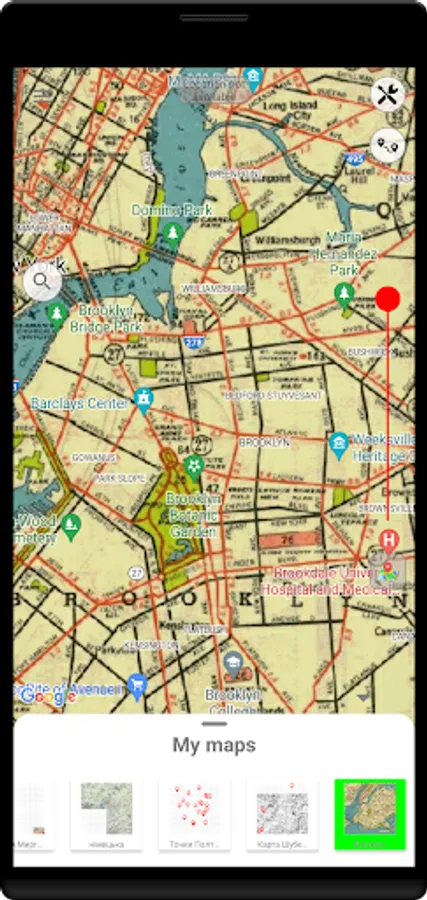
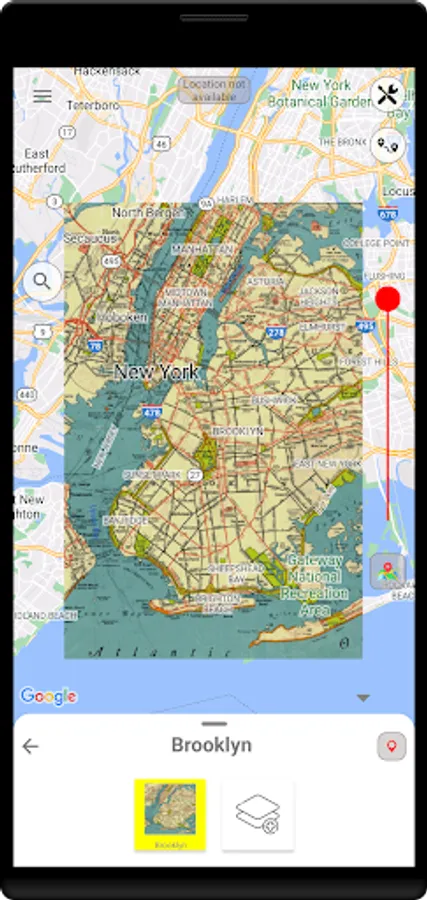
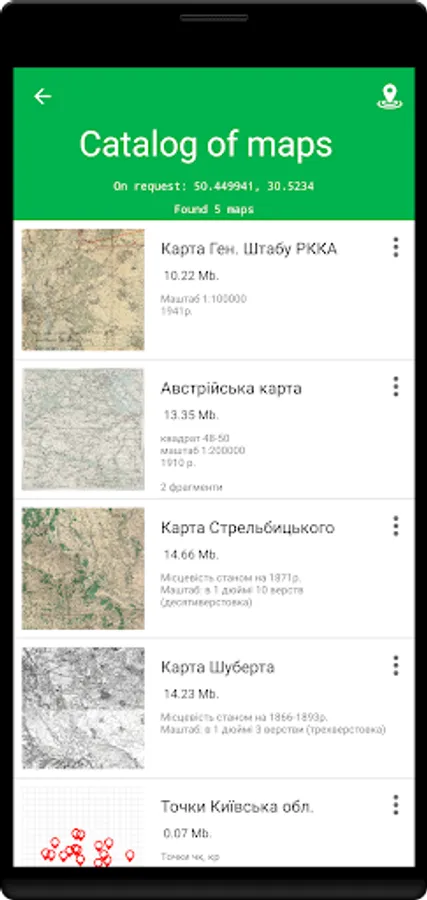
The Maps Explorer application allows you to attach any picture (map) to the area. That is, overlay an image on a Google map. In addition, there can be many such pictures. Thus, it is possible to "sew" several fragments of maps on the territory. These may be Soviet maps Gen. Red Army headquarters, Schubert maps, Polish and German maps, Mende maps, Strelbitsky maps, etc. After binding, it will be possible to change the transparency and adjust the position of the desired fragments. The application also allows you to quickly switch between map fragments and find differences in maps of different time periods.
Also the Maps Explorer app has many other tools. One of which is the transverse profile of the relief on a certain segment. You can compare the slopes of different ravines, slopes, etc. This and other features of the application will be very useful when analyzing the area and finding interesting places.
Main functions:
- imposition of ancient maps on a modern map;
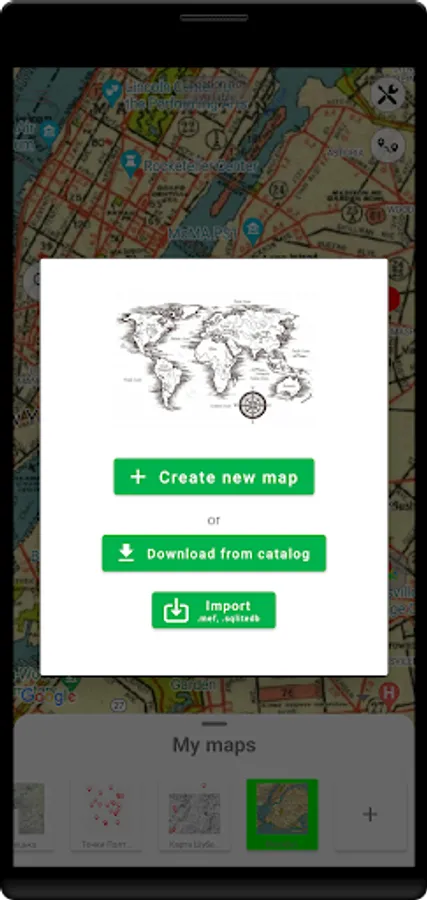
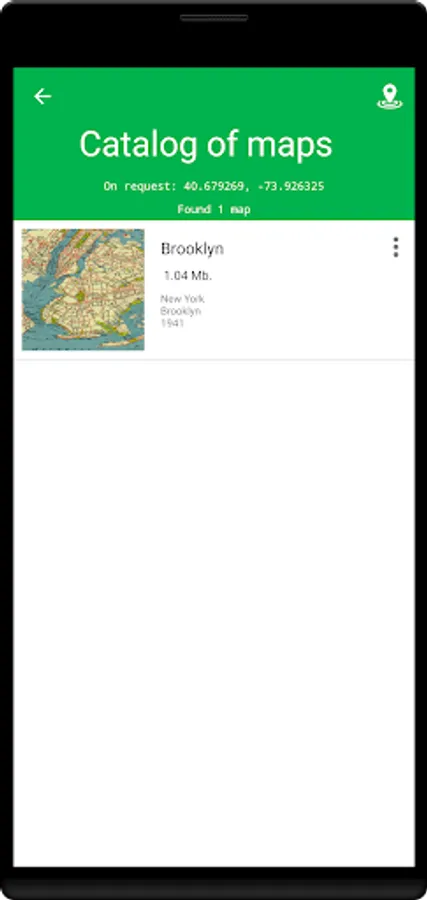
- loading of ready linked online maps;
- import/export of .sqlitedb maps;
- import/export of created maps (.mef files);
- import/export of .kml and .wpt files;
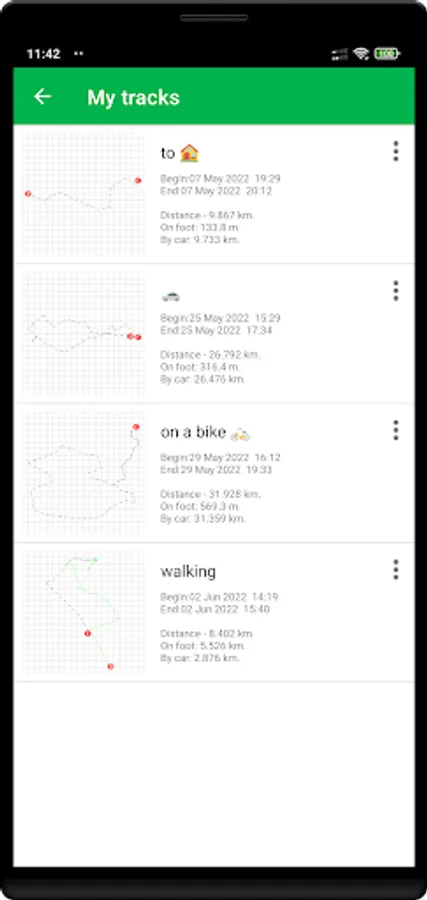
- recording GPS tracks;
- measurement of distance and area;
- transverse relief profile;
- search on the map;
- various background maps;
The application has a "Help" section, which provides instructions on how to use the application, recommendations for binding and a list of resources for finding the right cards. If you encounter any difficulties, you can contact the support service.
The Maps Explorer application allows you to attach any picture (map) to the area. That is, overlay an image on a Google map. In addition, there can be many such pictures. Thus, it is possible to "sew" several fragments of maps on the territory. These may be Soviet maps Gen. Red Army headquarters, Schubert maps, Polish and German maps, Mende maps, Strelbitsky maps, etc. After binding, it will be possible to change the transparency and adjust the position of the desired fragments. The application also allows you to quickly switch between map fragments and find differences in maps of different time periods.
Also the Maps Explorer app has many other tools. One of which is the transverse profile of the relief on a certain segment. You can compare the slopes of different ravines, slopes, etc. This and other features of the application will be very useful when analyzing the area and finding interesting places.
Main functions:
- imposition of ancient maps on a modern map;
- loading of ready linked online maps;
- import/export of .sqlitedb maps;
- import/export of created maps (.mef files);
- import/export of .kml and .wpt files;
- recording GPS tracks;
- measurement of distance and area;
- transverse relief profile;
- search on the map;
- various background maps;
The application has a "Help" section, which provides instructions on how to use the application, recommendations for binding and a list of resources for finding the right cards. If you encounter any difficulties, you can contact the support service.