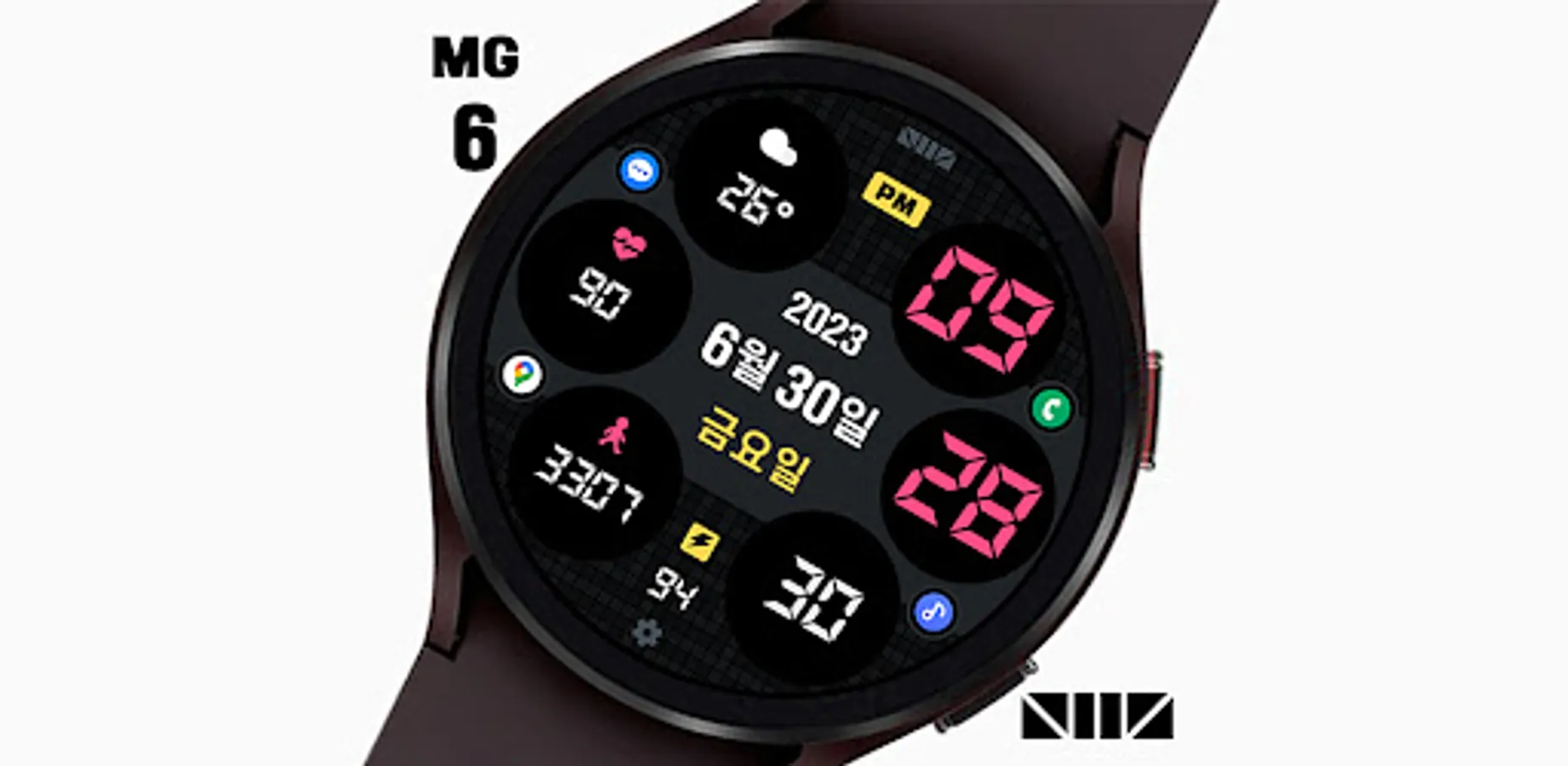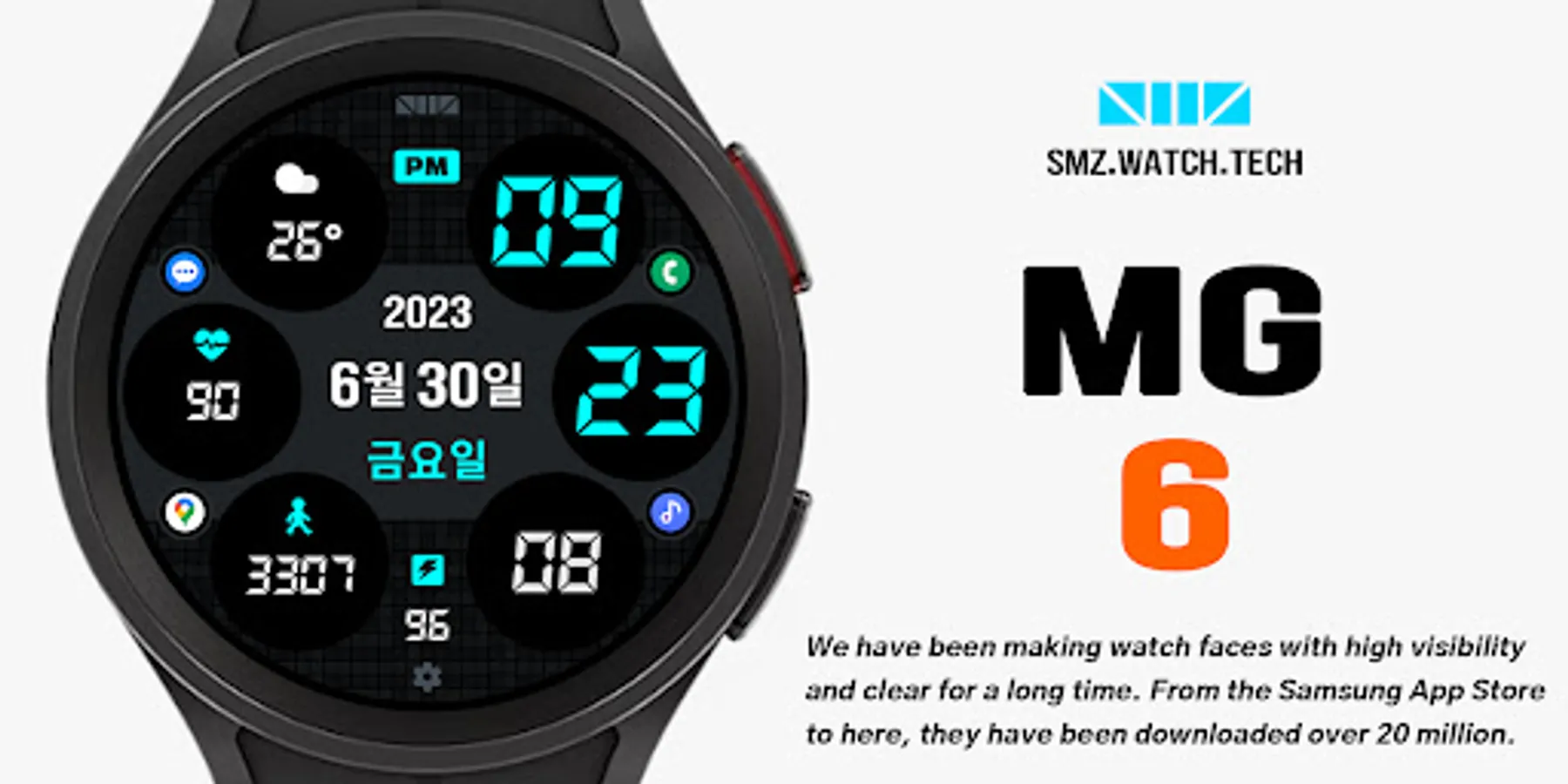
SMZ MG6
SMZ™
1,000+
downloads
Free
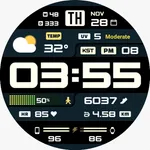
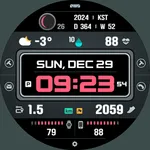
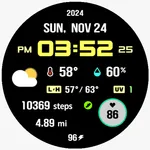
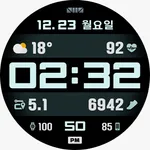
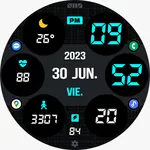
About SMZ MG6
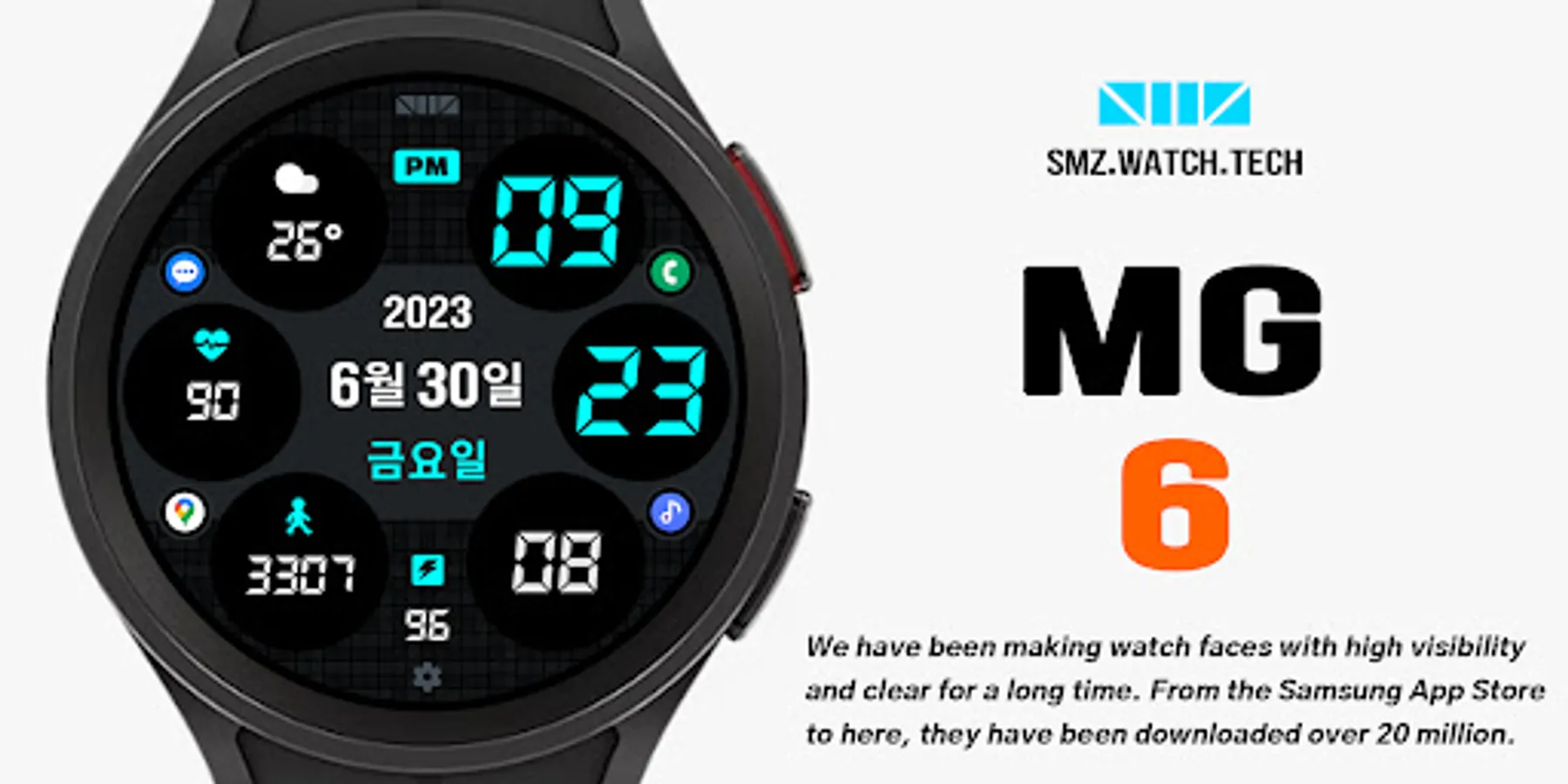
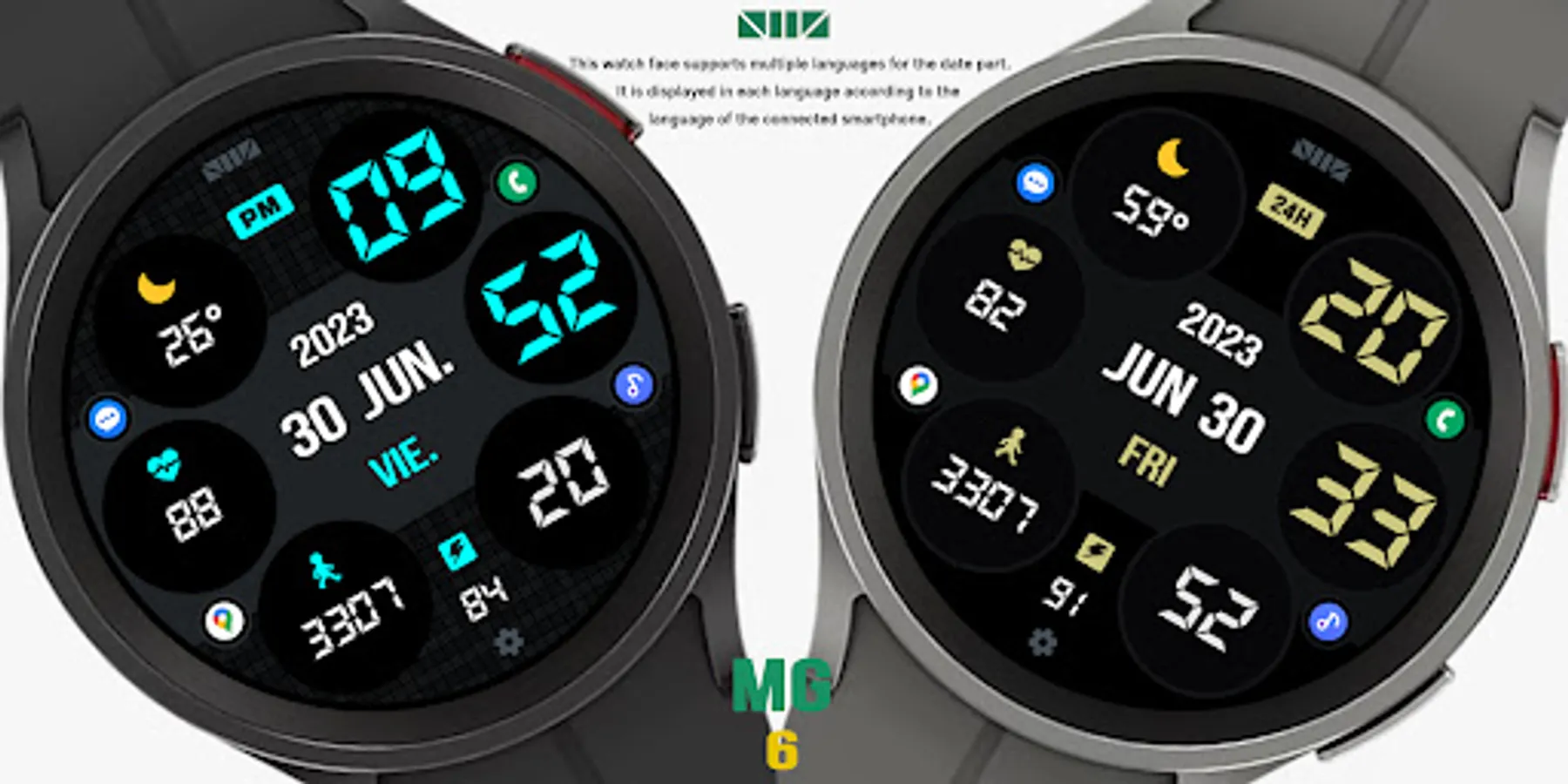
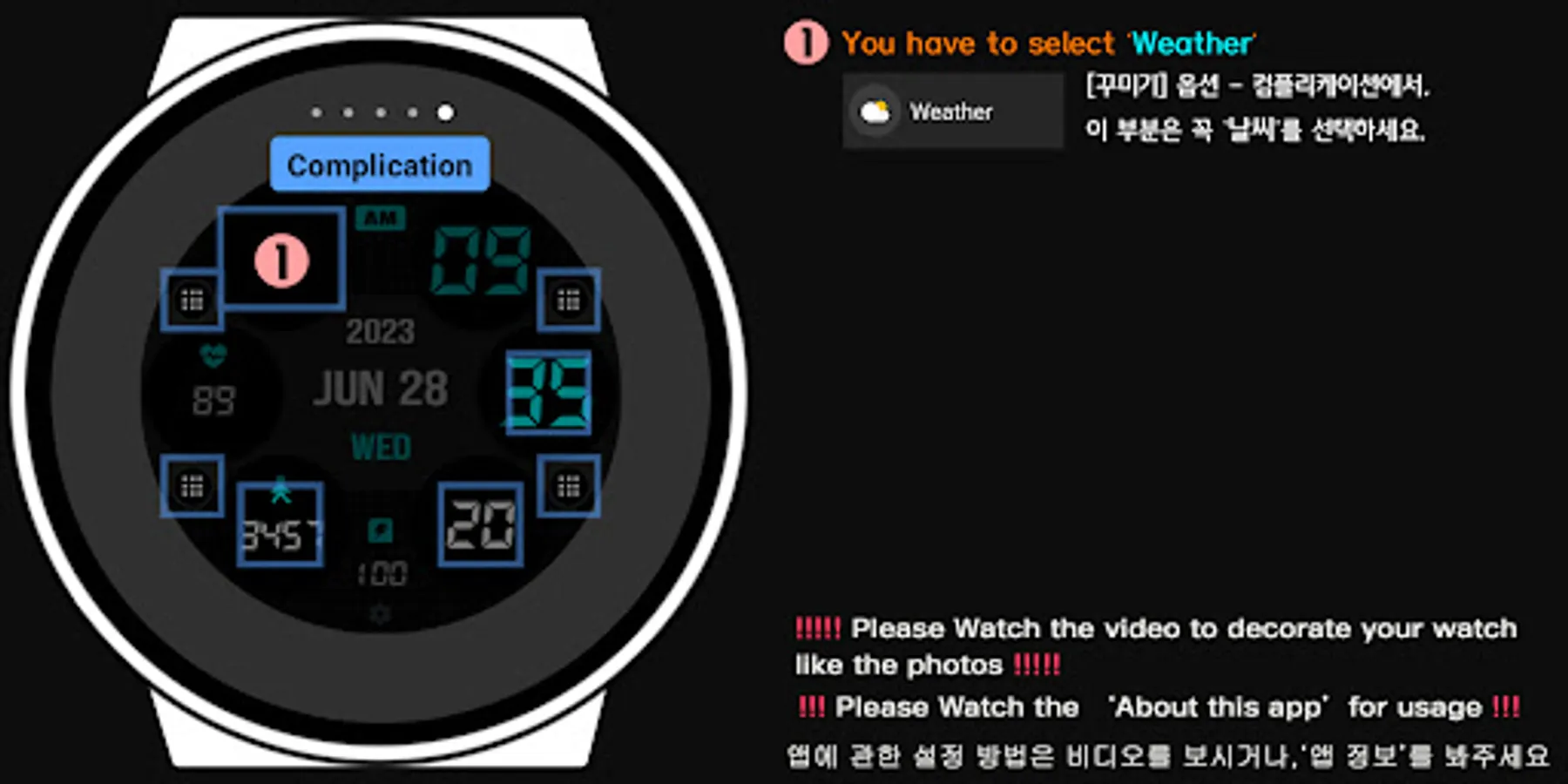
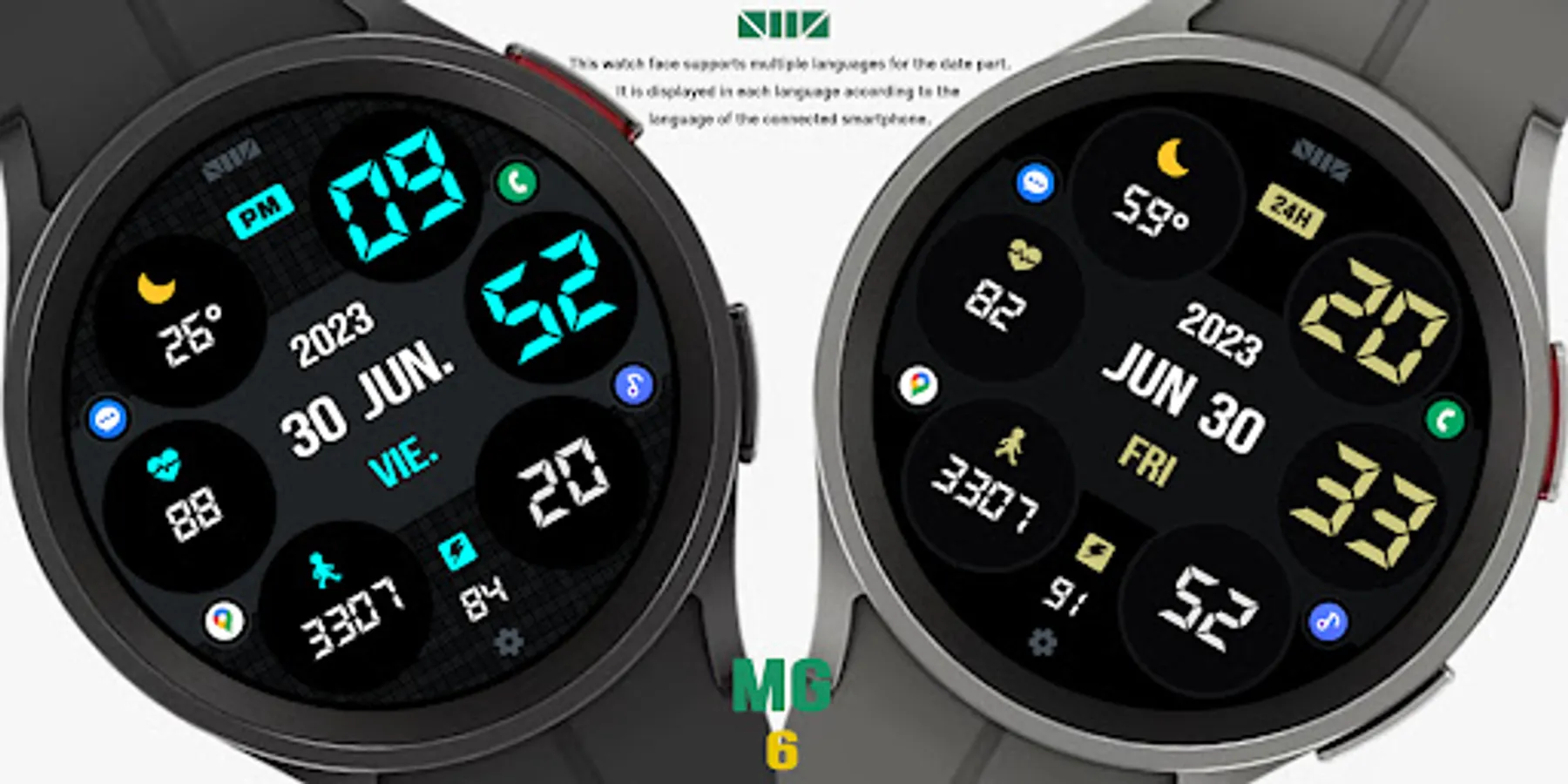
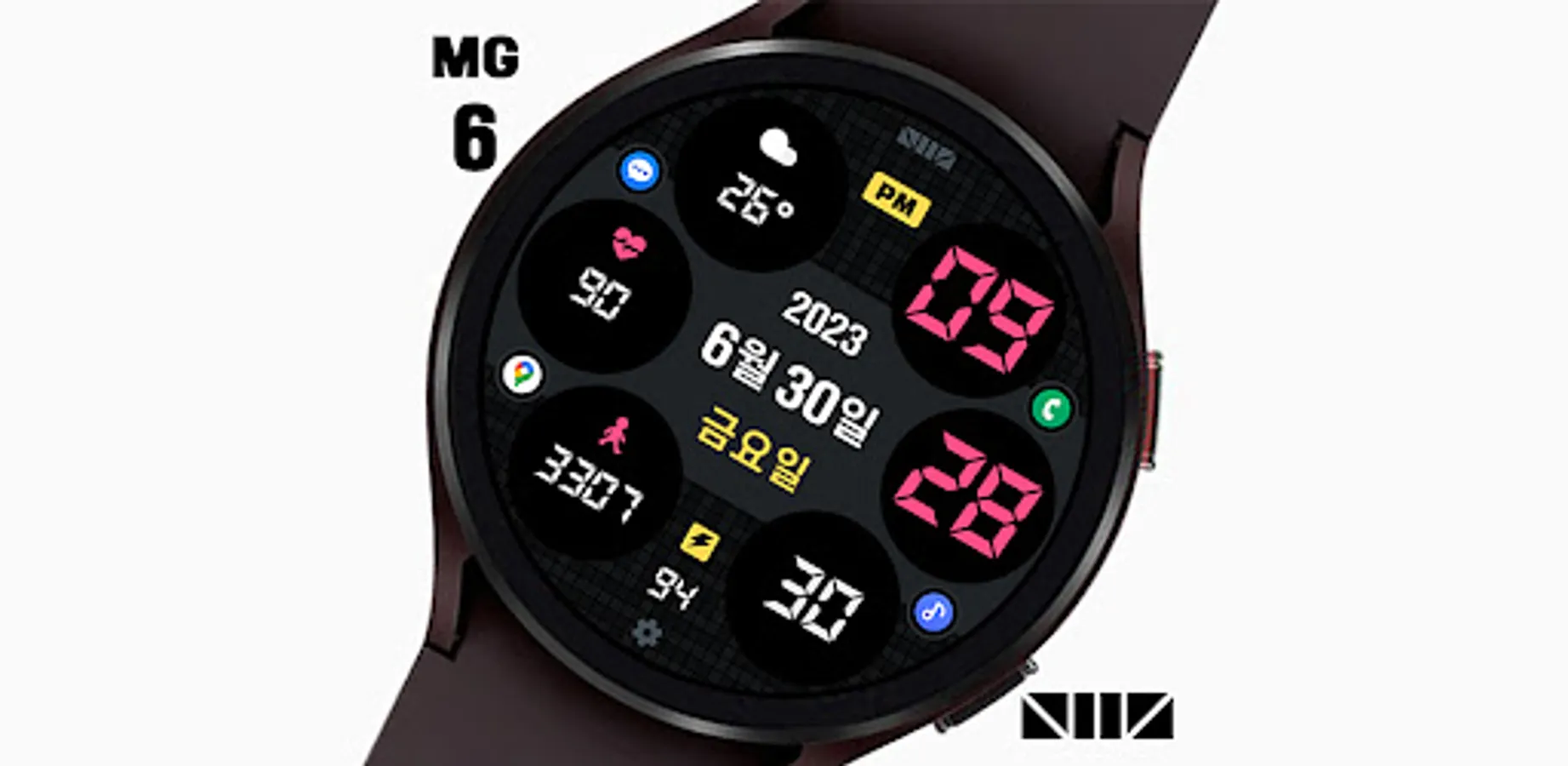
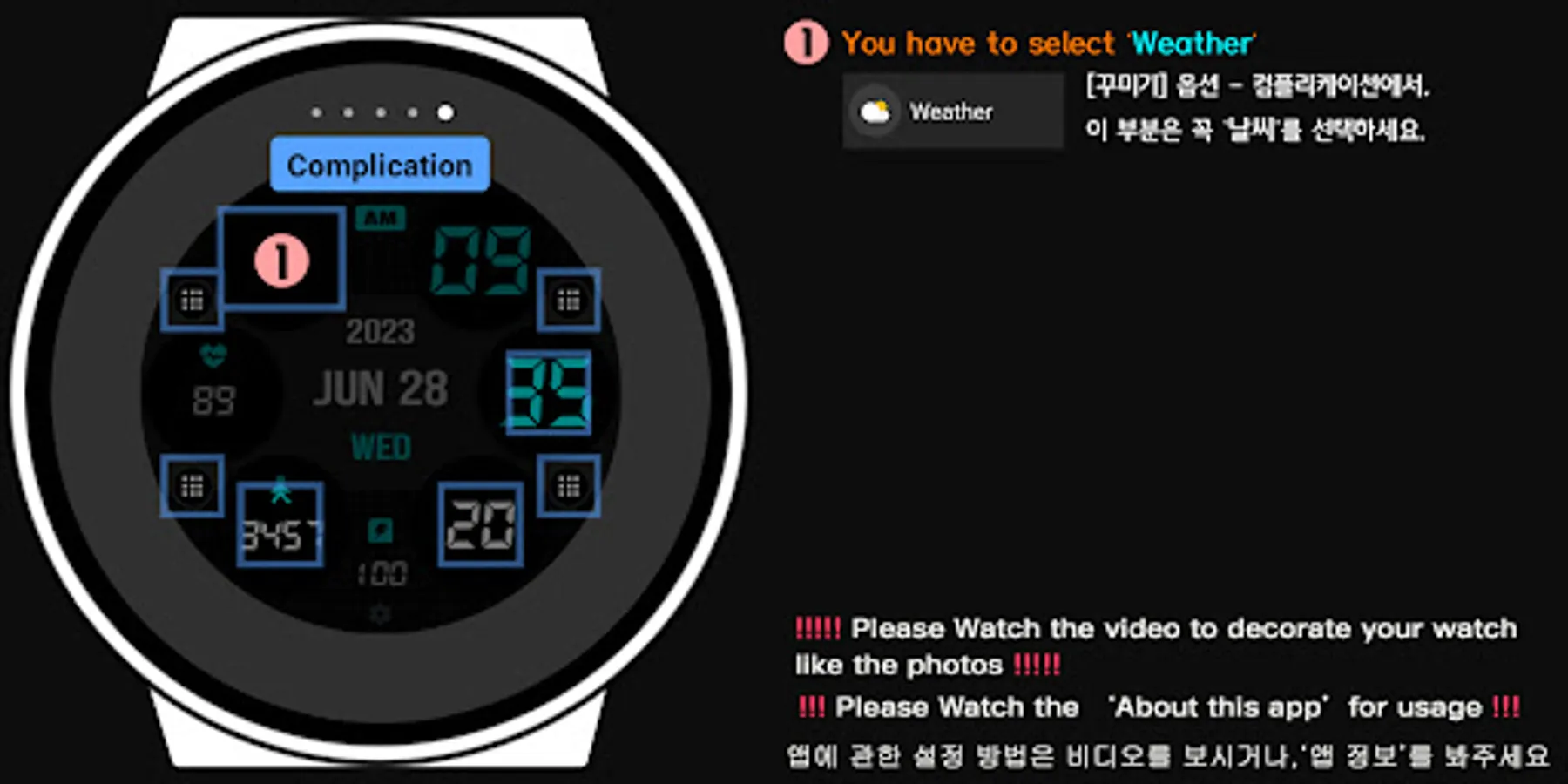
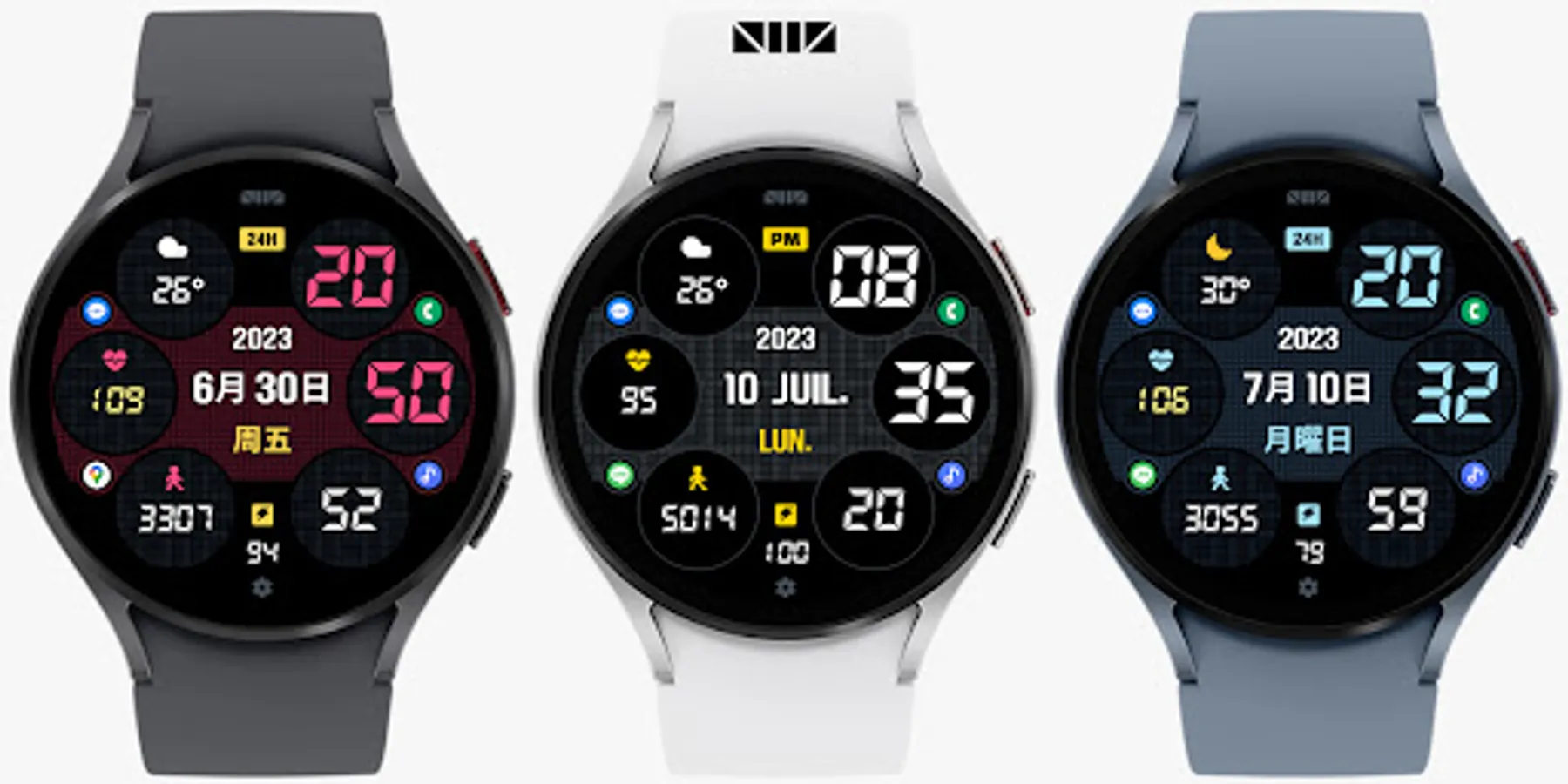
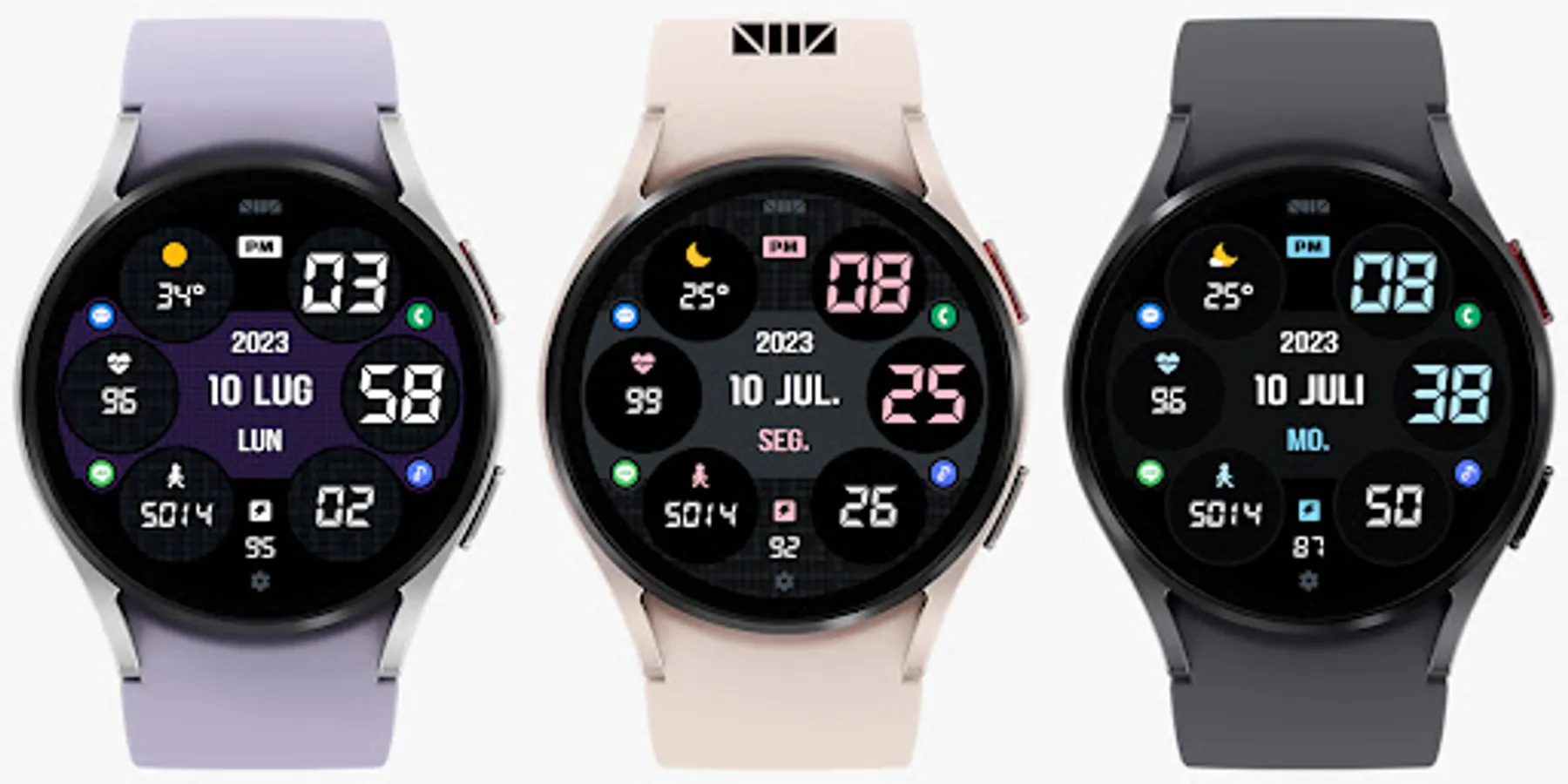
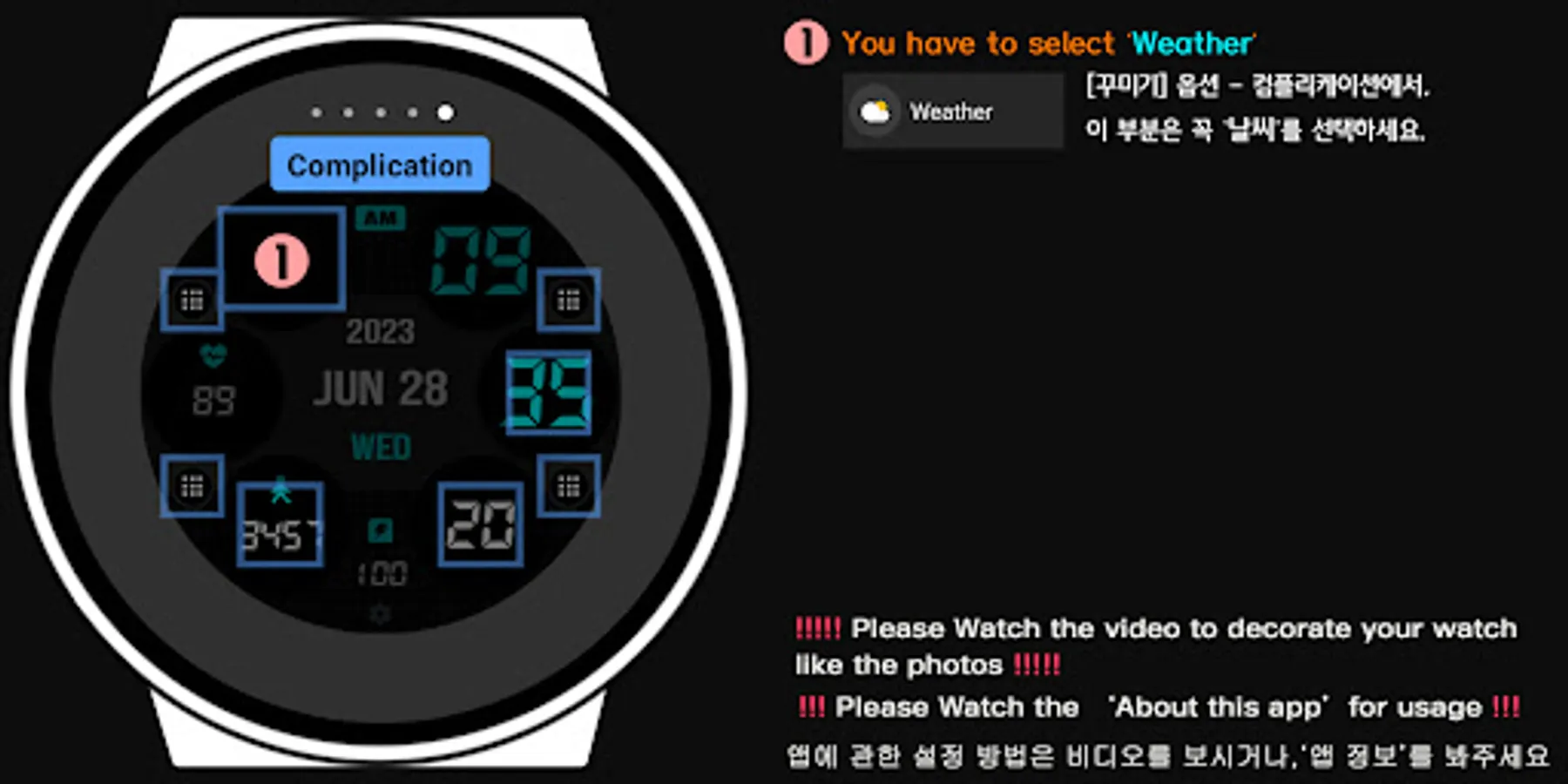
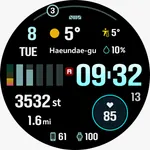
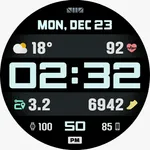
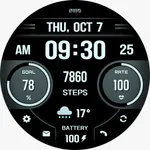
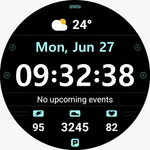
★The shortcut icon shown in the registration information photo can be selected from the complications.★
[How to use 24-hour format]
If you want to change the time format, you can set it in the path below on the phone connected to the watch.
*The connected phone - Settings - General management - Date and time - Use 24-hour format.
If checked, the watch will also be in 24-hour format, and if unchecked, the watch will be in 12-hour format.
[The DARKNESS of the AOD screen]
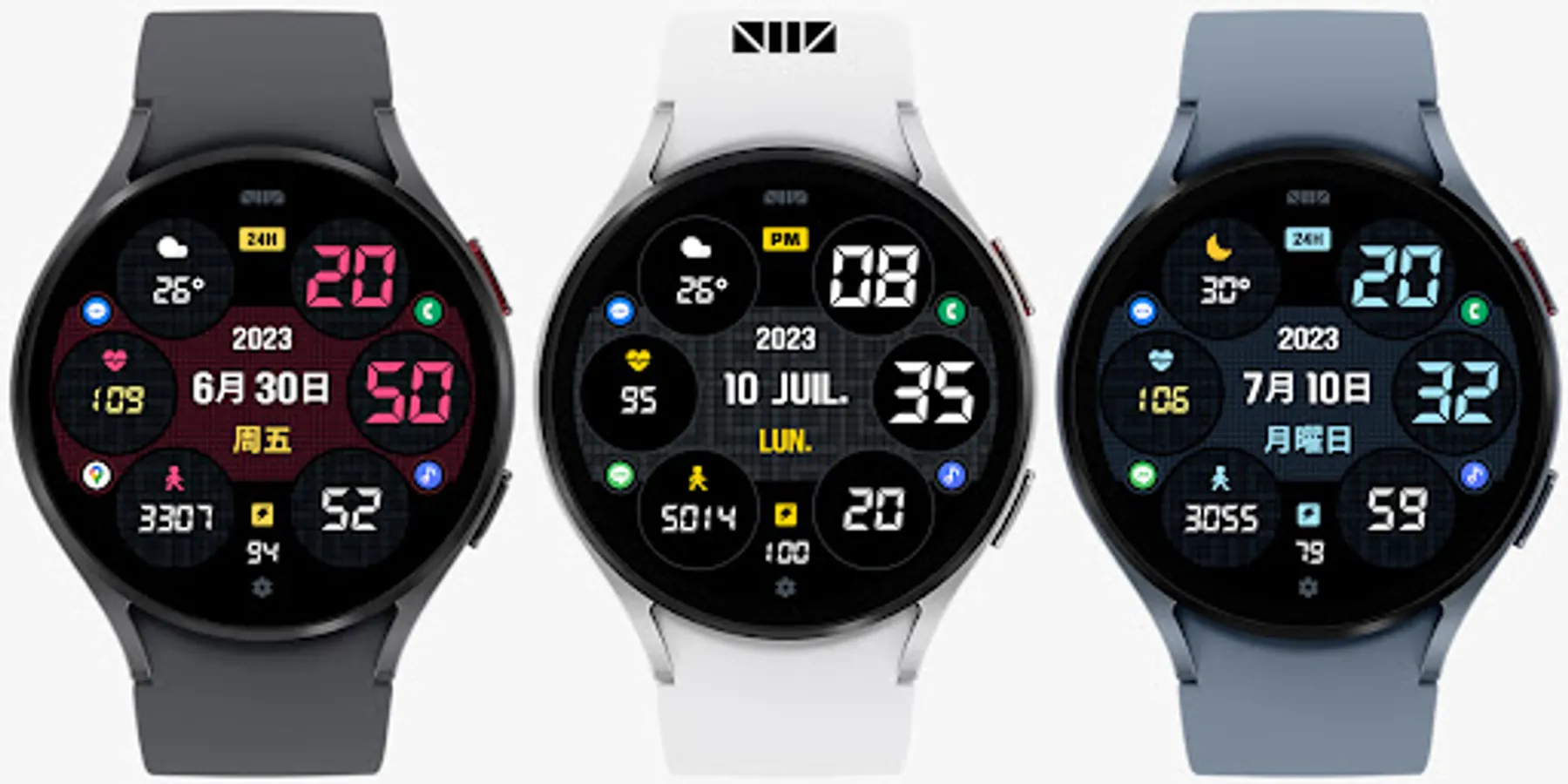
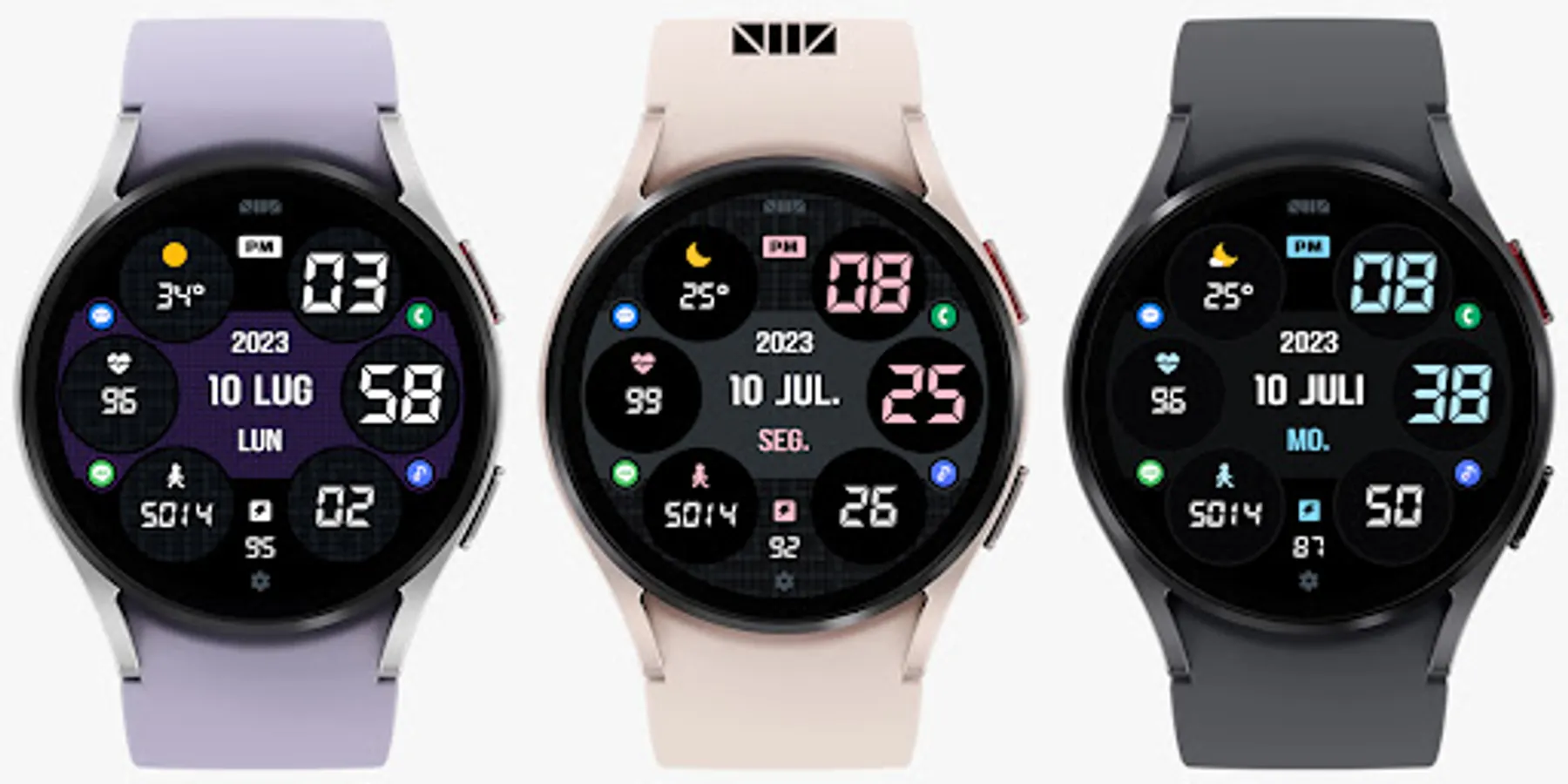
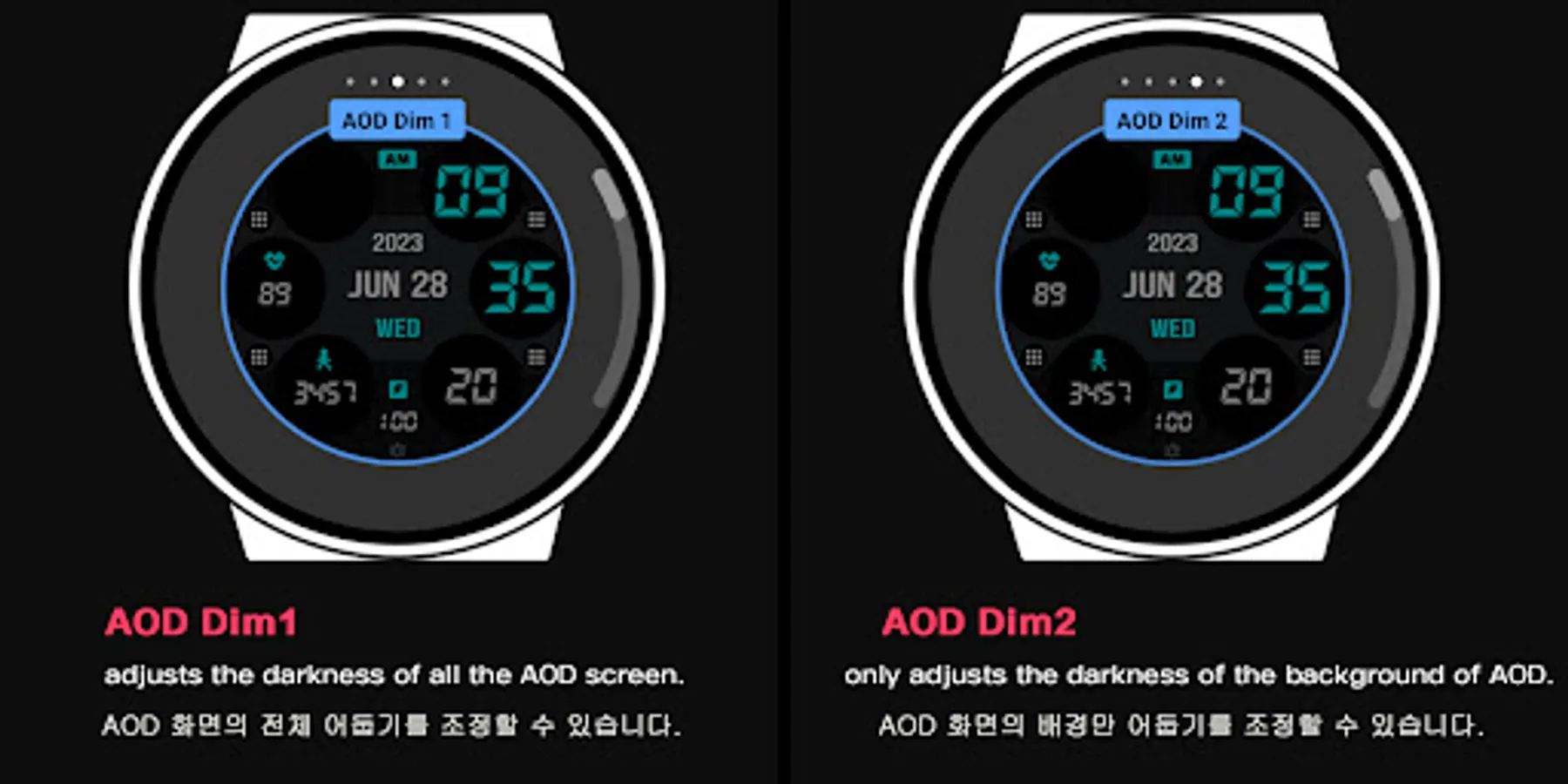
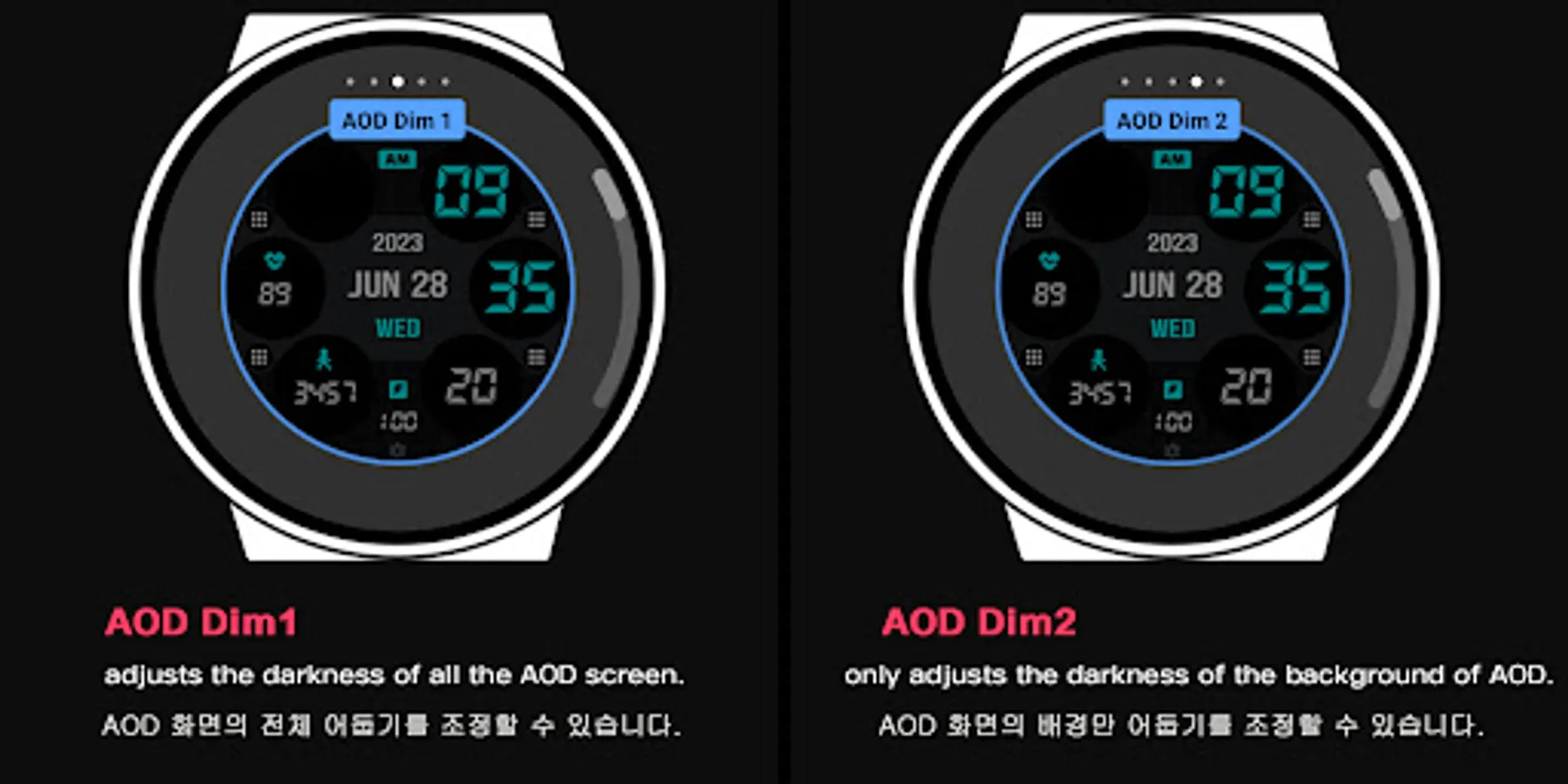
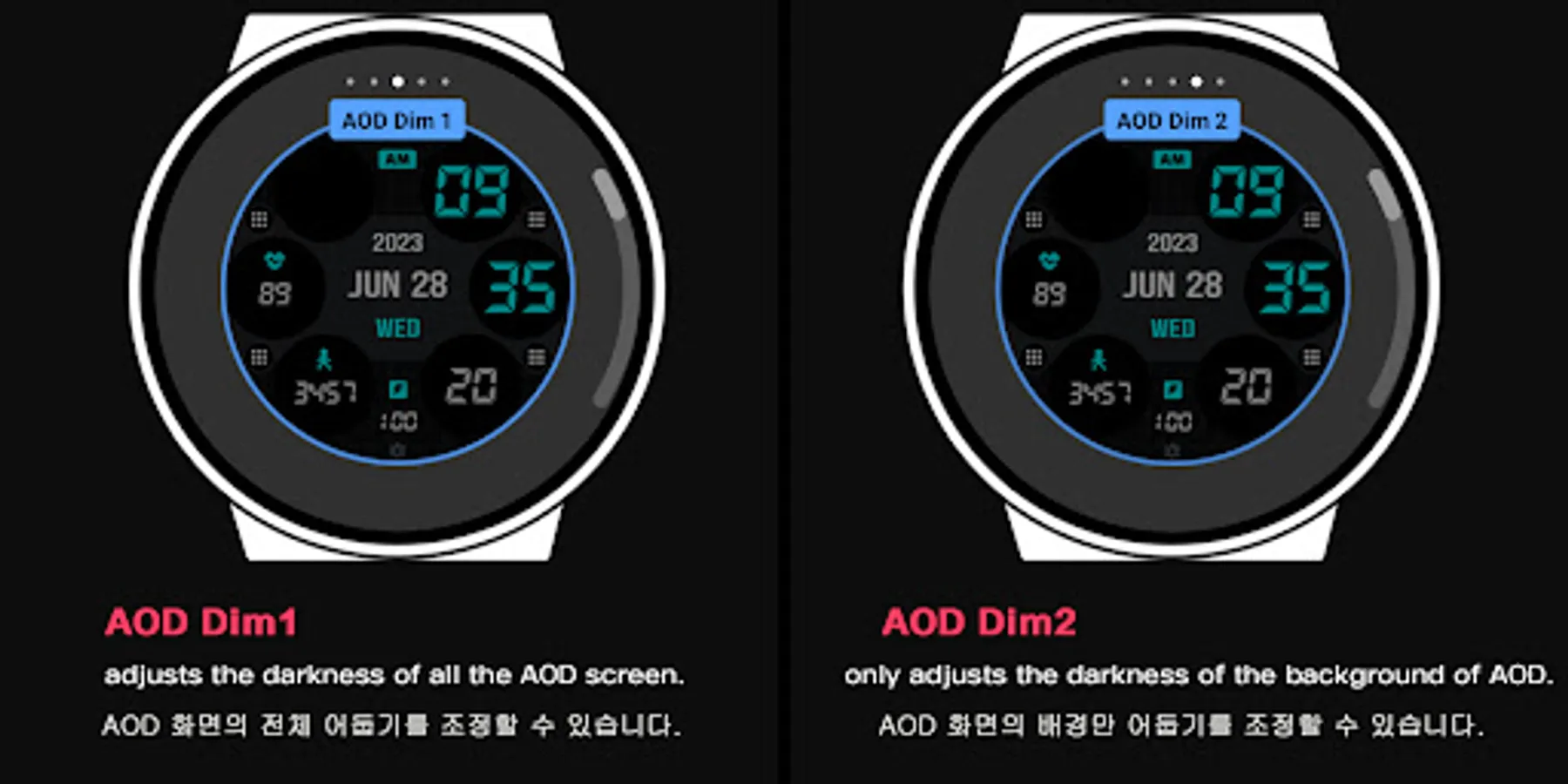
In the Customize section, 'AOD Dim1' adjusts the darkness of all the AOD screen. And 'AOD Dim2' only adjusts the darkness of the background of AOD screen.
[CUSTOMIZE]
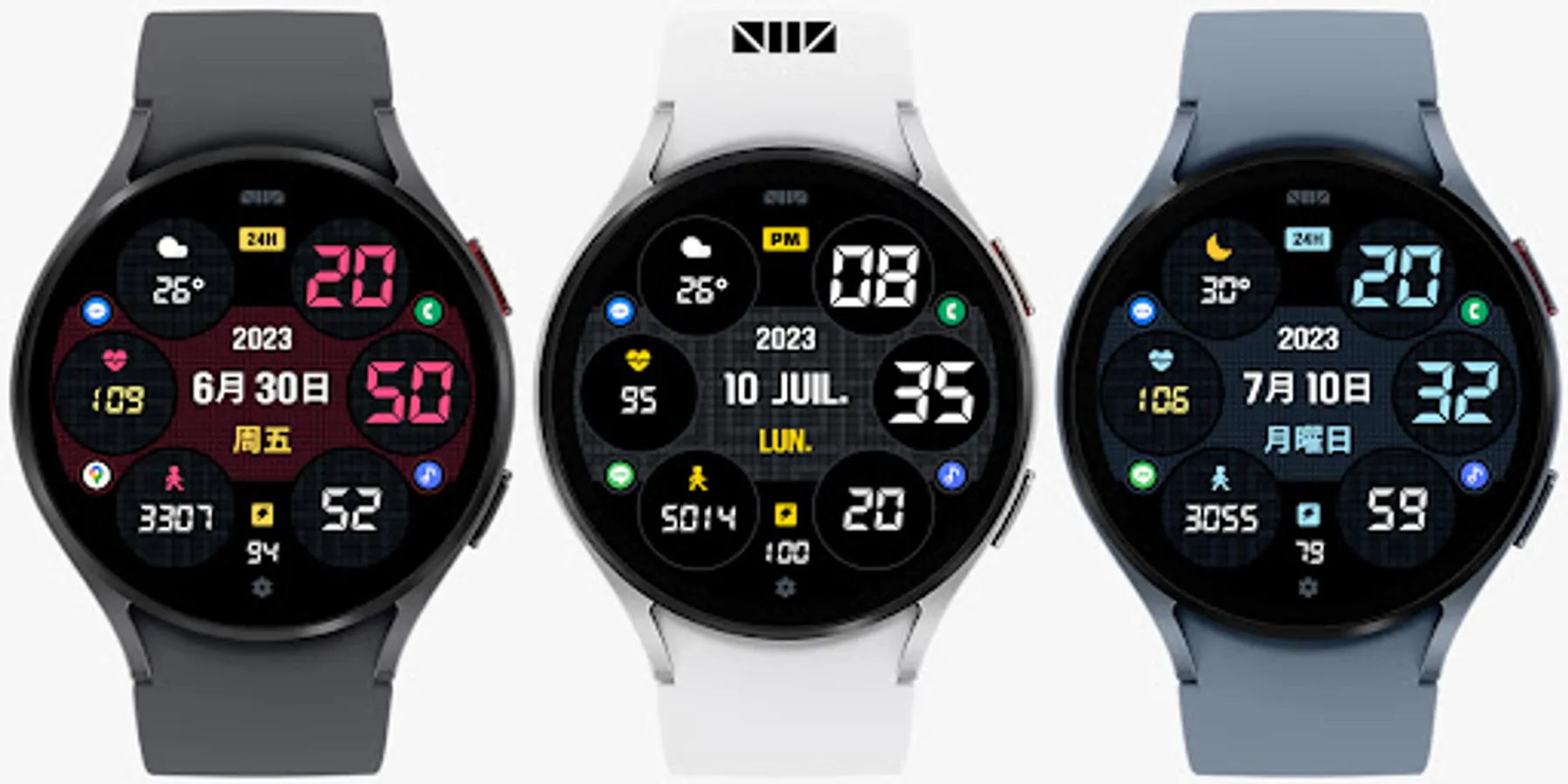
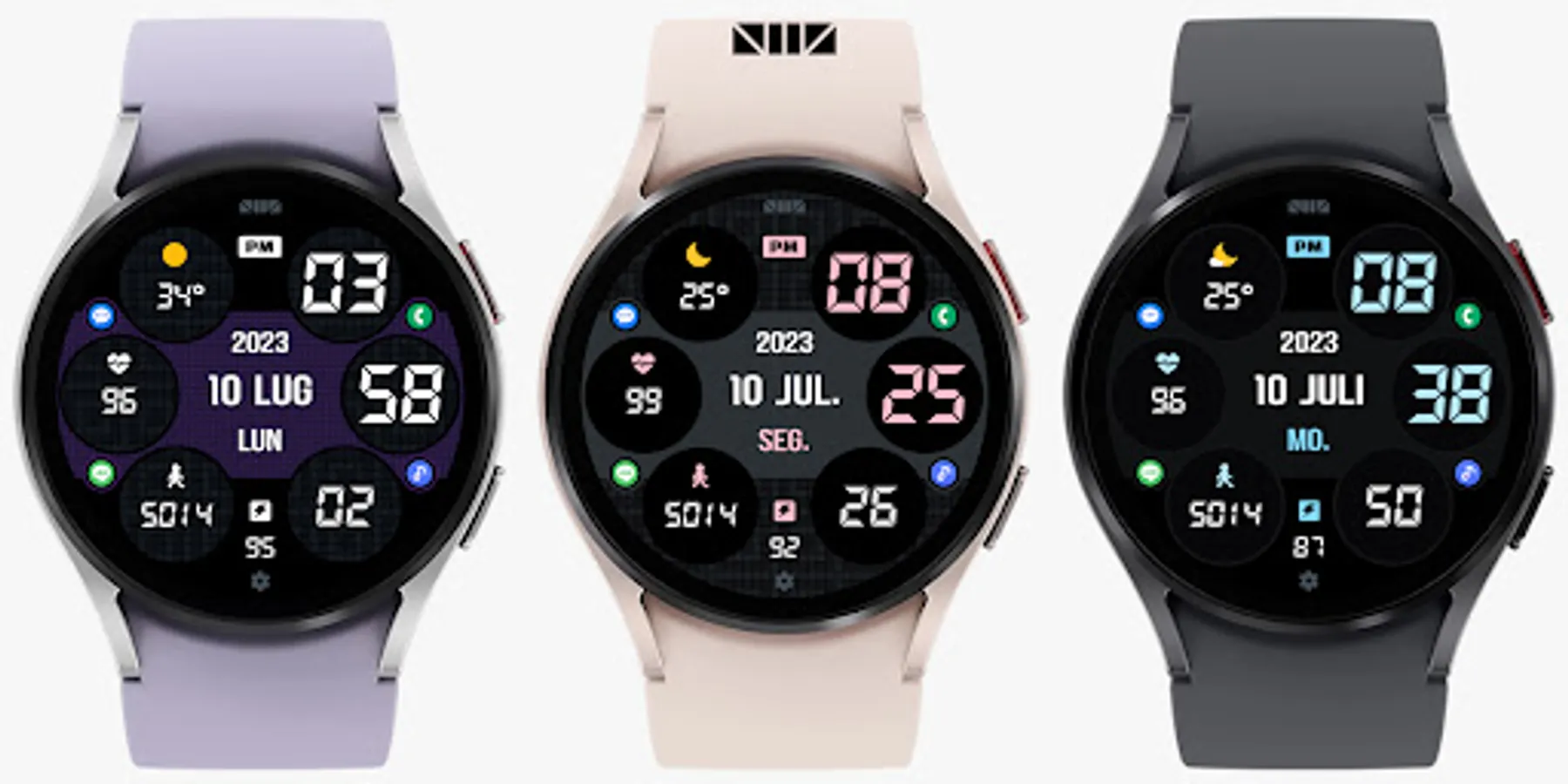
For customization of watchface, touch and hold the screen and touch on [Coustomize] button.
[SMZ Instagram]
http://www.instagram.com/smz.watch.tech
[SMZ Facebook]
https://www.facebook.com/smz.watchface
[SMZ Homepage]
https://www.smzwatch.com
[E-mail is always welcome]
smz.watch.tech@gmail.com
[How to use 24-hour format]
If you want to change the time format, you can set it in the path below on the phone connected to the watch.
*The connected phone - Settings - General management - Date and time - Use 24-hour format.
If checked, the watch will also be in 24-hour format, and if unchecked, the watch will be in 12-hour format.
[The DARKNESS of the AOD screen]
In the Customize section, 'AOD Dim1' adjusts the darkness of all the AOD screen. And 'AOD Dim2' only adjusts the darkness of the background of AOD screen.
[CUSTOMIZE]
For customization of watchface, touch and hold the screen and touch on [Coustomize] button.
[SMZ Instagram]
http://www.instagram.com/smz.watch.tech
[SMZ Facebook]
https://www.facebook.com/smz.watchface
[SMZ Homepage]
https://www.smzwatch.com
[E-mail is always welcome]
smz.watch.tech@gmail.com