7Z: Zip 7Zip Rar File Manager
Sociosoftware LLC
3.5 ★
7K ratings
1,000,000+
downloads
Free
+ in-app
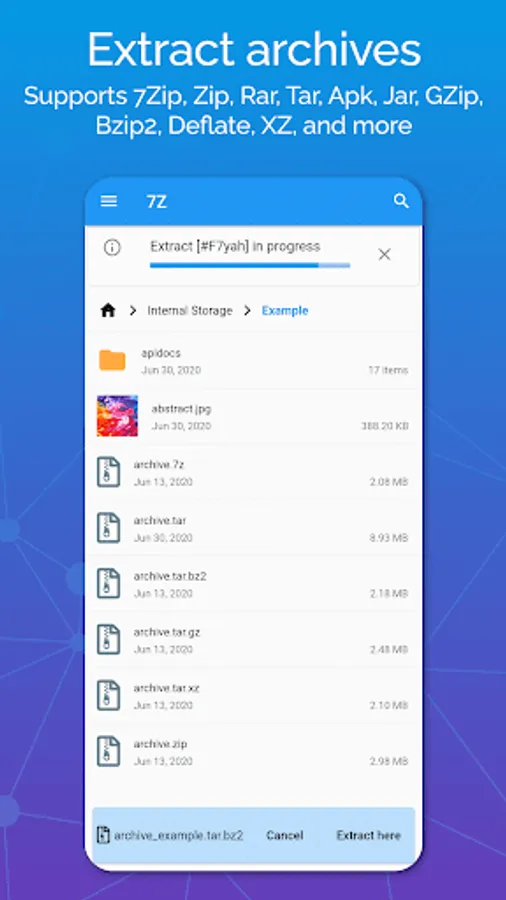
With this file manager app, you can open, extract, and create archive files such as ZIP, RAR, and 7Zip. Includes support for multiple formats, encryption, and background operations.
AppRecs review analysis
AppRecs rating 3.0. Trustworthiness 81 out of 100. Review manipulation risk 22 out of 100. Based on a review sample analyzed.
★★★☆☆
3.0
AppRecs Rating
Ratings breakdown
5 star
51%
4 star
8%
3 star
7%
2 star
3%
1 star
31%
What to know
✓
Low review manipulation risk
22% review manipulation risk
⚠
Ad complaints
Many low ratings mention excessive ads
⚠
High negative review ratio
34% of sampled ratings are 1–2 stars
About 7Z: Zip 7Zip Rar File Manager
Features:
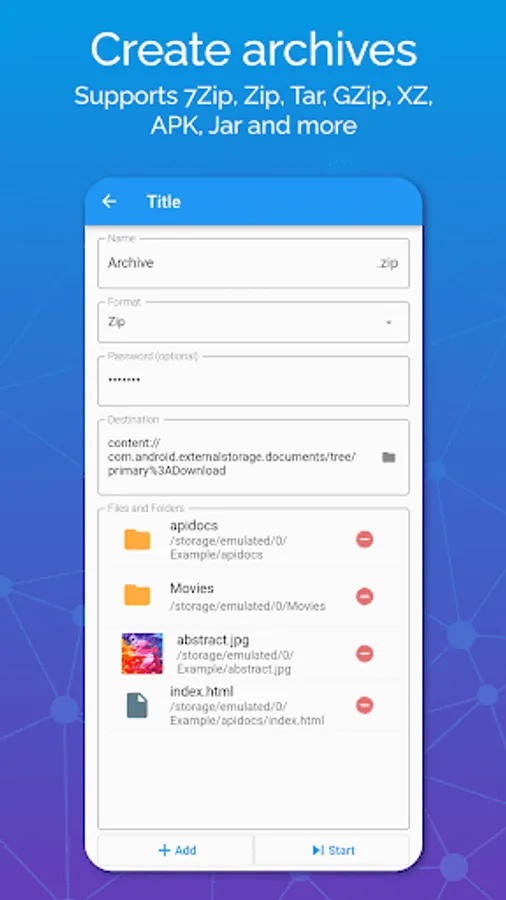
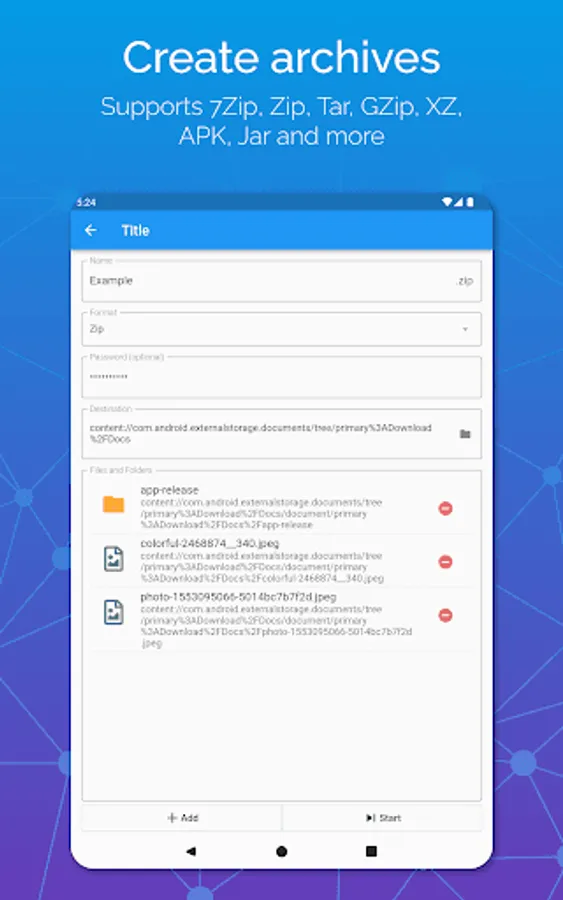
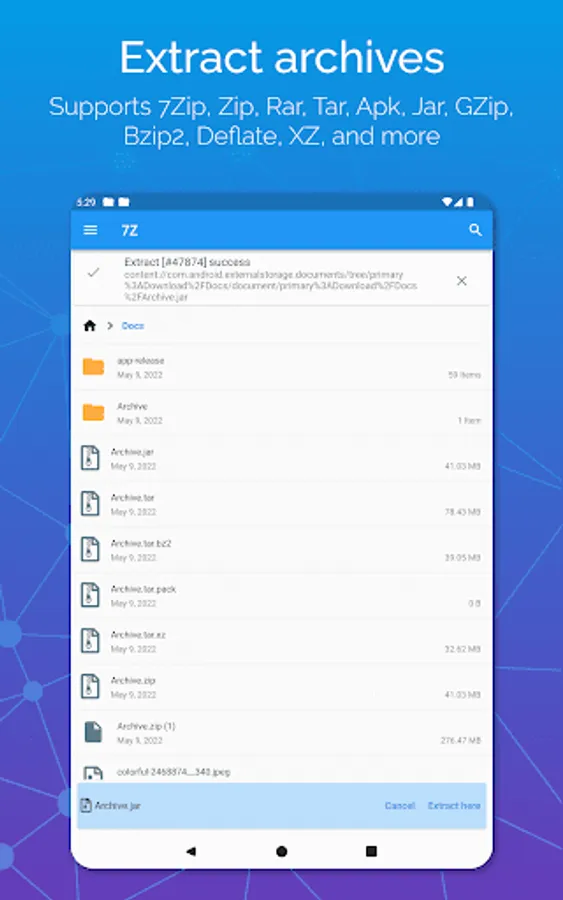
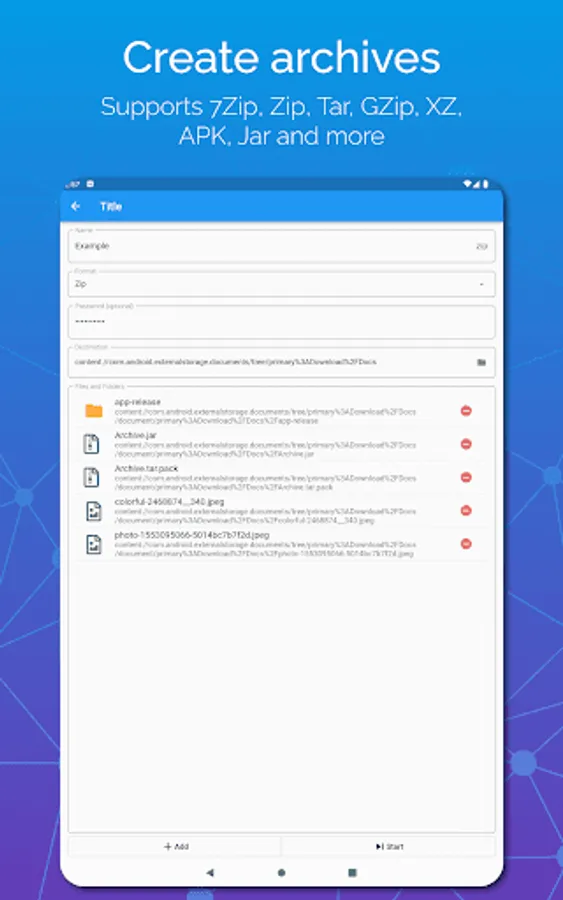
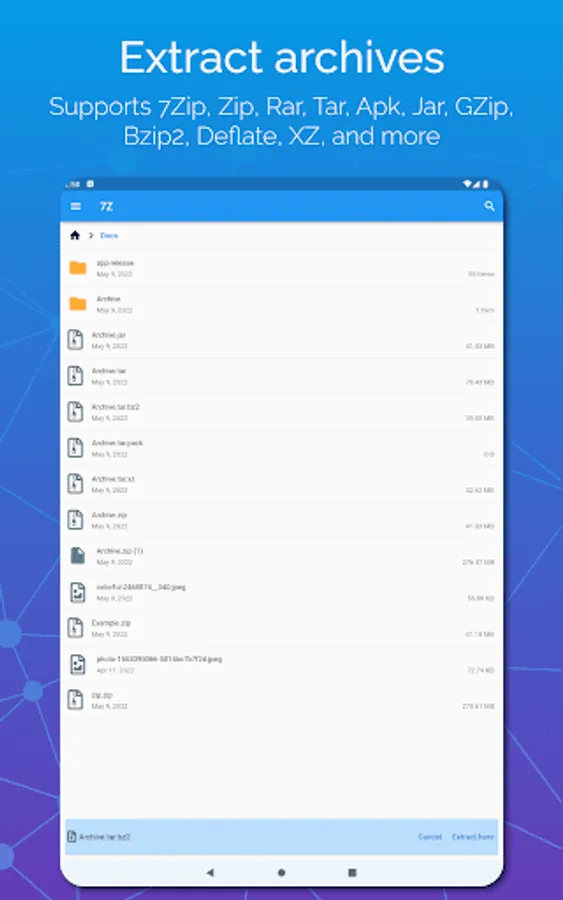
✔ Supports all common archive formats and types (zip, rar, 7zip, 7z, jar, apk, tar, gzip)
✔ Create zip files that are encrypted with a password (or unzip files)
✔ Create archives that support high compression, like 7Zip or Tar.
✔ Unzip zip files or extract 7Zip or 7z files that are encrypted a password (you need to know the password, 7z is not a password cracker)
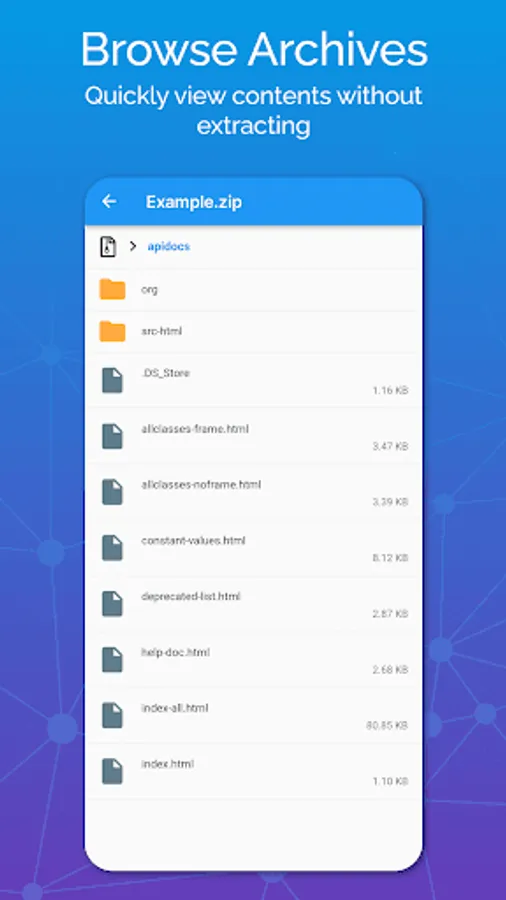
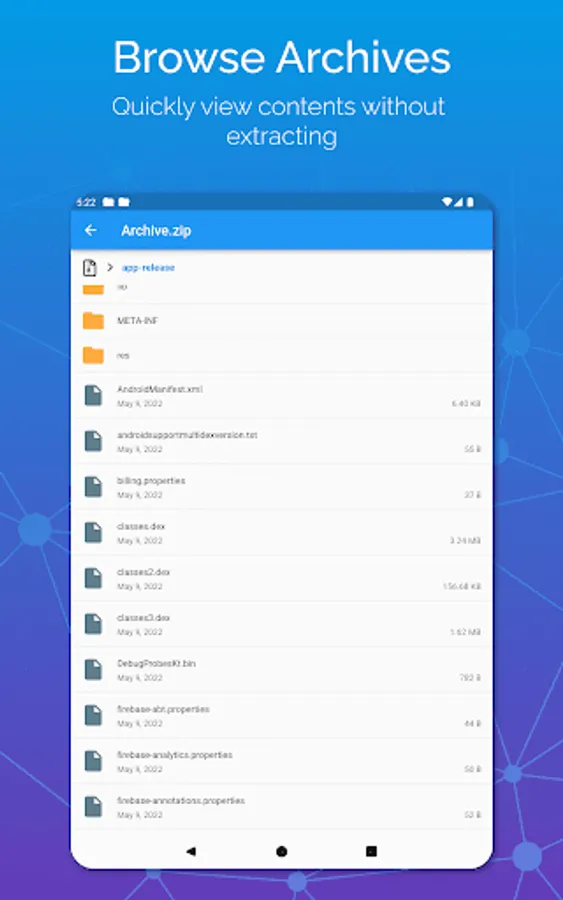
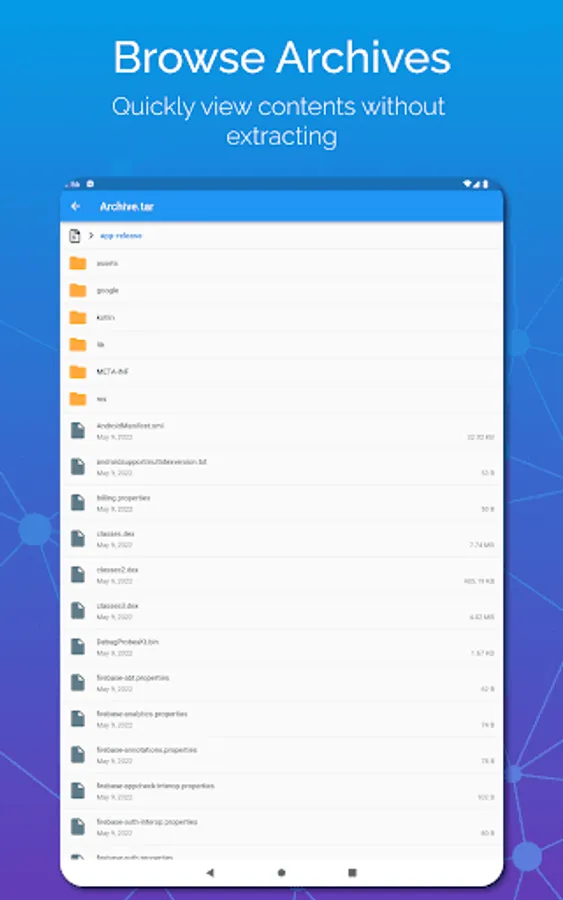
✔ Browse the contents of archive formats that contain multiple files: 7Zip, 7z, Tar, Apk, Jar, Rar
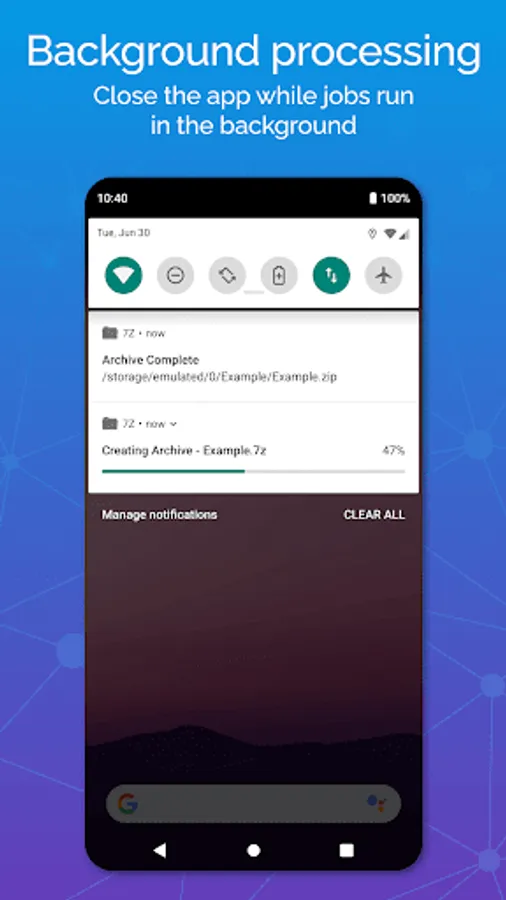
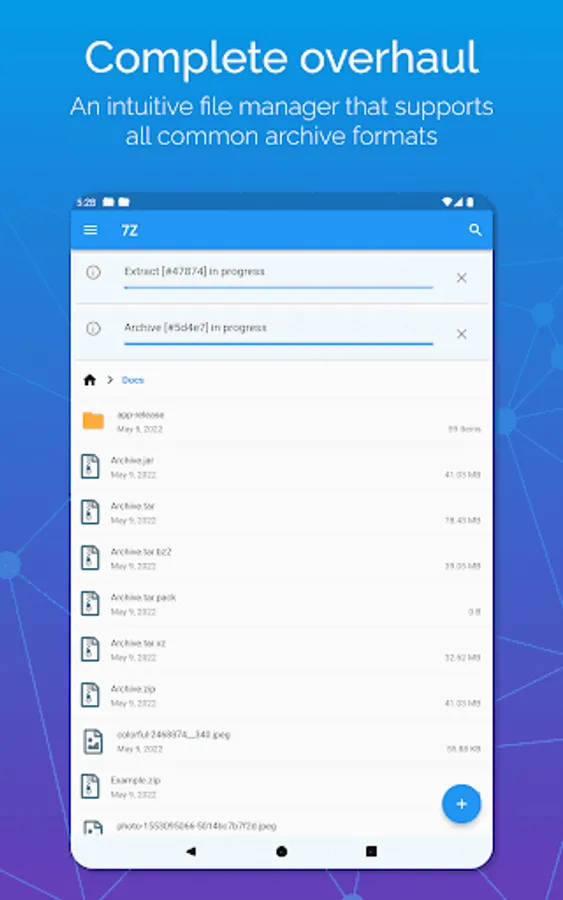
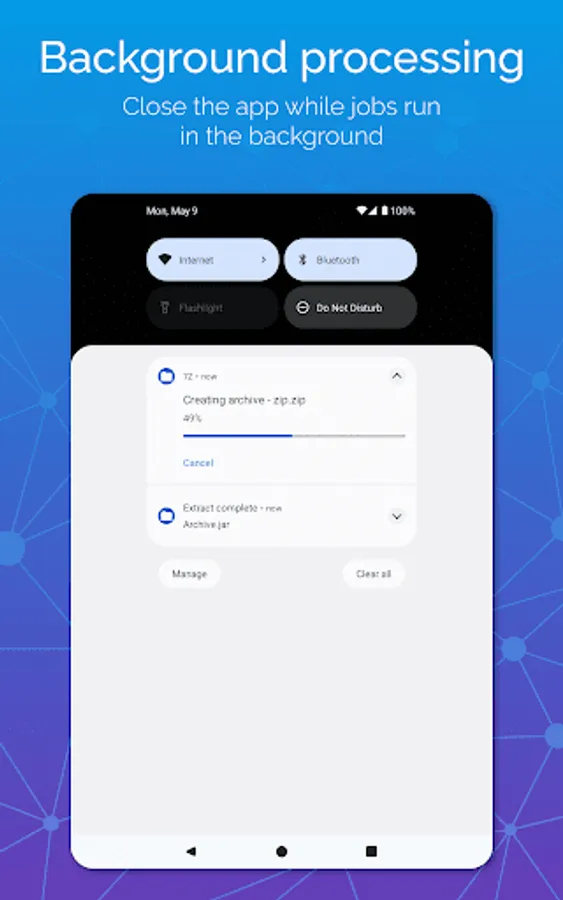
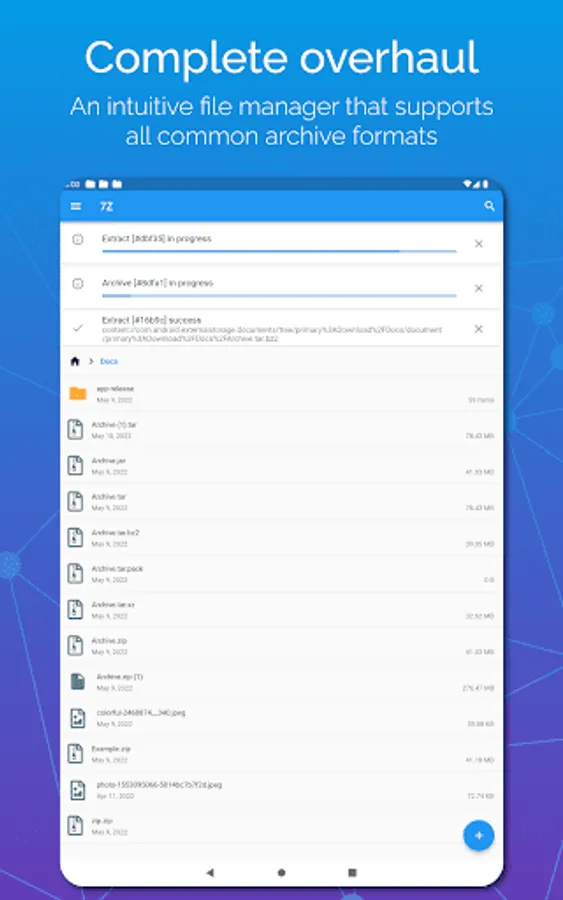
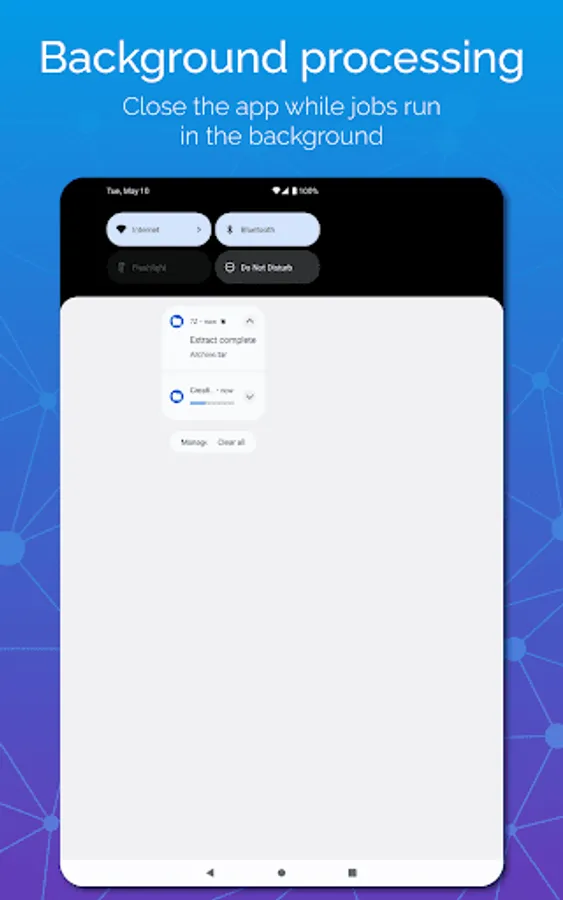
✔ Background execution: create, extract or unzip files even while the app is closed
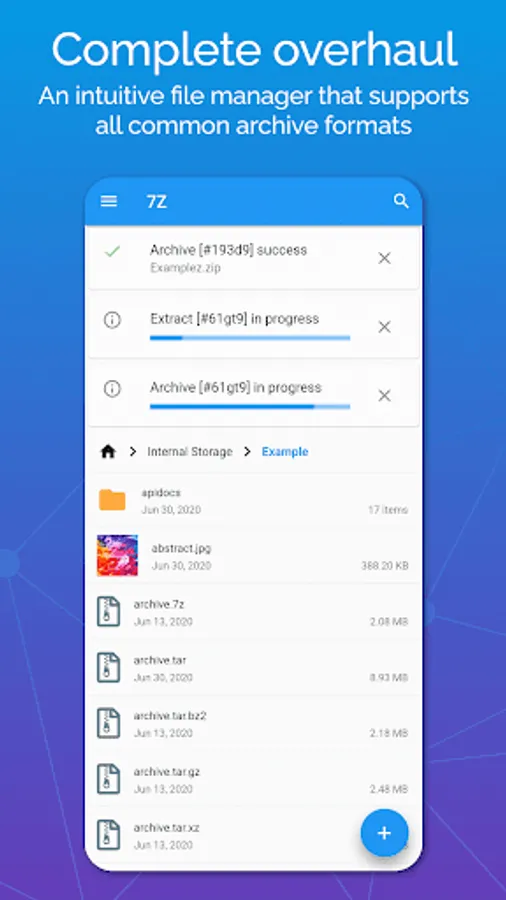
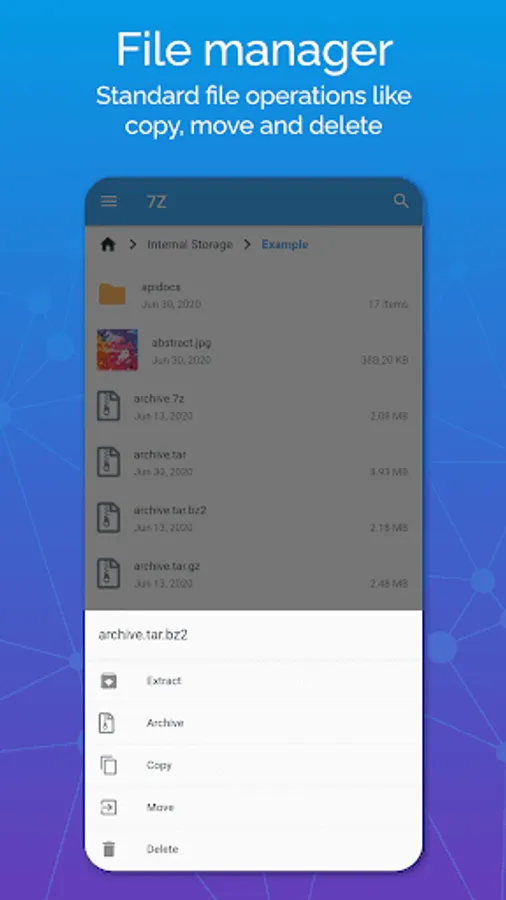
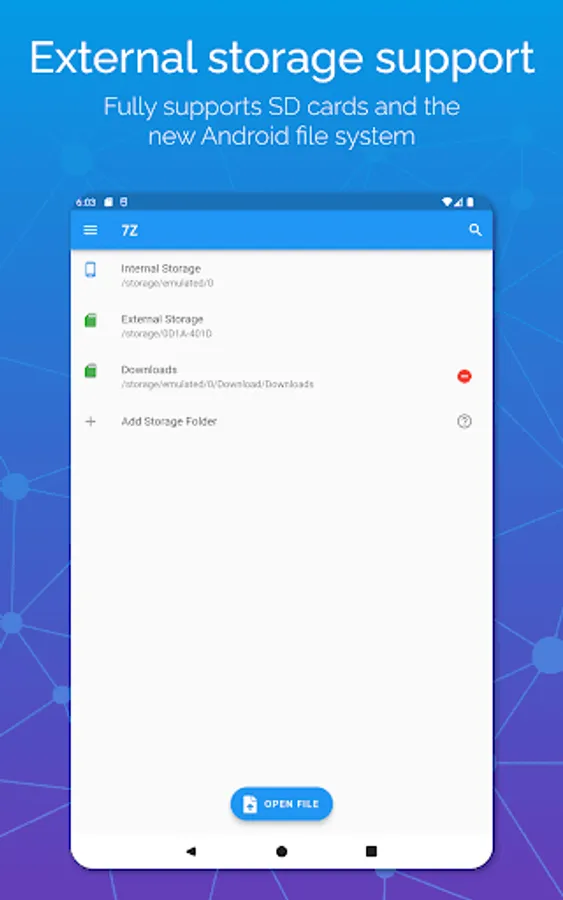
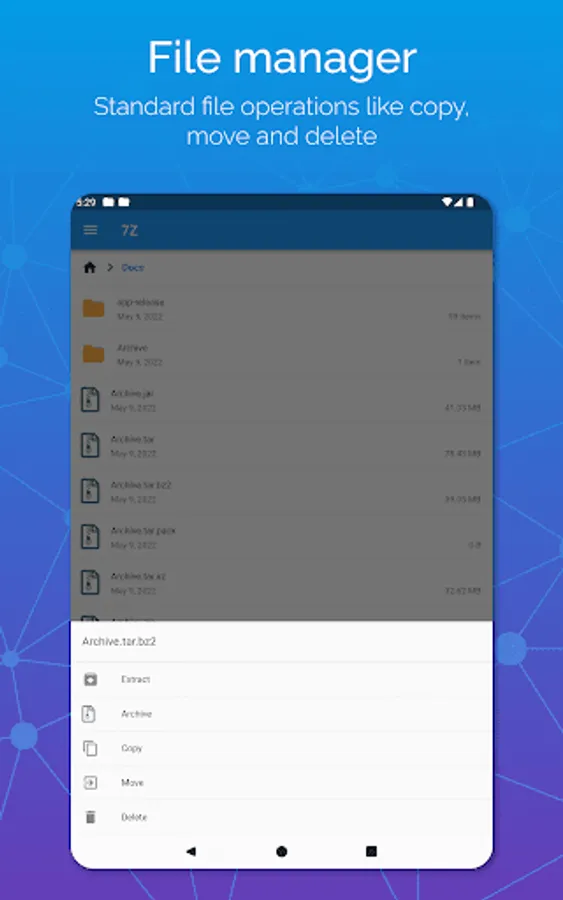
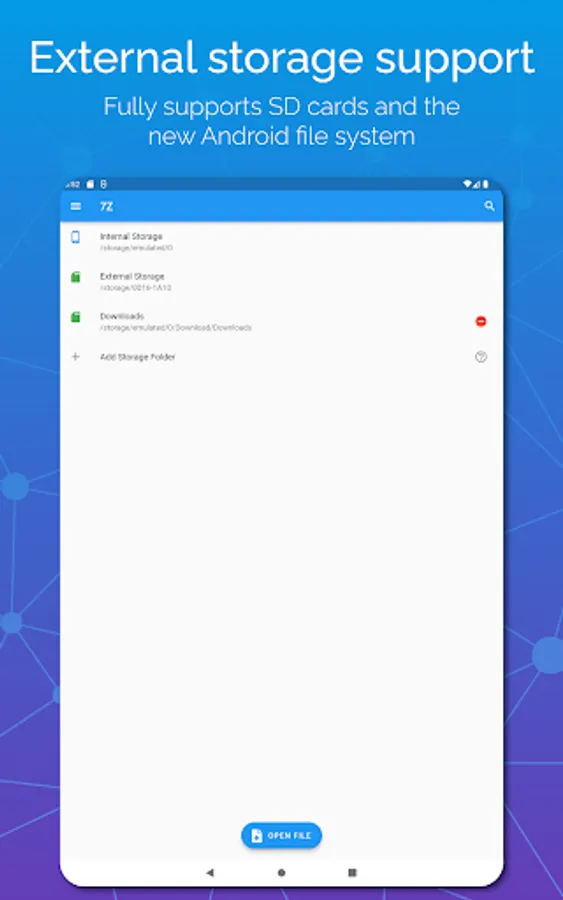
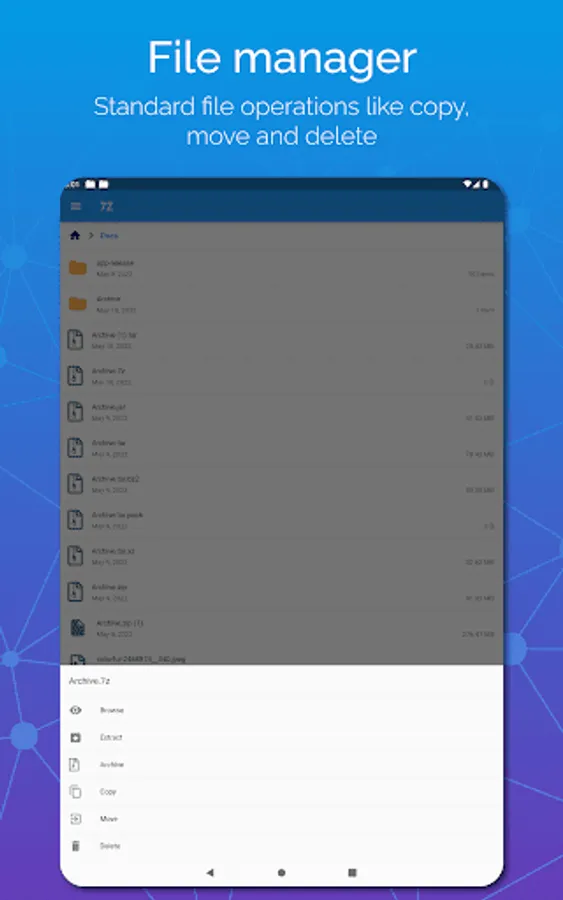
✔ Intuitive files manager with standard file operations like move, copy and delete
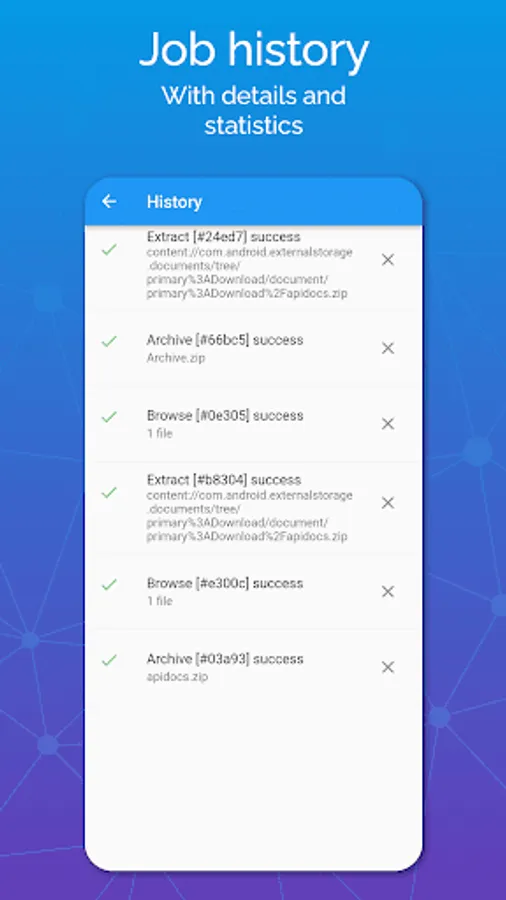
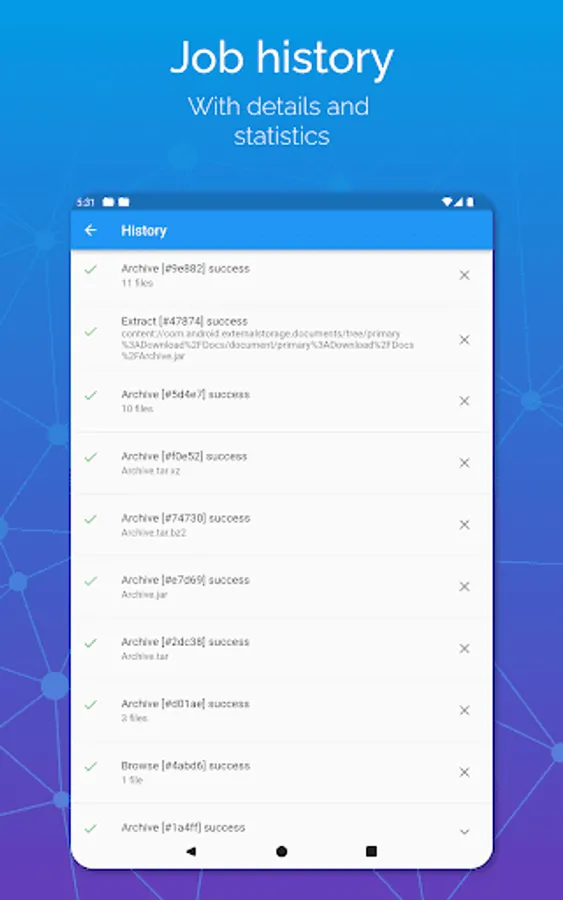
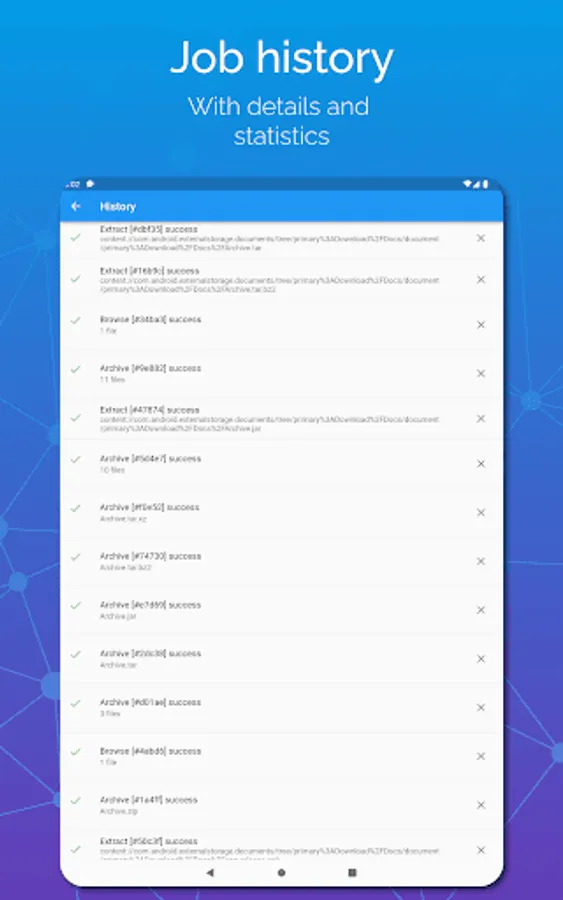
✔ Job progress and history
✔ File associations for extensions (like 7z) lets you open files by selecting externally
Here's why you should already be using 7Z:
Safeguard your files and folders by encrypting them within password protected zip files. Encryption is a secure way to protect your files.
Archiving allows you to reduce the file size of files or folders. You can also compress several files into one smaller file that makes it easier to email or share.
You can zip files and large on your device that you rarely use to save disk space on your Android device. You can unzip them again later when you need them.
More about archives:
Archives come in several formats, each with their own unique compression algorithm. 7Z supports all the common archives, like 7Zip, 7Z, Rar, Zip, but it also supports less used archives.
Archives are usually found on the internet and need to be unpacked or extracted before the contents can be used. You need to unzip files before you can use them.
Sometimes the archives are encrypted. This means they require a password before they can be extracted. This password was entered by the original author and is usually included in the download.
Some info on archive formats:
Rar and zip files have been a standard form of archive compression for decades, but recently the 7z 7Zip format has become very popular.
Zip files remain the most popular archive type since Winzip popularized it on computers decades ago. It also supports encryption. Zip files are stored with a .zip extension. You can also unzip files.
7zip (pronounced seven zip) is an open-source compression format that offers high compression, speed and reliability and supports multiple files. Files are stored with a 7z extension (.7z)
Rar is less popular these days since 7z offers higher compression and zip offers more simplicity than rar, but it is still a widespread format. Files are stored with a .rar extension.
Jar and APK archives use compression technology similar to that of zip, but are typically used for other functions.
Jar archives are usually java archives while an APK is used to store an Android application. They are stored with .jar and .apk formats, respectively.
The tar format offers high compression ratio of multiple files, and is typically combined with the GZip format (gz) for further increased compression. It is very popular on Linux systems.
7Z also supports other compression formats like DEFLATE, LZMA, XZ, ZStandard and also the less frequently used Pack200.
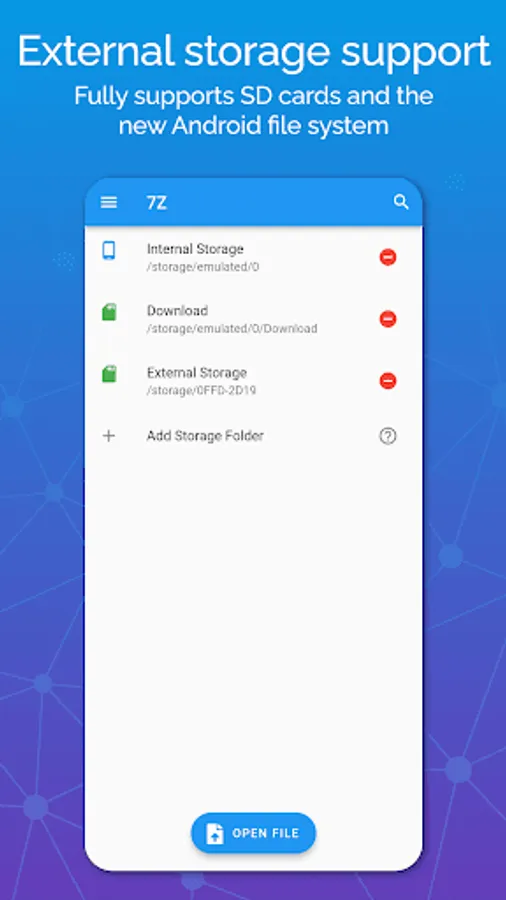
7Z: Zip 7Zip Rar File Manager Screenshots
Tap to Rate:
Reviews for 7Z: Zip 7Zip Rar File Manager
Rakesh S
12/29/2025
Not usable in the free version. Ads block the basic functionality of the app.
Tony Hansen
12/18/2025
Unusable. The decision to place the Cancel/Extract options so that they're overlapping both the ads, and the Android bar, is bone-headed at best, misleading at worst. If you have to to premium to remove ads and make this usable, that should be noted BEFORE the user wastes their time.