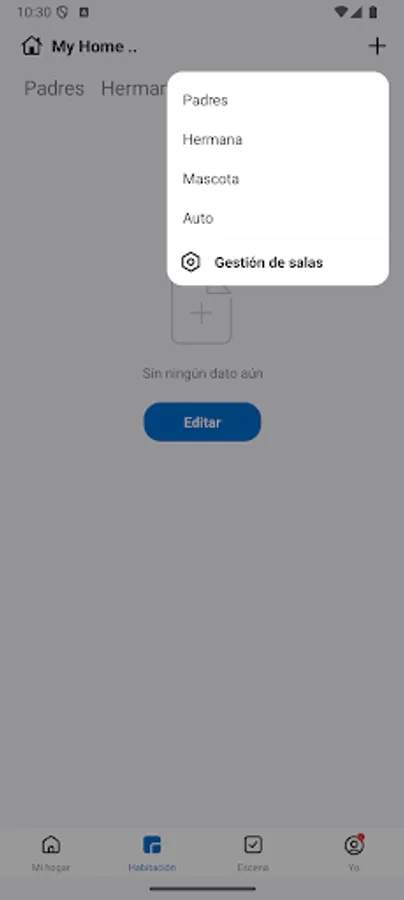
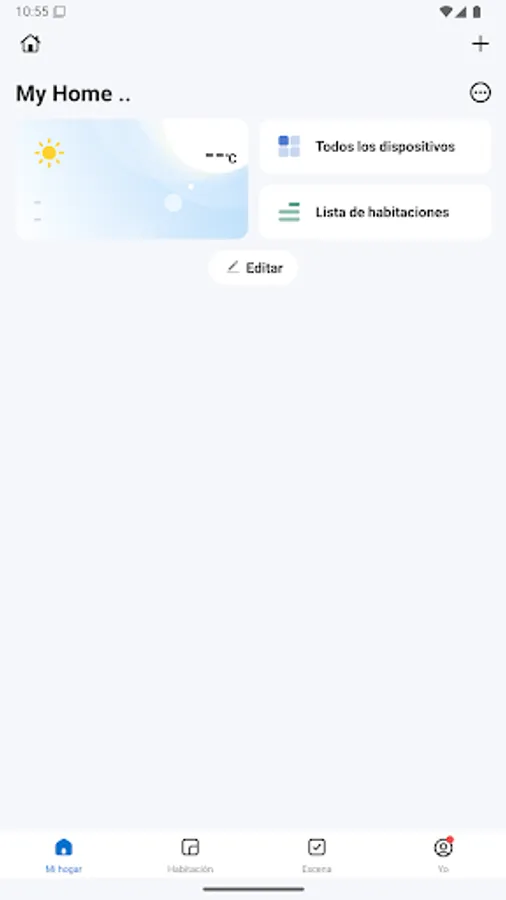
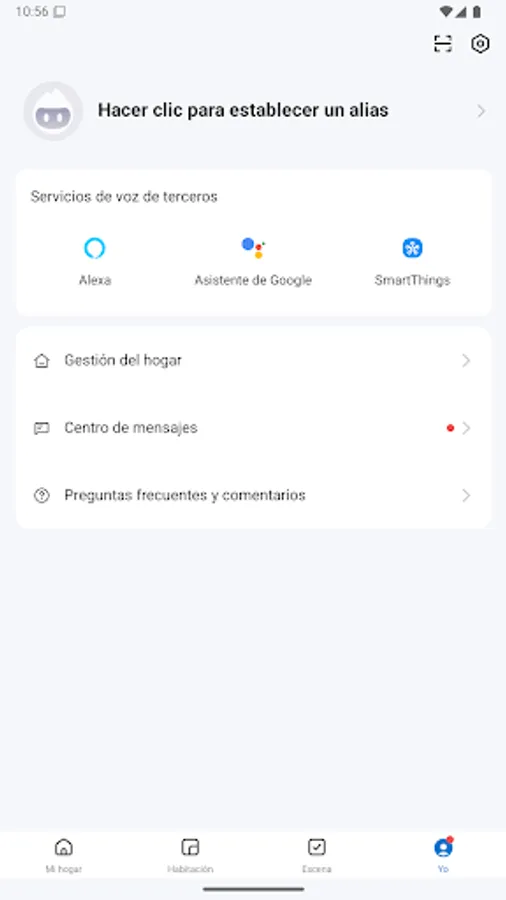
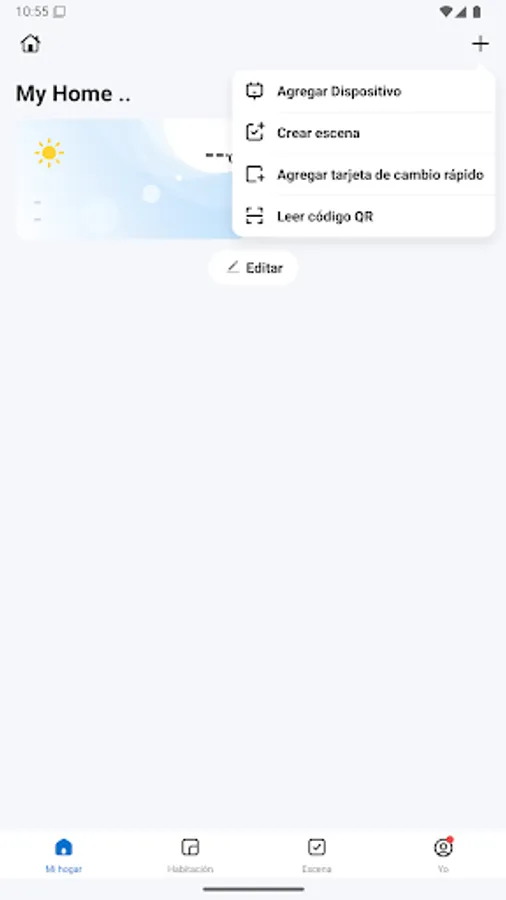
With this smart home app, you can control and monitor connected devices through a unified interface. Includes device management, setup guides, and compatibility tools.
AppRecs review analysis
AppRecs rating 1.1. Trustworthiness 76 out of 100. Review manipulation risk 20 out of 100. Based on a review sample analyzed.
★☆☆☆☆
1.1
AppRecs Rating
Ratings breakdown
5 star
0%
4 star
0%
3 star
0%
2 star
0%
1 star
100%
What to know
✓
Low review manipulation risk
20% review manipulation risk
⚠
Mixed user feedback
Average 1.0★ rating suggests room for improvement
⚠
High negative review ratio
100% of sampled ratings are 1–2 stars
About Ozom Smart Home
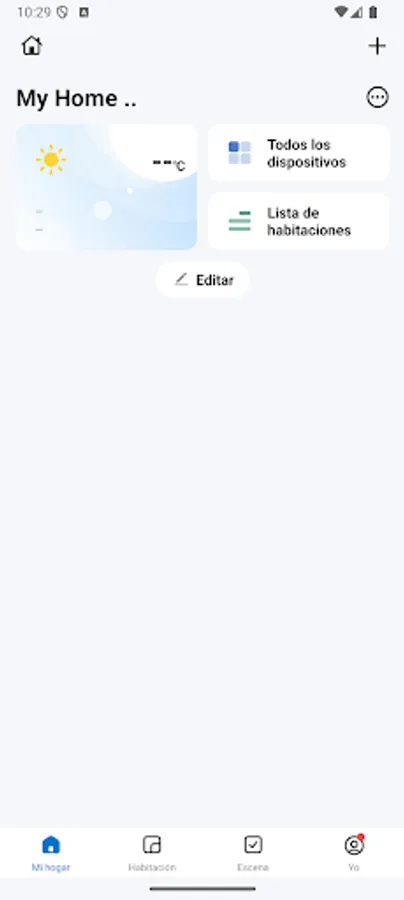
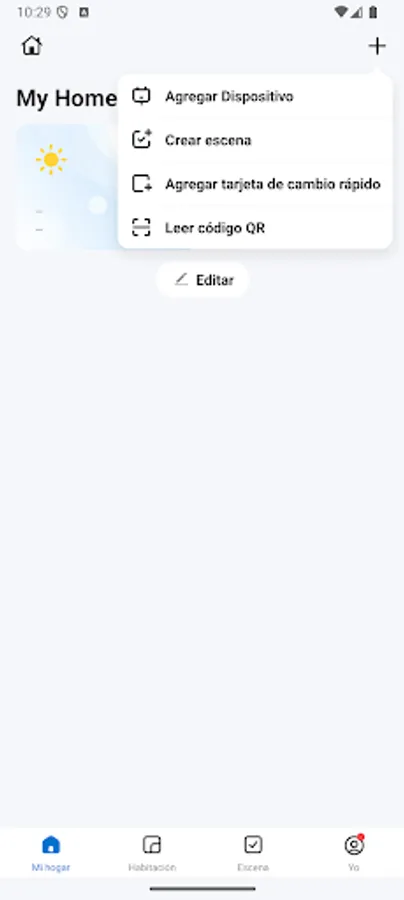
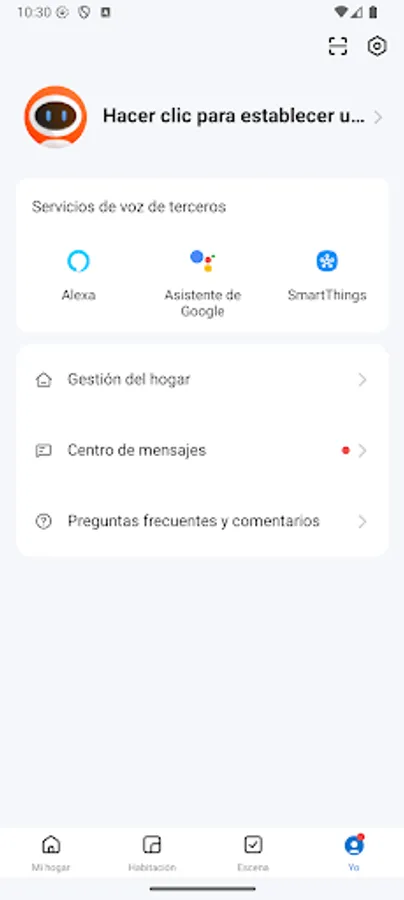
Welcome to the new Ozom Smart Home!
A completely revamped app, designed to offer you a smarter, more stable, and more compatible experience.
Follow these steps to get started:
1- Download the new Ozom Smart Home app.
2- Create a new account.
Even if you were using Ozom 2.0, you'll need to register again.
3- Unpair or restart your devices.
For them to work in the new app, you must first unpair them from Ozom 2.0 or manually restart them.
4- Connect your devices to the new app.
Follow the instructions in the app to pair each device.
A completely revamped app, designed to offer you a smarter, more stable, and more compatible experience.
Follow these steps to get started:
1- Download the new Ozom Smart Home app.
2- Create a new account.
Even if you were using Ozom 2.0, you'll need to register again.
3- Unpair or restart your devices.
For them to work in the new app, you must first unpair them from Ozom 2.0 or manually restart them.
4- Connect your devices to the new app.
Follow the instructions in the app to pair each device.
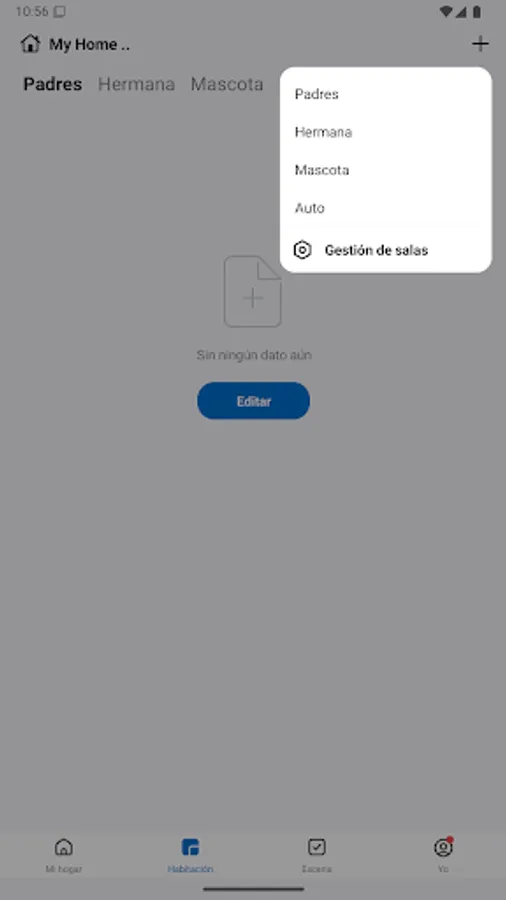
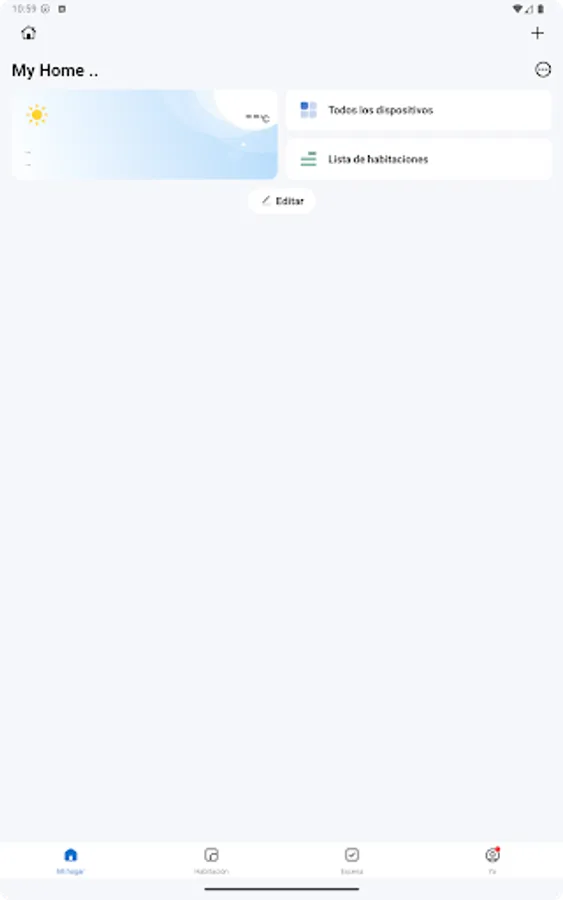
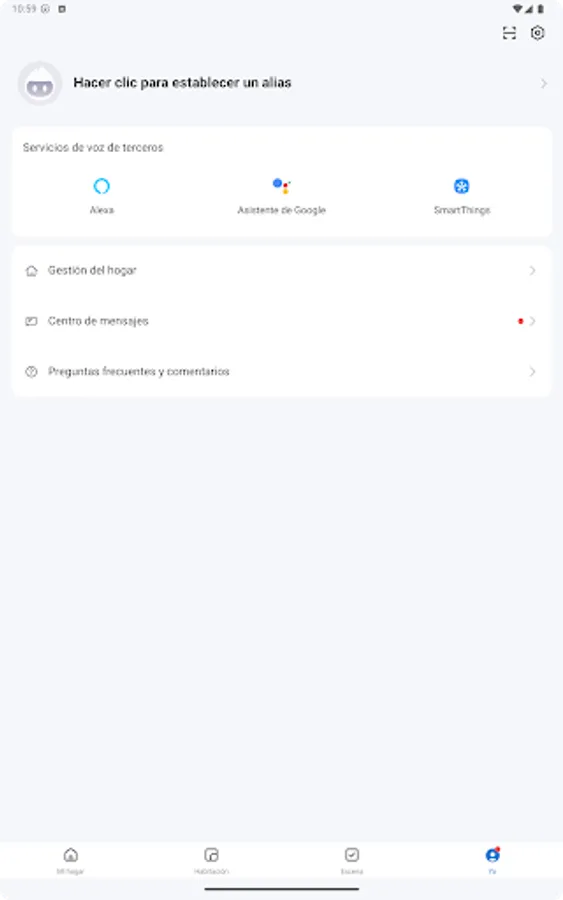
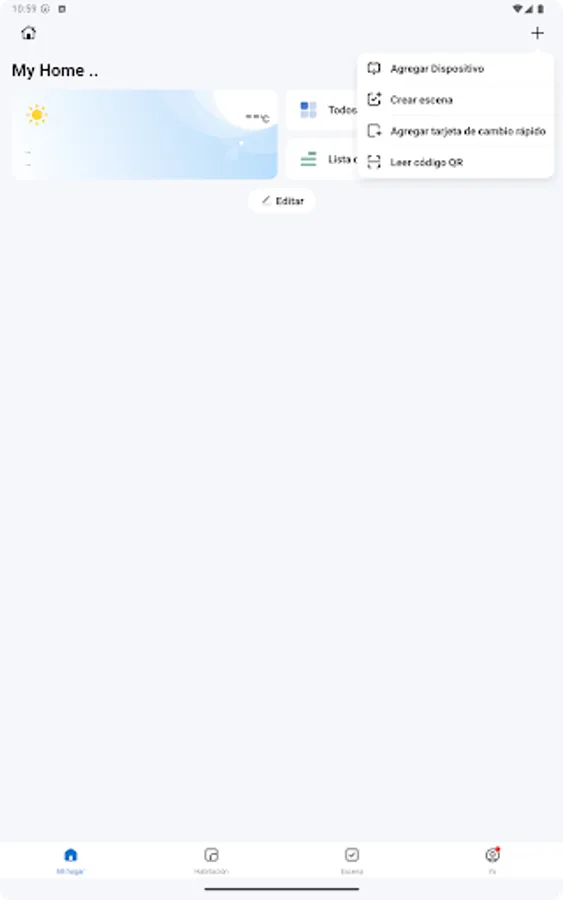
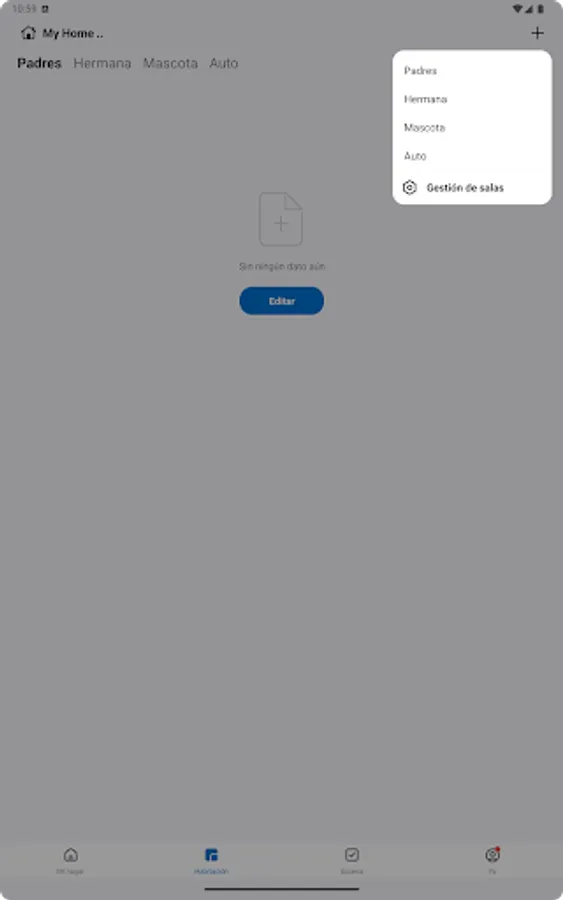
Ozom Smart Home Screenshots
Tap to Rate:
Reviews for Ozom Smart Home
Felipe León
3/2/2026
se supone que exiwte un ozom 2.0 que posupuesto nadie sabe donde esta pesimo servicio, ni el call contesta.
David Acevedo Arango
2/15/2026
you need a 2.4 wi Fi Network and you cannot see that warning on the package