
Volfix - volume control fix
Adrian Sulumberchean
4.5 ★
131 ratings
1,000+
downloads
Free
+ in-app
With this accessibility service, you can customize your device's volume controls to switch between ringtone, notification, media, and call volumes. Includes volume mapping settings and on-screen instructions for configuration.
AppRecs review analysis
AppRecs rating 4.6. Trustworthiness 85 out of 100. Review manipulation risk 16 out of 100. Based on a review sample analyzed.
★★★★☆
4.6
AppRecs Rating
Ratings breakdown
5 star
84%
4 star
3%
3 star
0%
2 star
5%
1 star
8%
What to know
✓
Low review manipulation risk
16% review manipulation risk
✓
Credible reviews
85% trustworthiness score from analyzed reviews
✓
High user satisfaction
88% of sampled ratings are 4+ stars (4.5★ average)
About Volfix - volume control fix
There is now a fix to this problem and it is called Volfix.
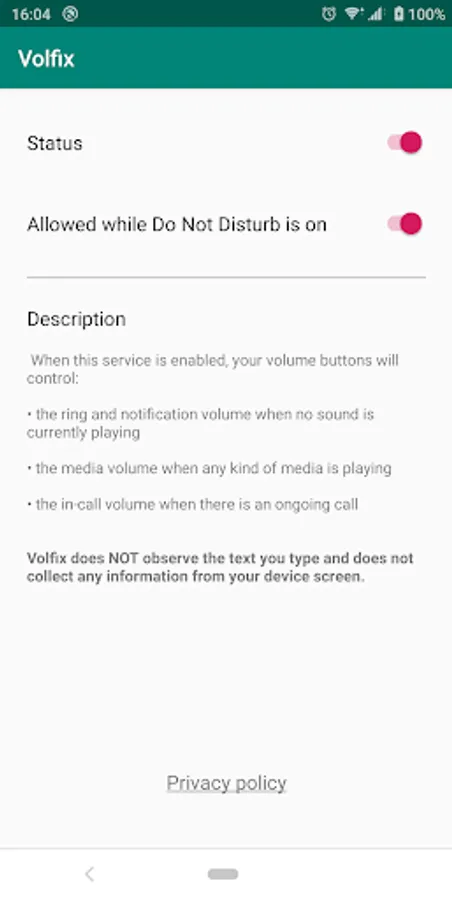
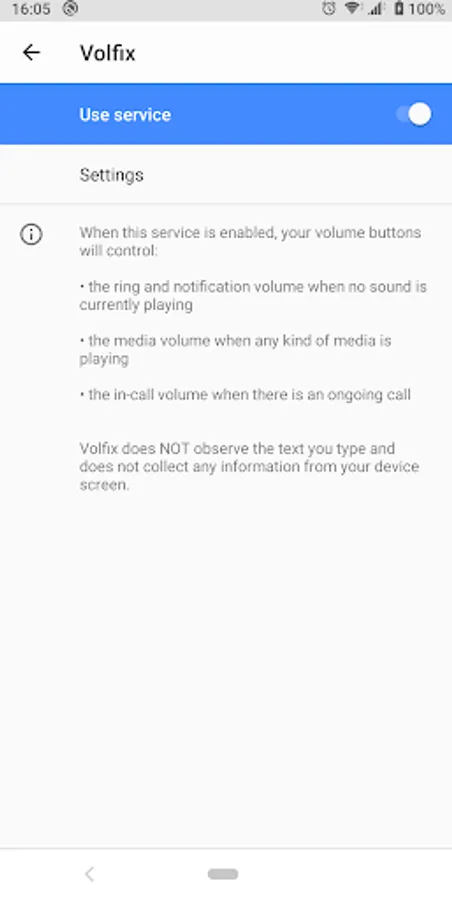
When Volfix is enabled, the volume buttons of your device will control the ringtone and notification volume by default. It will control the media volume while you are listening to any kind of sounds and it will control the "in call" volume while there is an ongoing call.
Volfix requires to be enabled as an accessibility service in order to listen for volume button press events and to map the buttons to control the ring and notification volume instead of media volume.
Please note that at the moment Volfix only works while the screen is on.
Volfix - volume control fix Screenshots
Tap to Rate:
Reviews for Volfix - volume control fix
Melinda Paradis
6/9/2025
What a relief! Thank you! I wanted the volume slider buttons to control ring tones and notifications so I don't have to open them in settings each time. This does exactly that. Buttons control ring tone and notifications unless media is playing. Then buttons control media. Works perfectly.
Dan T
2/9/2025
This is a must for everyone with a new Pixel phone.