
In this app, professionals can configure, manage, and troubleshoot TaHoma systems through pairing, remote access, and device management. Includes features for device registration, error troubleshooting, and Zigbee product configuration.
AppRecs review analysis
AppRecs rating 4.2. Trustworthiness 80 out of 100. Review manipulation risk 22 out of 100. Based on a review sample analyzed.
★★★★☆
4.2
AppRecs Rating
Ratings breakdown
5 star
76%
4 star
6%
3 star
0%
2 star
0%
1 star
19%
What to know
✓
Low review manipulation risk
22% review manipulation risk
✓
Credible reviews
80% trustworthiness score from analyzed reviews
✓
High user satisfaction
81% of sampled ratings are 4+ stars (4.2★ average)
About TaHoma pro by Somfy
TaHoma pro
WORKS WITH THE FOLLOWING SOMFY SOLUTIONS:
• TaHoma switch
• TaHoma DIN-Rail
• TaHoma V2
Commissioning SOMFY connected equipment commissioning is easy !
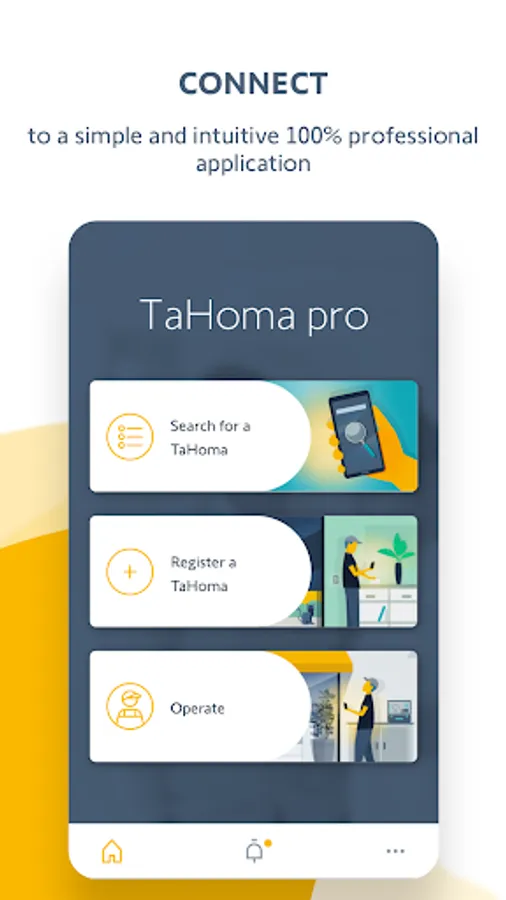
An intuitive 100% simple & error-free pro mobile application - designed specifically to ensure a flawless installation and increase your productivity on site or remotely.
Access to the application by using your Somfy Pro login credentials!
If you don’t have access yet, apply for access to the Somfy Pro website.
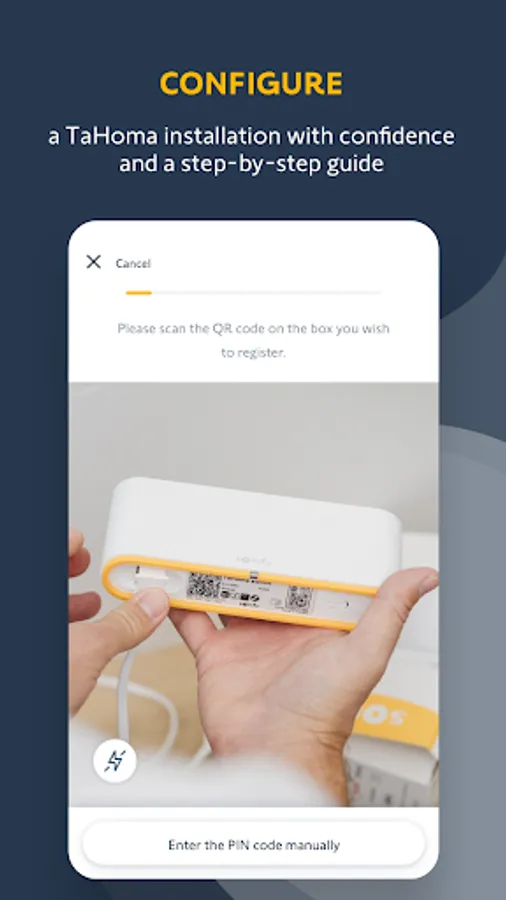
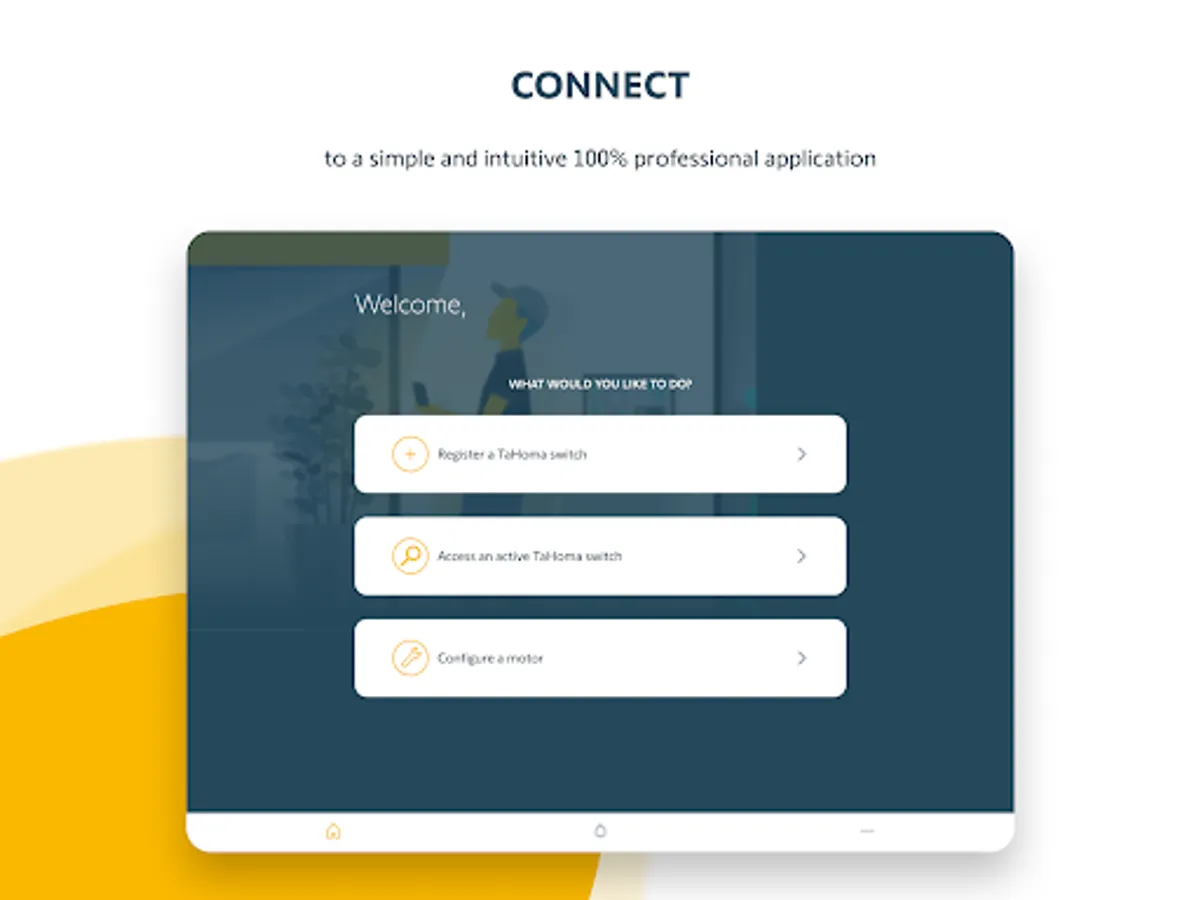
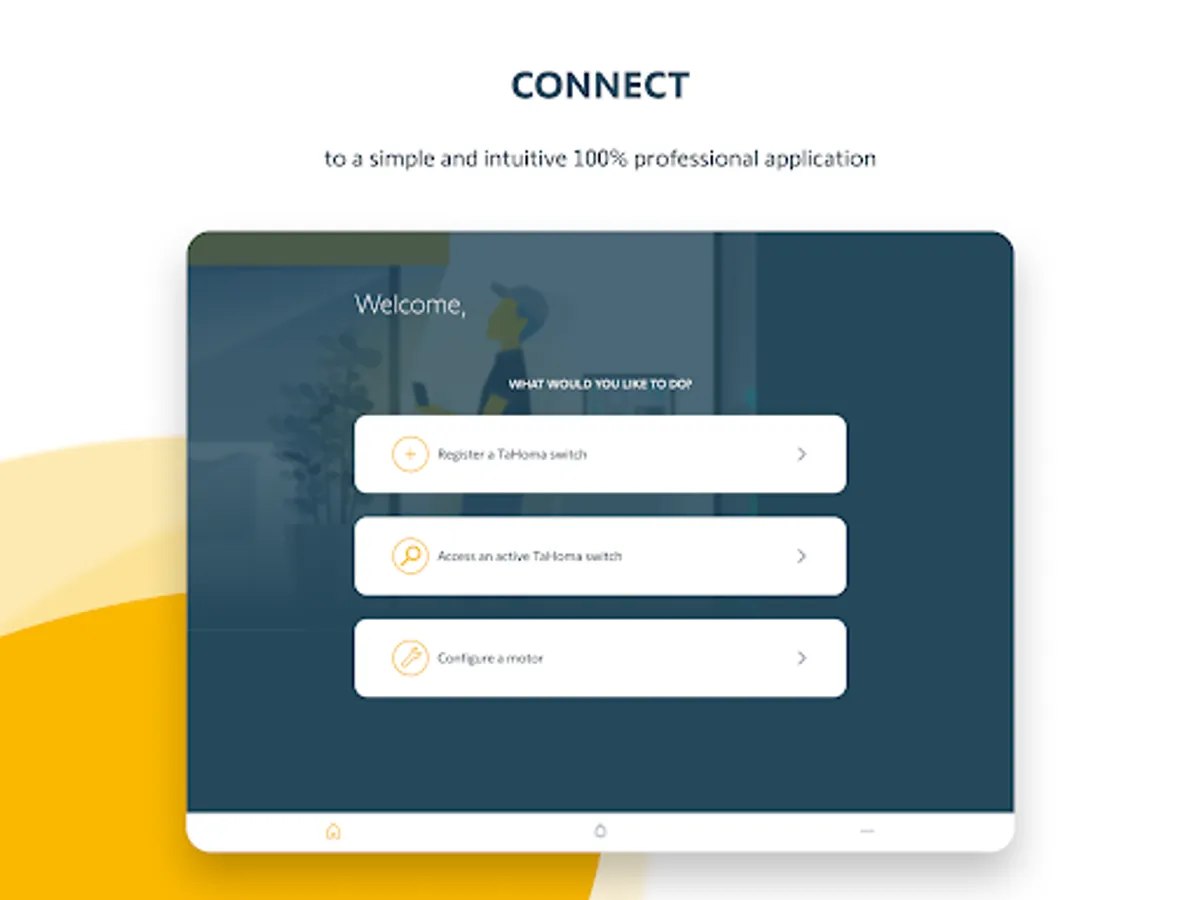
CONFIGURE A TAHOMA
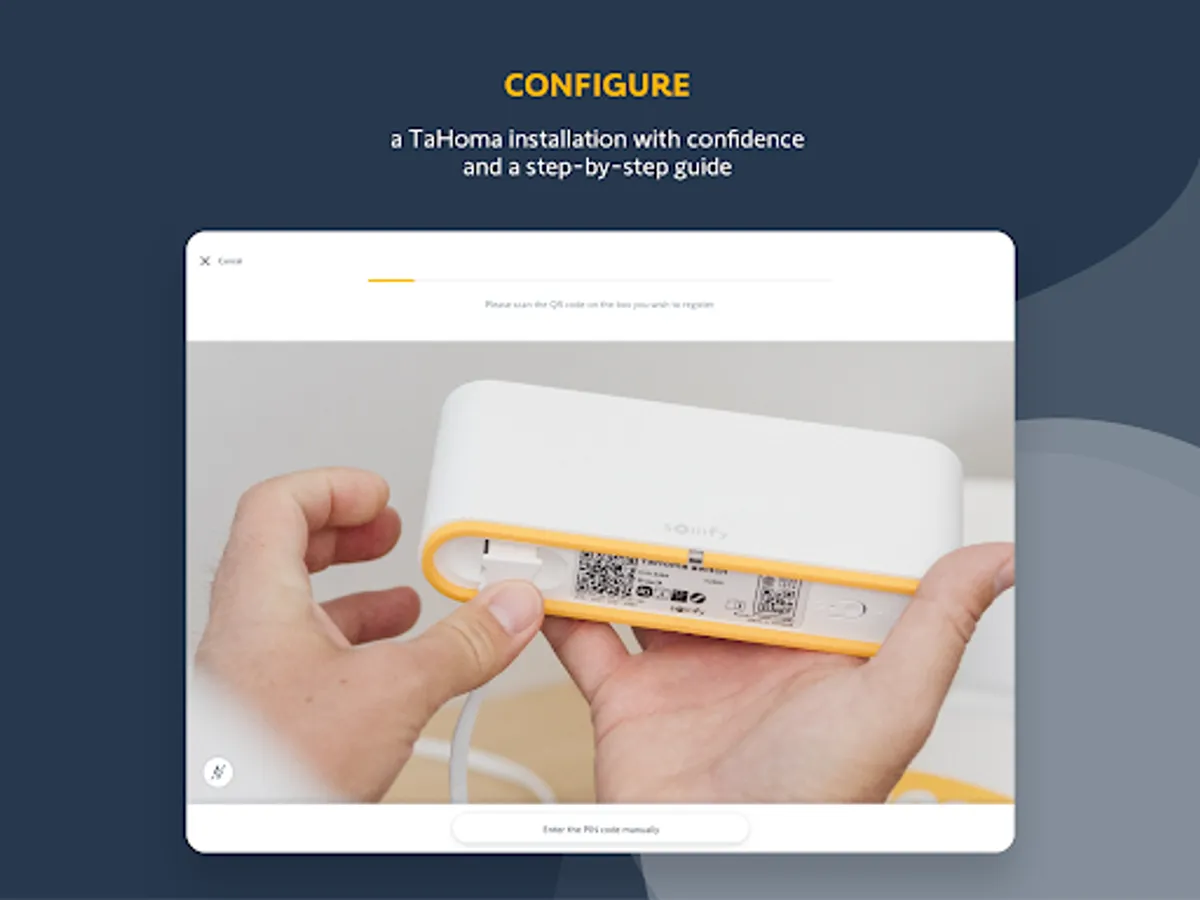
• Register a TaHoma to your Somfy Pro account
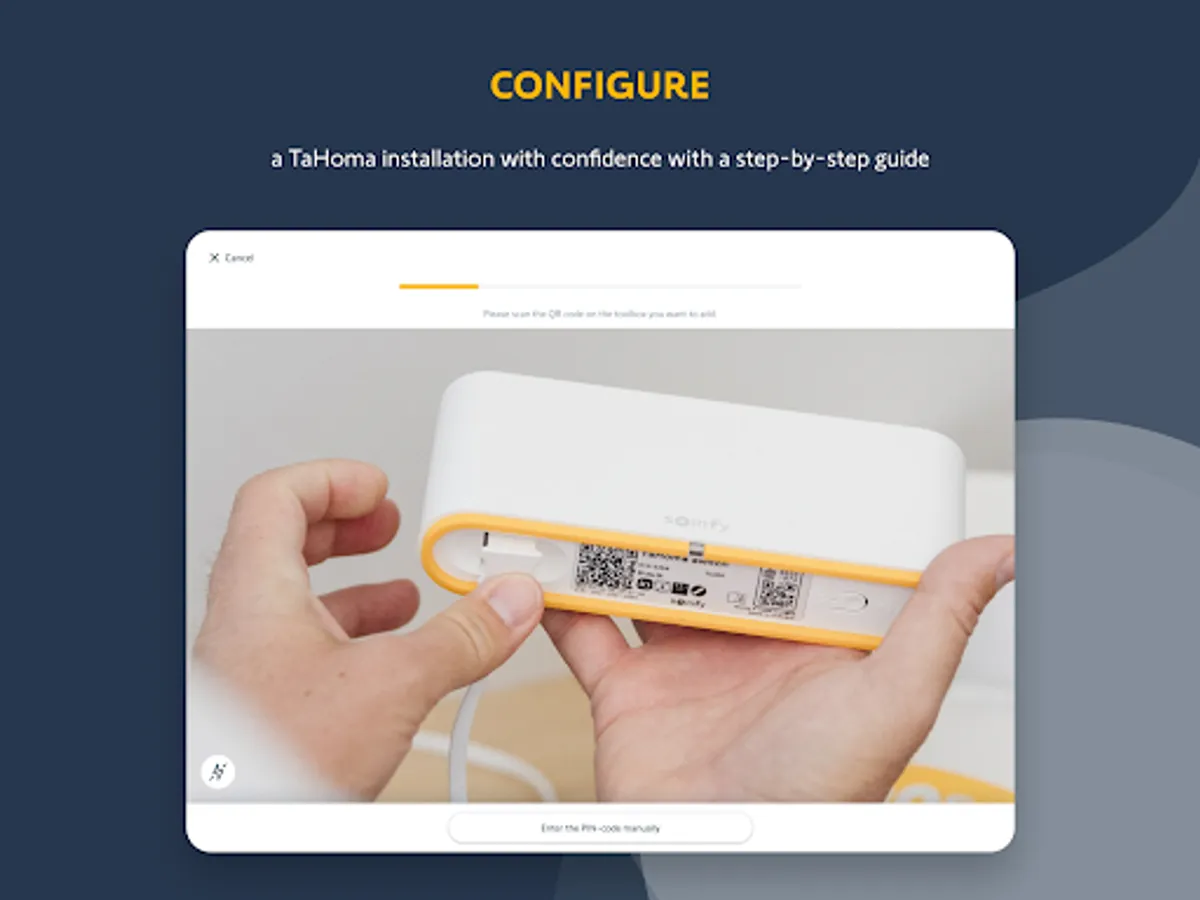
• Pair products to the TaHoma with or without Internet
• Pair products by application for step-by-step guidance or by protocol for quick pairing
• Direct access to your customer’s TaHoma application to create rooms and scenes
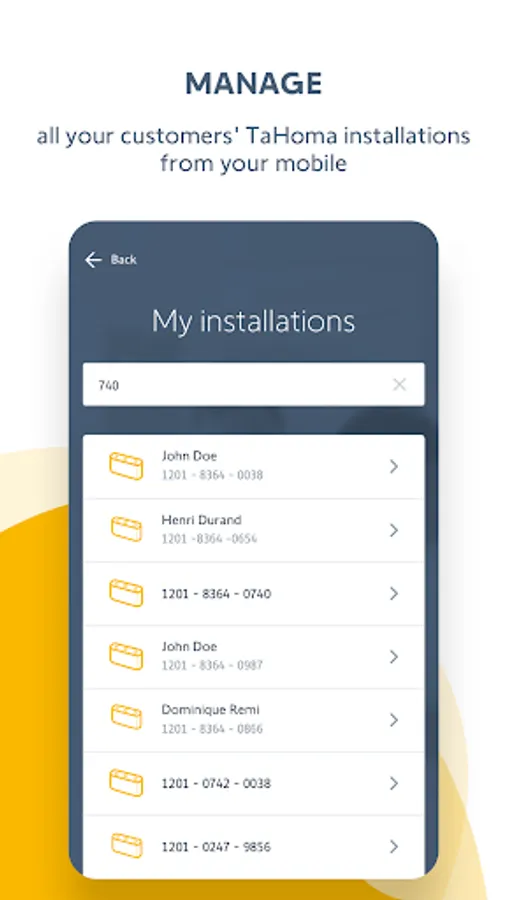
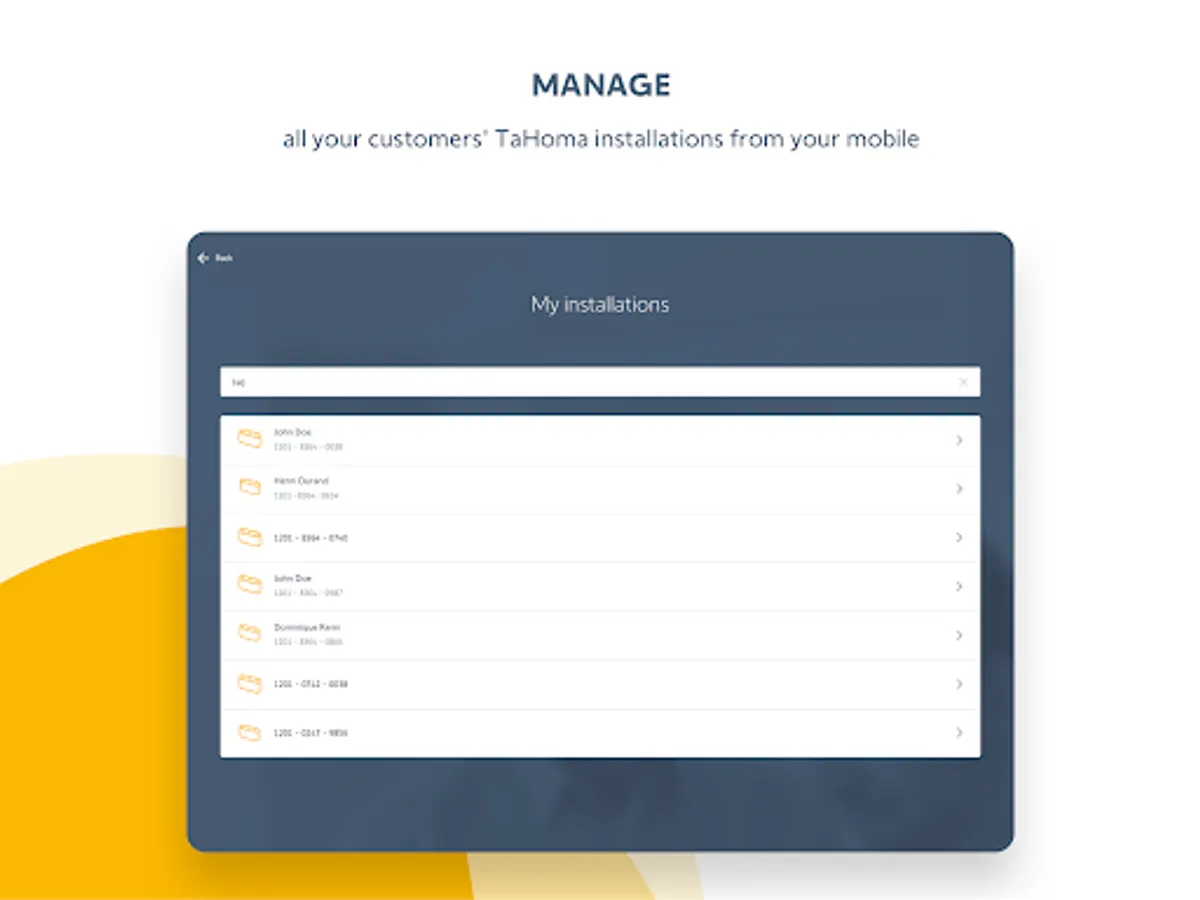
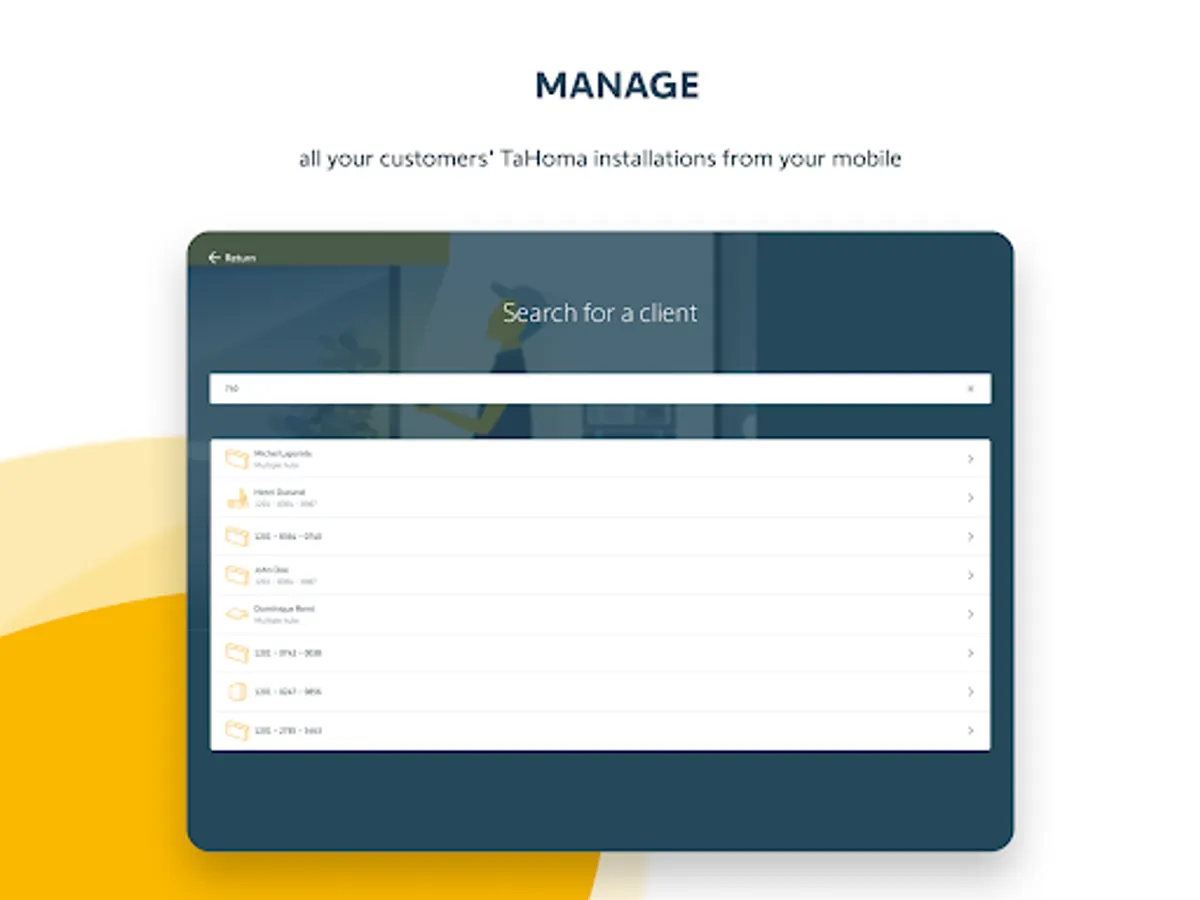
MANAGE ALL TAHOMA INSTALLATIONS
• Keep track of all your connected installations
• Assign a customer's TaHoma to your Somfy Pro account
TROUBLESHOOT A TAHOMA INSTALLATION
• View products paired to your customer's installation
• Access TaHoma error messages
• Send a remote intervention request to access your customer's TaHoma installation
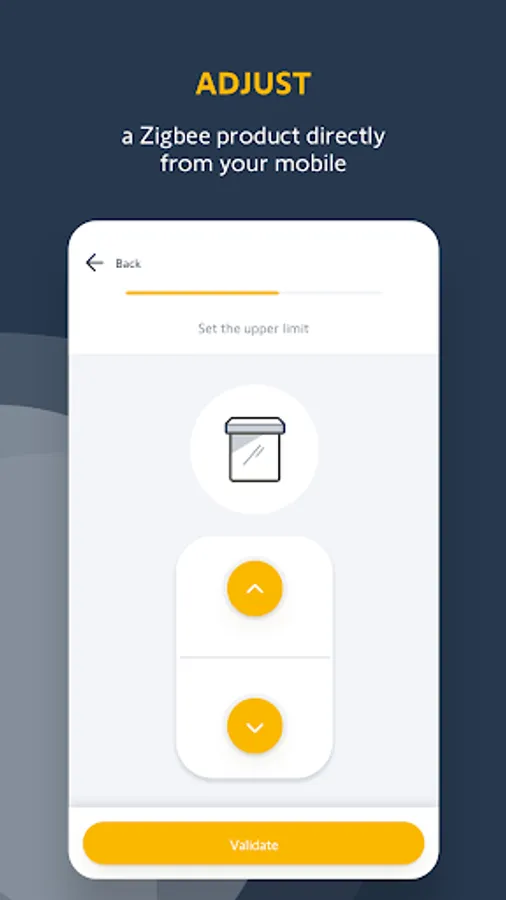
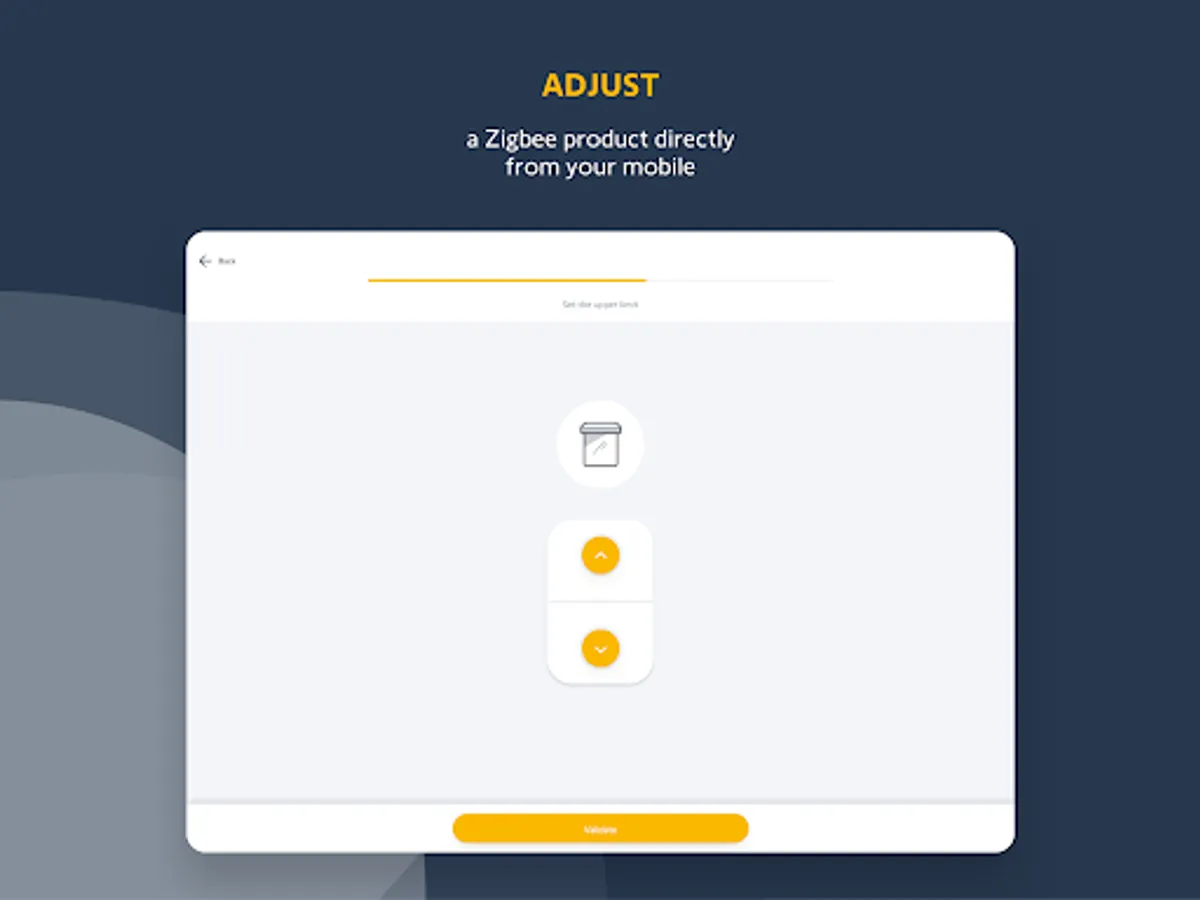
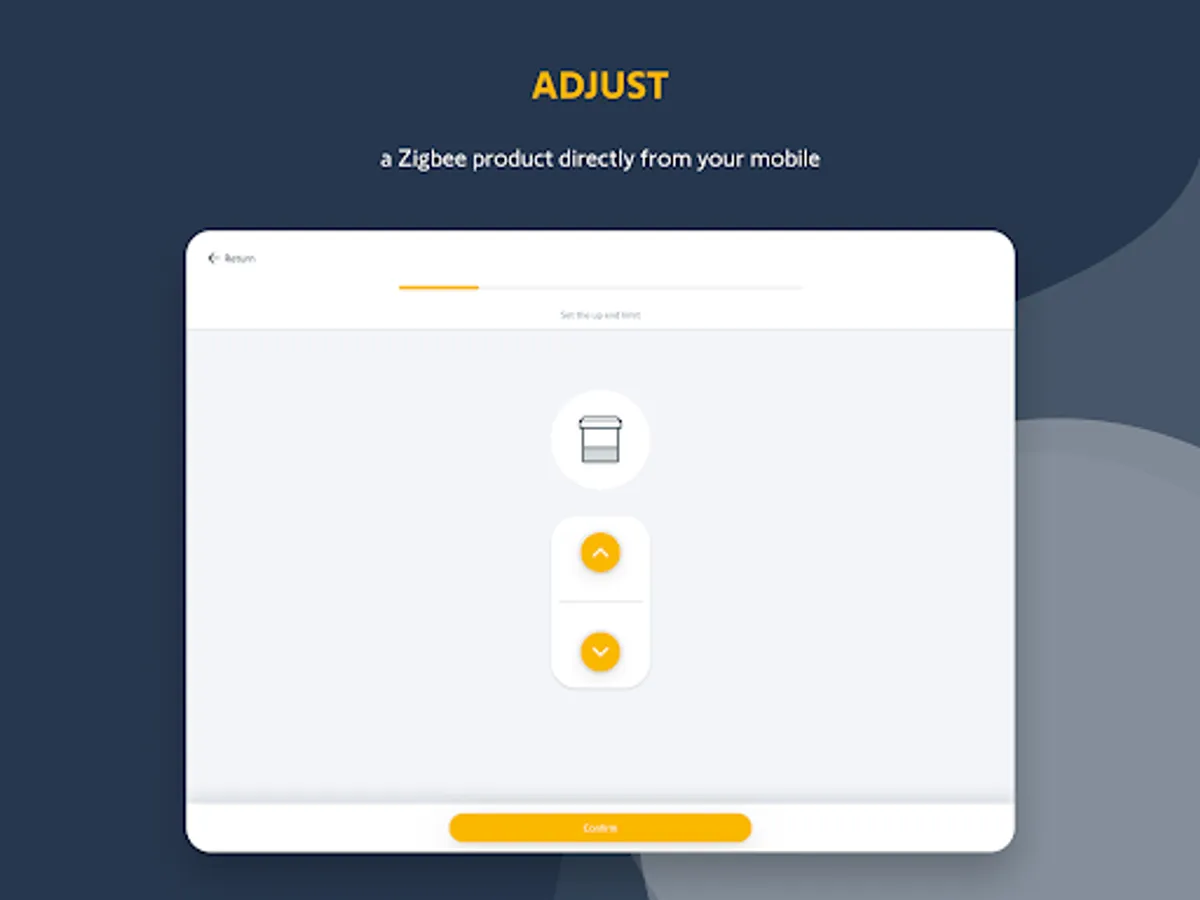
SET ZIGBEE PRODUCTS
• Set a Zigbee product directly from your mobile
• Connect to the customer TaHoma to access product settings
• Connect to your TaHoma switch when the customer has no connected installation
• Pair control points to motors in a just few clicks
WORKS WITH THE FOLLOWING SOMFY SOLUTIONS:
• TaHoma switch
• TaHoma DIN-Rail
• TaHoma V2
Commissioning SOMFY connected equipment commissioning is easy !
An intuitive 100% simple & error-free pro mobile application - designed specifically to ensure a flawless installation and increase your productivity on site or remotely.
Access to the application by using your Somfy Pro login credentials!
If you don’t have access yet, apply for access to the Somfy Pro website.
CONFIGURE A TAHOMA
• Register a TaHoma to your Somfy Pro account
• Pair products to the TaHoma with or without Internet
• Pair products by application for step-by-step guidance or by protocol for quick pairing
• Direct access to your customer’s TaHoma application to create rooms and scenes
MANAGE ALL TAHOMA INSTALLATIONS
• Keep track of all your connected installations
• Assign a customer's TaHoma to your Somfy Pro account
TROUBLESHOOT A TAHOMA INSTALLATION
• View products paired to your customer's installation
• Access TaHoma error messages
• Send a remote intervention request to access your customer's TaHoma installation
SET ZIGBEE PRODUCTS
• Set a Zigbee product directly from your mobile
• Connect to the customer TaHoma to access product settings
• Connect to your TaHoma switch when the customer has no connected installation
• Pair control points to motors in a just few clicks
TaHoma pro by Somfy Screenshots




Tap to Rate:
Reviews for TaHoma pro by Somfy
Sam Franklin
10/5/2025
I love the app and product works really well with zigbee
Glen Johnson
8/29/2025
I got to the end of the registration process to have the process fail.