
Sophos Intercept X for Mobile
Sophos Limited
4.0 ★
47K ratings
1,000,000+
downloads
Free
AppRecs review analysis
AppRecs rating 4.1. Trustworthiness 82 out of 100. Review manipulation risk 27 out of 100. Based on a review sample analyzed.
★★★★☆
4.1
AppRecs Rating
Ratings breakdown
5 star
61%
4 star
12%
3 star
7%
2 star
5%
1 star
15%
What to know
✓
Low review manipulation risk
27% review manipulation risk
✓
Credible reviews
82% trustworthiness score from analyzed reviews
✓
Good user ratings
73% positive sampled reviews
About Sophos Intercept X for Mobile
Full features, no advertising, all free
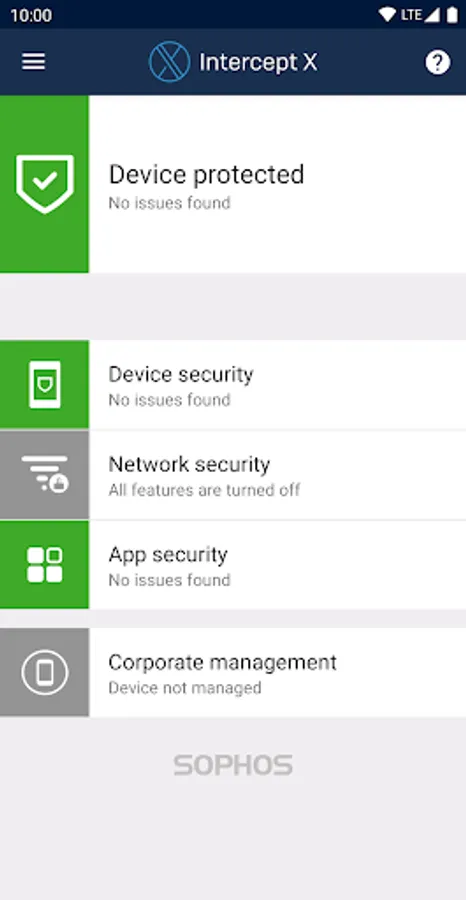
Sophos is an IT security leader for companies and governments worldwide. This app comprehensively protects your Android device and your privacy without impacting performance or battery life.
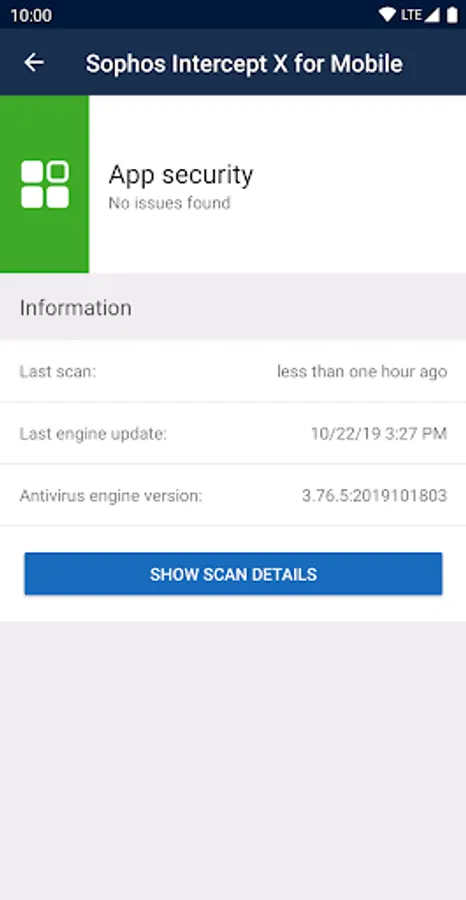
Malware protection
• Scan apps and storage media for malicious or inappropriate content.
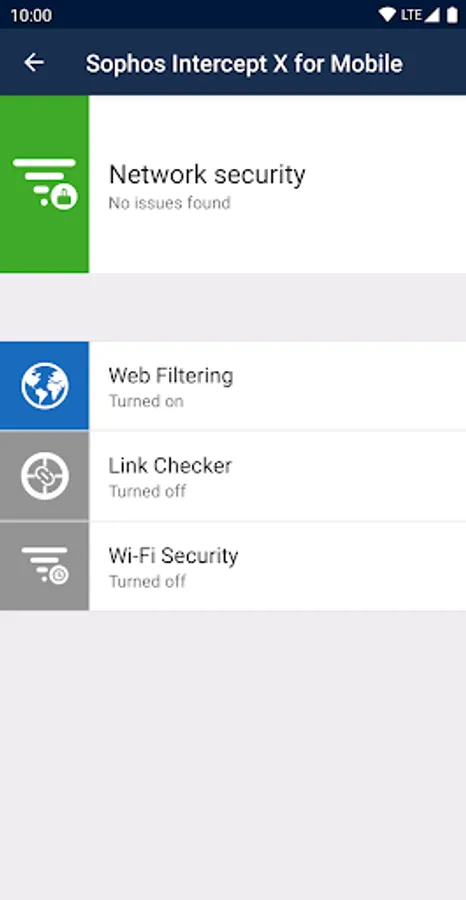
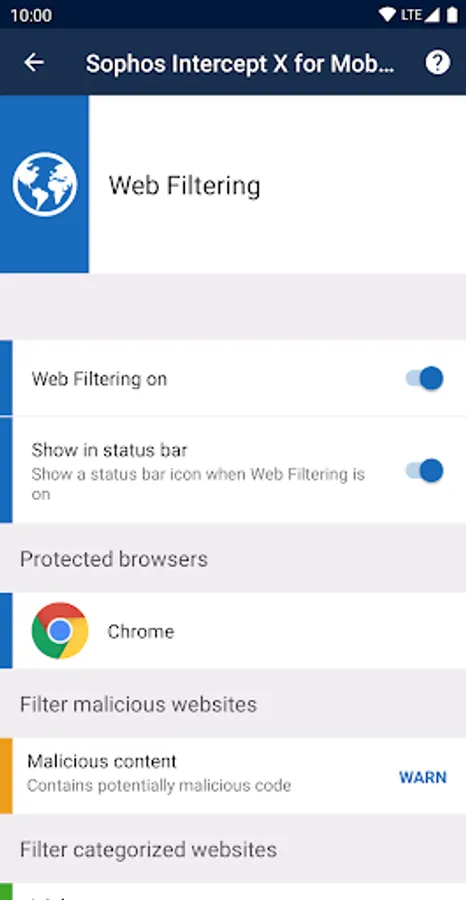
Web Filtering
• Block web pages with malicious, undesirable or illegal content.
Link Checker
• Check links you tap in non-browser apps for malicious or inappropriate content.
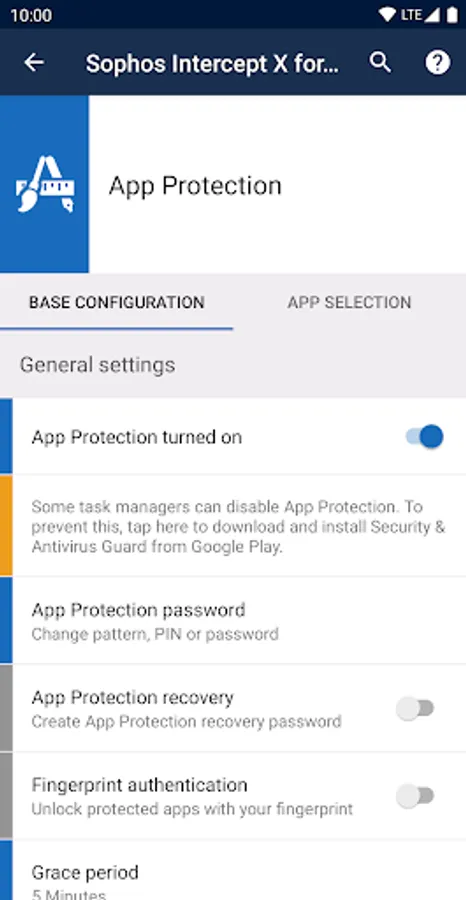
App Protection
• Protect apps with a password.
Wi-Fi Security
• Check your connection for man-in-the-middle attacks.
Privacy Advisor
• List apps that access your personal data or that could create costs.
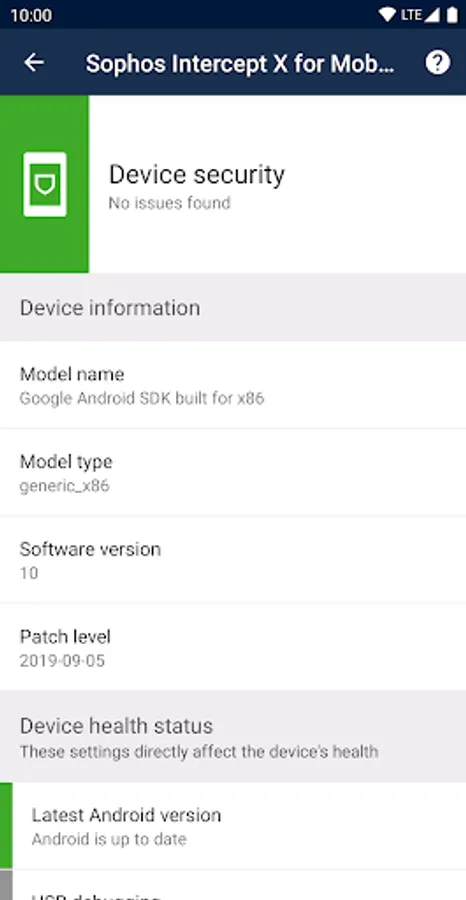
Security Advisor
• Get advice on how to improve device security.
Secure QR Code Scanner
• Perform security checks when scanning QR codes that include URLs, contacts, or Wi-Fi connection data.
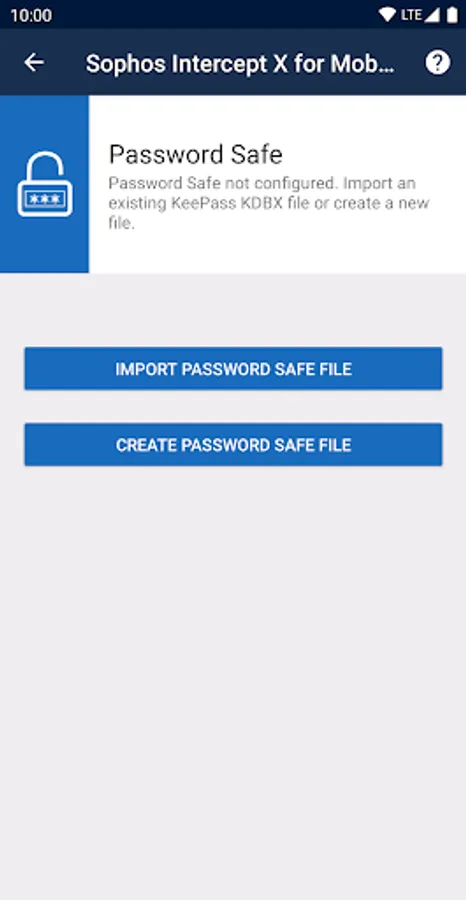
Password Safe
• Store all your account data in a KeePass-compatible password database.
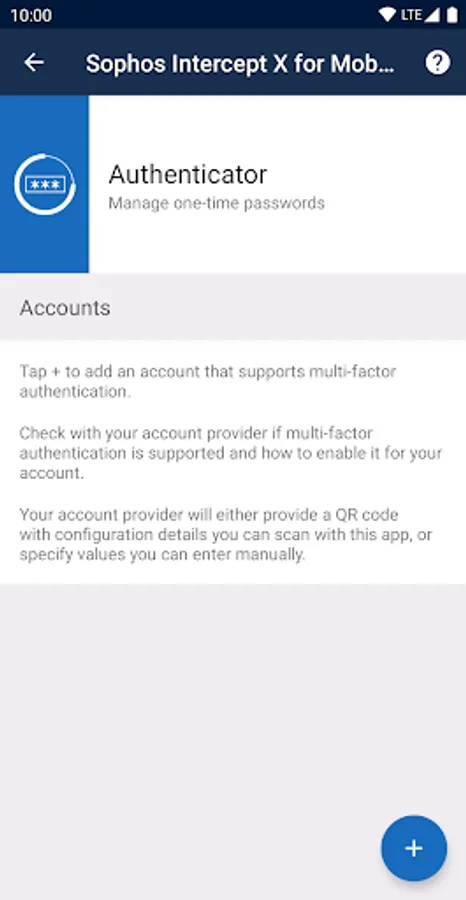
Authenticator
• Generate time-based (TOTP, RFC 6238) and counter-based (HOTP, RFC 4226) one-time passwords for multi-factor authentication.
Managed mode
• Connect the app to Sophos Mobile to enable your organization to manage your device.
Permissions
• Permissions are required to monitor incoming data, and to detect and stop threats. More info: https://sophos.com/kb/117499
• When you turn on App Protection, the app uses the Device Administrator permission.
• The Wi-Fi Security feature needs the location permission to get the name of the Wi-Fi network you’re connected to, even when the app is running in the background. The app doesn’t actually access or track your location.
• When you turn on Web Filtering, the app uses the Android Accessibility Service API to check links you open in supported web browsers. The app sends link addresses to SophosLabs to check for malicious, undesirable, or illegal content. Depending on the app settings, such content is blocked. No personal information is collected.
Battery and data usage
• Malware definitions update once a day to keep you protected. This uses a small amount of data.
• The initial full scan of every installed app causes a one-time increase in battery usage.
Data safety
• The app doesn't store your web browsing history.
• When the app is managed by Sophos Mobile, your organization can see details about web pages the app has blocked or warned about.
Support information
• Knowledge base: https://community.sophos.com/kb?TopicId=1294
• Support forum: https://community.sophos.com/products/mobile-device-protection/f/18
Sophos Intercept X for Mobile Screenshots
Tap to Rate:
Reviews for Sophos Intercept X for Mobile
David Smith
12/27/2025
Simple app that does the basics. The biggest issue is the app should only give you a notification when there is an issue but it spams notifications even if everything is ok. It is also a bit light on features so it needs some work to be viable such as tying into my sophos dashboard.
Nabil Aqshal
12/27/2025
My god this app is really good