
Sophos Secure Email
Sophos Limited
3.0 ★
276 ratings
50,000+
downloads
Free
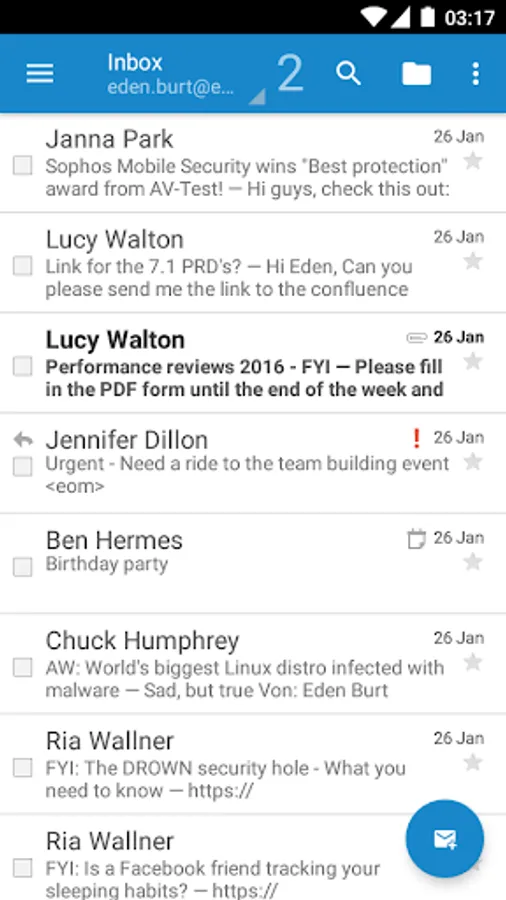
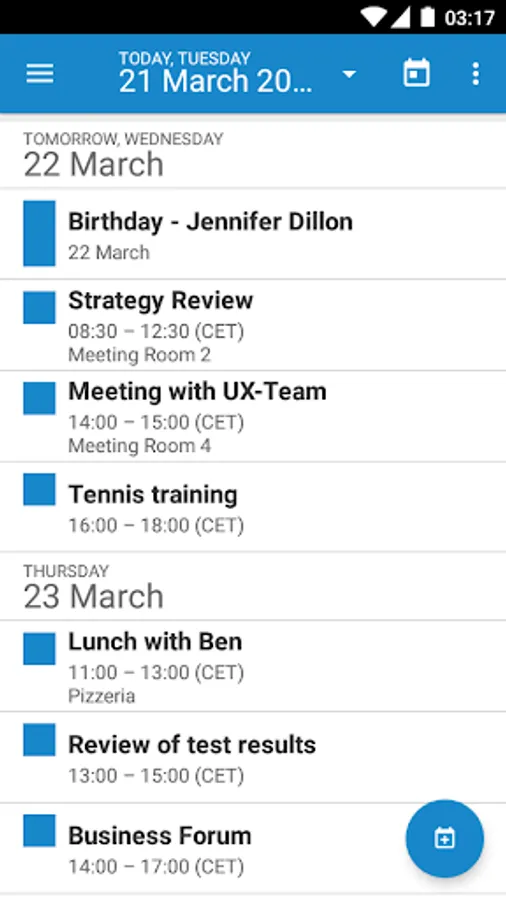
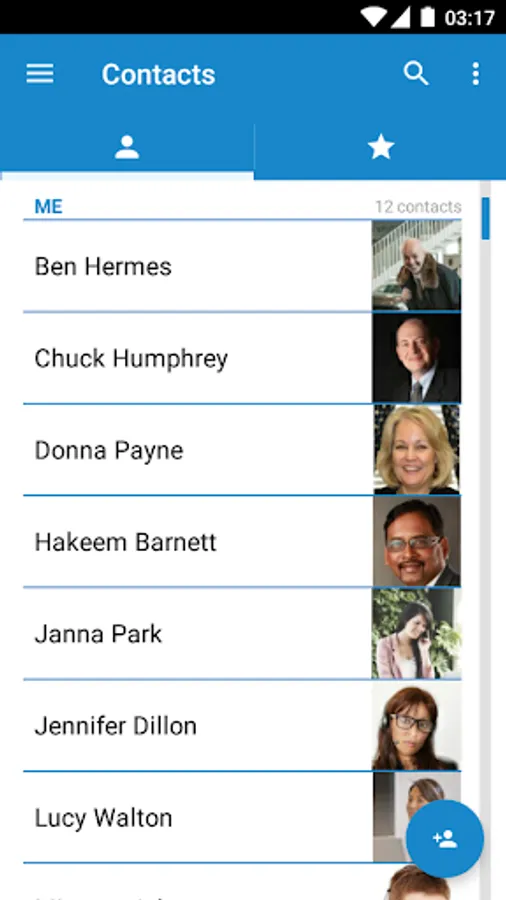
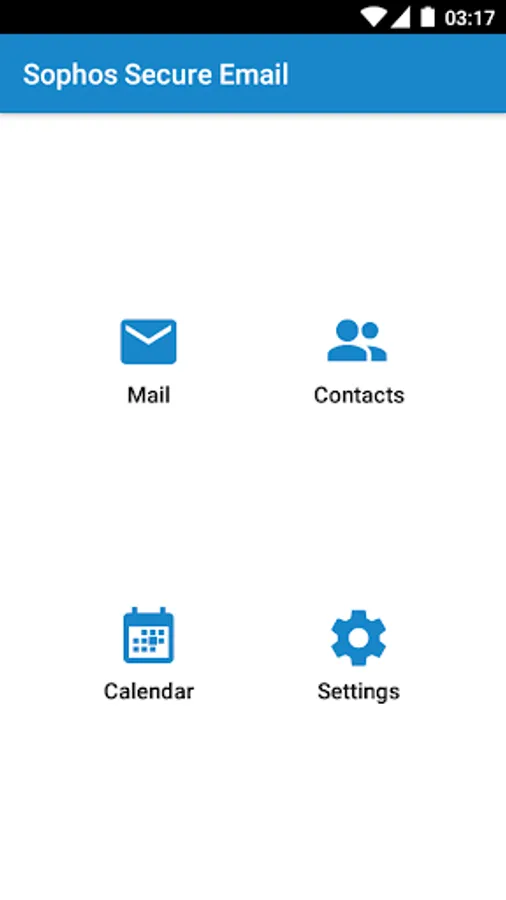
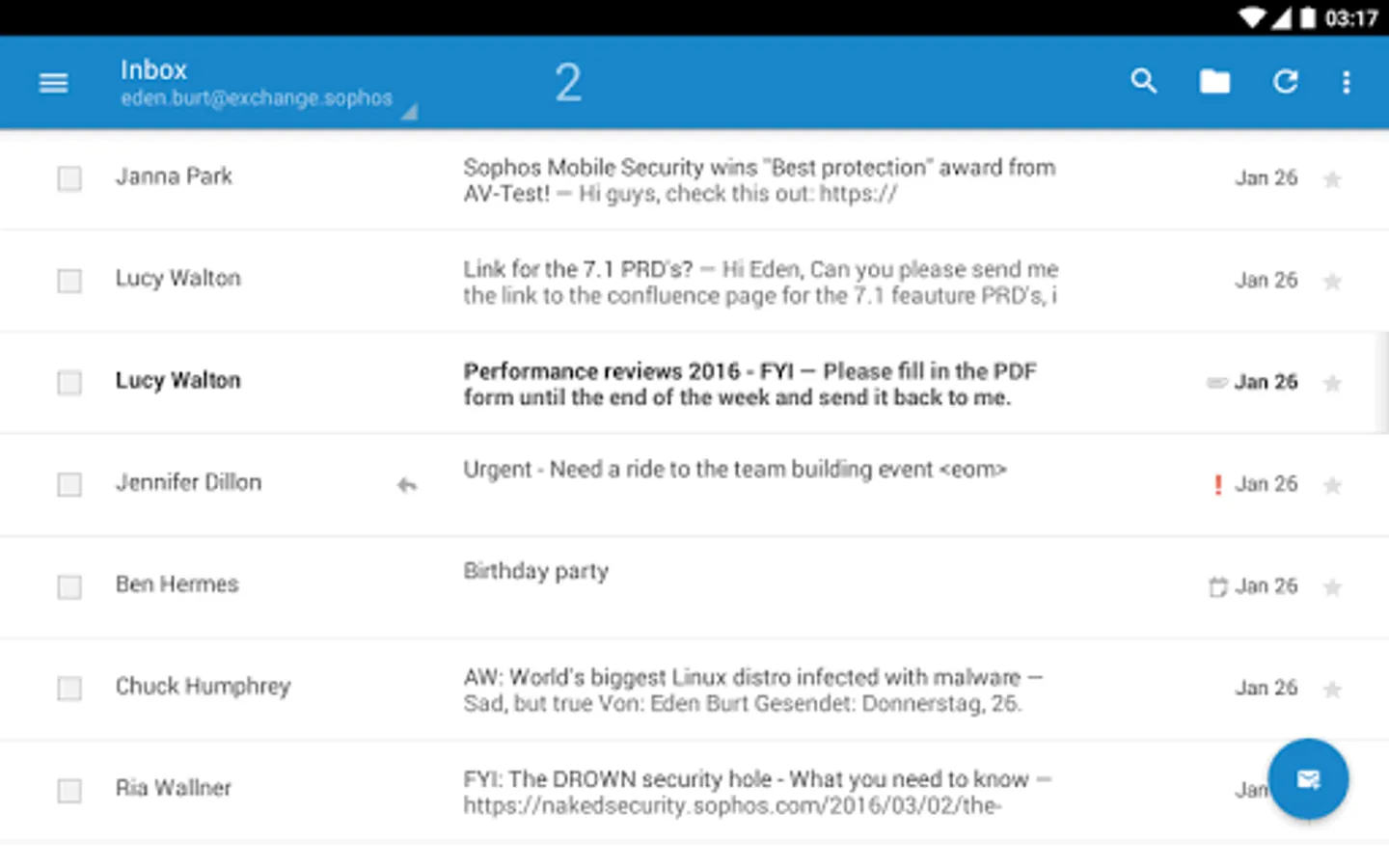
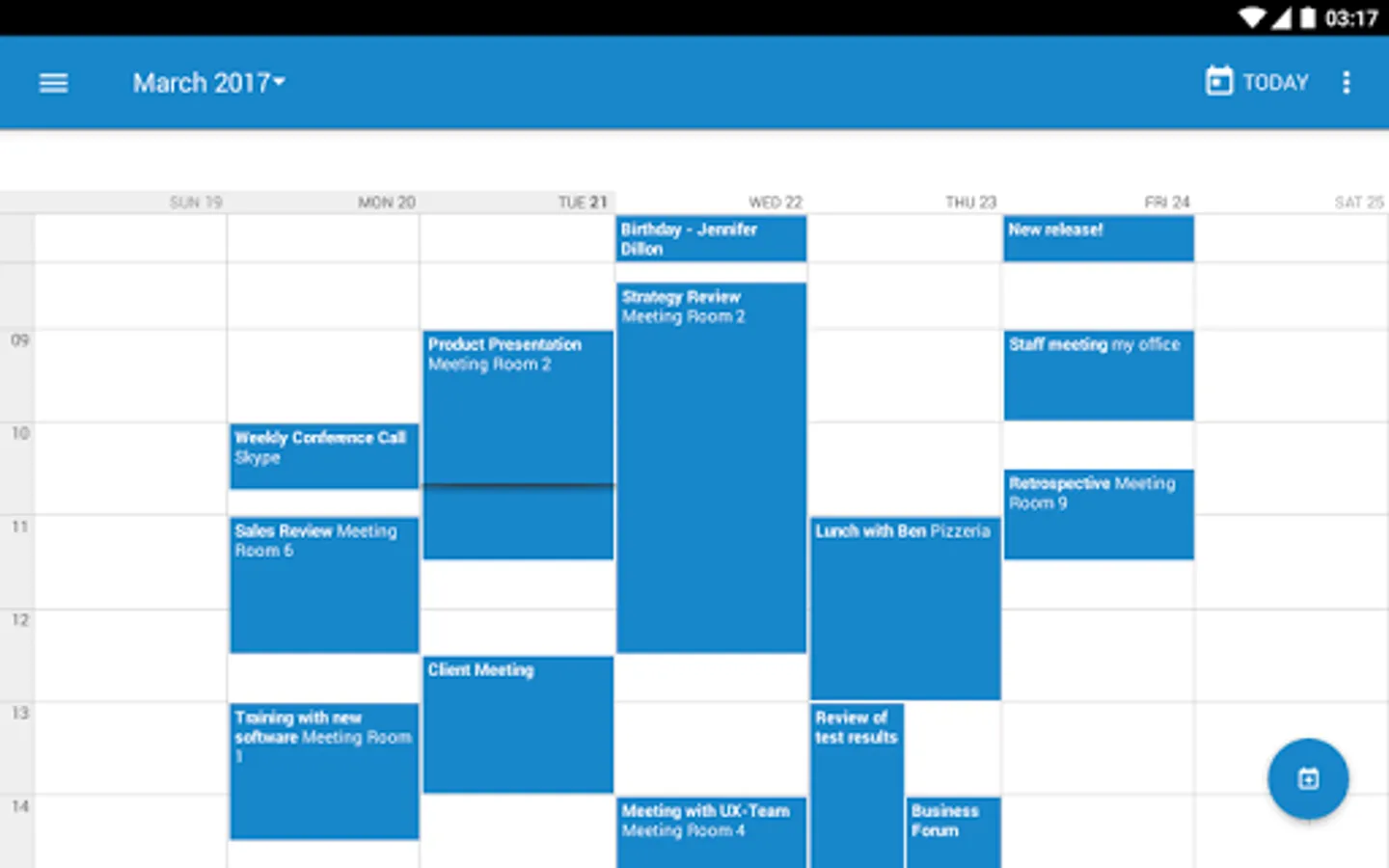
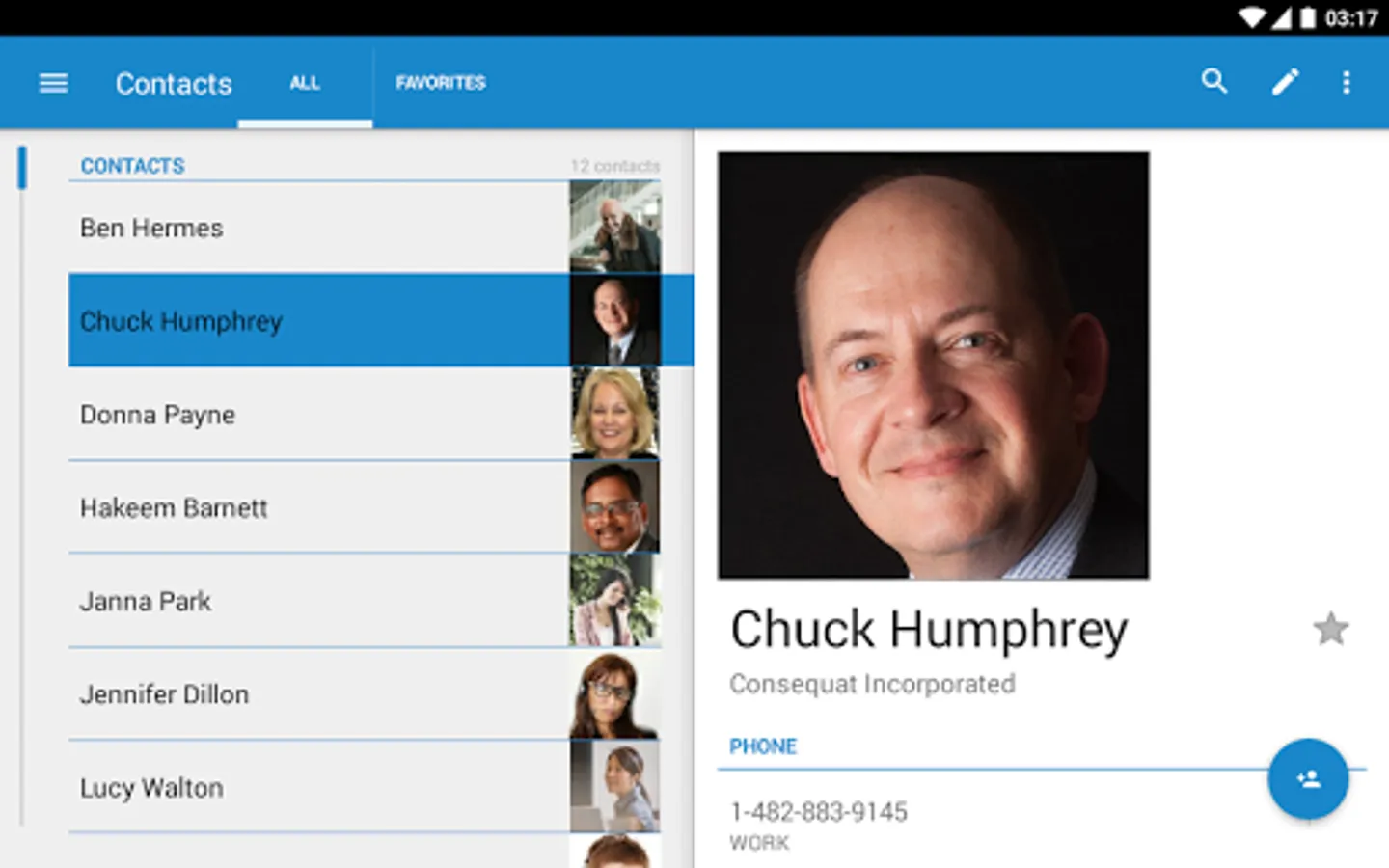
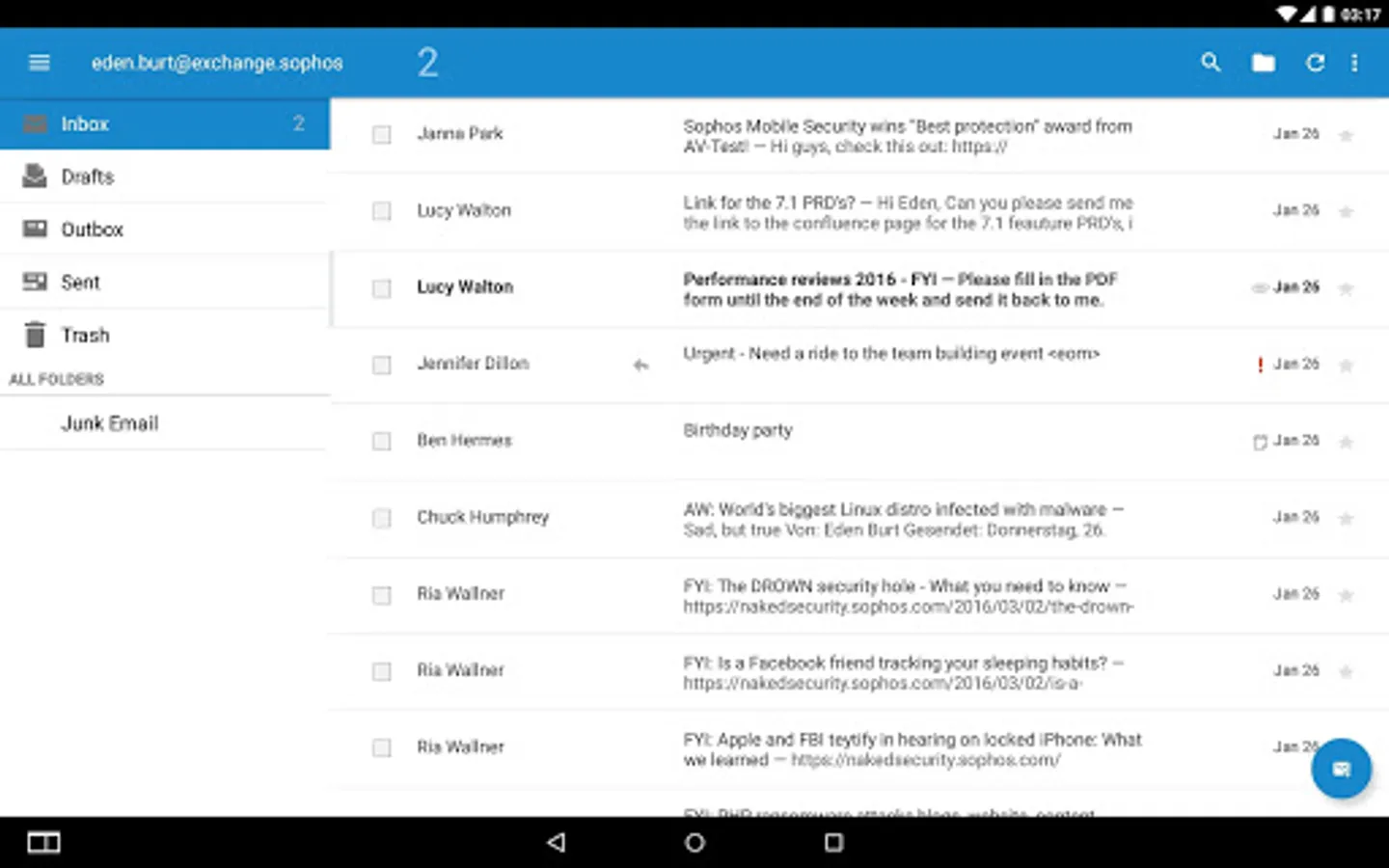
In this secure email app, you can manage corporate and private emails separately with encryption and DLP controls. Includes synchronization with Exchange, contact management, and calendar integration.
AppRecs review analysis
AppRecs rating 3.0. Trustworthiness 0 out of 100. Review manipulation risk 0 out of 100. Based on a review sample analyzed.
★★★☆☆
3.0
AppRecs Rating
Ratings breakdown
5 star
41%
4 star
3%
3 star
6%
2 star
19%
1 star
31%
What to know
✓
Authentic reviews
Natural distribution, no red flags
⚠
High negative review ratio
50% of sampled ratings are 1–2 stars
About Sophos Secure Email
Sophos Secure Email is a containerized and secure email app that lets you fully separate enterprise and private data on your device. It handles the corporate emails, contacts and calendar from the company’s Exchange server. Corporate data is protected with AES-256 encryption and the export of data is controlled by the company’s Data Loss Prevention (DLP) rules. Sophos Secure Email allows the implementation of BYOD programs and fulfills advanced data protection needs in selected industries like finance, government or healthcare.
IMPORTANT NOTE: The Sophos Secure Email app works only in combination with the Sophos Mobile Control Enterprise Mobility Management (EMM) software. Please check with your IT department whether your company uses Sophos Mobile Control. If it does not, please do not install this app as it will not operate without the corresponding EMM server.
*** Feature set ***
EMAIL
- Sync email with Microsoft Exchange or any other ActiveSync compatible email service.
- Use these email options: Create, Reply, Reply All, Forward, Delete.
- Search through your inbox.
- Organize your emails in folders.
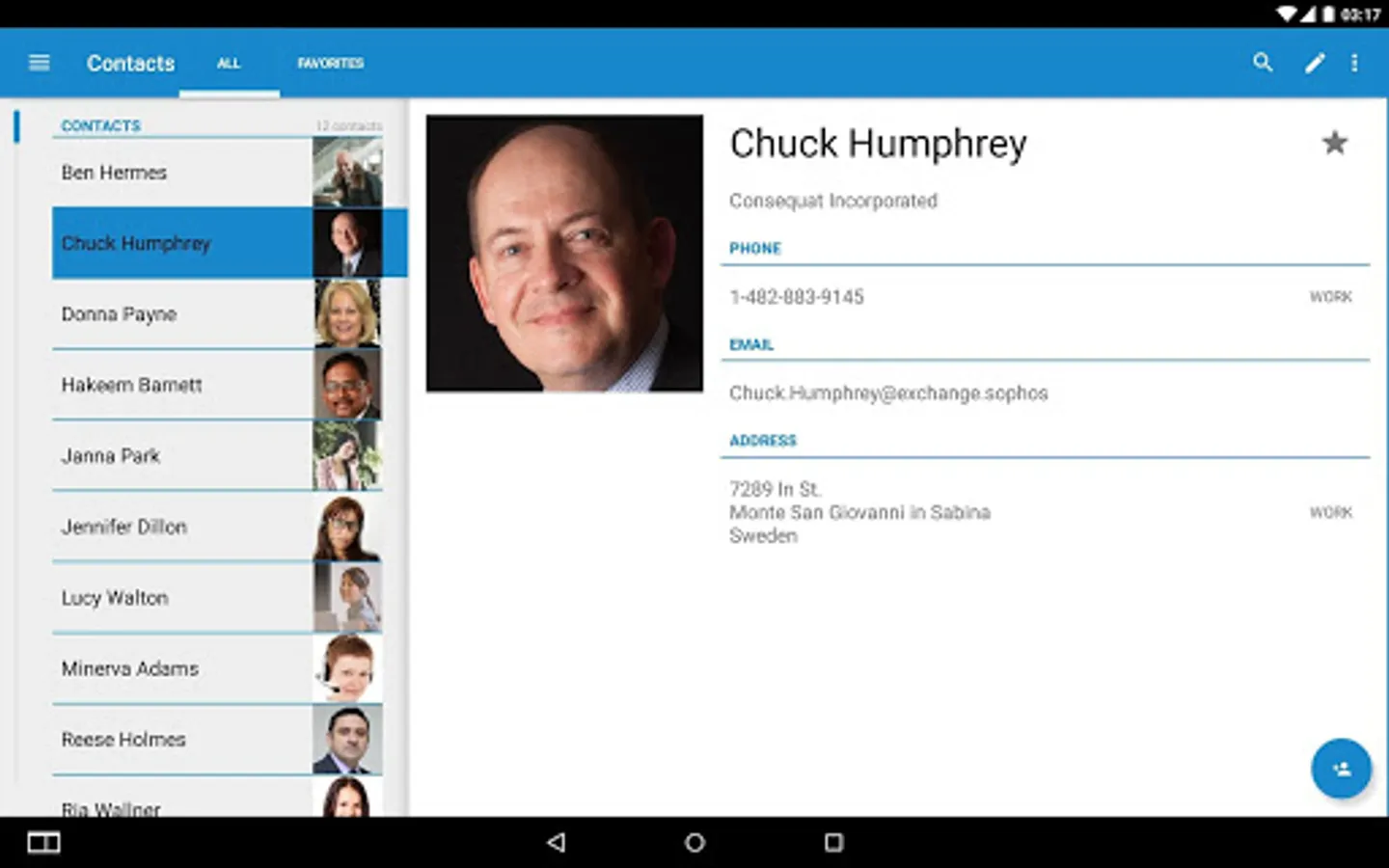
CONTACTS
- Access, modify or create contacts.
- Search for contacts.
- View contact details, including picture.
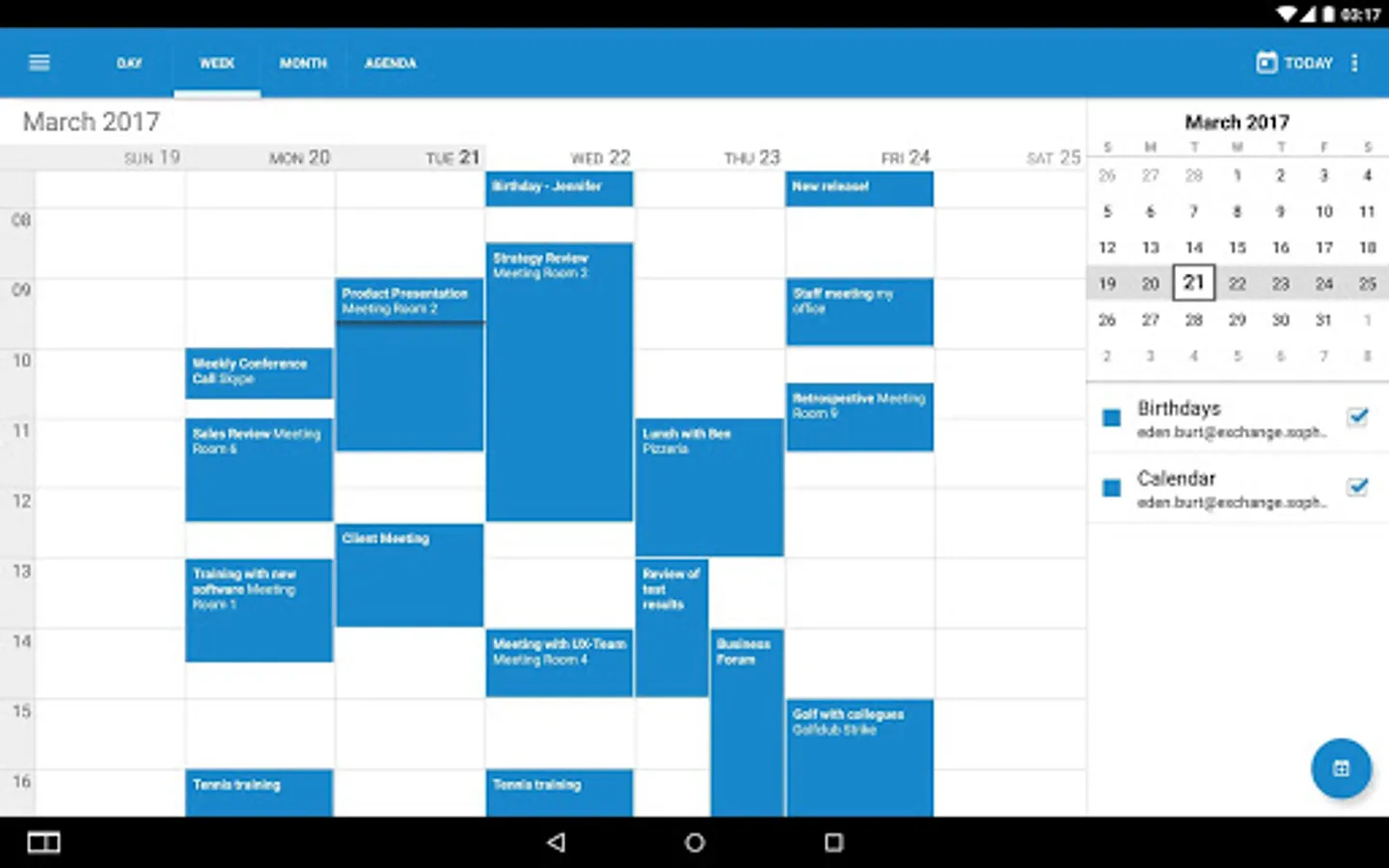
CALENDAR
- View events in a calendar or in a list.
- Create new events.
- Accept invitations.
ENROLLMENT STEPS
Usually, the app is pushed to your device during the enrollment with Sophos Mobile Control:
1. After installation and configuration through the EMM server, open the app.
2. If requested, enter the container passcode.
3. The app starts to sync data with your email account.
NOTE: If you have any issues with Sophos Secure Email, please check our monitored support forum for help before leaving a 1-star review: https://community.sophos.com/products/mobile-device-protection/
IMPORTANT NOTE: The Sophos Secure Email app works only in combination with the Sophos Mobile Control Enterprise Mobility Management (EMM) software. Please check with your IT department whether your company uses Sophos Mobile Control. If it does not, please do not install this app as it will not operate without the corresponding EMM server.
*** Feature set ***
- Sync email with Microsoft Exchange or any other ActiveSync compatible email service.
- Use these email options: Create, Reply, Reply All, Forward, Delete.
- Search through your inbox.
- Organize your emails in folders.
CONTACTS
- Access, modify or create contacts.
- Search for contacts.
- View contact details, including picture.
CALENDAR
- View events in a calendar or in a list.
- Create new events.
- Accept invitations.
ENROLLMENT STEPS
Usually, the app is pushed to your device during the enrollment with Sophos Mobile Control:
1. After installation and configuration through the EMM server, open the app.
2. If requested, enter the container passcode.
3. The app starts to sync data with your email account.
NOTE: If you have any issues with Sophos Secure Email, please check our monitored support forum for help before leaving a 1-star review: https://community.sophos.com/products/mobile-device-protection/
Sophos Secure Email Screenshots
Tap to Rate: