File Manager
Splend Apps
4.6 ★
19K ratings
1,000,000+
downloads
Free
+ in-app
In this file management app, users can browse, organize, and edit files with features like zip support and sharing. Includes folder creation, file operations, search, and customization options.
AppRecs review analysis
AppRecs rating 4.3. Trustworthiness 81 out of 100. Review manipulation risk 24 out of 100. Based on a review sample analyzed.
★★★★☆
4.3
AppRecs Rating
Ratings breakdown
5 star
85%
4 star
5%
3 star
2%
2 star
3%
1 star
6%
What to know
✓
Low review manipulation risk
24% review manipulation risk
✓
Credible reviews
81% trustworthiness score from analyzed reviews
⚠
Ad complaints
Many low ratings mention excessive ads
About File Manager
Smart and free file manager for Android with perfect set of features.
It provides quick and convenient access to your pictures, music, videos, documents and other files.
You'll find that all operations on files become easy and more intuitive.
Our file manager is powerful in its simplicity and convenience of use.
Key Features
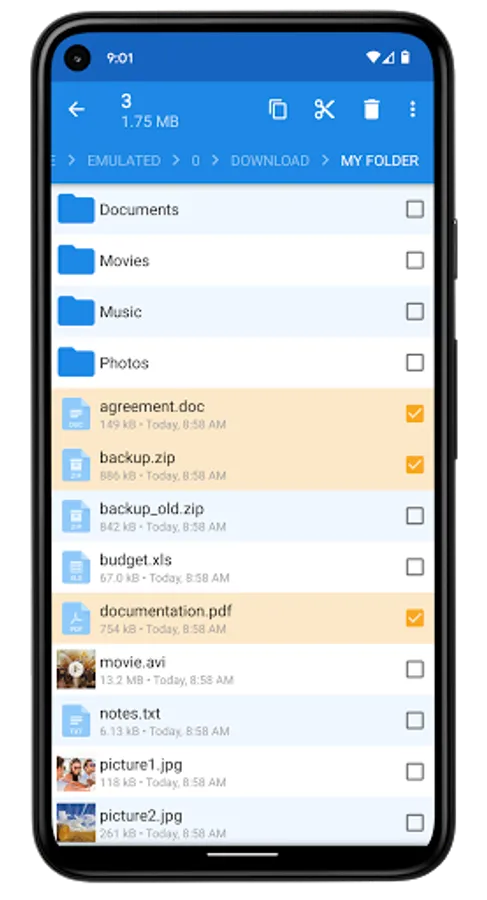
• User friendly file management. Manage your files and folders in a very simple and natural way, like you do on your desktop or laptop!
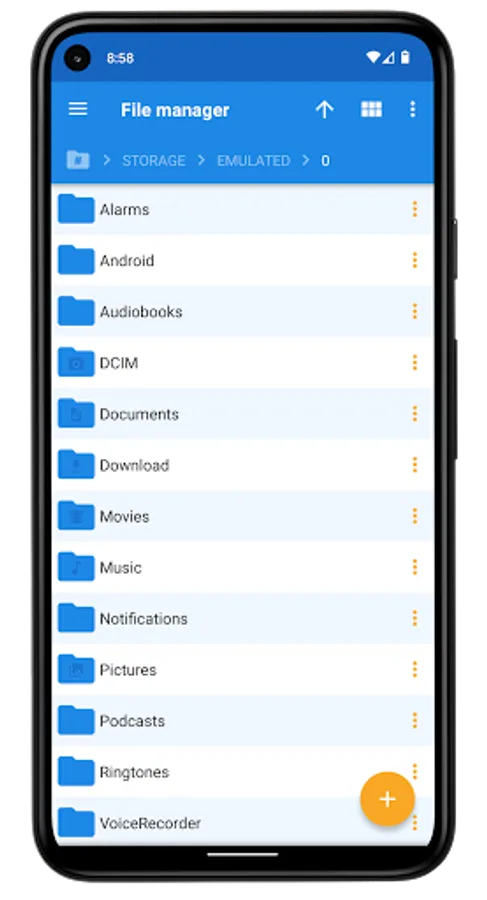
• Browsing file system on Grid View or List View
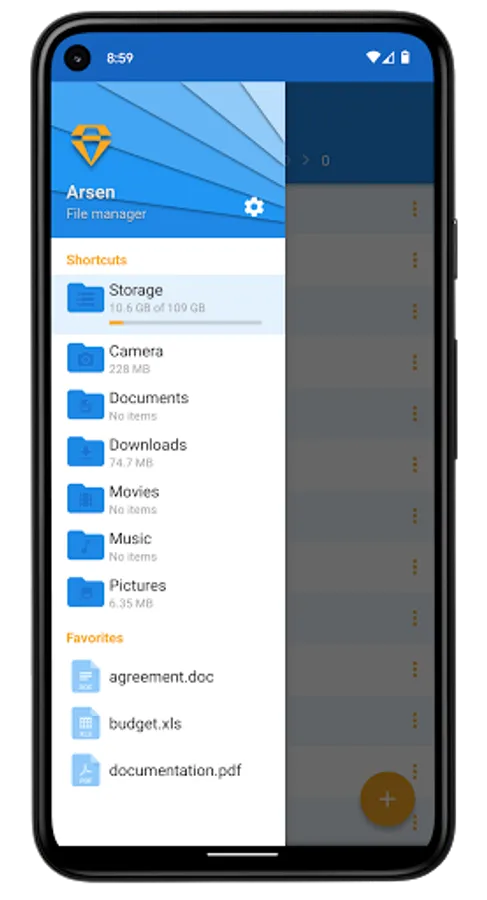
• Keep important things close - add them to Favorites! Bookmarks are available in app drawer.
• Shortcuts to most important directories: Camera, Documents, Downloads, Movies, Music and Pictures
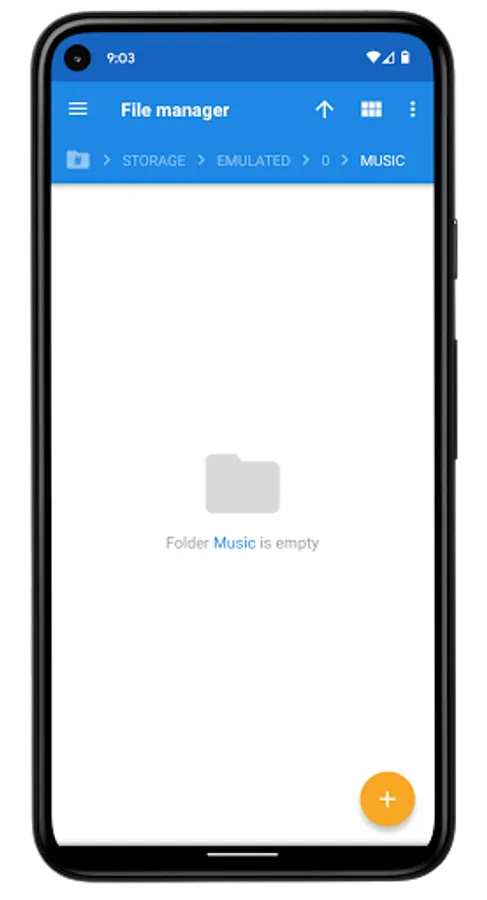
• Interactive navigation path (breadcrumbs)
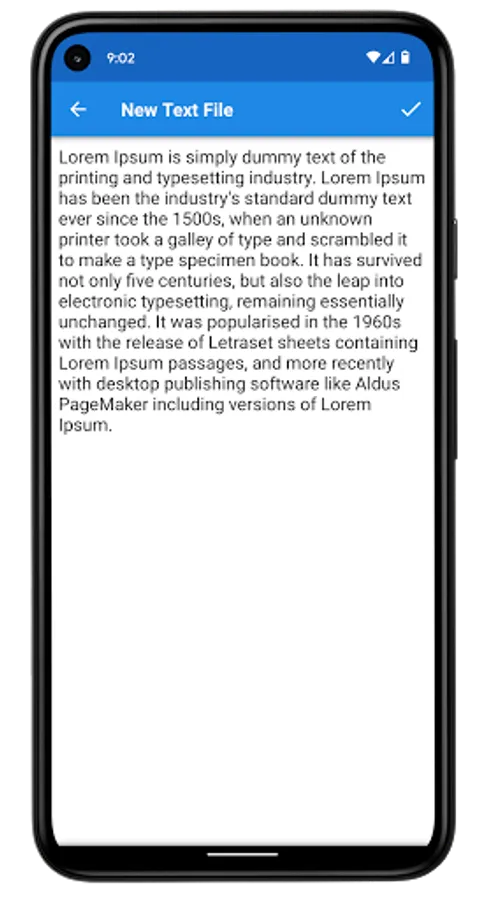
• Built-in text viewer and editor
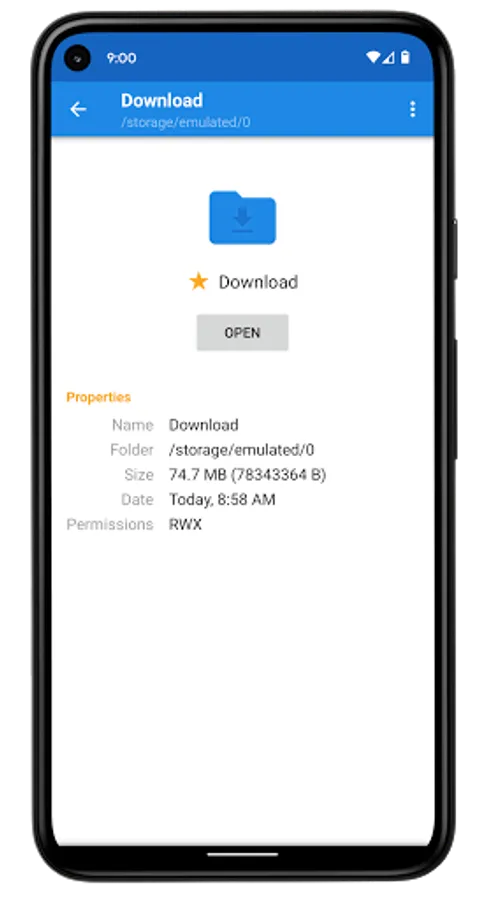
• Properties view with additional information: permissions, size and last modified date
• Actions on group of files and folders (multiple select, long-click selection support)
Detailed Features
• Copy and Move (equivalent to Cut, Copy and Paste)
• Delete and Rename files, directories and favorites
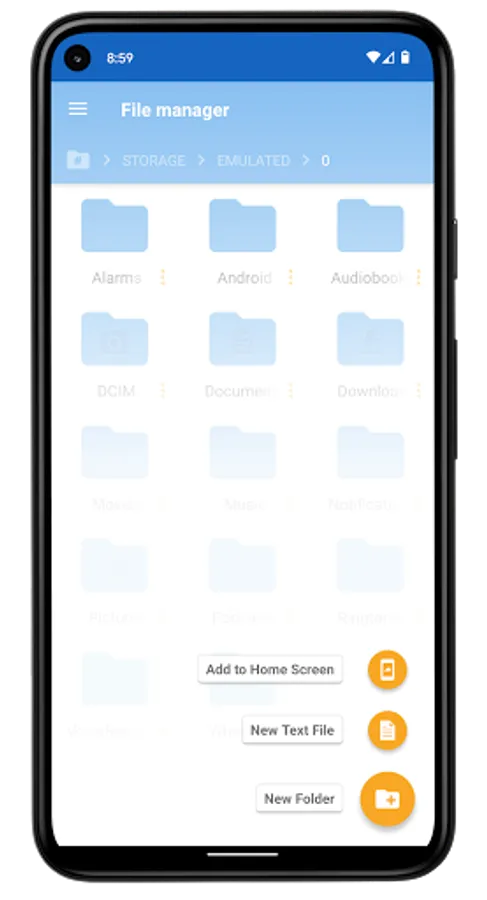
• Creating new folders
• Creating and editing text files
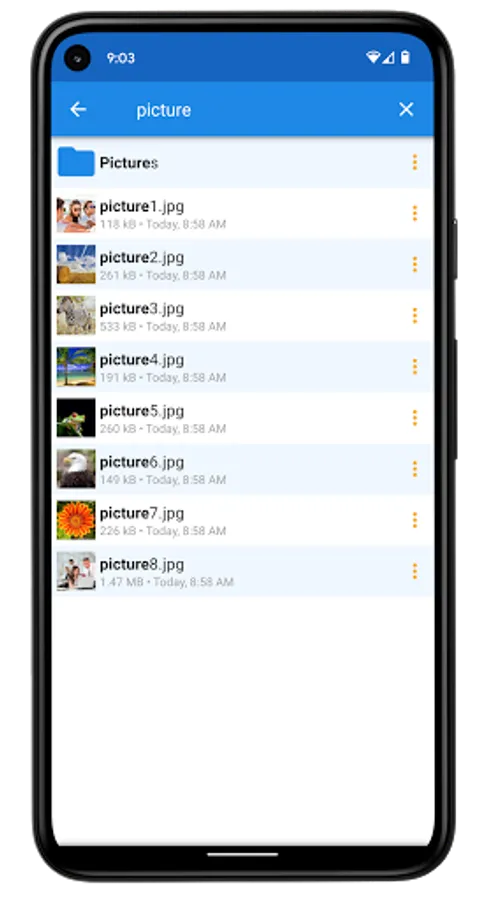
• Searching files and directories
• Zipping and Unzipping files. Built-in zip support allows you to compress and decompress files and archives.
• Sorting by name, date and size - ascending and descending with folders first or not.
• Share and Send - integration with sharing on Android. You can share files with other apps: adding attachments to e-mails, uploading images to social networks, etc.
• Adding shortcuts to home screen for quick access
• Setting picture as system wallpaper (home screen wallpaper)
• Can show thumbnails for images and videos
• Can show hidden files and directories
• Cancellable progress dialogs for long lasting operations
• Root explorer - provides access to the entire file system and all directories on rooted devices
• Useful configuration options
• Support for tablets and different screen sizes
• Arsen is free to download and use
• Splend Apps support and more!
About Us
• Visit SplendApps.com: http://splendapps.com/
• Our Privacy Policy: http://splendapps.com/privacy-policy
• Contact Us: http://splendapps.com/contact-us
Follow Us
• Facebook: https://www.facebook.com/SplendApps/
• Instagram: https://www.instagram.com/splendapps/
• Twitter: https://twitter.com/SplendApps
It provides quick and convenient access to your pictures, music, videos, documents and other files.
You'll find that all operations on files become easy and more intuitive.
Our file manager is powerful in its simplicity and convenience of use.
Key Features
• User friendly file management. Manage your files and folders in a very simple and natural way, like you do on your desktop or laptop!
• Browsing file system on Grid View or List View
• Keep important things close - add them to Favorites! Bookmarks are available in app drawer.
• Shortcuts to most important directories: Camera, Documents, Downloads, Movies, Music and Pictures
• Interactive navigation path (breadcrumbs)
• Built-in text viewer and editor
• Properties view with additional information: permissions, size and last modified date
• Actions on group of files and folders (multiple select, long-click selection support)
Detailed Features
• Copy and Move (equivalent to Cut, Copy and Paste)
• Delete and Rename files, directories and favorites
• Creating new folders
• Creating and editing text files
• Searching files and directories
• Zipping and Unzipping files. Built-in zip support allows you to compress and decompress files and archives.
• Sorting by name, date and size - ascending and descending with folders first or not.
• Share and Send - integration with sharing on Android. You can share files with other apps: adding attachments to e-mails, uploading images to social networks, etc.
• Adding shortcuts to home screen for quick access
• Setting picture as system wallpaper (home screen wallpaper)
• Can show thumbnails for images and videos
• Can show hidden files and directories
• Cancellable progress dialogs for long lasting operations
• Root explorer - provides access to the entire file system and all directories on rooted devices
• Useful configuration options
• Support for tablets and different screen sizes
• Arsen is free to download and use
• Splend Apps support and more!
About Us
• Visit SplendApps.com: http://splendapps.com/
• Our Privacy Policy: http://splendapps.com/privacy-policy
• Contact Us: http://splendapps.com/contact-us
Follow Us
• Facebook: https://www.facebook.com/SplendApps/
• Instagram: https://www.instagram.com/splendapps/
• Twitter: https://twitter.com/SplendApps