Screenshot
Splend Apps
4.5 ★
204K ratings
10,000,000+
downloads
Free
+ in-app
AppRecs review analysis
AppRecs rating 4.5. Trustworthiness 68 out of 100. Review manipulation risk 39 out of 100. Based on a review sample analyzed.
★★★★☆
4.5
AppRecs Rating
Ratings breakdown
5 star
80%
4 star
7%
3 star
3%
2 star
2%
1 star
8%
What to know
✓
High user satisfaction
87% of sampled ratings are 4+ stars (4.5★ average)
⚠
Ad complaints
Many low ratings mention excessive ads
About Screenshot
Free android app which allows you to capture screenshots and manage them in a user friendly way. It is truly usable with great user experience. It is powerful in its simplicity and convenience of use.
Key Features
• Take screenshots on your phone and tablet
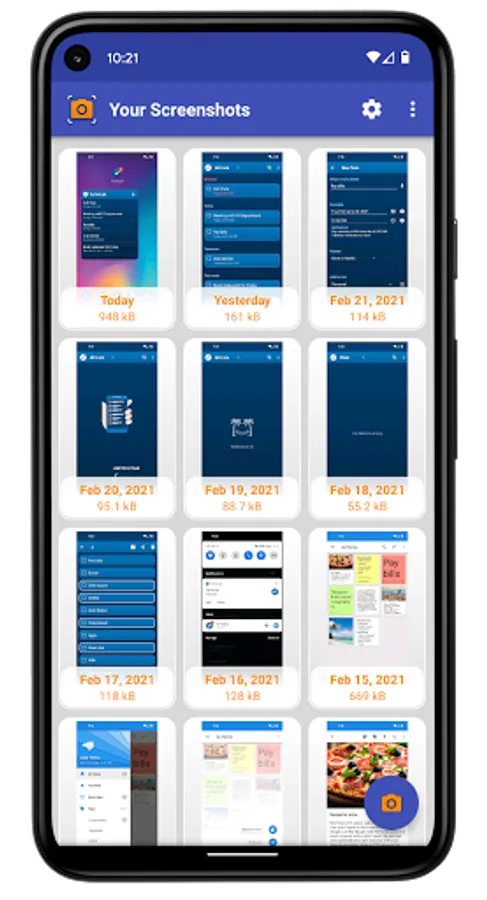
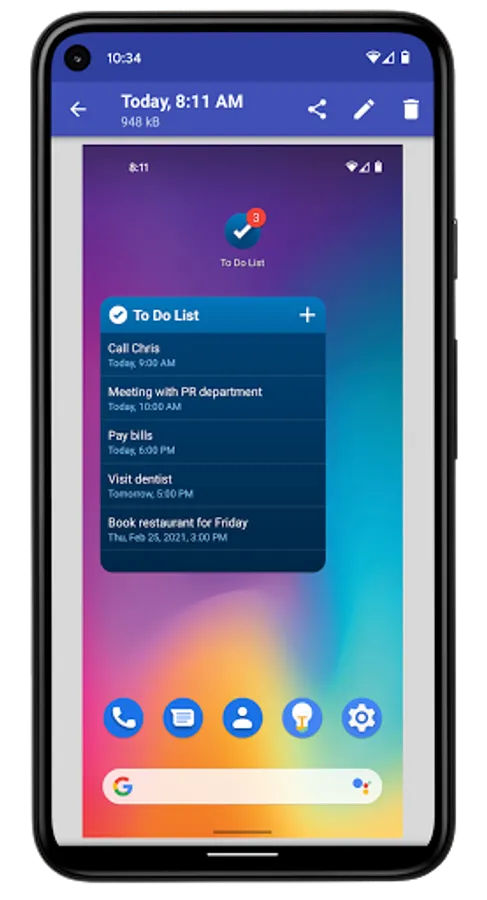
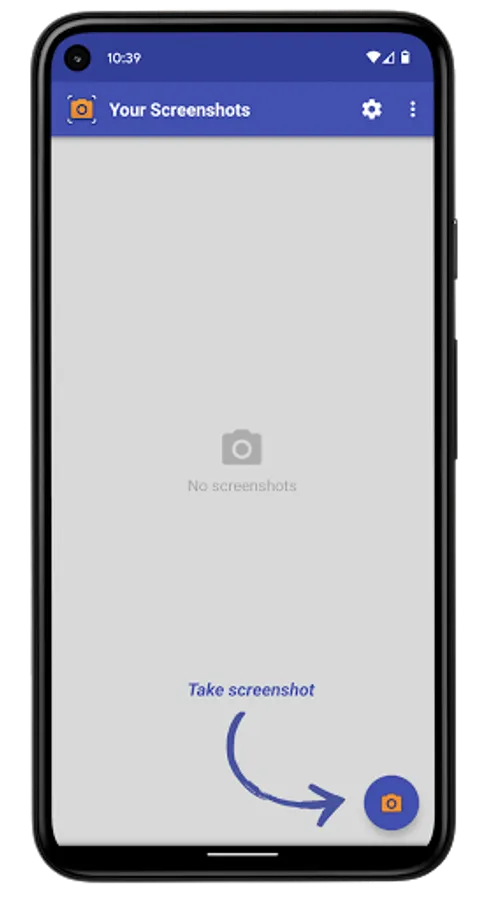
• View and manage screenshots in gallery view (multiple select support) and in a single screenshot view
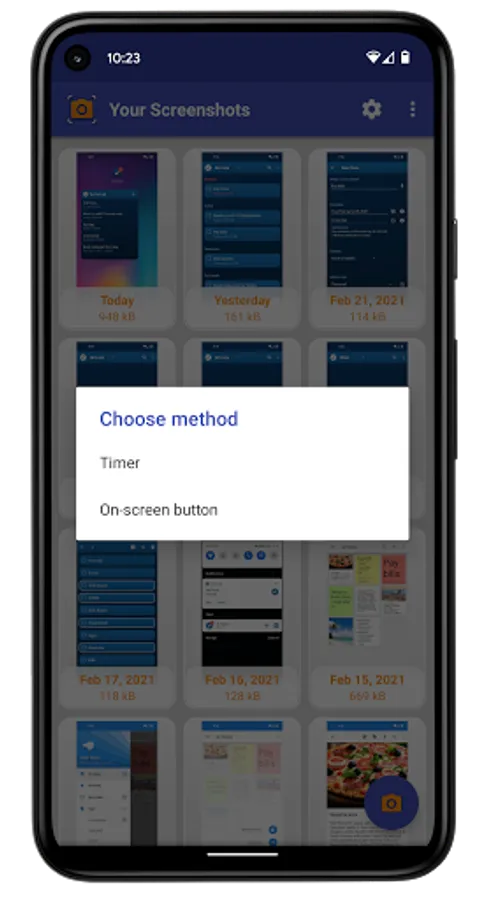
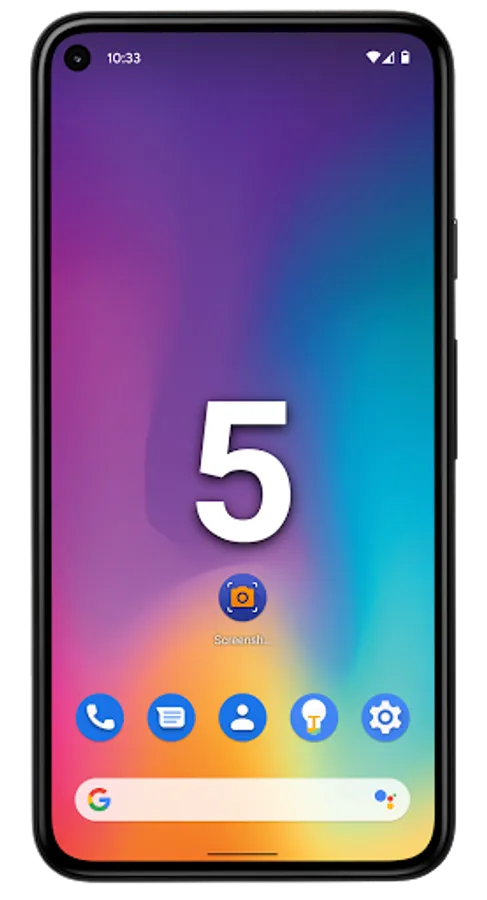
• You can set a delay (timer) in seconds before taking screen (screenshot after countdown)
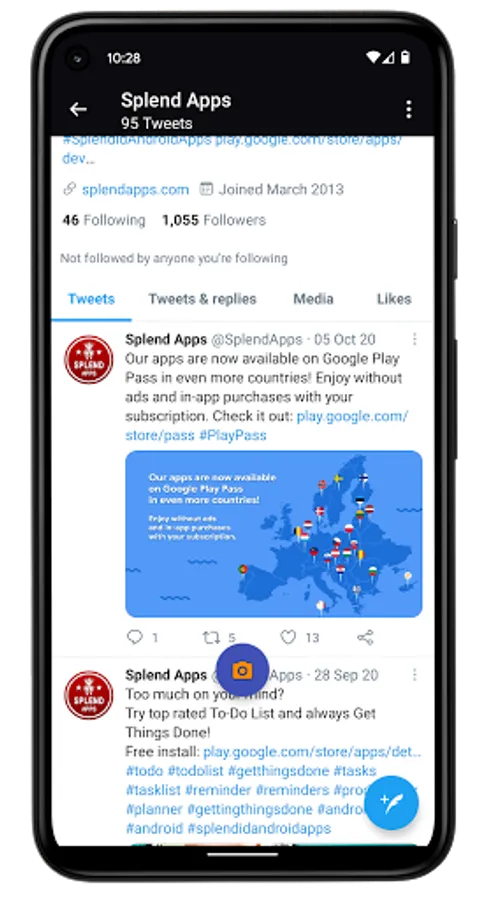
• On-screen shutter button (overlay icon) which is visible on top of all screens and allows you to capture screen exactly when pressed
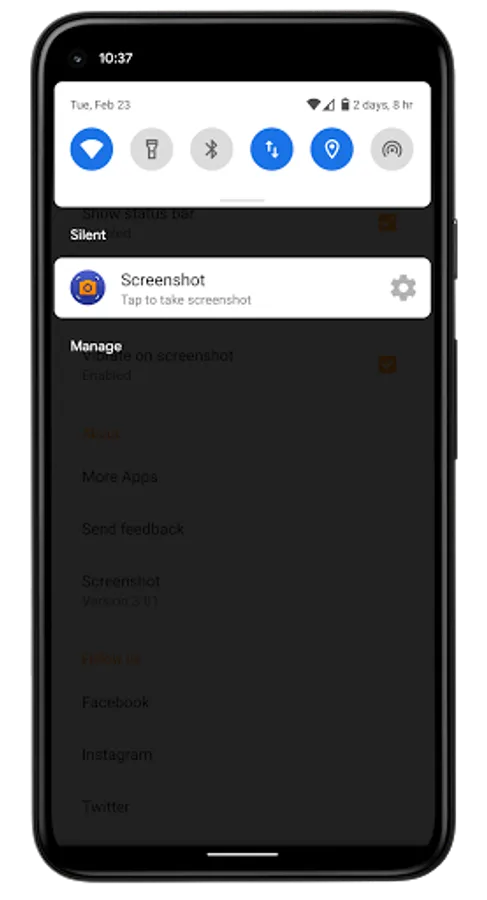
• Screen capture execution from status bar in notification area
• Support for standard android screenshot triggers (Volume Down + Power and Home + Power buttons)
More Details
• Save and Share screenshot via e-mail, Facebook, Twitter, Google+, WhatsApp, Instagram, Dropbox and many more...
• Crop and Edit captured screens
• Delete unnecessary screenshots
• Can show or hide status bar
• Can play the shutter sound and vibrate on screenshot
• Support for screenshots android system directory
• Notification icon is hidden away during capturing
• No root required but some functions may not be available on unrooted devices
• Screenshot is free to download and use
• Splend Apps support and more!
About Us
• Visit SplendApps.com: http://splendapps.com/
• Our Privacy Policy: http://splendapps.com/privacy-policy
• Contact Us: http://splendapps.com/contact-us
Follow Us
• Facebook: https://www.facebook.com/SplendApps/
• Instagram: https://www.instagram.com/splendapps/
• Twitter: https://twitter.com/SplendApps
Key Features
• Take screenshots on your phone and tablet
• View and manage screenshots in gallery view (multiple select support) and in a single screenshot view
• You can set a delay (timer) in seconds before taking screen (screenshot after countdown)
• On-screen shutter button (overlay icon) which is visible on top of all screens and allows you to capture screen exactly when pressed
• Screen capture execution from status bar in notification area
• Support for standard android screenshot triggers (Volume Down + Power and Home + Power buttons)
More Details
• Save and Share screenshot via e-mail, Facebook, Twitter, Google+, WhatsApp, Instagram, Dropbox and many more...
• Crop and Edit captured screens
• Delete unnecessary screenshots
• Can show or hide status bar
• Can play the shutter sound and vibrate on screenshot
• Support for screenshots android system directory
• Notification icon is hidden away during capturing
• No root required but some functions may not be available on unrooted devices
• Screenshot is free to download and use
• Splend Apps support and more!
About Us
• Visit SplendApps.com: http://splendapps.com/
• Our Privacy Policy: http://splendapps.com/privacy-policy
• Contact Us: http://splendapps.com/contact-us
Follow Us
• Facebook: https://www.facebook.com/SplendApps/
• Instagram: https://www.instagram.com/splendapps/
• Twitter: https://twitter.com/SplendApps
Screenshot Screenshots
Tap to Rate:
Reviews for Screenshot
Kaliammal Kali
3/7/2026
worst
Prudence Prudence
3/7/2026
good