
With this diving camera app, you can control your phone’s camera using volume keys or Bluetooth remote, capture photos, and record videos underwater. Includes Bluetooth remote support and volume key controls for images and videos.
AppRecs review analysis
AppRecs rating 2.5. Trustworthiness 69 out of 100. Review manipulation risk 35 out of 100. Based on a review sample analyzed.
★★☆☆☆
2.5
AppRecs Rating
Ratings breakdown
5 star
38%
4 star
0%
3 star
0%
2 star
0%
1 star
62%
What to know
✓
Authentic reviews
No red flags detected
⚠
Mixed user feedback
Average 2.5★ rating suggests room for improvement
⚠
High negative review ratio
62% of sampled ratings are 1–2 stars
About Diving Camera
Waterproof sports cameras are expensive, and most of them do not have autofocus lenses, so the picture quality is far less than smart phones. Put your phone into the waterproof case to take pictures and record videos is a very good choice when you go diving or swimming. The main problem by using a waterproof case is that it is difficult to use the regular camera application when you are running the phone while underwater or the waterproof case is stained with water. Because water is a conductor (especially seawater), the touch screen generates random touch events that interfere with the camera application's work.
Some applications use proximity sensors to control the camera, but it does not work when you put your phone in a waterproof case. Because the proximity sensor will always be triggered (the sensor will be interfereed by the waterproof case).
SQZSoft Diving Camera is dedicated designed to solve these problems. It can control the camera by the volume keys, Bluetooth remote controller and the Computer Vision (CV) technology.
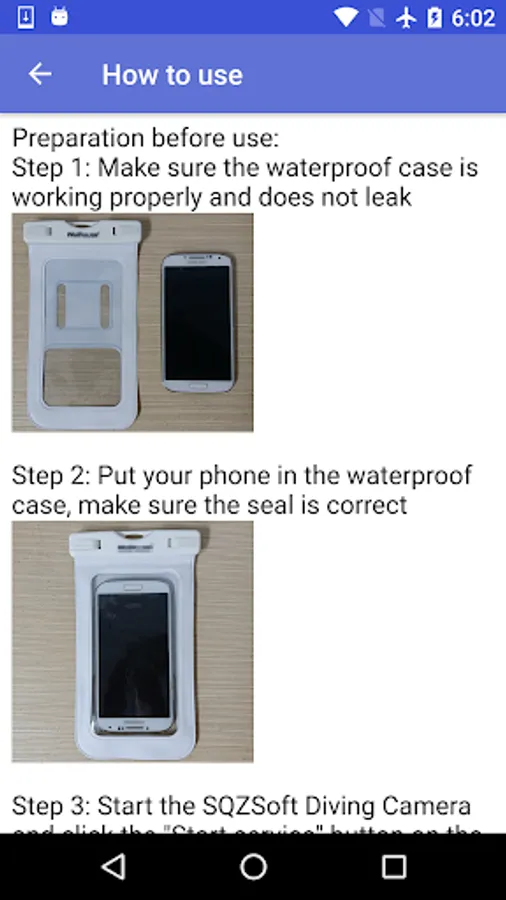
Preparation before use:
Step 1: Make sure the waterproof case is working properly and does not leak
Step 2: Put your phone in the waterproof case, make sure the seal is correct
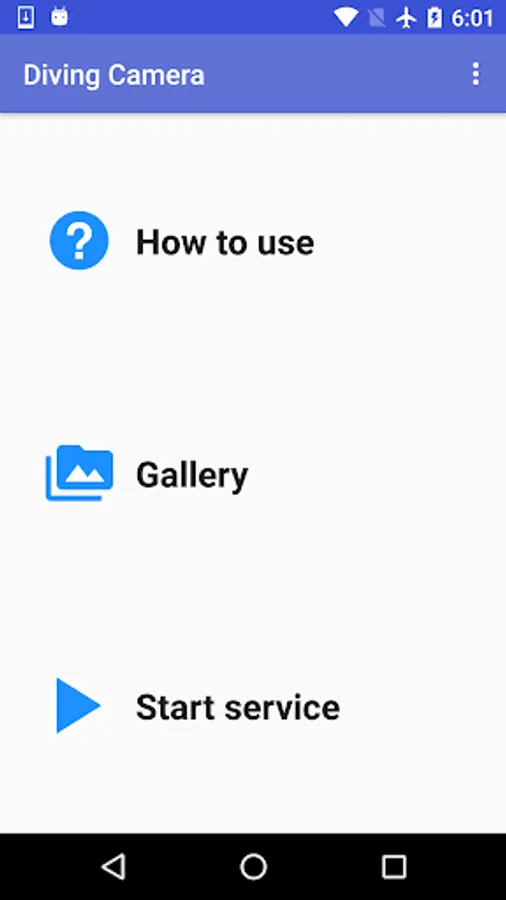
Step 3: Start the SQZSoft Diving Camera and click the "Start service" button on the main screen. It will start running in the background
Step 4: Turn off the screen of the phone to prevent misoperation
Control by the volume keys:
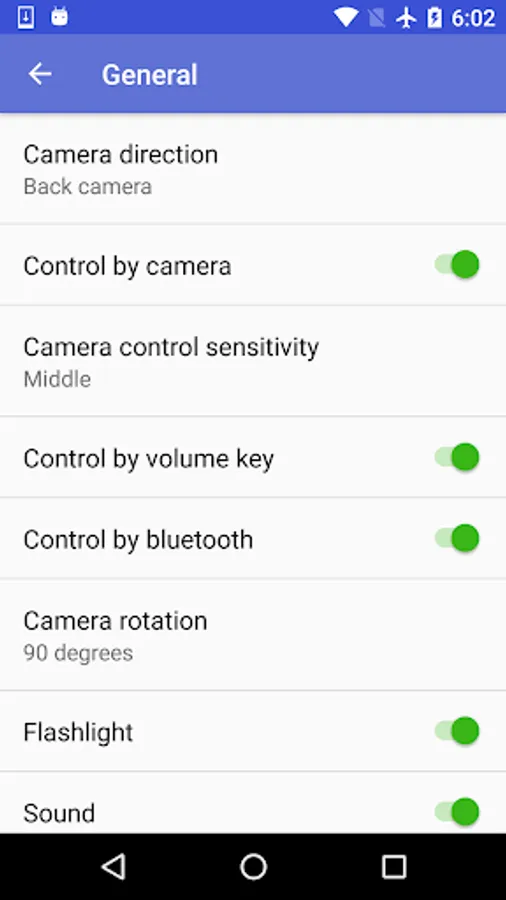
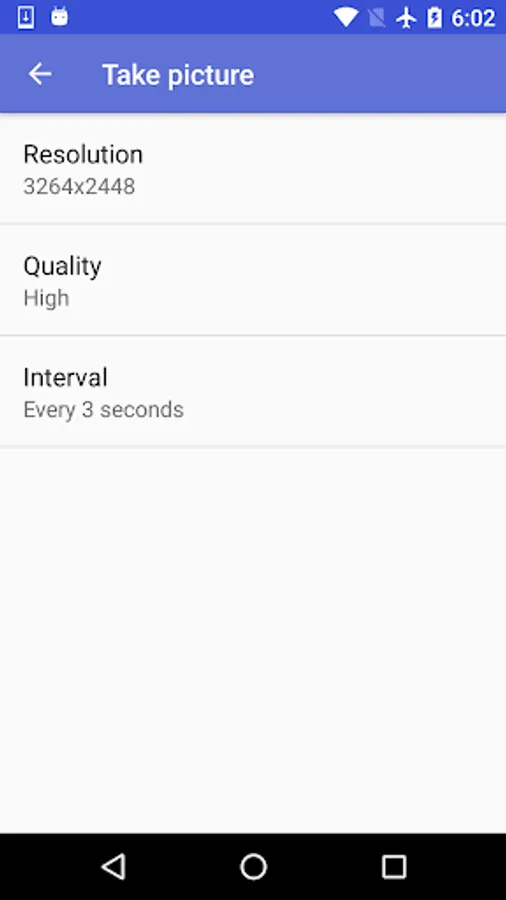
Press the down key of the volume key to automatically take a picture every 3 seconds (the interval can be changed in the setting). Press the down button again to stop taking pictures. Press the up key of the volume key to start recording video, then press the down button again to stop.
Control by the Bluetooth remote controller:
Connect the Bluetooth remote controller to the phone, press the play button or the next song button to start / stop taking pictures, press the play button twice or the previous song key to start / stop recording video.
Control by the Computer Vision (CV) technology:
Cover the camera with your palm and hold for 3 seconds, then remove your palm, the application will start taking pictures. Again, cover the camera with your palm and hold for 3 seconds, then remove your palm, the application will stop taking pictures.
If your hold camera for 5 seconds and then remove your palm, the application will start / stop recording video.
If your phone has a status indicator, the indicator will flash slowly when the app is taking pictures, and flash quickly when the app is recording video.
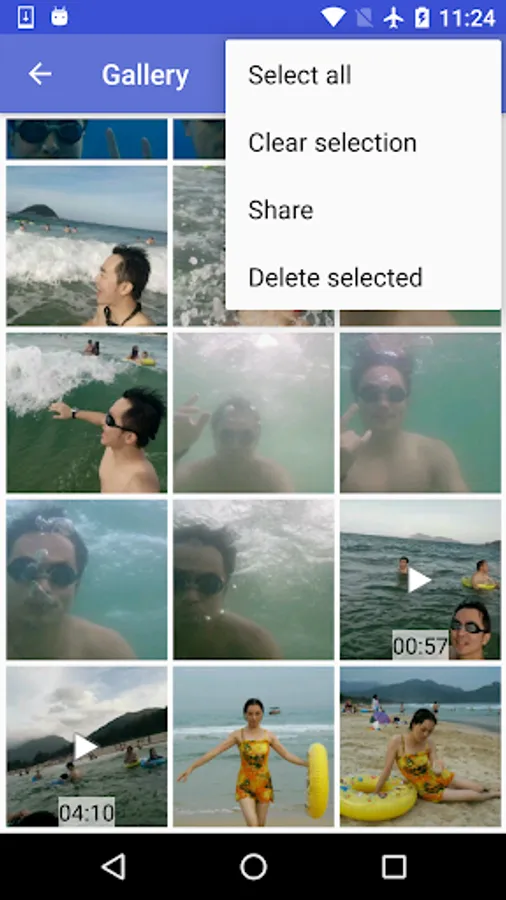
Start your summer vacation in cool water and share your pictures and videos with your friends now!
Some applications use proximity sensors to control the camera, but it does not work when you put your phone in a waterproof case. Because the proximity sensor will always be triggered (the sensor will be interfereed by the waterproof case).
SQZSoft Diving Camera is dedicated designed to solve these problems. It can control the camera by the volume keys, Bluetooth remote controller and the Computer Vision (CV) technology.
Preparation before use:
Step 1: Make sure the waterproof case is working properly and does not leak
Step 2: Put your phone in the waterproof case, make sure the seal is correct
Step 3: Start the SQZSoft Diving Camera and click the "Start service" button on the main screen. It will start running in the background
Step 4: Turn off the screen of the phone to prevent misoperation
Control by the volume keys:
Press the down key of the volume key to automatically take a picture every 3 seconds (the interval can be changed in the setting). Press the down button again to stop taking pictures. Press the up key of the volume key to start recording video, then press the down button again to stop.
Control by the Bluetooth remote controller:
Connect the Bluetooth remote controller to the phone, press the play button or the next song button to start / stop taking pictures, press the play button twice or the previous song key to start / stop recording video.
Control by the Computer Vision (CV) technology:
Cover the camera with your palm and hold for 3 seconds, then remove your palm, the application will start taking pictures. Again, cover the camera with your palm and hold for 3 seconds, then remove your palm, the application will stop taking pictures.
If your hold camera for 5 seconds and then remove your palm, the application will start / stop recording video.
If your phone has a status indicator, the indicator will flash slowly when the app is taking pictures, and flash quickly when the app is recording video.
Start your summer vacation in cool water and share your pictures and videos with your friends now!
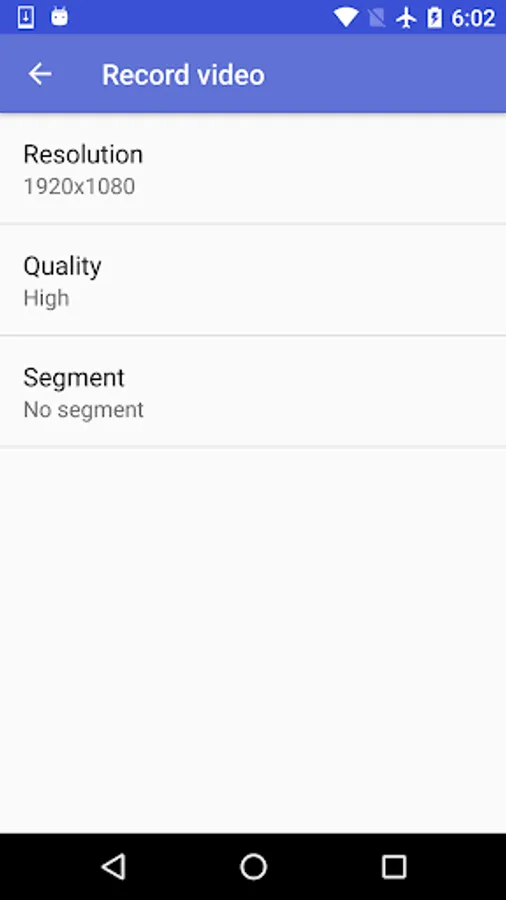
Diving Camera Screenshots
Tap to Rate:
Reviews for Diving Camera
Muhammed AKSOY
6/5/2023
Very bad experience the I couldn't use the app due to ads constantly showing
Scripting rabbit
8/27/2022
basically doesn't work