Quick Malayalam Keyboard
VRM Times Pvt Ltd
100,000+
downloads
Free
+ in-app
AppRecs review analysis
AppRecs rating . Trustworthiness 41 out of 100. Review manipulation risk 44 out of 100. Based on a review sample analyzed.
★
AppRecs Rating
Ratings breakdown
5 star
62%
4 star
6%
3 star
8%
2 star
8%
1 star
16%
What to know
✓
Authentic reviews
Natural distribution, no red flags
⚠
Questionable review patterns
44% review manipulation risk - some review patterns appear unusual
⚠
Review quality concerns
81% of sampled 5-star reviews are very short
About Quick Malayalam Keyboard
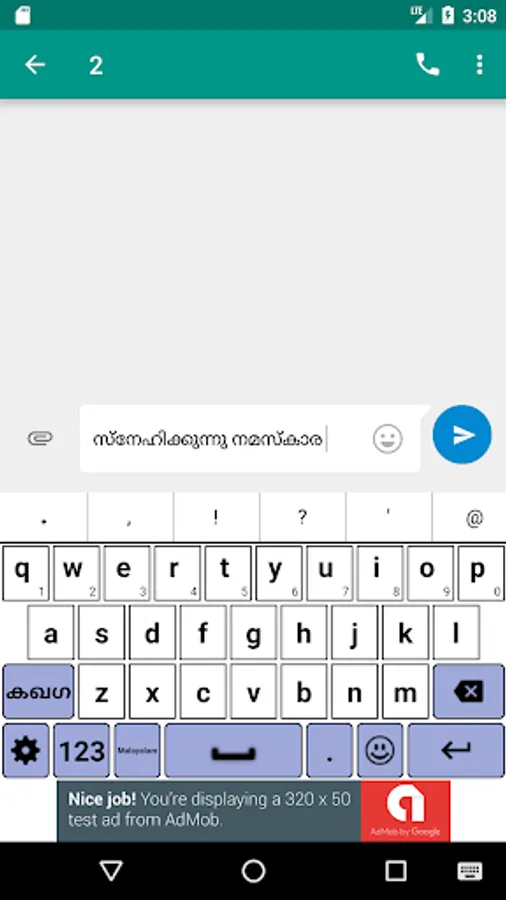
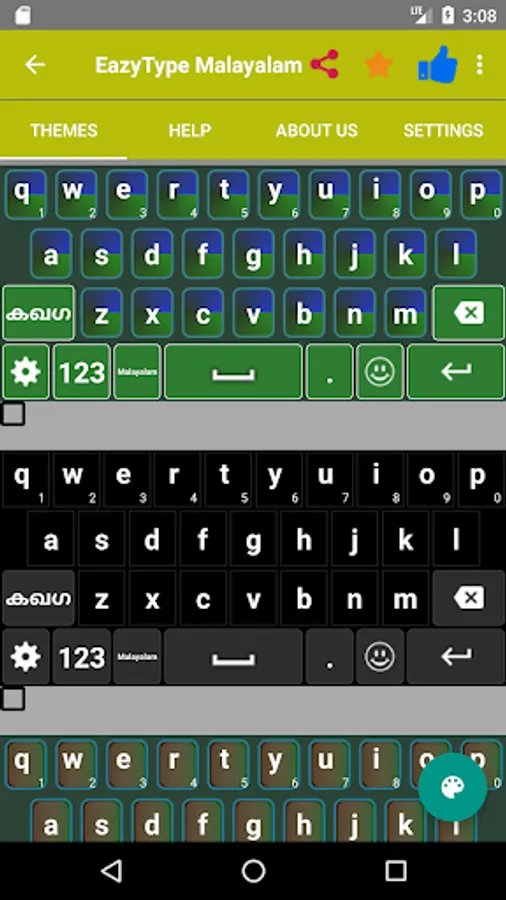
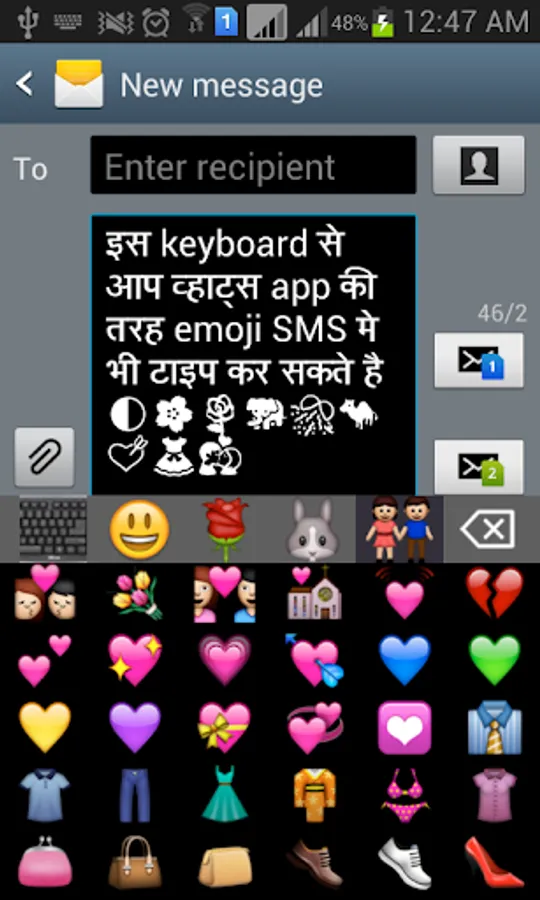
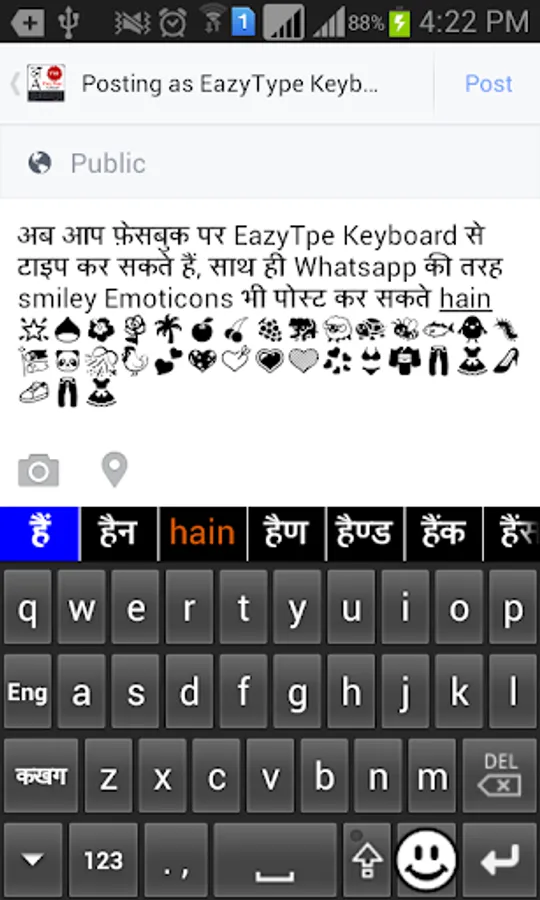
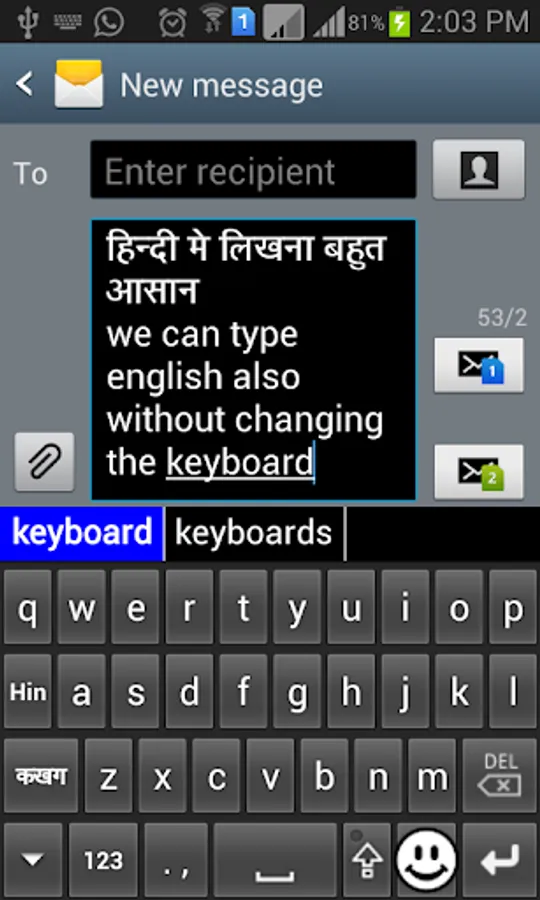
This is a Soft Keyboard to type Malayalam on your Phone. You can type easily on any app like Gmail, Facebook, Whatsapp. you can write blogs in Malayalam in web browser. This keyboard works as default keyboard in android phones/tablets. No need to learn specific Malayalam keyboard. Just type in English and press space you English word will be converted into Malayalam script automatically. This keyboard provides word suggestions to type in a fast way. This Keyboard provides English typing option to type in English. if you want to type in English just press toggle button to switch English to Malayalam or Malayalam to English.
If your are able to read "സുപ്രഭാതം" (Malayalam text) in your mobile phone, If you can read Malayalam text on your phone, you may install this application.
Please see video to know how it works.
Installation.
1. Download and install this application on phone.
2. Open EzyType's Home screen. there are two button on screen (i) Enable Keyboard (ii) Choose default
3. Press 'Enable Keyboard" button and select Quick Keyboard to enable this keyboard
4. Press "Choose default" button and choose Quick Keyboard as default keyboard.
OR
2. Go to "Setting"->"Language and Input" and tick in check box on Quick Malayalam
3. Go to any text filed in which you want to type.
4. Drag Notification bar (On the top of Screen of Phone). Tap on "Select input method"
Now Select "Quick Malayalam Free" (On a popup)
OR
Long press on text field and choose "Input Method".
Now Select Quick Malayalam Free (On a popup)
If your are able to read "സുപ്രഭാതം" (Malayalam text) in your mobile phone, If you can read Malayalam text on your phone, you may install this application.
Please see video to know how it works.
Installation.
1. Download and install this application on phone.
2. Open EzyType's Home screen. there are two button on screen (i) Enable Keyboard (ii) Choose default
3. Press 'Enable Keyboard" button and select Quick Keyboard to enable this keyboard
4. Press "Choose default" button and choose Quick Keyboard as default keyboard.
OR
2. Go to "Setting"->"Language and Input" and tick in check box on Quick Malayalam
3. Go to any text filed in which you want to type.
4. Drag Notification bar (On the top of Screen of Phone). Tap on "Select input method"
Now Select "Quick Malayalam Free" (On a popup)
OR
Long press on text field and choose "Input Method".
Now Select Quick Malayalam Free (On a popup)
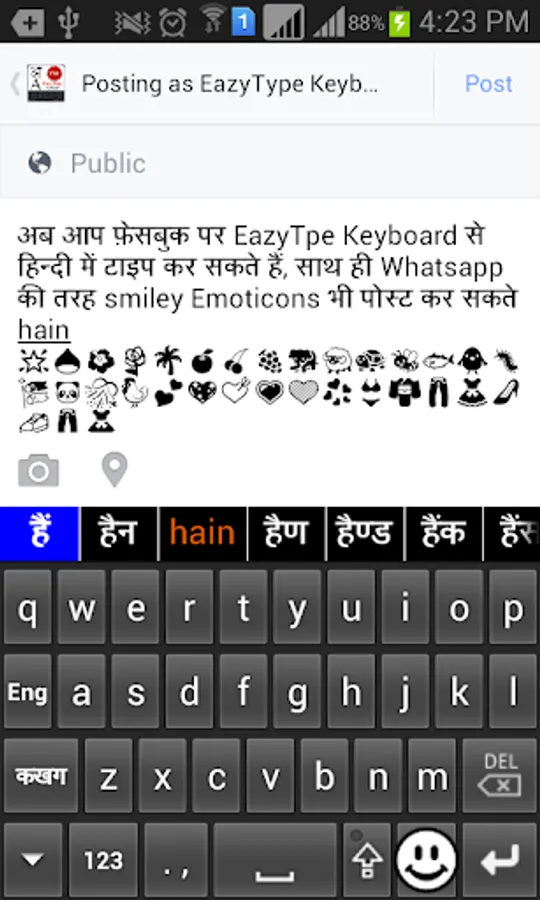
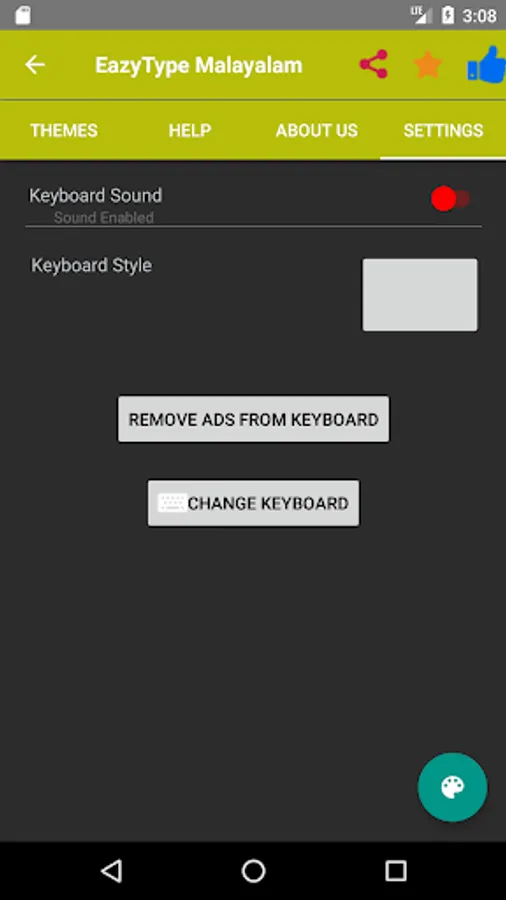
Quick Malayalam Keyboard Screenshots
Tap to Rate:
Reviews for Quick Malayalam Keyboard
A Google user
7/23/2019
Medium
A Google user
1/23/2018
Good