AppRecs review analysis
AppRecs rating 4.1. Trustworthiness 64 out of 100. Review manipulation risk 30 out of 100. Based on a review sample analyzed.
★★★★☆
4.1
AppRecs Rating
Ratings breakdown
5 star
71%
4 star
21%
3 star
7%
2 star
0%
1 star
0%
What to know
✓
Low review manipulation risk
30% review manipulation risk
✓
High user satisfaction
71% of sampled ratings are 5 stars
About Hello PDF - PDF Edit & Convert
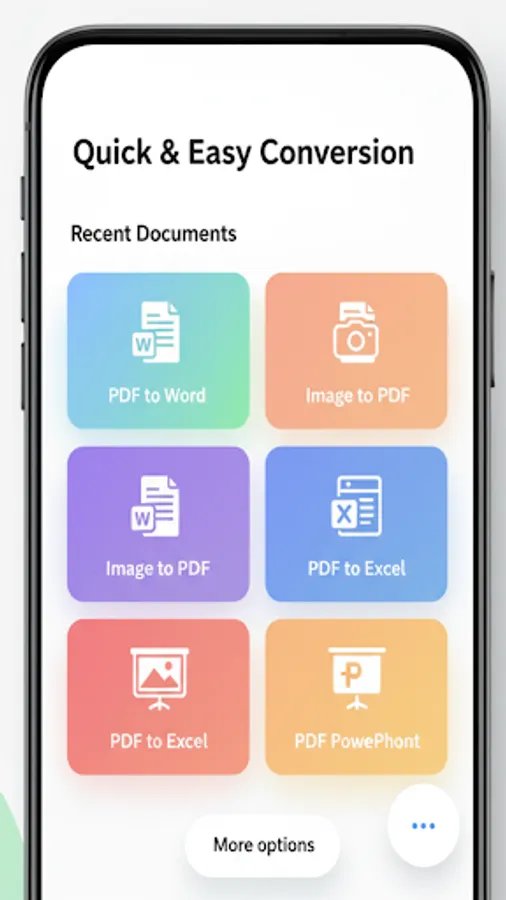
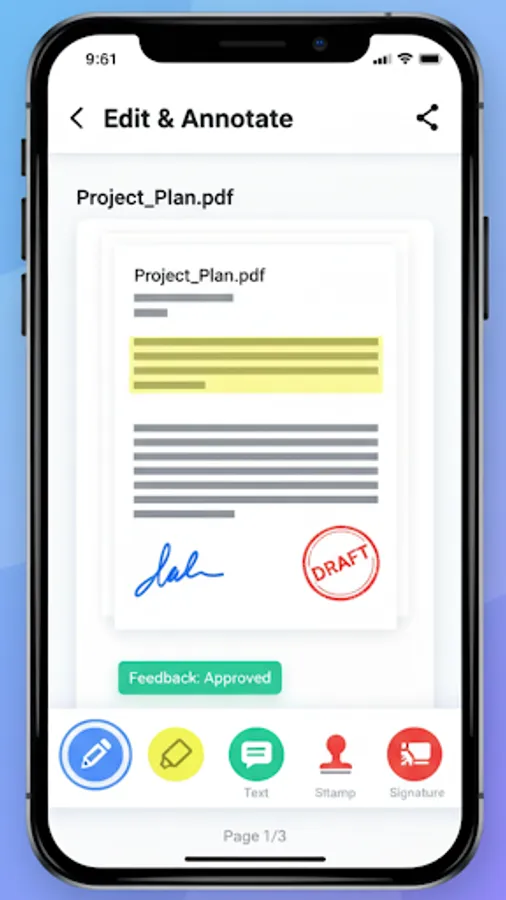
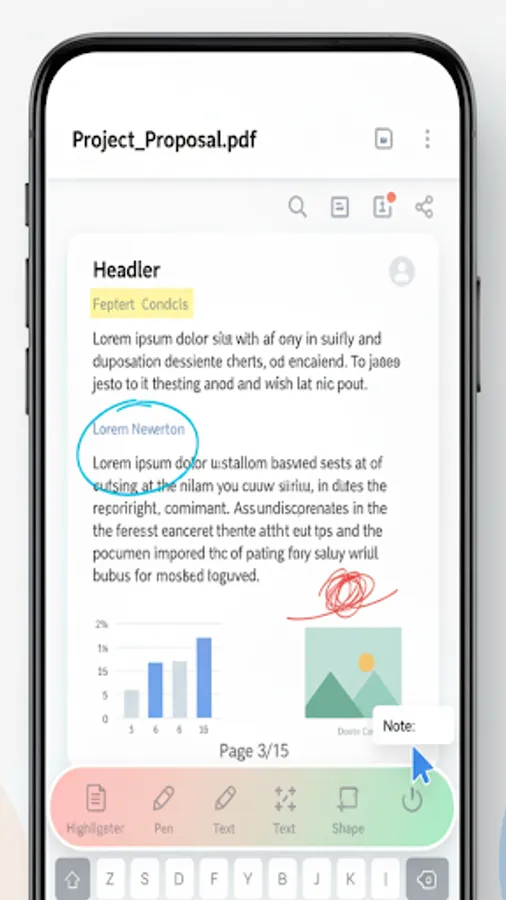
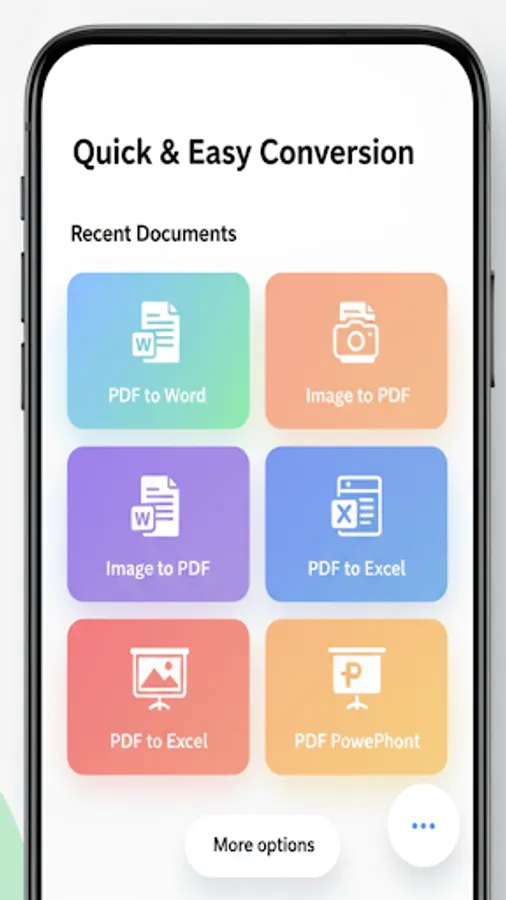
Hello PDF – All‑in‑One PDF Toolkit Create, scan, edit, convert, read and organize PDFs in one modern, fast, and privacy‑friendly app. Hello PDF brings a complete set of tools to your phone: scan documents, convert content to PDF, merge/split/reorder pages, add watermarks/passwords, view and share PDFs, and even access files from external storage — all with a clean, responsive design.
Key Features:
Create PDFs:
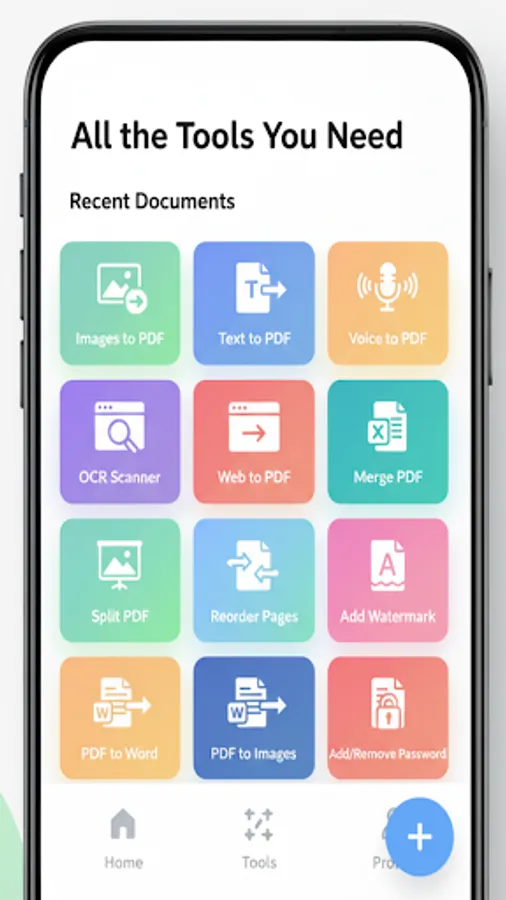
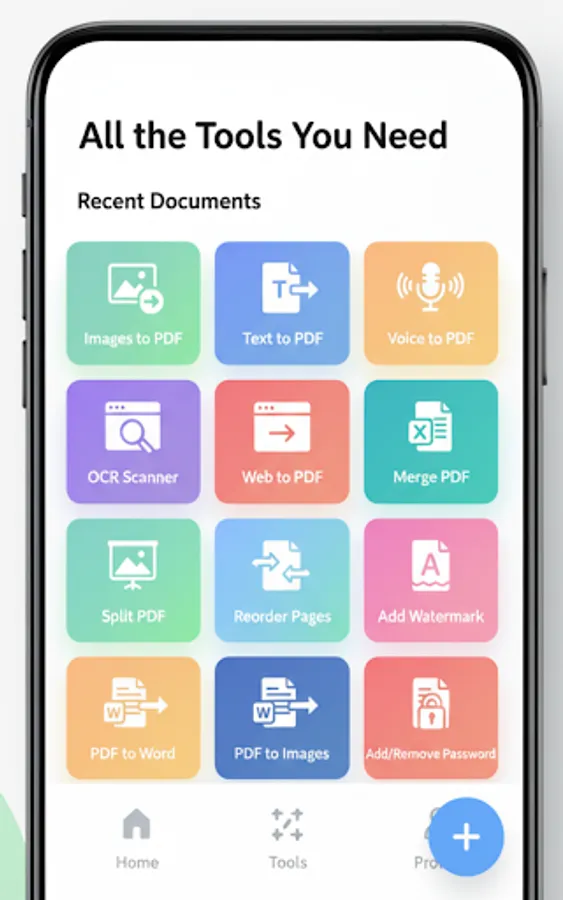
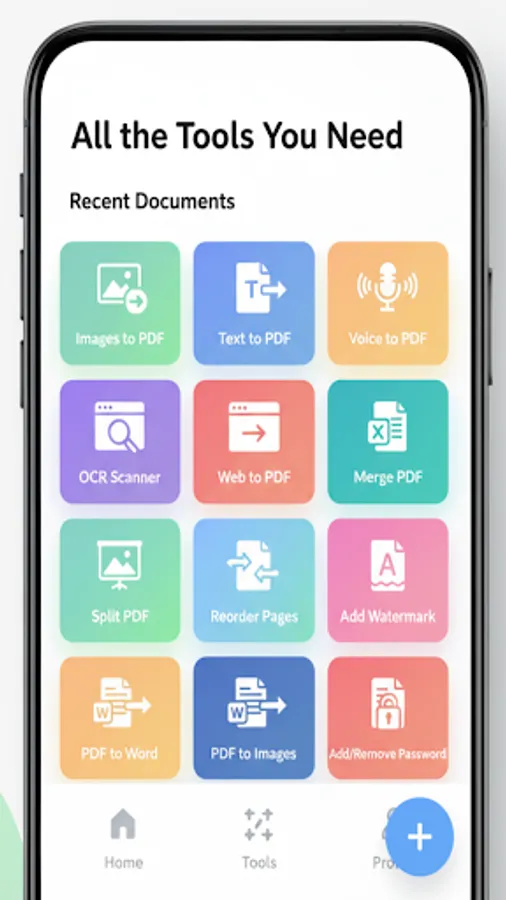
-Images to PDF: Select multiple photos and convert them to a single PDF.
-Text to PDF: Type or paste text to generate a clean PDF.
-Voice to PDF: Dictate content and save it as a professional PDF.
-Web to PDF: Convert webpages for offline reading and archiving.
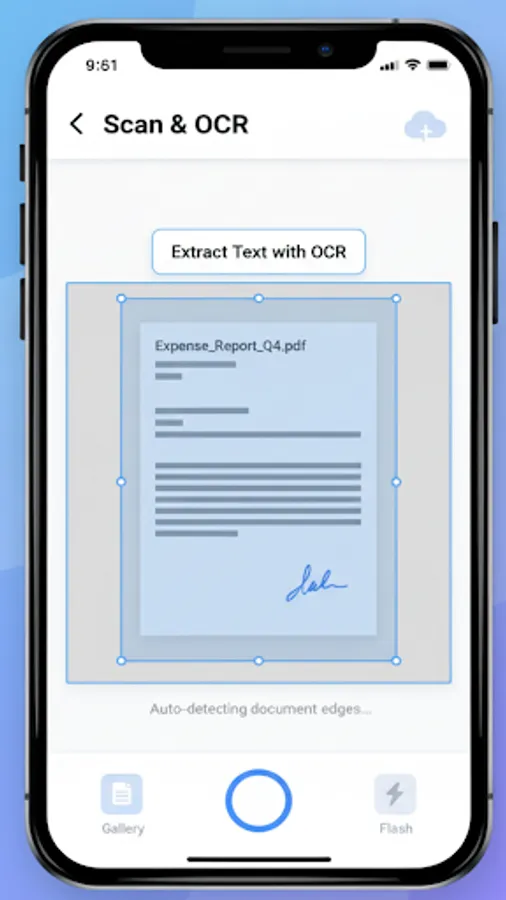
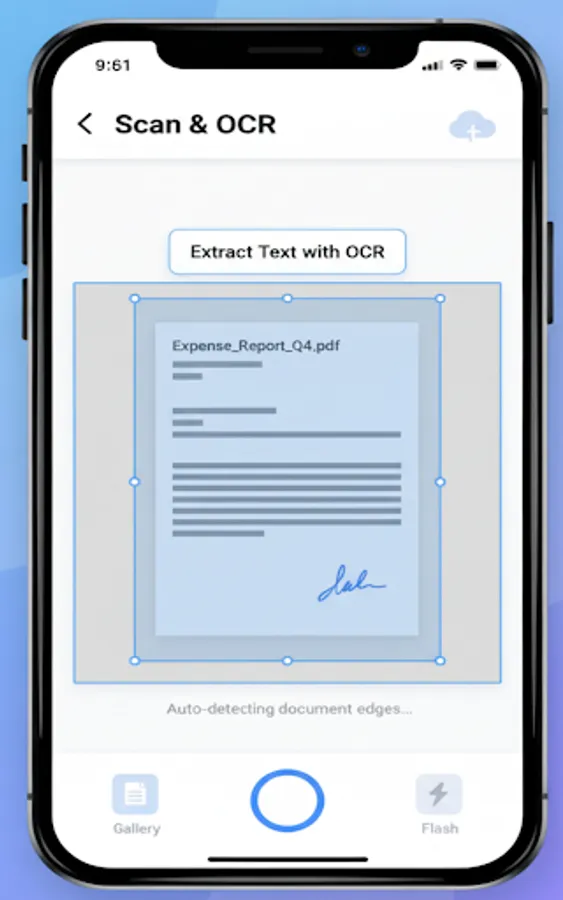
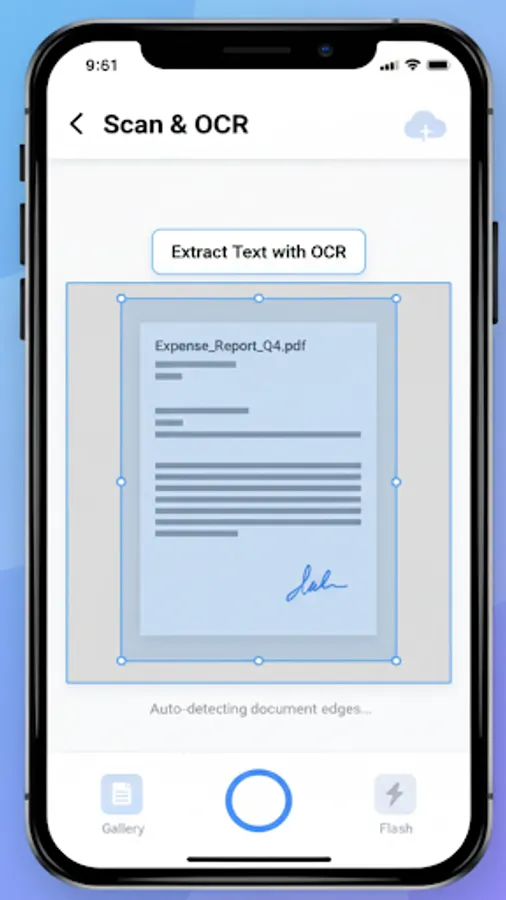
-OCR Scanner: Extract text from images using on‑device recognition.
PDF Editor:
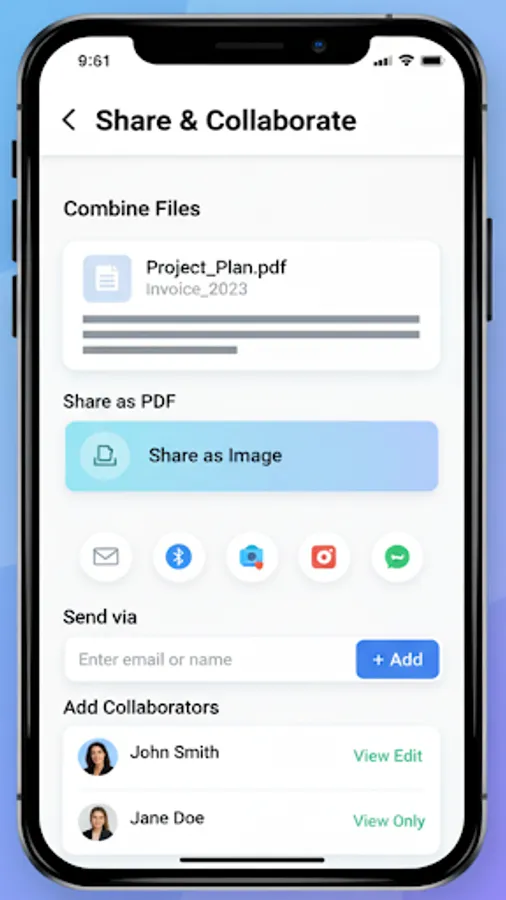
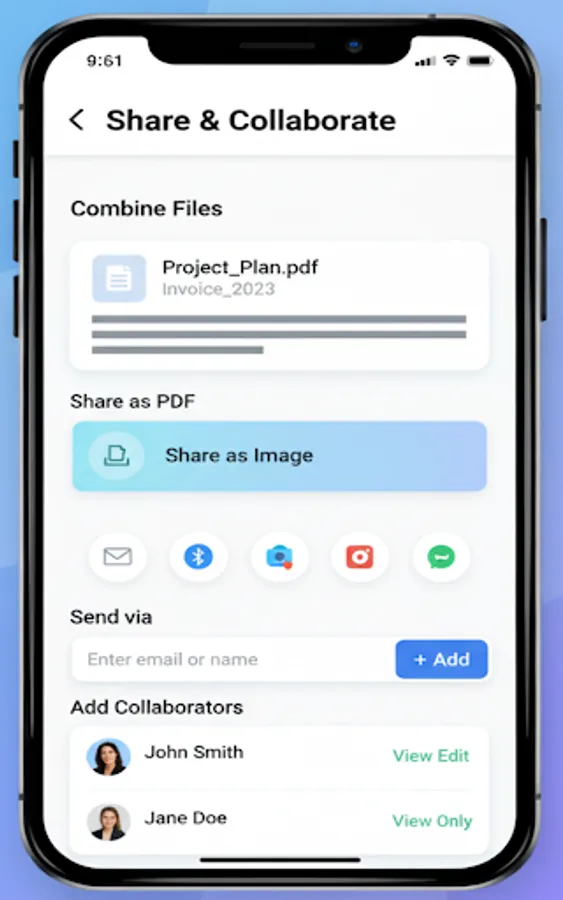
-Merge PDFs: Combine multiple PDFs in seconds.
-Split PDF: Extract ranges or split by pages.
-Reorder Pages: Drag-and-drop pages to reorder.
-Add/Remove Pages: Insert new pages or delete existing ones.
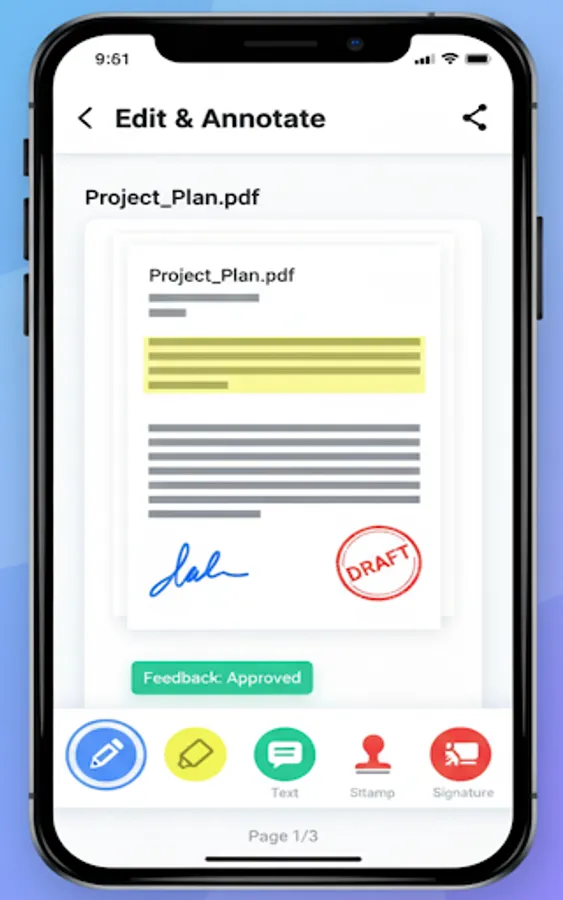
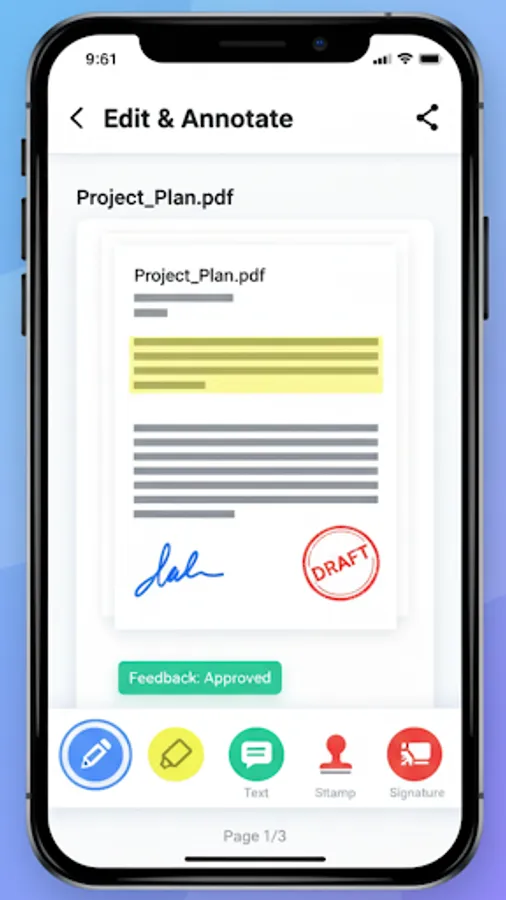
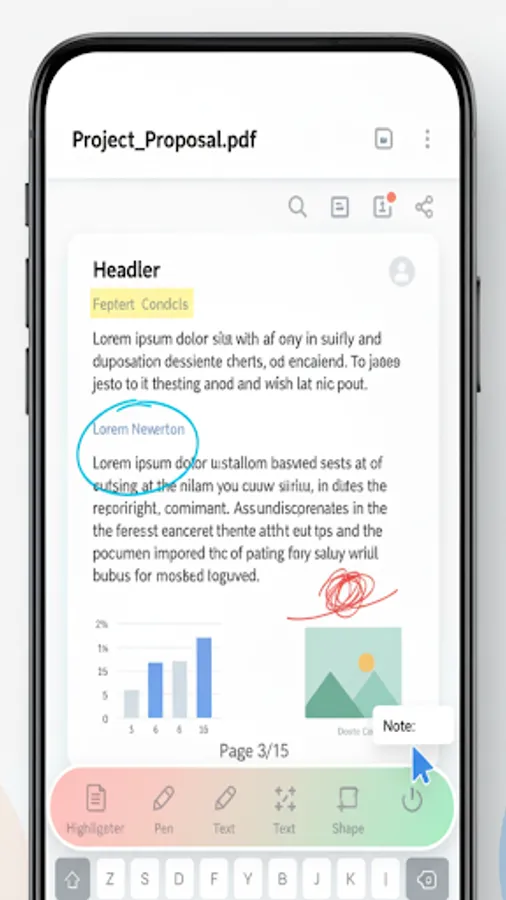
-Add Watermark: Protect your content with branding or labels.
-Add/Remove Password: Restrict access with secure password protection.
- Compress PDF: Reduce the file size of PDF document.
Document Scanner:
-Multi‑page scanning with instant thumbnails and previews.
-Smart crop with intuitive handles.
-Professional filters: Original, Black & White, Grayscale, Enhanced, Auto Enhance, High Contrast.
-Smooth animations and a modern UI designed for quick capture
Advanced PDF Viewer:
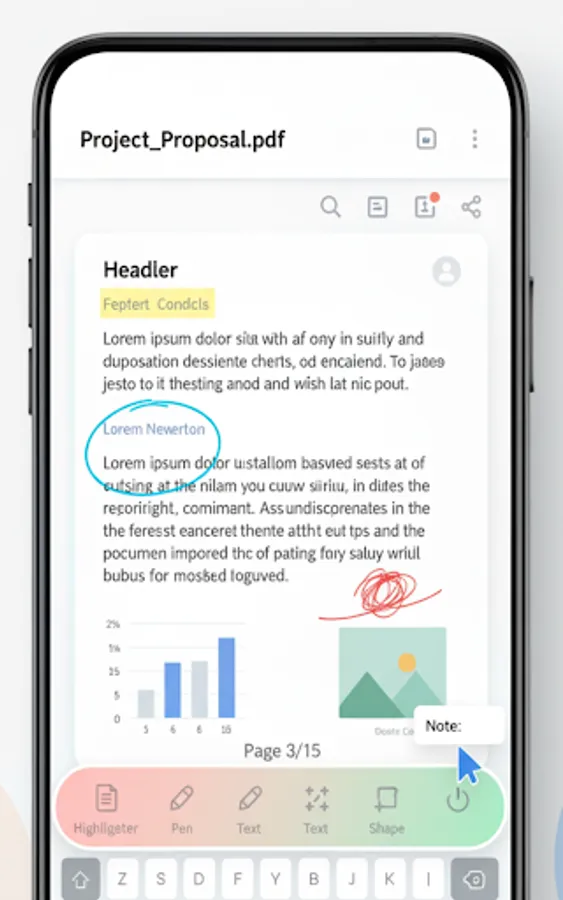
-Lightning‑fast viewing powered by a professional PDF engine.
-Resume where you left off: remembers last page per document.
-Search, jump to page, and “fit to width/page” controls.
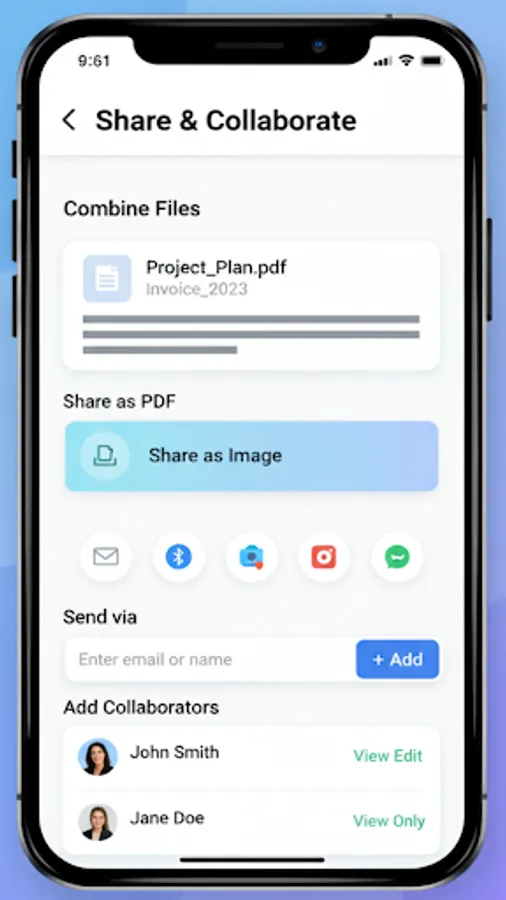
-Share and print directly from the viewer.
-Read aloud: Text‑to‑Speech for current page or entire document.
-OCR‑Assist: If text isn’t selectable, extract via OCR and read it aloud
Favorites + External PDFs:
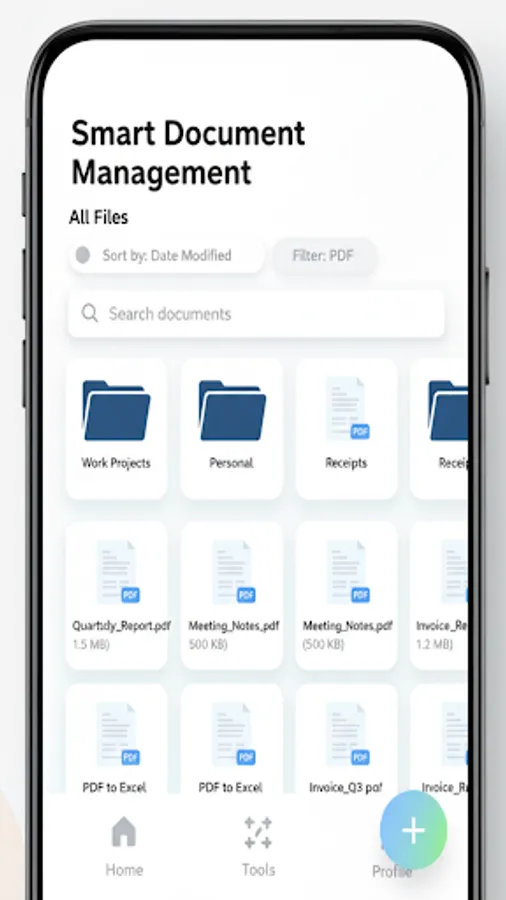
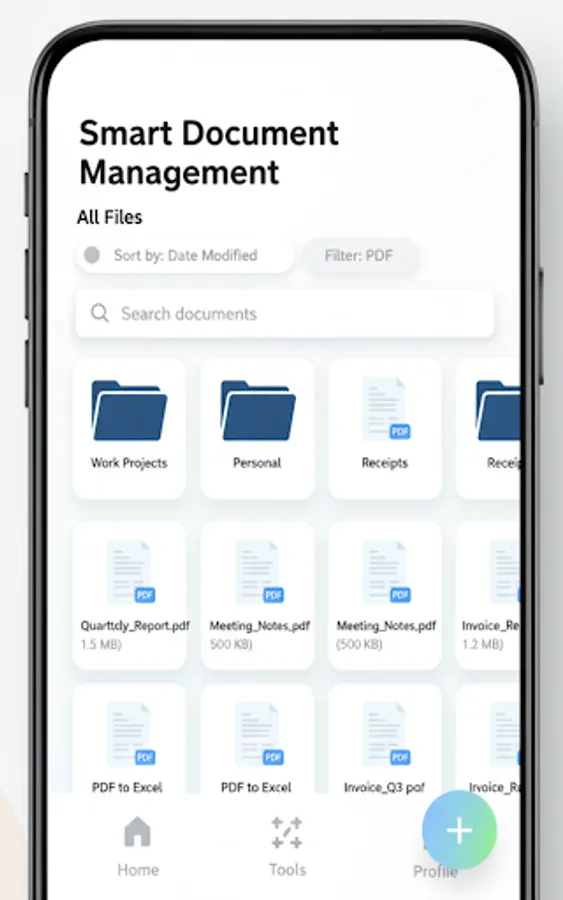
-Favorites: Pin your most important PDFs for quick access.
-External PDFs: Browse and open files stored outside the app directly from Favorites, with permission‑aware access. No need to import — tap to open instantly.
-Multi‑select “Add to Favorites” with tabs:
-My PDFs: Pick from documents saved inside the app.
-External Storage: Scan device folders for PDFs and add them.
-Smart deduplication on import: Avoids duplicate entries and clearly reports any skipped duplicates.
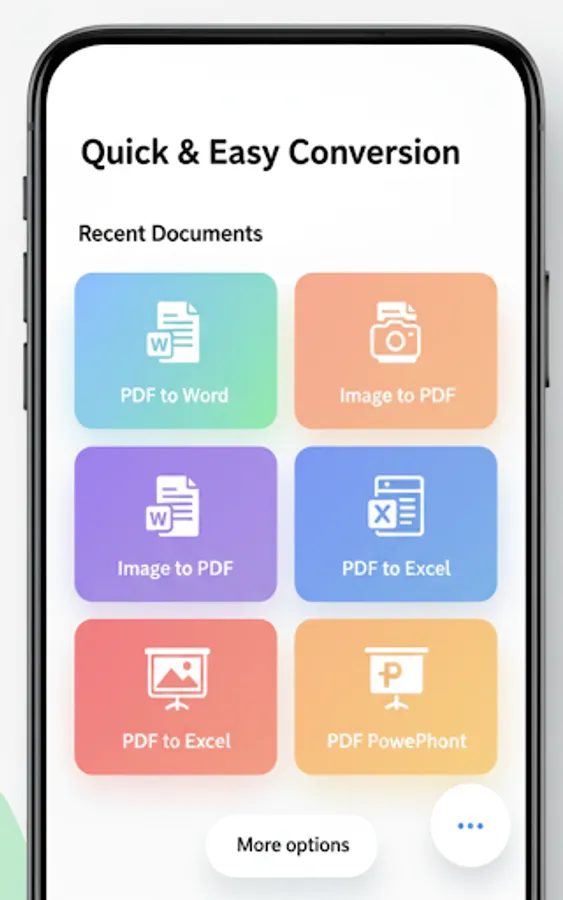
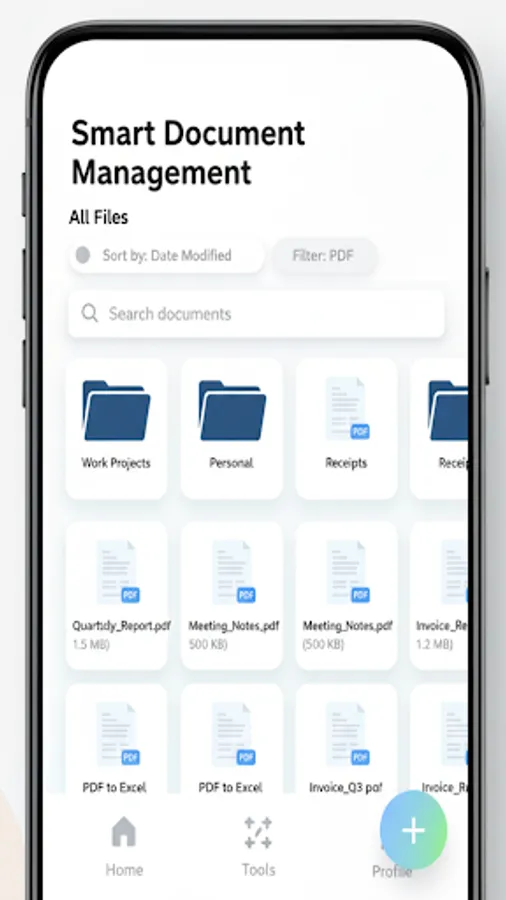
-Recents: See your most recent work in a neat card/grid.
-Tools Hub: All creation, conversion, and editing tools in one place.
-Clean Settings screen with profile editing, About, Support, and easy sharing.
Key Features:
Create PDFs:
-Images to PDF: Select multiple photos and convert them to a single PDF.
-Text to PDF: Type or paste text to generate a clean PDF.
-Voice to PDF: Dictate content and save it as a professional PDF.
-Web to PDF: Convert webpages for offline reading and archiving.
-OCR Scanner: Extract text from images using on‑device recognition.
PDF Editor:
-Merge PDFs: Combine multiple PDFs in seconds.
-Split PDF: Extract ranges or split by pages.
-Reorder Pages: Drag-and-drop pages to reorder.
-Add/Remove Pages: Insert new pages or delete existing ones.
-Add Watermark: Protect your content with branding or labels.
-Add/Remove Password: Restrict access with secure password protection.
- Compress PDF: Reduce the file size of PDF document.
Document Scanner:
-Multi‑page scanning with instant thumbnails and previews.
-Smart crop with intuitive handles.
-Professional filters: Original, Black & White, Grayscale, Enhanced, Auto Enhance, High Contrast.
-Smooth animations and a modern UI designed for quick capture
Advanced PDF Viewer:
-Lightning‑fast viewing powered by a professional PDF engine.
-Resume where you left off: remembers last page per document.
-Search, jump to page, and “fit to width/page” controls.
-Share and print directly from the viewer.
-Read aloud: Text‑to‑Speech for current page or entire document.
-OCR‑Assist: If text isn’t selectable, extract via OCR and read it aloud
Favorites + External PDFs:
-Favorites: Pin your most important PDFs for quick access.
-External PDFs: Browse and open files stored outside the app directly from Favorites, with permission‑aware access. No need to import — tap to open instantly.
-Multi‑select “Add to Favorites” with tabs:
-My PDFs: Pick from documents saved inside the app.
-External Storage: Scan device folders for PDFs and add them.
-Smart deduplication on import: Avoids duplicate entries and clearly reports any skipped duplicates.
-Recents: See your most recent work in a neat card/grid.
-Tools Hub: All creation, conversion, and editing tools in one place.
-Clean Settings screen with profile editing, About, Support, and easy sharing.