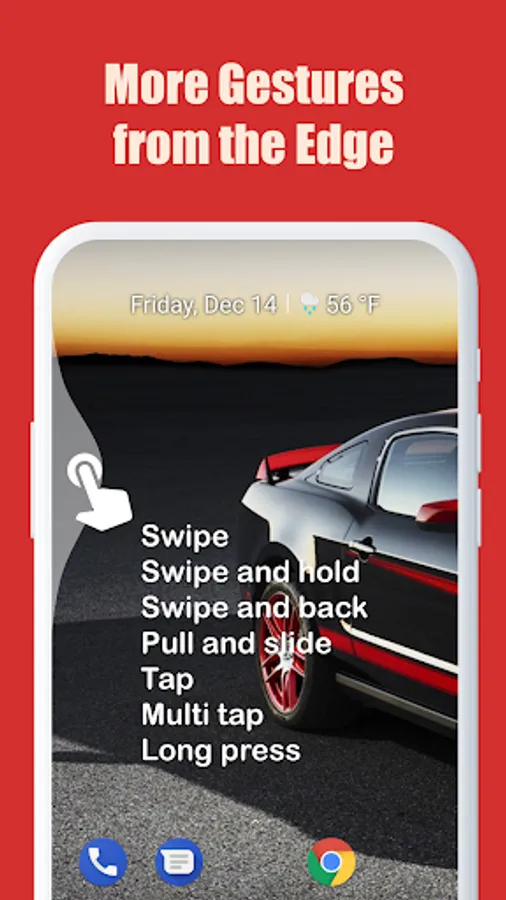
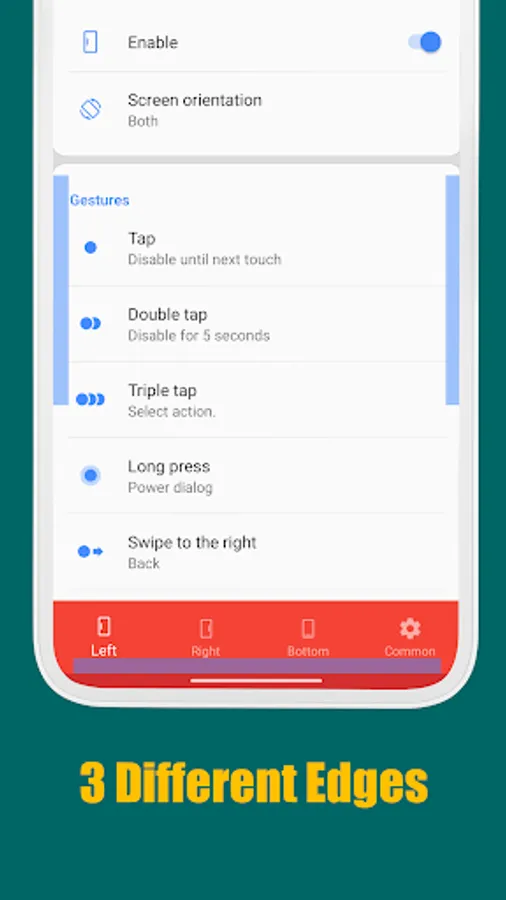
In this app, you can perform various device actions using customizable edge gestures such as tap, swipe, and long press. Includes gesture configuration, action shortcuts, and edge area customization options.
AppRecs review analysis
AppRecs rating 4.5. Trustworthiness 86 out of 100. Review manipulation risk 20 out of 100. Based on a review sample analyzed.
★★★★☆
4.5
AppRecs Rating
Ratings breakdown
5 star
67%
4 star
16%
3 star
8%
2 star
5%
1 star
4%
What to know
✓
Low review manipulation risk
20% review manipulation risk
✓
Credible reviews
86% trustworthiness score from analyzed reviews
✓
High user satisfaction
83% of sampled ratings are 4+ stars (4.4★ average)
About Edge Gestures
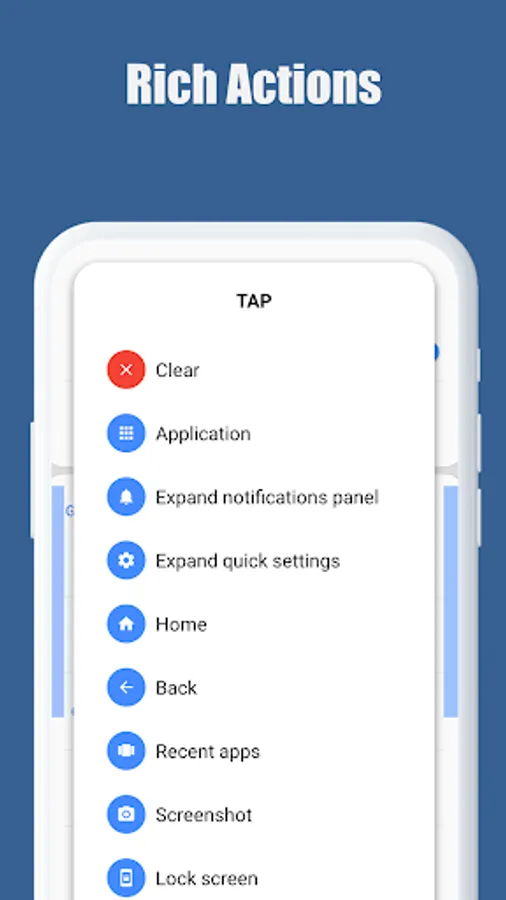
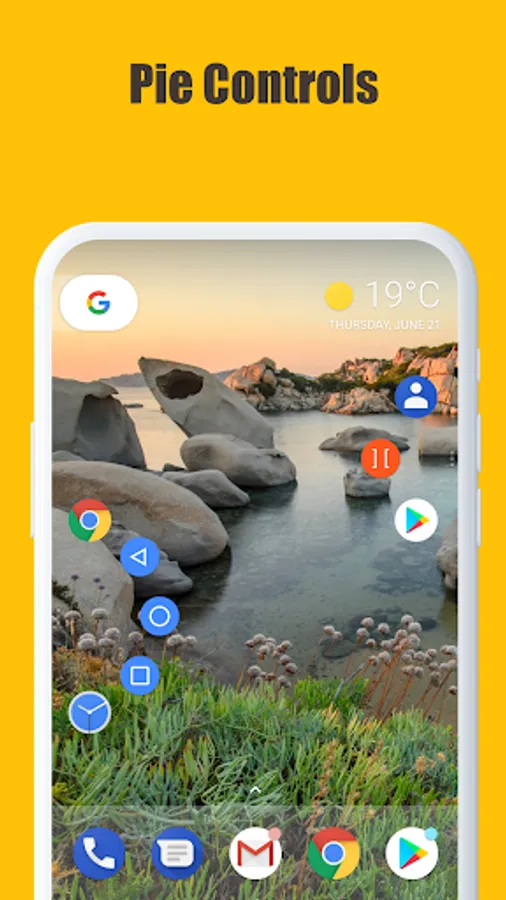
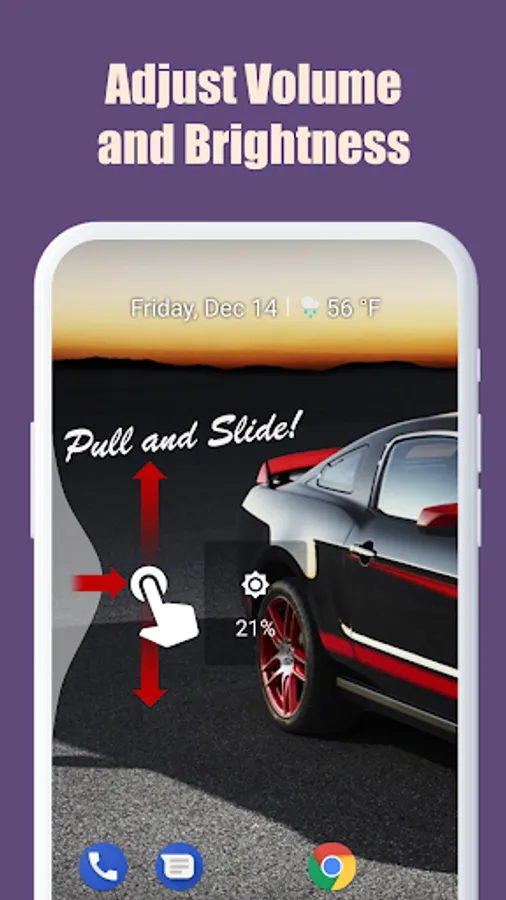
Supports many different gesture types: Tap, Double tap, Long press, Swipe, Swipe diagonally, Swipe and hold, Pull and slide, and Pie controls
* Supported actions:
1. launching an application or a shortcut.
2. soft key: back, home, recent apps.
3. expanding the status bar: notifications or quick settings.
4. scroll to start. (Android 6.0 or higher)
5. power dialog.
6. adjusting brightness or media volume.
7. fast scroll.
8. toggle split screen.
9. switch to the previous app.
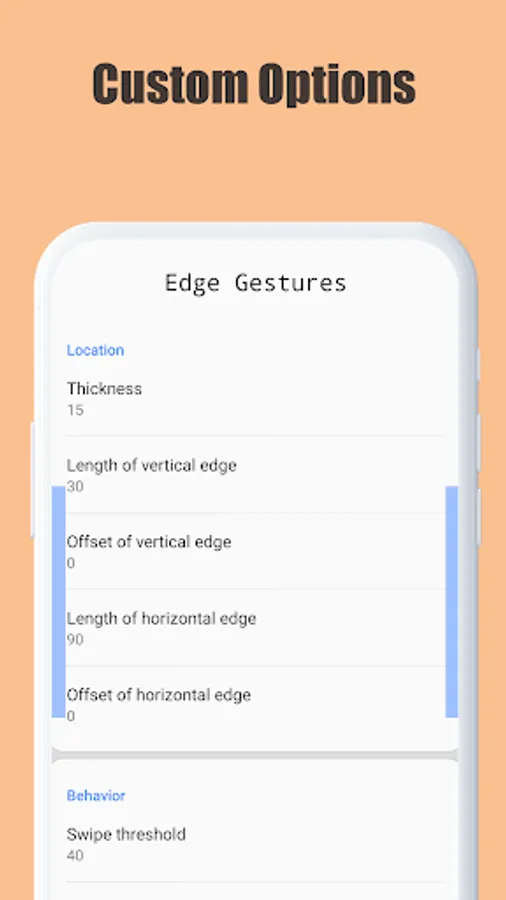
The edge area also can be customized for thickness, length and position.
And this app requires only the permission that are needed!
* This app uses accessibility service API to implement the following features.
The permission is ONLY used to detect the app in foreground and command the system for the following actions:
- Expand notifications panel
- Expand quick settings
- Home
- Back
- Recent apps
- Screenshot
- Power dialog
- Scroll to start
- Fast scroll
- Toggle split screen
- Lock screen
No other information is processed from this permission.
Edge Gestures Screenshots
Tap to Rate:
Reviews for Edge Gestures
Jos van Riswick
12/28/2025
Excellent app, I've been using it for years and years, so no complaints really. More of a feature request: it would be nice to have more than one sensitive area, eg on the right side. Eg one in the top half and one in the bottom half of the screen, similar to how samsung's 'one hand operation' does it. Maybe it would be possible to do this running more than on instance, not sure. (I got haptic feedback to work now by turning on 'touch interactions' in 'Sound and Vibration' of the phone settings)
Anthony
12/27/2025
good app, but there is no option for a forward function, as opposed to a back function. don't get this app if this is your goal