With this app, you can create and manage various shortcuts to perform system actions, open content, and control media. Includes features like activity discovery, intent creation, media control, and system toggles.
AppRecs review analysis
AppRecs rating 4.3. Trustworthiness 86 out of 100. Review manipulation risk 19 out of 100. Based on a review sample analyzed.
★★★★☆
4.3
AppRecs Rating
Ratings breakdown
5 star
74%
4 star
11%
3 star
5%
2 star
2%
1 star
8%
What to know
✓
Low review manipulation risk
19% review manipulation risk
✓
Credible reviews
86% trustworthiness score from analyzed reviews
✓
High user satisfaction
85% of sampled ratings are 4+ stars (4.4★ average)
About Power Shortcuts
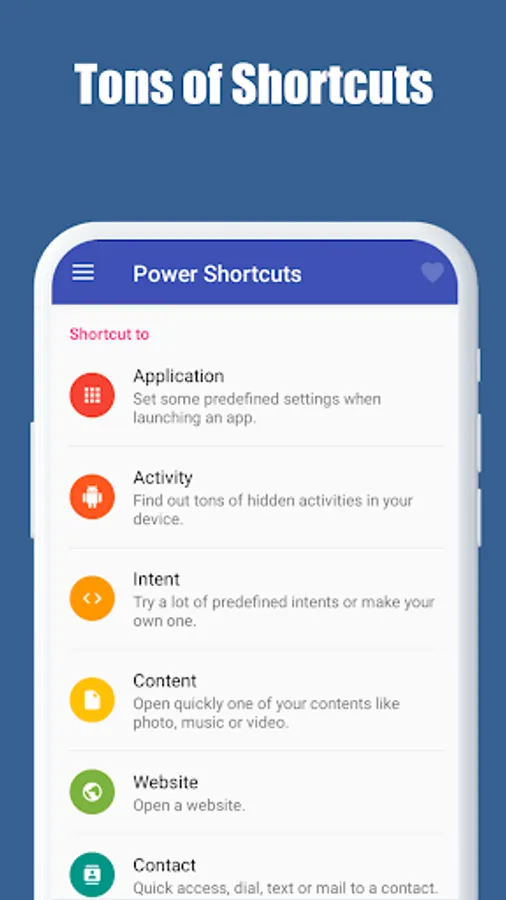
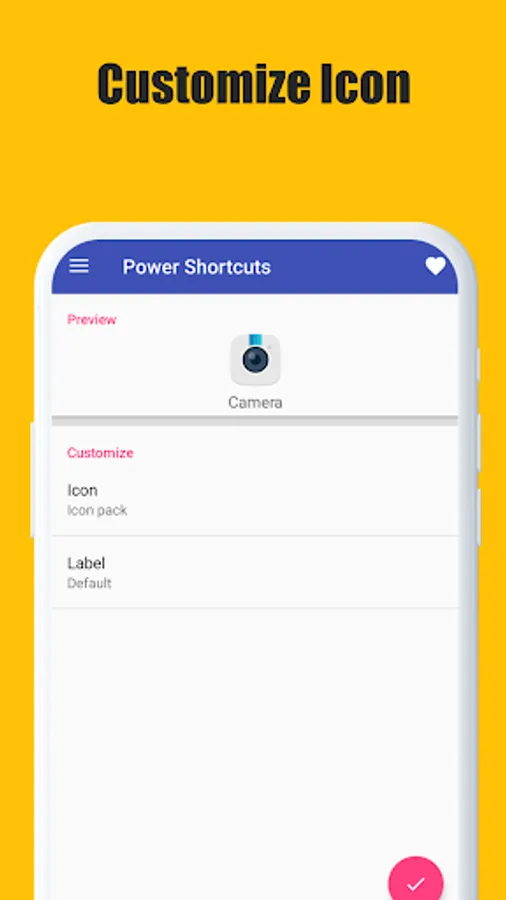
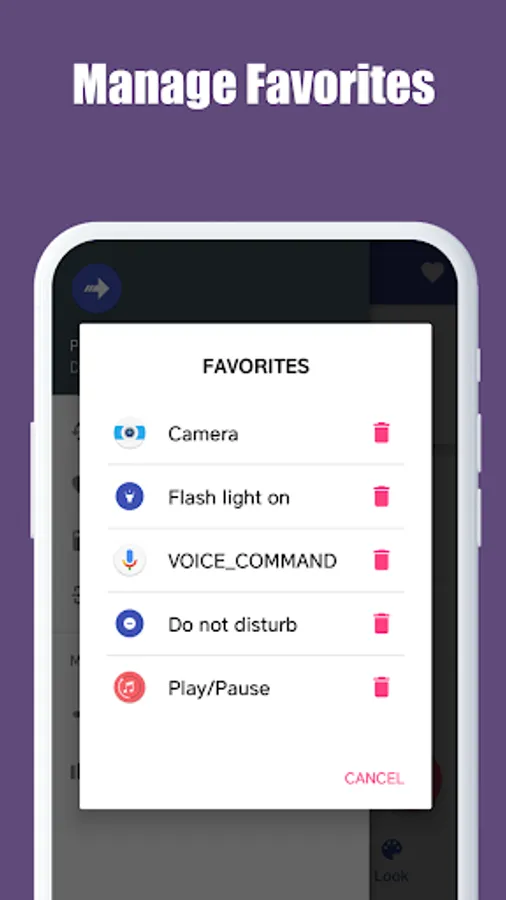
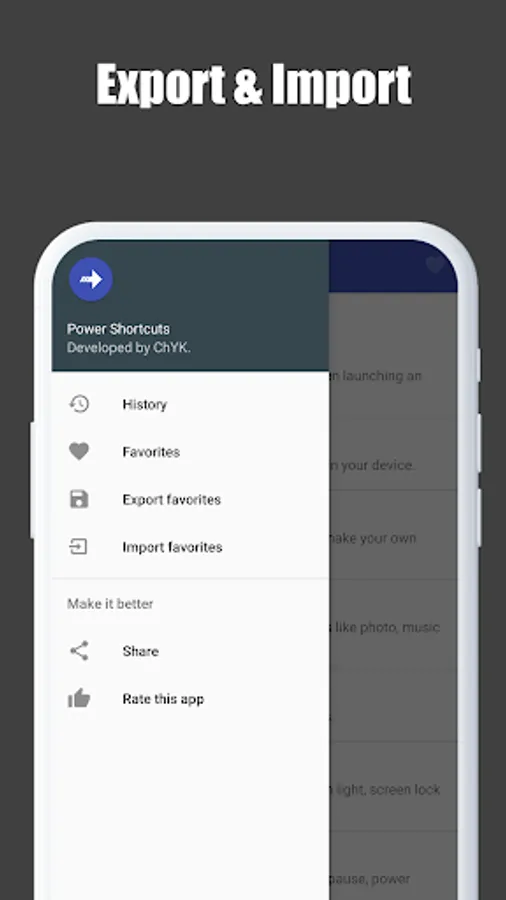
You can create tons of shortcuts with this app.
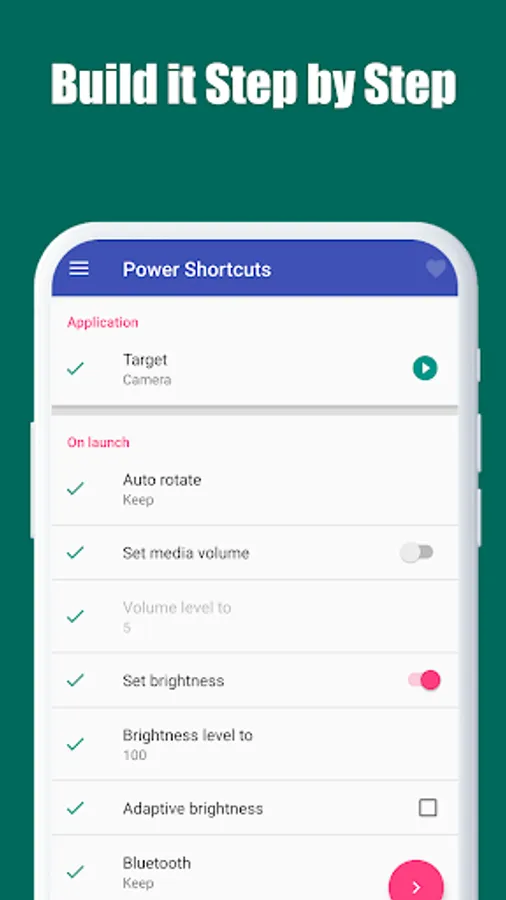
- Application : Set some predefined settings when launching an app.
- Activity : Find out some hidden activities in your device.
- Intent : Try a lot of predefined intents or make your own one.
- Media control : Control the media app currently playing.
- Content : Open quickly one of your contents like photo, music or video.
- Website : Open a website.
- Contact : Quick access, dial, text or mail to a contact.
- Quick setting : Switch easily some quick settings.
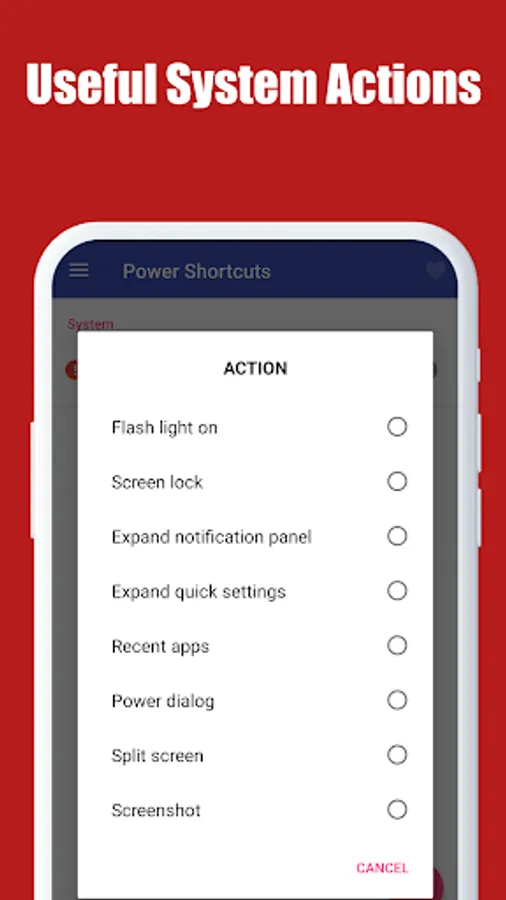
- System : Simple system functions like flash light, screen lock and so on.
- Key injection : Inject tons of key codes like media play/pause, power button and so on.
* This app uses Accessibility service API to command the system for the following actions:
- Notifications panel
- Settings panel
- Recent apps
- Power dialog
- Split screen
- Screenshot
- Screen lock
No other information is processed from this permission.
---------------------------------------------------
IMPORTANT!
Some features of this application are implemented by non-open (unofficial) API of Android framework.
This means that they are not guaranteed to work properly on all Android devices.
Please do not give less stars just because it does not work on your device.
---------------------------------------------------
- Application : Set some predefined settings when launching an app.
- Activity : Find out some hidden activities in your device.
- Intent : Try a lot of predefined intents or make your own one.
- Media control : Control the media app currently playing.
- Content : Open quickly one of your contents like photo, music or video.
- Website : Open a website.
- Contact : Quick access, dial, text or mail to a contact.
- Quick setting : Switch easily some quick settings.
- System : Simple system functions like flash light, screen lock and so on.
- Key injection : Inject tons of key codes like media play/pause, power button and so on.
* This app uses Accessibility service API to command the system for the following actions:
- Notifications panel
- Settings panel
- Recent apps
- Power dialog
- Split screen
- Screenshot
- Screen lock
No other information is processed from this permission.
---------------------------------------------------
IMPORTANT!
Some features of this application are implemented by non-open (unofficial) API of Android framework.
This means that they are not guaranteed to work properly on all Android devices.
Please do not give less stars just because it does not work on your device.
---------------------------------------------------
Power Shortcuts Screenshots
Tap to Rate:
Reviews for Power Shortcuts
Alan Arce
12/16/2025
Really helpful app. My only suggestion would be to add the "Switch to previous app" shortcut that Edge gestures uses. Would be very helpful to use alongside other macro apps.
A Tuccinardi
12/5/2025
Works well overall. Easy to locate and set up many shortcuts