
Advanced Settings for Watch
Emil Suleymanov
3.5 ★
2K ratings
100,000+
downloads
Free
+ in-app
In this app, users can access advanced settings for Android Wear devices, including toggling system apps and adjusting display options. Includes features requiring root access such as disabling system apps, changing CPU settings, and modifying LCD density.
AppRecs review analysis
AppRecs rating 3.5. Trustworthiness 0 out of 100. Review manipulation risk 0 out of 100. Based on a review sample analyzed.
★★★☆☆
3.5
AppRecs Rating
Ratings breakdown
5 star
39%
4 star
15%
3 star
22%
2 star
7%
1 star
17%
What to know
✓
Authentic reviews
Natural distribution, no red flags
About Advanced Settings for Watch
NOTICE: I'm just an enthusiast student so I'm working on this app when I have time. App is buggie and not all features work on all devices.
WARNING: For some reason, sometimes it takes hours for app to install on watch, so please, be patient. Thank you.
Advances settings for Android Wear devices. Root access is required for most features to work.
What you get (marked with R require root access):
-Vibration intensity changing (R)
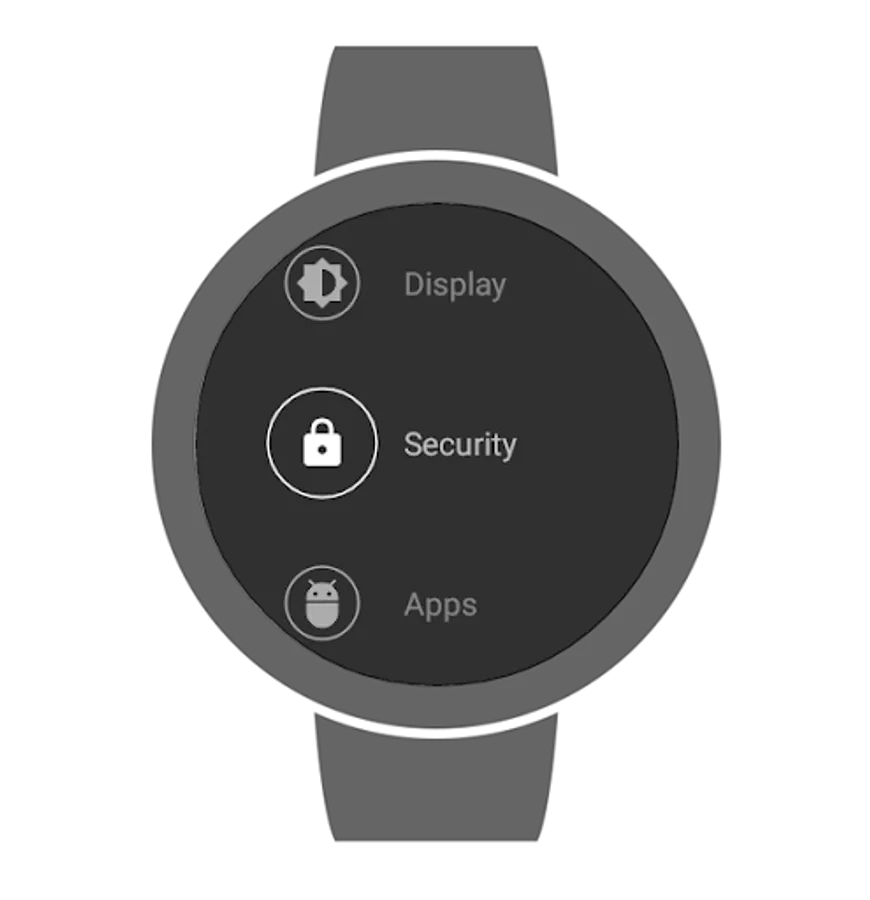
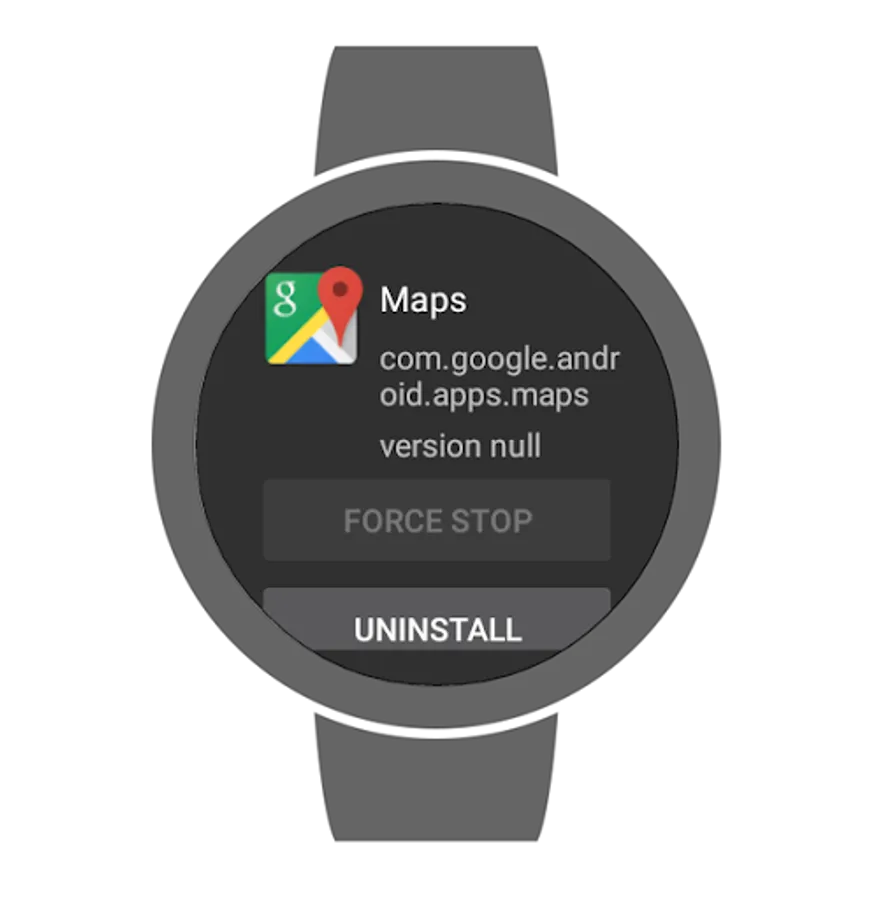
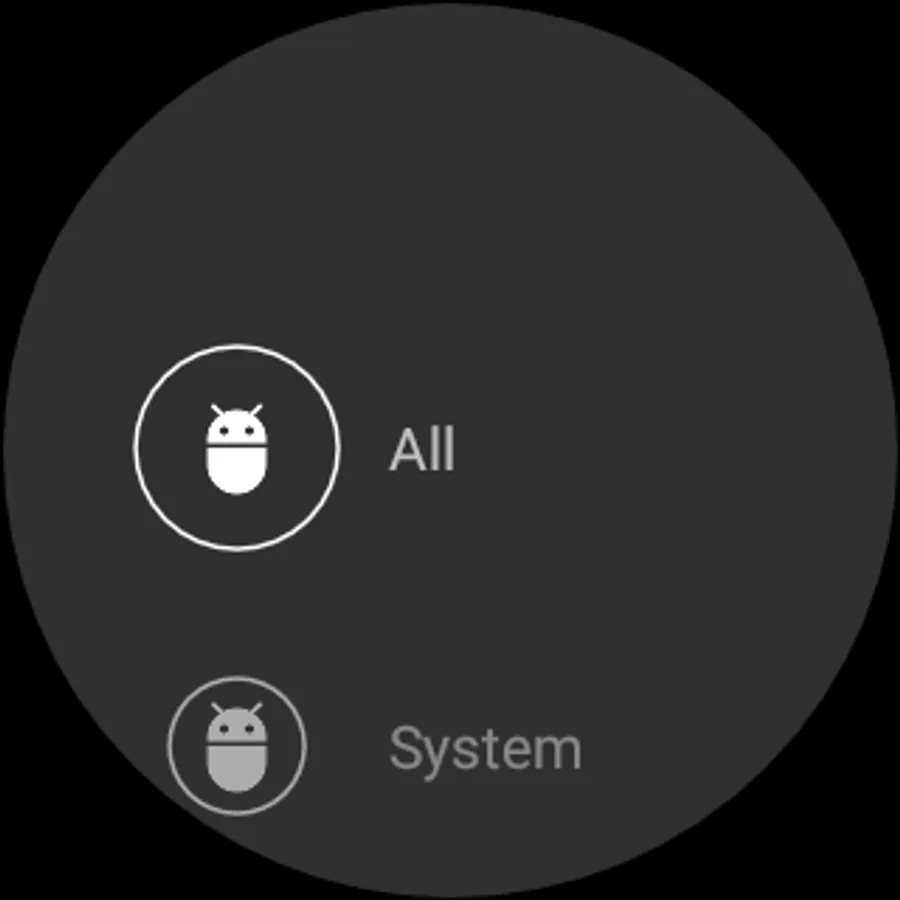
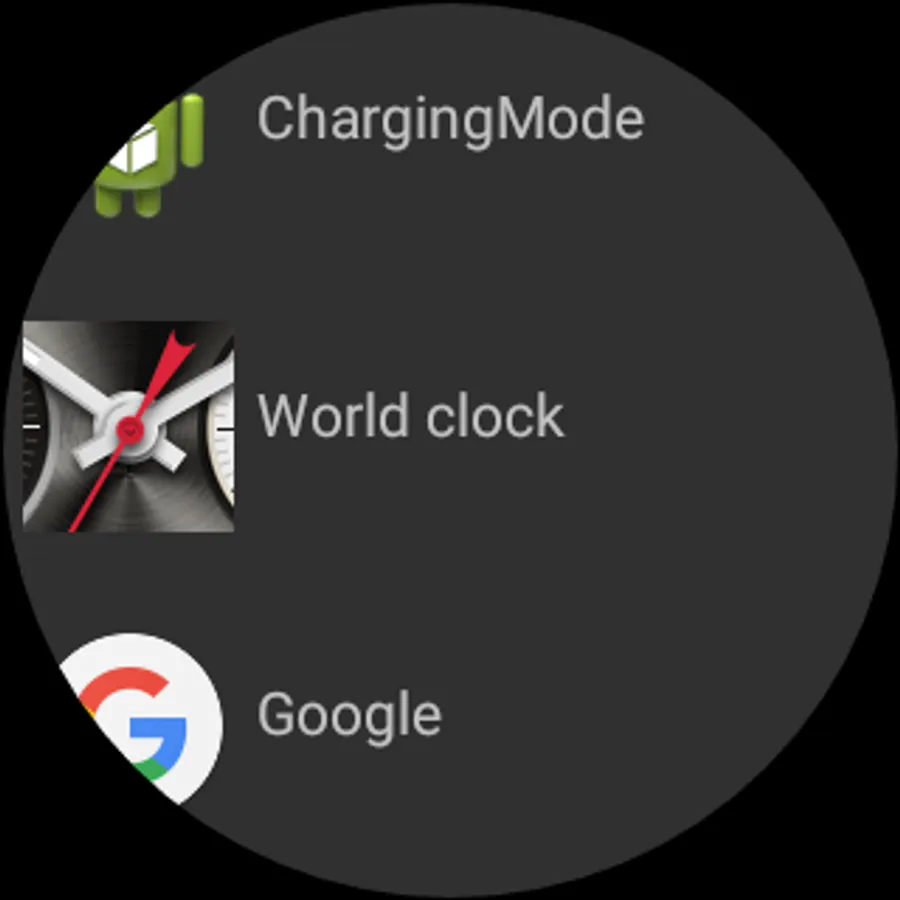
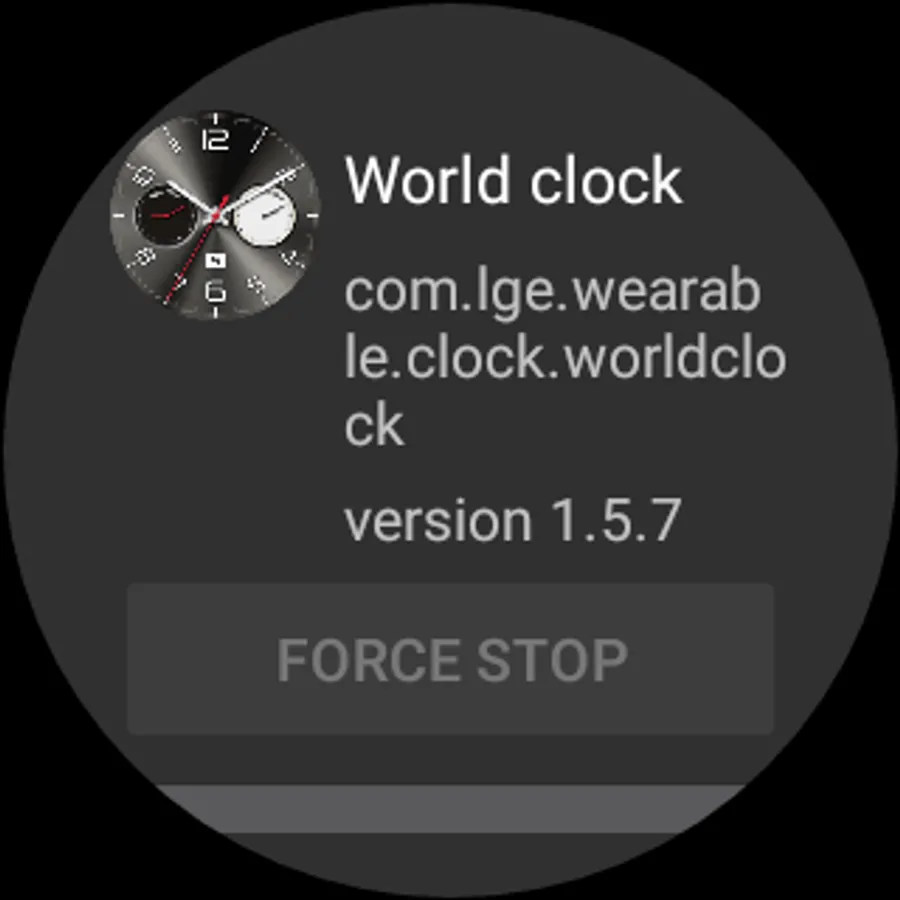
-Installed apps information
-Running apps information
-Disabled apps list
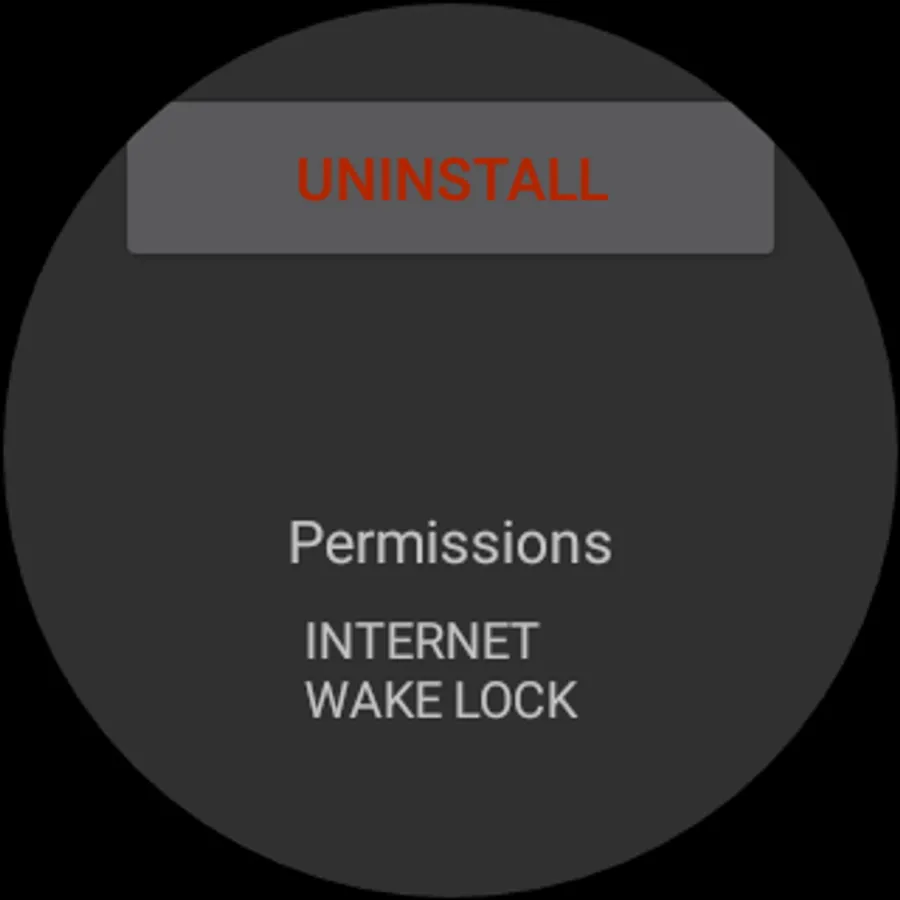
-Removing apps from watch(without phone or PC) (R on older versions, might work without it as well)
-Installing apps on watch(without phone or PC, but you need to install some file manager) (R)
-Disabling system apps (R)
-Change screen timeout(affects only in-apps timeout, does not affect main screen timeout)
-Wider brightness settings
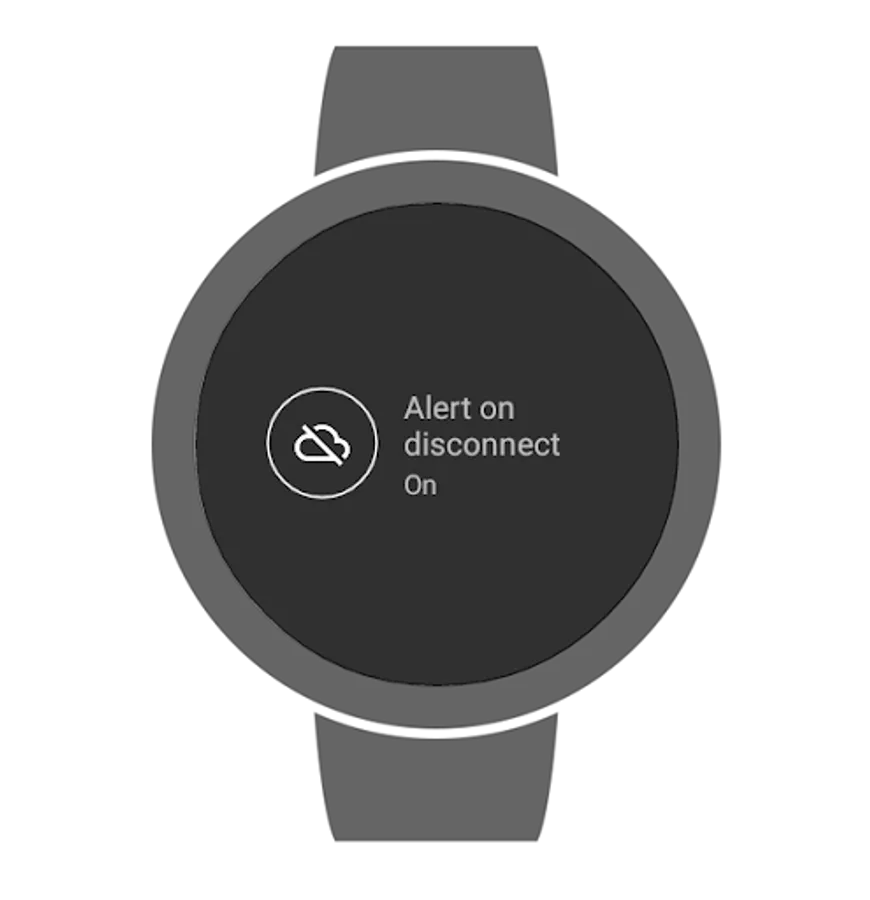
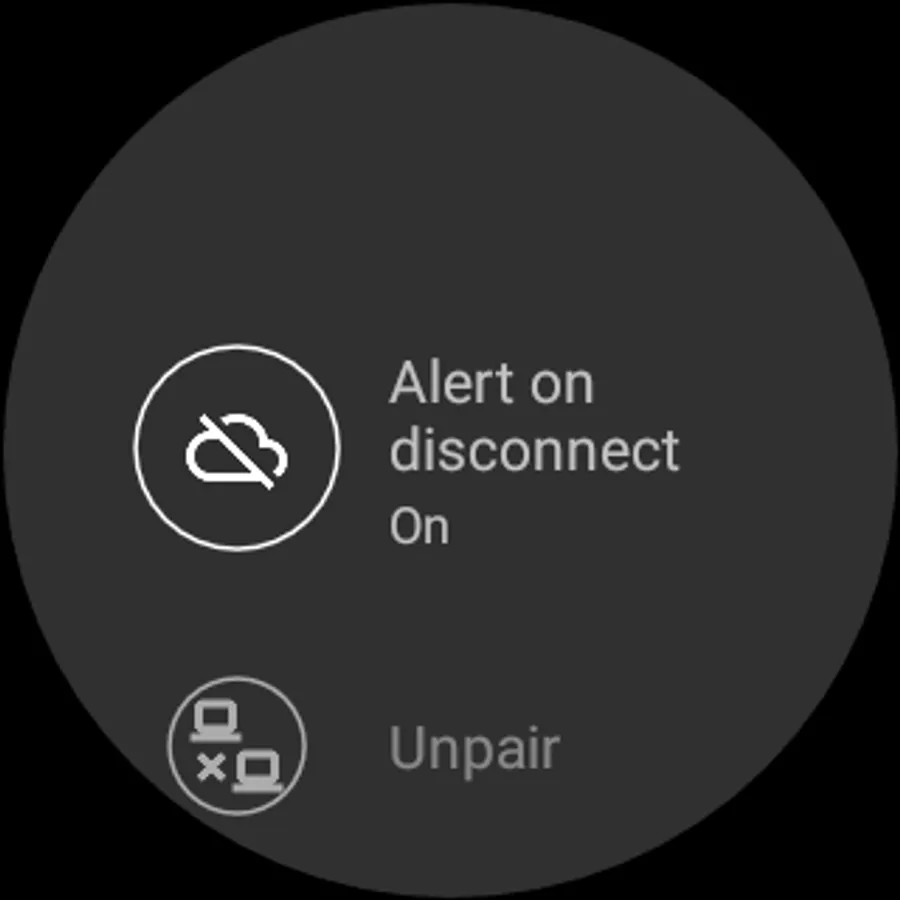
-Alert on disconnect from phone
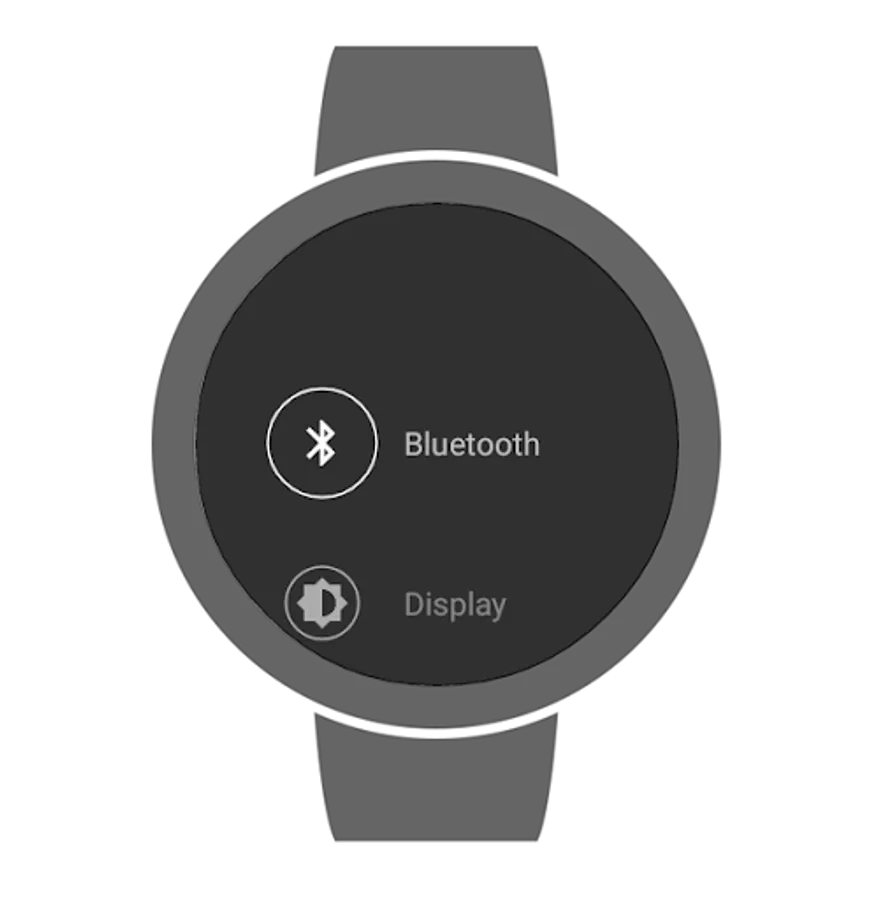
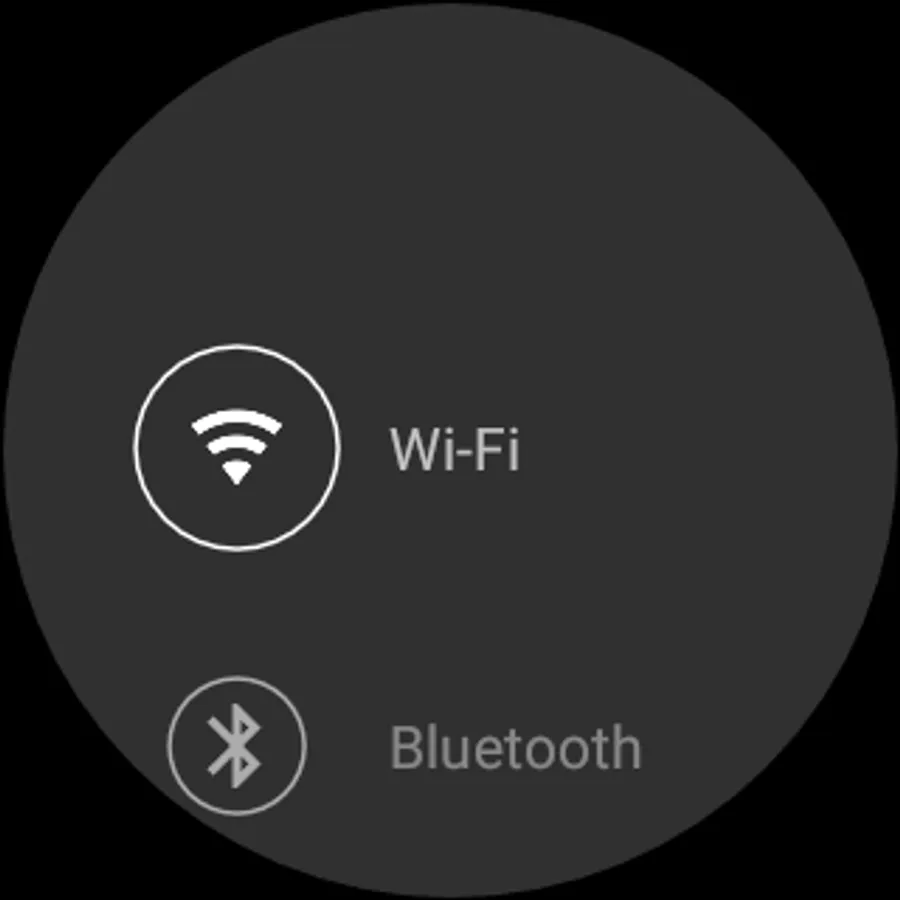
-Bluetooth settings
-Wi-Fi settings(if supported)
-Wake on touch changing (R)
-Date & time settings (R)
-System language changing (R)
-Change main screen's timeout(requires Pro Plugin)
-Unpair with parent device(R)(requires Pro Plugin)
-LCD density(R)(requires Pro Plugin)
-On theatre mode launch app
-CPU Settings (governor, minimal and maximal frequency) (R)
Pro Plugin - https://play.google.com/store/apps/details?id=sssemil.com.screensavertimeoutplugin
Want to see it in your language? Help with translation - https://www.transifex.com/sssemil/advanced-settings/
Found some bugs? Want some new features? Submit here - https://github.com/sssemil/wear_AdvancedSettings/issues
Also it's opensource, so feel free to fork/edit/commit code - https://github.com/sssemil/wear_AdvancedSettings
WARNING: For some reason, sometimes it takes hours for app to install on watch, so please, be patient. Thank you.
Advances settings for Android Wear devices. Root access is required for most features to work.
What you get (marked with R require root access):
-Vibration intensity changing (R)
-Installed apps information
-Running apps information
-Disabled apps list
-Removing apps from watch(without phone or PC) (R on older versions, might work without it as well)
-Installing apps on watch(without phone or PC, but you need to install some file manager) (R)
-Disabling system apps (R)
-Change screen timeout(affects only in-apps timeout, does not affect main screen timeout)
-Wider brightness settings
-Alert on disconnect from phone
-Bluetooth settings
-Wi-Fi settings(if supported)
-Wake on touch changing (R)
-Date & time settings (R)
-System language changing (R)
-Change main screen's timeout(requires Pro Plugin)
-Unpair with parent device(R)(requires Pro Plugin)
-LCD density(R)(requires Pro Plugin)
-On theatre mode launch app
-CPU Settings (governor, minimal and maximal frequency) (R)
Pro Plugin - https://play.google.com/store/apps/details?id=sssemil.com.screensavertimeoutplugin
Want to see it in your language? Help with translation - https://www.transifex.com/sssemil/advanced-settings/
Found some bugs? Want some new features? Submit here - https://github.com/sssemil/wear_AdvancedSettings/issues
Also it's opensource, so feel free to fork/edit/commit code - https://github.com/sssemil/wear_AdvancedSettings
Advanced Settings for Watch Screenshots
Tap to Rate: