
Tile Shortcuts: Quick settings
Tom Bayley
3.9 ★
2K ratings
500,000+
downloads
Free
+ in-app
AppRecs review analysis
AppRecs rating 3.8. Trustworthiness 85 out of 100. Review manipulation risk 25 out of 100. Based on a review sample analyzed.
★★★☆☆
3.8
AppRecs Rating
Ratings breakdown
5 star
59%
4 star
13%
3 star
5%
2 star
7%
1 star
16%
What to know
✓
Low review manipulation risk
25% review manipulation risk
✓
Credible reviews
85% trustworthiness score from analyzed reviews
✓
Good user ratings
72% positive sampled reviews
About Tile Shortcuts: Quick settings
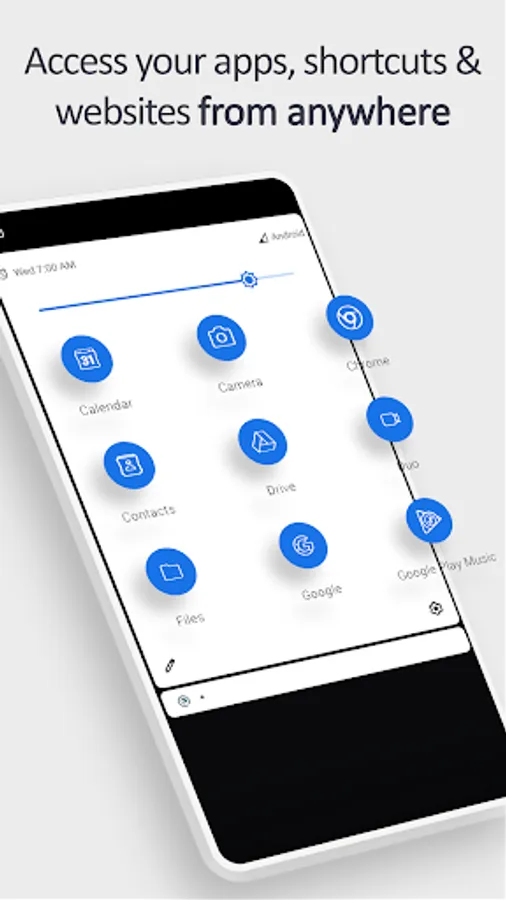
Quickly open your favorite apps, shortcuts, and websites from anywhere at any time, directly from your notification shade!
SHORTCUT TILES
- Apps
- App shortcuts
- Websites
- Intents
- Activities
- Shortcut Folders
TILE CUSTOMIZATION
- Use the real app icon for the icon in the notification panel
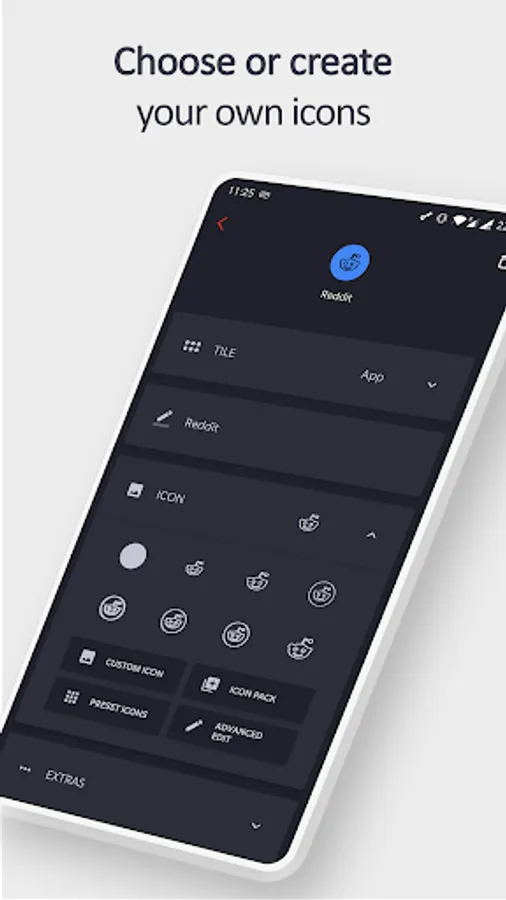
- Choose your own icons
- Select an icon from an Icon Pack
- Use actual website icons for website tiles
- Name the Tile whatever you want
TUTORIAL
- youtu.be/420j_OsBLDw
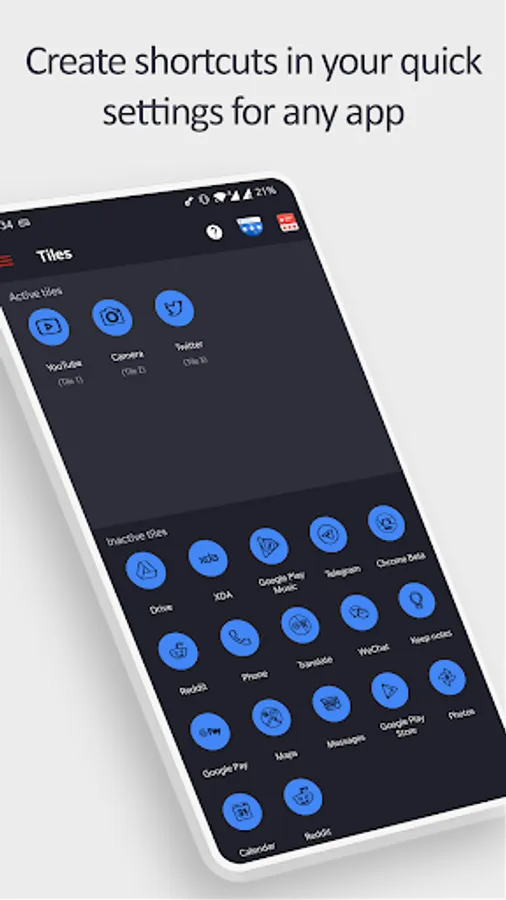
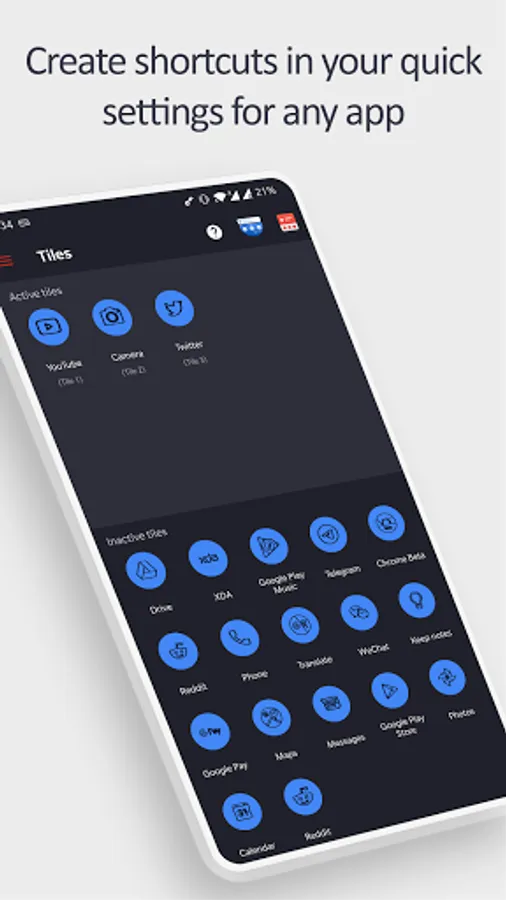
- Create a tile in the app (remember the number under the newly created tile name)
- Open your quick settings panel and tap the edit button
- Move the tile you just created (with the matching number) up into the active section of your quick settings panel
- You can now use the tile!
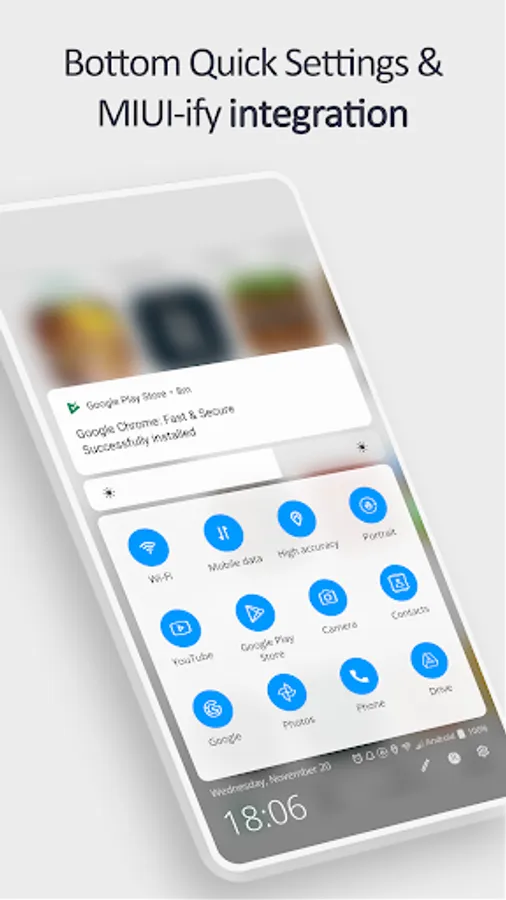
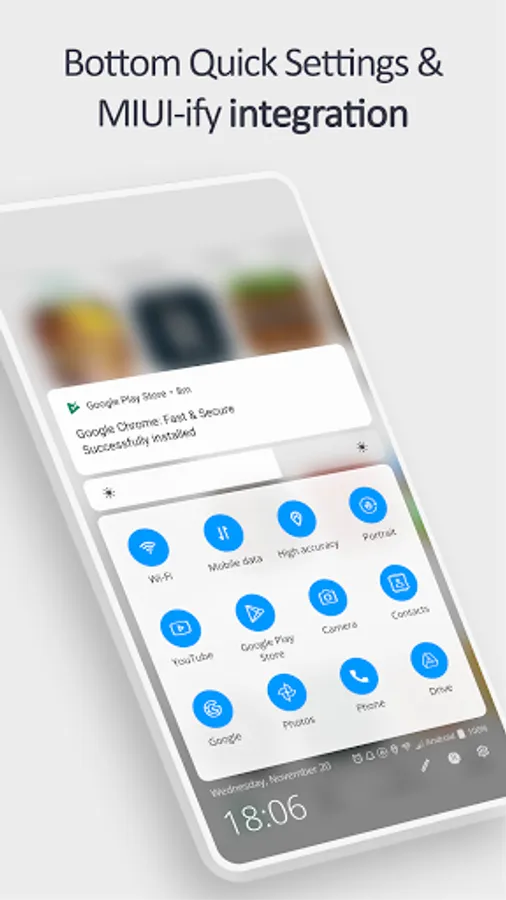
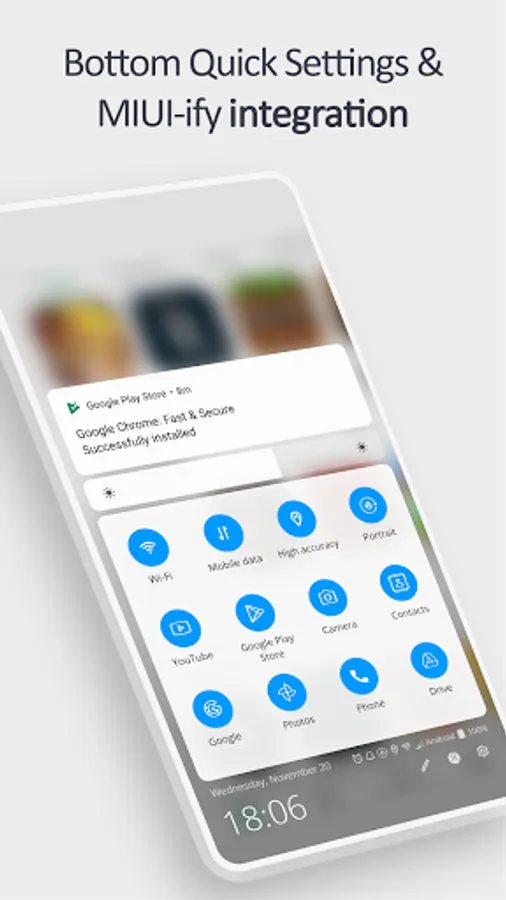
BOTTOM QUICK SETTINGS & MIUI-ify INTEGRATION
- Tiles created in this app are usable in Bottom Quick Settings and MIUI-ify, allowing you to create custom icons for shortcuts
- Tutorial: youtu.be/JPeDPeBB-9E
How is this app different to other similar apps?
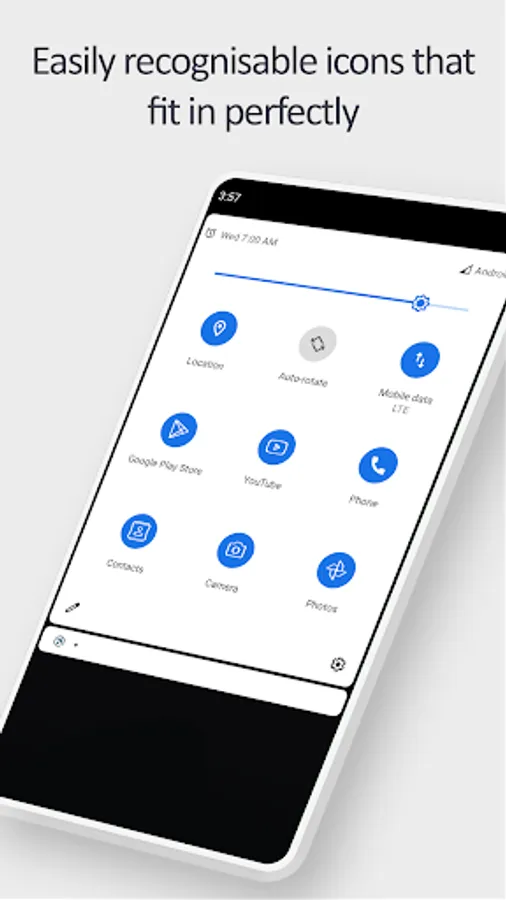
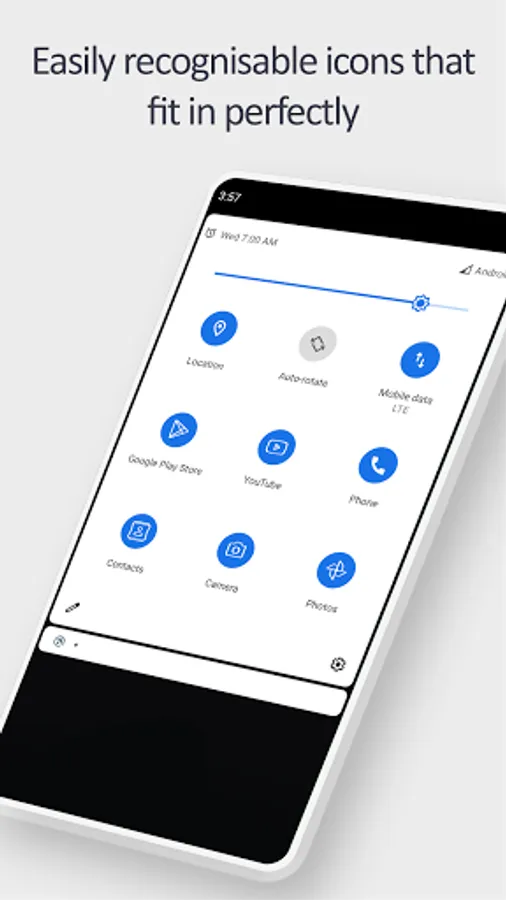
Other apps do not use the real app icon in the quick settings tile.
Instead, they replace the app icon with a letter or generic image.
This app uses the real app icon for the quick settings tile, making it easier for you to identify the apps & shortcuts you want to open.
LINKS
- Tutorial: youtu.be/420j_OsBLDw
- Twitter: twitter.com/tombayleyapps
- Telegram: t.me/TileShortcuts
- Email: support@tombayley.dev
SHORTCUT TILES
- Apps
- App shortcuts
- Websites
- Intents
- Activities
- Shortcut Folders
TILE CUSTOMIZATION
- Use the real app icon for the icon in the notification panel
- Choose your own icons
- Select an icon from an Icon Pack
- Use actual website icons for website tiles
- Name the Tile whatever you want
TUTORIAL
- youtu.be/420j_OsBLDw
- Create a tile in the app (remember the number under the newly created tile name)
- Open your quick settings panel and tap the edit button
- Move the tile you just created (with the matching number) up into the active section of your quick settings panel
- You can now use the tile!
BOTTOM QUICK SETTINGS & MIUI-ify INTEGRATION
- Tiles created in this app are usable in Bottom Quick Settings and MIUI-ify, allowing you to create custom icons for shortcuts
- Tutorial: youtu.be/JPeDPeBB-9E
How is this app different to other similar apps?
Other apps do not use the real app icon in the quick settings tile.
Instead, they replace the app icon with a letter or generic image.
This app uses the real app icon for the quick settings tile, making it easier for you to identify the apps & shortcuts you want to open.
LINKS
- Tutorial: youtu.be/420j_OsBLDw
- Twitter: twitter.com/tombayleyapps
- Telegram: t.me/TileShortcuts
- Email: support@tombayley.dev
Tile Shortcuts: Quick settings Screenshots





Tap to Rate:
Reviews for Tile Shortcuts: Quick settings
Saikiran Jillella
12/29/2025
Basically a paid app
ʍ ðøɫ βɛɜ
12/24/2025
Sucks on Android 14 still creates better shortcuts than anything else.