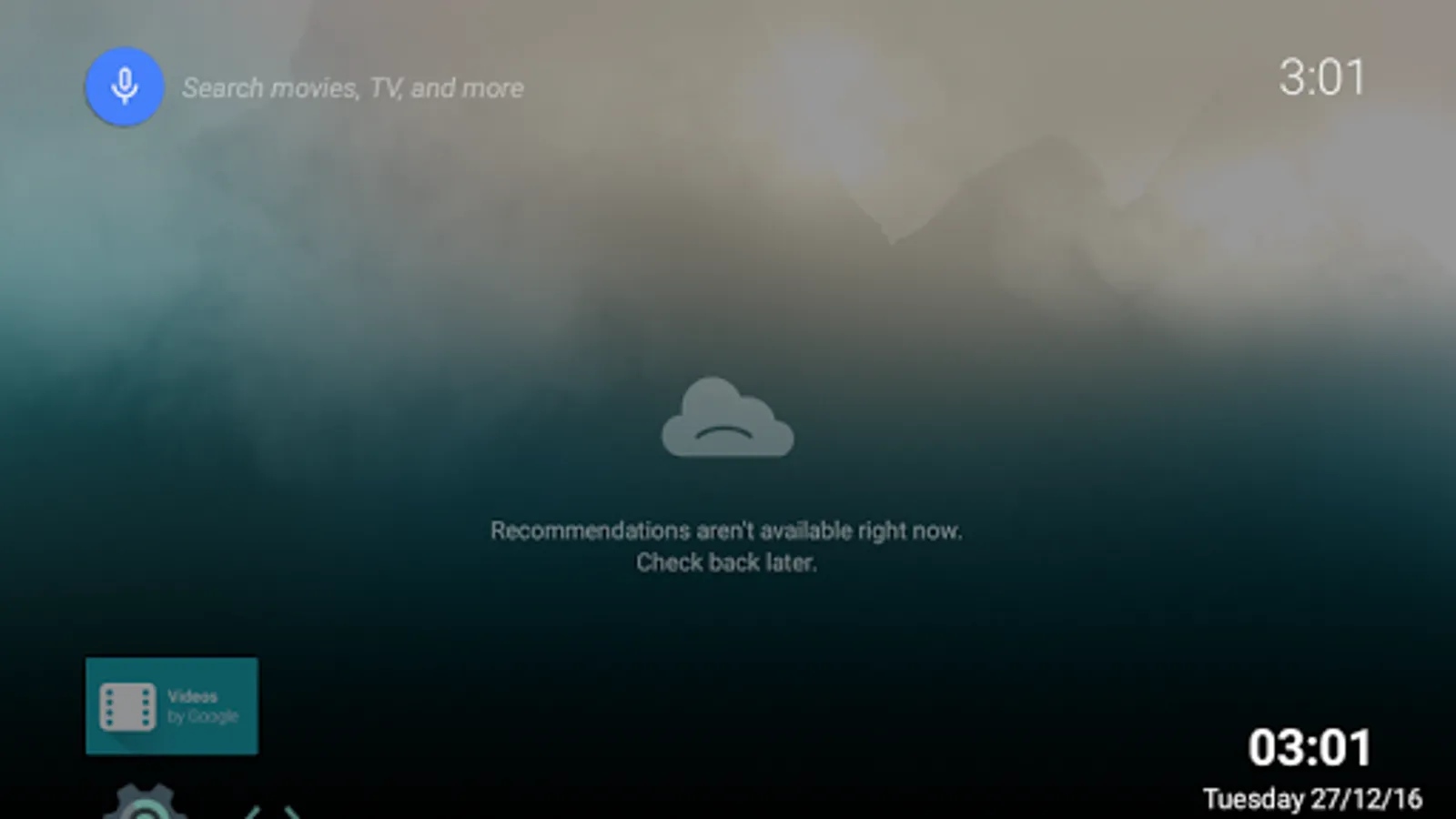
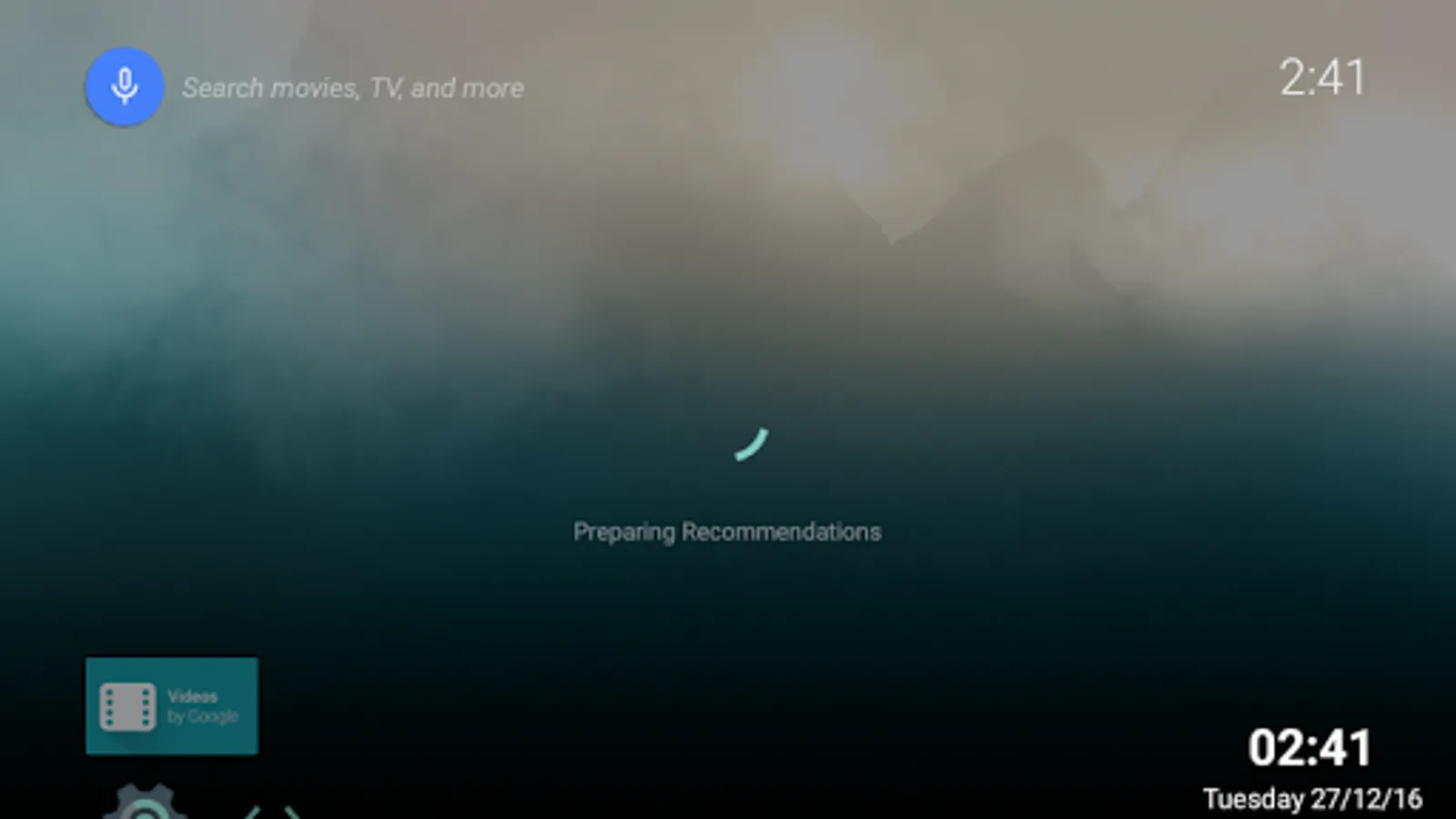
With this clock app, you can display a customizable clock overlay on your screen, toggle visibility by tapping, and adjust settings for timezone, title, and date formats. Includes theme options and multiple display styles.
AppRecs review analysis
AppRecs rating 3.3. Trustworthiness 0 out of 100. Review manipulation risk 0 out of 100. Based on a review sample analyzed.
★★★☆☆
3.3
AppRecs Rating
Ratings breakdown
5 star
33%
4 star
33%
3 star
0%
2 star
0%
1 star
33%
What to know
✓
Authentic reviews
Natural distribution, no red flags
⚠
High negative review ratio
33% of sampled ratings are 1–2 stars
About TVClock
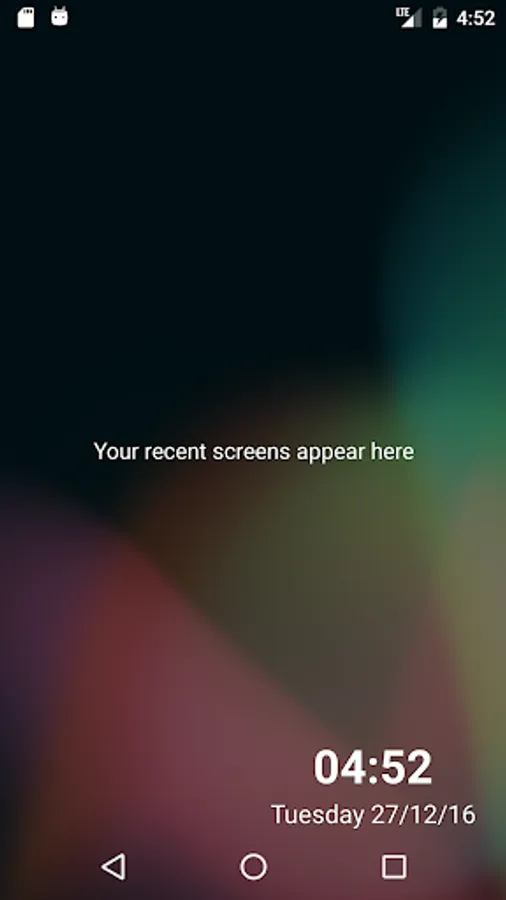
This is a simple app which shows a clock in one of the corners of the screen. The clock can be toggled by tapping it. It features a variety of customization options including timezone, title, date/time formats and more.
About custom date formats:
The following tokens can be used:
d - day
E - day of the week
M - month
y - year
'dd', 'MM', 'yy' use double digits for their values (e.g. 05 for 5)
'MMM', 'EEE' show shorthand names (e.g. Dec, Jan, Wed, Fri)
'MMMM', 'EEEE' show full names (e.g. December, January, Wednesday, Friday)
'yyyy' shows the year in 4 digits
You can mix these with symbols as well.
Using 5th December 2017, here are some examles:
dd-MM : 05-12
d,MMM,yy : 5,Dec,17
dd-MM-yyyy EEE: 05-12-2017 Tue
dd/MM EEEE: 05/12 Tuesday
About custom date formats:
The following tokens can be used:
d - day
E - day of the week
M - month
y - year
'dd', 'MM', 'yy' use double digits for their values (e.g. 05 for 5)
'MMM', 'EEE' show shorthand names (e.g. Dec, Jan, Wed, Fri)
'MMMM', 'EEEE' show full names (e.g. December, January, Wednesday, Friday)
'yyyy' shows the year in 4 digits
You can mix these with symbols as well.
Using 5th December 2017, here are some examles:
dd-MM : 05-12
d,MMM,yy : 5,Dec,17
dd-MM-yyyy EEE: 05-12-2017 Tue
dd/MM EEEE: 05/12 Tuesday
TVClock Screenshots
Tap to Rate: