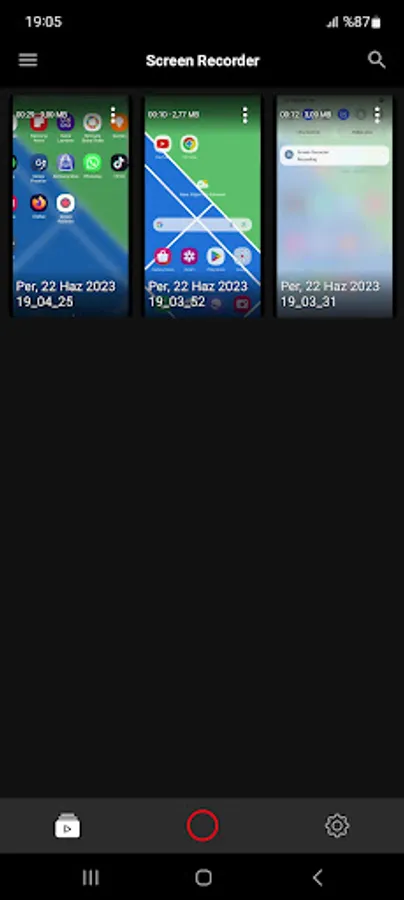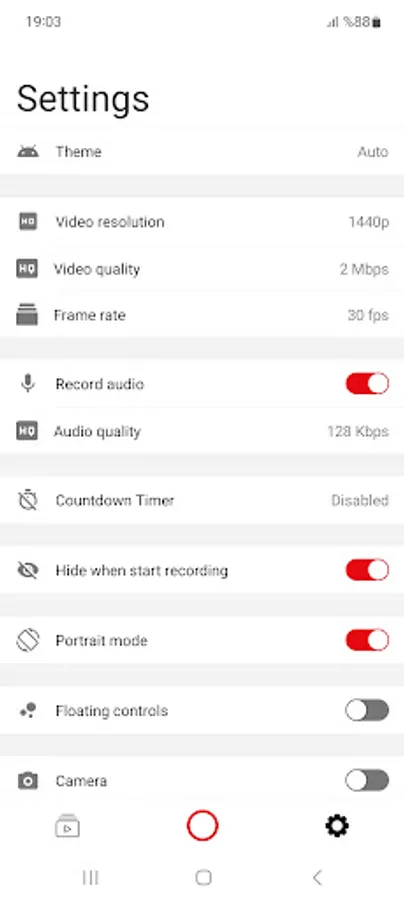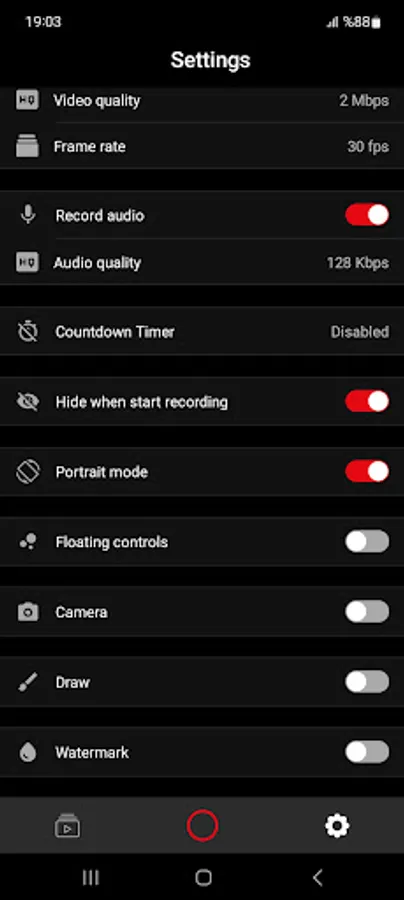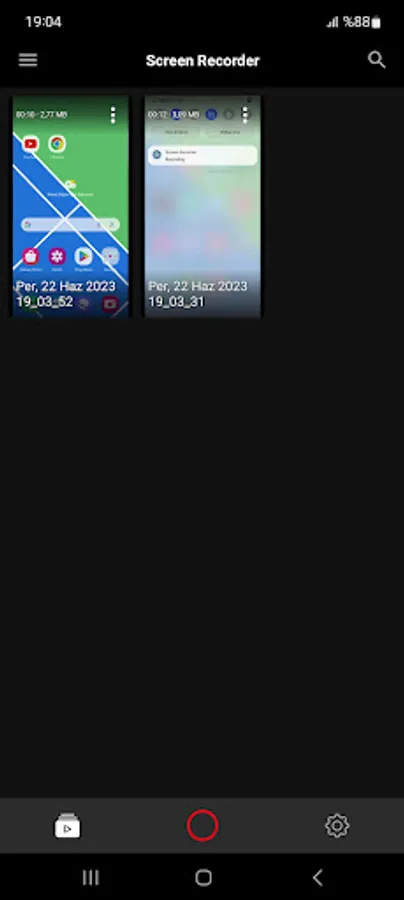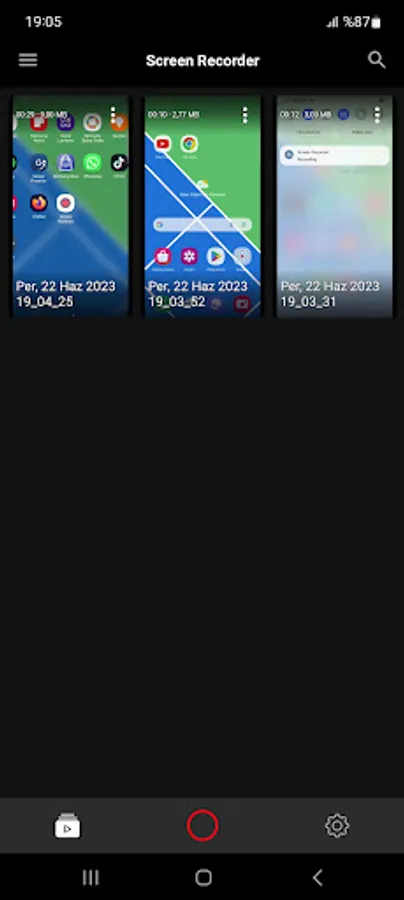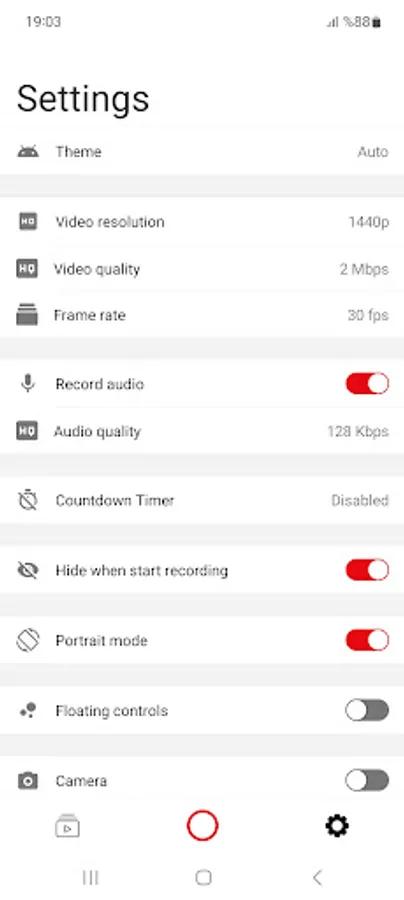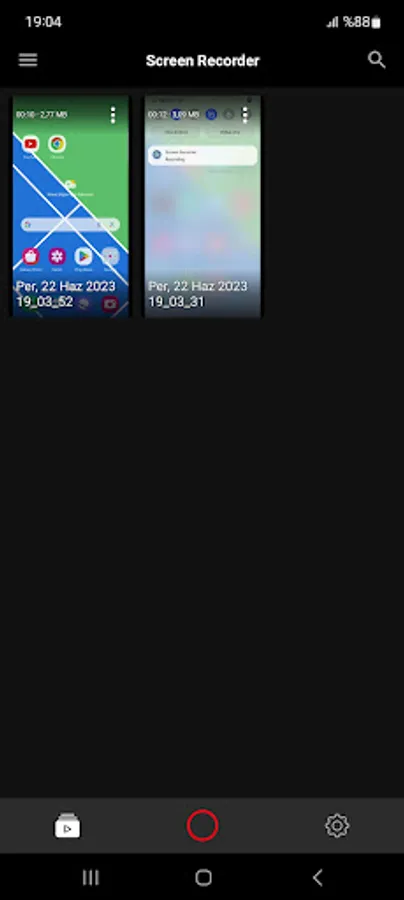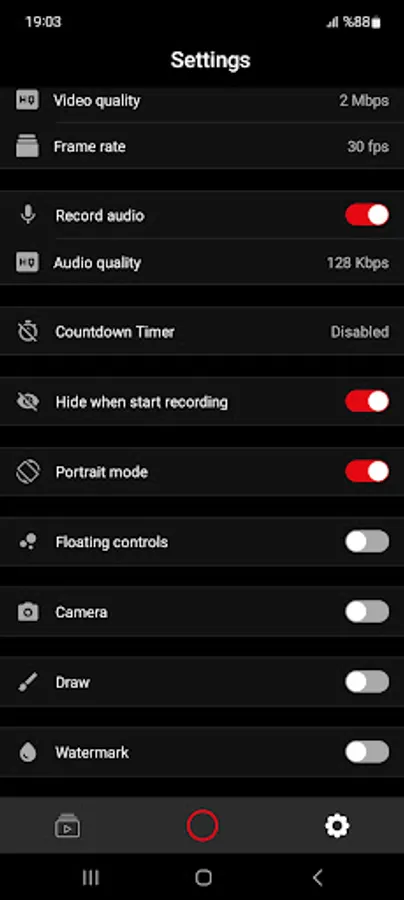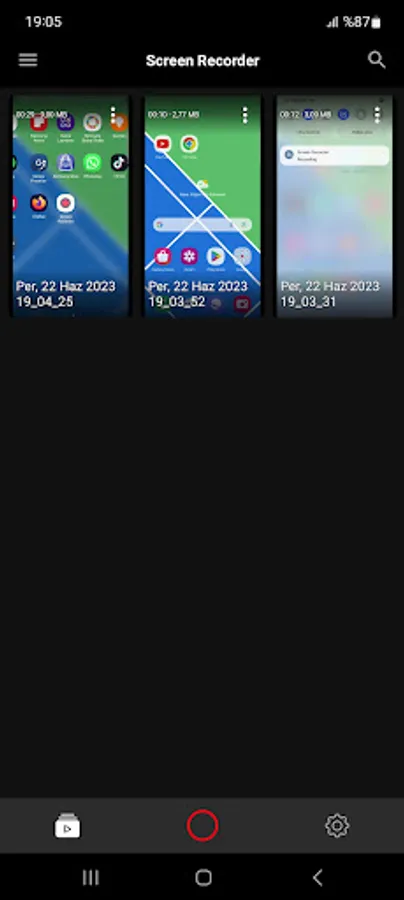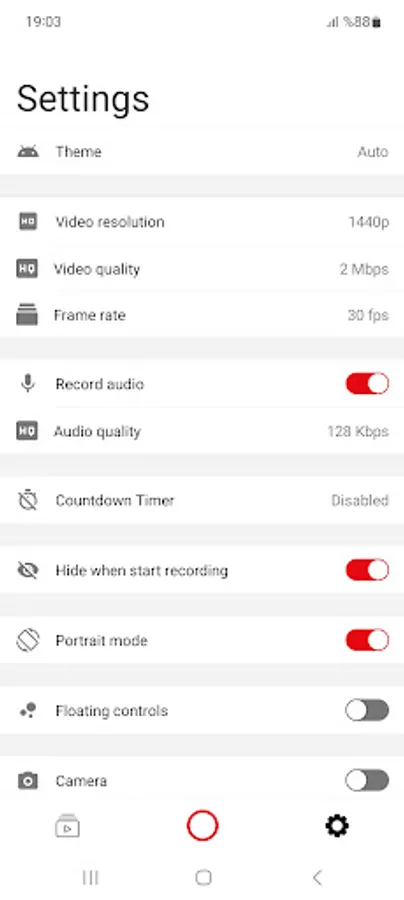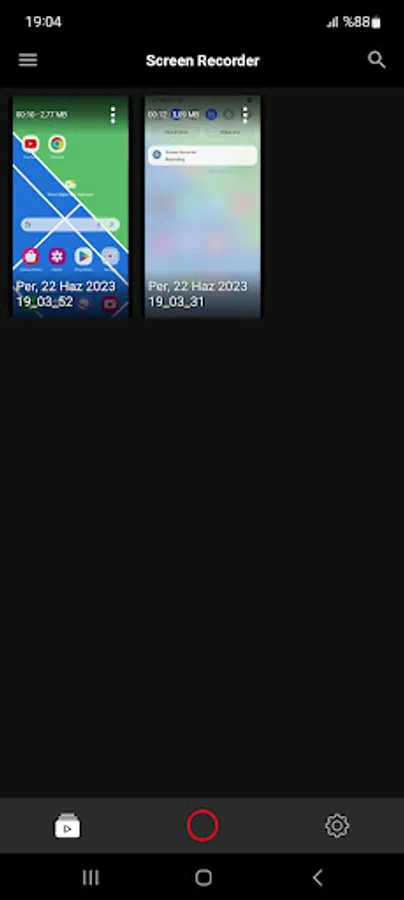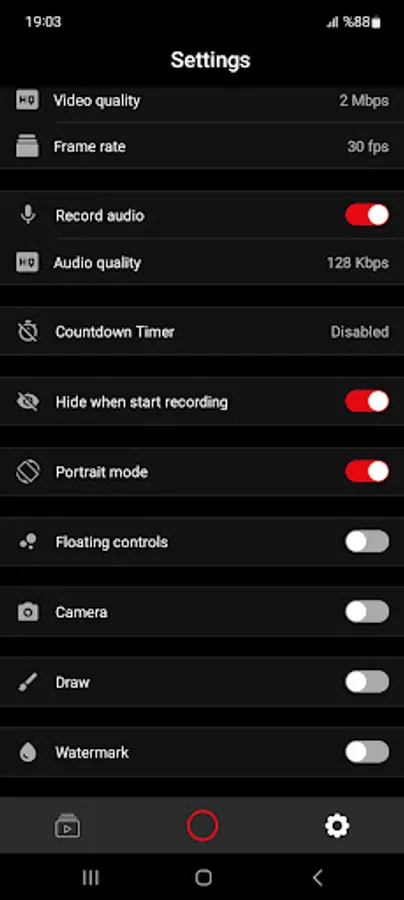
In this screen recording app, you can capture high-quality videos of your screen activity with audio and edit them directly within the app. Includes options for facecam, adjustable settings, and no watermark.
AppRecs review analysis
AppRecs rating 3.6. Trustworthiness 79 out of 100. Review manipulation risk 34 out of 100. Based on a review sample analyzed.
★★★☆☆
3.6
AppRecs Rating
Ratings breakdown
5 star
69%
4 star
8%
3 star
8%
2 star
15%
1 star
0%
What to know
✓
Credible reviews
79% trustworthiness score from analyzed reviews
✓
High user satisfaction
77% of sampled ratings are 4+ stars (4.3★ average)
⚠
Review quality concerns
60% of sampled 5-star reviews are very short
About Screen Recorder
Screen Recorder – HD Screen Capture with Audio
Looking for a powerful and easy-to-use screen recorder? Screen Recorder is your best choice! Capture everything happening on your screen in high quality – games, apps, video calls, tutorials, live streams, and more – with just one tap. No root required. No watermark. 100% free!
🎯 Why Choose Screen Recorder?
✔️ High-Quality Recording: Record your screen in Full HD, 1080p, 60fps with crystal-clear audio.
✔️ Audio Recording: Capture both internal audio and microphone for clear voice-overs or app sounds.
✔️ No Watermark: Enjoy clean videos with no logos or watermarks – perfect for professional content.
✔️ Unlimited Recording Time: Record as long as you need, without time limits.
✔️ Easy to Use
✔️ Game Recorder: Capture gameplay smoothly without lag or performance drops.
✔️ Facecam Support: Add your face and voice with front camera while recording screen.
✔️ Built-in Video Editor: Trim, cut, add music or text – edit recordings directly within the app.
💼 Perfect For:
Gamers: Record gameplay, walkthroughs, and live game commentary.
Content Creators: Create tutorials, app reviews, and demo videos.
Teachers & Students: Record lessons, presentations, and online classes.
Business Professionals: Capture video meetings, demos, and training sessions.
Everyone: Save video calls, social media content, and screen activity.
🛠️ Advanced Features:
🔸 Countdown timer for better preparation
🔸 Customizable resolution, bitrate, frame rate
🔸 Night mode & dark theme for comfortable use
🔸 Internal audio (Android 10+) and external mic support
🚀 Get Started Today!
Whether you're a gamer, content creator, teacher, or casual user, Screen Recorder helps you capture and share your screen effortlessly. Download now and start recording like a pro!
Looking for a powerful and easy-to-use screen recorder? Screen Recorder is your best choice! Capture everything happening on your screen in high quality – games, apps, video calls, tutorials, live streams, and more – with just one tap. No root required. No watermark. 100% free!
🎯 Why Choose Screen Recorder?
✔️ High-Quality Recording: Record your screen in Full HD, 1080p, 60fps with crystal-clear audio.
✔️ Audio Recording: Capture both internal audio and microphone for clear voice-overs or app sounds.
✔️ No Watermark: Enjoy clean videos with no logos or watermarks – perfect for professional content.
✔️ Unlimited Recording Time: Record as long as you need, without time limits.
✔️ Easy to Use
✔️ Game Recorder: Capture gameplay smoothly without lag or performance drops.
✔️ Facecam Support: Add your face and voice with front camera while recording screen.
✔️ Built-in Video Editor: Trim, cut, add music or text – edit recordings directly within the app.
💼 Perfect For:
Gamers: Record gameplay, walkthroughs, and live game commentary.
Content Creators: Create tutorials, app reviews, and demo videos.
Teachers & Students: Record lessons, presentations, and online classes.
Business Professionals: Capture video meetings, demos, and training sessions.
Everyone: Save video calls, social media content, and screen activity.
🛠️ Advanced Features:
🔸 Countdown timer for better preparation
🔸 Customizable resolution, bitrate, frame rate
🔸 Night mode & dark theme for comfortable use
🔸 Internal audio (Android 10+) and external mic support
🚀 Get Started Today!
Whether you're a gamer, content creator, teacher, or casual user, Screen Recorder helps you capture and share your screen effortlessly. Download now and start recording like a pro!