
STOVE Authenticator
Smilegate Holdings, Inc
3.3 ★
119 ratings
10,000+
downloads
Free
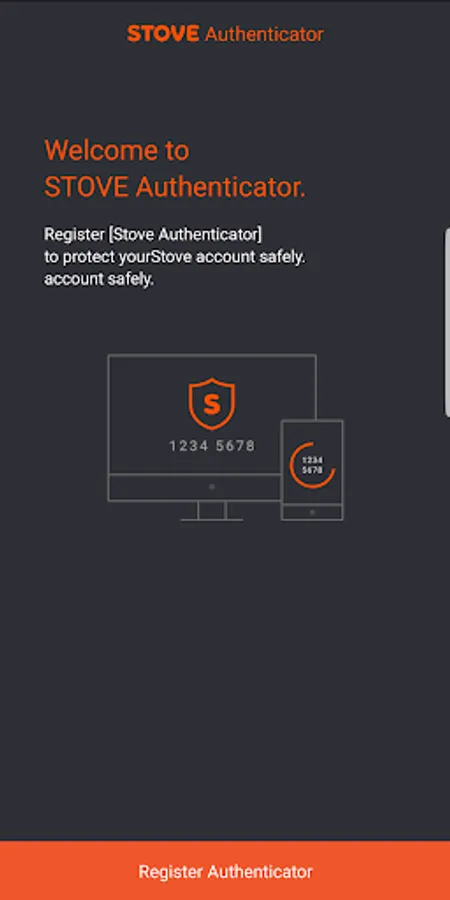
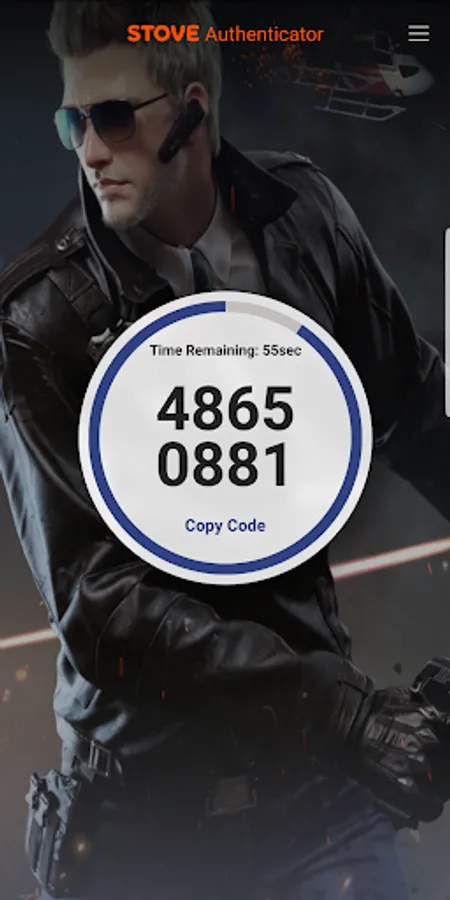
With this OTP authentication app, you can generate and manage 8-digit codes for two-step verification. Includes support for multiple languages and easy registration through web links.
AppRecs review analysis
AppRecs rating 3.3. Trustworthiness 0 out of 100. Review manipulation risk 0 out of 100. Based on a review sample analyzed.
★★★☆☆
3.3
AppRecs Rating
Ratings breakdown
5 star
57%
4 star
0%
3 star
0%
2 star
0%
1 star
43%
What to know
✓
Authentic reviews
No red flags detected
⚠
High negative review ratio
43% of sampled ratings are 1–2 stars
About STOVE Authenticator
※ What is STOVE Authenticator?
STOVE Authenticator is an OTP (One Time Password) app that creates and controls an 8-digit OTP in the two-step verification to strengthen the security. Using the OTP authentication, STOVE Authenticator protects your account from password hacking, account fraud, disclosure of personal information, and other forms of attack.
※ How to Register STOVE Authenticator
① Install the STOVE Authenticator app from Google Play Store.
② Go to http://www.onstove.com from your PC or smartphone and log in.
③ In the top right menu, select My Info > STOVE Authenticator Settings.
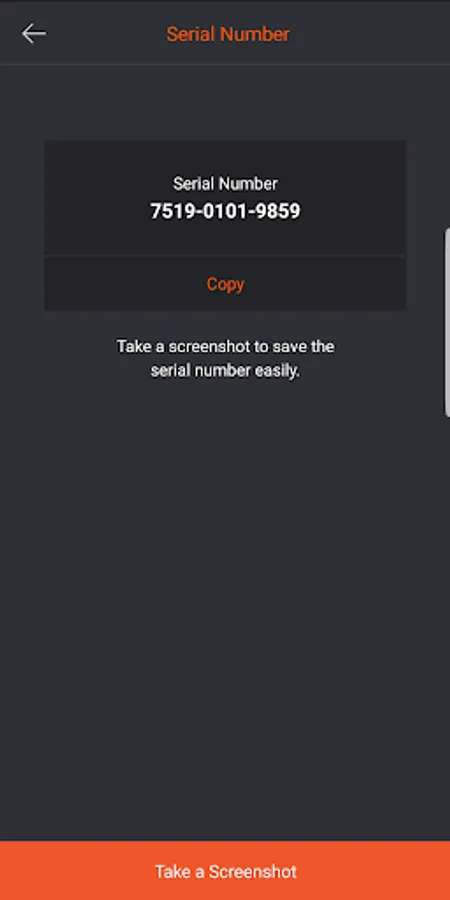
④ Enter the unique number and authentication number displayed on the Authenticator app screen to register your STOVE Authenticator.
※ Supported Language
① Korean
② English
③ Japanese
④ Traditional Chinese
STOVE Authenticator is an OTP (One Time Password) app that creates and controls an 8-digit OTP in the two-step verification to strengthen the security. Using the OTP authentication, STOVE Authenticator protects your account from password hacking, account fraud, disclosure of personal information, and other forms of attack.
※ How to Register STOVE Authenticator
① Install the STOVE Authenticator app from Google Play Store.
② Go to http://www.onstove.com from your PC or smartphone and log in.
③ In the top right menu, select My Info > STOVE Authenticator Settings.
④ Enter the unique number and authentication number displayed on the Authenticator app screen to register your STOVE Authenticator.
※ Supported Language
① Korean
② English
③ Japanese
④ Traditional Chinese
STOVE Authenticator Screenshots
Tap to Rate: