Tiny Icons Widget
Design Art Studio
1,000+
downloads
Free
AppRecs review analysis
AppRecs rating 4.5. Trustworthiness 55 out of 100. Review manipulation risk 39 out of 100. Based on a review sample analyzed.
★★★★☆
4.5
AppRecs Rating
Ratings breakdown
5 star
100%
4 star
0%
3 star
0%
2 star
0%
1 star
0%
What to know
✓
High user satisfaction
100% of sampled ratings are 5 stars
About Tiny Icons Widget
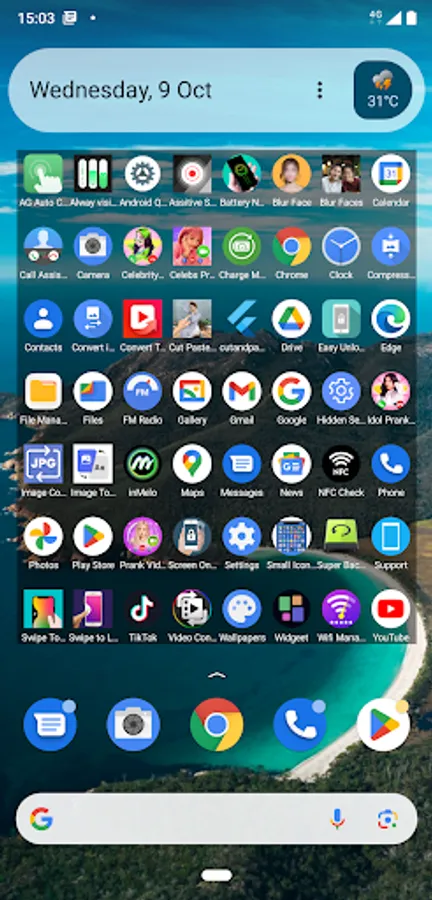
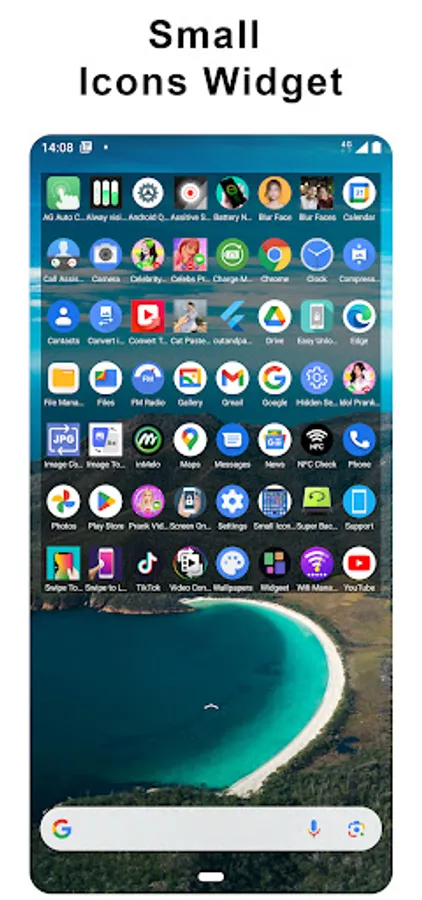
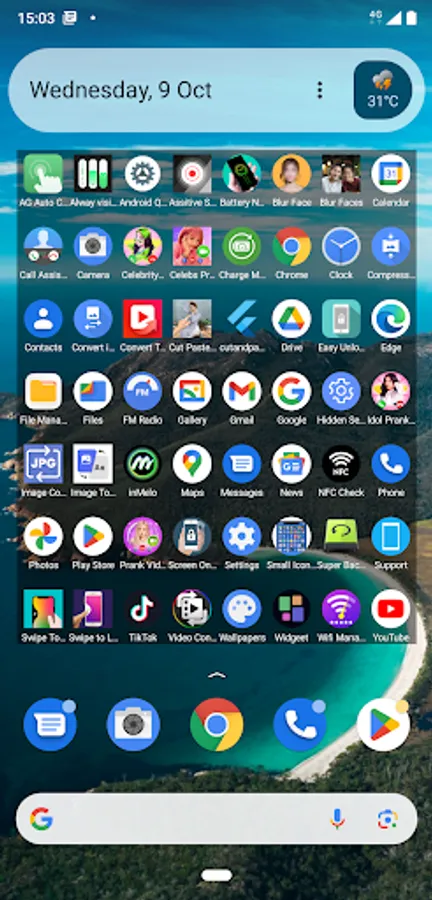
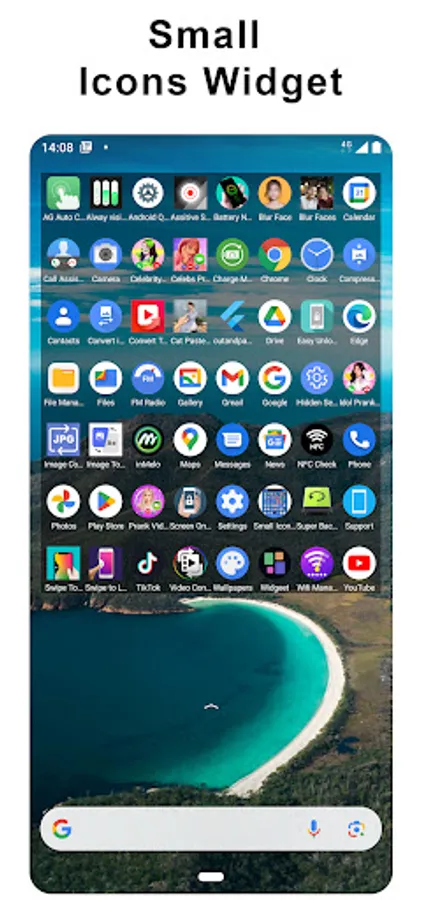
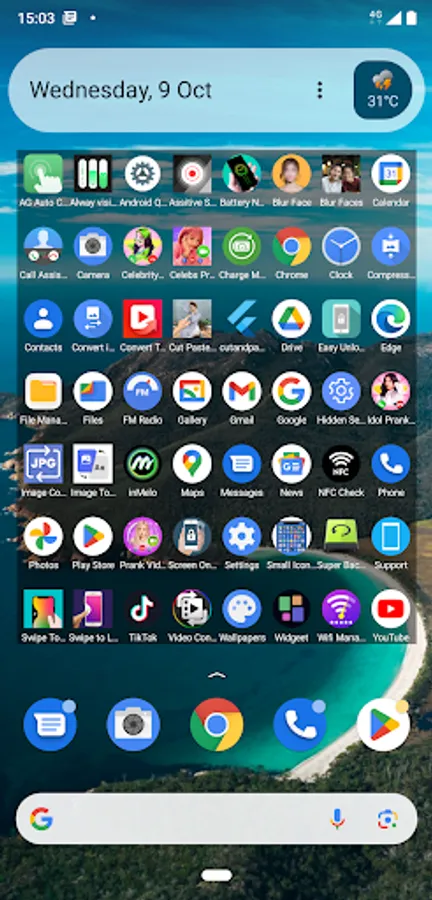
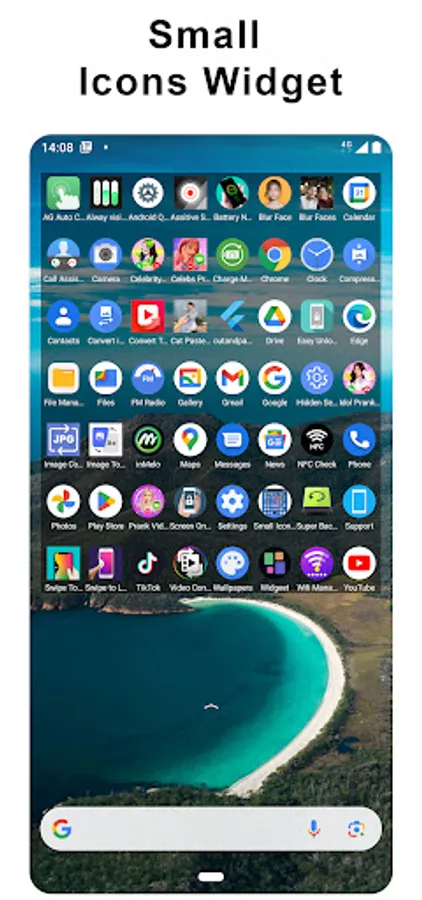
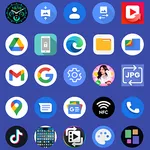
Tiny Icons Widget app to open all apps easily in home screen without opening menu in android.
This app can help you keep your home screen organized while still having quick access to favorite apps or actions.
Advantages:
- Easy open app in one touch.
- No need to go into menu to search application.
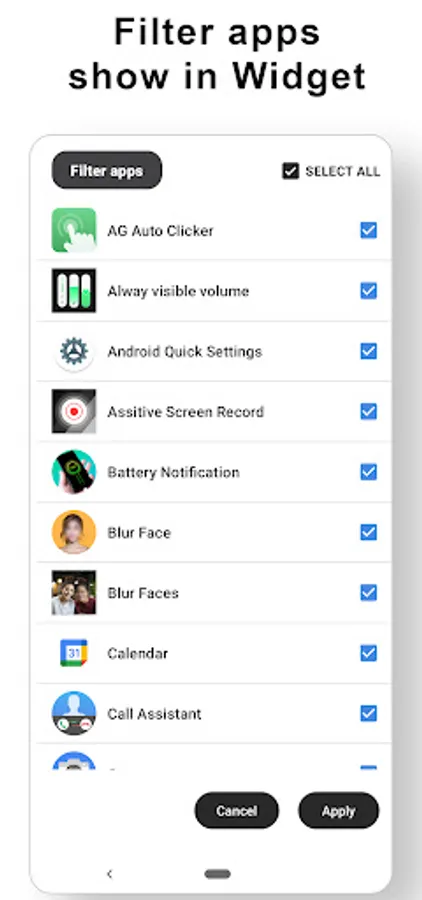
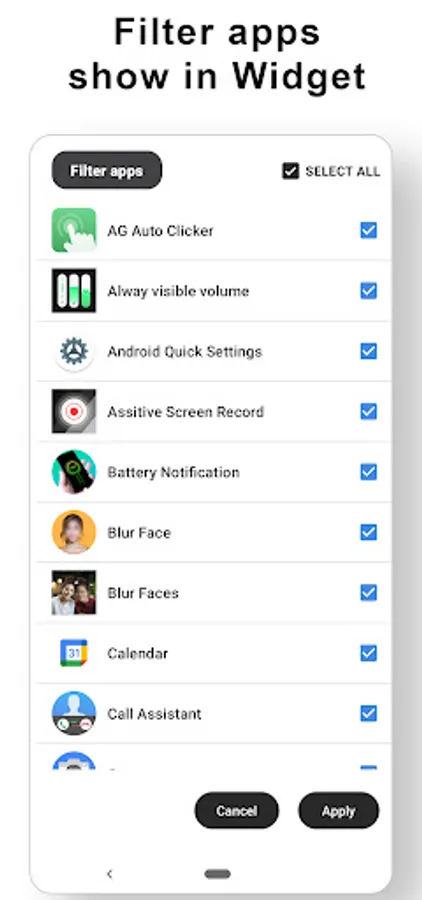
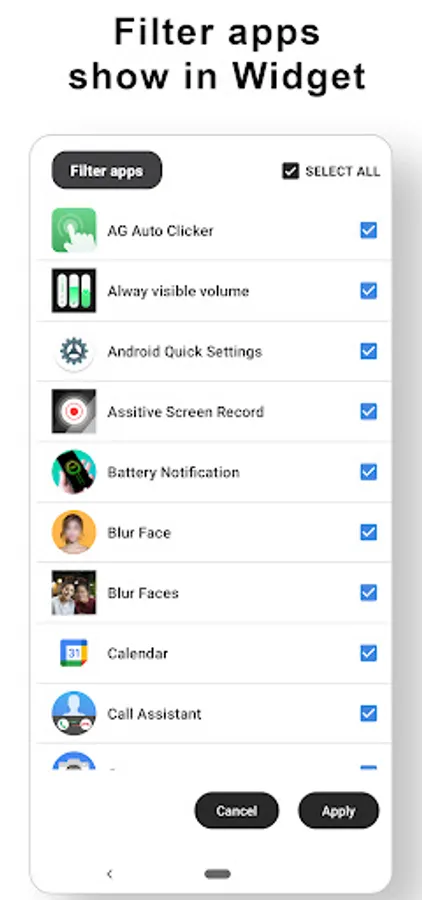
- Filter the desired apps to be appeared in home screen widget.
If you still not clear how to use Tiny Icons: Home Screen Widget, check the demo video from youtube link: https://www.youtube.com/watch?v=27c-4mko_gA
Feature available in Tiny Icons Widget:
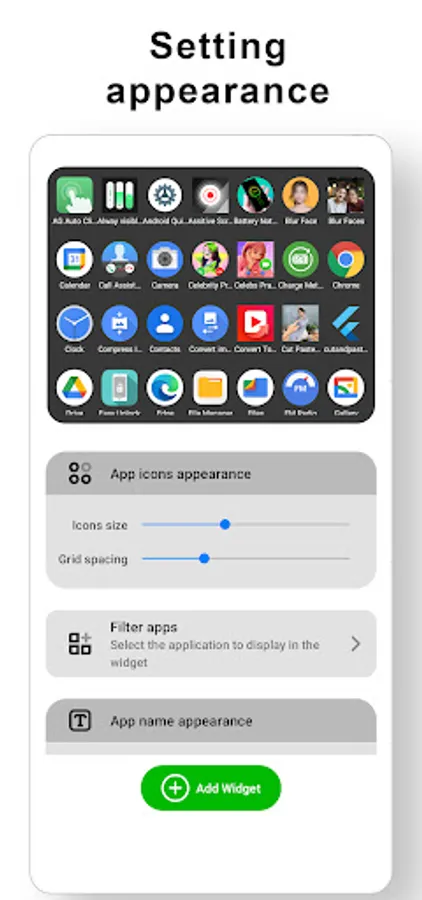
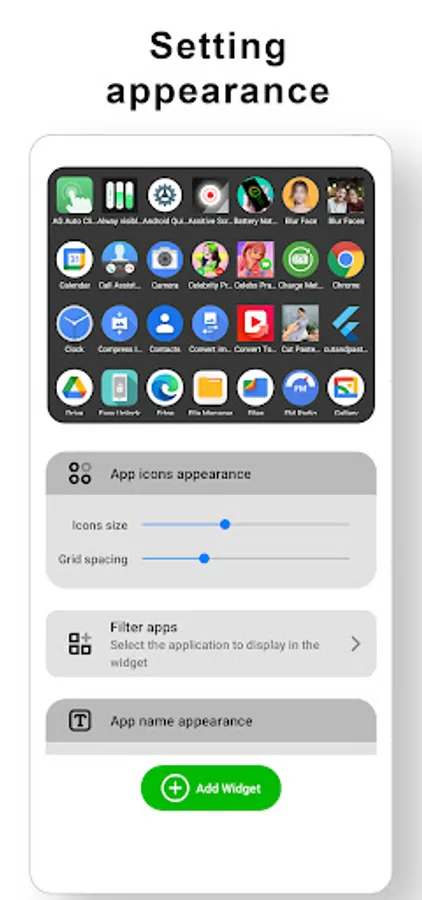
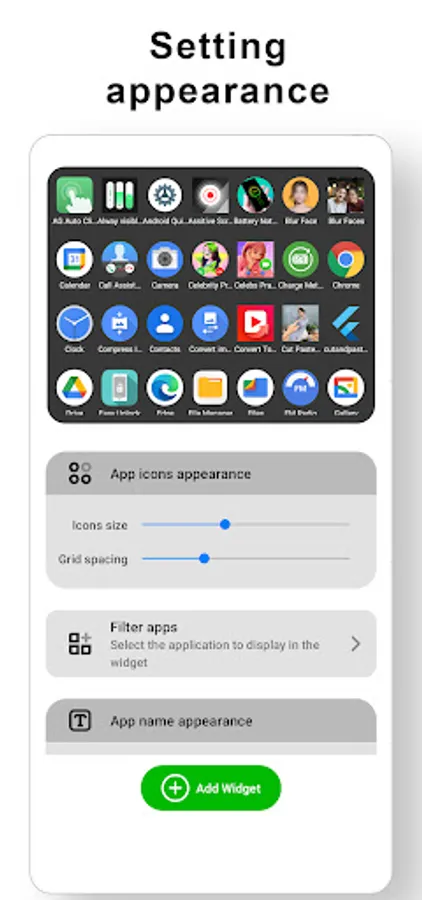
- Change the widget background colors, alpha.
- Change the app icon size small or large
- Change the font size, color text name app
- Make transparent background for widget
- Open any apps within a second using Tiny Icons: Home Screen Widget
- Option to adjust icon padding space.
- Sort the apps show in widget.
This app can help you keep your home screen organized while still having quick access to favorite apps or actions.
Advantages:
- Easy open app in one touch.
- No need to go into menu to search application.
- Filter the desired apps to be appeared in home screen widget.
If you still not clear how to use Tiny Icons: Home Screen Widget, check the demo video from youtube link: https://www.youtube.com/watch?v=27c-4mko_gA
Feature available in Tiny Icons Widget:
- Change the widget background colors, alpha.
- Change the app icon size small or large
- Change the font size, color text name app
- Make transparent background for widget
- Open any apps within a second using Tiny Icons: Home Screen Widget
- Option to adjust icon padding space.
- Sort the apps show in widget.