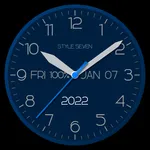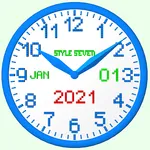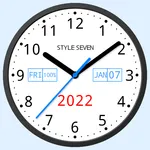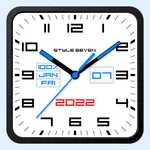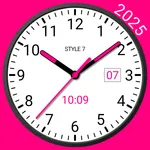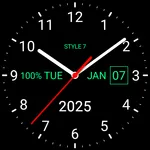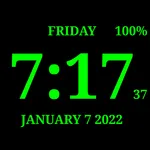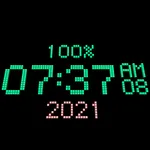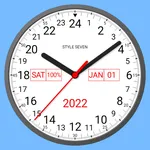
In this app, you can create customizable analog clocks using images, photos, or solid colors, and set them as live wallpapers, widgets, or screensavers. Includes options for resizing, positioning, color adjustments, and time-to-speech features.
AppRecs review analysis
AppRecs rating 4.5. Trustworthiness 59 out of 100. Review manipulation risk 43 out of 100. Based on a review sample analyzed.
★★★★☆
4.5
AppRecs Rating
Ratings breakdown
5 star
76%
4 star
10%
3 star
0%
2 star
3%
1 star
10%
What to know
⚠
Questionable review patterns
43% review manipulation risk - some review patterns appear unusual
⚠
Limited rating diversity
86% high ratings in sampled reviews
⚠
Review quality concerns
70% of sampled 5-star reviews are very short
About Photo Analog Clock-7
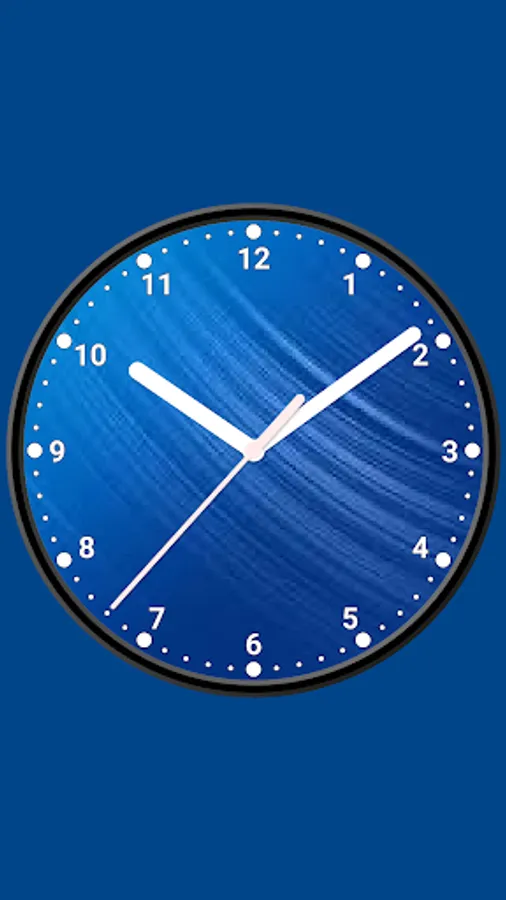
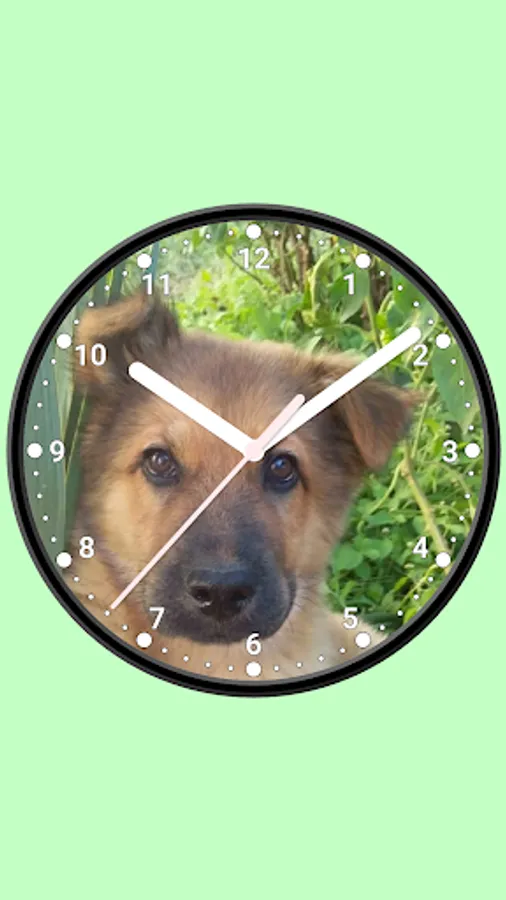
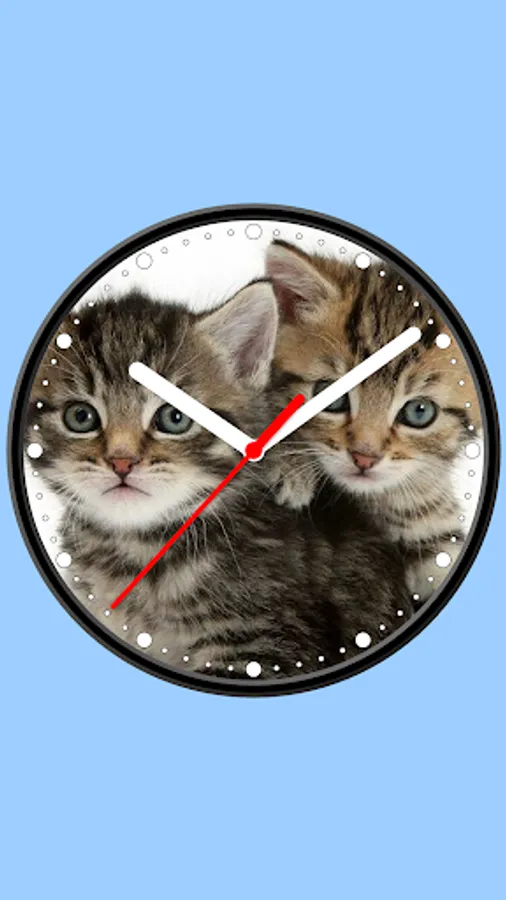
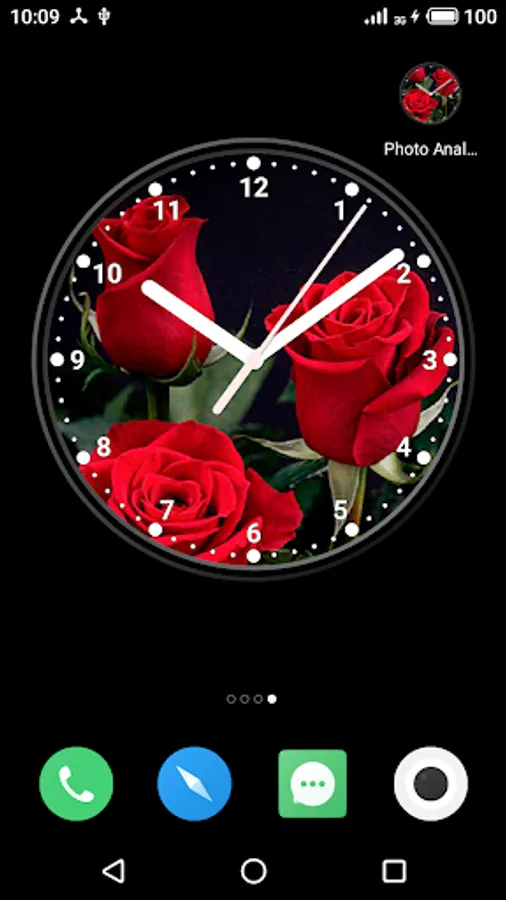
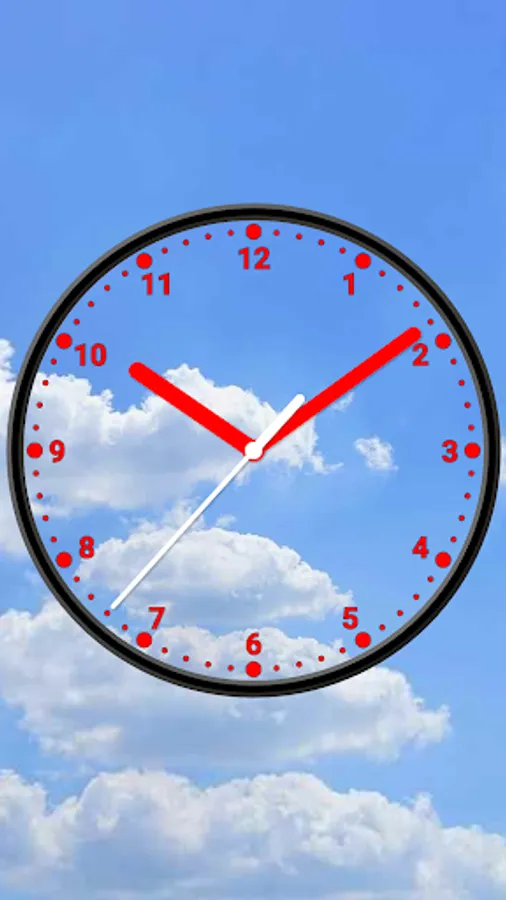
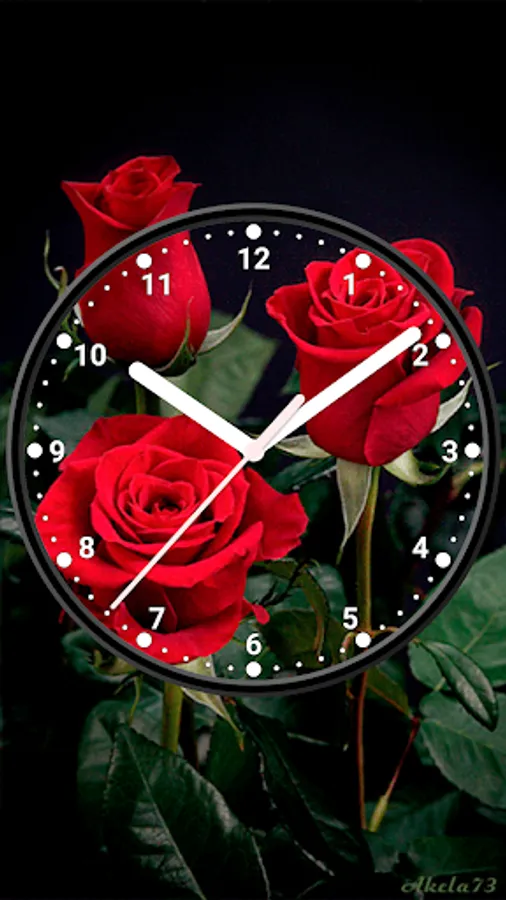
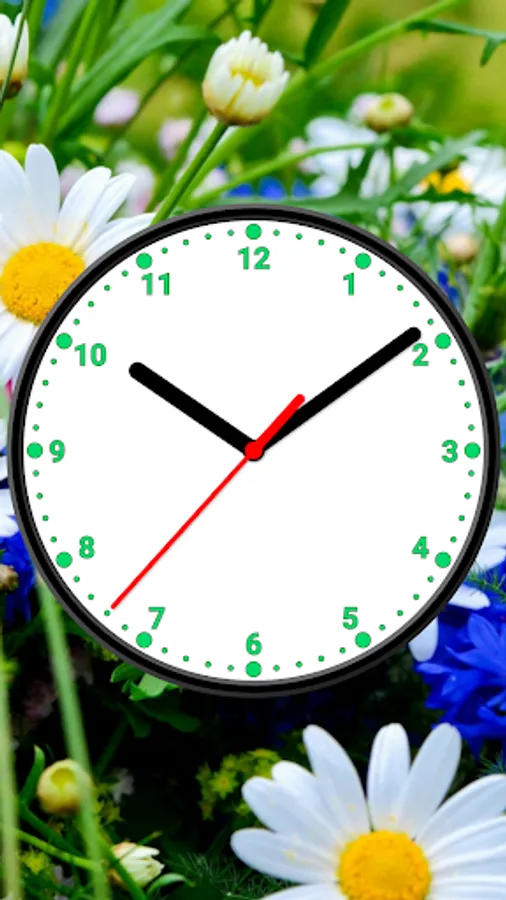
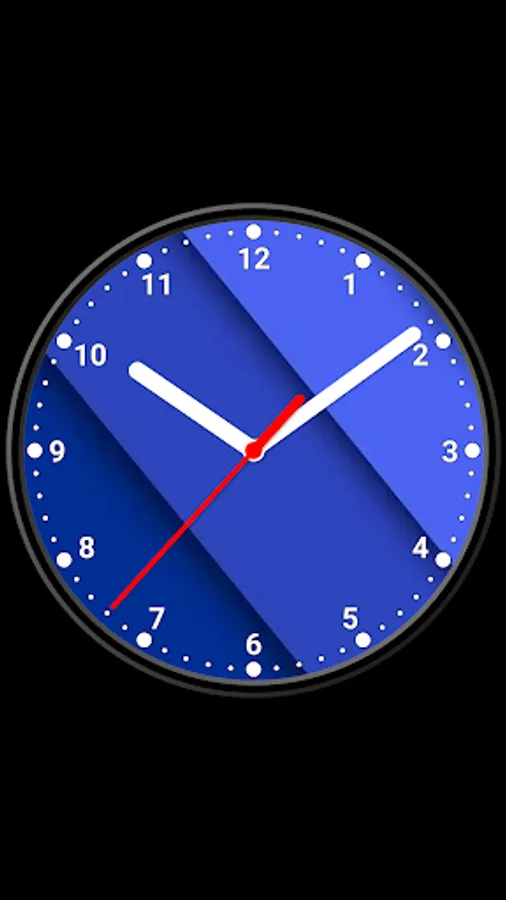
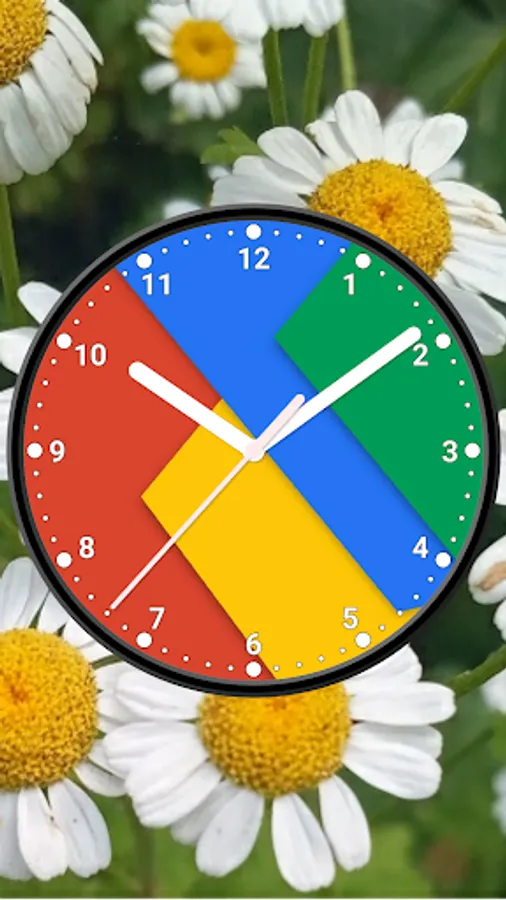
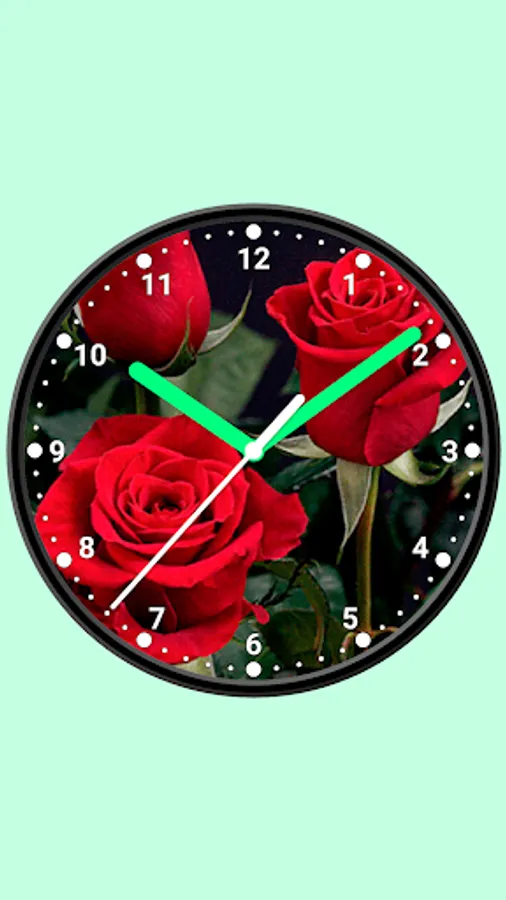
Create unique analog clock based on an image, photo or any solid color. Use clock as application, Live Wallpaper or widget.
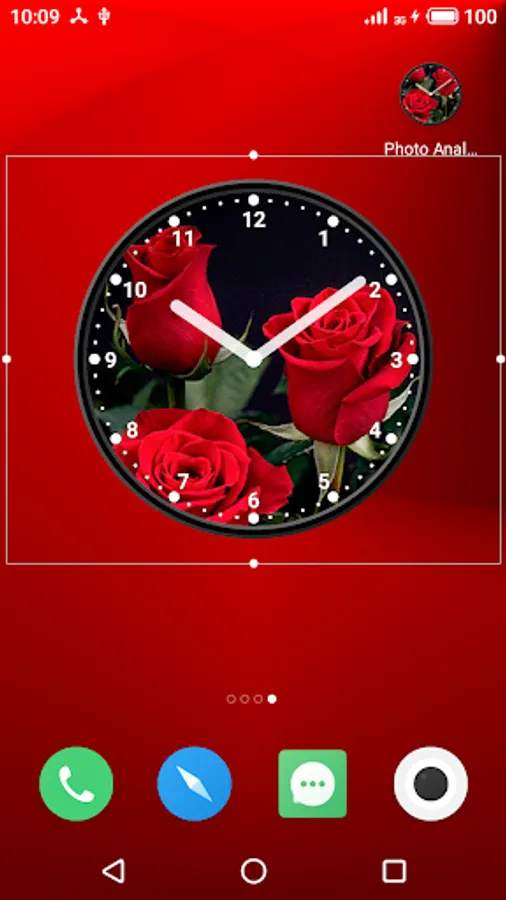
Use the analog clock as topmost or overlay clock. The clock will be set under all windows. You can change position of the clock by drag and drop method and size of the clock.
Use the analog clock as screensaver while a device is charging.
🕒 Use analog clocks as “Night Clock” — a calm mode with economy style (black background and dark‑gray hands) that saves battery.
Random position change every minute protects the screen from burn‑in.
All options work in Fullscreen mode, Live Wallpaper, and Screensaver.
🌙 Use analog clocks as “Always on Screen” — the clock remains visible even when the screen is turned off. ⚠ Important: the function does not start automatically, you need to launch it manually in Fullscreen mode.
“Always on Display” emulation works through additional options: 🔆 brightness control and Auto‑lock on exit.
Features:
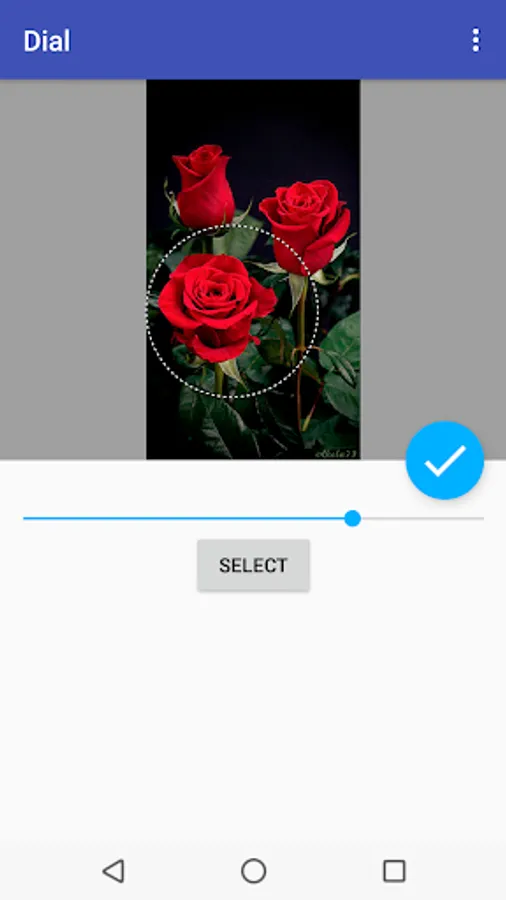
* Set image or solid color for dial;
* Select an image from gallery;
* Show second hand, digital clock, numbers;
* Resize clock;
* Align the clock for Live Wallpaper;
* Choose color of background, markers, hands, second hand and color of the dial;
* Set a background image.;
* Time to speech by double tap or periodically;
* Keep screen on for app.
Use the analog clock as topmost or overlay clock. The clock will be set under all windows. You can change position of the clock by drag and drop method and size of the clock.
Use the analog clock as screensaver while a device is charging.
🕒 Use analog clocks as “Night Clock” — a calm mode with economy style (black background and dark‑gray hands) that saves battery.
Random position change every minute protects the screen from burn‑in.
All options work in Fullscreen mode, Live Wallpaper, and Screensaver.
🌙 Use analog clocks as “Always on Screen” — the clock remains visible even when the screen is turned off. ⚠ Important: the function does not start automatically, you need to launch it manually in Fullscreen mode.
“Always on Display” emulation works through additional options: 🔆 brightness control and Auto‑lock on exit.
Features:
* Set image or solid color for dial;
* Select an image from gallery;
* Show second hand, digital clock, numbers;
* Resize clock;
* Align the clock for Live Wallpaper;
* Choose color of background, markers, hands, second hand and color of the dial;
* Set a background image.;
* Time to speech by double tap or periodically;
* Keep screen on for app.
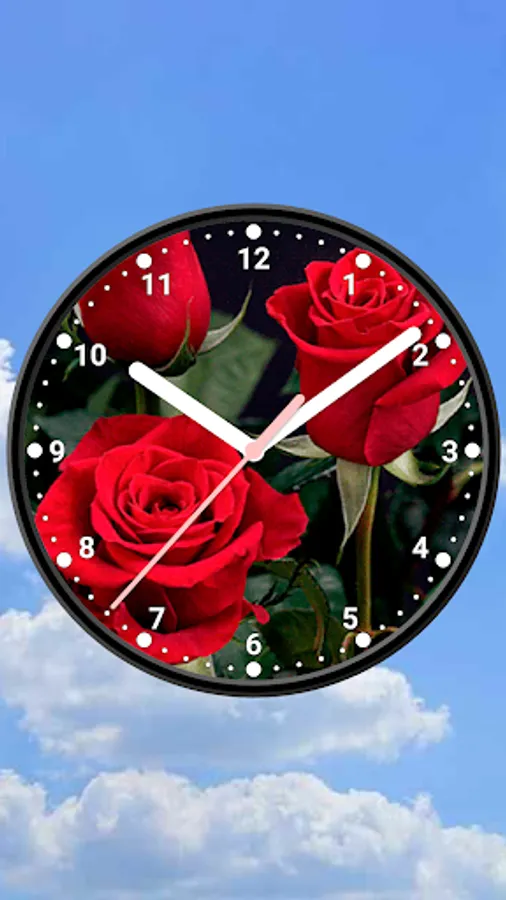
Photo Analog Clock-7 Screenshots
Tap to Rate:
Reviews for Photo Analog Clock-7
Arvind
1/30/2025
Nice set onhimescreen
Adam Farakh
12/23/2024
For