Binary Viewer | Binary Reader
Subar Studio
3.5 ★
51 ratings
5,000+
downloads
Free
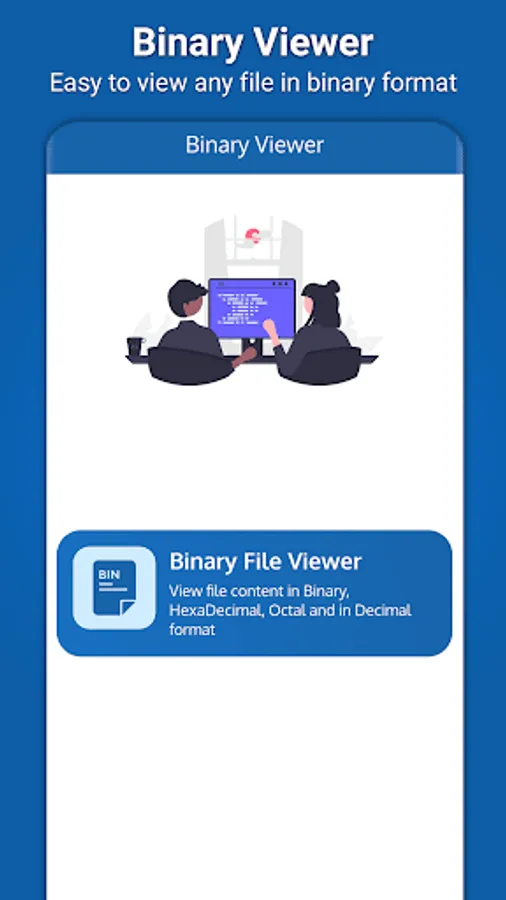
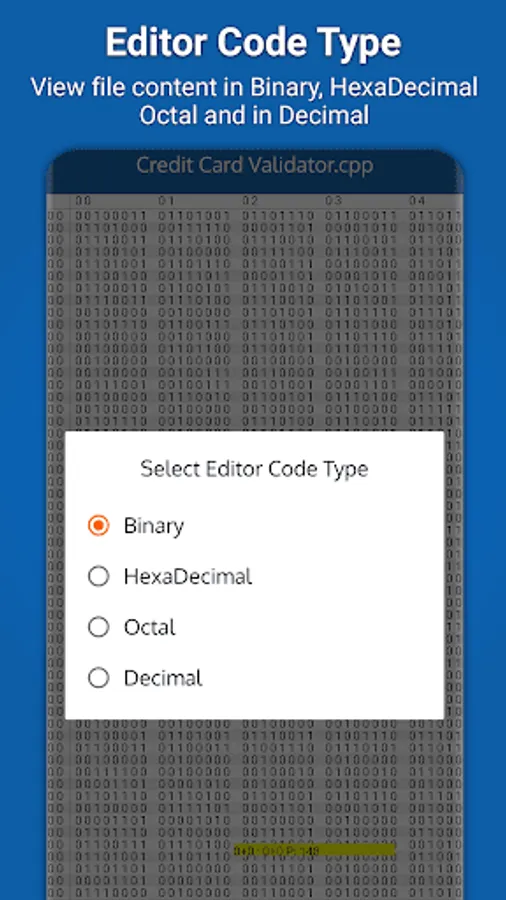
In this app, you can open and view binary, hexadecimal, octal, and decimal file content with various display modes. Includes options for changing background colors and toggling between different editor modes.
AppRecs review analysis
AppRecs rating 3.5. Trustworthiness 73 out of 100. Review manipulation risk 21 out of 100. Based on a review sample analyzed.
★★★☆☆
3.5
AppRecs Rating
Ratings breakdown
5 star
44%
4 star
21%
3 star
6%
2 star
0%
1 star
29%
What to know
✓
Low review manipulation risk
21% review manipulation risk
✓
Credible reviews
73% trustworthiness score from analyzed reviews
⚠
Ad complaints
Many low ratings mention excessive ads
About Binary Viewer | Binary Reader
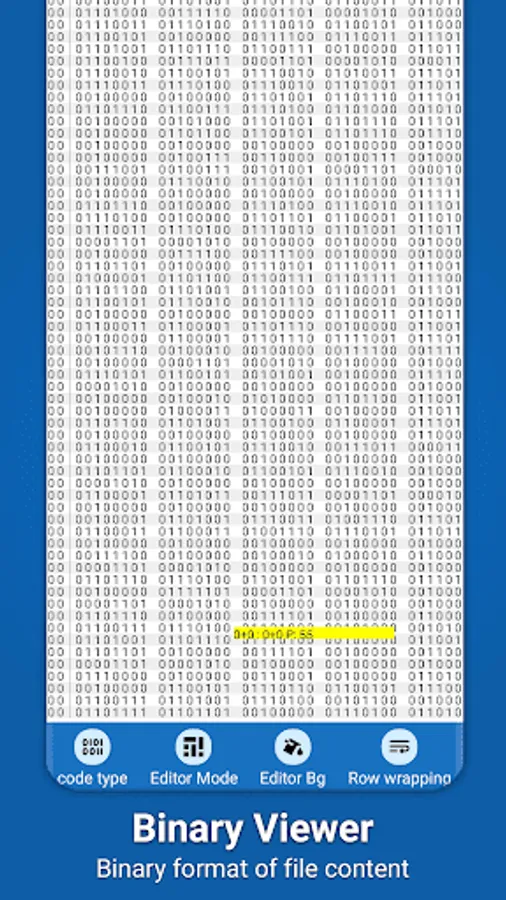
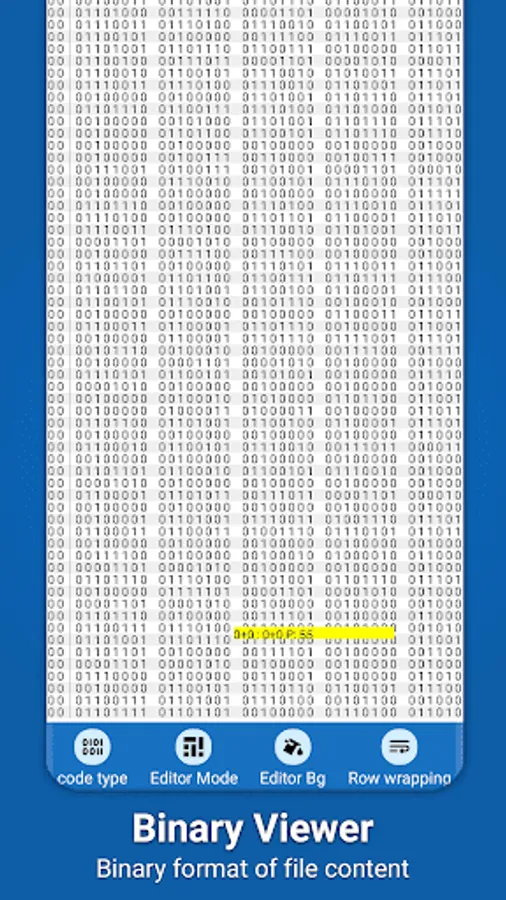
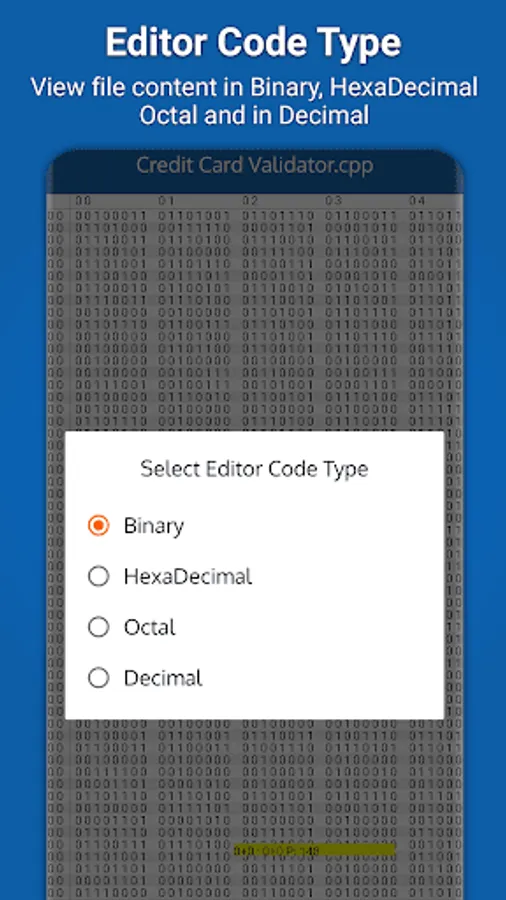
Binary file reader is a small, lightweight and fast utility app that enables you to view any file content in binary, hexadecimal, octal and in decimal format. Binary viewer is very easy to use and it comes with an user-friendly interface. With the help of binary reader, you can easily view the data of any binary, hexadecimal, octal or decimal file.
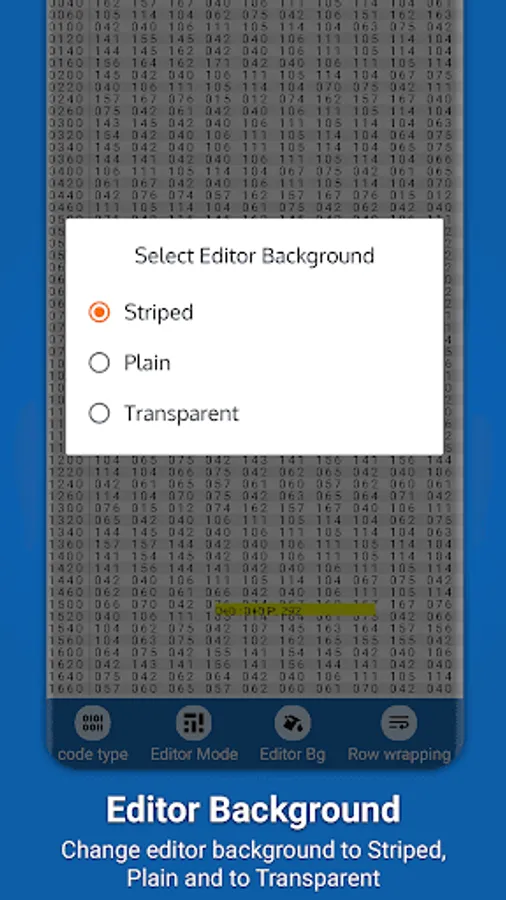
Binary Viewer is a powerful and easy-to-use binary file viewer. It can quickly open and read bin files, making it an essential tool for software developers, reverse engineers, and anyone else who needs to inspect the inner workings of binary files. With Bin file opener, you can change the background of the code viewer to stripped, plain, or transparent to make it easier to see the code and text in the file.
Key Features of Binary Reader
View any file content in binary, hexadecimal, octal and in decimal format
Change code viewer background color to stripped, plain and to transparent
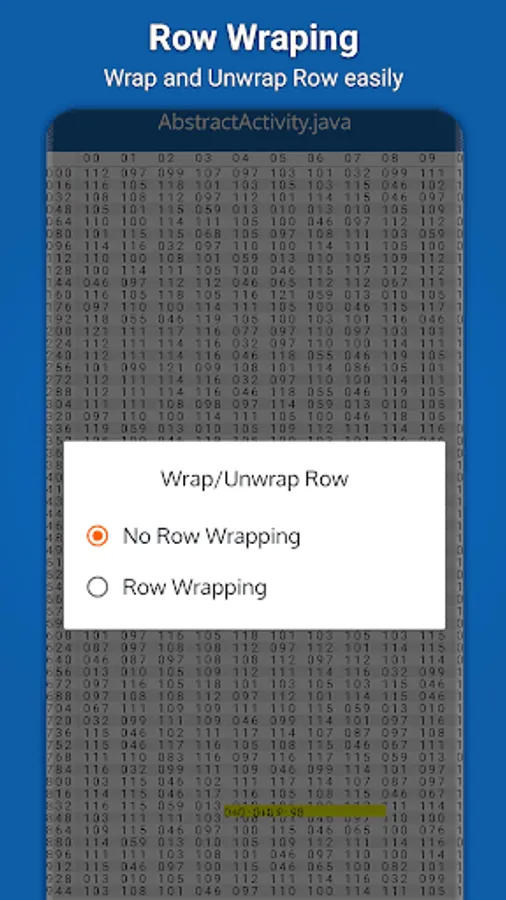
Wrap and unwrap row
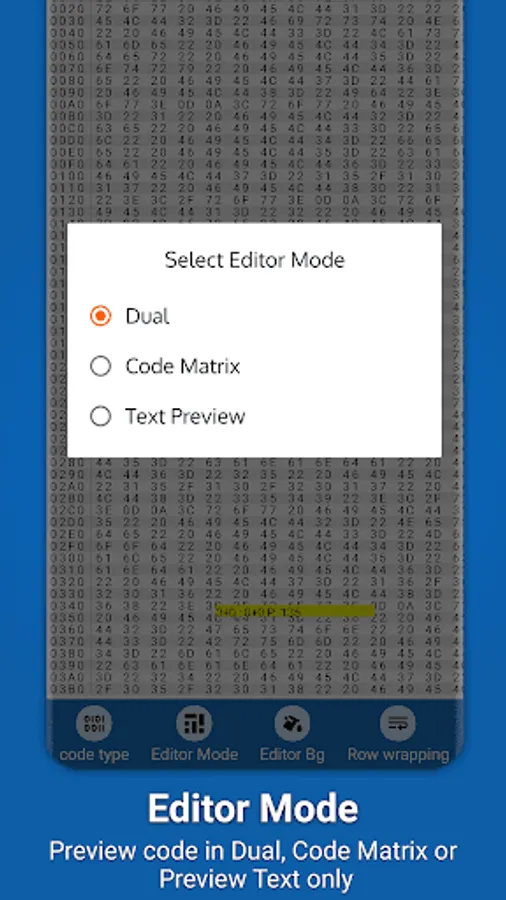
Change editor mode to Dual, Code Matrix and to Text Preview
Simple UI easy to use
Bin file reader has three different editor modes: Dual, code matrix, and preview text only. The Dual mode displays the binary values and file content. The code matrix mode displays a color-coded grid of the selected file. And finally, the preview text only mode displays binary as text or binary to text.
In bin file reader, you can open, view binary files with ease. With our bin file opener, you can quickly and easily wrap and unwrap rows of data in a binary file, making it a handy tool for anyone who needs to work with binary files.
Permission Required
Bin file reader require the following permission in below Android Q.
1. INTERNET Internet permission is only used for advertisement only to generate some revenue.
1. READ_EXTERNAL_STORAGE This permission is used to pick any file from device storage to convert its content to binary, hex, octal or to decimal.
If binary file viewer app is helpful to you then support us by leaving your positive feedback.
Binary Viewer is a powerful and easy-to-use binary file viewer. It can quickly open and read bin files, making it an essential tool for software developers, reverse engineers, and anyone else who needs to inspect the inner workings of binary files. With Bin file opener, you can change the background of the code viewer to stripped, plain, or transparent to make it easier to see the code and text in the file.
Key Features of Binary Reader
View any file content in binary, hexadecimal, octal and in decimal format
Change code viewer background color to stripped, plain and to transparent
Wrap and unwrap row
Change editor mode to Dual, Code Matrix and to Text Preview
Simple UI easy to use
Bin file reader has three different editor modes: Dual, code matrix, and preview text only. The Dual mode displays the binary values and file content. The code matrix mode displays a color-coded grid of the selected file. And finally, the preview text only mode displays binary as text or binary to text.
In bin file reader, you can open, view binary files with ease. With our bin file opener, you can quickly and easily wrap and unwrap rows of data in a binary file, making it a handy tool for anyone who needs to work with binary files.
Permission Required
Bin file reader require the following permission in below Android Q.
1. INTERNET Internet permission is only used for advertisement only to generate some revenue.
1. READ_EXTERNAL_STORAGE This permission is used to pick any file from device storage to convert its content to binary, hex, octal or to decimal.
If binary file viewer app is helpful to you then support us by leaving your positive feedback.