HEIC Converter: HEIC to JPG
Subar Studio
1.9 ★
store rating
10,000+
downloads
Free
In this image conversion app, you can select HEIC files and convert them to JPG, PNG, or WEBP formats while adjusting image quality. Includes options for offline use, batch conversion, and sharing files directly from the app.
AppRecs review analysis
AppRecs rating 1.2. Trustworthiness 82 out of 100. Review manipulation risk 39 out of 100. Based on a review sample analyzed.
★☆☆☆☆
1.2
AppRecs Rating
Ratings breakdown
5 star
14%
4 star
0%
3 star
14%
2 star
0%
1 star
71%
What to know
⚠
Ad complaints
Many low ratings mention excessive ads
⚠
Mixed user feedback
Average 1.9★ rating suggests room for improvement
⚠
Review quality concerns
83% of sampled 5-star reviews are very short
About HEIC Converter: HEIC to JPG
Heic Converter app is a free tool that is used to convert HEIC to JPG, PNG and WEBP. It allows the conversion of HEIC files, HEIC is a new format file and this app allow you to convert HEIC into JPG, PNG and WEBP.
There is no restriction on conversion of HEIC files, and it work without any internet connection. HEIC is a format that contain one or multiple HEIF image sequences.
Key Features
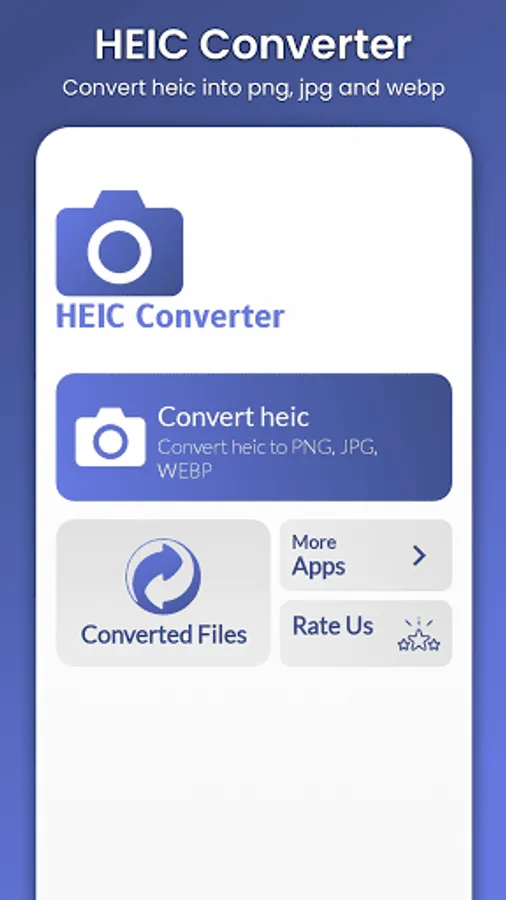
Convert HEIC to JPG, PNG and WEBP
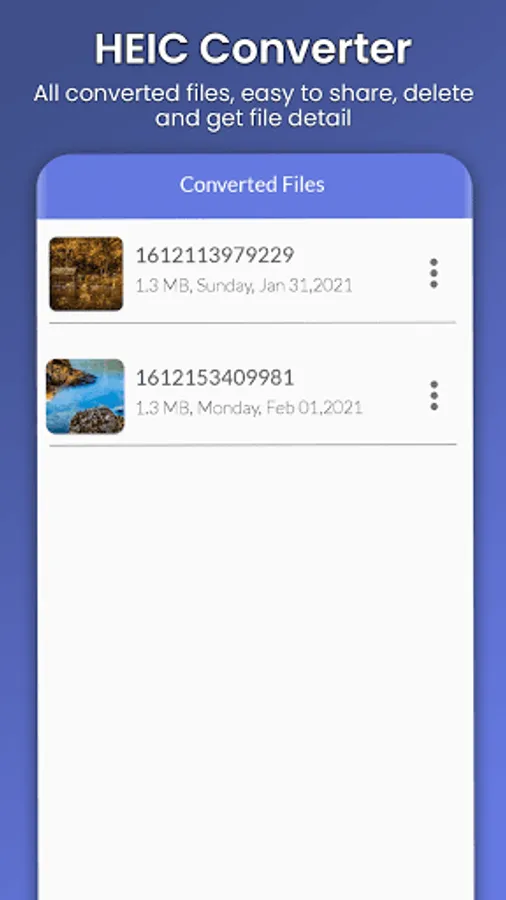
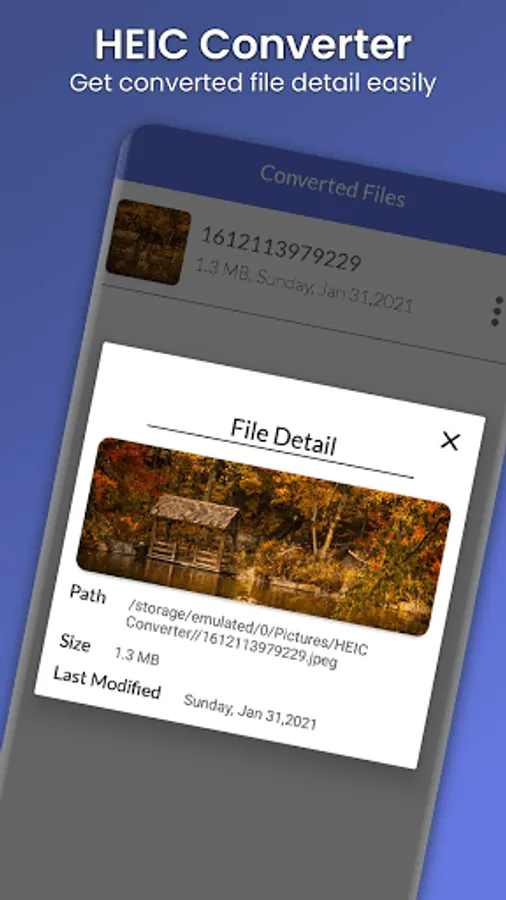
Easy to get detail of all converted file
Get full control on image quality
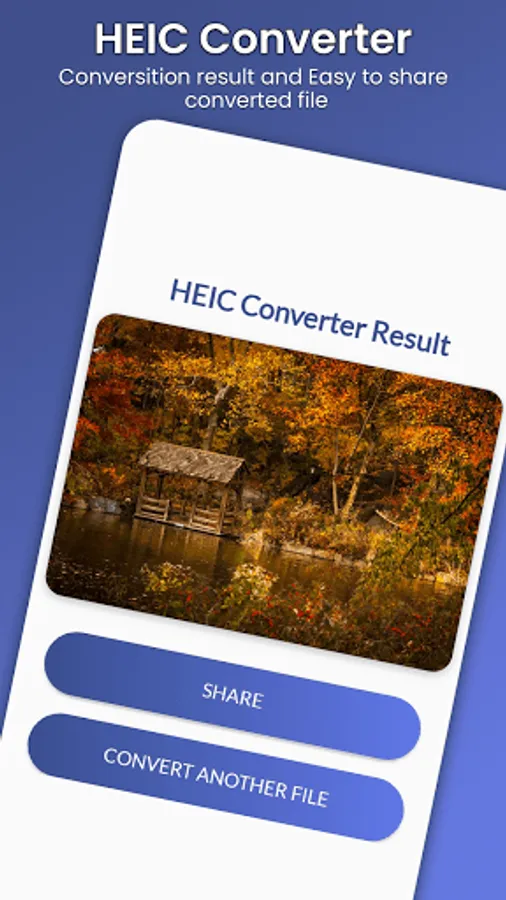
Easy to share converted file
HEIC Converter app support PNG, JPG and WEBP as output format.
HEIC Converter app maintain a good quality of all converted files and also maintaining a full resolution and high quality. HEIC to JPG Converter app help you to create PNG, JPG and WEBP file and all the converted files are saved on phone picture directory. HEIC to JPG converter app will allow to get converted file detail and also share it on any social media.
Through HEIC to JPEG converter app you will get full control on image quality and can easily change the output image quality. Heic converter app works completely offline and there is no need of internet connection. Through HEIC to JPG converter app you can convert heic to a single file without losing image quality. HEIF or High Efficiency Image Format is smaller in size and better, and main advantage of HEIF file is that it is half size of JPEG file and of better quality.
HEIF is very flexible and offer other advantage over JPEG. Jpeg is a single file but HEIF is actually can be a single or sequence of images.
HEIC to JPG converter is very easily to use
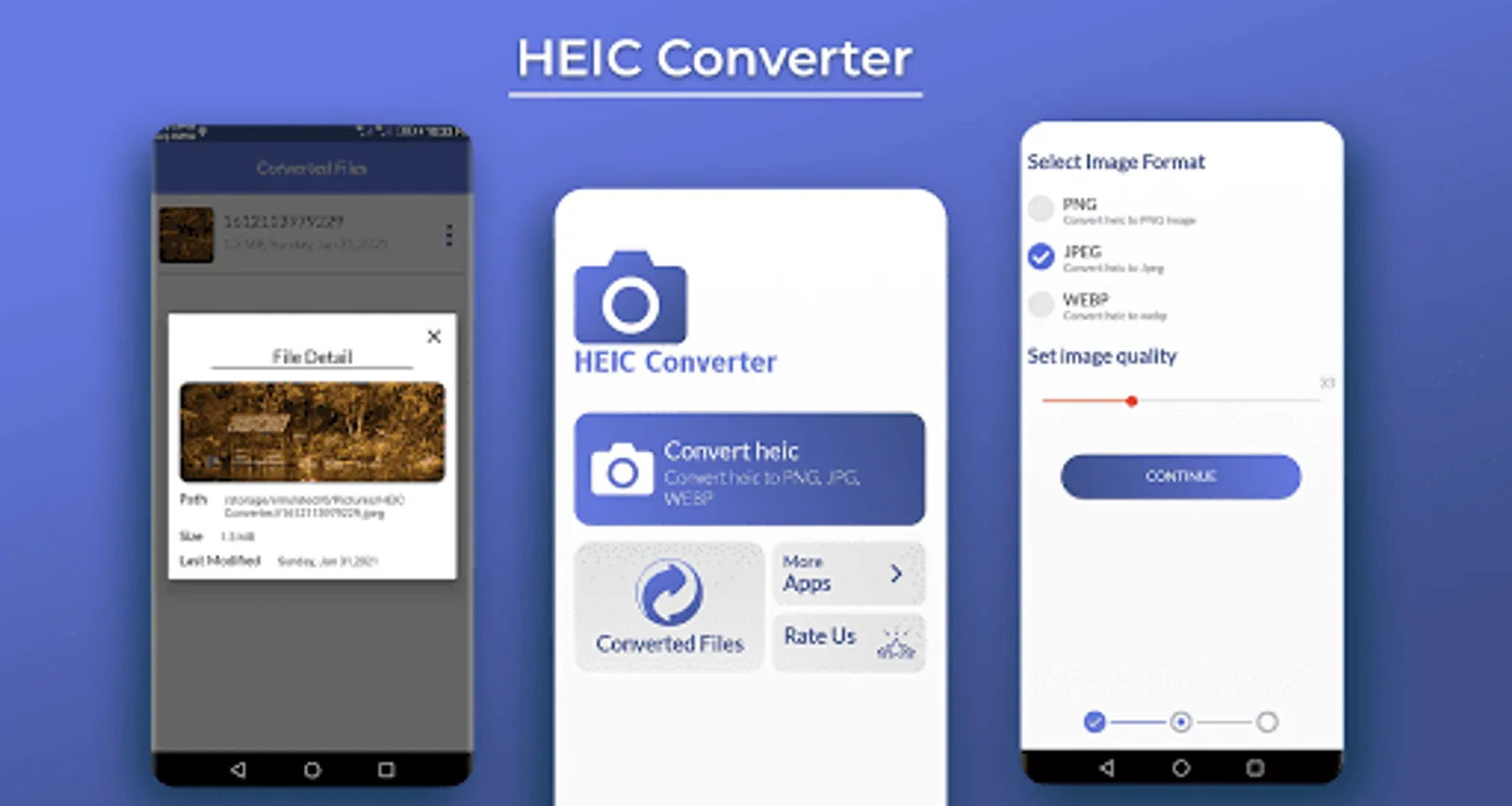
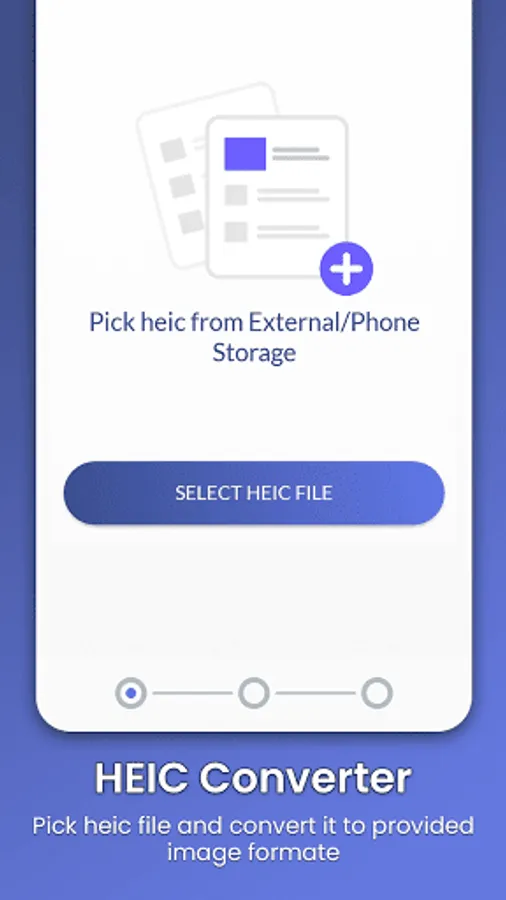
Just select HEIC file
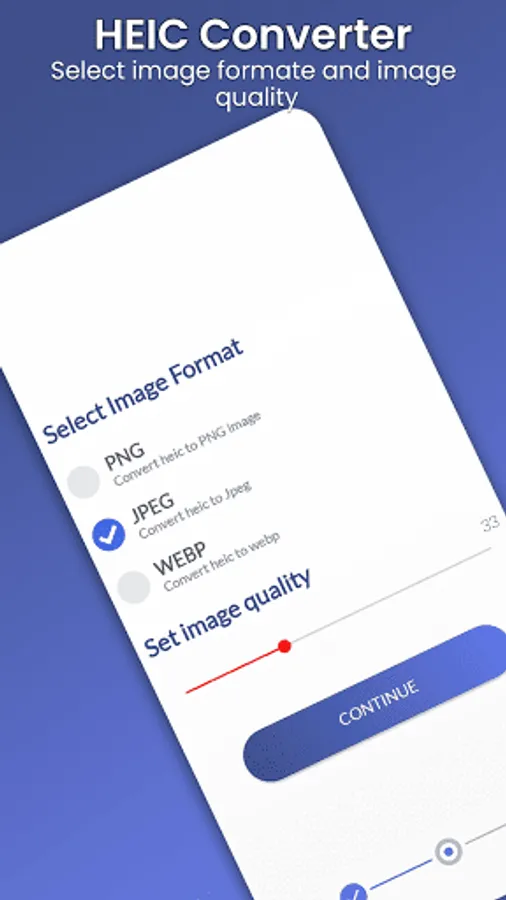
Then Select output image format and image quality
HEIC will be converted to desired output image format and will be saved automatically in device PHOTO directory.
Permission Required
INTERNET: This permission is only used for advertisement purpose only.
WRITE_EXTERNAL_STORAGE: WRITE_EXTERNAL_STORAGE permission is only required to save converted heic images into device storage
READ_EXTERNAL_STORAGE: READ_EXTERNAL_STORAGE permission is only required to read or pick heic file from device storage.
If HEIC Converter app is useful to you then please support us by leaving positive feedback. Thanks!
There is no restriction on conversion of HEIC files, and it work without any internet connection. HEIC is a format that contain one or multiple HEIF image sequences.
Key Features
Convert HEIC to JPG, PNG and WEBP
Easy to get detail of all converted file
Get full control on image quality
Easy to share converted file
HEIC Converter app support PNG, JPG and WEBP as output format.
HEIC Converter app maintain a good quality of all converted files and also maintaining a full resolution and high quality. HEIC to JPG Converter app help you to create PNG, JPG and WEBP file and all the converted files are saved on phone picture directory. HEIC to JPG converter app will allow to get converted file detail and also share it on any social media.
Through HEIC to JPEG converter app you will get full control on image quality and can easily change the output image quality. Heic converter app works completely offline and there is no need of internet connection. Through HEIC to JPG converter app you can convert heic to a single file without losing image quality. HEIF or High Efficiency Image Format is smaller in size and better, and main advantage of HEIF file is that it is half size of JPEG file and of better quality.
HEIF is very flexible and offer other advantage over JPEG. Jpeg is a single file but HEIF is actually can be a single or sequence of images.
HEIC to JPG converter is very easily to use
Just select HEIC file
Then Select output image format and image quality
HEIC will be converted to desired output image format and will be saved automatically in device PHOTO directory.
Permission Required
INTERNET: This permission is only used for advertisement purpose only.
WRITE_EXTERNAL_STORAGE: WRITE_EXTERNAL_STORAGE permission is only required to save converted heic images into device storage
READ_EXTERNAL_STORAGE: READ_EXTERNAL_STORAGE permission is only required to read or pick heic file from device storage.
If HEIC Converter app is useful to you then please support us by leaving positive feedback. Thanks!